CRM Templates in VSCO Workspace
Start with a CRM template that's already built. Customize it to fit the way your photography studio works.
Built for structure without complexity
VSCO Workspace templates give you a ready-made foundation: questionnaires, contracts, email sequences, automations, and workflow task lists that you install with a click and customize from there.
Every template in Workspace is a starting point. Install what fits your session types, adjust the steps to match how you actually work, and build from there as your business grows. The goal is a system that runs in the background, not another layer of admin to manage.
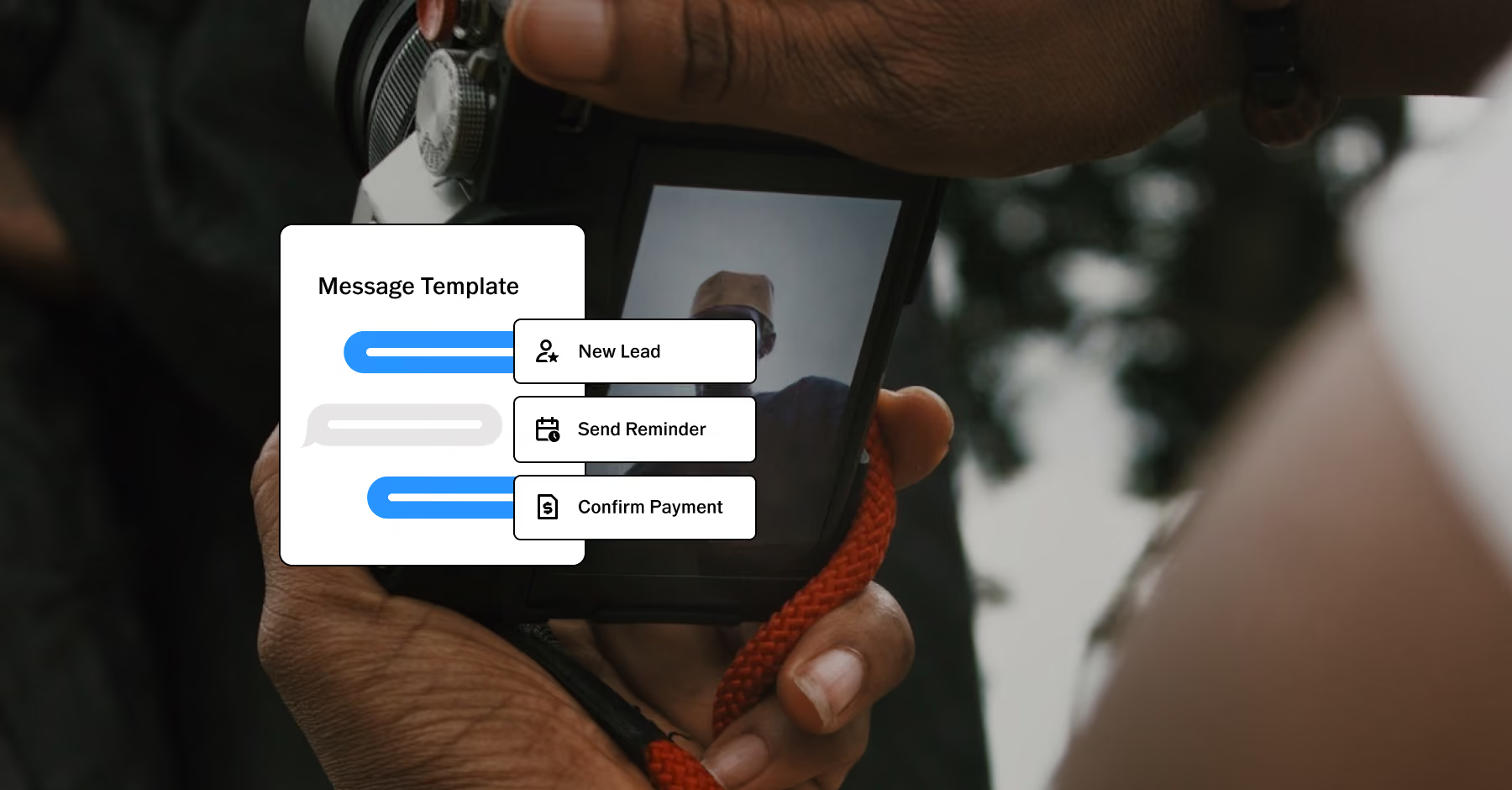
A System That Grows With Your Business
When your services change, update the templates rather than rebuilding your entire process. Add a new session type and create a job type with its own workflow. Adjust an email sequence for a new service tier. Bring on a second photographer and share the system without handing over a stack of notes.
The underlying structure stays consistent. What changes is what's inside it.
1. Browse and install in one click
Open the Template Gallery, find a template that fits your workflow, and click Install. Before anything changes, Workspace shows you exactly what will be added to your account.
2. Tokens make every template personal
Tokens are placeholders that pull information already in Workspace into your templates. Client name, job date, session location, quote link, and other details that vary by job fill in automatically. Build the template once, and Workspace handles the personalization every time it’s used.
3. Automations run in the background
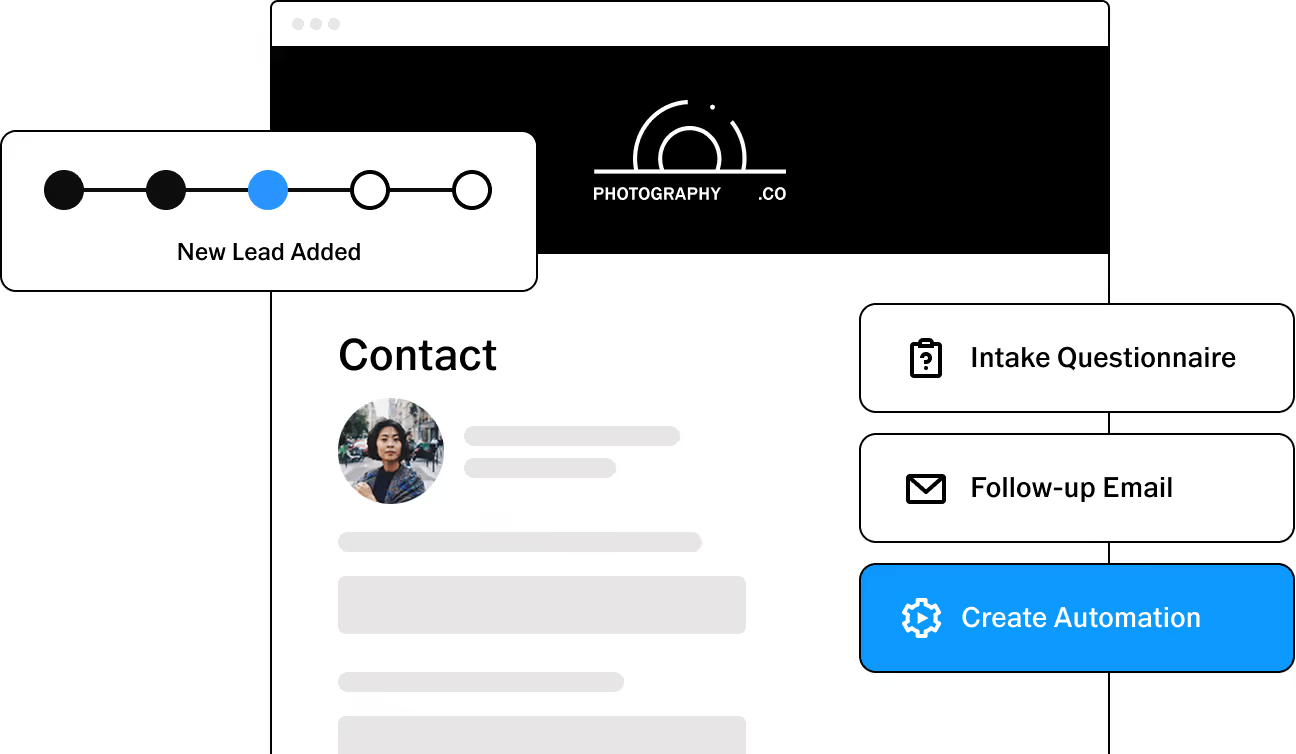
Every automation has three parts: an observable, which tells Workspace what to watch for; conditions, which define when it should run; and actions, which determine what happens. Once it’s configured, the automation runs whenever those conditions are met.
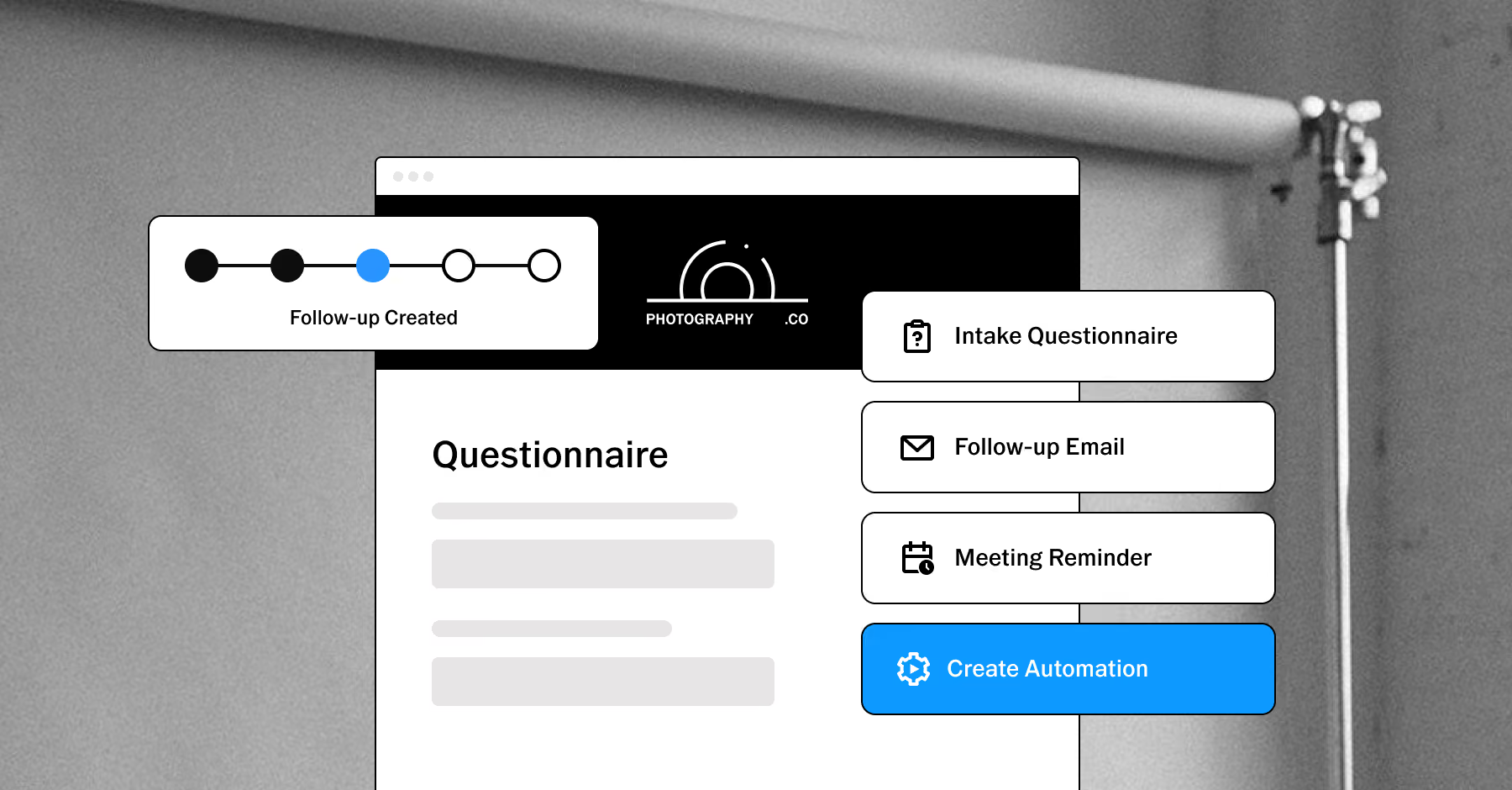
Make Your Client Experience More Consistent
Clients who move through a well-organized workflow know what to expect at each stage. They receive the right questionnaire at the right time. Their contract and invoice arrive together. Their delivery notification comes with a clear next step.
That consistency isn't visible to clients the way your photography is. But they feel it: in the professionalism of every touchpoint, in the absence of confusion about what comes next, in the experience of working with someone whose process is together.
PURE PHOTOGRAPHY. SERIOUS BUSINESS.
Hone your craft, build connections, and turn opportunities into income. VSCO One gives you one connected system to make it happen.
Try One risk-free for 30 days.

$499.99 billed annually
Try 30-days risk free
For photographers ready to run a real business.
Book more clients and get paid faster with VSCO Workspace.
Let Scout, your AI assistant, handle setup and busywork.
Unlimited client galleries that get you hired again.
Everything in Pro, including the world's most popular presets and batch editing.
Learn from working pros in our video education library and much more.
*VSCO One is available on iOS and desktop only.

Frequently asked questions
What are CRM templates in VSCO Workspace?
Templates are pre-built workflows, questionnaires, contracts, emails, and automations you can install from the Workspace Template Gallery and customize to fit your business. They give you a structured starting point instead of building every process from scratch.
How do CRM templates help photography businesses?
They automate repetitive tasks like inquiries, scheduling, invoicing, and follow-ups, helping photographers cut down on admin work. This frees up more time to focus on shooting and working with clients. That way, you can grow your business instead of managing manual processes.
Can I customize CRM templates in VSCO Workspace?
Yes. Every template is fully editable after installation. Adjust the steps, update the language, add or remove items, and configure automations to match how you work. Templates are a starting point, not a fixed system.
Are CRM templates suitable for solo photographers?
Yes. Templates are designed to work for a single photographer managing all their own admin as much as for a multi-photographer studio. The structure keeps you organized without adding overhead.
Do CRM templates include automation features?
Yes. Templates work seamlessly with built-in automations like reminders, contracts, invoicing, and payment tracking. This helps your workflow run in the background smoothly, so you can reduce manual follow-up and keep everything moving on time.
More Ways Workspace Works for You
Workspace connects every part of your photography business. Once a lead is booked, everything else is already in place.
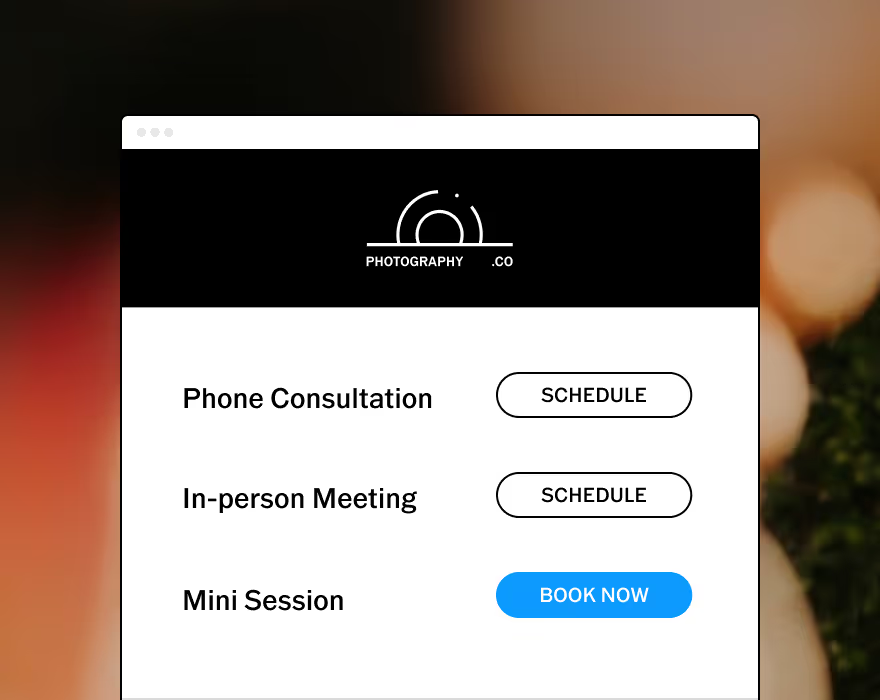
Sync your calendar, set your availability, and let clients book directly from your scheduling link.
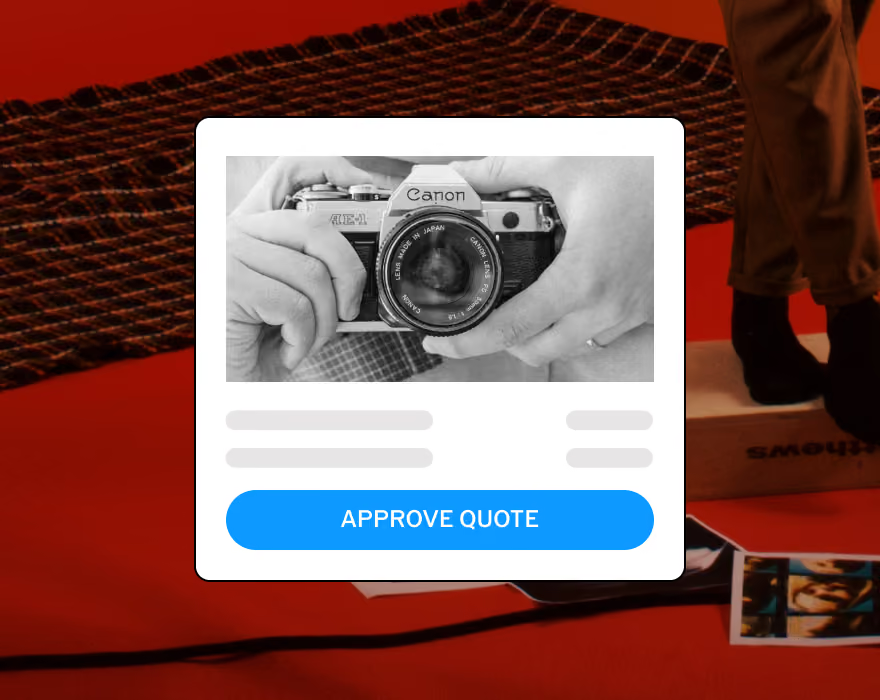
Send tiered packages with add-ons and payment schedules in one client-facing link.
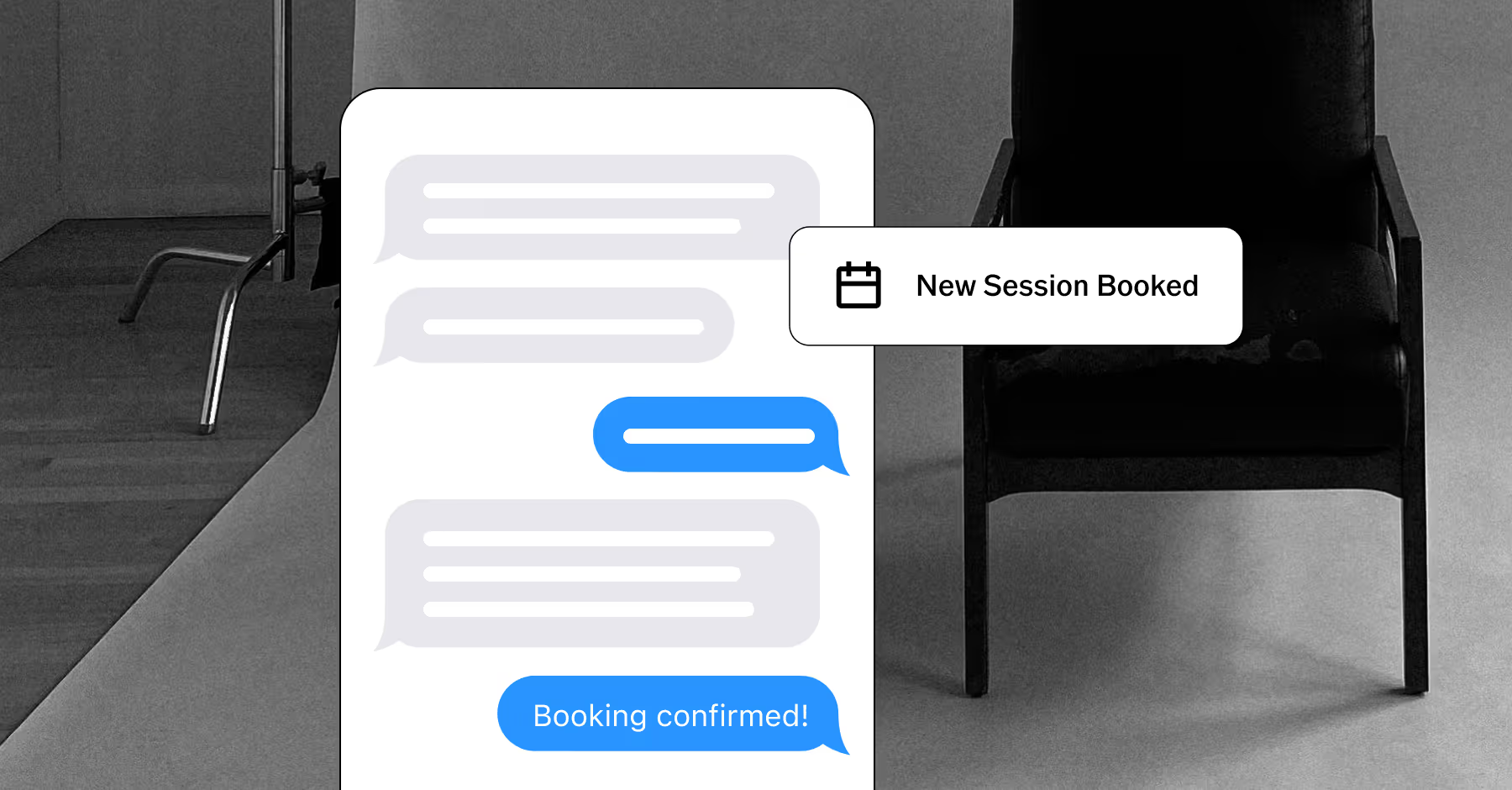
Keep conversations moving with two-way texting and automatic updates. US and Canada only.
START WITH VSCO WORKSPACE