


About Studio Pro
Lucy Hamidzadeh
Pro Photographer, London

About Studio Pro
Hans Isaacson
Commercial Photographer, Michigan
About Studio Pro
Deun Ivory
Lifestyle Photographer, Dallas


About Studio Pro
Stuart Seigel
Pro Photographer, San Francisco

About Studio Pro
Loredana Gasparotto
Pro Photographer, New York


A new era of photo editing
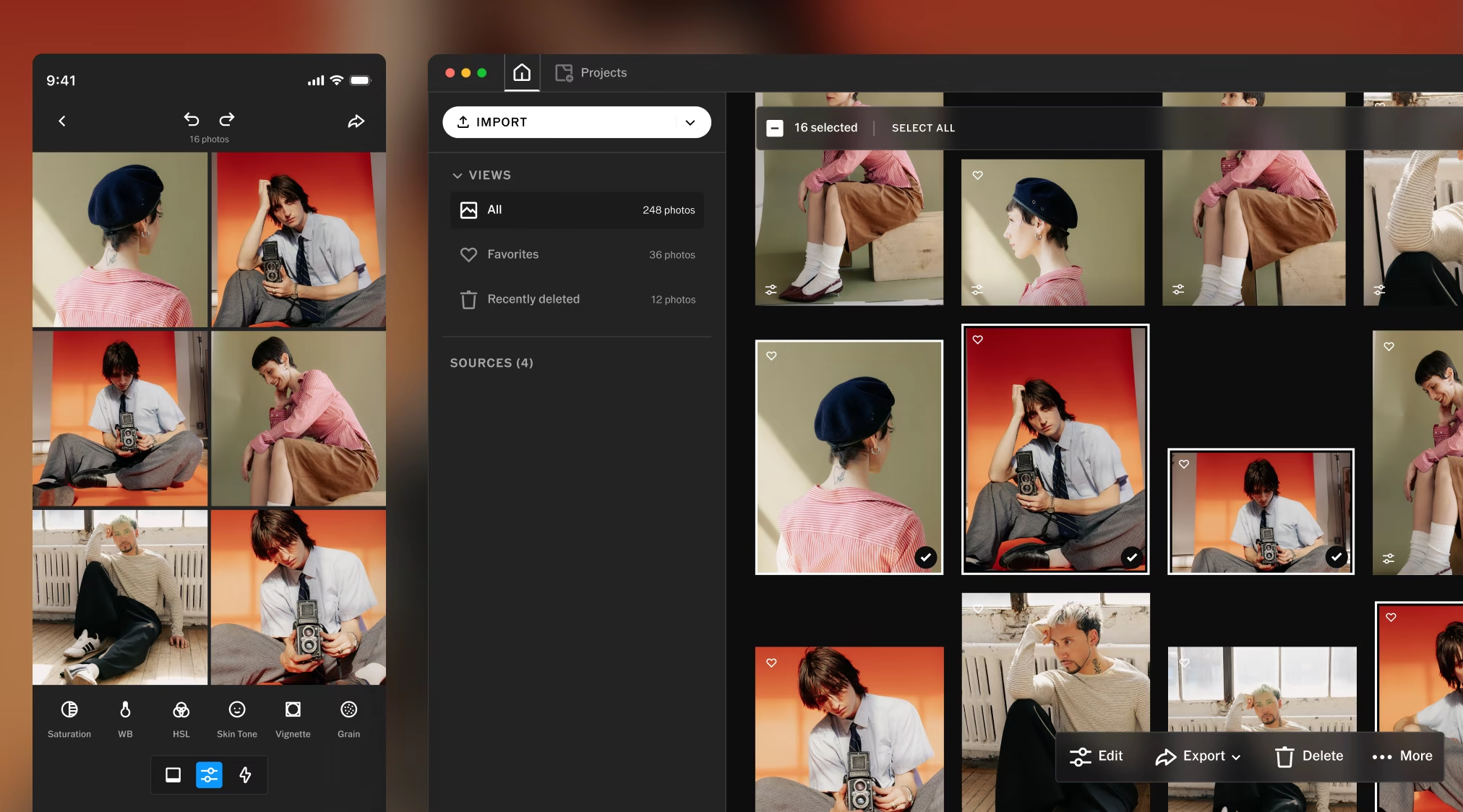
VSCO Studio Pro is a completely new photo editor on desktop Mac and iPhone, powered by an all-new image engine built for speed. Edit hundreds of RAW files in one pass, fine-tune every detail in real time, and publish directly to client galleries without exporting.
“Studio Pro brings the best of VSCO’s editing tools, with more power and speed.”
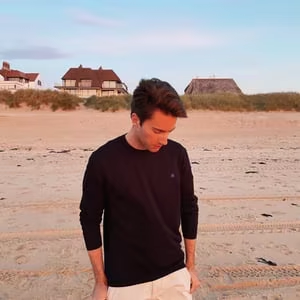
Oliver De Jonghe
Pro Photographer, California








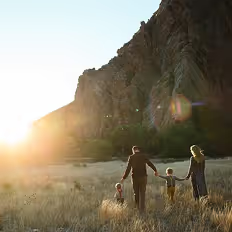


Batch edit at full speed
Apply 200+ iconic looks across your entire photoshoot and watch every detail render in real time. Finish your final edit and deliver in minutes, not hours.
On Mac: hundreds of RAW files, one pass. Import straight from the card, choose a look, and batch process the whole shoot in real time.
On iPhone: 100+ photos at once. Apply presets, manual adjustments, or Style Match from a single reference photo across the full set.
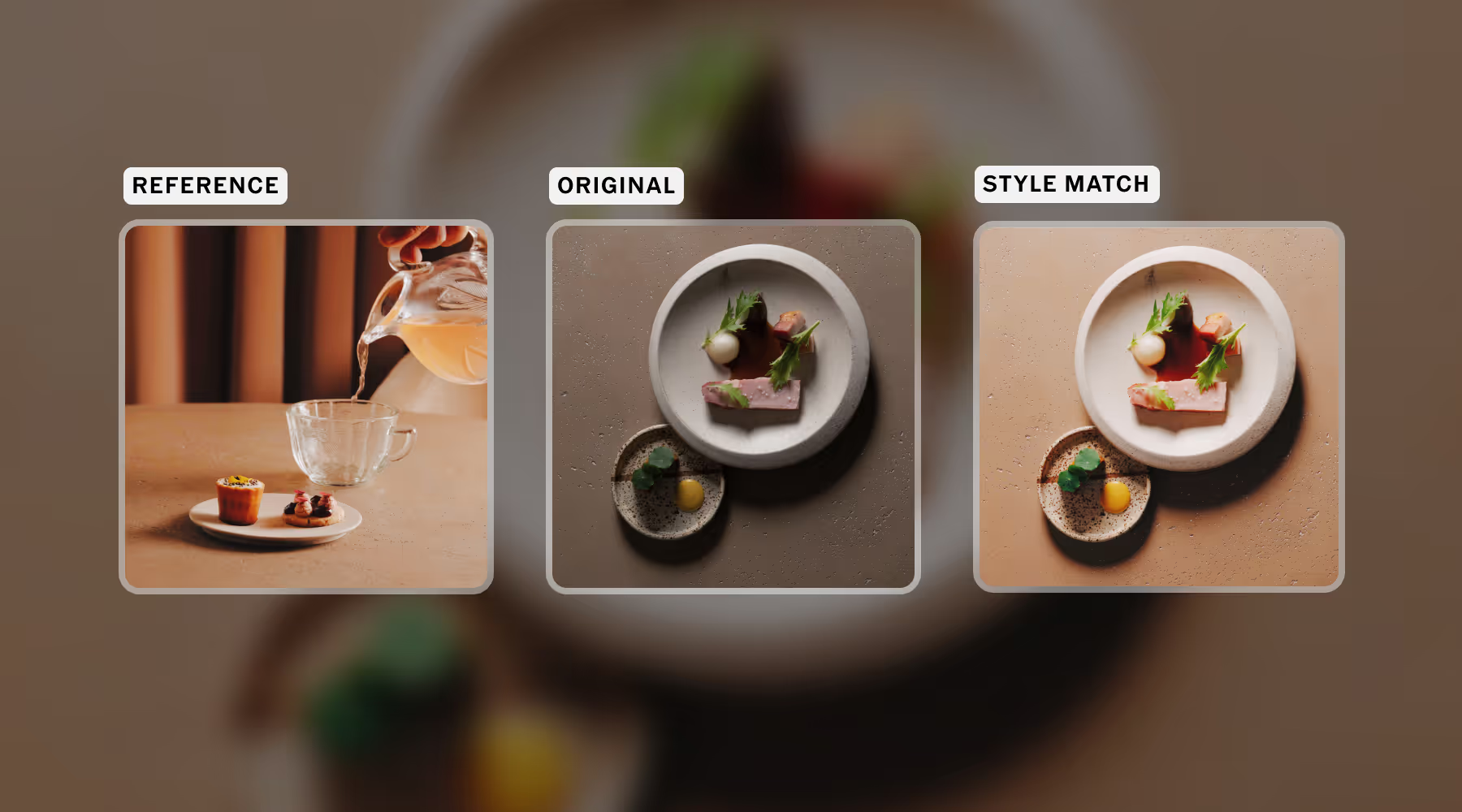
Choose a photo, create your look
Style Match analyzes any image and recreates its color, tone, and mood using a tailored combination of presets and tools. Apply your new Style across one photo or a full set in seconds.
Whether you're recreating your own signature edit at scale, matching a client's brief, or experimenting with new looks, Studio Pro makes consistency effortless.
Style Match is available now on iPhone, coming soon to the Mac app.
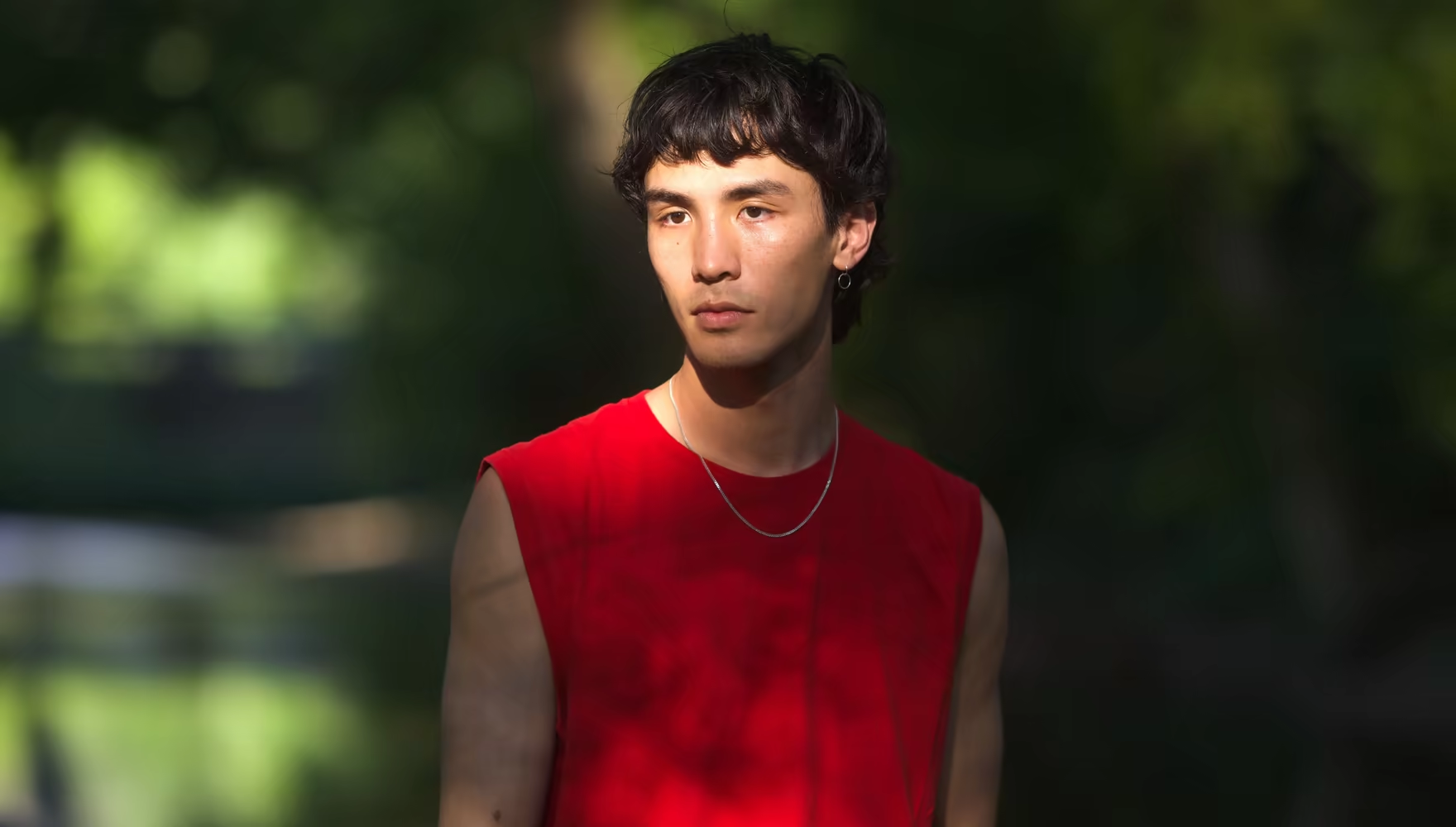
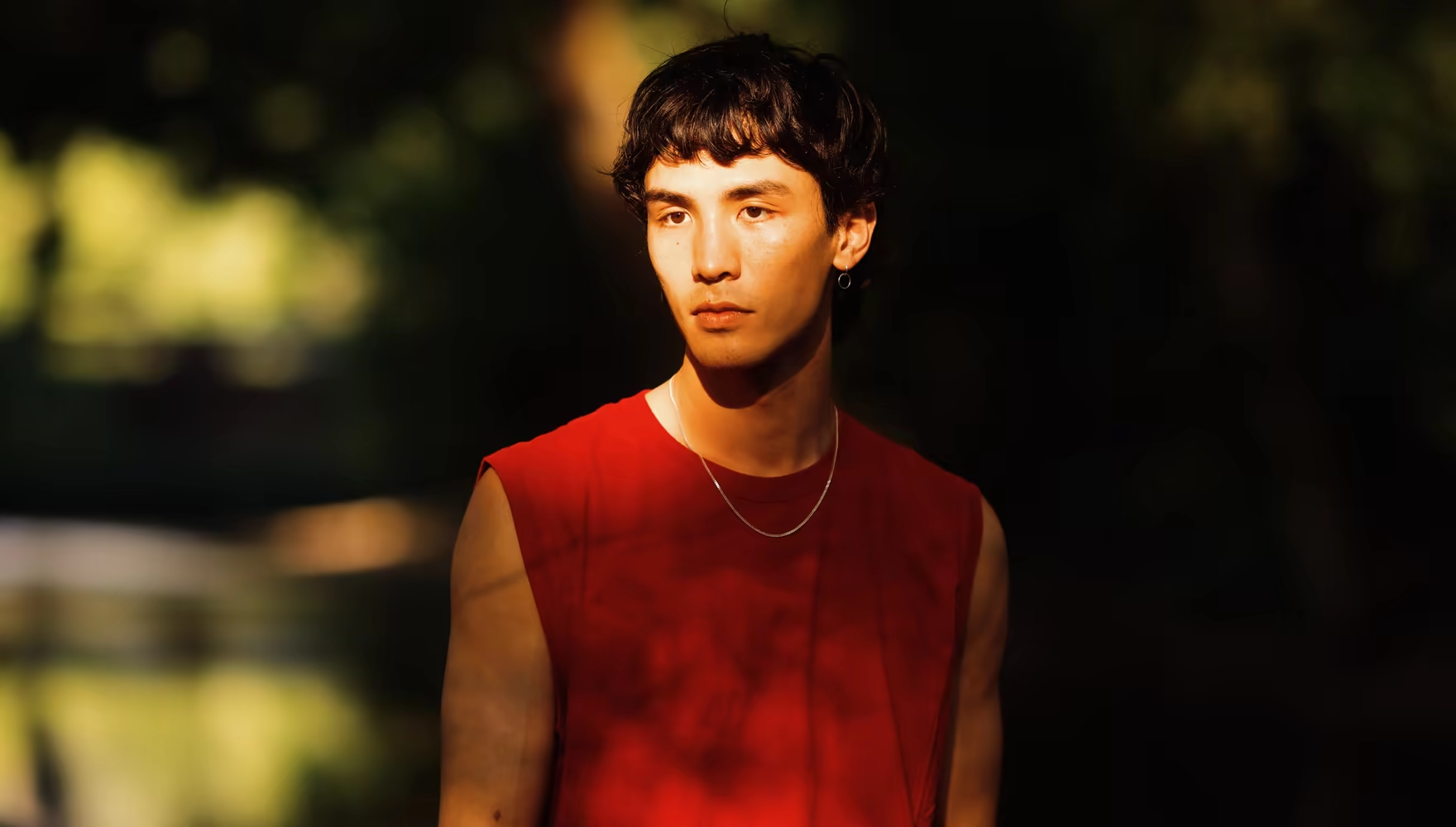
Edit like Joe Greer, Only on VSCO
Available exclusively in VSCO Studio Pro, the IOE1 PRO preset brings Joe Greer’s signature approach to color to your next edit. Warm tones, crisp details, subtle saturation, and an unmistakable film feel. Start with Joe’s look, then shape it into something you can call your own.
“I’m so excited for people to take this preset and make their own style within it, to find their own voice.”

Joe Greer
Pro Photographer
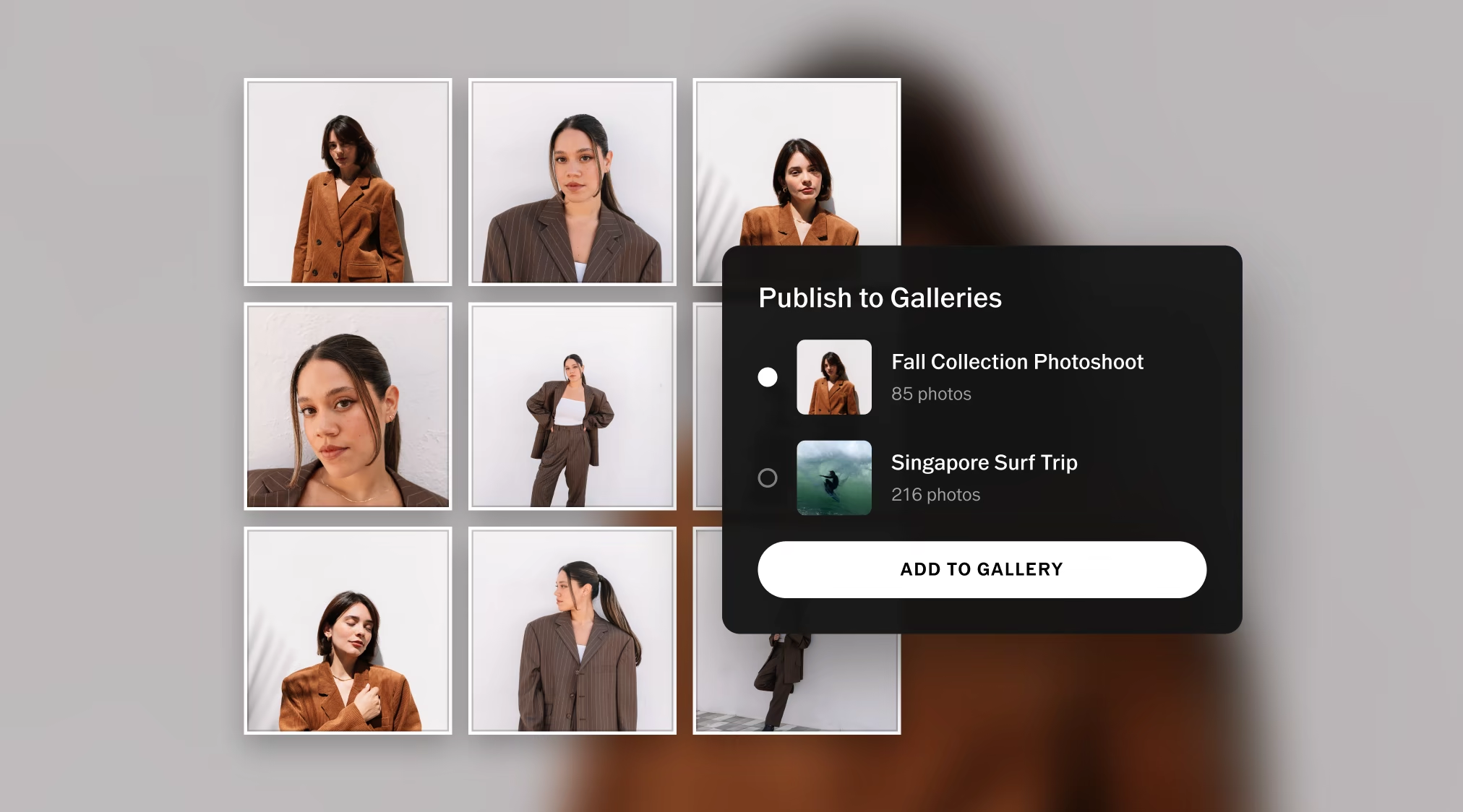
Publish straight to Galleries
Studio Pro keeps your work moving from photoshoot to client. With unlimited galleries, you can publish directly to VSCO Galleries and deliver your final edit faster, ready to view, and download in full-res, all with VSCO Pro Membership.
“I love how the work goes from edited to shared in one swift motion.”
Lucy Hamidzadeh
Pro Photographer, London
Start Editing for Free
Edit hundreds of photos with the world’s most iconic looks, then deliver them straight to your client. Studio Pro brings 200+ presets, RAW batch editing, and VSCO Galleries to your Mac. Download free and start editing today. Get the full Studio Pro experience with VSCO Pro membership.
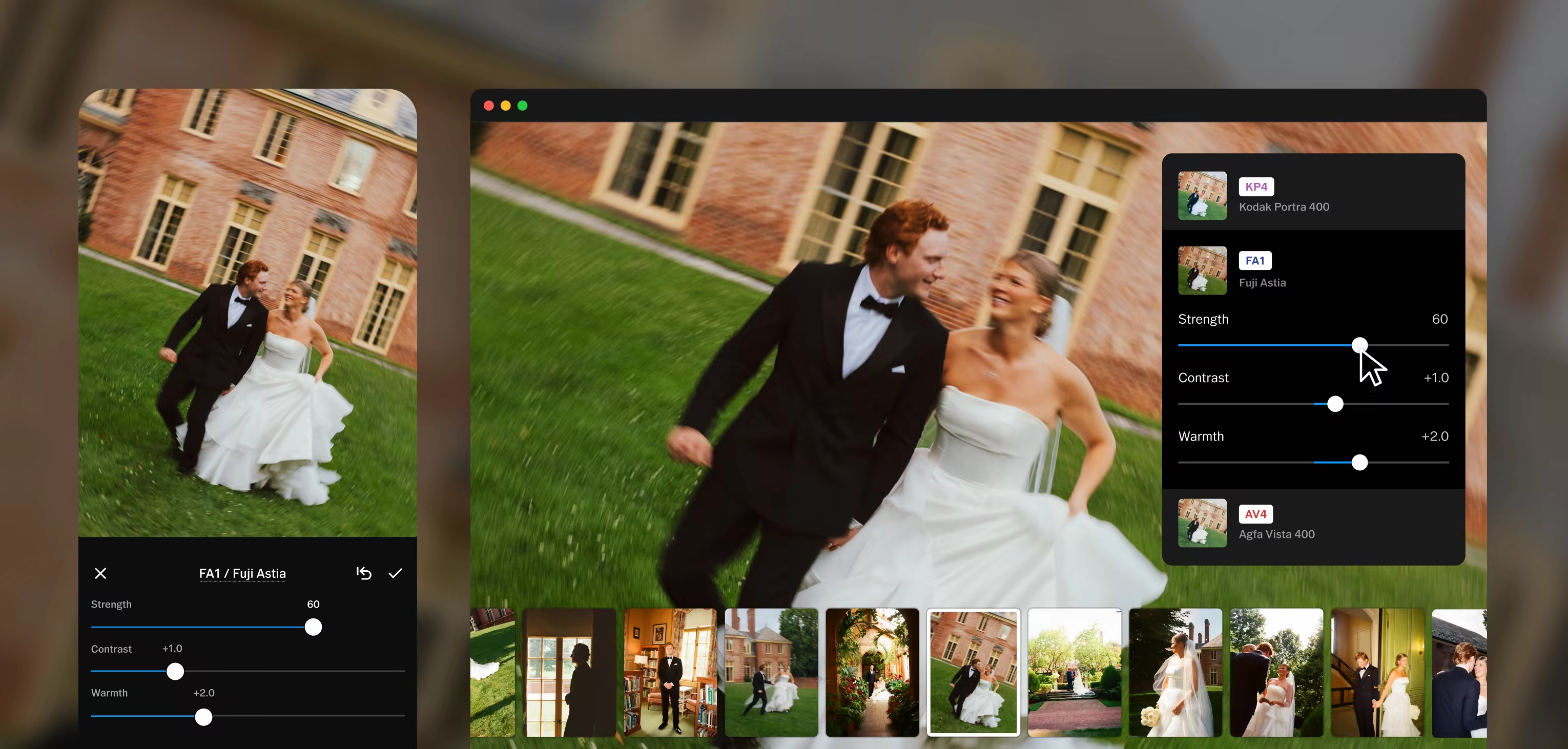
Powerful tools for every edit
Studio Pro comes with complete set of professional editing tools designed to give you full creative control, with even more on the way.
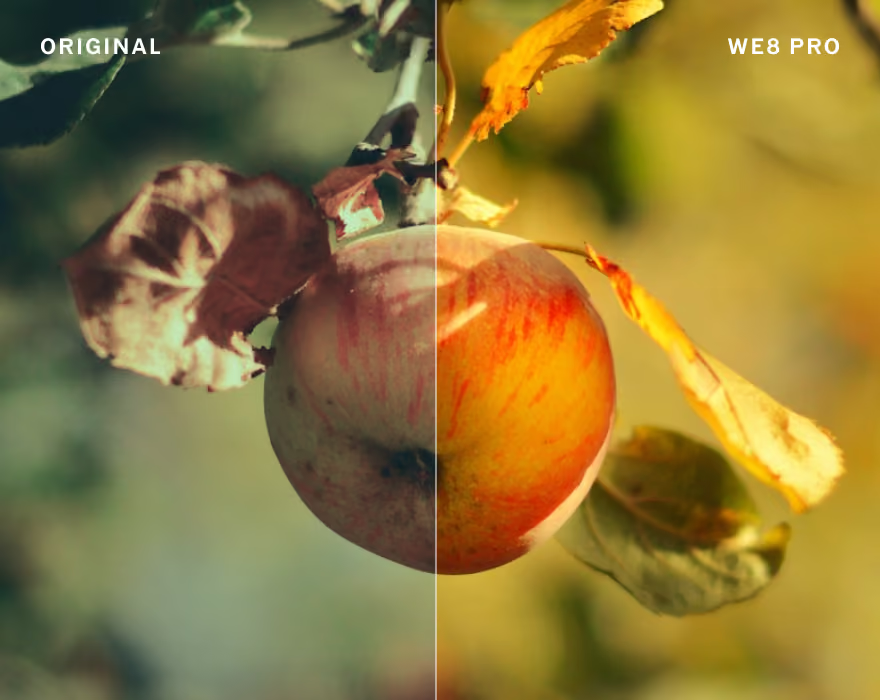
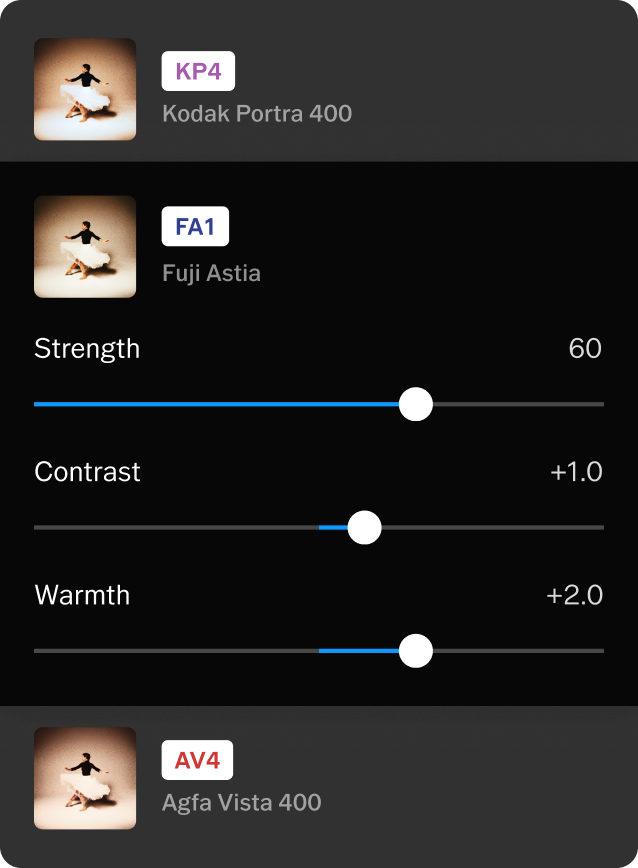
Presets
200+ film-inspired looks, plus Pro Presets that give you even more control to define your own style.

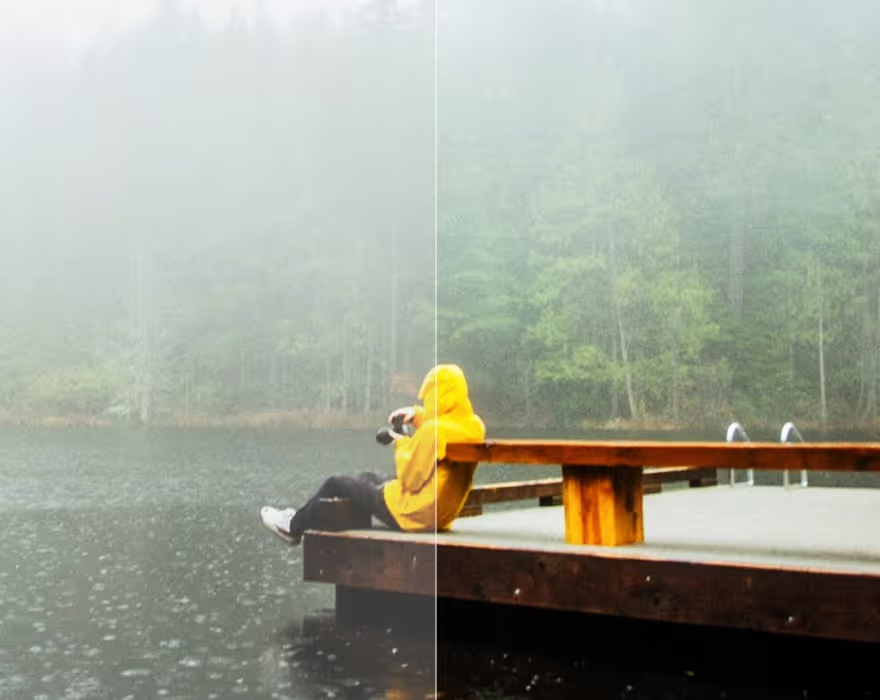
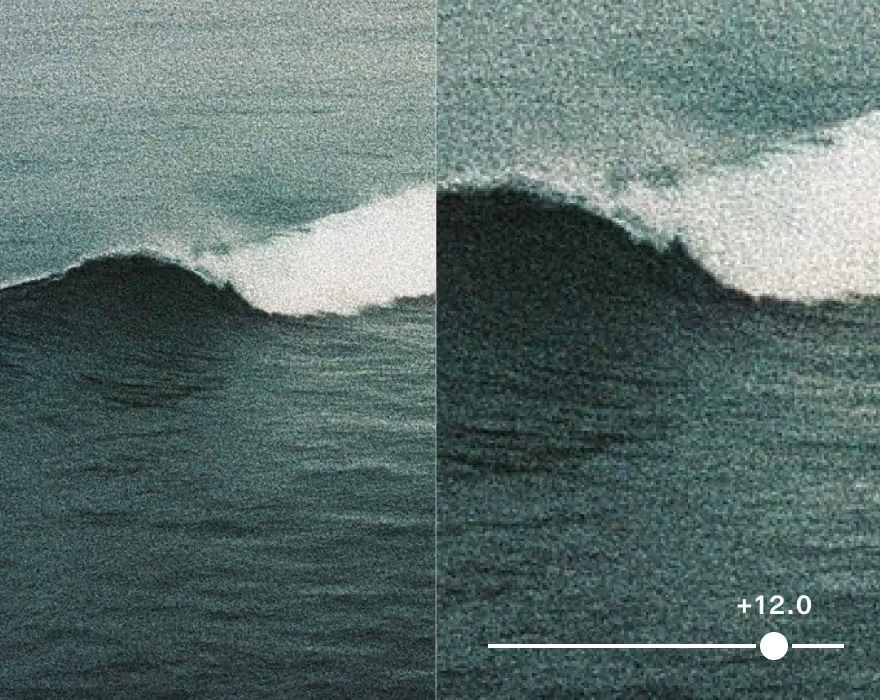

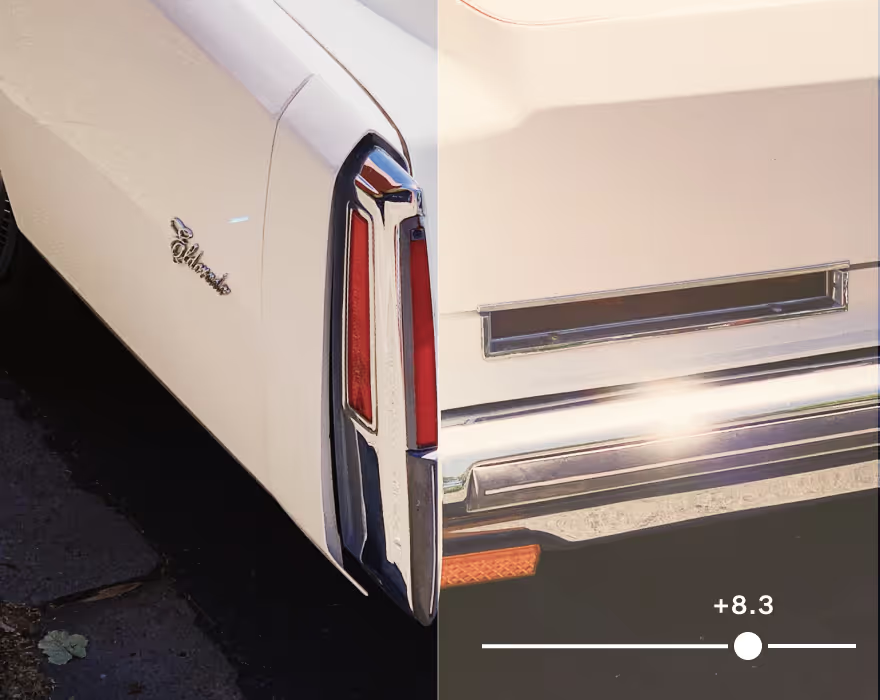
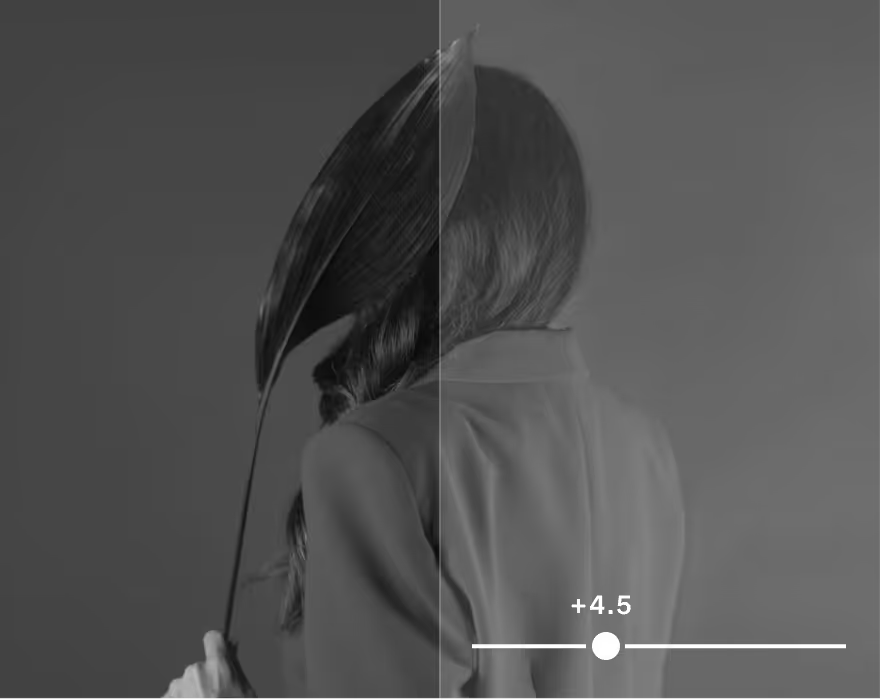
Calibrate color and correct casts from artificial light with White Balance.
Frequently asked questions
What is VSCO Studio Pro?
VSCO Studio Pro is a batch photo editing app for iPhone and Mac, built for working photographers. It brings 200+ VSCO presets, manual editing tools, and delivery through VSCO Galleries into one fast workflow, powered by an all-new image engine.
Is VSCO Studio Pro available on Mac?
Yes. Studio Pro Desktop is a desktop photo editor for Mac computers with Apple silicon (M1–M6). It is also available on iPhone, where you can batch edit 100+ photos on the go.
Is VSCO Studio Pro free?
Yes. Studio Pro is free to start with a VSCO account. It includes 5 presets, basic editing tools, single image editing, and VSCO Galleries integration. VSCO Pro and VSCO One memberships add the full suite of editing tools and presets, batch editing, Style Match on iPhone, expanded export options, and more. Get started for free and preview the whole app.
How is VSCO Studio Pro different from the VSCO app?
Studio Pro is a dedicated app for iPhone and Mac, built for professional editing at volume with 200+ presets, manual controls, and batch editing, with direct delivery to clients through VSCO Galleries. The VSCO app is built for mobile editing, sharing, and connecting with a photography community, and it syncs with Web Studio for editing in your browser on Mac or PC.
What is batch photo editing, and how does it work?
Batch editing applies presets, manual adjustments, or Style Match to many photos at once instead of one frame at a time. Import your photos, select the set, and choose a look, and Studio Pro applies it across the selection in real time so a full session gets a consistent edit in minutes.
What is Style Match?
Style Match analyzes a reference photo and recreates its color, tone, and mood using a tailored combination of presets and tools. Apply the result to one photo or a full set. Style Match is available on iPhone.
What presets and editing tools does Studio Pro include?
Studio Pro includes 200+ VSCO presets, including film-inspired looks and signature looks from leading photographers, with adjustable strength. On iPhone, manual tools include exposure, contrast, highlights, shadows, white balance, tint, HSL, grain, fade, and sharpen, with more on the way.
Studio Pro for Mac includes 200+ presets and a complete set of editing tools: exposure, contrast, highlights, shadows, white point, black point, saturation, white balance (temperature and tint), HSL, skin tone, sharpen, clarity, vignette, grain, and fade.
Does Studio Pro support RAW files?
Yes, on Mac. Studio Pro for Mac edits RAW files from cameras that macOS supports, and Apple's list of supported RAW formats shows which models are covered. On iPhone, Studio Pro edits and exports JPEG and HEIC photos, and Pro and VSCO One memberships add expanded export options.
What is different between Studio Pro on Mac and iPhone?
Mac edits hundreds of RAW files per batch, while iPhone edits 100+ JPEG and HEIC photos and adds Style Match. Edits do not sync between the two just yet, so each device works with its own photos. Both publish to VSCO Galleries.
Can I deliver client photos with Studio Pro?
Yes. Edit your set, then publish it to VSCO Galleries so clients can view and download full-resolution photos. VSCO Galleries is free for professional photo delivery, and a VSCO Pro membership adds unlimited galleries, unlimited photos, and collaborative uploads.
Are VSCO Film presets part of Studio Pro?
Studio Pro includes Film X presets and Pro presets in its 200+ preset catalog. VSCO Film presets for Lightroom and Capture One are a separate product.