Clean Up Photos With AI Simplify
Remove crowds and clutter from photo backgrounds. Clear the clutter, keep the moment.

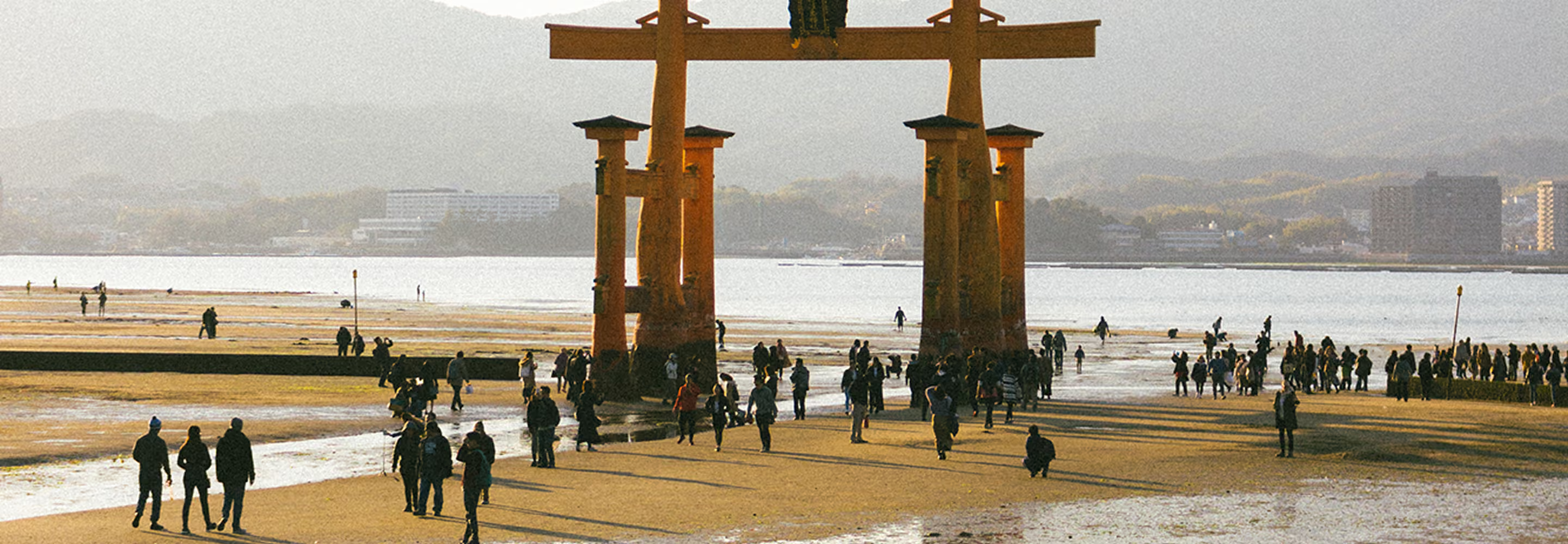
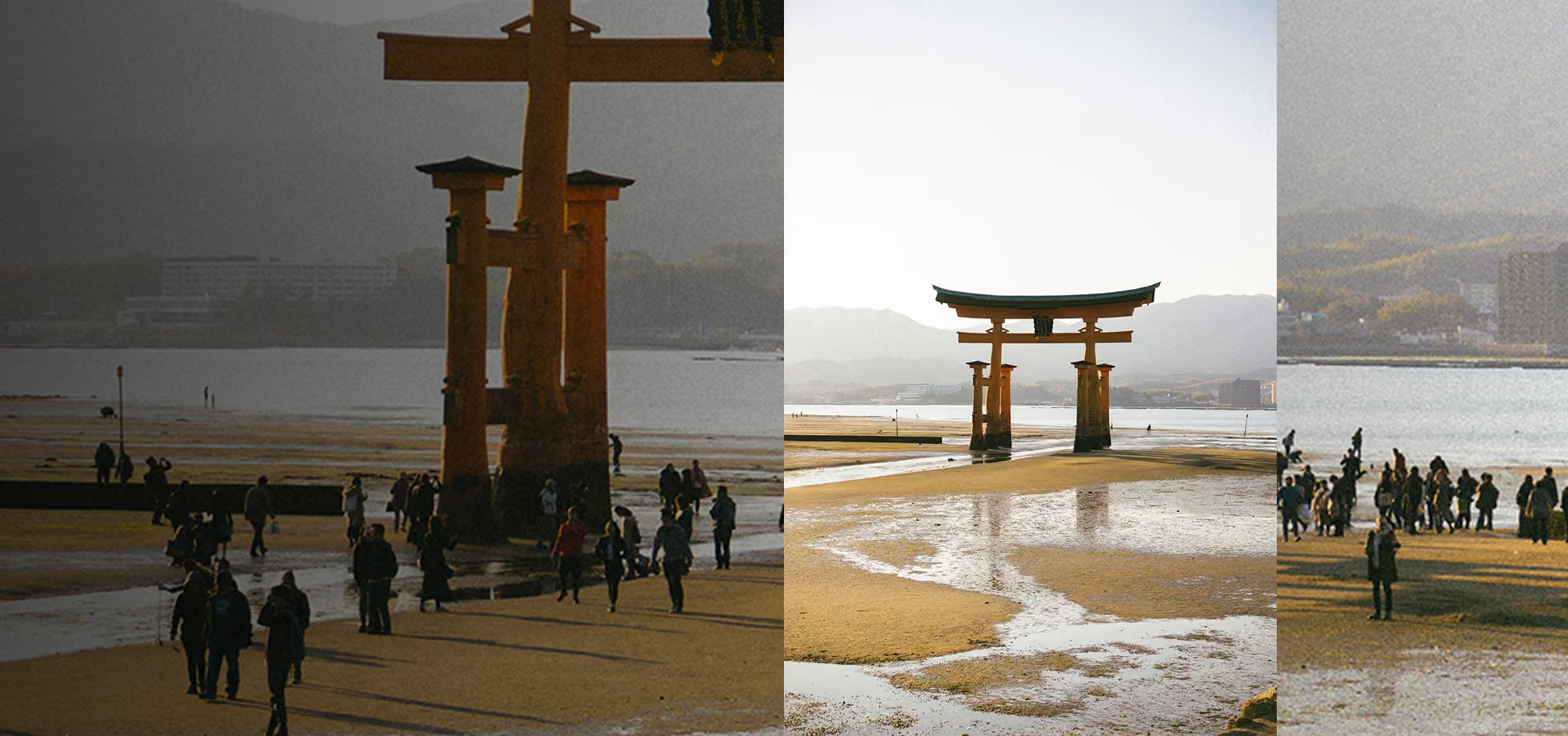
Clear background distractions and simplify complex scenes in seconds, no masking, no manual edits, just clean, focused images.

Stop Waiting for the Crowd to Clear
Some moments don't wait for the crowd to clear: a perfect expression, a break in the light, the one second before everyone shifts. AI Simplify means you don't have to choose between the perfect moment and the empty background. Capture it as it happens, and clear the visual noise afterward.
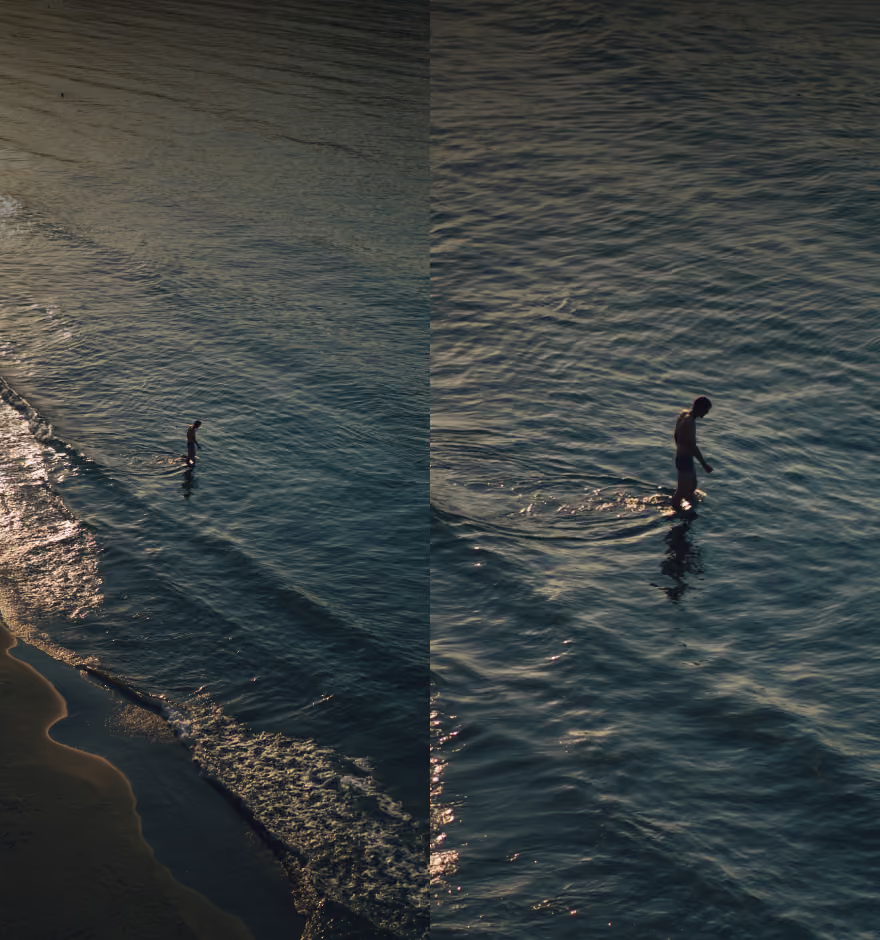
What once took careful manual masking now happens in a single tap, preserving natural depth, lighting, and detail while your subject becomes the clear center of attention.
Clean up photos in a few steps
Tap the Simplify tool to automatically reduce background clutter.
Re-run the tool to see different variations.
Export your final image or continue editing in VSCO.

For scenes you can’t plan for
Street and travel photographers use the Simplify tool for landmarks that are never really empty: a torii gate at low tide, a plaza at golden hour, a beach in peak season. Event and wedding photographers use it to clean up a candid moment shot in a packed room without losing what actually made the moment real.
Real estate and architecture photographers use it to clear pedestrians, cars, and passersby from an exterior shot, without needing to schedule the shoot for 5 a.m. just to get an empty street.
Frequently asked questions
What does AI Simplify do in VSCO?
AI Simplify automatically reduces background crowds and visual clutter in your photos, helping your subject stand out clearly while preserving natural detail, lighting, and overall image quality. It's built to create a cleaner composition without losing the character or context of the original shot.
Do I need to manually select objects to remove them?
No. Tap Simplify and the tool automatically identifies and reduces background distractions without masking, brushing, or manual selection. You focus on the result, not the setup.
Can I re-run the Simplify tool if I don’t like the result?
Yes. Reapply Simplify as many times as you want to generate different variations. Each pass offers a new interpretation, so you can refine the composition until it feels right.
Will Simplify affect the quality of my image?
No. AI Simplify preserves full resolution and maintains natural texture, so your image stays sharp and balanced. The goal is clarity and focus, not harsh artifacts or an over-processed look.
Can I use Simplify with other VSCO editing tools?
Yes. After using AI Simplify, keep refining your image with filters, cropping, and other AI Lab tools. It's built to fit naturally into your workflow, without limiting what you do next.
More ways to edit with AI
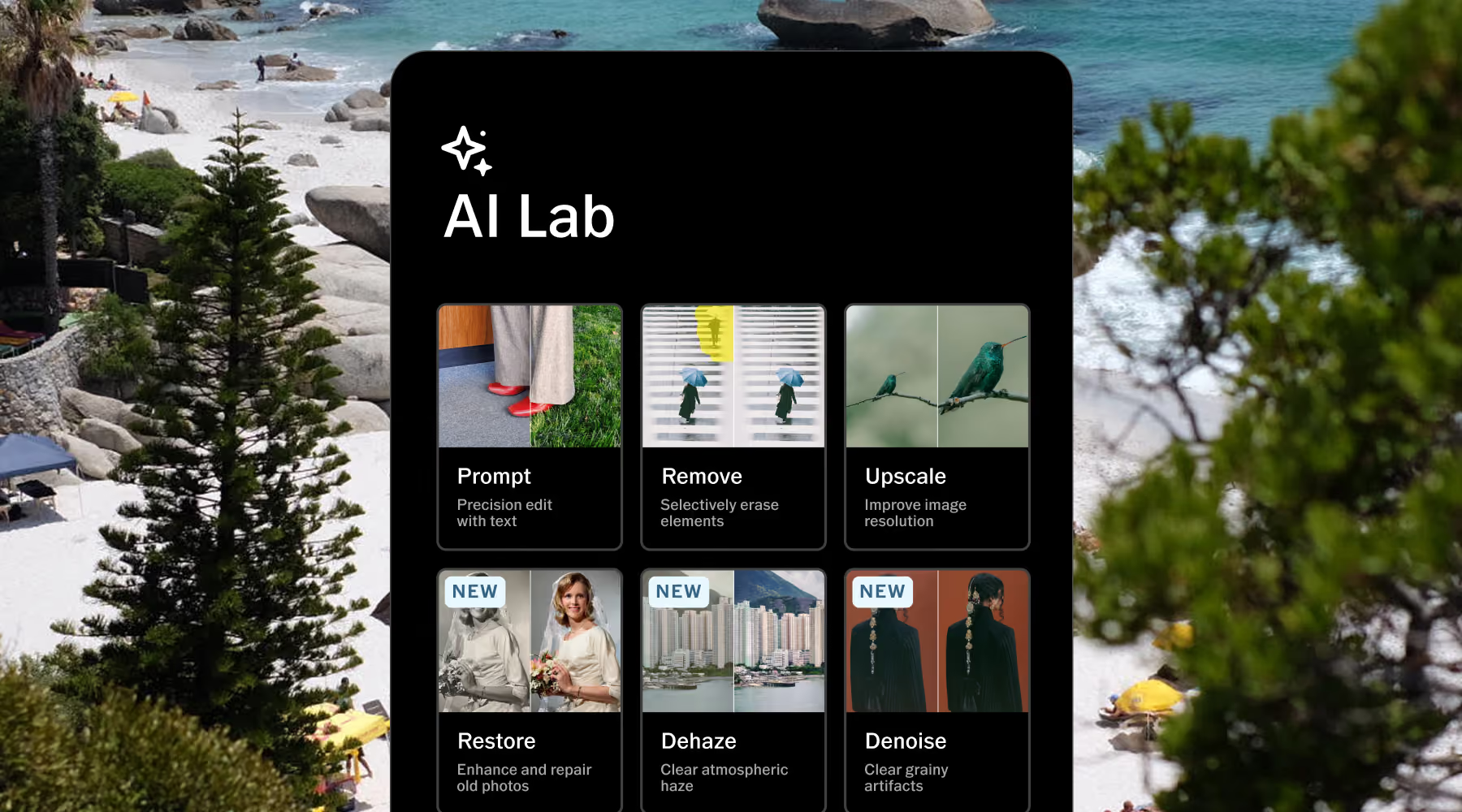
Explore additional VSCO AI Lab tools designed to streamline editing and expand creative control—restore detail with AI Restore, remove unwanted elements with AI Remove, and enhance resolution with AI Upscale.
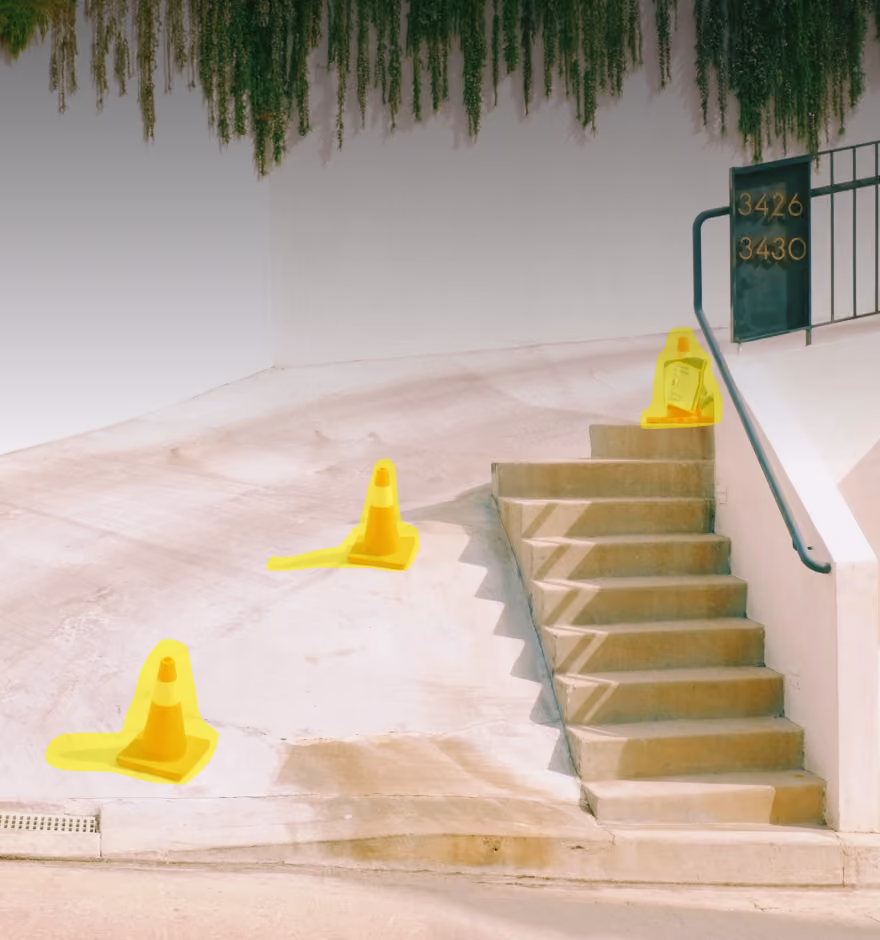
AI Remove
Erase unwanted objects or distractions instantly.
AI Upscale
Increase resolution while preserving natural detail.
AI Restore
Bring older or damaged photos back to life.