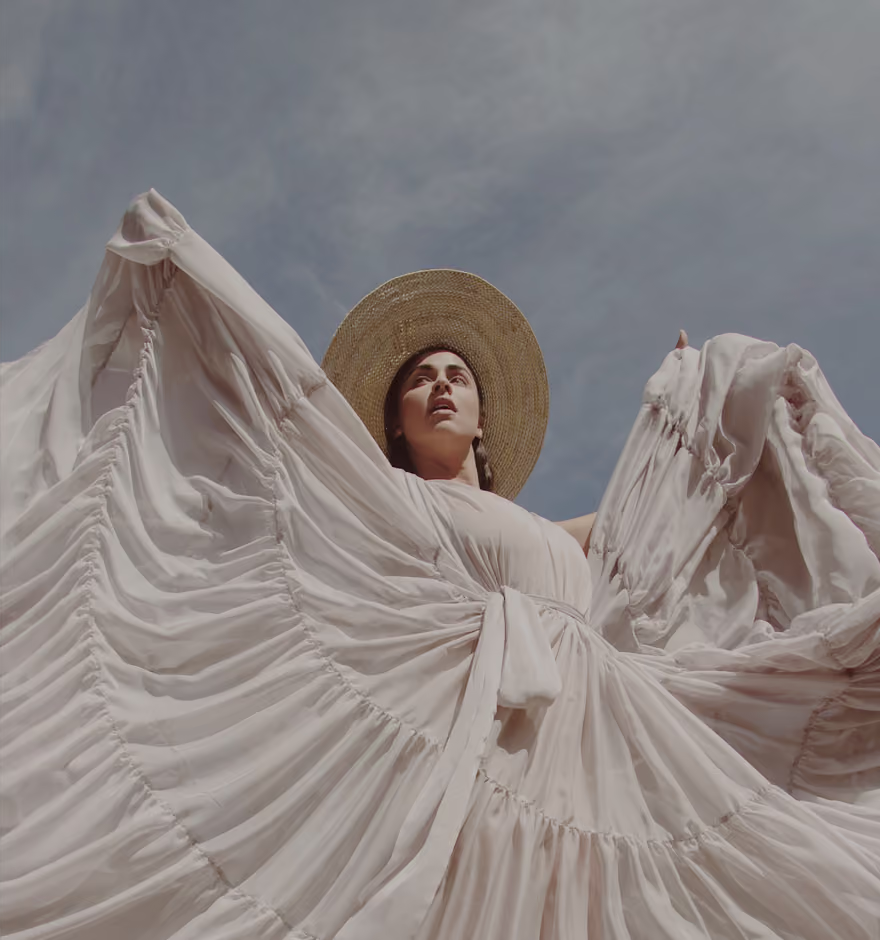
Edit Photos with AI Text Prompts
Describe the edit you want. Skip the complex tools. Get precise results in seconds.


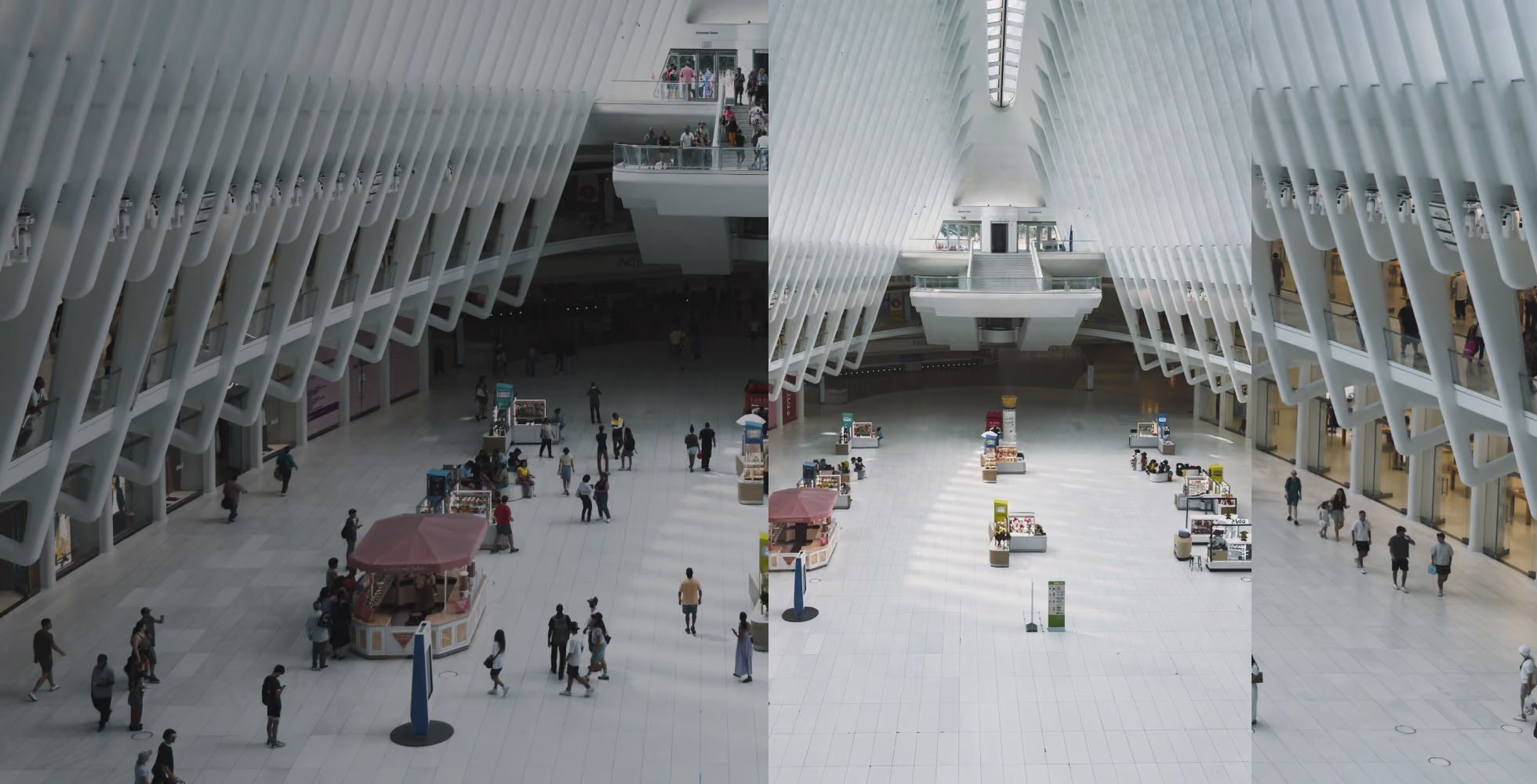
Turn ideas into edits in seconds with AI prompting in VSCO, built for accuracy, speed, and creative control.
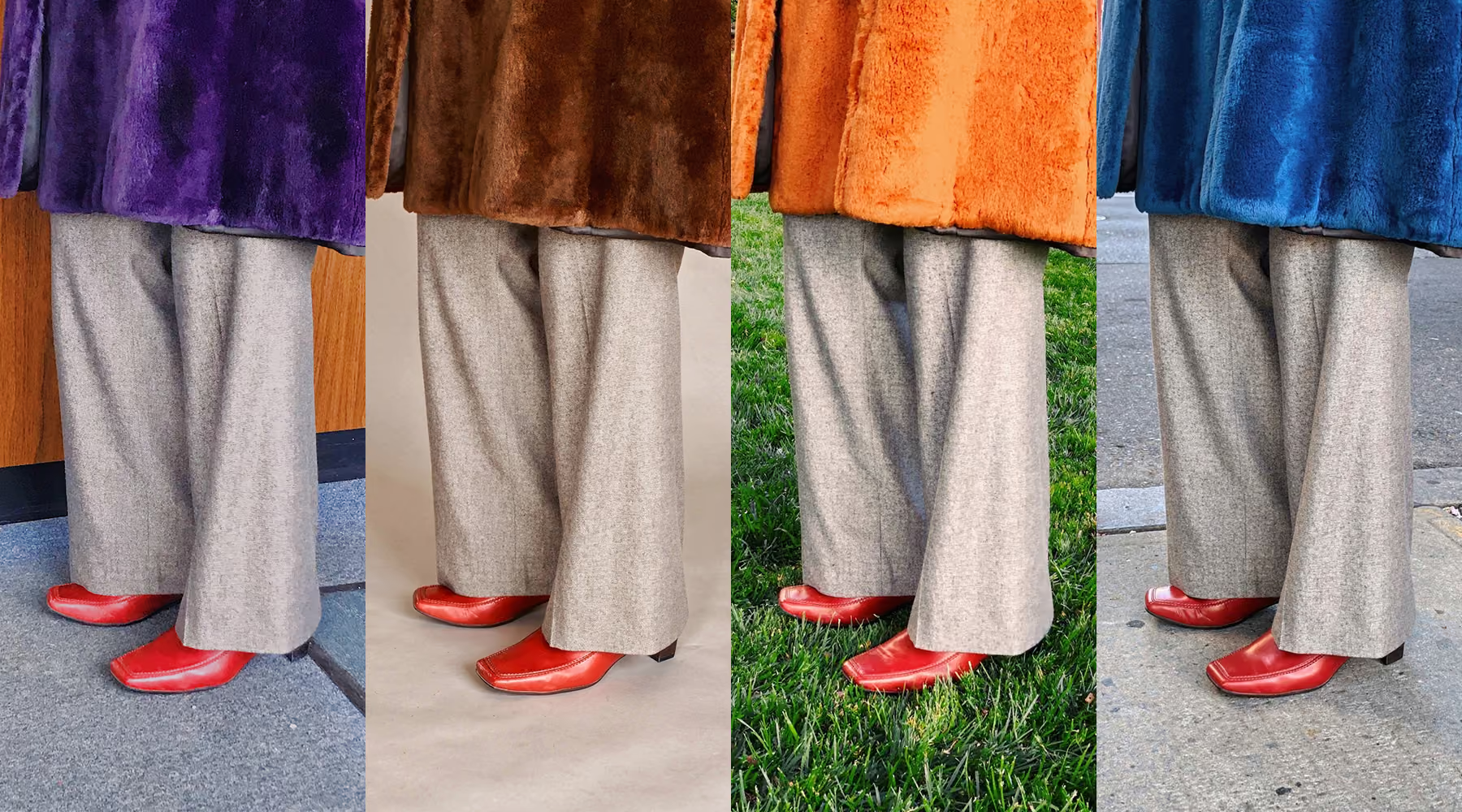
Describe the Edit, Create your look
Instead of navigating manual tools, just say what you want. Soften harsh midday light. Warm the skin tones. Deepen the shadows. Add a film grain look. AI Text Prompt interprets your words and applies those changes directly to your photo, so editing feels as direct as thinking out loud.
Every edit is applied at full resolution without compression or quality loss, so your images stay sharp and ready for professional use. You stay focused on creative decisions, not technical controls.
How to use AI text prompts
Edit in AI Lab
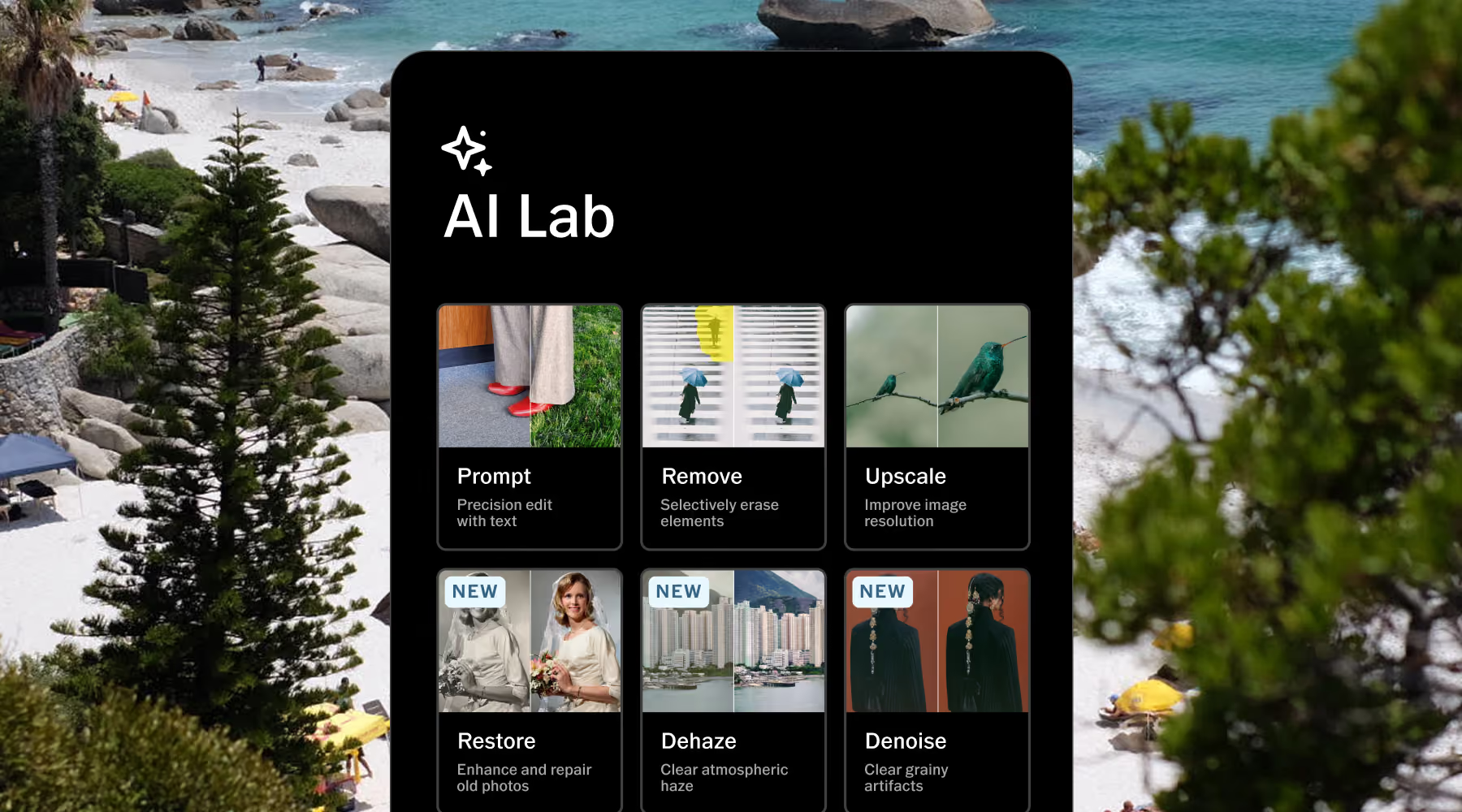
Tap the AI Lab icon to access the full suite of AI-powered editing tools.
Use AI Text Prompt
Type what you want to change, like lighting, color, tone, mood, detail. AI Lab generates a new version of your image.
Download, save, and share
Export your finished edit in full resolution, or keep refining with other VSCO tools.
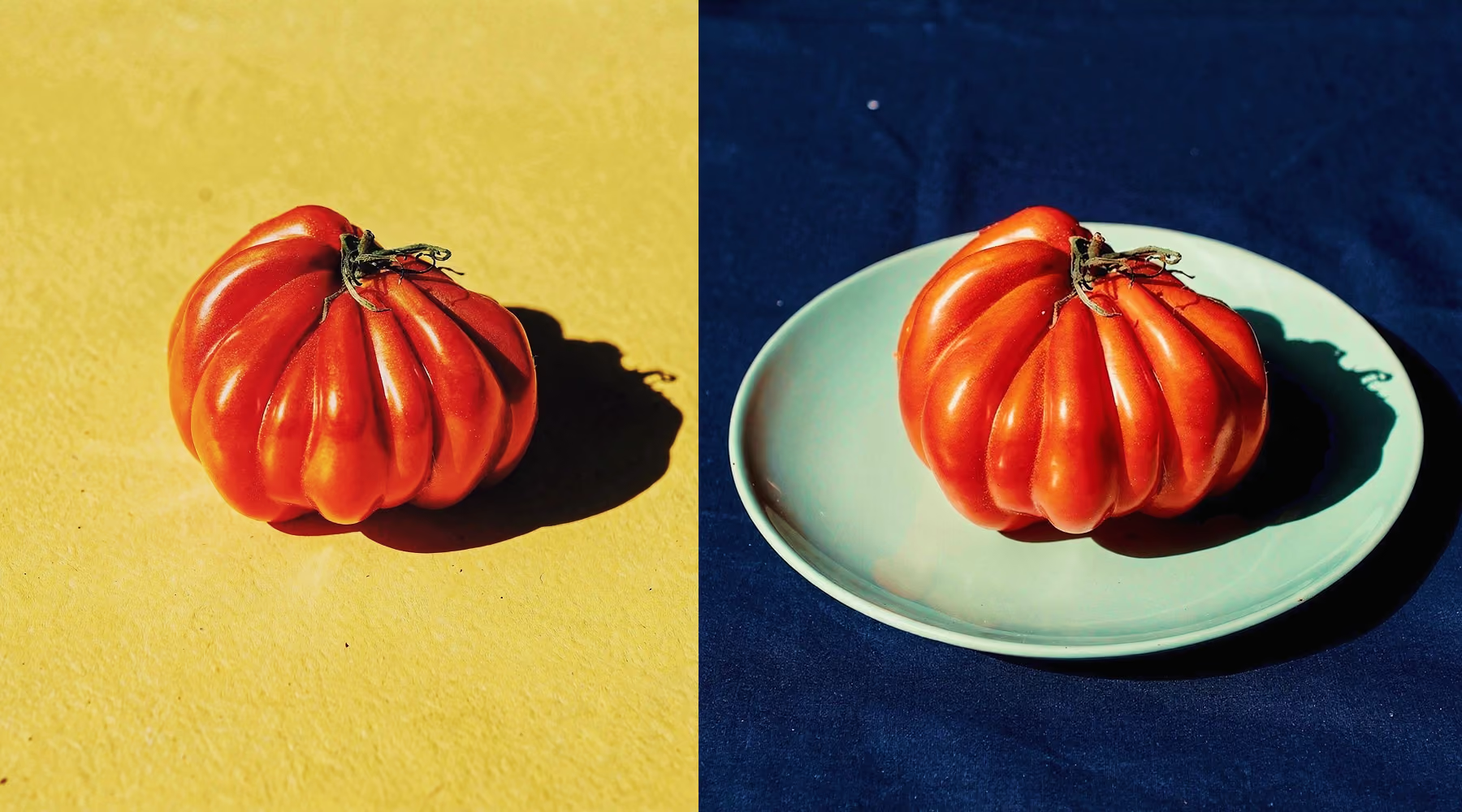
Iterate Until It's Exactly Right
Not quite what you had in mind? Adjust your prompt, run it again, and explore a different interpretation. Every run generates a new version while your original stays untouched, so there's nothing to lose and everything to try.
AI Text Prompt makes it easy to experiment with variations, zero in on specific details, and compare results in seconds. Your workflow stays flexible and your momentum stays intact.
Download VSCO
Spend less time fighting your tools and more time making images that look exactly the way you intended. AI Text Prompt keeps your edits intentional and precise, so every image reflects your creative vision rather than a compromise with manual sliders.
AI Lab is available in the VSCO app for iPhone. Download VSCO to start editing with AI-powered tools including Prompt, Remove, Upscale, and more, built for full-resolution results and professional workflows.
Frequently asked questions
What is the AI Text Prompt tool in VSCO?
AI Text Prompt is a tool inside VSCO's AI Lab that lets you edit photos using plain language descriptions instead of sliders or manual adjustments. You describe the changes you want, and AI Lab applies them to a new version of your image while keeping your original untouched. It's built for photographers who want faster, more intuitive control over their edits without giving up precision or image quality.
How does AI prompt-based photo editing work?
You describe the edit in your own words and AI Lab interprets your input and applies those changes directly to your photo. Because the AI regenerates the image based on your prompt, edits can affect the overall image rather than isolated layers, which is why specific, detailed prompts tend to produce the most accurate results.
Do AI text prompts affect image quality?
No. AI Lab preserves full resolution and fine detail. Your edits are applied without compression or quality loss, so your images stay sharp and ready for professional use.
Can I refine or retry a prompt?
Yes. You can rerun the same prompt to explore a new variation, or adjust your wording to steer the result closer to what you had in mind. Each run generates a new version of your image, so you can iterate freely, compare results, and get closer to exactly the edit you're after without starting over.
Will AI Text Prompt overwrite my original image?
No. AI Lab always creates a new version of your photo, leaving your original file untouched. You can return to it, compare edits side by side, or start fresh at any time.
What makes a good prompt?
Specific, concrete descriptions work best. Focus on what you actually want to change: "warm the highlights and add soft shadows," "make this feel like a golden hour shot," "soften the contrast and add a subtle film grain look." The more clearly you describe the lighting, tone, color, or mood you're after, the more accurate and consistent the result. Avoid vague terms, AI Lab works best when you give it something specific to work with.
More ways to refine your work
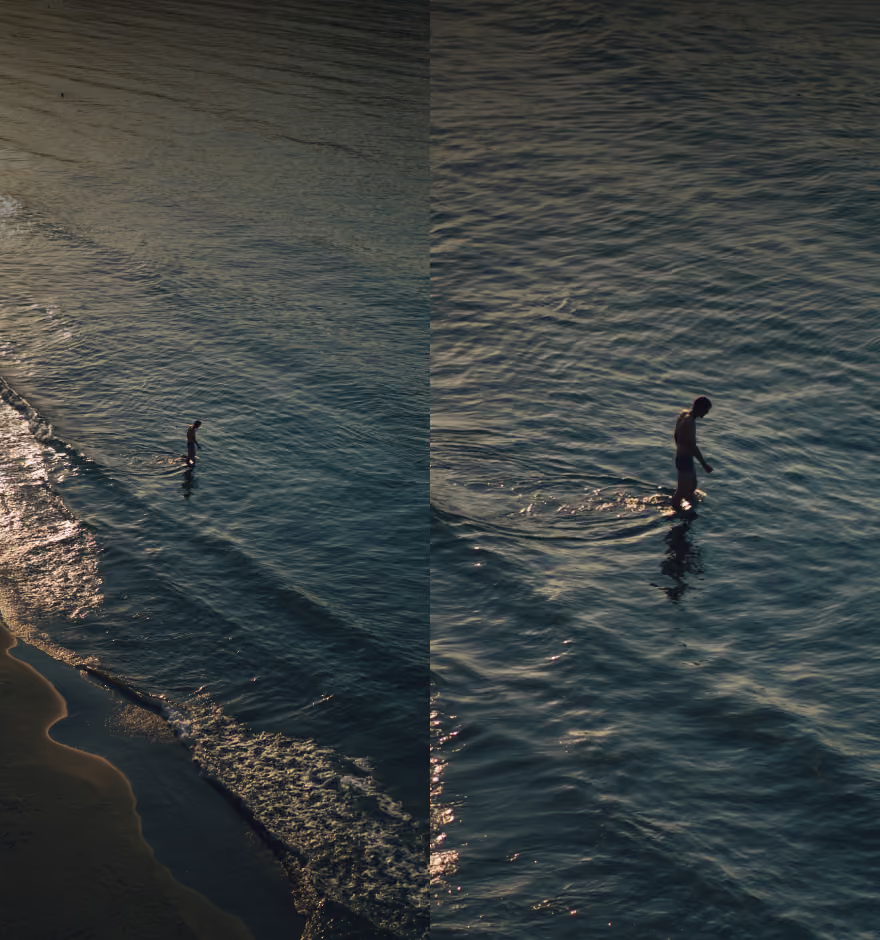
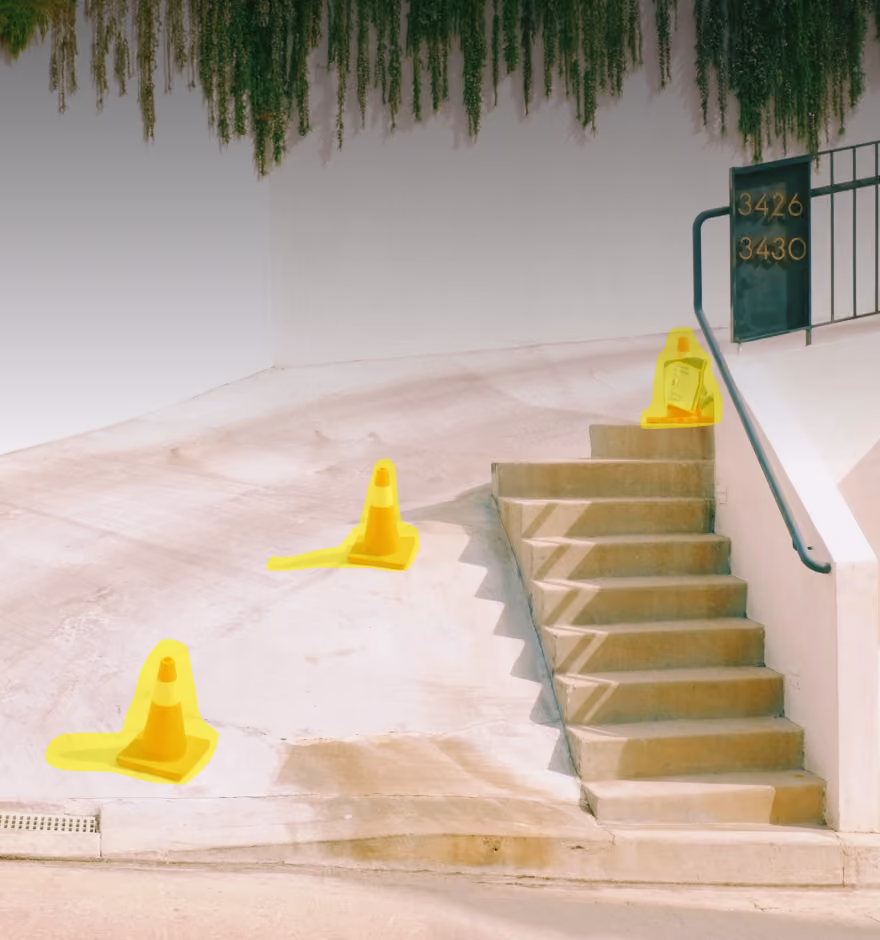
Take your edits further with more AI-powered tools from VSCO. Sharpen resolution with AI Upscale, clear distractions using AI Remove, and bring your style to life with Film Filters.
AI Upscale
Increase resolution and sharpen detail without sacrificing natural texture.
AI Remove
Erase distractions seamlessly while preserving texture, depth, and perspective.
Film Filters
Choose from film-inspired filters and presets to shape your visual style.