Remove noise and grain With AI Denoise
Reduce grain and high-ISO noise with one-tap noise reduction, without losing the texture and detail that make your photos feel real.

Traditional noise reduction cleans up an image by smoothing it over. AI Denoise removes grain and high-ISO noise while protecting the texture, tone, and depth of your original photo.
Remove noise, keep the moment
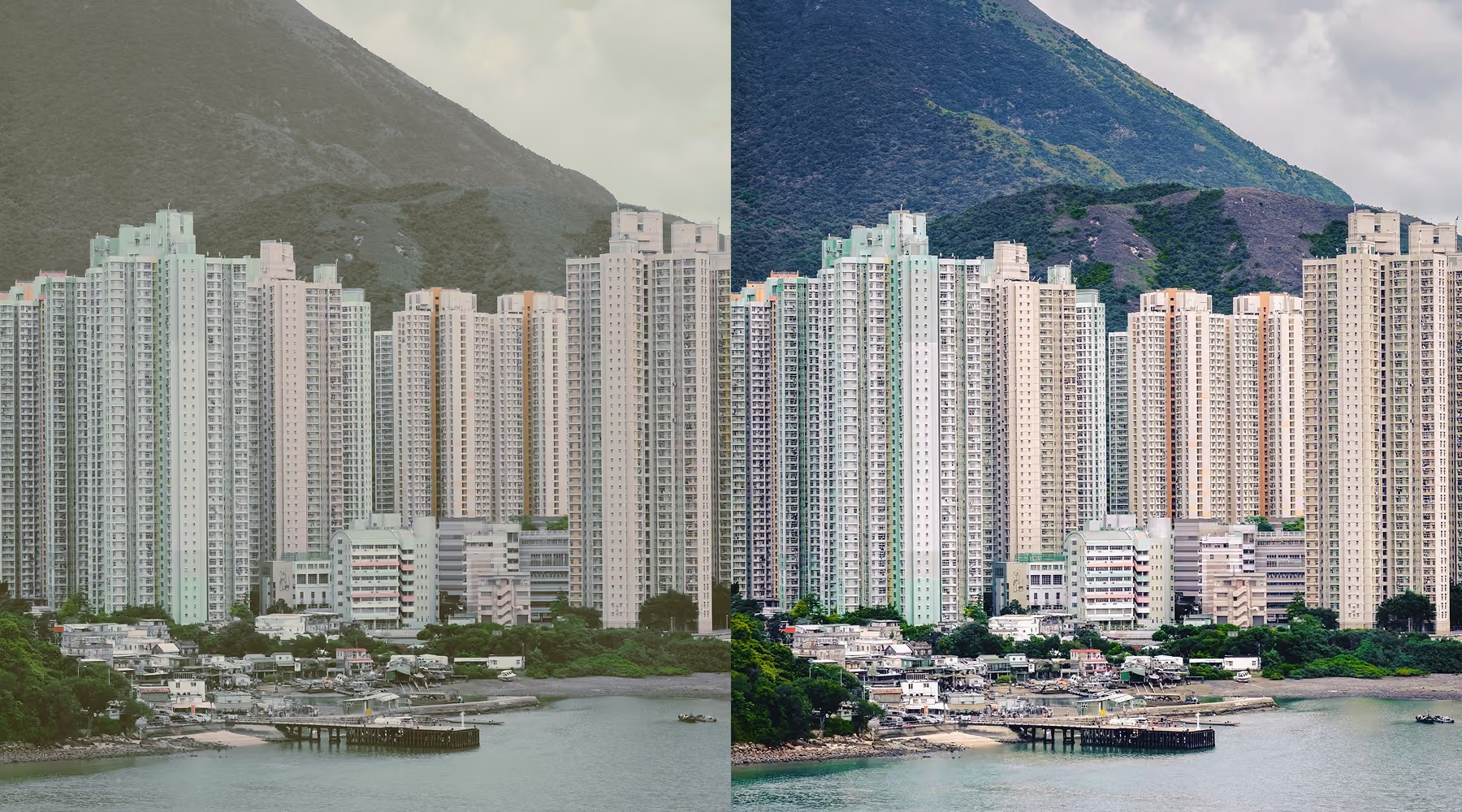
Haze, fog, and flat lighting quickly drain depth from even well-composed images, leaving landscapes, travel shots, and urban scenes looking muted and unfinished. VSCO AI Dehaze rebuilds contrast, color, and structure in one step, so your photos feel sharp and true to the scene you actually captured.
Rather than stacking manual adjustments, the tool intelligently restores tonal balance while preserving natural texture. The result is a cleaner, more dimensional image that looks refined without looking over-edited.
How to use the AI Denoise tool
Edit in AI lab
Look for AI Lab icon and select the Denoise tool.
Remove Noise in one tap
Apply AI Denoise to reduce grain and image noise instantly.
Download, Save, and Share
Export your cleaned image, or keep editing in VSCO.
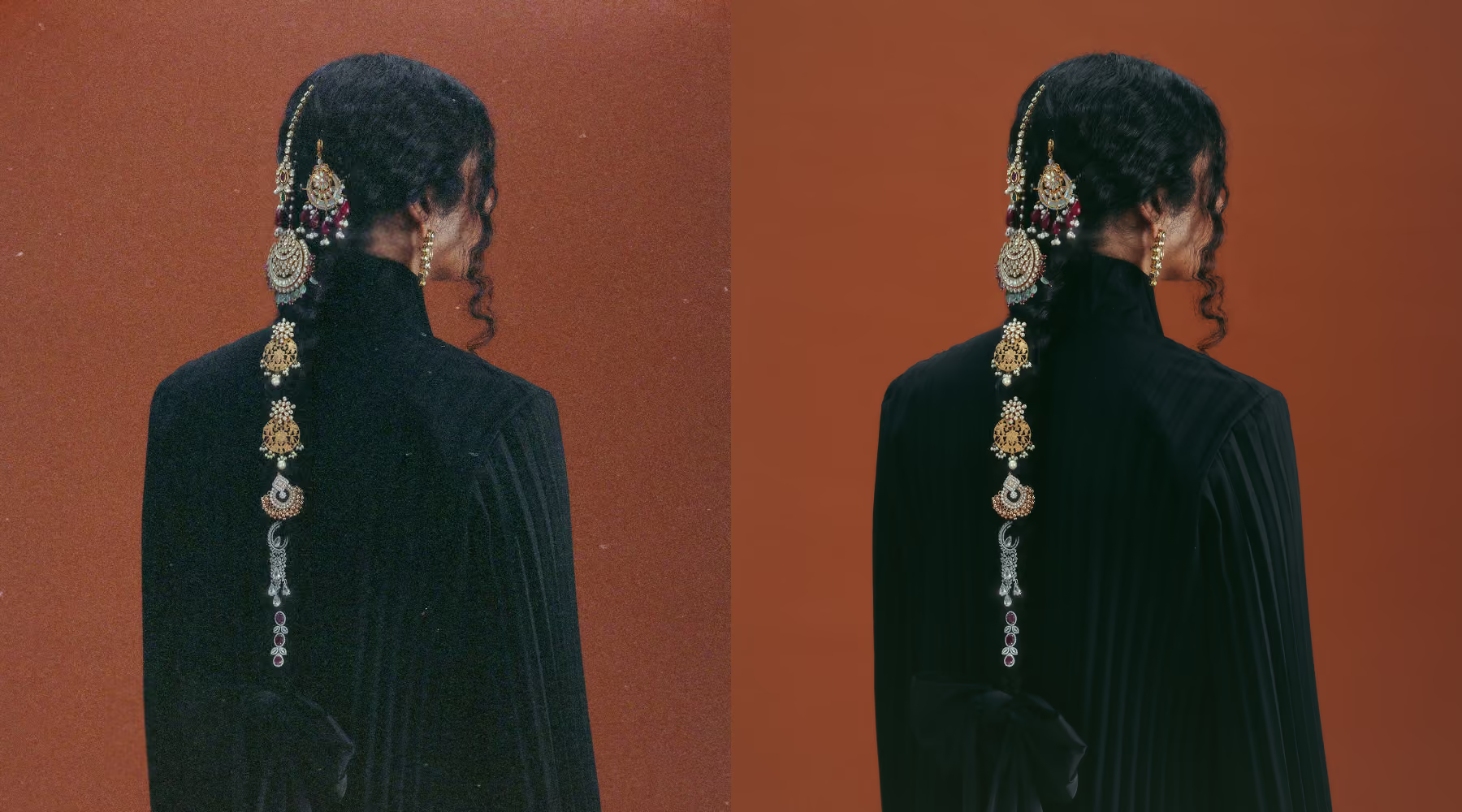
Effortless clarity in every frame
Even a strong photo can be held back by noise or low-light grain. AI Denoise clears it away while keeping the composition intact, from skin texture and fine edges to soft tonal transitions.
Whether you're working with digital photos or restoring old film scans, the result looks polished without looking processed. You get more clarity, not less character.
Download VSCO
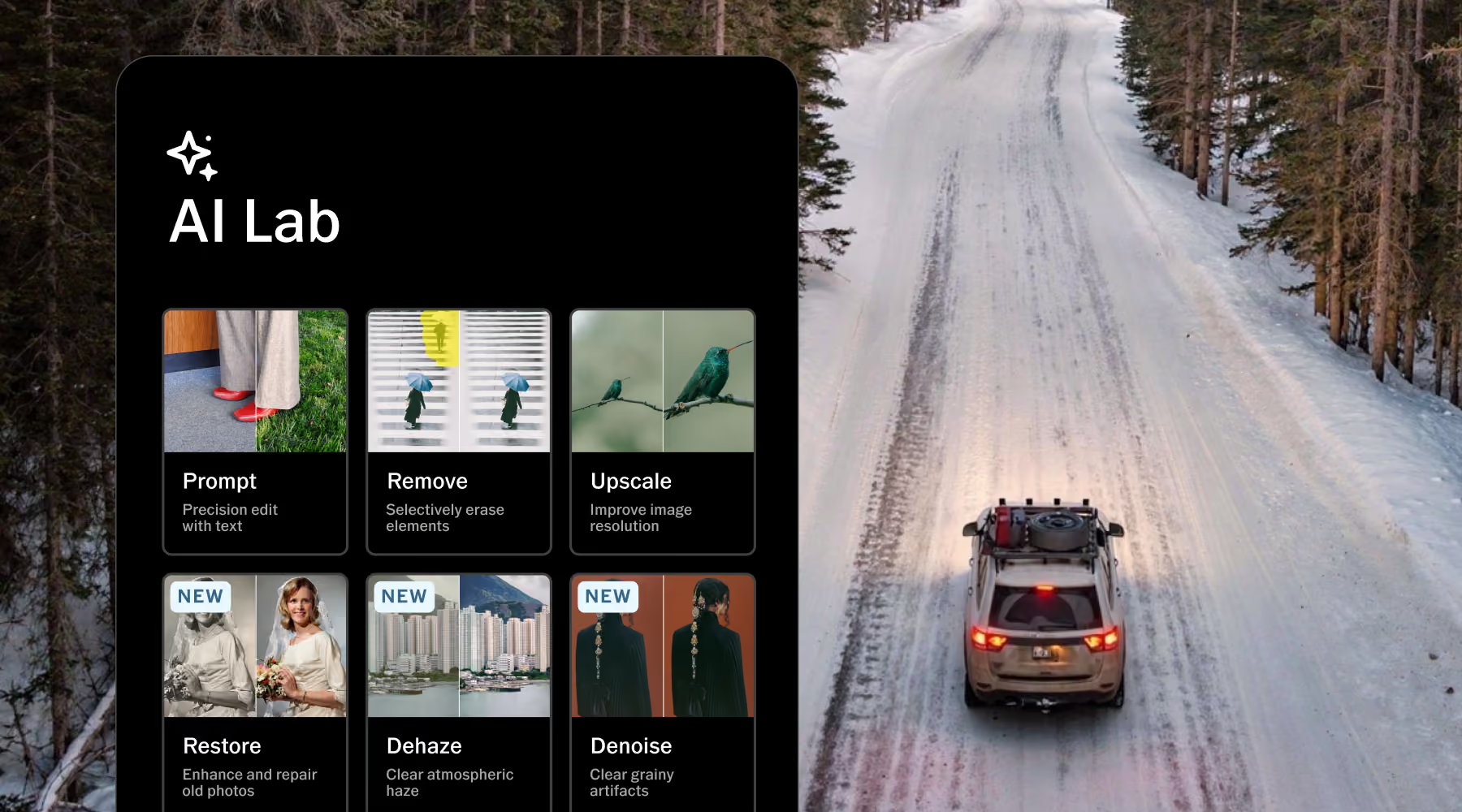
Clean up noise, remove distractions, restore detail, and refine your images without losing what made the original work. AI Lab gives you high-fidelity AI tools built to speed up the edits that take time, while keeping your creative direction in your hands.
AI Lab is available on iPhone in the VSCO app. Download VSCO from the App Store and explore tools like Dehaze, Remove, Upscale, Prompt, and more.
Frequently asked questions
What does AI Denoise do in VSCO?
AI Denoise reduces grain and high-ISO noise while preserving the natural texture and detail of your photo. It cleans up distracting noise without making the image look overly smooth or processed.
Do I need to adjust any settings?
No. Tap AI Denoise and VSCO applies the edit automatically. If you want to explore a different result, you can run Denoise again to generate an alternative.
Will AI Denoise affect image quality?
No. AI Denoise preserves full resolution and protects authentic detail throughout the edit. Your image stays sharp, natural, and true to the original capture.
Can I use Denoise on low-light or film scans?
Yes. AI Denoise works especially well on low-light photography and scanned film, reducing noise while keeping tonal depth, texture, and the original character of the image intact.
Can I combine Denoise with other VSCO tools?
Yes. After denoising, you can keep editing with filters, crop, presets, and other AI Lab tools. It fits into your existing workflow rather than replacing it.
Is AI Denoise included with VSCO Pro Membership?
Yes. AI Denoise and the rest of AI Lab are included with VSCO Pro and One Memberships. You can try it with a one-time, free Pro trial before you decide.
Expand your editing workflow
Explore more ways to refine your images with VSCO AI Lab. Remove distractions with AI Remove, enhance resolution using AI Upscale, and generate edits with the AI Text Prompt tool.
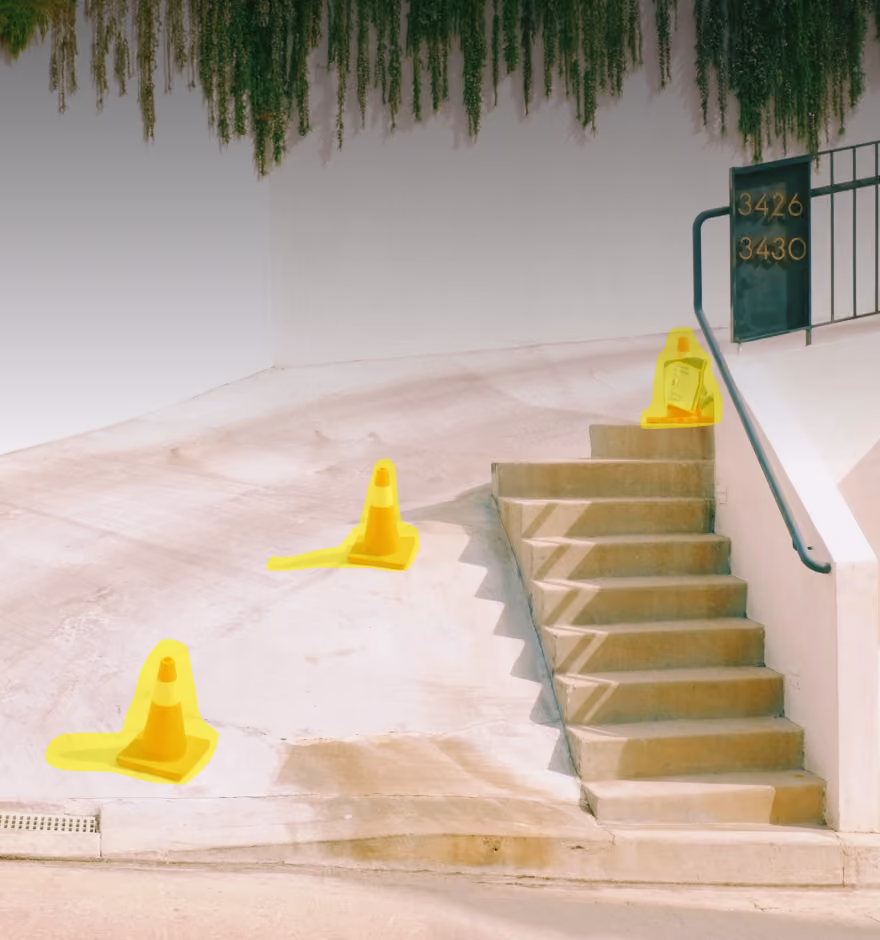
AI Remove
Erase distractions seamlessly while preserving texture, depth, and perspective.
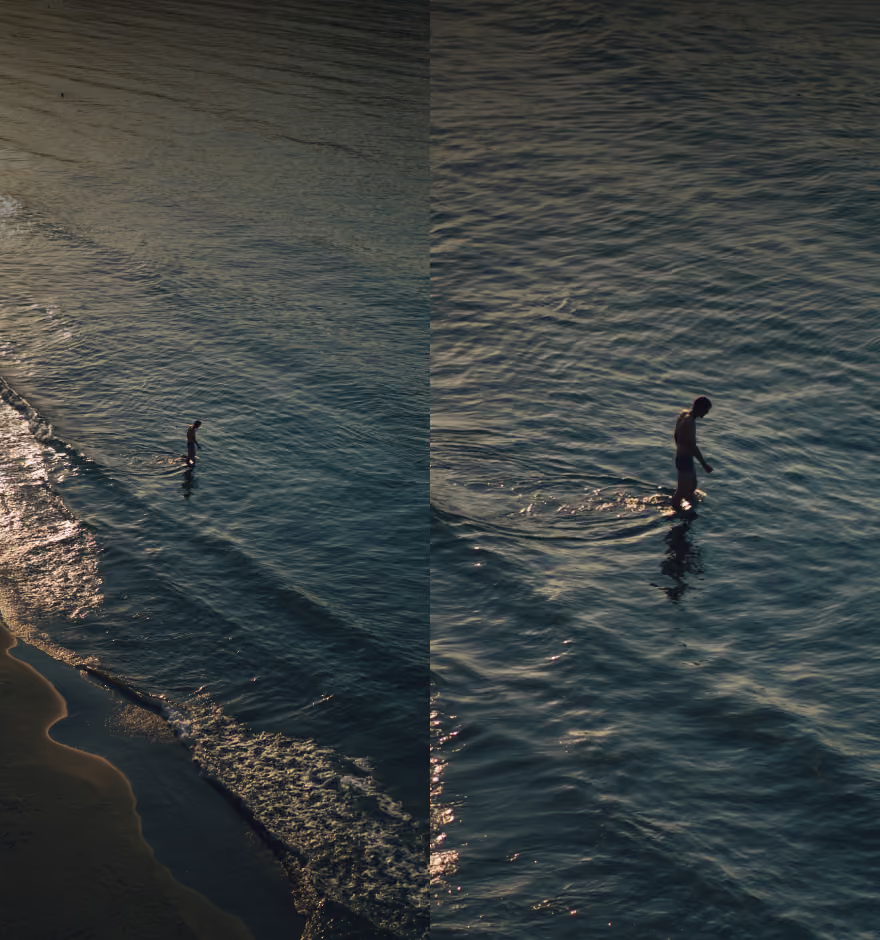
AI Upscale
Increase resolution while keeping natural detail and texture intact.
AI Text Prompt
Edit your photo by describing the change you want, in your own words.