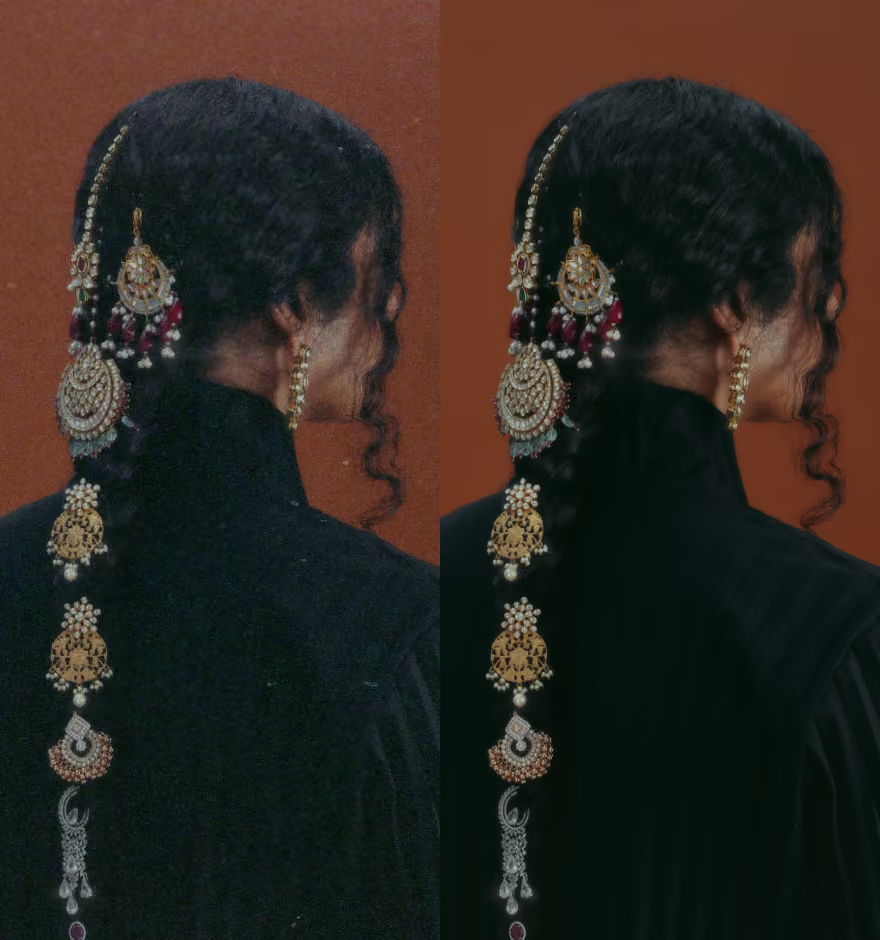
remove haze from photos with ai dehaze
Fix flat, foggy, and hazy images instantly. Restore natural color, contrast, and depth in one tap.
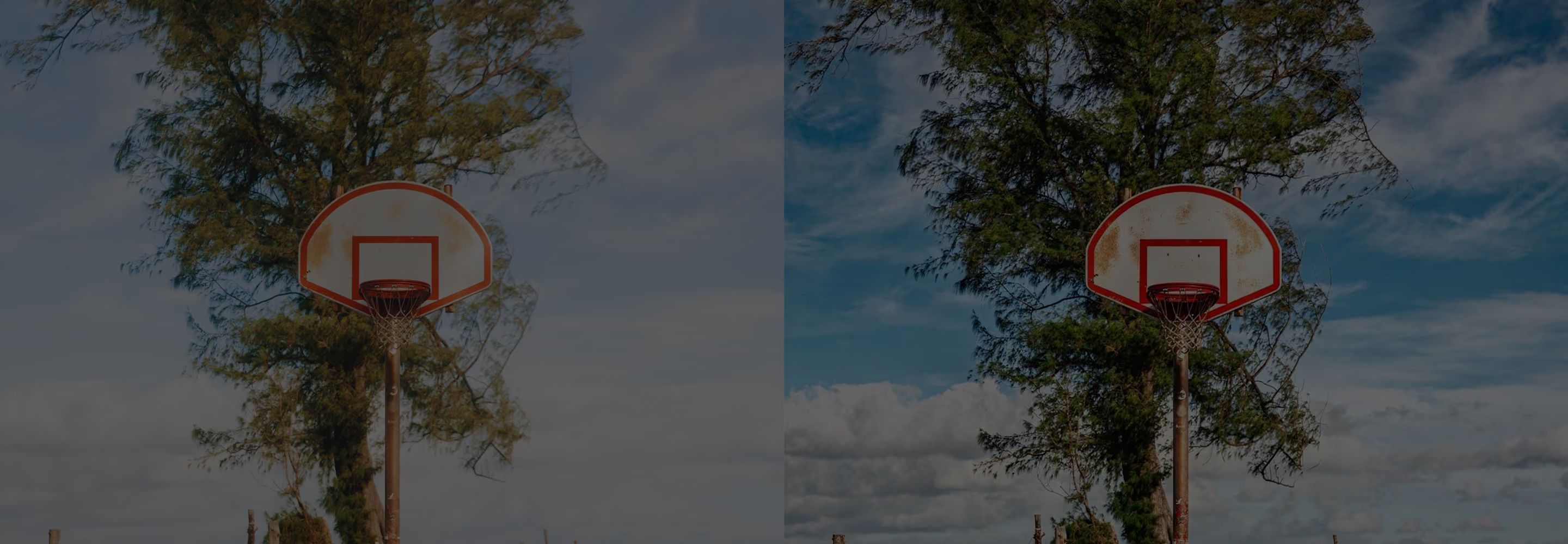
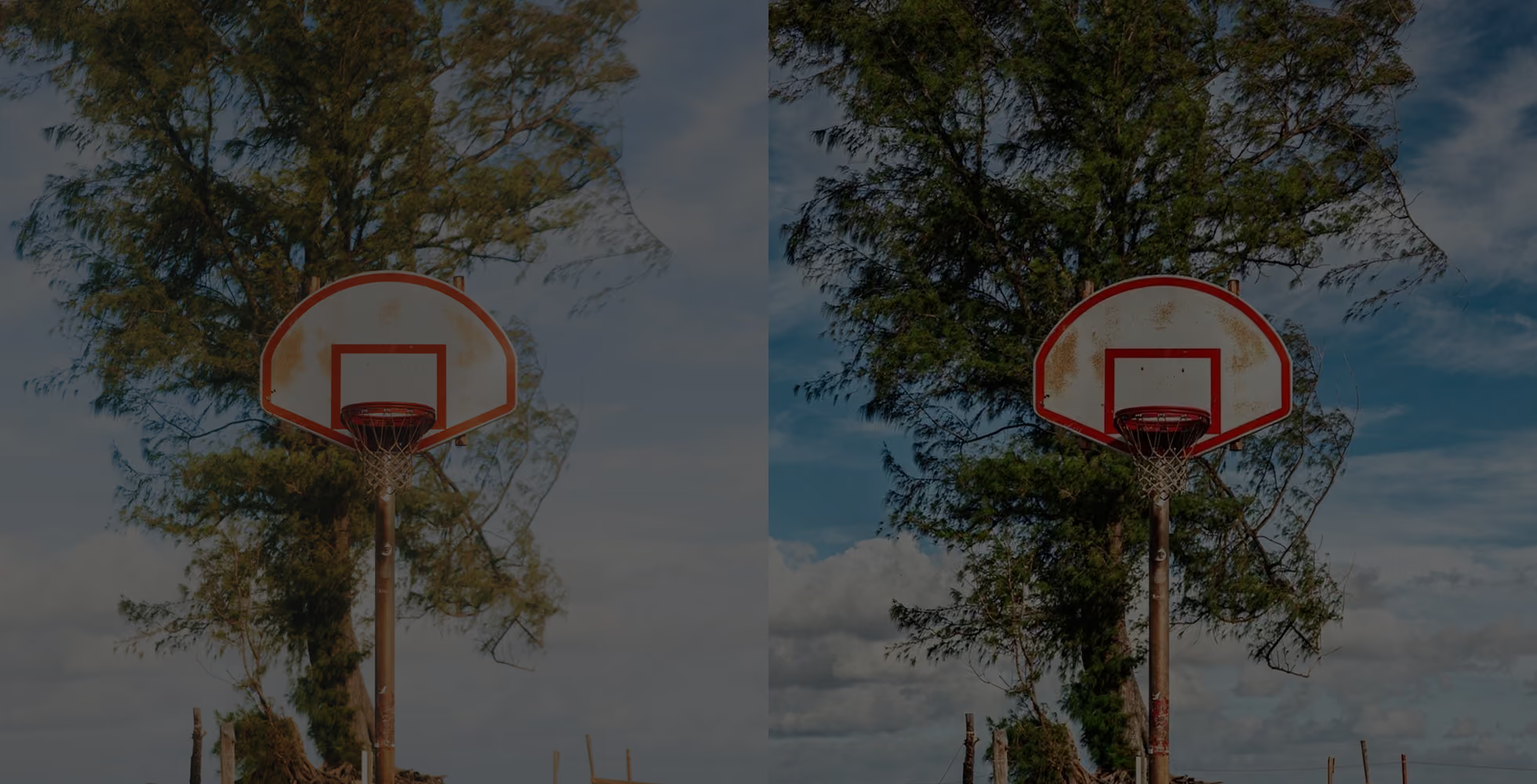
AI Dehaze removes atmospheric haze and flat lighting to restore clarity and dimension in a single intelligent edit.
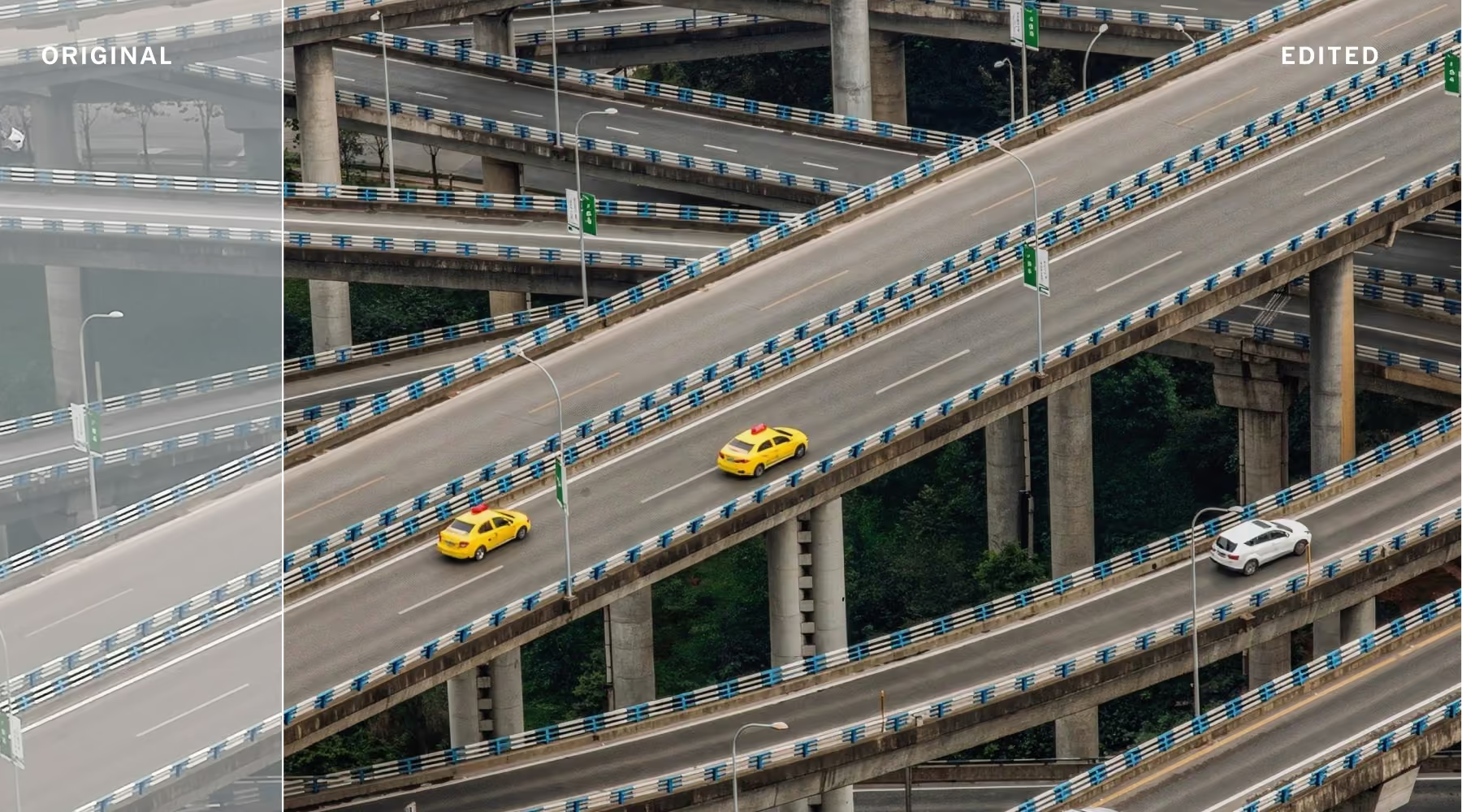
Fix Hazy Photos in Any Light or Weather
Haze, fog, and flat lighting quickly drain depth from even well-composed images, leaving landscapes, travel shots, and urban scenes looking muted and unfinished. VSCO AI Dehaze rebuilds contrast, color, and structure in one step, so your photos feel sharp and true to the scene you actually captured.
Rather than stacking manual adjustments, the tool intelligently restores tonal balance while preserving natural texture. The result is a cleaner, more dimensional image that looks refined without looking over-edited.
How to use AI Dehaze
Import photos
Add any image affected by haze, fog, flat light, or atmospheric distortion to VSCO.
Apply AI Dehaze
The tool analyzes your image and instantly restores contrast, color depth, and clarity.
Review results
Rerun variations to find the edit that looks most true to the original scene.
Download, Save, and Share
Export your final image in full resolution, or keep refining it with other VSCO tools.
One Tap to Remove Haze and Recover Depth
What typically takes careful layering of manual adjustments AI Dehaze handles in a single action, while keeping your creative intent intact.
Whether you're working with hazy landscapes, travel photography shot in fog, or city scenes under flat overcast light, the result is a cleaner, more dimensional photo that avoids the heavy-handed look of traditional editing.
Download VSCO
Spend less time correcting hazy, flat images and more time focused on the scene in front of your lens. VSCO AI Dehaze recovers depth, color, and contrast instantly, preserving full resolution and natural detail so your photos look exactly like the scene you intended to capture.
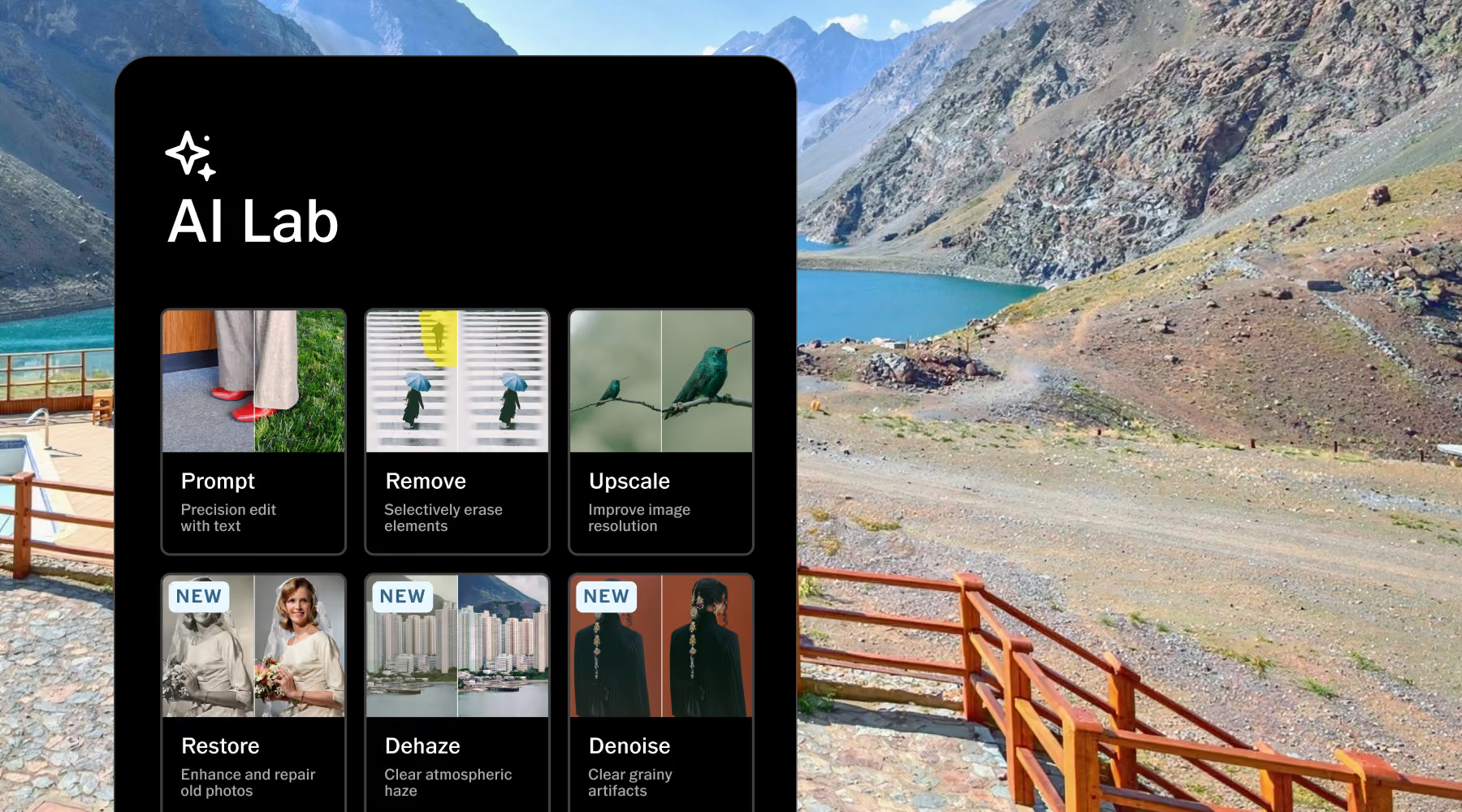
AI Lab is available in the VSCO app for iPhone. Download from the App Store and start editing with powerful AI photo tools including Prompt, Remove, Upscale, and more.
Frequently asked questions
What does AI Dehaze do to my photos?
AI Dehaze restores contrast, color, and depth in hazy, foggy, or flat images. It analyzes the image and corrects atmospheric distortion in a single edit, recovering detail and tonal balance while keeping natural texture intact. Unlike traditional sharpening tools, it enhances clarity without introducing the over-processed look that manual adjustments often create.
Do I need to manually adjust settings to use AI Dehaze?
No. Dehaze works automatically with a single tap. AI Lab analyzes your image and restores depth, contrast, and clarity without any sliders or technical adjustments, making it fast and accurate regardless of your editing experience.
Will AI Dehaze over-sharpen my images?
No. AI Dehaze is designed to enhance structure without introducing harsh sharpening or artificial texture. Edges stay clean and natural so your image maintains a realistic, polished finish rather than an over-edited look.
Can I apply AI Dehaze to any type of photo?
Yes. While it works across a wide range of images, it performs especially well on outdoor photography affected by haze, fog, flat lighting, or overcast conditions—including landscapes, travel photography, city scenes, and any photo where atmospheric distortion has reduced clarity.
Is my original photo preserved when using AI Dehaze?
Yes. Your original photo is always preserved within VSCO. AI Dehaze creates a non-destructive edit, so you can revisit, adjust, or undo the effect at any time without losing your original file.
Can I combine AI Dehaze with other VSCO tools?
Yes. After applying AI Dehaze, you can continue refining your image using VSCO effects, presets, and other AI Lab tools including Remove, Upscale, and Denoise. This lets you build a complete, layered edit in one workflow without switching apps.
Keep editing with AI Lab
Discover more AI Lab tools built to refine every step of your editing workflow, from removing distractions to restoring clarity and reducing noise.
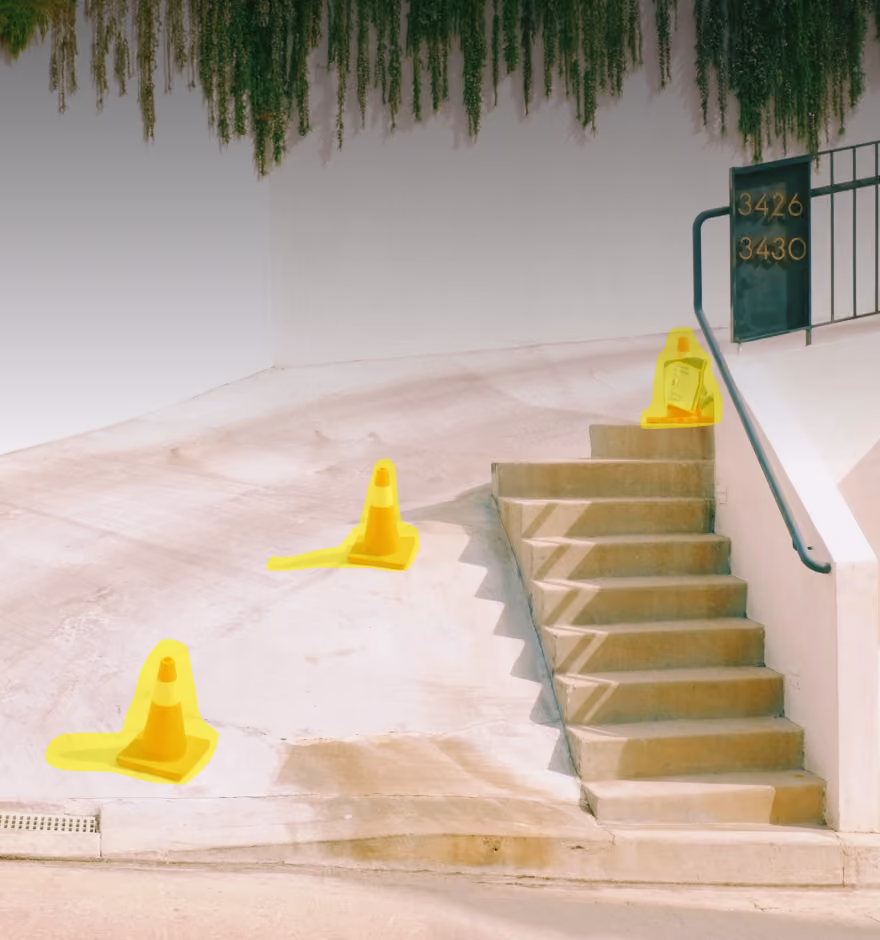
AI Remove
Erase distractions to create a more focused composition.
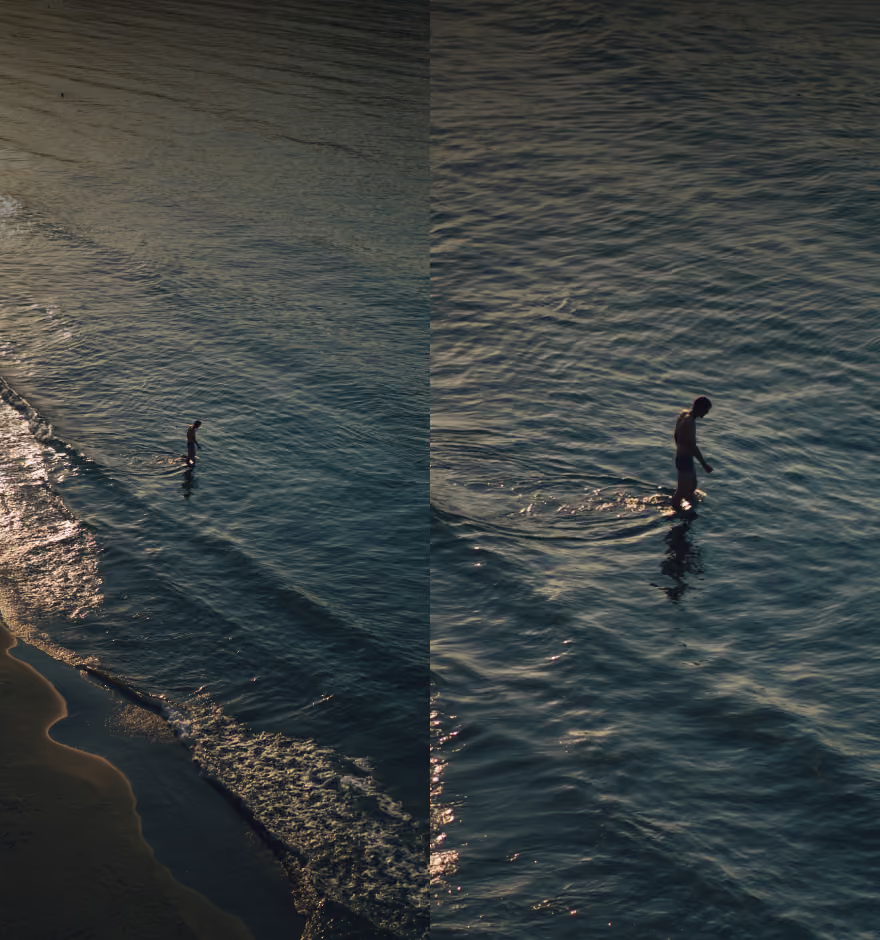
AI Upscale
Increase resolution up to 4x while maintaining sharpness and clarity.
AI Denoise
Reduce grain while keeping texture natural and intact.