Client Portal for Photographers
One organized place for clients to manage their details, documents, questionnaires, and payments.


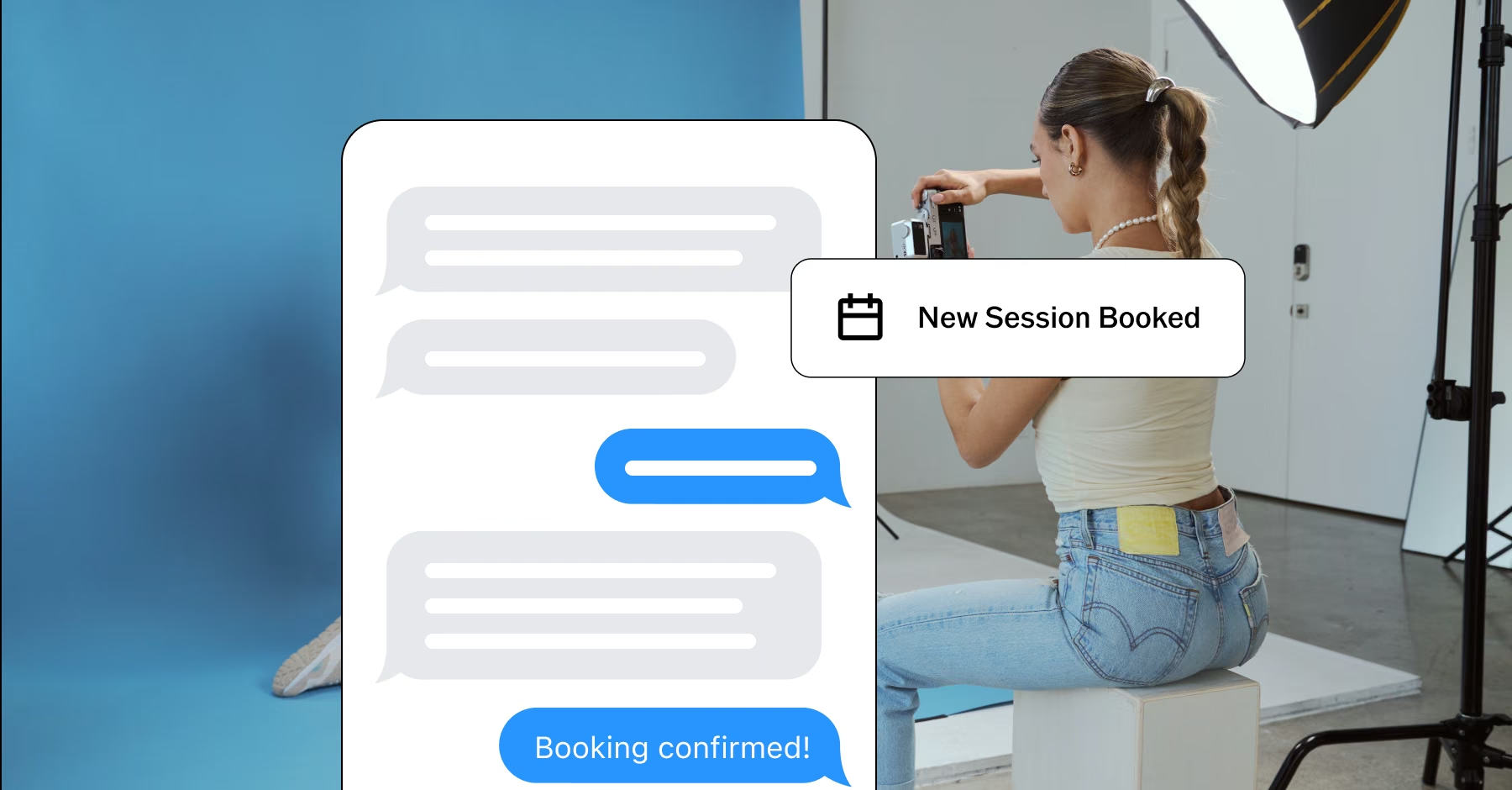
Give clients a more polished experience
The client experience continues after the booking. The VSCO Workspace Client Portal gives each client a login to find their contracts, sales orders, invoices, and questionnaires, update their contact details, and pay online.
They no longer search their inbox for documents, and you no longer resend them.
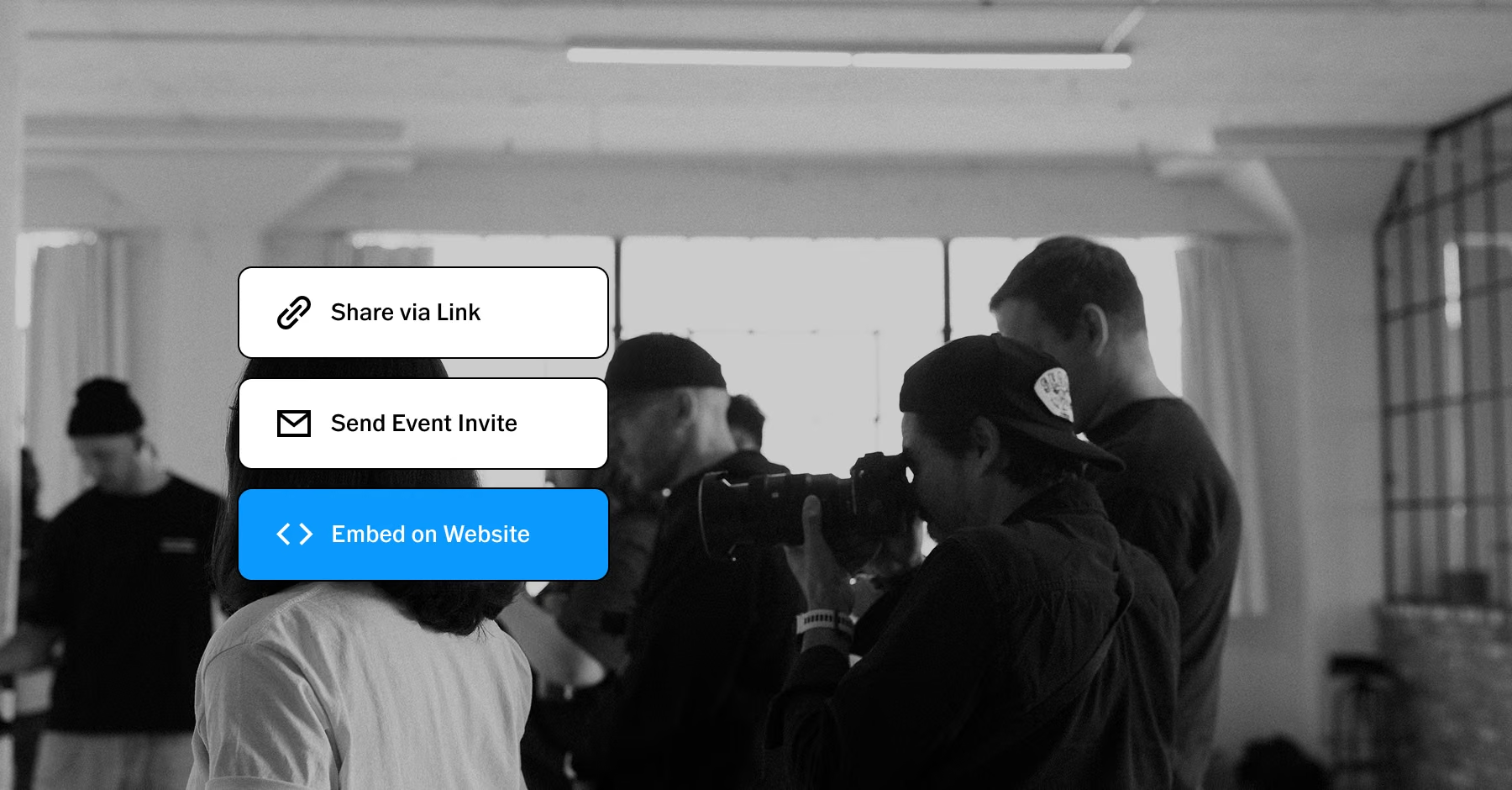
Keep everything easy to find
Give clients a clear place to keep up with the details of working with you:
Outstanding questionnaires appear in the portal.
Contracts and sales orders stay available to view and print.
Personal information can be updated as needed.
Clients see only the items addressed to them, so each person finds what applies to them and nothing else. Everyday tasks get handled by clients, and you spend less time tracking down details.
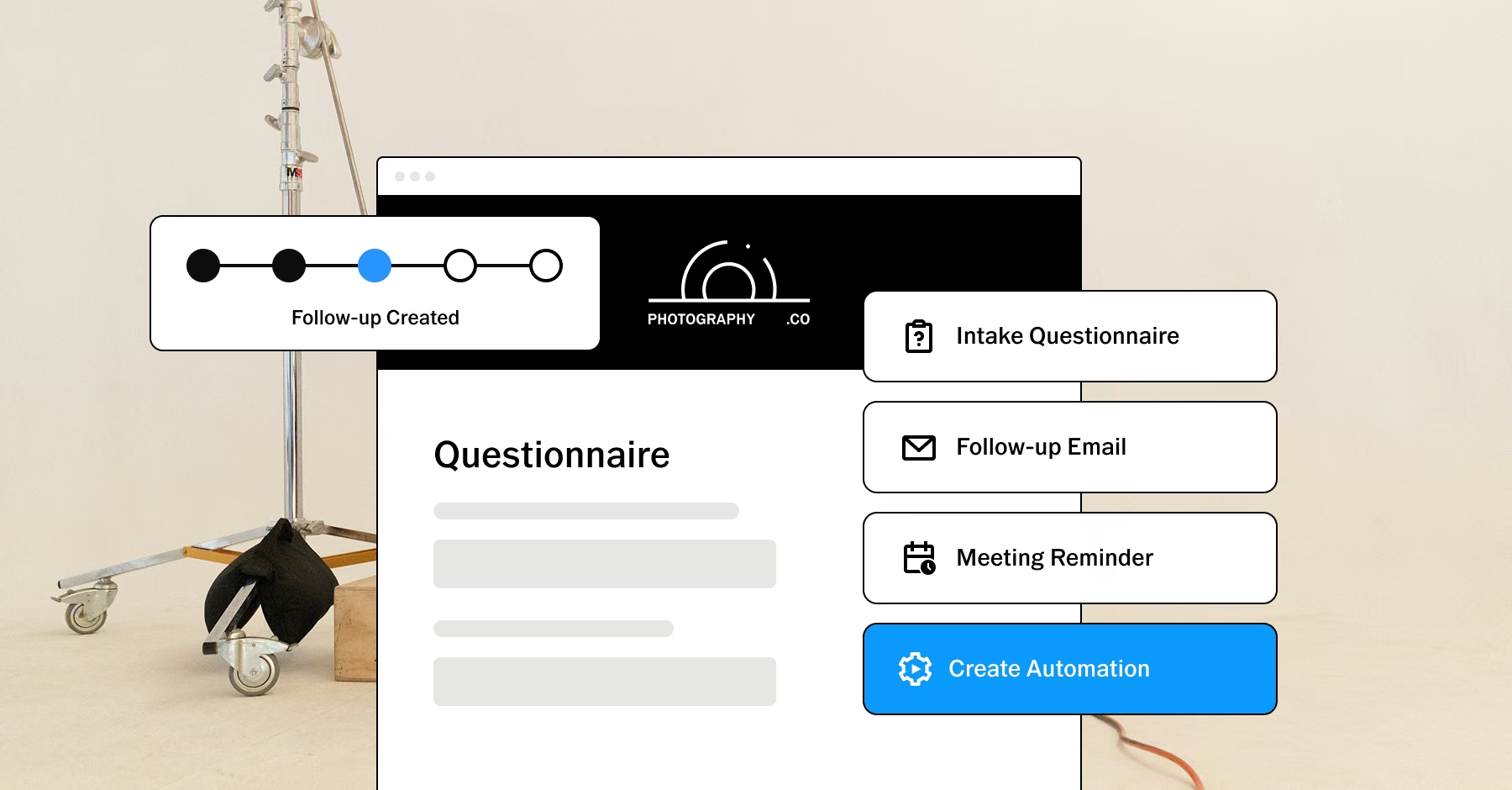
Make questionnaires part of the experience
Questionnaires collect the details that make each client and project unique. Outstanding questionnaires assigned to a client appear in their portal. Completed ones stay in their history when you turn on the History setting in your branding settings. Preferences, priorities, and project details reach you in a form you can plan from.
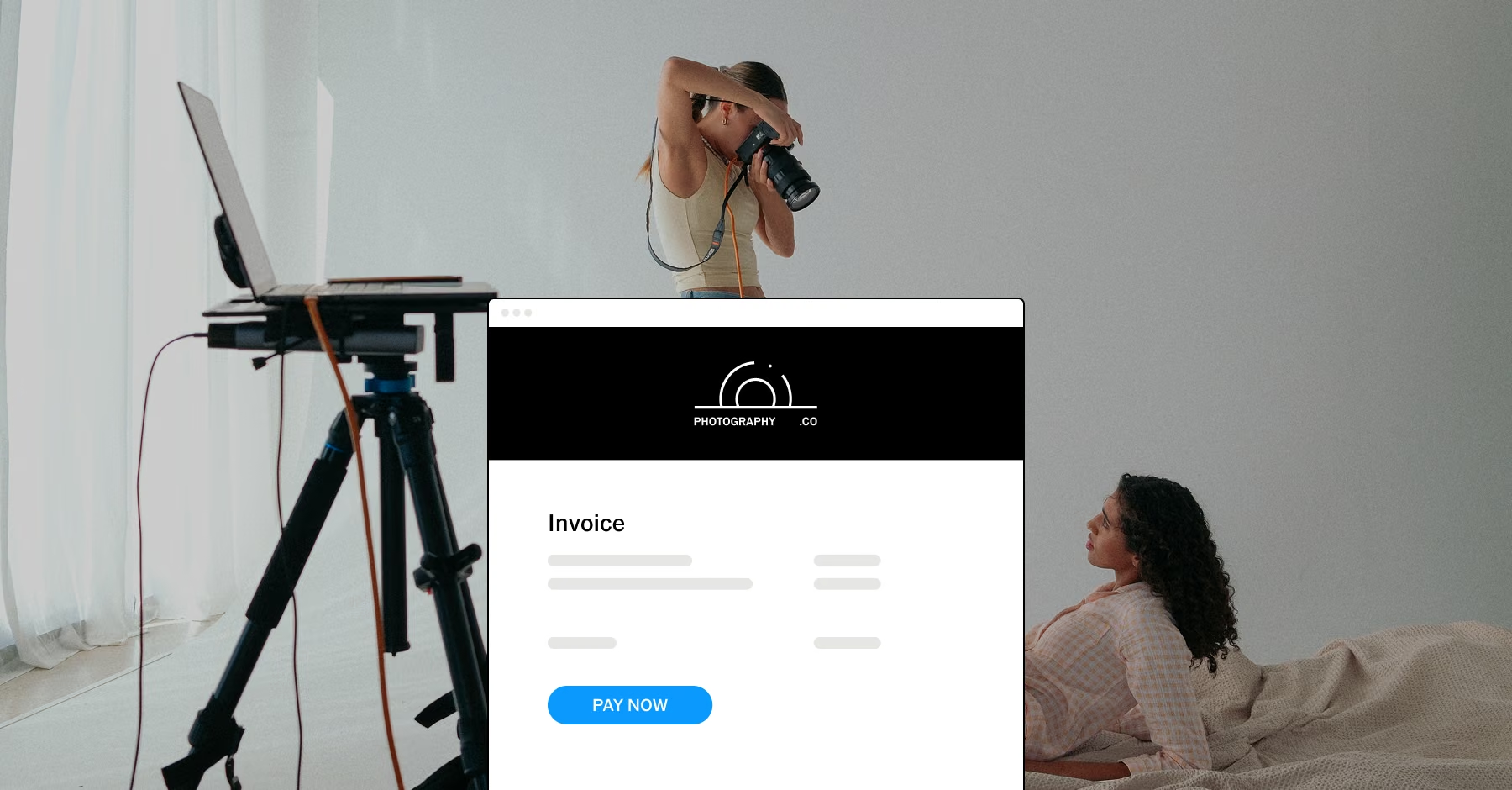
Put payments within easy reach
Clients find their upcoming invoices in the portal and pay online, with no old messages to search and no separate payment link to track down. Payments stay in order for clients, and they stay connected to each client record for you.
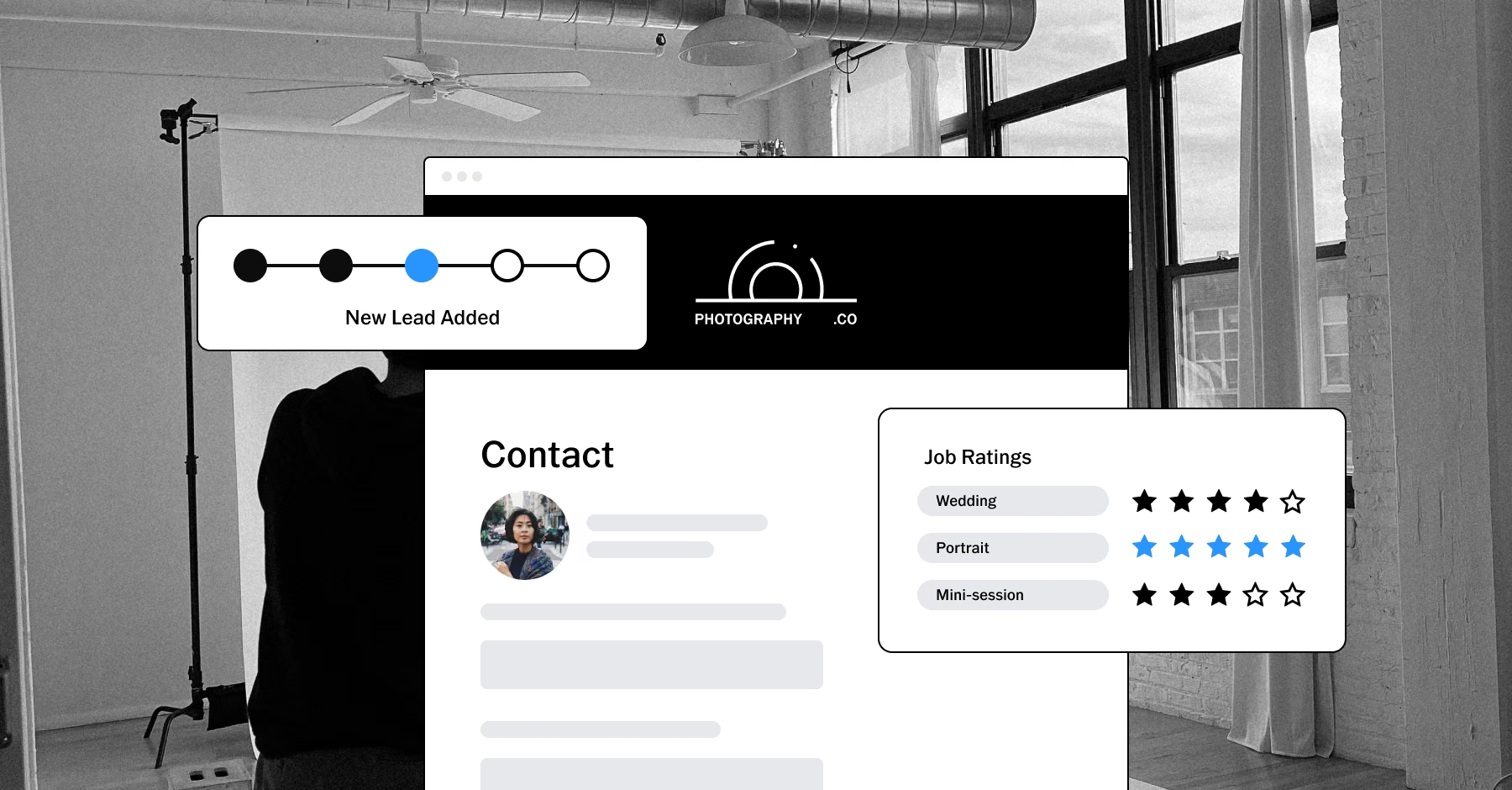
Make every interaction feel connected
The Client Portal works with the rest of VSCO Workspace to keep client information in one place. When a client updates their details, reviews a document, or pays an invoice, it is tied to their record, so you can follow the relationship from booking through final delivery.
PURE PHOTOGRAPHY. SERIOUS BUSINESS.
Hone your craft, build connections, and turn opportunities into income. VSCO One gives you one connected system to make it happen.
Try One risk-free for 30 days.

$499.99 billed annually
Try 30-days risk free
For photographers ready to run a real business.
Book more clients and get paid faster with VSCO Workspace.
Let Scout, your AI assistant, handle setup and busywork.
Unlimited client galleries that get you hired again.
Everything in Pro, including the world's most popular presets and batch editing.
Learn from working pros in our video education library and much more.
*VSCO One is available on iOS and desktop only.

Frequently asked questions
What is a client portal?
A client portal is a dedicated space where clients access information related to their work with you. In VSCO Workspace, clients can view contracts and sales orders, find outstanding questionnaires, pay invoices online, and update their personal details in one place.
What can clients access in the VSCO Workspace Client Portal?
Clients can view and print contracts and sales orders, find outstanding questionnaires, pay upcoming invoices online, and update their personal information. Completed questionnaires, signed contracts, and paid in full orders appear in their history when the History setting is on.
How do clients log in to the Client Portal?
Each client has a personal link on their contact profile in Workspace. They create a password the first time they visit, then log in with their email and password. You can also add a portal login link to your website.
Where do clients find questionnaires?
Outstanding questionnaires assigned to a client appear in their Client Portal. Completed questionnaires stay in their history when the History setting is turned on in your branding settings.
Can clients pay invoices through the Client Portal?
Yes. Upcoming invoices appear in the portal, and clients pay them online. The payment stays connected to the client record in Workspace.
Can clients update their information?
Yes. Clients can update their personal information in the portal, and the changes stay connected to their record in Workspace.
Can clients see each other's documents?
No. Clients see only the items addressed to them. A document assigned to a partner or another contact on the same job does not appear in their portal.
Can I preview what a client sees?
Yes. Open a contact profile and select Preview in the Client Portal section to see exactly what the client sees when they log in.
Make more room for your work
Manage clients and automate scheduling, contracts, follow-ups, and more, so more of your time goes to growing your photography business.
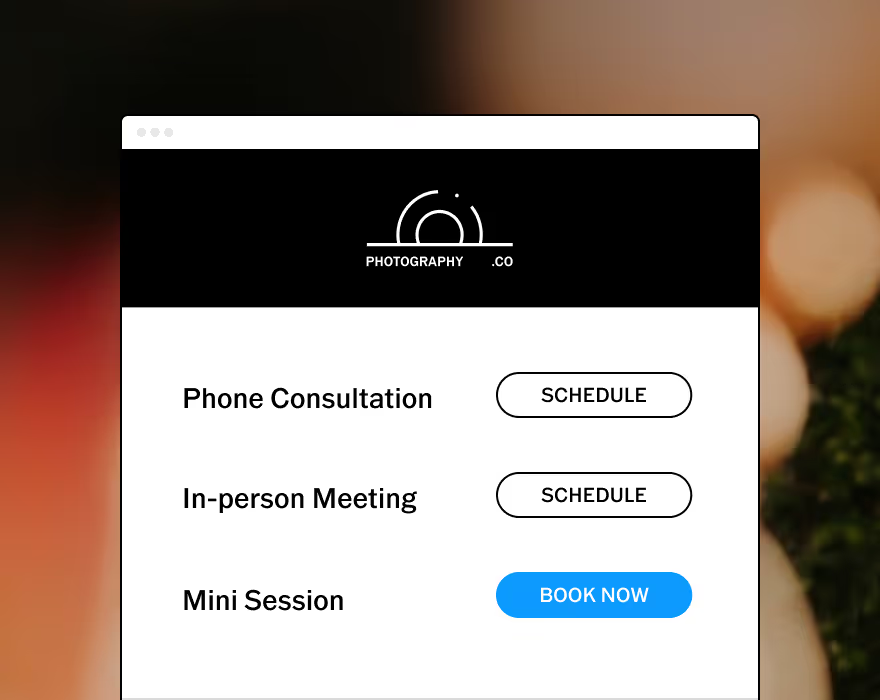
Allow your clients to schedule consults or book sessions completely unassisted.
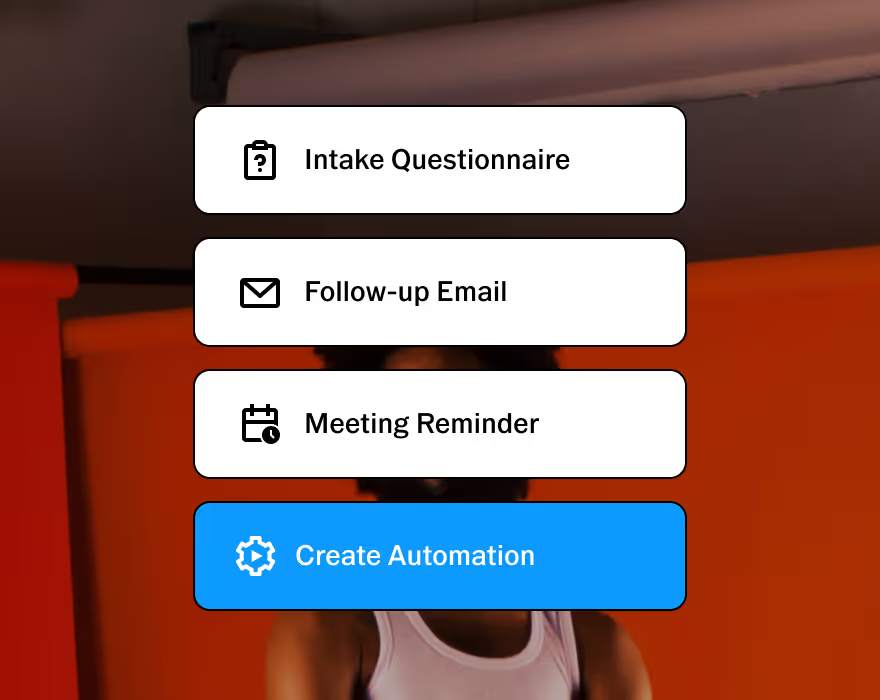
Customizable to help you run your business, your way. Made to adapt to your unique workflow.
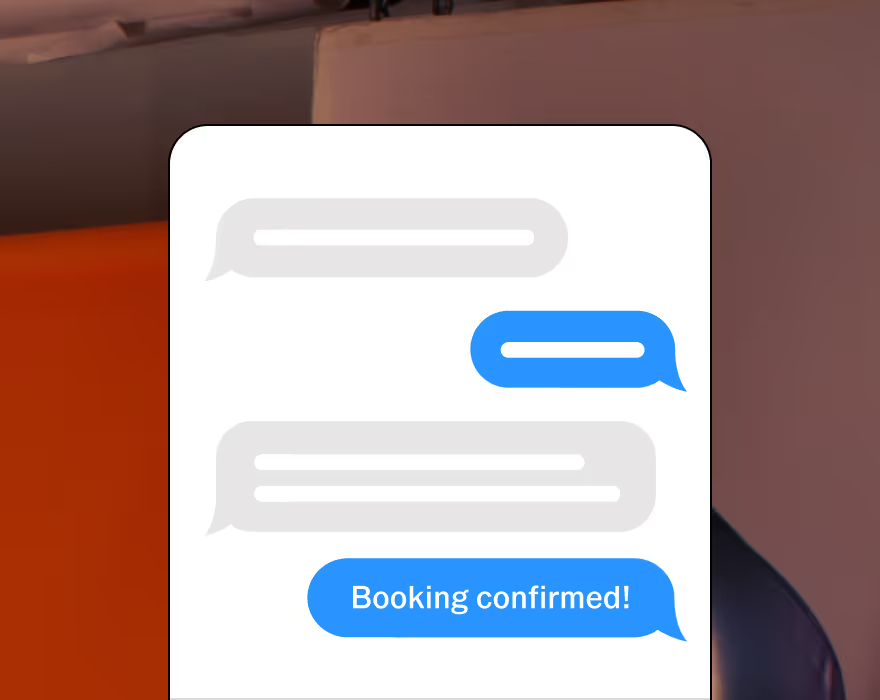
Stay connected with clients. Two-way texting lets you automate, personalize, and respond all in one place. Currently available in the U.S. and Canada.

Upsell with upgradable quotes and get paid online with automated invoice reminders.
Automate invoices and follow-ups that get sent as soon as a contract is signed.
Protect your business and clients with built-in contracts, pre-filled with questionnaire responses.
START WITH VSCO WORKSPACE