Client Questionnaires for Photographers
Collect project details, preferences, and priorities to create a more personalized client experience.
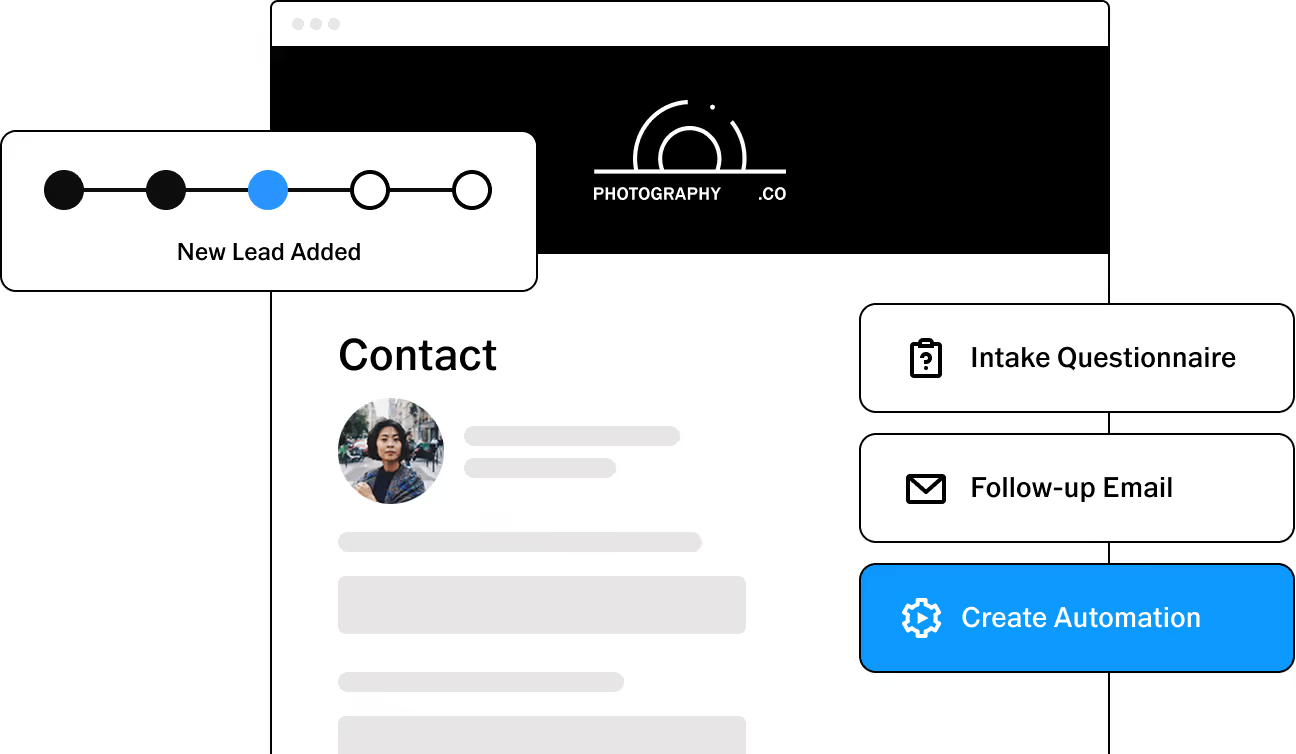

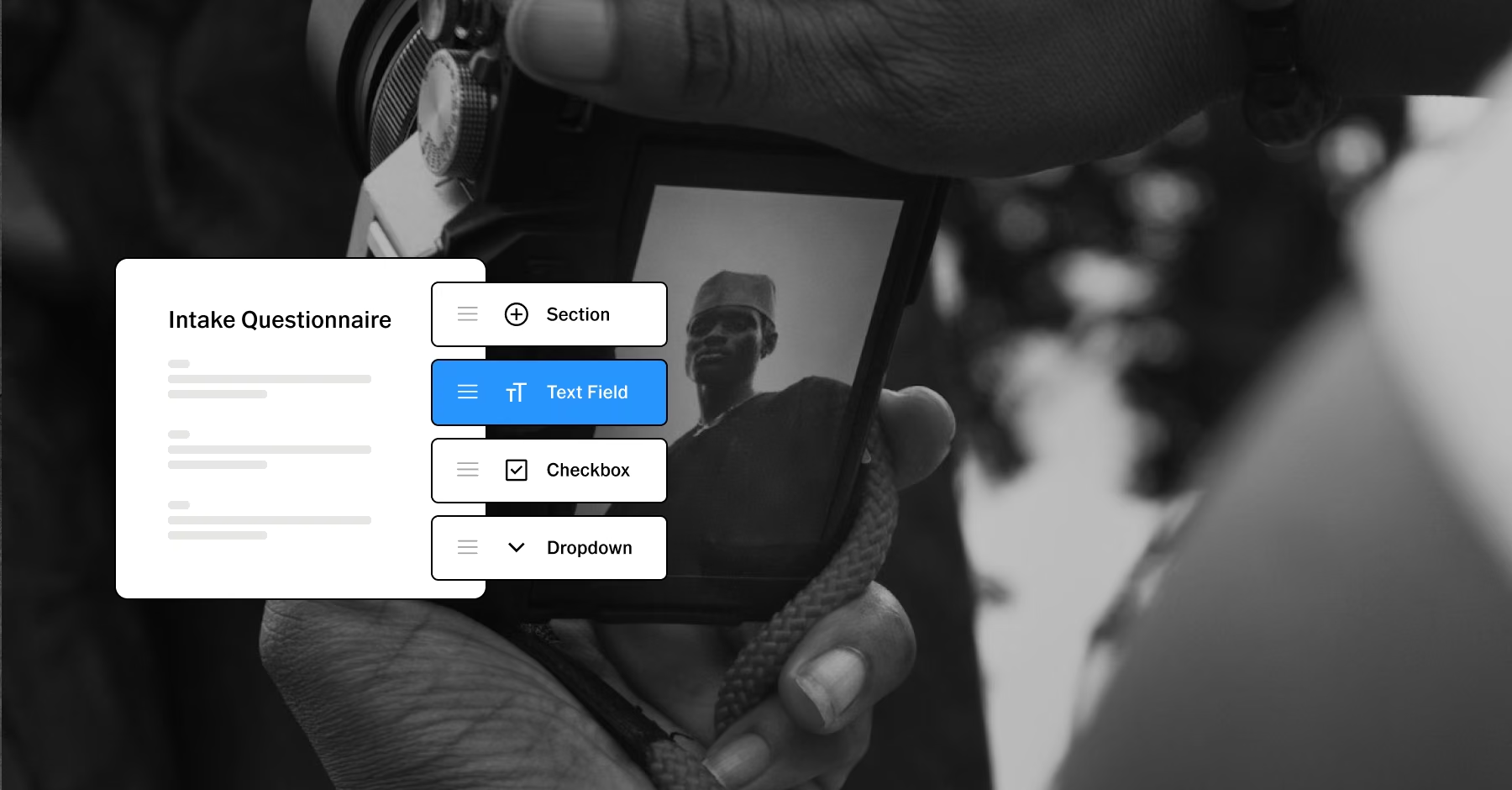
Collect the details that shape the shoot
Give clients an easy way to share what you need before the camera comes out. With customizable questionnaires in VSCO Workspace, you can ask about:
Session preferences
Locations
Timelines
Must-have images
Creative direction
Other project details
Include a questionnaire with a quote or send one directly from a client record. Responses stay connected to the job, giving you context to reference as you plan the session and prepare for delivery.
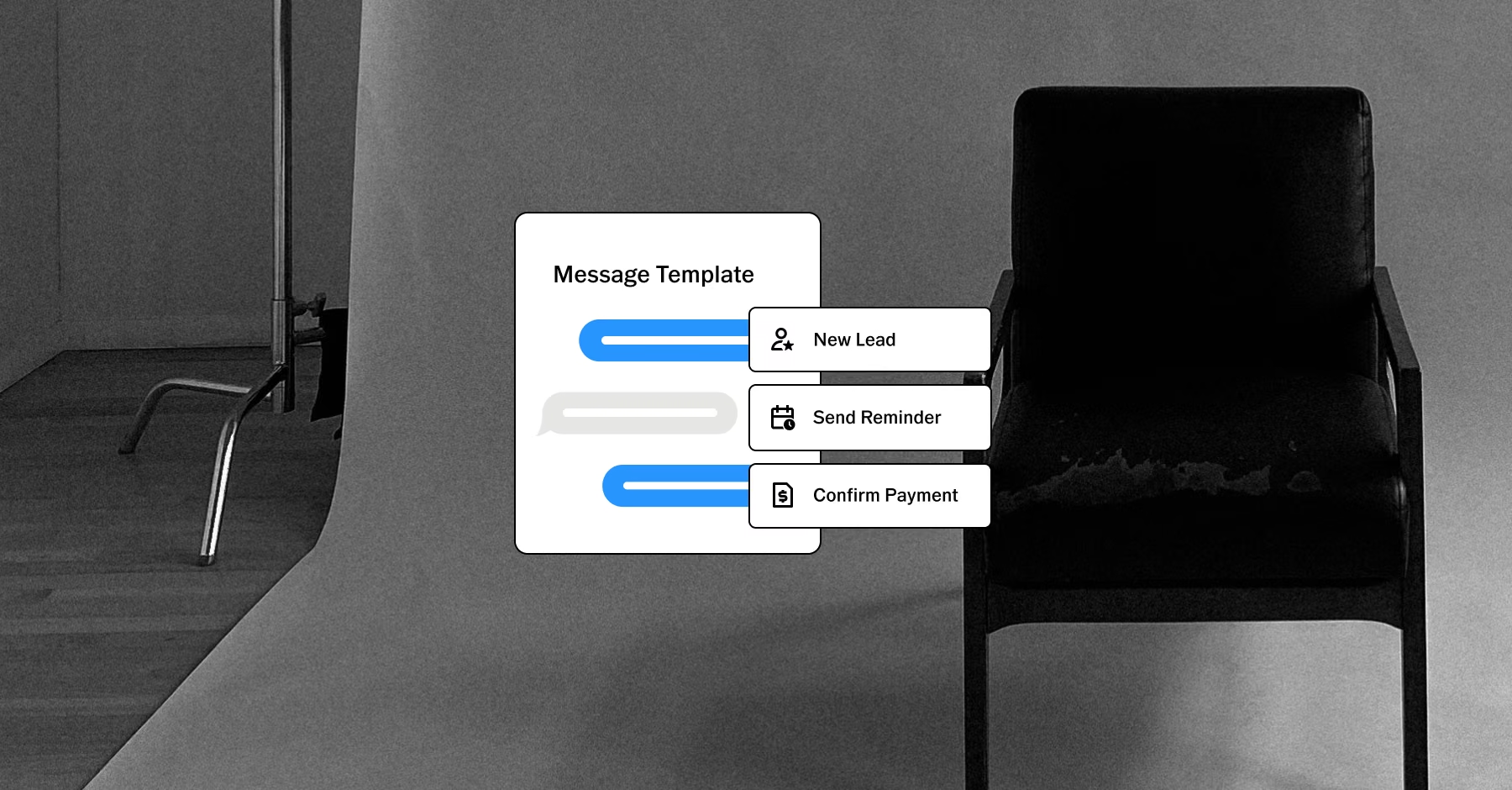
Send questionnaires at the right moment
Questionnaires fit the points where you already work with clients:
Include them with quotes
Send them from the client record
Build them into automated workflows at key moments
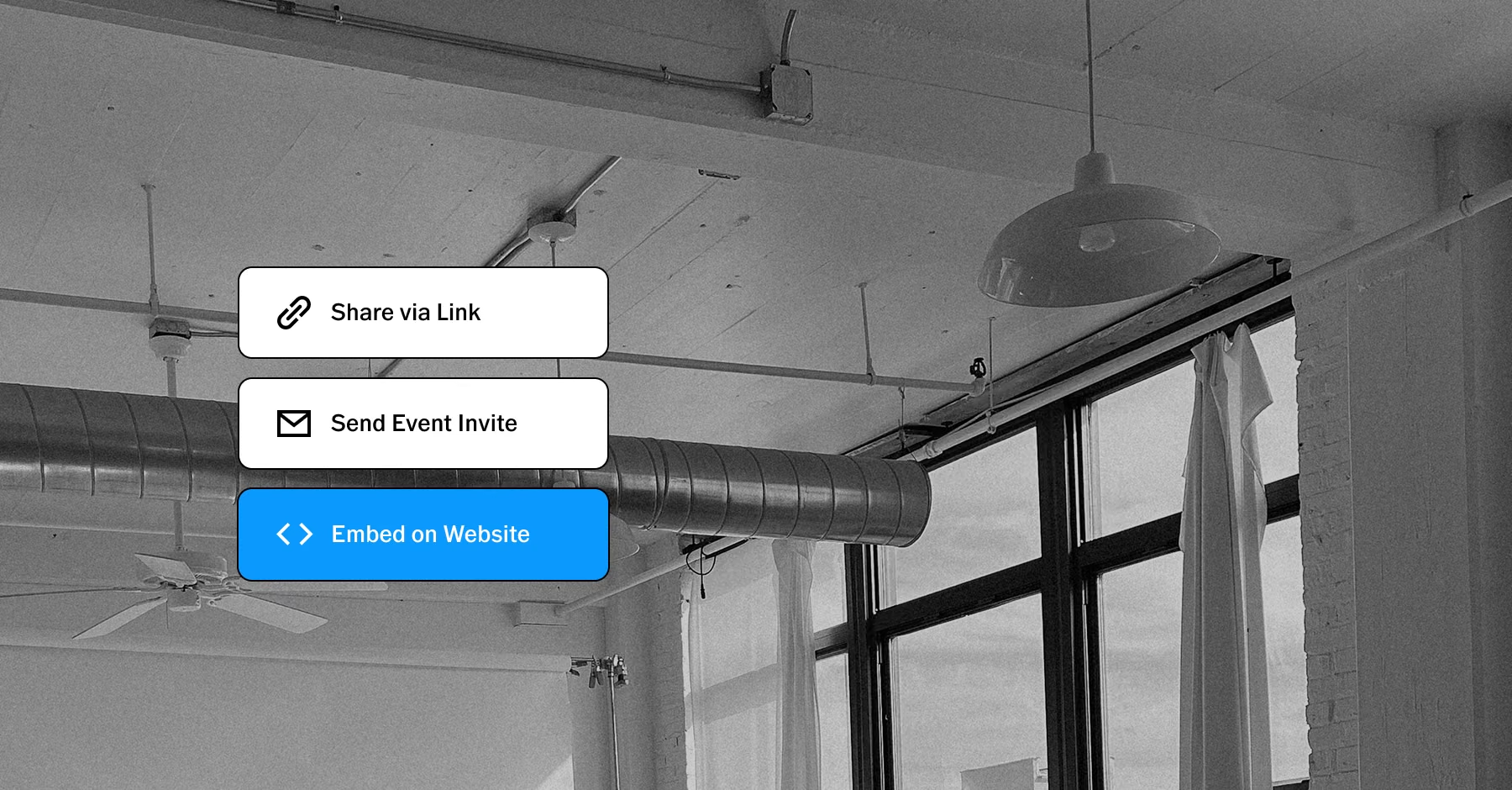
Embed a public questionnaire on your website
Reusable email templates and data tokens keep your communication consistent, and automations deliver the right questionnaire at the right stage.

Keep every client organized
VSCO Workspace keeps questionnaire responses separate for each recipient, giving couples, families, teams, and other groups space to share their individual details.
Clients can also find outstanding questionnaires in the Client Portal, so important project information stays easy to locate.
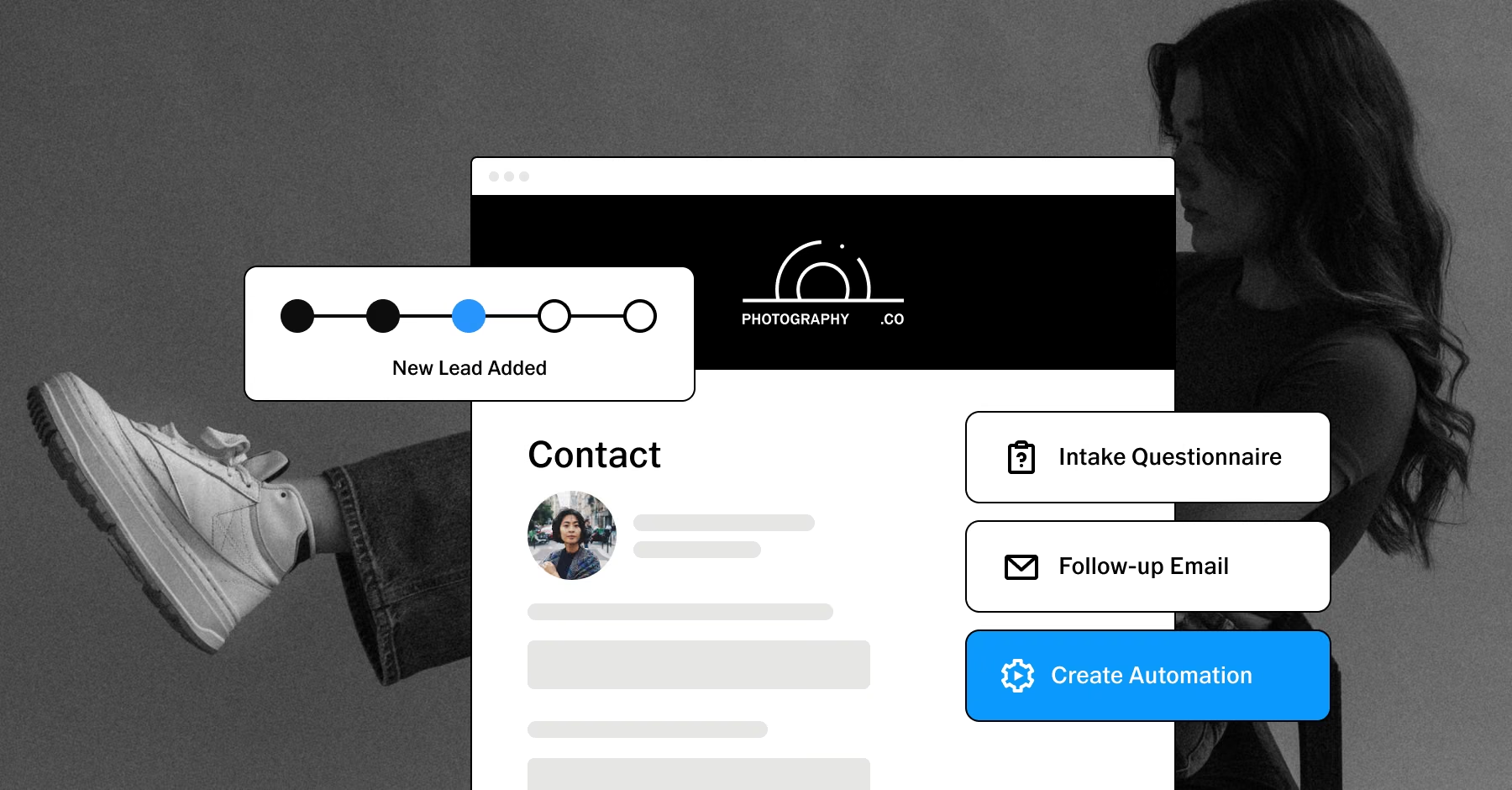
Create a more personalized client experience
What clients tell you can shape the planning, the session, and the delivery. Responses can fill in contract fields, so details clients provide carry into the agreement without retyping.
Linked fields can also update contact details and the session on your job schedule. VSCO Galleries then brings that experience through to delivery with a polished space for sharing photos and videos.
Carry client context through to delivery
VSCO Workspace keeps questionnaires, contracts, quotes, invoices, messages, and job details connected in one client record.
When the project is ready, VSCO Galleries gives you a professional way to deliver photos and videos together. Organize images into sections, add a custom cover, and share the finished work through one link.
PURE PHOTOGRAPHY. SERIOUS BUSINESS.
Hone your craft, build connections, and turn opportunities into income. VSCO One gives you one connected system to make it happen.
Try One risk-free for 30 days.

$499.99 billed annually
Try 30-days risk free
For photographers ready to run a real business.
Book more clients and get paid faster with VSCO Workspace.
Let Scout, your AI assistant, handle setup and busywork.
Unlimited client galleries that get you hired again.
Everything in Pro, including the world's most popular presets and batch editing.
Learn from working pros in our video education library and much more.
*VSCO One is available on iOS and desktop only.

Frequently asked questions
What should I include in a client questionnaire?
Match your questions to the project. Ask about locations, timelines, preferences, important people or products, creative direction, and must-have images. Save questionnaires to reuse for each service, or start from a ready-made one in the Template Gallery.
When should I send a client questionnaire?
Timing depends on your workflow. You can add a questionnaire to a quote so clients complete it while booking, send one after they book, or schedule one before the session. For a wedding, a preparation questionnaire can go out weeks or months ahead.
Can I automate client questionnaires?
Yes. An automation uses a trigger, conditions, and actions, and it can send a specific questionnaire at a set point in your workflow, such as after booking or a set time before a session.
Can multiple clients complete a questionnaire?
Yes. When a questionnaire goes to multiple recipients through automation, Workspace creates a separate questionnaire for each person. Each client submits their own responses, which keeps information organized for couples, families, and teams.
Where do questionnaire responses go?
Responses stay on the job record, alongside the contract, invoice, and message history.
Can questionnaire responses fill in a contract?
Yes. Responses can populate contract fields, so details clients provide carry into the agreement without retyping.
Can clients find their questionnaires in the Client Portal?
Yes. Outstanding questionnaires appear in the Client Portal, and completed ones stay in their history when the History setting is on.
Can I start from a ready-made questionnaire?
Yes. The Template Gallery includes ready-made questionnaires you can install and adapt to your own services.
Questionnaires work with the rest of Workspace
Questionnaires connect to the tools that move a booking forward, so the details clients share reach your quote, your contract, and your schedule.
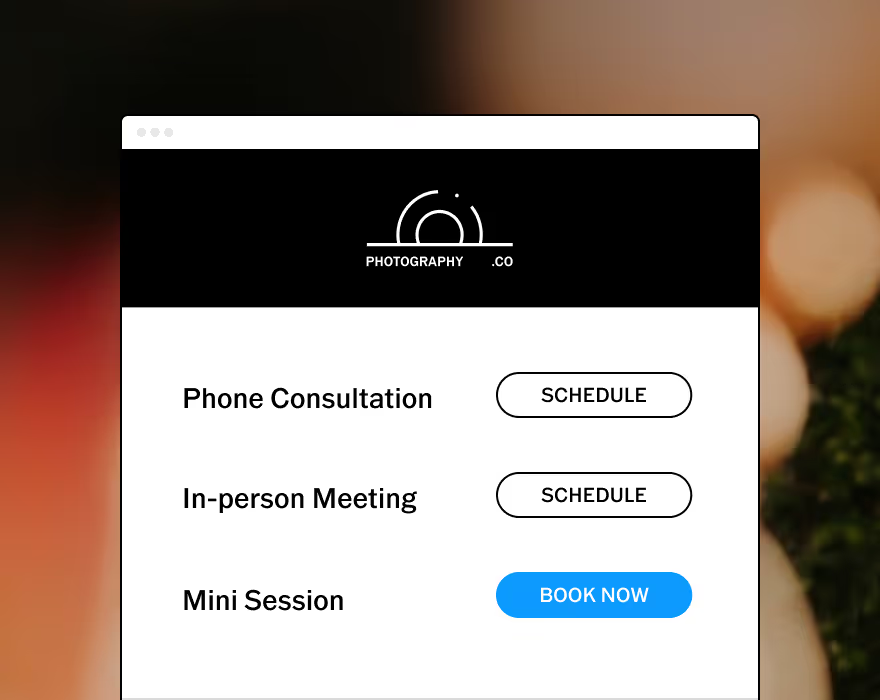
Allow your clients to schedule consults or book sessions completely unassisted.
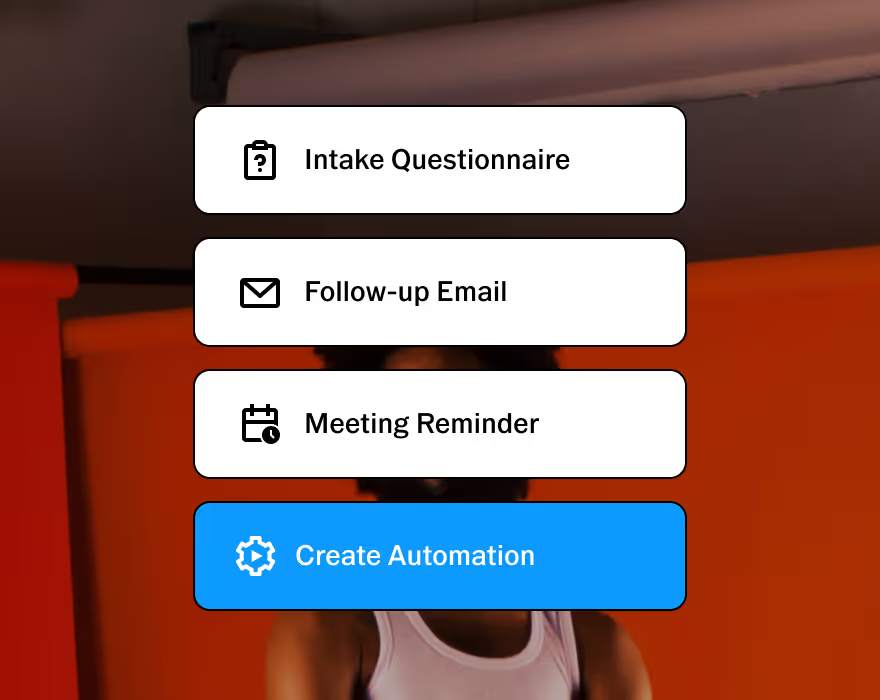
Customizable to help you run your business, your way. Made to adapt to your unique workflow.
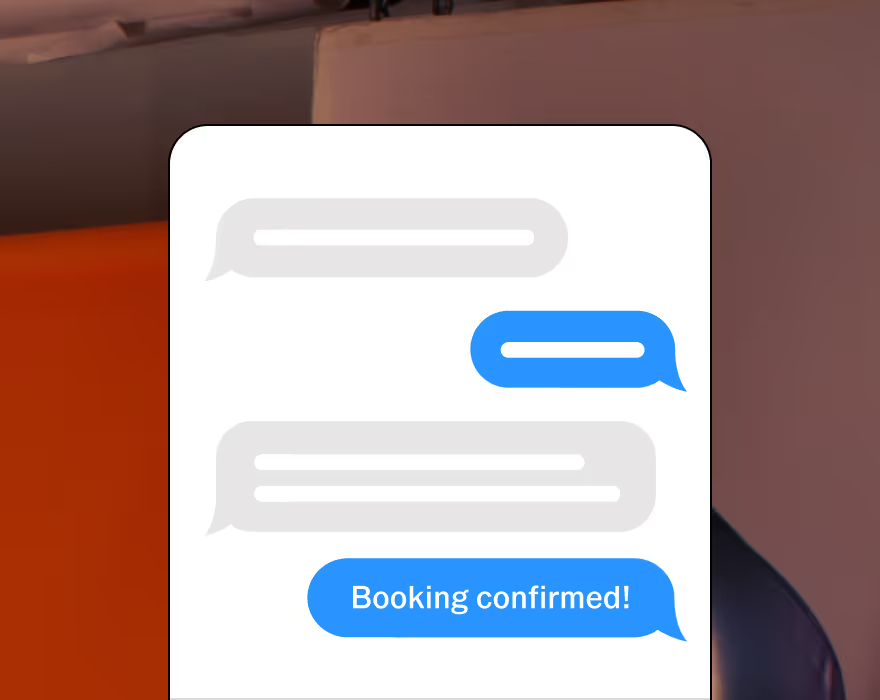
Stay connected with clients. Two-way texting lets you automate, personalize, and respond all in one place. Currently available in the U.S. and Canada.
Upsell with upgradable quotes and get paid online with automated invoice reminders.
Automate invoices and follow-ups that get sent as soon as a contract is signed.
Protect your business and clients with built-in contracts, pre-filled with questionnaire responses.
START WITH VSCO WORKSPACE