Email Tools for Photographers
Write client emails once, personalize them automatically, and keep communication moving from inquiry to delivery.
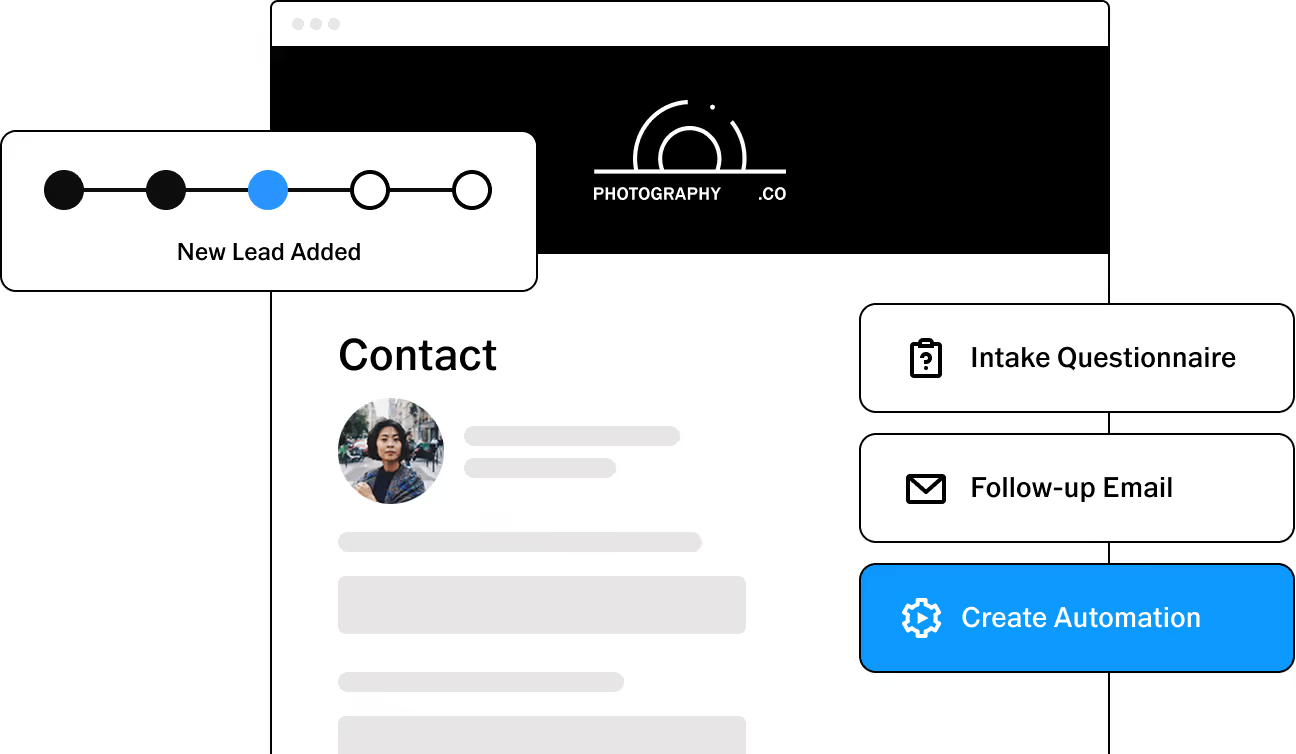


Write it once, make it yours
Create email templates for the messages you send again and again, from questionnaire invitations and booking updates to reminders and follow-ups. Add your own language, structure, and tone, and VSCO Workspace fills in the relevant client and job details.
Every message gets a head start, and the personal touch clients expect stays intact.
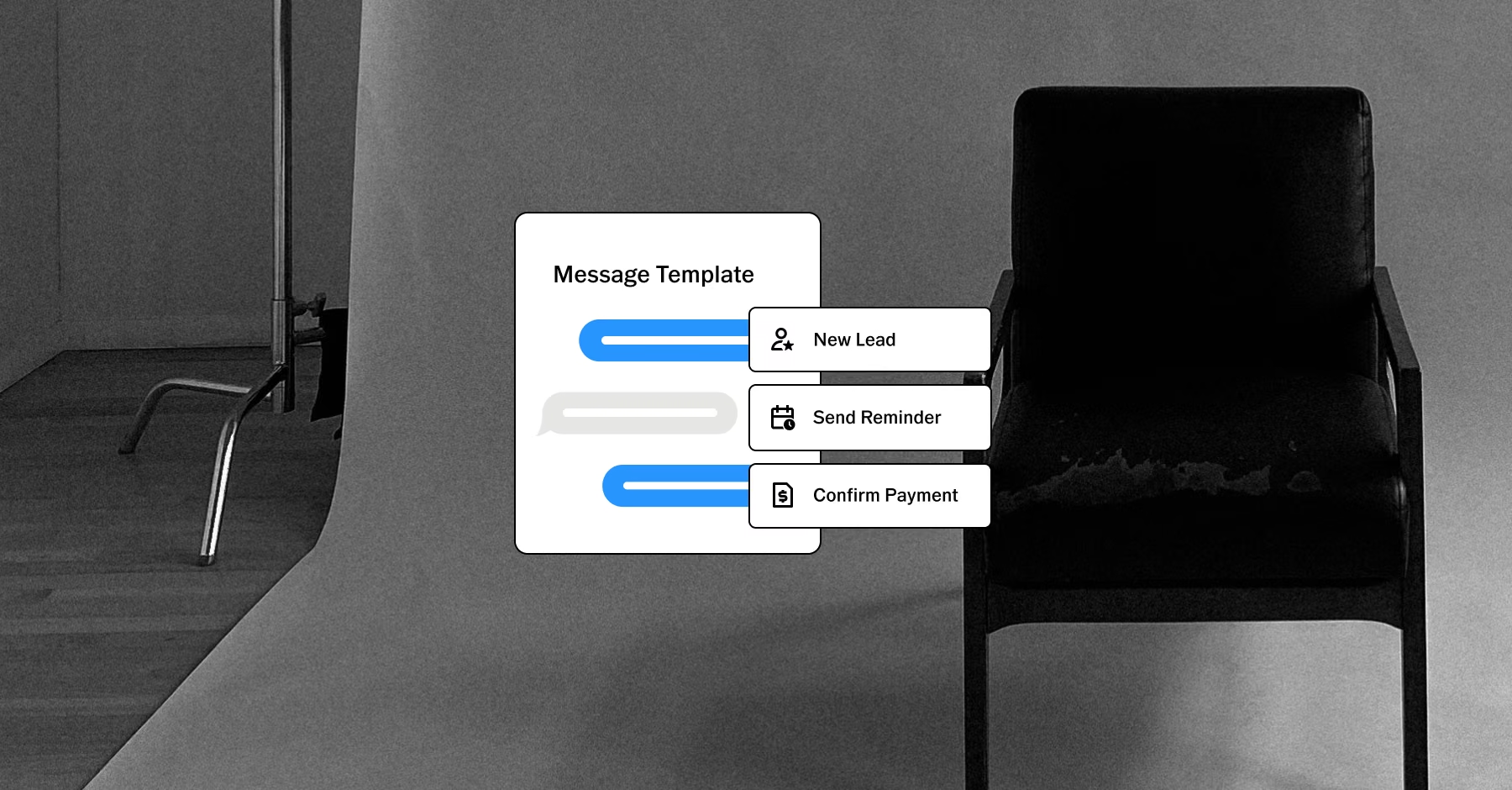
Give every message the right details
Data tokens add client names, job details, and links to questionnaires, quotes, invoices, or contracts automatically. Session details such as date, location, and a map link are available too, along with your brand's email signature. Set it up once, and every email reads as personal.

Put the next step right in the email
Link directly to the questionnaire, quote, contract, invoice, or order a client needs. Clients move from your email to the right item without searching their inbox or asking where to look. A token can also send each client to their own Client Portal or an event scheduler.
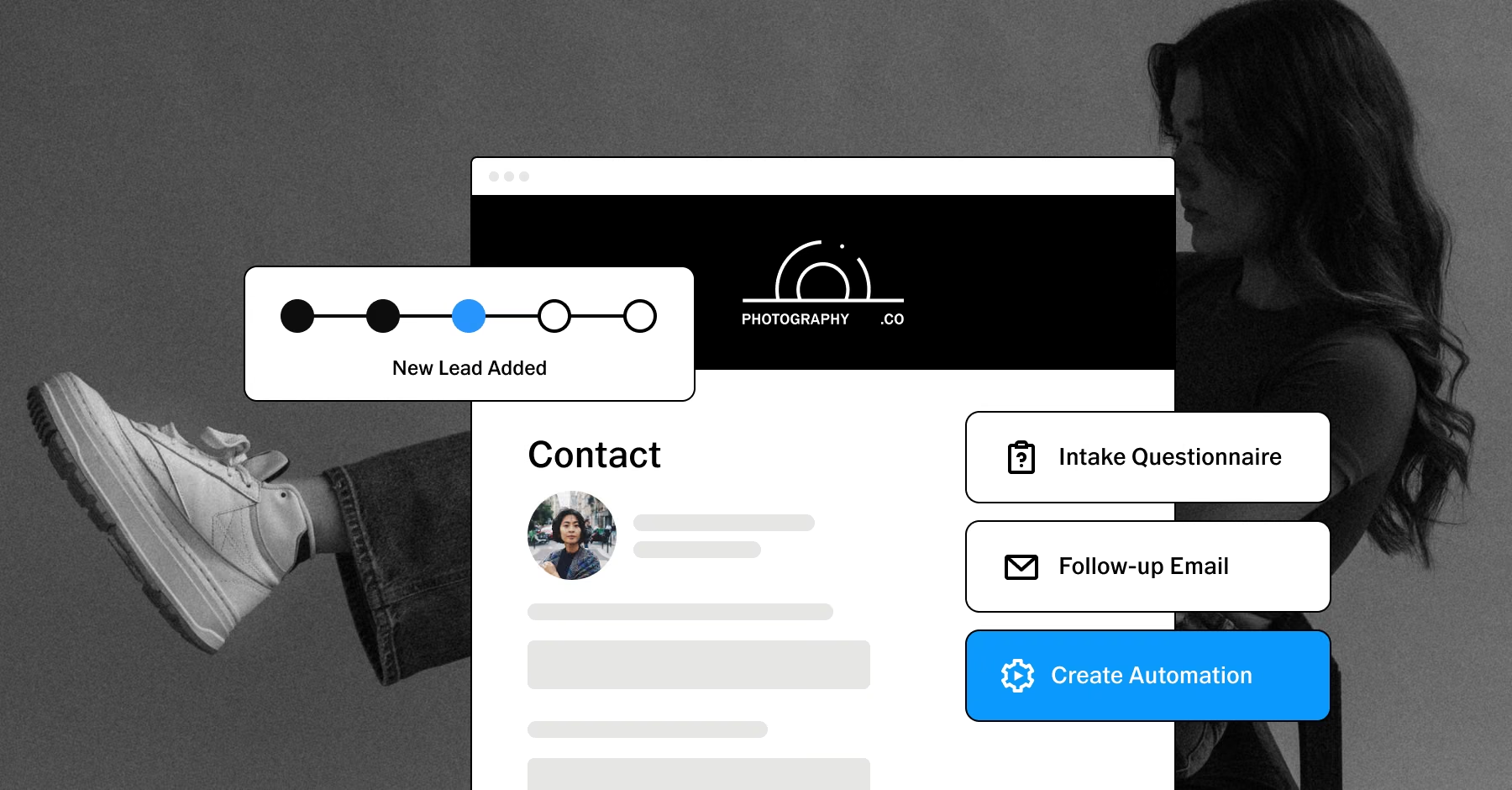
Stay in touch at the right moments
Some messages are easy to forget when you are balancing a full client list. VSCO Workspace automations send emails when the event you choose happens and your conditions are met, which suits:
Reminders
Questionnaire invitations
Other timely updates
Set up the workflow once, then let it handle the follow-through.

See the full story with every client
Emails sent from Workspace appear on the job, with delivery, link click tracking, and open status so you know a message arrived. Communication sits next to the questionnaires, contracts, payments, and other details of each project.
Templates and timely follow-ups handle the routine work, and clients get a more responsive experience without adding to your plate.
PURE PHOTOGRAPHY. SERIOUS BUSINESS.
Hone your craft, build connections, and turn opportunities into income. VSCO One gives you one connected system to make it happen.
Try One risk-free for 30 days.

$499.99 billed annually
Try 30-days risk free
For photographers ready to run a real business.
Book more clients and get paid faster with VSCO Workspace.
Let Scout, your AI assistant, handle setup and busywork.
Unlimited client galleries that get you hired again.
Everything in Pro, including the world's most popular presets and batch editing.
Learn from working pros in our video education library and much more.
*VSCO One is available on iOS and desktop only.

Frequently asked questions
Can I create custom email templates in VSCO Workspace?
Yes. VSCO Workspace lets you create and customize email templates for the messages you send regularly. Write your own wording, then let Workspace add the relevant client and job details.
Can Workspace personalize emails automatically?
Yes. Data tokens insert information such as client names, job details, and session details into your emails. Item link tokens add links to specific Workspace items, so each message stays relevant without retyping the same details.
Can emails link to questionnaires, contracts, and invoices?
Yes. Email templates can link to questionnaires, quotes, contracts, invoices, and orders. Clients go straight from your message to the item they need.
Can I automate client emails?
Yes. An automation sends an email when the event you choose happens and your conditions are met. Automations apply only to events that happen after they are set up, not to past activity.
Does Workspace keep client communication with the job?
Yes. Emails sent from Workspace appear on the job's profile and in your Messages activity, with statuses such as delivered, opened, and clicked. To log a client's reply, forward it to your brand's Workspace address or use our Google integration for automatic two-way syncing.
Can I send emails from my own address?
Yes. In Mail Settings, you can send from a connected Gmail, Outlook, or custom SMTP address. Without the Gmail integration, replies only go to your usual inbox, and don't import into Workspace automatically..
Can I start from a ready-made template?
Yes. The Template Gallery includes ready-made email templates and automations you can install and adapt to your own voice.
More ways to simplify your workflow
Templates and automations work alongside the other VSCO Workspace tools that move a booking forward, so each message points clients to something they can act on.
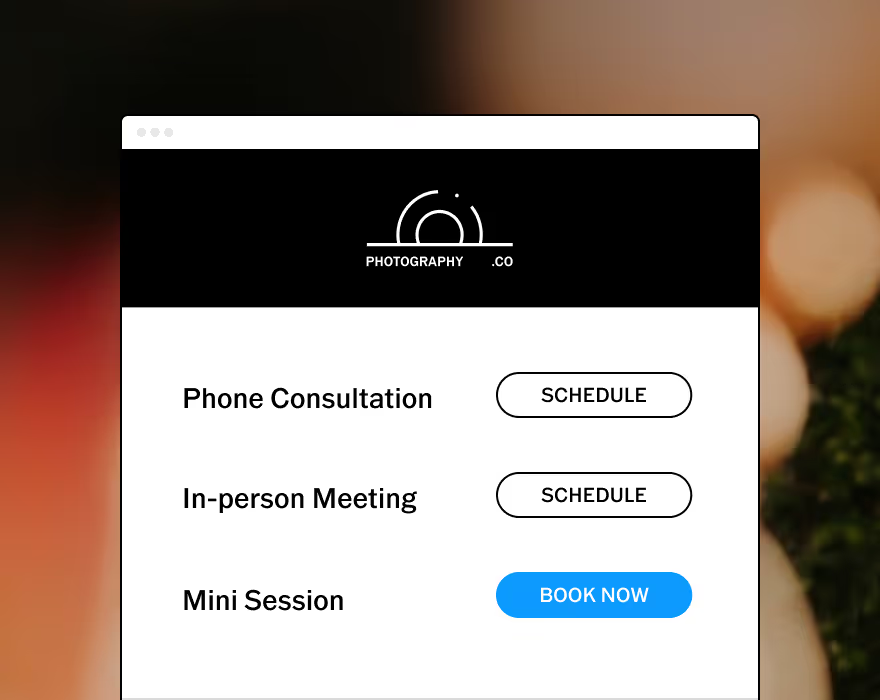
Allow your clients to schedule consults or book sessions completely unassisted.
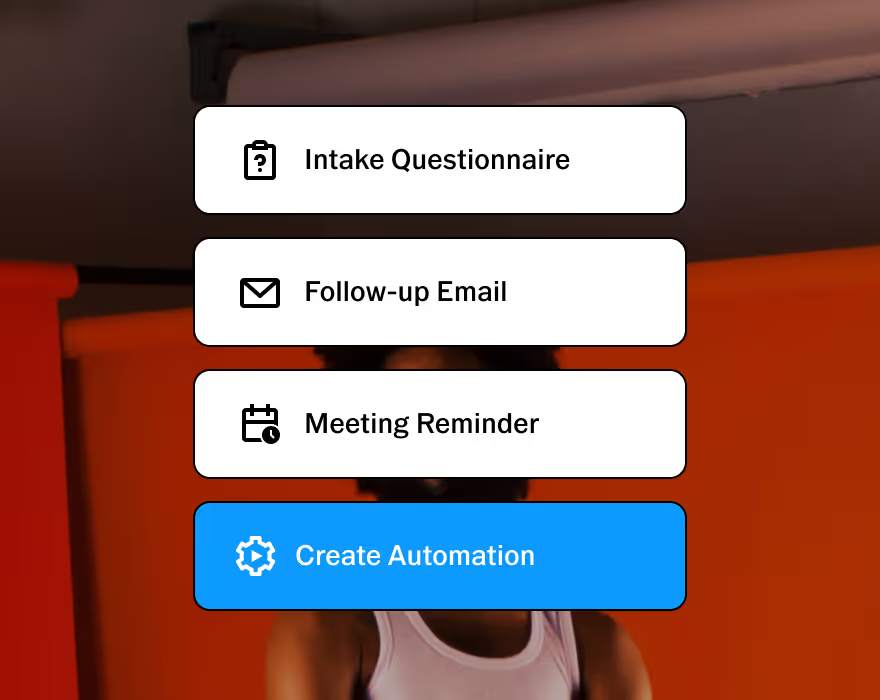
Customizable to help you run your business, your way. Made to adapt to your unique workflow.
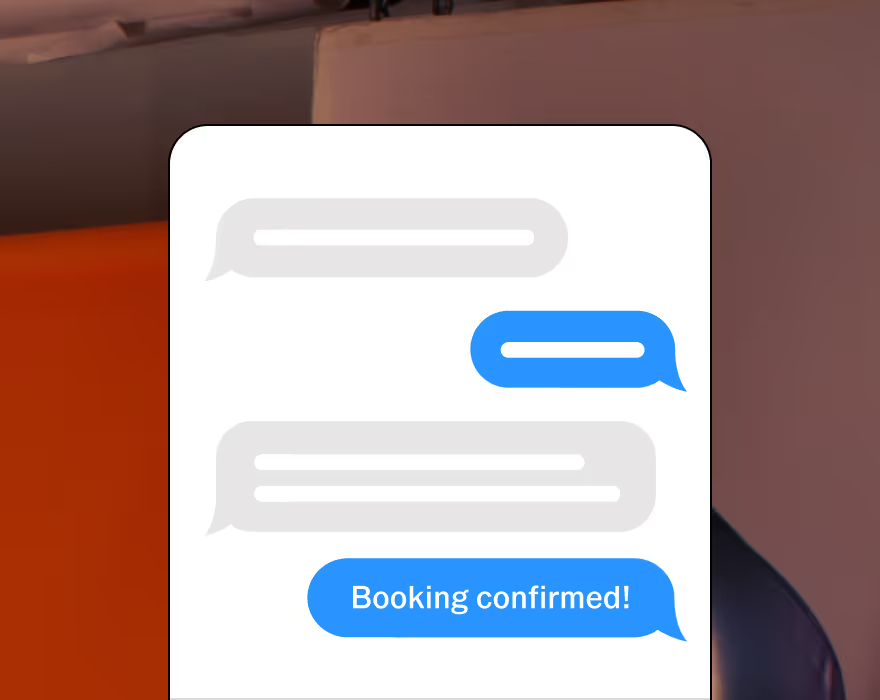
Stay connected with clients. Two-way texting lets you automate, personalize, and respond all in one place. Currently available in the U.S. and Canada.
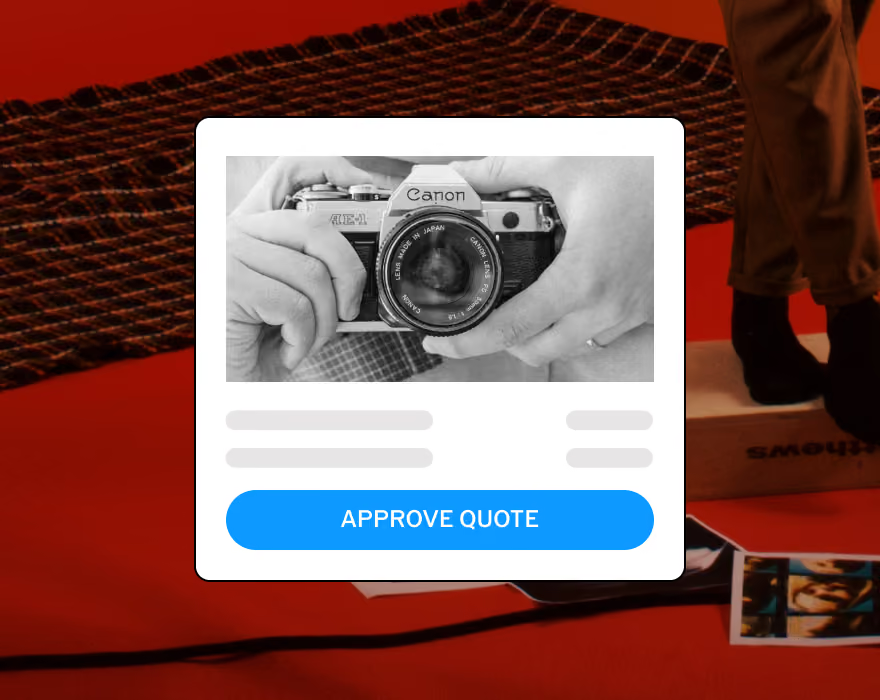
Upsell with upgradable quotes and get paid online with automated invoice reminders.
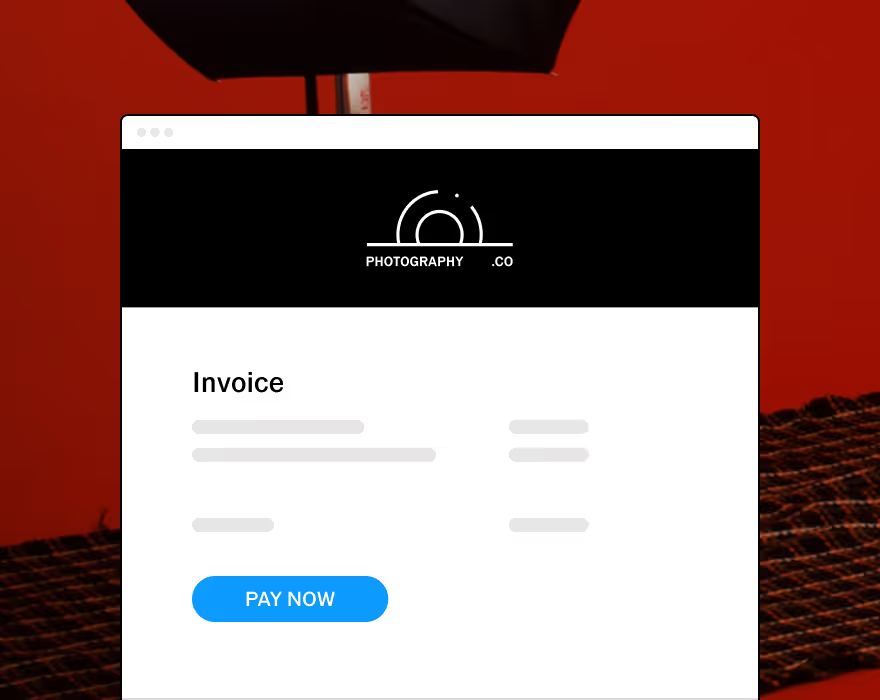
Automate invoices and follow-ups that get sent as soon as a contract is signed.
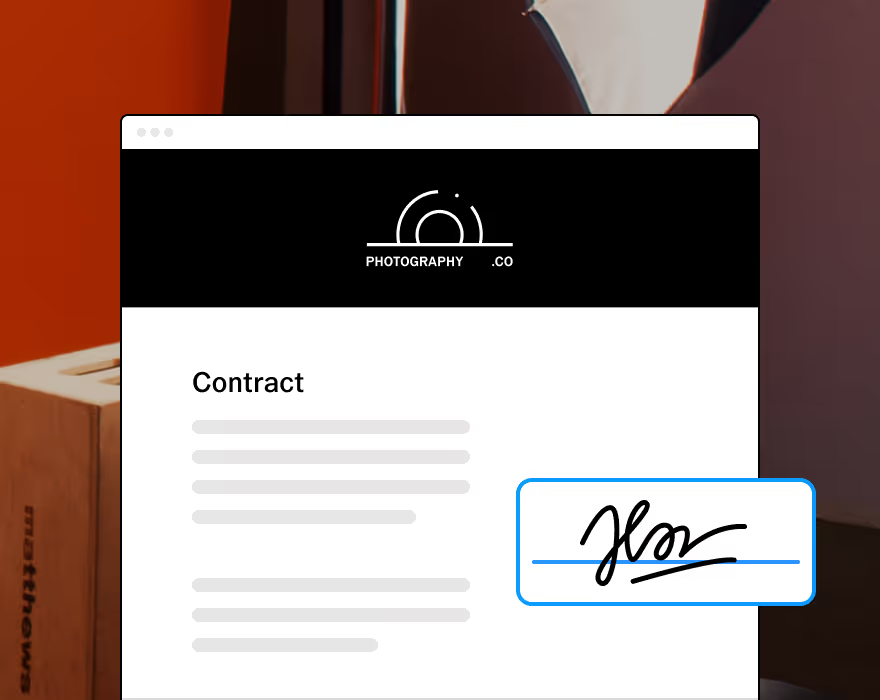
Protect your business and clients with built-in contracts, pre-filled with questionnaire responses.
START WITH VSCO WORKSPACE