Online Payments for Photographers
Make it easier for clients to pay and simpler for you to manage what is due.


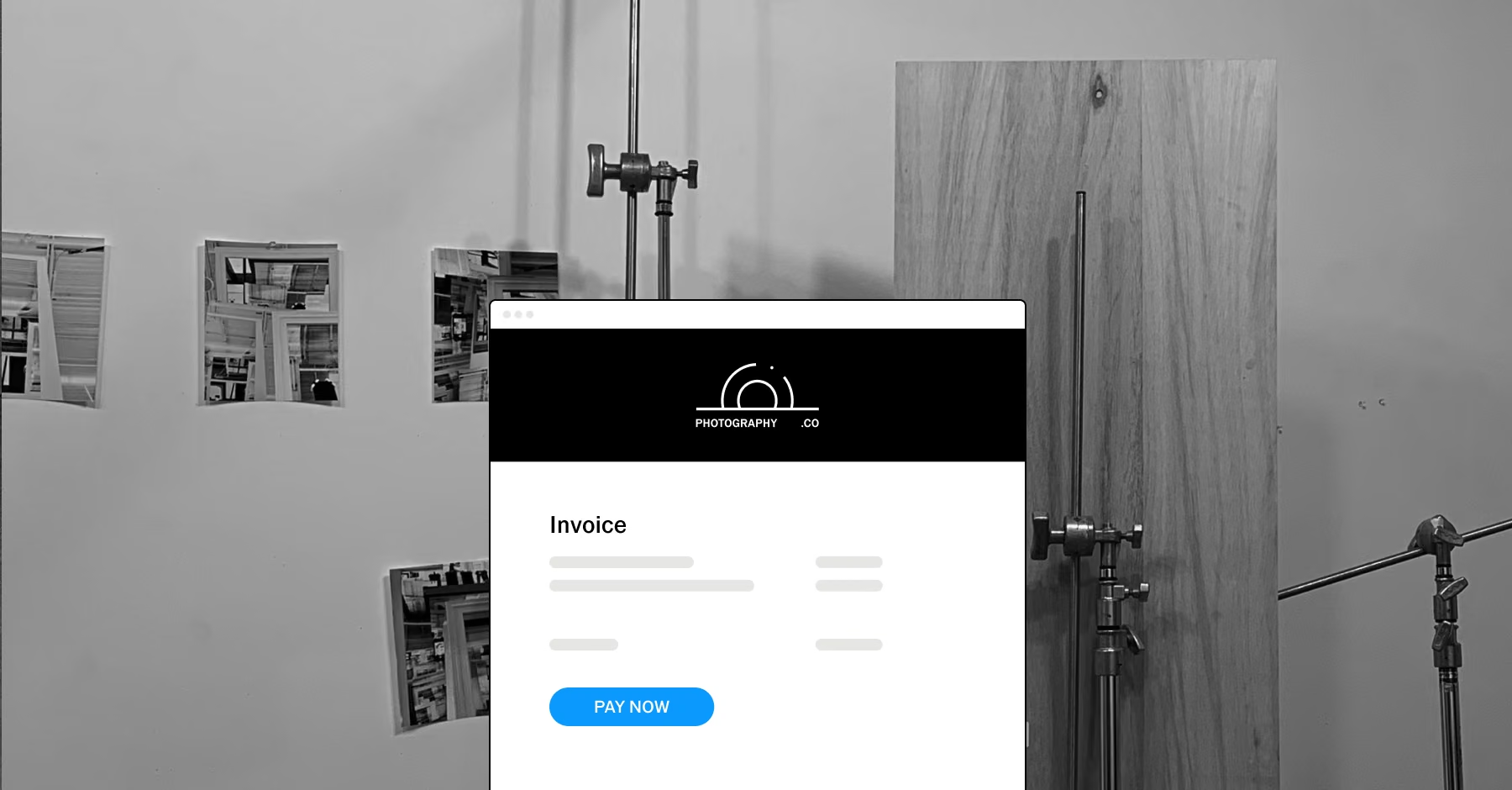
Make payment part of the booking process
Getting paid should feel like a natural part of working with a client. VSCO Workspace brings online payments into the same process you use for quotes, contracts, and invoices, so clients have a clear way to take care of what they owe.
Whether you are collecting at booking or wrapping up a project, the experience stays straightforward.
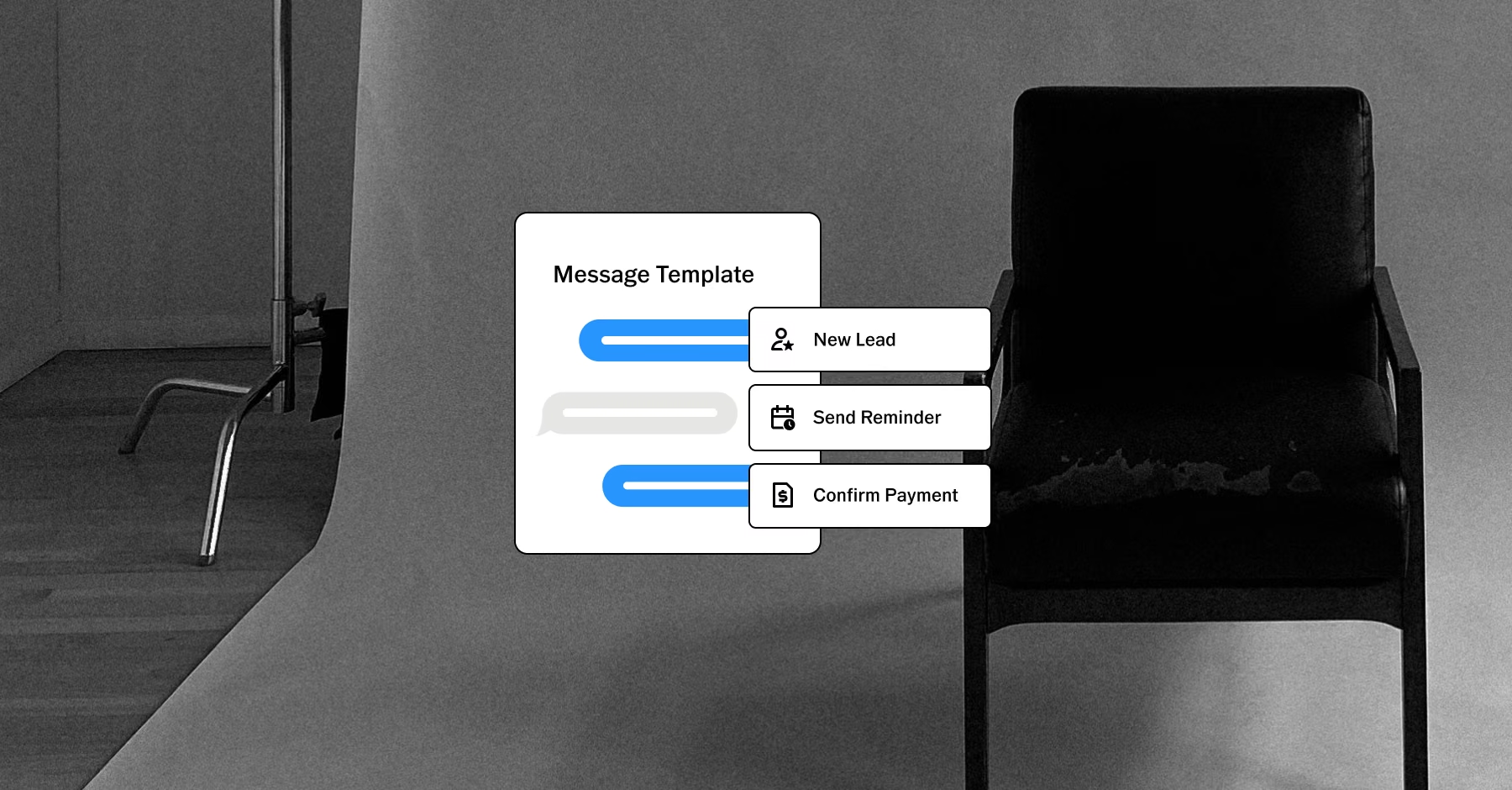
Get paid your way
Give clients flexible ways to pay. Workspace supports online payments through Stripe and Square, including credit cards and ACH, plus offline payment methods for clients who prefer another way. You can also accept tips, and every payment stays tied to the right job.

Set a payment schedule that fits your business
Different projects need different payment plans. Create schedules for:
A single payment
Multiple payments
Monthly payments
A custom arrangement
When an order is booked, VSCO Workspace can generate the invoices from your schedule automatically, so clients see clear due dates from the start.
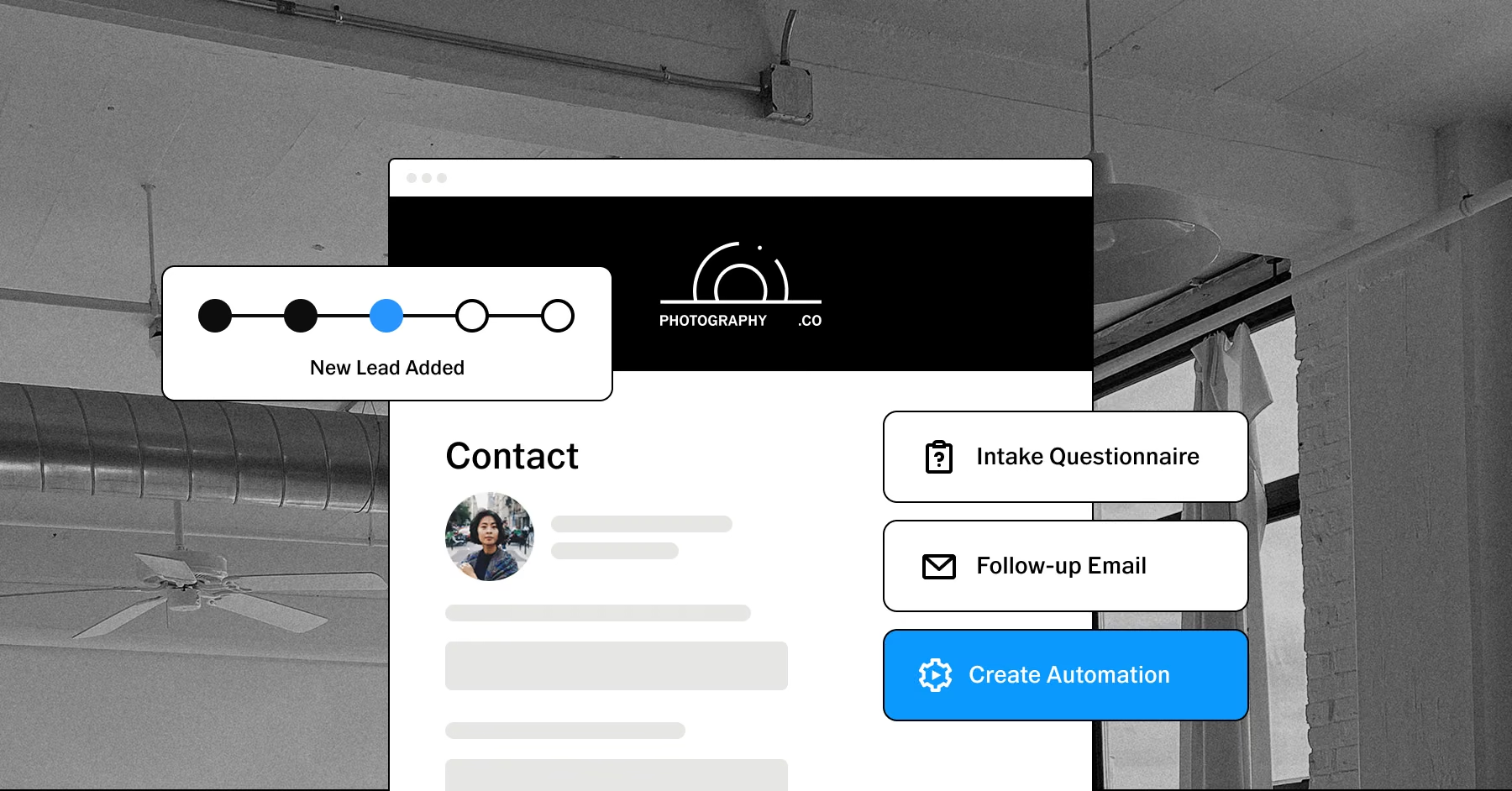
Keep payment records up to date automatically
Online payments through Stripe or Square are recorded on the job automatically, along with the processing fee, and the invoice is marked as paid. For checks and other offline payments, record the payment yourself and apply it to the right invoice or order.
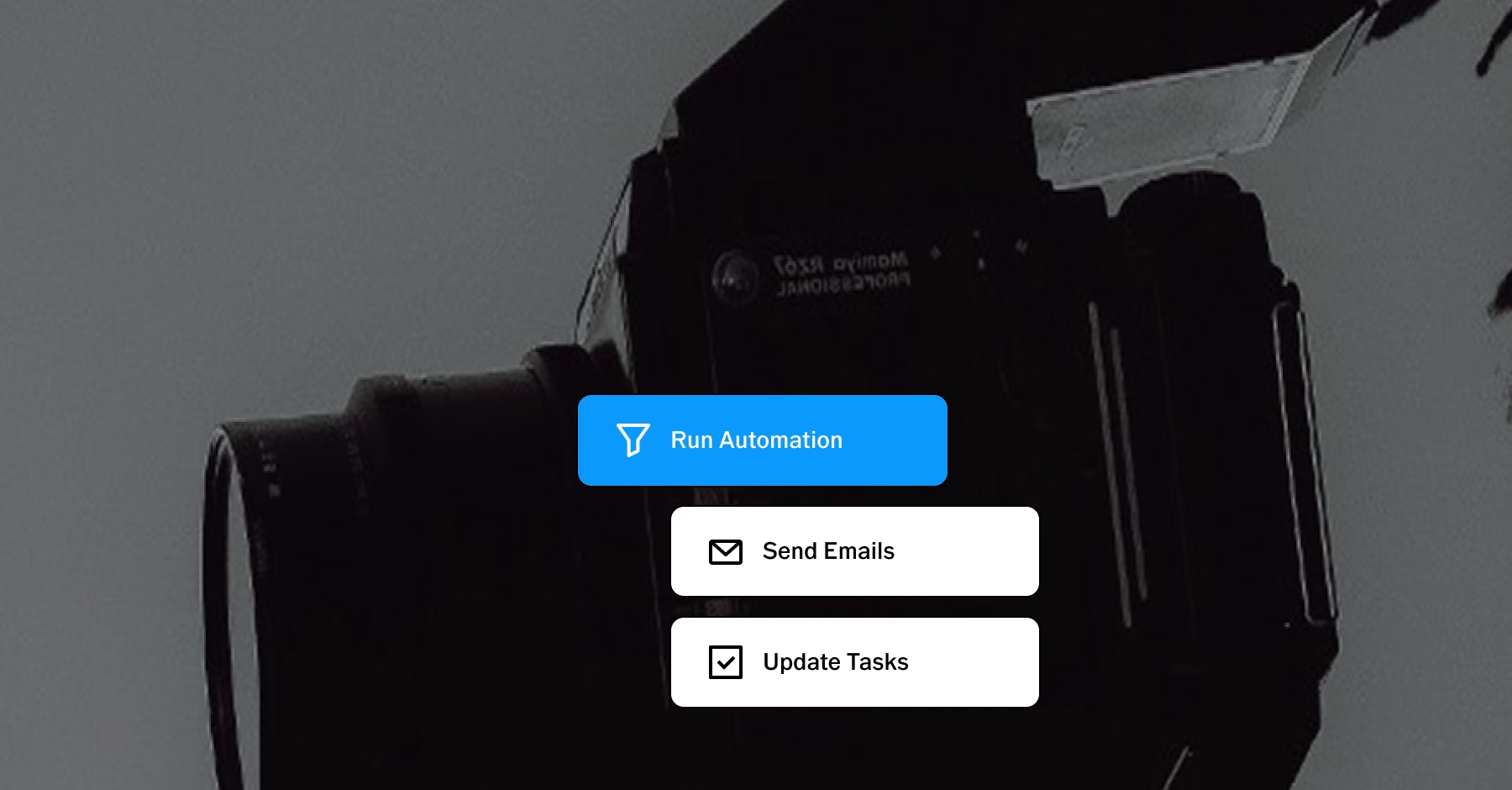
Take the follow-up off your list
Build automated invoice reminders around payment due dates, with reminders that stop once an invoice is paid.
Workspace includes three invoice reminder automations you can customize and turn on, so clients stay on top of upcoming and overdue payments without you tracking every invoice.
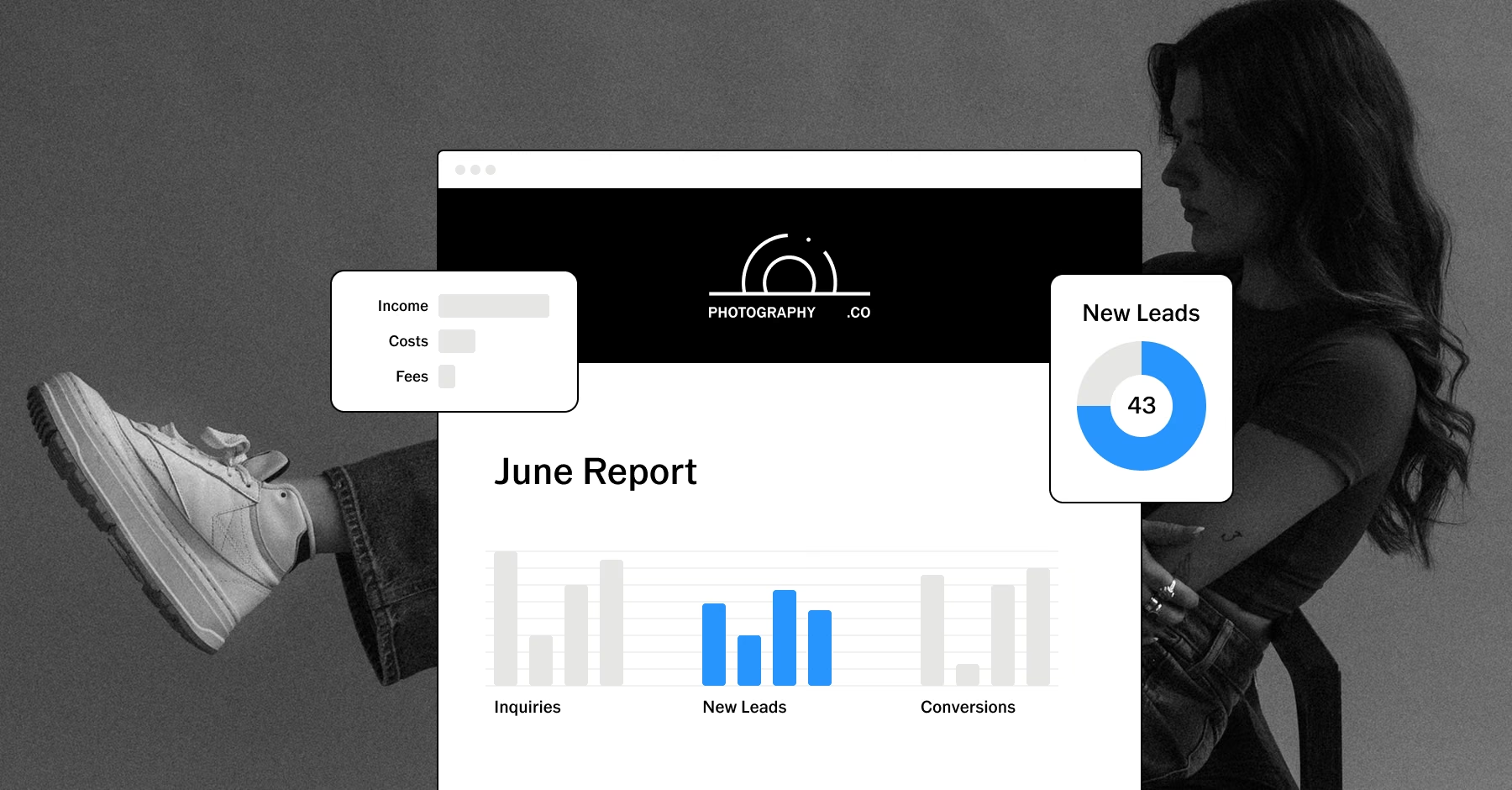
See where your business stands
Keep a closer eye on revenue as payments come in. With Workspace you can:
See outstanding invoices that are due soon
Track payments on each job
Record expenses alongside your income
Run reports on income, expenses, and outstanding invoices
With payment information at the job and business level, you can see what has been collected and what is still outstanding.
PURE PHOTOGRAPHY. SERIOUS BUSINESS.
Hone your craft, build connections, and turn opportunities into income. VSCO One gives you one connected system to make it happen.
Try One risk-free for 30 days.

$499.99 billed annually
Try 30-days risk free
For photographers ready to run a real business.
Book more clients and get paid faster with VSCO Workspace.
Let Scout, your AI assistant, handle setup and busywork.
Unlimited client galleries that get you hired again.
Everything in Pro, including the world's most popular presets and batch editing.
Learn from working pros in our video education library and much more.
*VSCO One is available on iOS and desktop only.

Frequently asked questions
Can clients pay online through VSCO Workspace?
Yes. Clients pay invoices online through Stripe or Square. Each payment is recorded on the job with its processing fee, and the invoice is marked as paid.
What payment methods can I accept through Workspace?
Online payments run through Stripe and Square and support credit cards and ACH. You can also set up offline methods, such as checks or payment by phone, and record them yourself. ACH availability depends on your processor and location, and ACH with Square is available to U.S. businesses.
Can I accept tips?
Yes. You can enable tipping on invoice payments or email clients a standalone tipping page after the job. Tips are recorded on the job's ledger as a gratuity.
Can I create payment schedules for clients?
Yes. Choose one payment, multiple payments, monthly payments, or a custom schedule. When an order is booked, the schedule generates the invoices with the due dates you set.
Can I automate payment reminders?
Yes. Workspace includes three invoice reminder automations, typically set to send before and after the due date. You can customize the timing and wording, and reminders stop once the invoice is paid. They stay off until you turn them on.
How long do ACH payments take?
ACH payments usually take 2 to 5 business days to fully post. The invoice is marked as paid right away, and the payment shows as pending on the job until it posts.
Can I record offline payments?
Yes. Record a check or other offline payment from the job's Financials tab, then apply it to the next invoice due, a specific order, or a gratuity.
Can I connect payments with other VSCO Workspace tools?
Yes. Payments work alongside tools such as invoicing, quotes, contracts, scheduling, and automations. Bringing these tools into the same business workflow helps you create a smoother process from the initial booking through payment and follow-up.
Can I track payments from different payment methods?
Yes. An order booked from a quote generates invoices from your payment schedule, and reminder automations follow those invoices through to payment. Payments, expenses, and reports all stay connected to the job.
Run more of your business from one place
Payments connect to the rest of VSCO Workspace, so a booking, its invoices, and its follow-ups stay together on the same job.
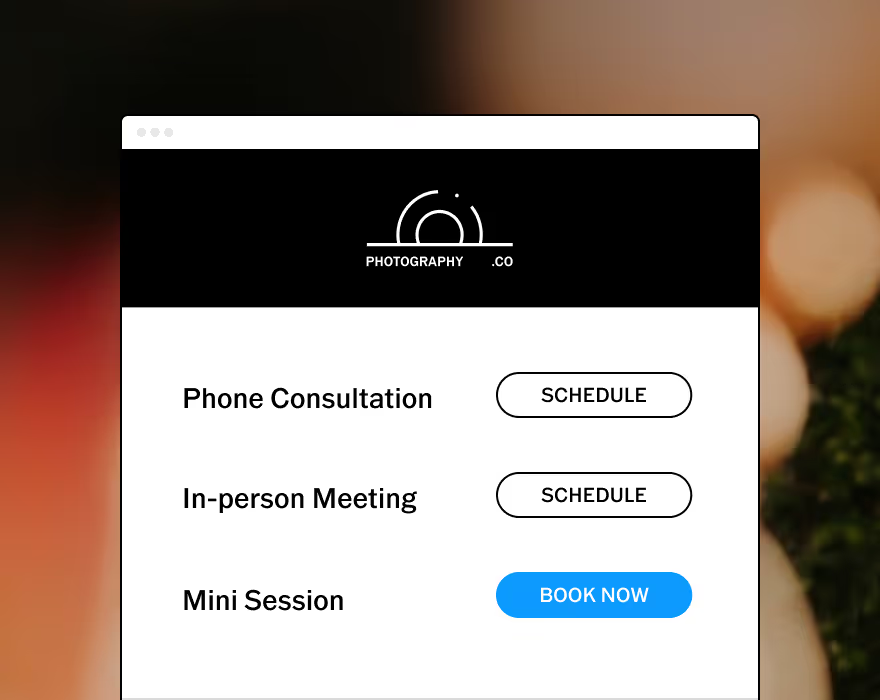
Allow your clients to schedule consults or book sessions completely unassisted.
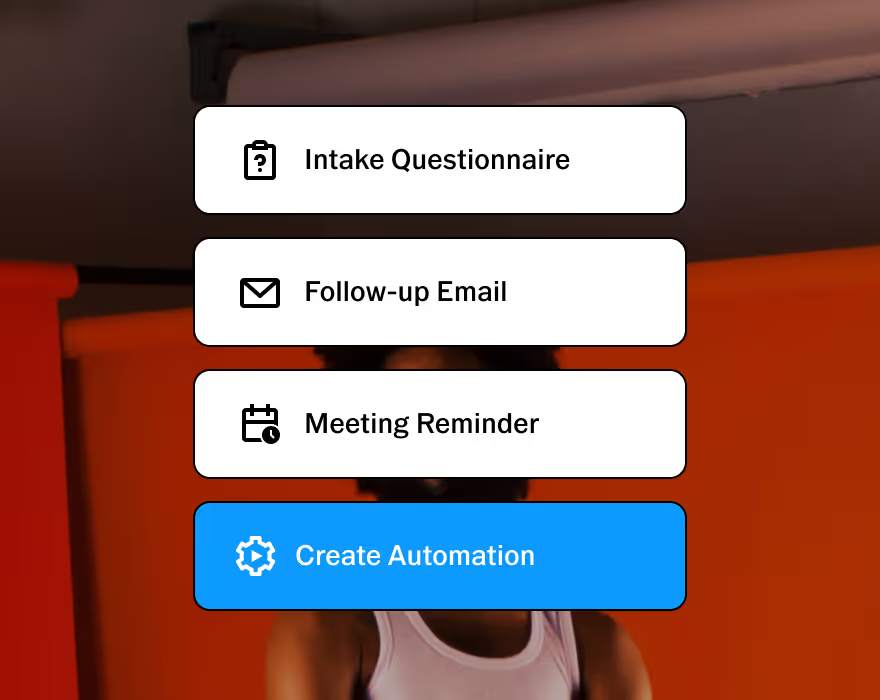
Customizable to help you run your business, your way. Made to adapt to your unique workflow.
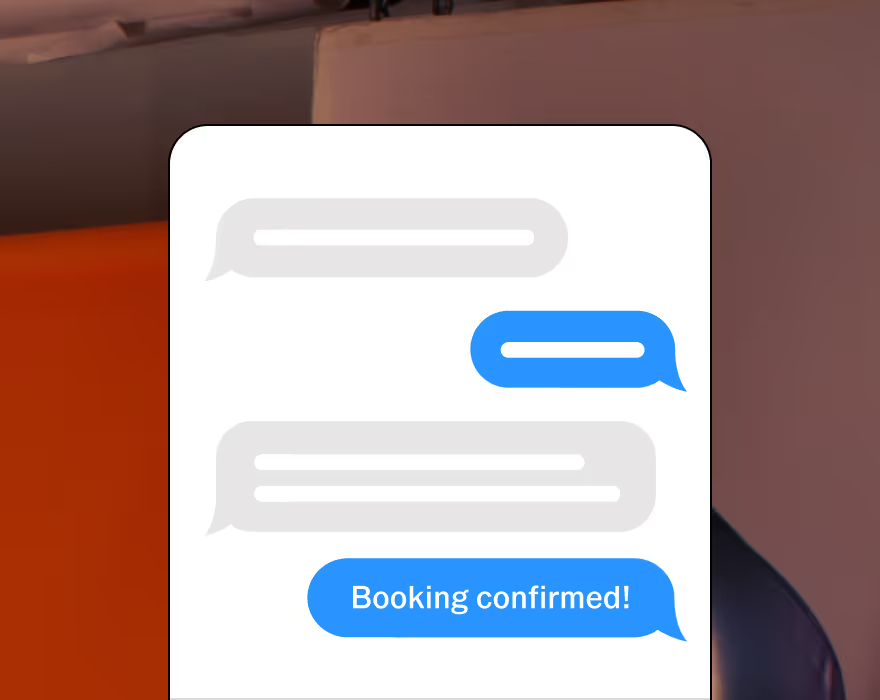
Stay connected with clients. Two-way texting lets you automate, personalize, and respond all in one place. Currently available in the U.S. and Canada.

Upsell with upgradable quotes and get paid online with automated invoice reminders.
Automate invoices and follow-ups that get sent as soon as a contract is signed.
Protect your business and clients with built-in contracts, pre-filled with questionnaire responses.
START WITH VSCO WORKSPACE