

Discover professional photographers, ideate and develop compelling mood boards, and collaborate seamlessly with your team to bring campaigns to life.
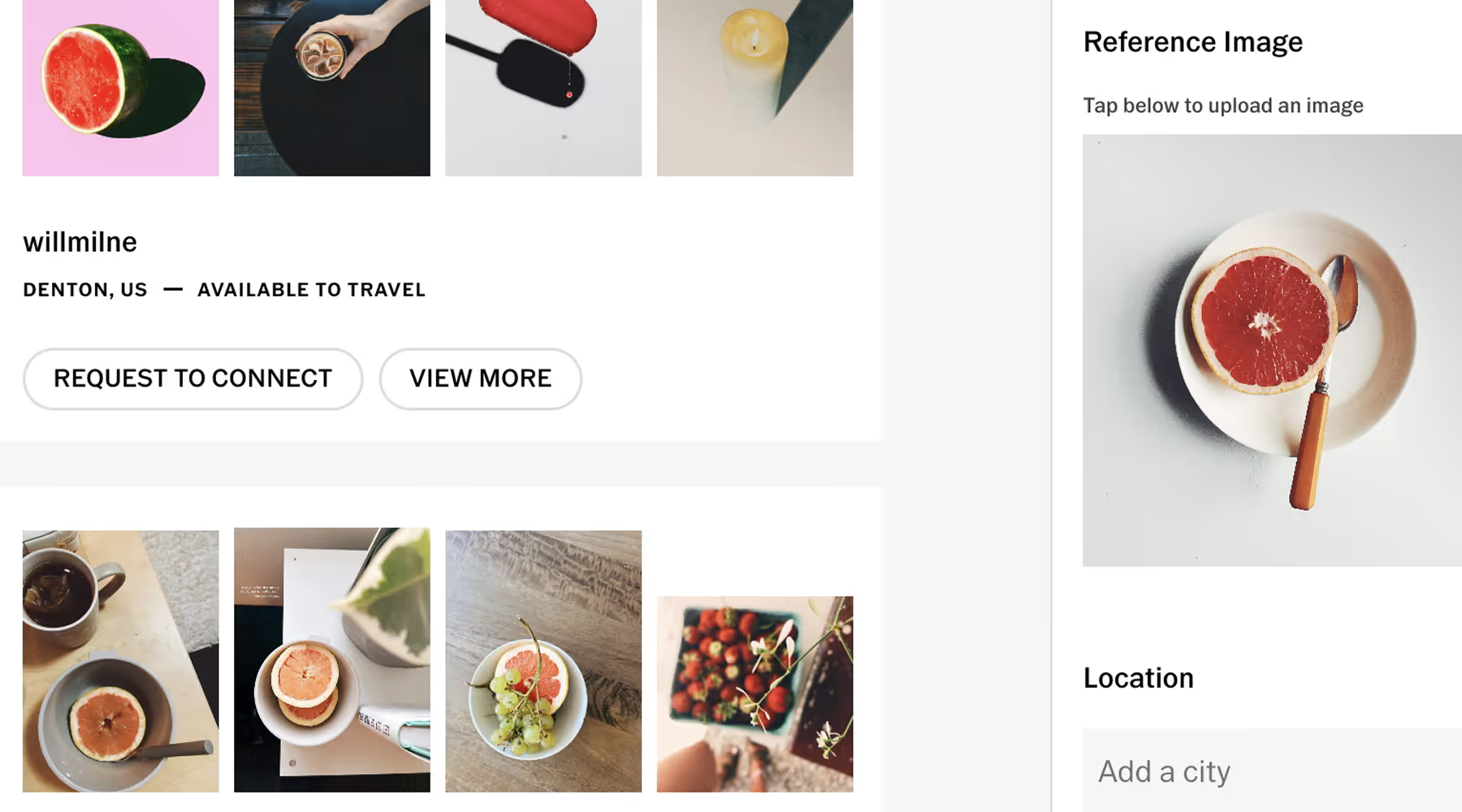
FIND THE TALENT TO MATCH YOUR VISION
VSCO Hub connects you with photographers whose portfolios, experience, and availability are organized for real hiring decisions.
Add your own reference images and discover standout work in a feed designed to surface quality over noise. Go deeper through VSCO Hub profiles—review work, understand their approach, and connect directly to move the project forward.
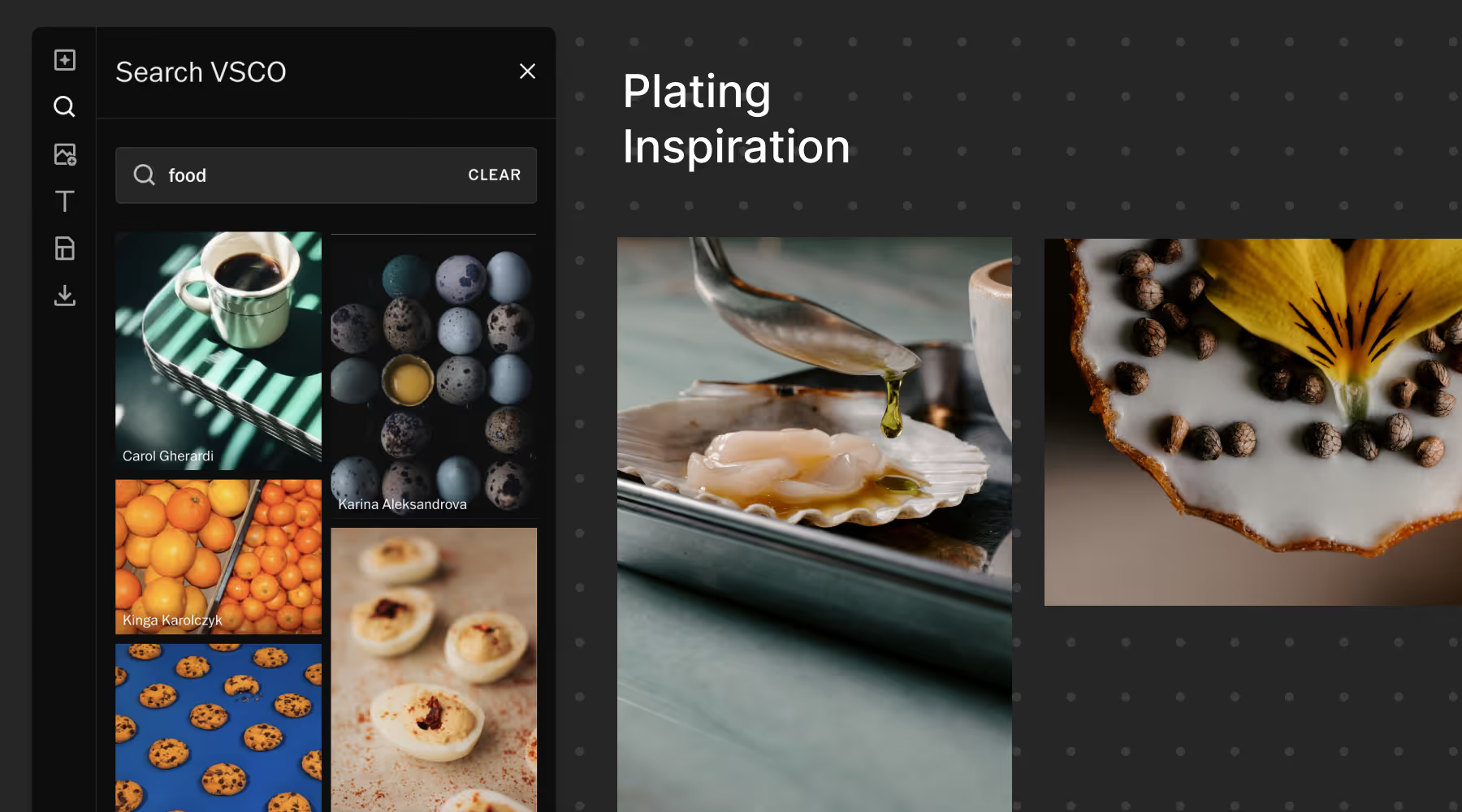
BUILD AND ALIGN CREATIVE DIRECTION
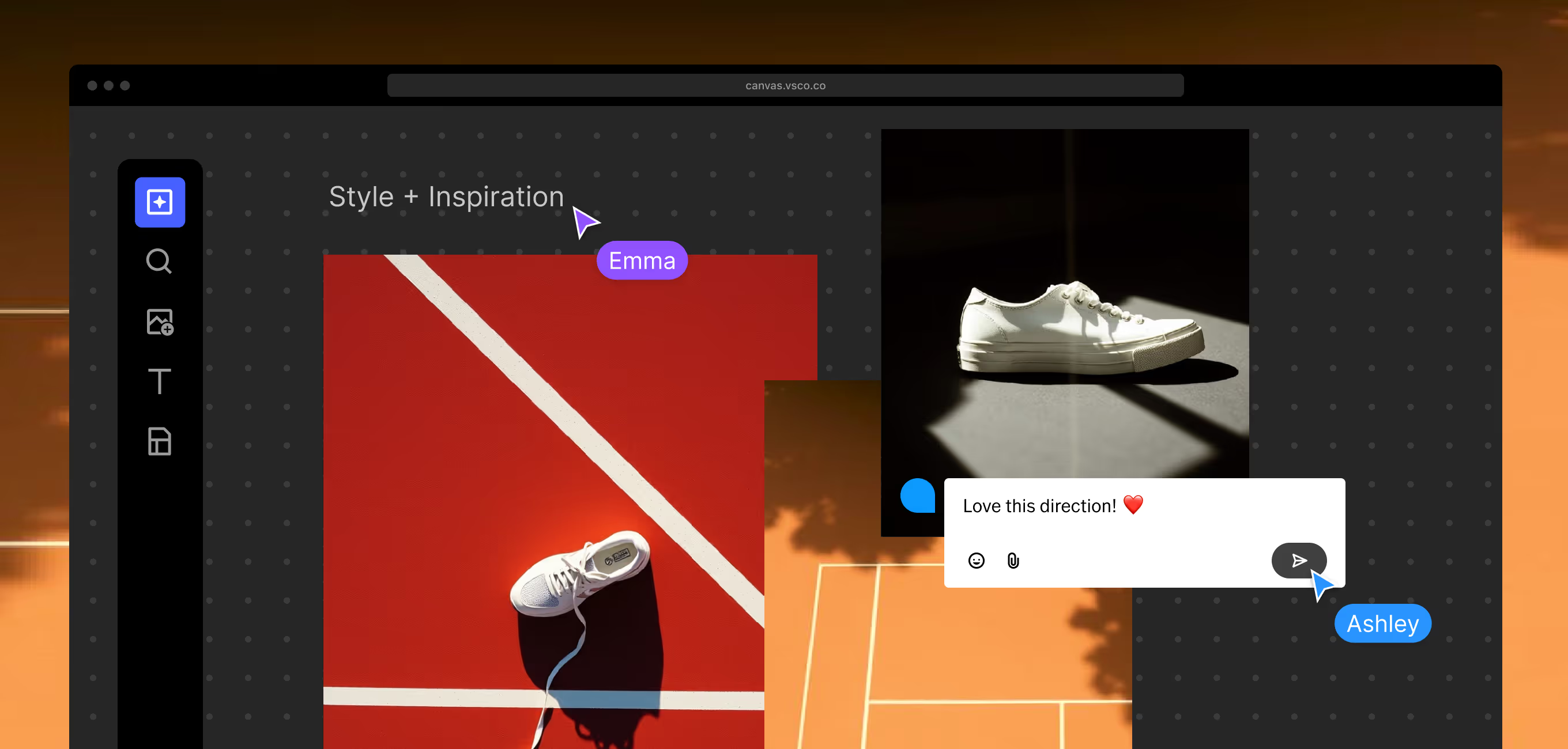
VSCO Canvas gives your team a visual workspace to define direction and accelerate execution.
Build collaborative mood boards, organize references, map shot lists, and add notes that keep the vision clear. Invite photographers, designers, and clients into the same space so everyone moves forward aligned.

Creative flexibility, built in
Move seamlessly from concept to final delivery with VSCO’s professional editing tools and AI Lab.
Refine imagery to better match your campaign vision. Adjust, enhance, and iterate quickly while maintaining the quality and creative standards your work demands.
MORE OF EVERYTHING FROM VSCO
VSCO CANVAS
Plan campaigns with the moodboarding tool built for visual clarity. Organize inspiration, track every production detail, and collaborate with team members, photographers, and clients in real time.
Frequently asked questions
Is VSCO a good platform for creative directors?
Yes. VSCO is built for visual professionals who prioritize craft, making it a strong platform for creative directors looking to discover talent, shape campaigns, and move from concept to final edit efficiently.
Creative directors can explore curated portfolios through the VSCO community and VSCO Hub, collaborate on visual direction with VSCO Canvas, and refine images quickly using professional editing tools and AI features. It’s a focused, craft-first environment designed to support serious creative work—not algorithm-driven noise.
How do creative directors discover new photographers?
Creative directors discover new photographers through curated platforms, trusted referrals, industry events, and portfolio reviews—but increasingly through professional creative communities online. Instead of relying on algorithm-driven feeds, many creative directors use platforms like VSCO to explore portfolios organized around craft and aesthetic.
With tools like VSCO Hub, you can review a photographer’s work, experience, and licensing information in one place—making it easier to identify talent that aligns with your campaign vision and move quickly from discovery to collaboration.
How can creative directors collaborate with photographers on campaigns?
VSCO makes collaboration seamless through VSCO Canvas—a collaborative mood board tool built for visual planning. Creative directors can upload references, define color direction, organize layouts, and align teams before production begins. It’s designed to clarify creative intent early—reducing revisions and strengthening execution on set.
Can VSCO help creative teams edit quickly?
Yes. VSCO’s professional editing tools and AI Lab features allow teams to remove distractions, enhance detail, and refine images quickly—without compromising visual integrity. Whether you're testing color direction, polishing campaign selects, or preparing assets for review, VSCO enables fast, high-quality editing across desktop and mobile.
Can creative directors license work through VSCO?
Yes. Through VSCO Hub, photographers can showcase their portfolio, experience, and licensing options—making it easier for creative directors to discover talent and initiate hiring or licensing conversations.
How does VSCO support tight campaign timelines?
VSCO accelerates multiple workflow bottlenecks. VSCO Hub reduces sourcing time from weeks to days, VSCO Canvas eliminates pre-production revision cycles by aligning teams visually upfront, and AI Lab enables rapid asset refinement without sending work back to photographers for reshoots. When time is constrained, these efficiency gains compound. You move faster at every stage without sacrificing quality or creative vision.