Film Effects
Recreate film effects for photos and videos. Apply retro film looks including film frames, light leaks, lens flares, distressed textures, and more.

Quickly navigate, apply, and control 90+ effects with four collections: Texture, Light, Frames and Distressed — or play with a little bit of everything in Essentials.
Film FX brings back retro film looks without using a time machine (or a film camera). With endless image editing possibilities, VSCO Members can create unique looks by combining Film FX with other exclusive photo and video editing tools, and film filters.
Real film frames
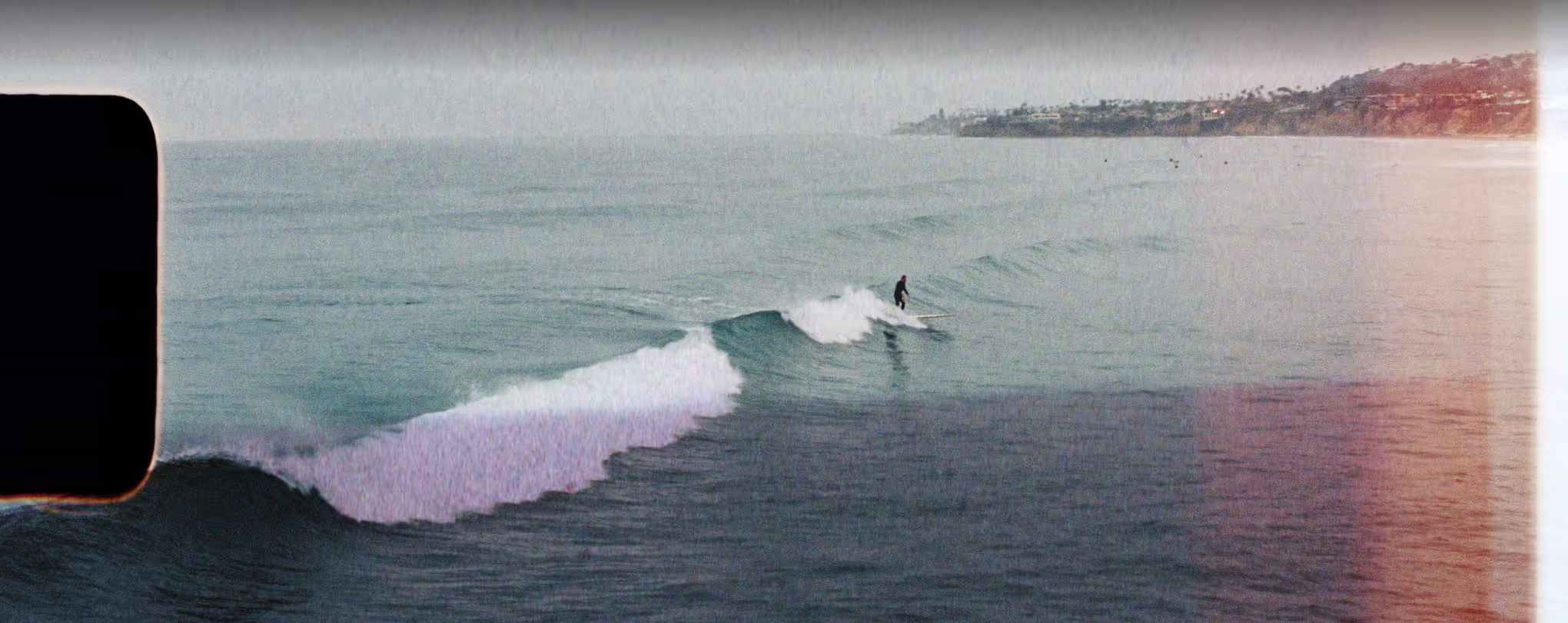
Recreate the look of scanned film with frame overlays. Use a 35mm film frame to mimic vintage point and shoot photography, a 16mm film frame overlay to recreate a retro film aesthetic, or go cinematic with an 8mm film overlay on a video.


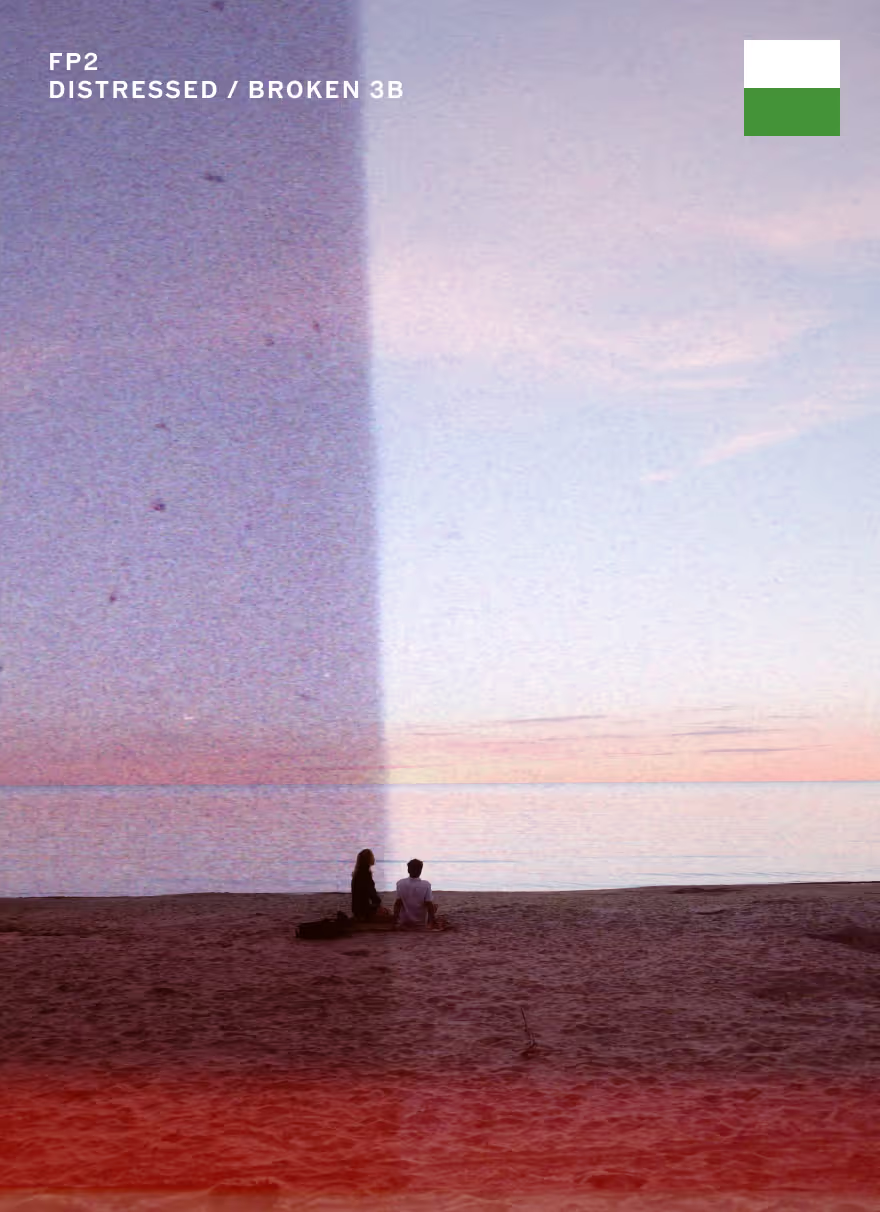
Distressed photo effects
Add vintage wear and tear to photos and videos with the Distressed image effects collection. Create distressed images with Film FX effects that look like burned, expired, and broken film.

Texture film effects
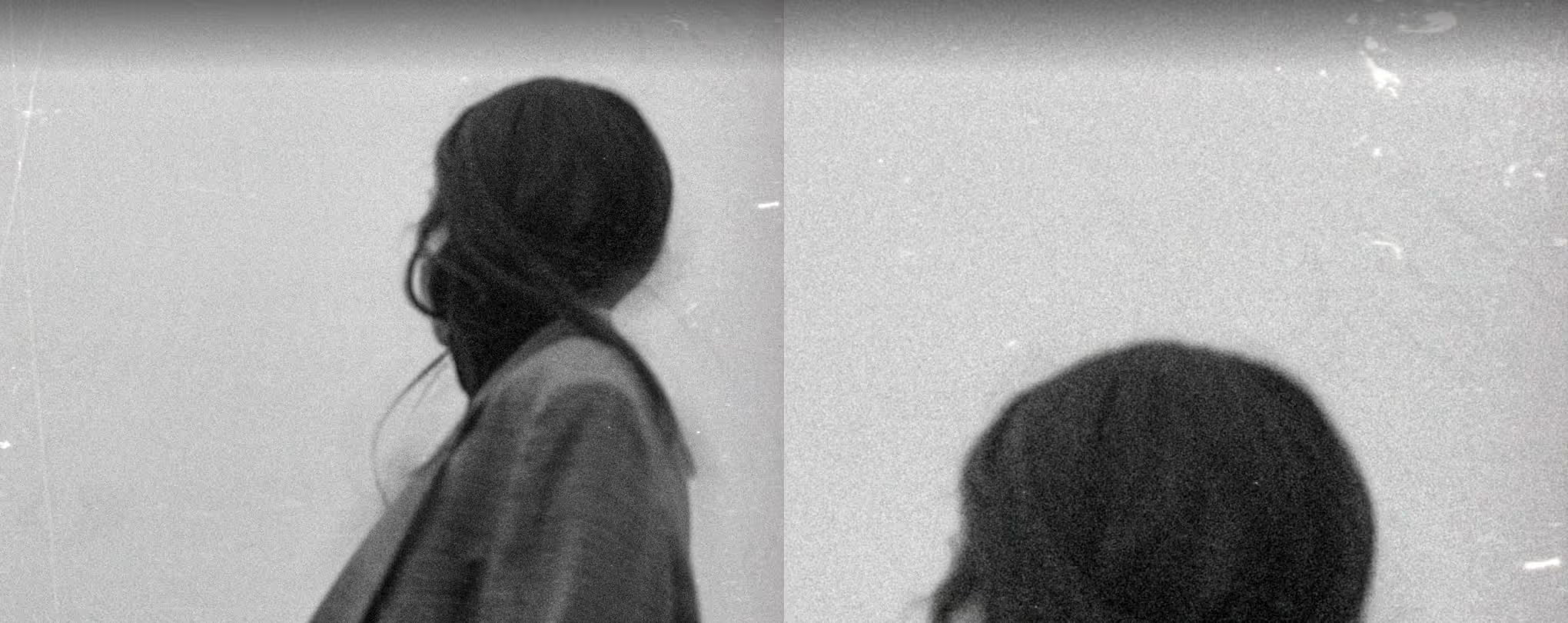
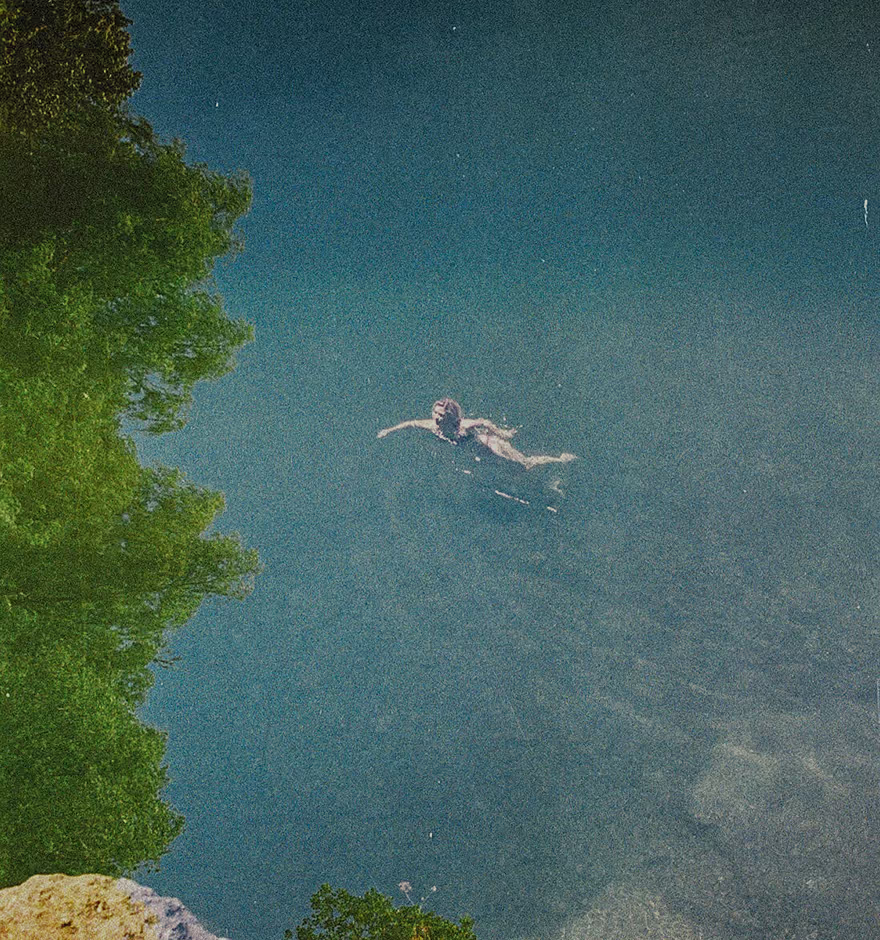
Apply grain, dust, and scratch overlays to digital photos that emulate film damage and other vintage grunge texture with Film FX. Created from real film scans, photo texture effects are available in the VSCO photo editor.

Manipulate light with light effects
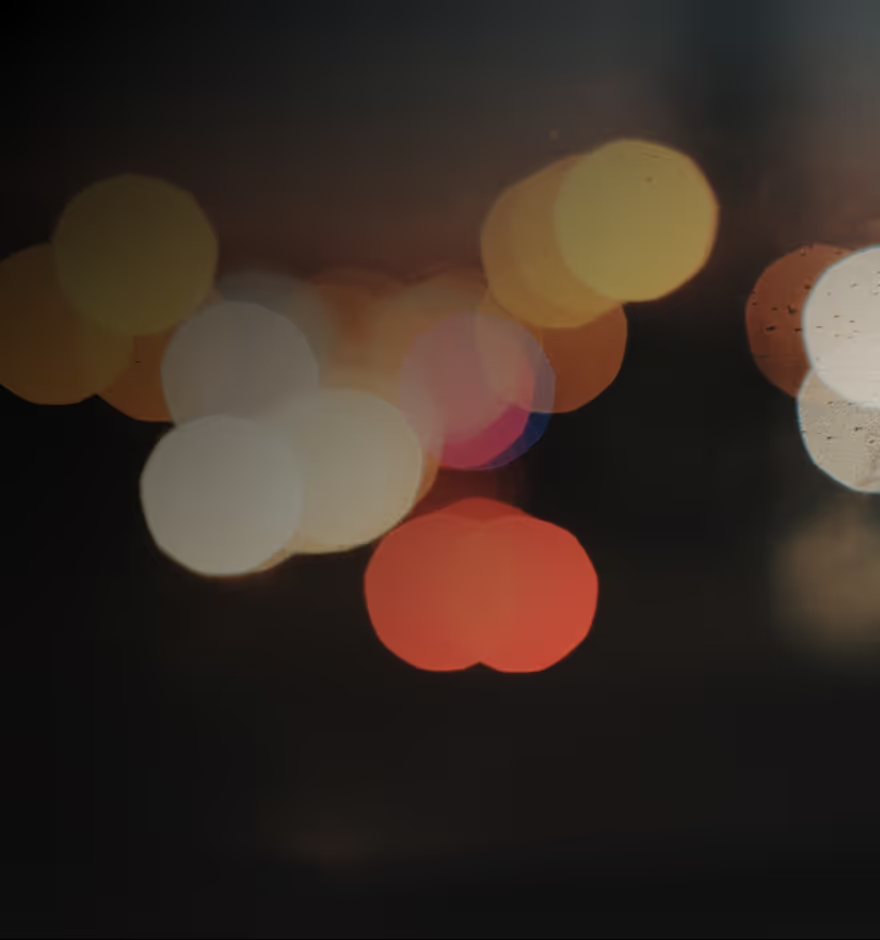
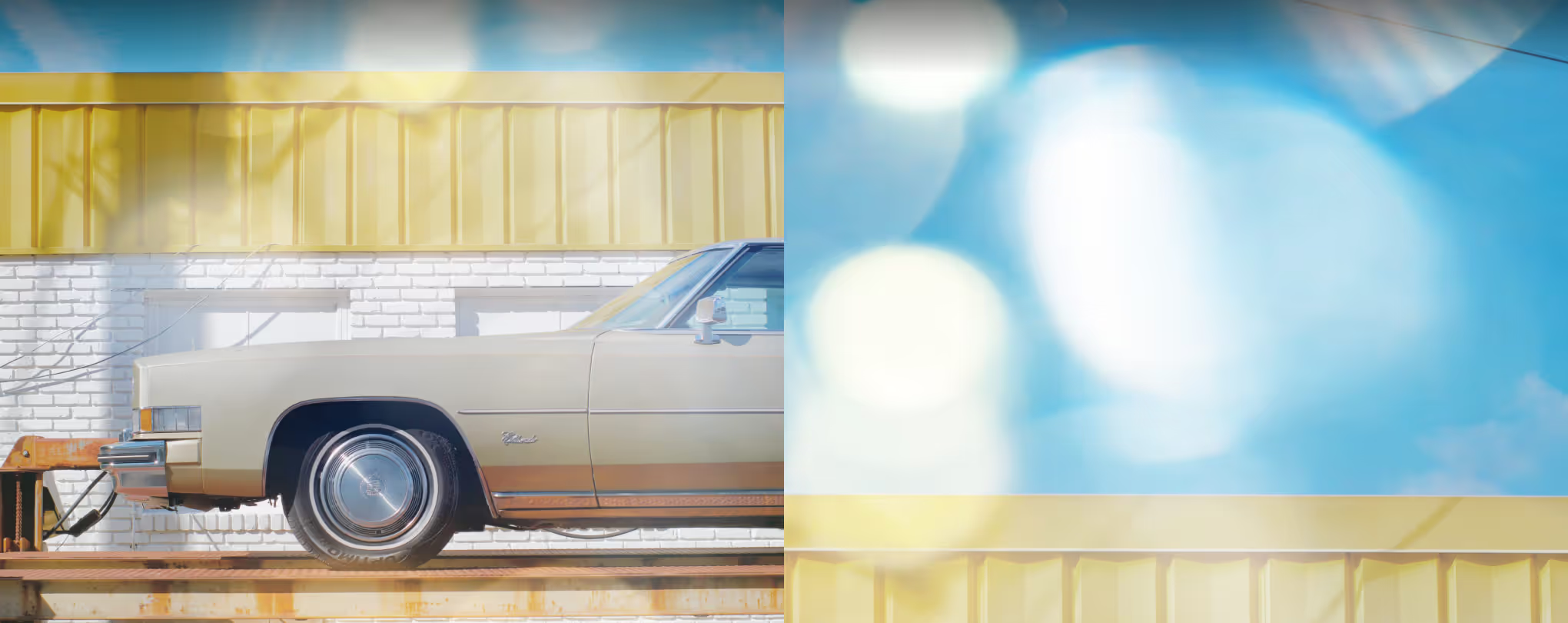
Create realistic lens flares in any light. With Film FX’s library of customizable lens flare effects and light leak overlays, members can add unique rays of light to photos and videos.

Video effects
Use VFX in the VSCO video editor to recreate retro video effects and classic film aesthetics with digital videos. Combine VFX with other video editing tools like Reverse, Speed, Trim, and Volume.
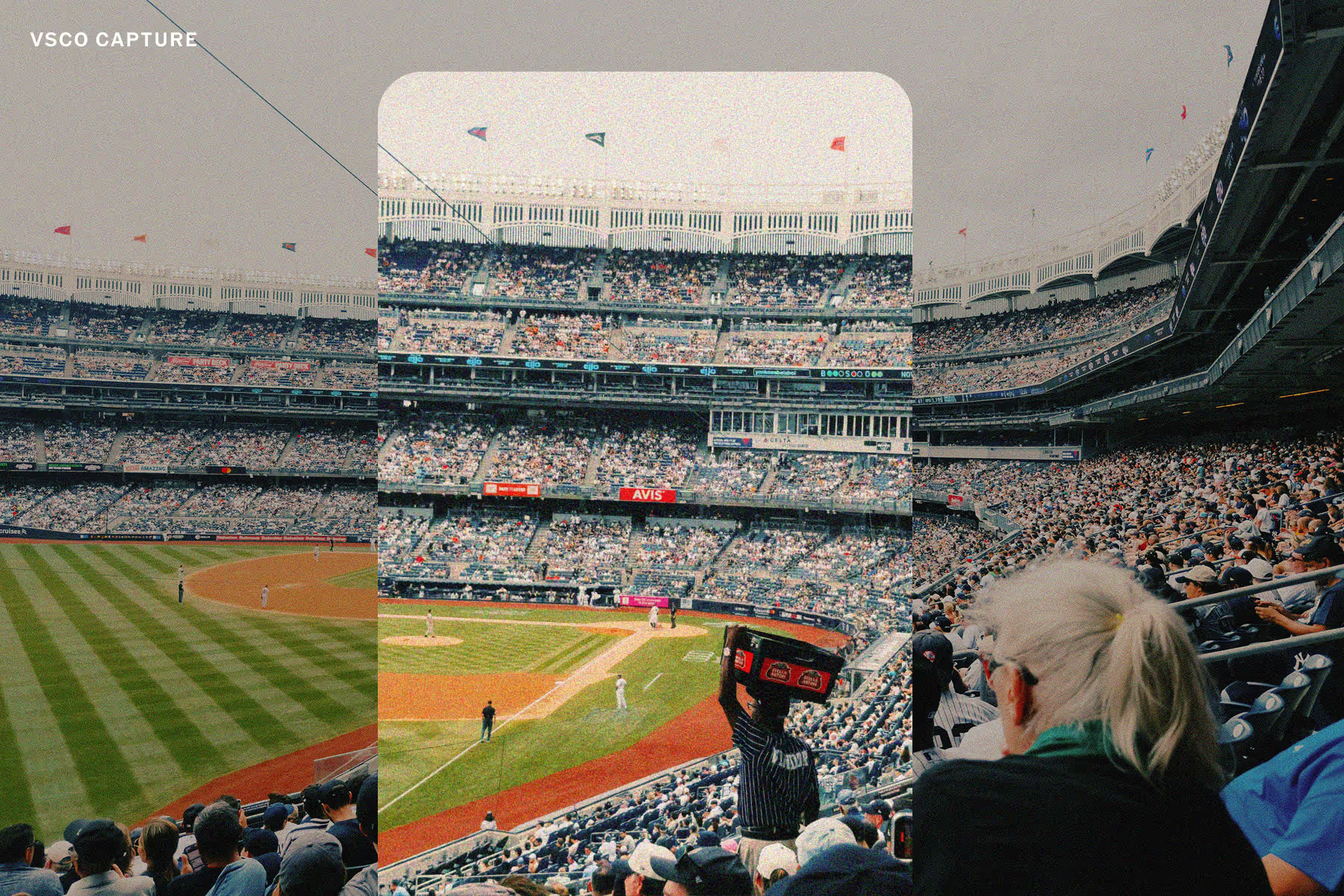
Shoot with live film effects
Apply Grain, Bloom, and Halation in real time with VSCO Capture. Adjust with precision, combine seamlessly with live presets, and effortlessly create a film aesthetic as you shoot. Download VSCO Capture for free on iOS.

Edit with film filters
VSCO Members can combine Film FX with film filters for an even more authentic film look. Use these lab developed image and video filters inspired by classic film looks from Fuji, Kodak, and Agfa.


Frequently asked questions
How can I get a film effect on digital photos?
VSCO offers real film simulation with Film FX tools that let you recreate retro film effects on digital photos with overlays like film burn, dust, scratches, and glow. Just open the VSCO photo editor and explore dozens of analog-inspired photo effects.
Are VSCO film effects free?
VSCO offers some free photo effects, but most premium film looks — including Film FX overlays like light leaks, film frames, and vintage textures — are available with Plus and Pro membership.
How can I get the VSCO video effect?
VSCO video effects (VFX) let you apply retro video effects like the VHS effect, Chroma, and a video glitch effect using the video editor app on iPhone or Android — just import your videos into the VSCO video editor and start editing, just like photos.
Can I add texture to pictures?
Yes, VSCO Film FX offers photo texture effects like grain, dust, and scratch overlays that give your photos a raw, vintage feel — perfect for recreating classic grunge texture or distress textures.
What film frame overlays are available?
Film frame overlays are available in the VSCO film effects in formats like 35mm, 16mm, and 8mm so you can add a real film matte or retro film border with sprockets to your images and videos with a single tap.
Can I make images look distressed?
VSCO’s distressed image effects let you mimic the look of old film with overlays like a ripped film photo effect, expired film textures, dust effects, and scratches — all built to give your images authentic character.
Can I mimic a lens flare on digital photos?
Yes, VSCO offers realistic lens flare overlays that add cinematic light leaks to any photo, no matter your camera, lens, or lighting conditions.
LEARN MORE
Film FX can be combined with other photo and video editing tools available in the VSCO editor to create a film effect in your photos. Read our full guide on editing images to look like film.

Explore more FILM AND editing tools
Enhance your Film FX edits with tools that complete the look — use the Grain tool for more control of your texture, apply film-inspired filters, and bring the same vintage feel to your videos.
FILM FILTERS
One tap photo filters for the look of authentic film — rich tones, soft light, and that unmistakable feel.

GRAIN EFFECT
Get more control of your film look with adjustable Grain — customize size, strength, and color to get the texture just right.
VIDEO EDITOR
Apply film effects to your videos and use other video editing tools to adjust speed, volume, and playback.