
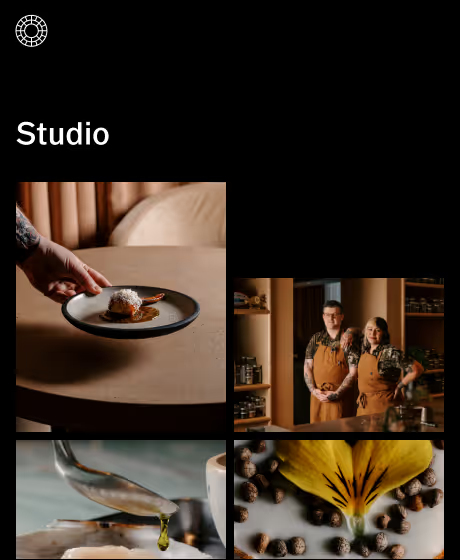

A photo editor to take you pro
Easy-to-use, mobile and desktop photo editing designed and built for pros.
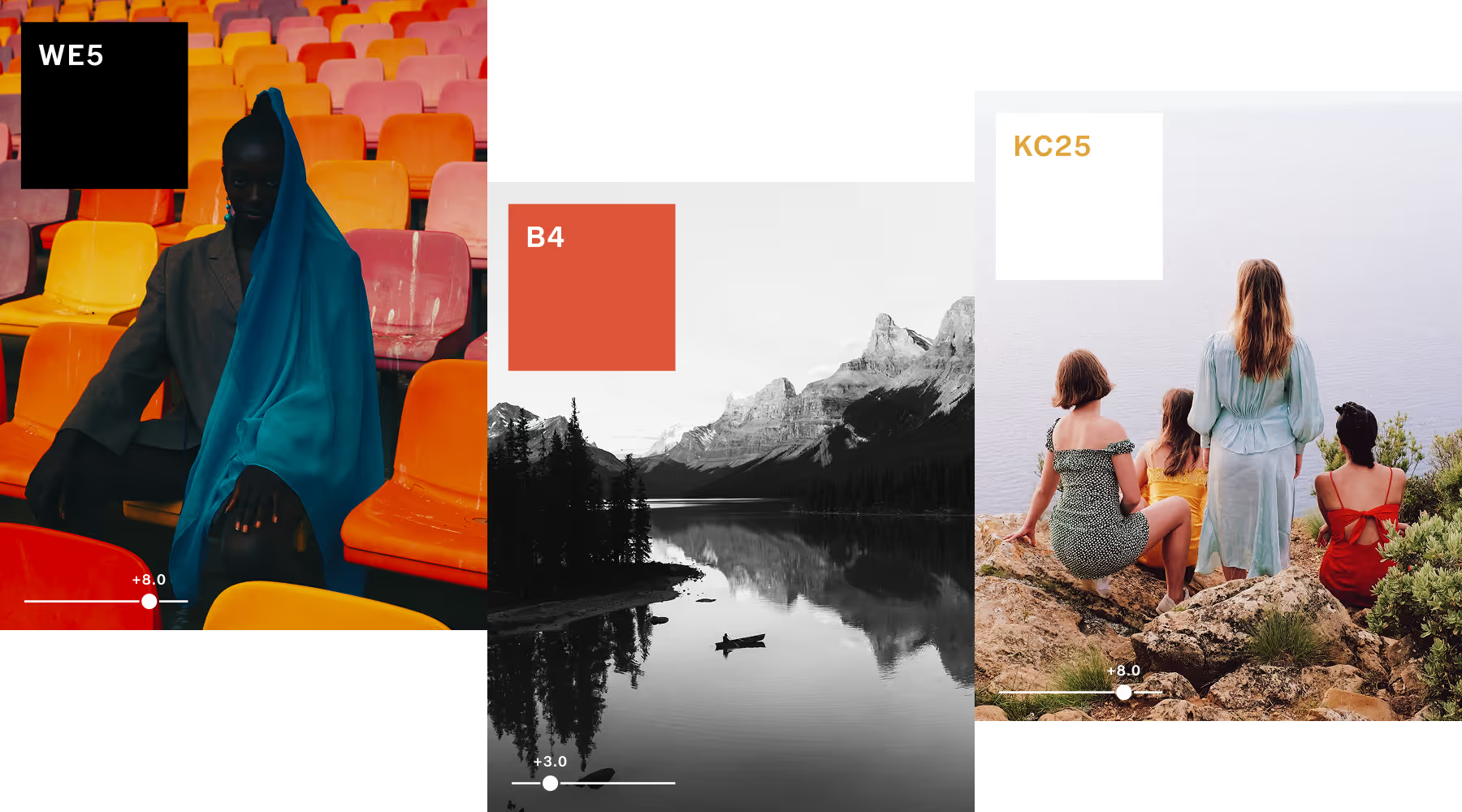
Edit with photo presets built to define your style
VSCO photo filters combine decades of color science with precise controls, letting you turn any look into your new signature style. Edit photos with hundreds of presets, from lab-developed film emulations to photographer-inspired edits and cinematic grades.
Whether you shoot RAW or JPEG, edit photos on your phone or desktop, or are just finding your eye or sharpening a professional workflow—VSCO's filters are built for where you are and where you're headed.
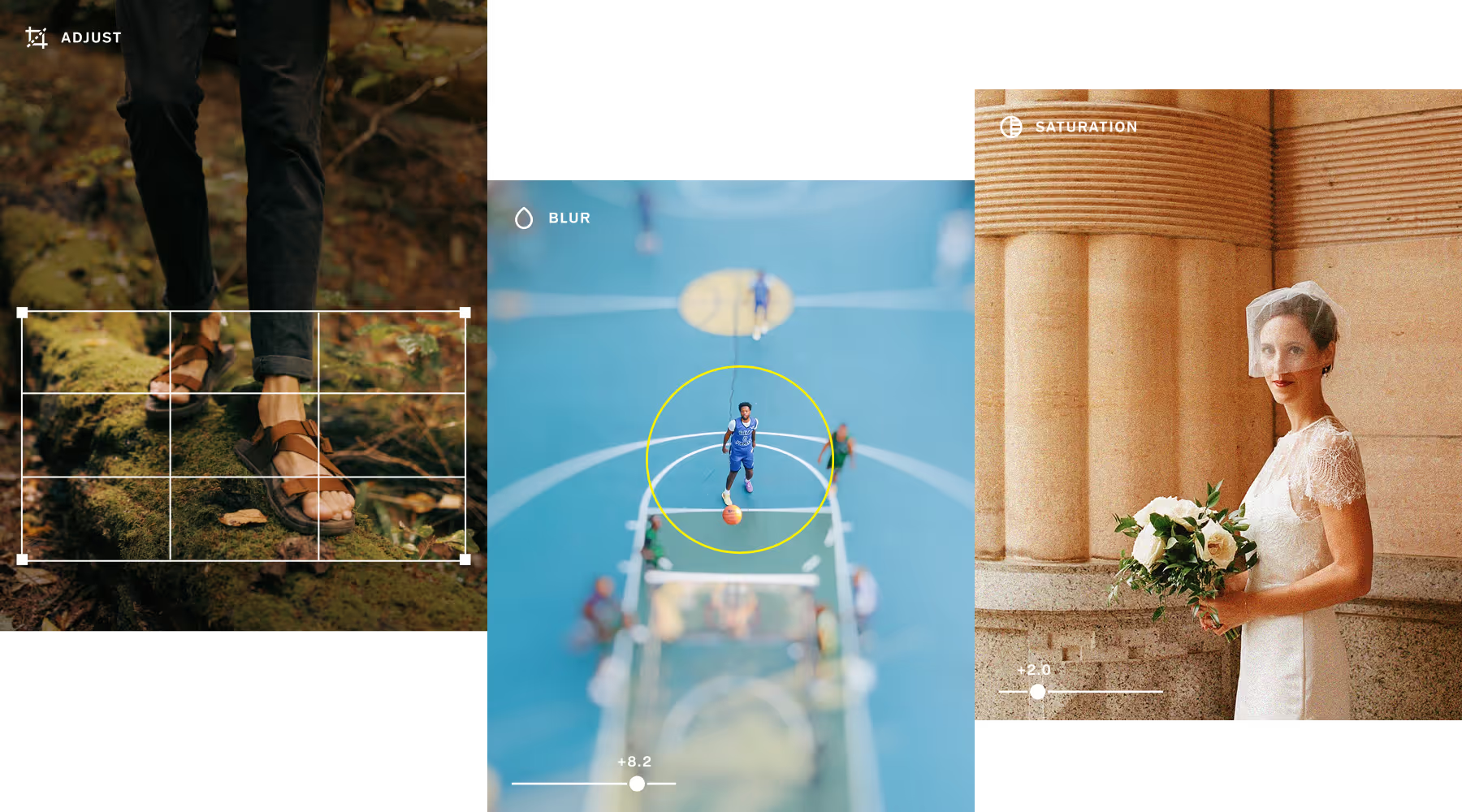
Take studio editing power anywhere you go
VSCO's photo editor gives you full-suite control across desktop and mobile. Get the same professional-grade toolkit, whether you're at your desk or shooting on the go. Every control you need to take an image from capture to finished edit, without compromise.
No switching between apps. No losing your workflow. Just a complete studio editing experience built for photographers who take their work seriously, wherever it happens.
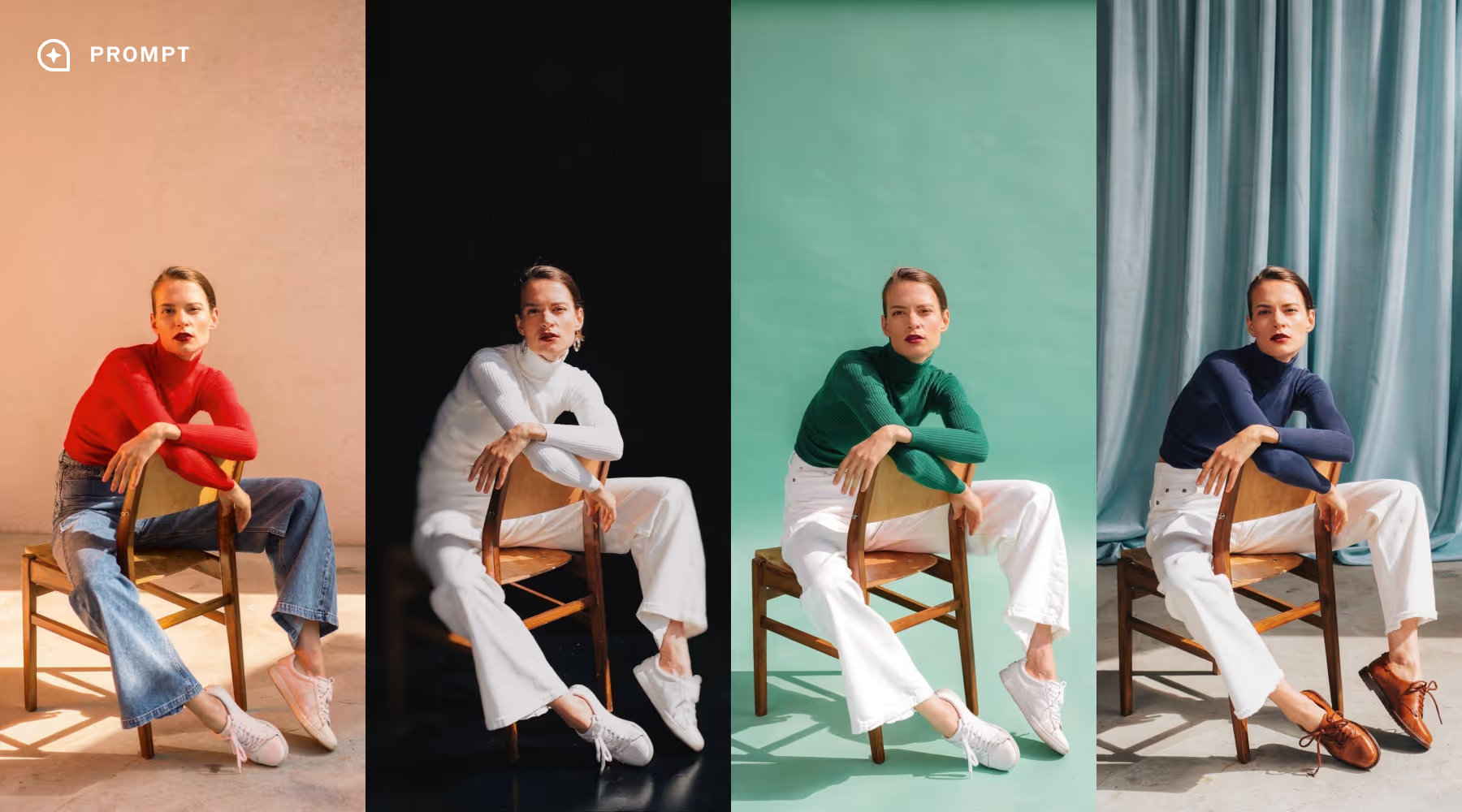
Deliver your vision with powerful AI photo editing
AI Lab makes powerful AI photo editing possible at full resolution. Remove distractions, change backgrounds, eliminate noise, refine portraits, and upscale without losing natural detail or creative intent. You get more out of every shoot without going back to set.
Skip the endless layers, tedious cloning, and limited editing credits. AI Lab handles the heavy lifting in one tap so you save time and always deliver your best work.
Everything you need to edit like a pro
Hone your craft with VSCO’s award-winning editing tools you won’t find anywhere else.
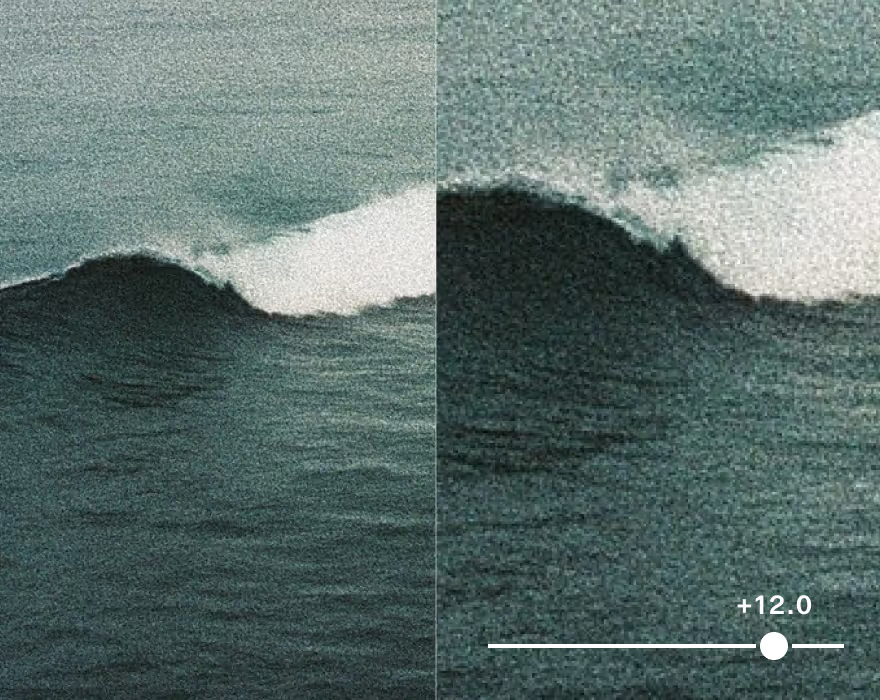

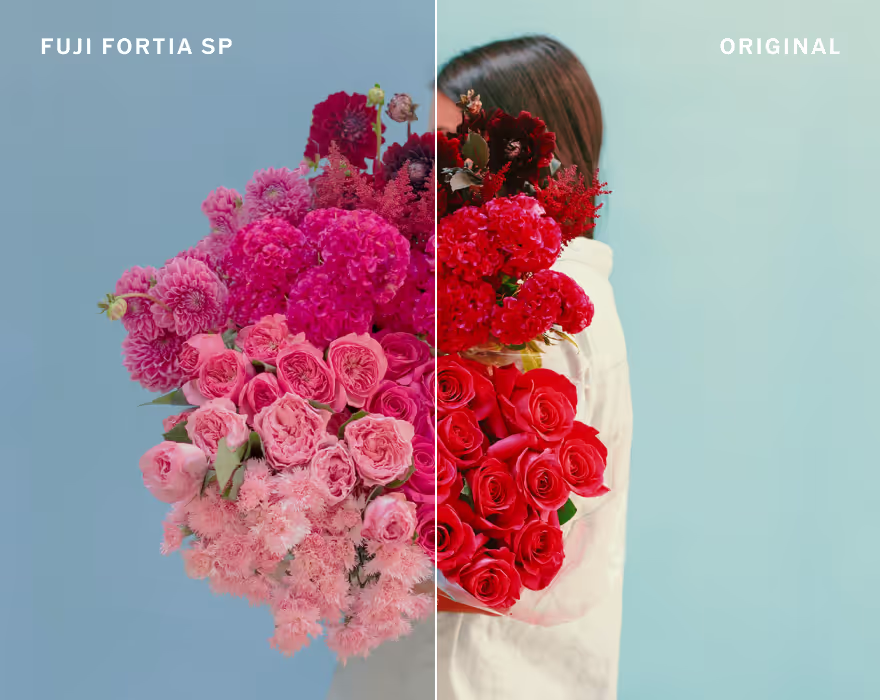
Simulate vintage looks inspired by dozens of real analog films from Kodak, Fuji, Ilford, and Agfa.

Add authentic analog textures, light leaks, and frames for timeless film character.
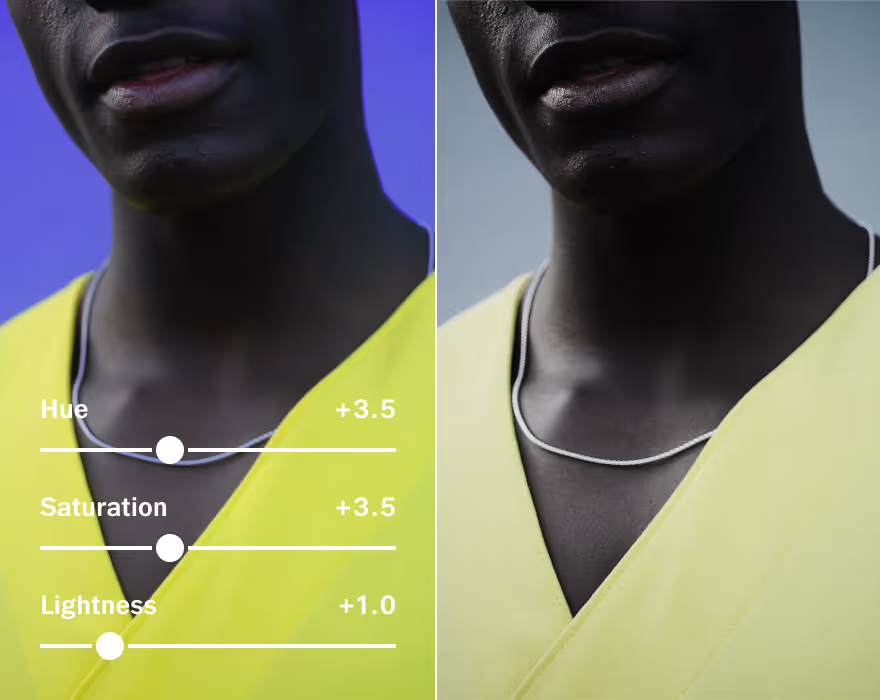
Take control of color in your photos and adjust hue, saturation, and luminance to get the perfect look.
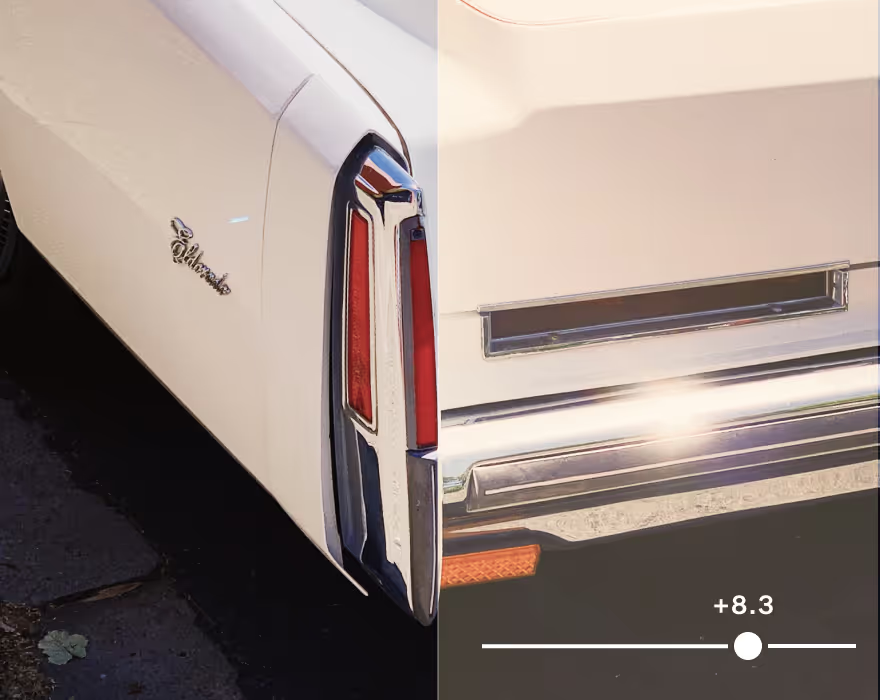
Calibrate color and correct casts from artificial light with White Balance.
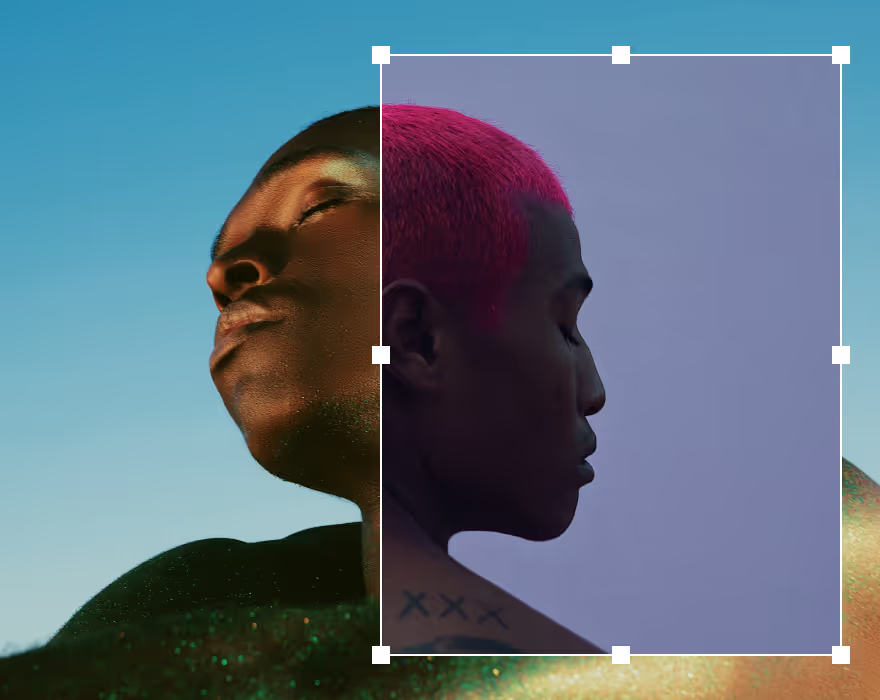
Create layered compositions and layouts with images, text, graphics, and effects.
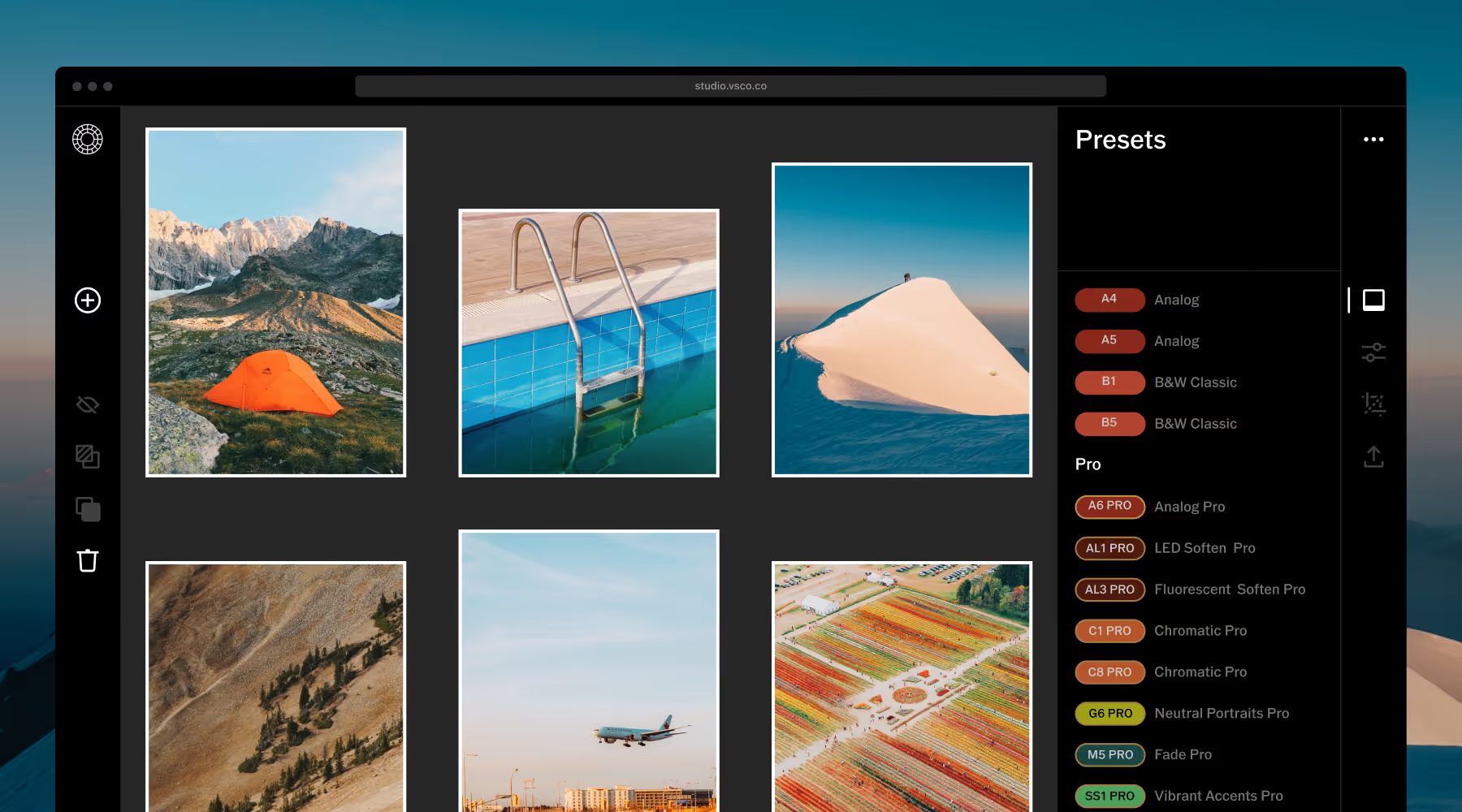
Your presets, your style, your whole screen
The look you've built on mobile shouldn't stay there. VSCO Web Studio lets you edit photos on desktop at full resolution, with the complete toolkit you rely on, running directly in your browser on Mac or PC. No software to install required.
Apply your presets across multiple images once. Fine-tune the shots that need it. Your edits sync automatically across your devices, so the work you start on the desktop photo editor is ready to go one your phone.
Edit and Deliver at Professional Speed
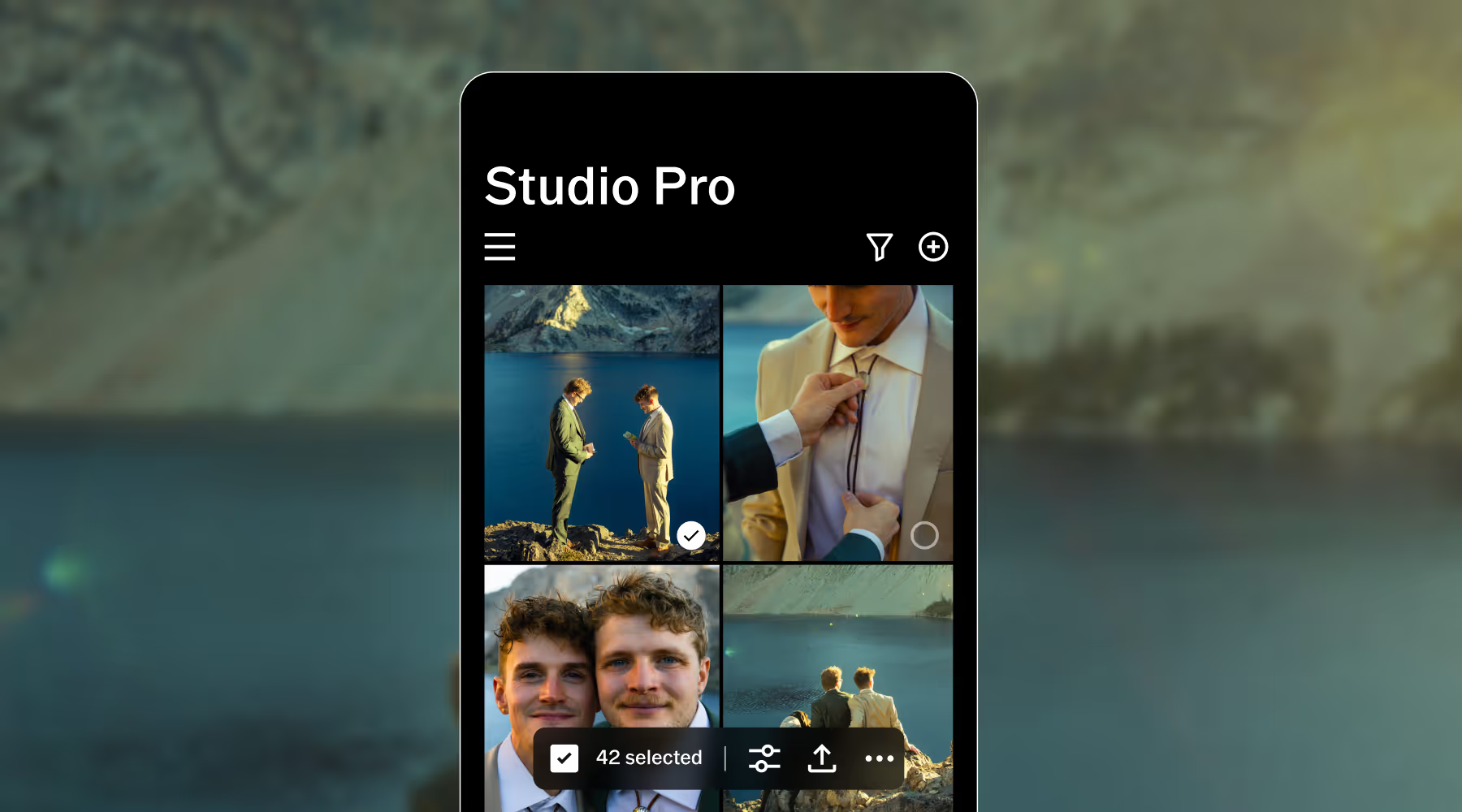
Studio Pro is a dedicated app built for photographers who shoot in volume and deliver on deadline, without compromising the look that makes their work theirs.
Import a full photoshoot. Apply your signature edit to every frame. Watch it happen in real time. What used to take hours takes seconds, and your style stays intact across every image.
Style Match reads any photo and reverse-engineers its color, tone, and mood—then rebuilds it using VSCO presets and tools tailored to your shot. Use it to nail a client's reference board, carry your own look across different lighting conditions, or find a new direction and run with it at scale.
Frequently asked questions
What is the VSCO photo editor?
VSCO is a photo editor that lets you apply filters, adjust photo settings, and recreate film-inspired looks directly from your iPhone, Android, or with our online photo editor for Mac and PC.
Is the photo editor free to use?
VSCO is a free photo editor with essential tools, presets, and photo filters — you can unlock advanced features with a paid VSCO Membership.
What editing tools are available in VSCO?
VSCO includes professional photo editing tools like film grain, contrast, saturation, fade, photo borders, HSL, and so much more. And with AI Lab, you get powerful AI photo editing tools like remove, upscale, dehaze, noise reduction, and prompt-based editing. Together, these make VSCO one of the best photo editors for photographers.
Does VSCO support RAW photo editing?
Yes, you can edit RAW photos on supported iOS devices so you can fine-tune highlights, shadows, exposure, and more with depth, flexibility, and quality.
Can I save and reuse my edits in VSCO?
VSCO’s photo editor lets you save custom photo editing Recipes so you can easily apply your favorite looks again across multiple photos, making batch editing photos in bulk fast and efficient.
Can I edit photos on my phone?
Can I edit photos on my computer?
Yes, VSCO is available as a photo editor online for Pro Members, so you can edit photos from a browser on your Mac or use the web app available for Windows PC.
Can I edit videos using VSCO?
Yes, you can edit videos using the VSCO video editor. VSCO lets you edit photos and videos with the same creative tools and retro film effects, available on both iPhone and Android.
Is VSCO an AI photo editor?
How is the VSCO app different from Studio Pro?
The VSCO app is an all-in-one creative platform built for editing, sharing, inspiration, and community. Studio Pro is designed specifically for professional photographers who need faster, high-volume editing workflows, with features like batch editing up to 100 photos, Style Match, and advanced manual controls. Together, they give creators both creative flexibility and professional-scale efficiency.
Get Help
Get the most out of VSCO with assistance getting started, questions, or feedback.
Download VSCO
VSCO is a connected system for photographers. The photo editor is available on iPhone and Android, and desktop web on Mac and PC.