
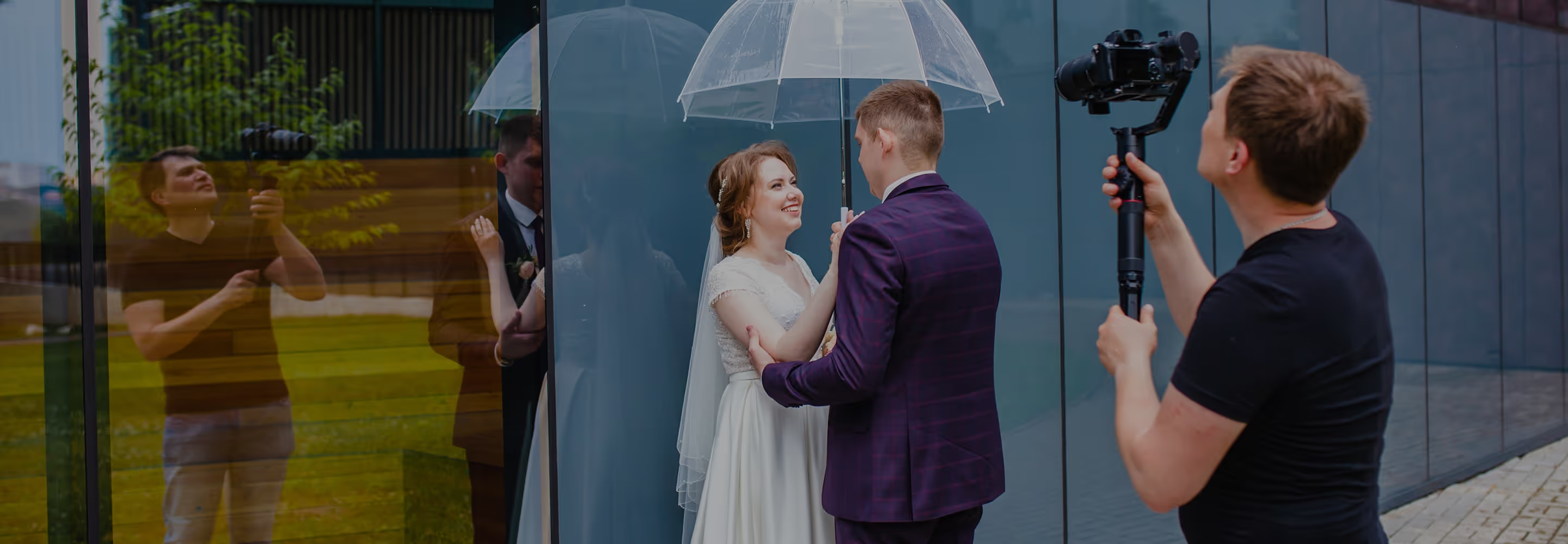
Grade with film-inspired color science, shoot with effects applied in real time, and maintain a cohesive look across every format you deliver. VSCO is built for videographers who direct every detail.


COLOR GRADE VIDEO WITH 200+ PRESETS and pro tools
Grade video with presets rooted in film-inspired color science. The Color Grading presets deliver cinematic depth, Film X replicates real film stocks, and Pro Presets give you even more control to create your own look.
Refine details with intuitive tools like HSL for precise hues, Split Tone for subtle tints, White Balance for perfect color, and Skin Tone for natural complexions.
EDIT Every scene WITH PRECISION AND CONTROL
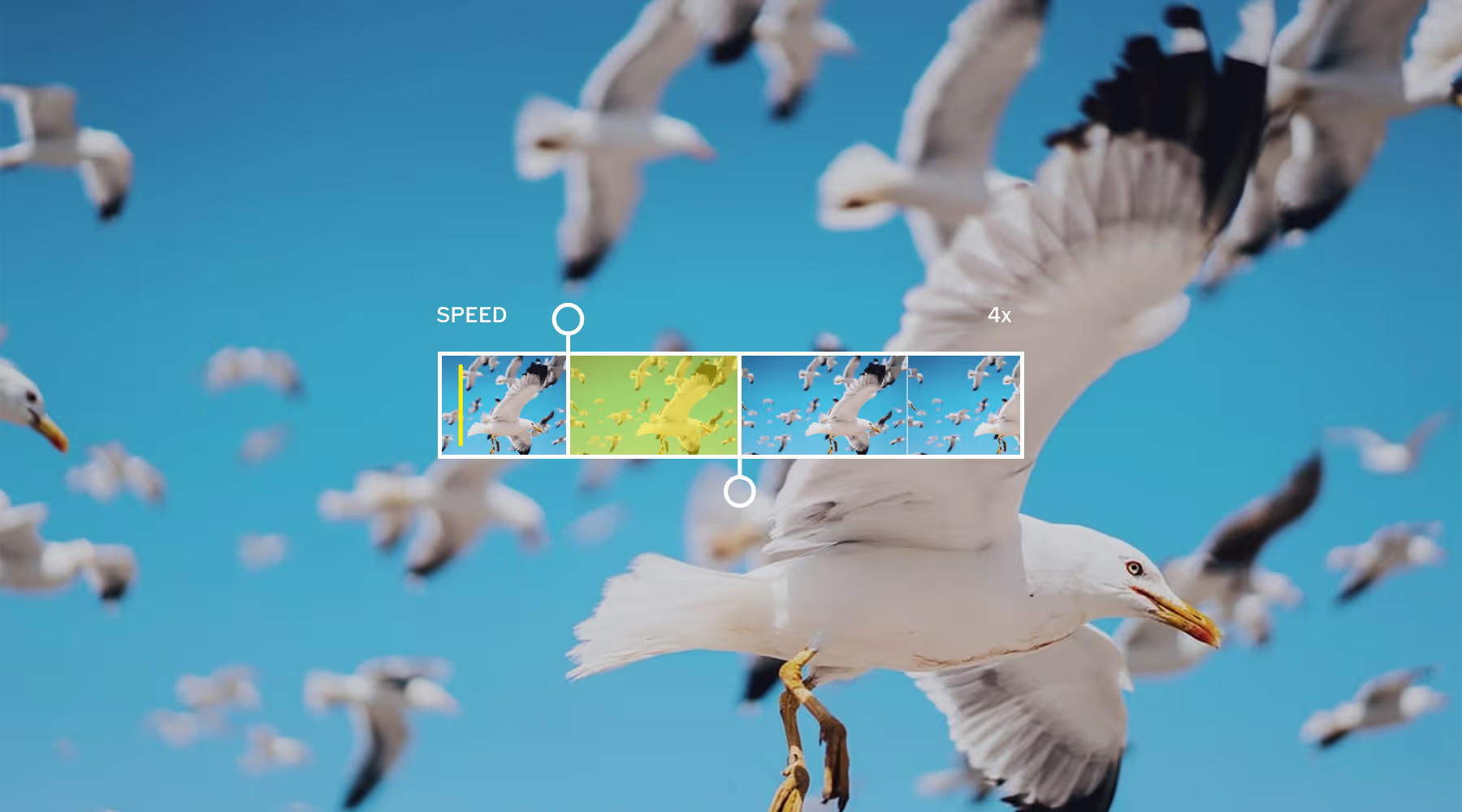
Trim clips, tweak speed for smooth slow motion or ramps, reverse playback for creative loops, crop and straighten compositions, and adjust audio with precision.
VSCO's video editor gives you the professional-grade controls you need, without the complexity or steep learning curve.
Deliver the full story, not just the photos
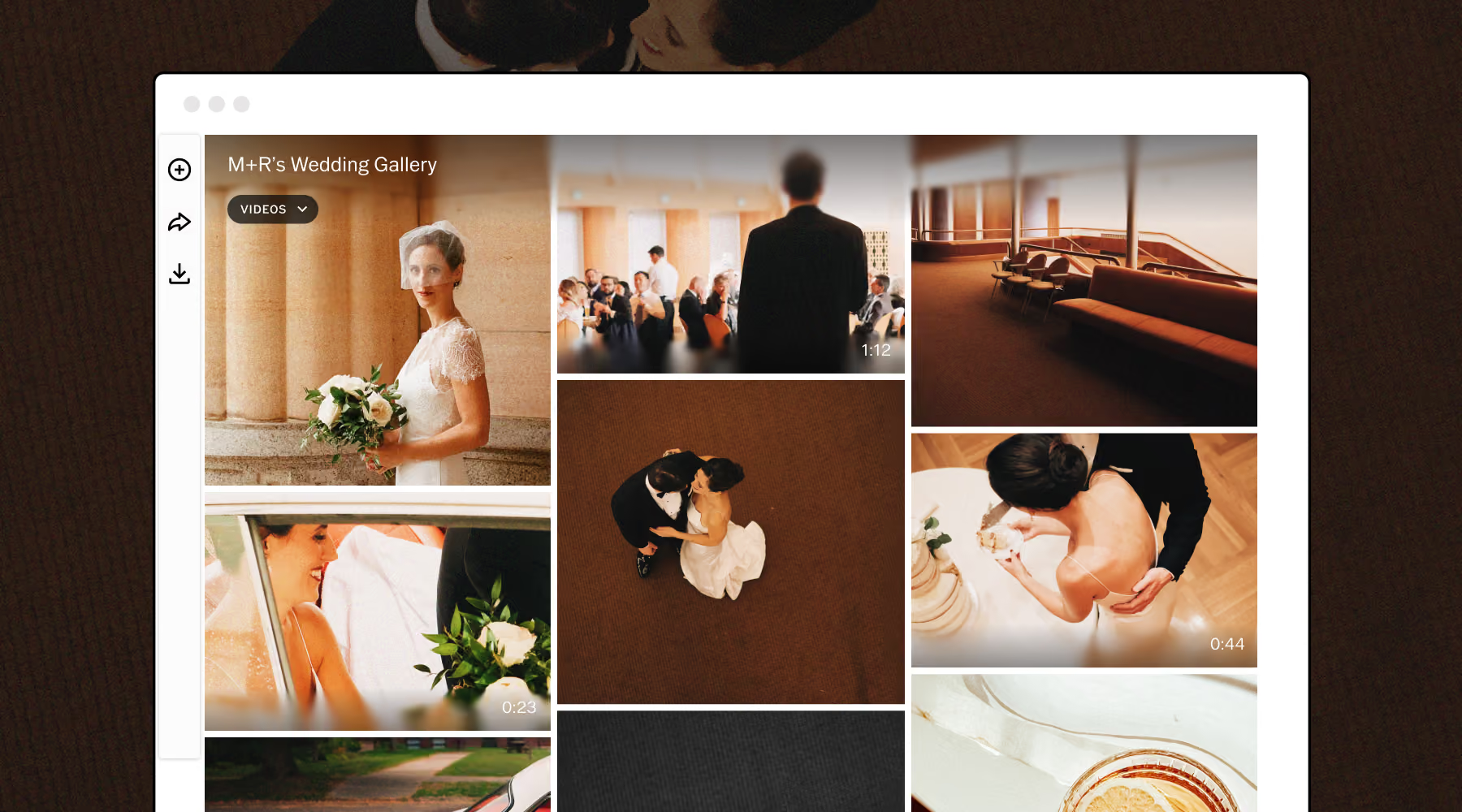
Your photos and videos belong together. VSCO Galleries lets you deliver the complete picture in one clean, shareable link. Behind-the-scenes footage, highlight reels, ceremony films—every piece of the photoshoot, exactly where your client expects it.
No extra platforms, separate folders, or expiring downloads. Just a gallery that reflects the quality of the work inside it.
ADD FILM EFFECTS THAT Look like the real thing
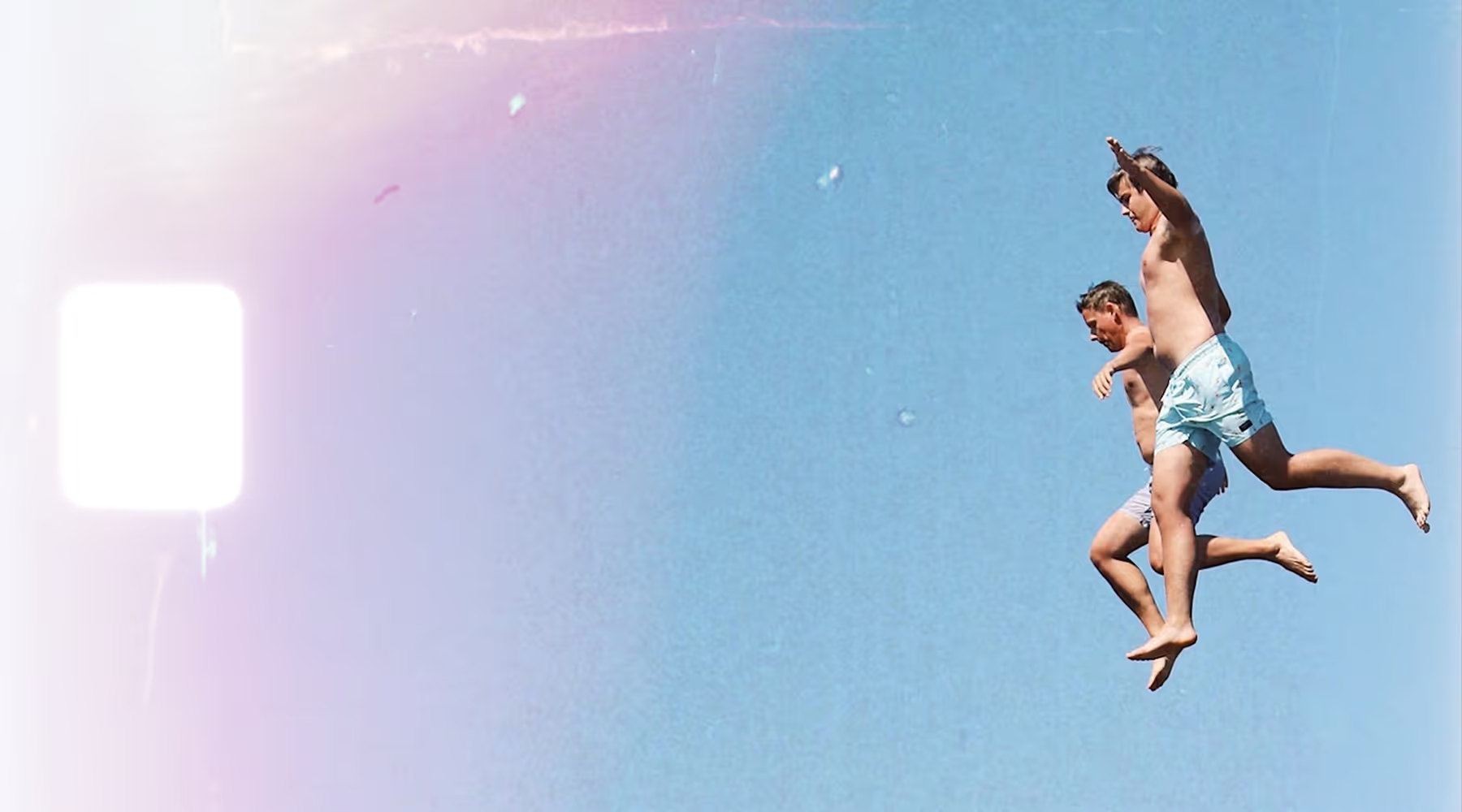
Infuse your footage with authentic film character using high-quality effects that replicate analog textures and imperfections.
Recreate retro VHS’s, add glitches and color-shifts, apply film frames, and create kaleidoscopic patterns.
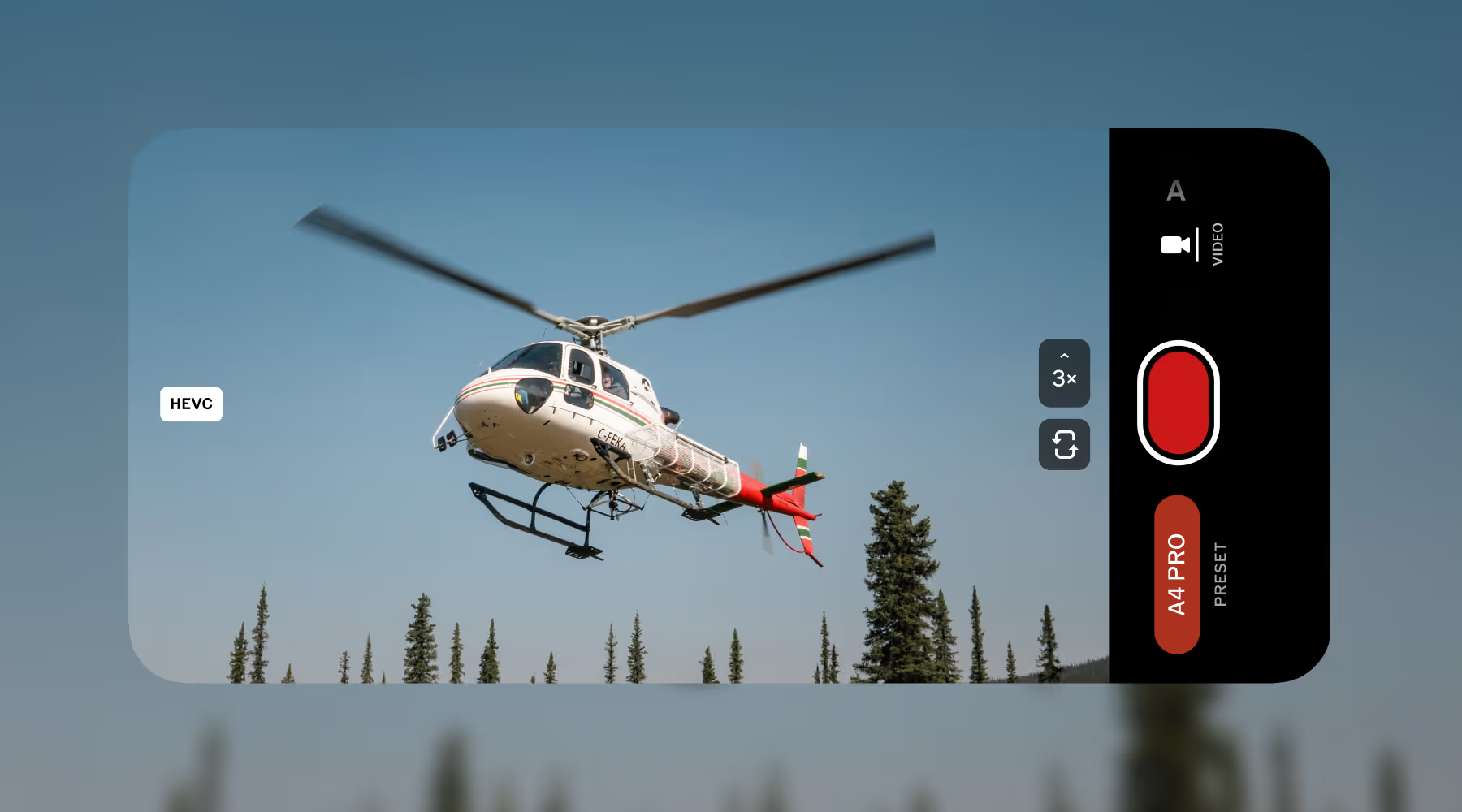
SHOOT VIDEO WITH LIVE PRESETS IN VSCO CAPTURE
See your final look before you hit record. VSCO Capture shoots video with 50+ live presets applied in real-time. Choose from film-inspired looks that deliver the aesthetic you want, with no post-production guesswork.
Record up to 1080p in HEVC or H.264 at 24fps or 30fps. What you see on screen is what you capture, your aesthetic locked in from the moment you start filming.
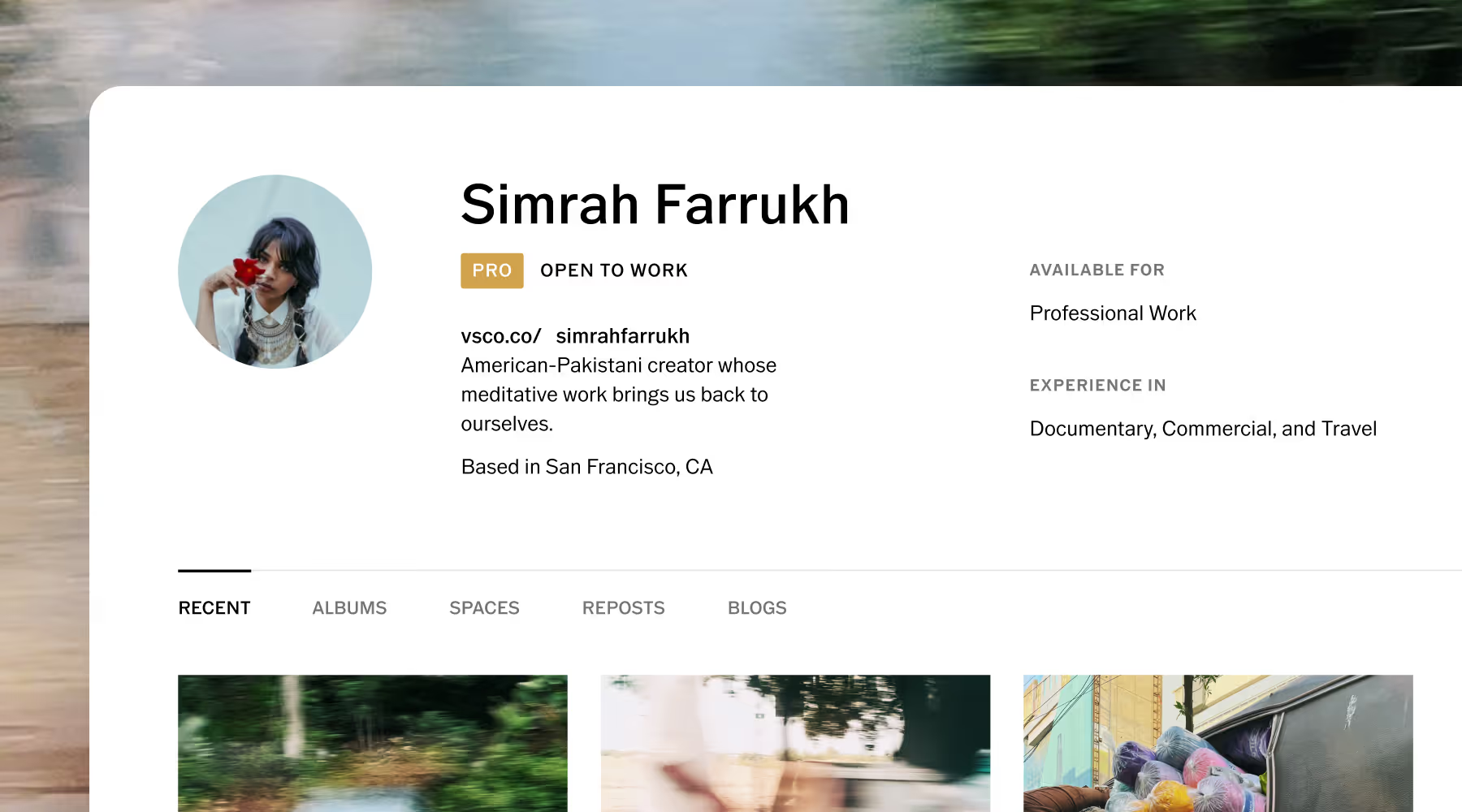
CONNECT WITH YOUR COMMUNITY AND CLIENTS
Connect with videographers and industry pros who push your work further. Find inspiration in your curated Feed, join Spaces to share work and spark conversations, and attend exclusive community events in your city.
Your VSCO Profile highlights your experience and signals you’re ready to work, opening the door to your next project or collaboration.
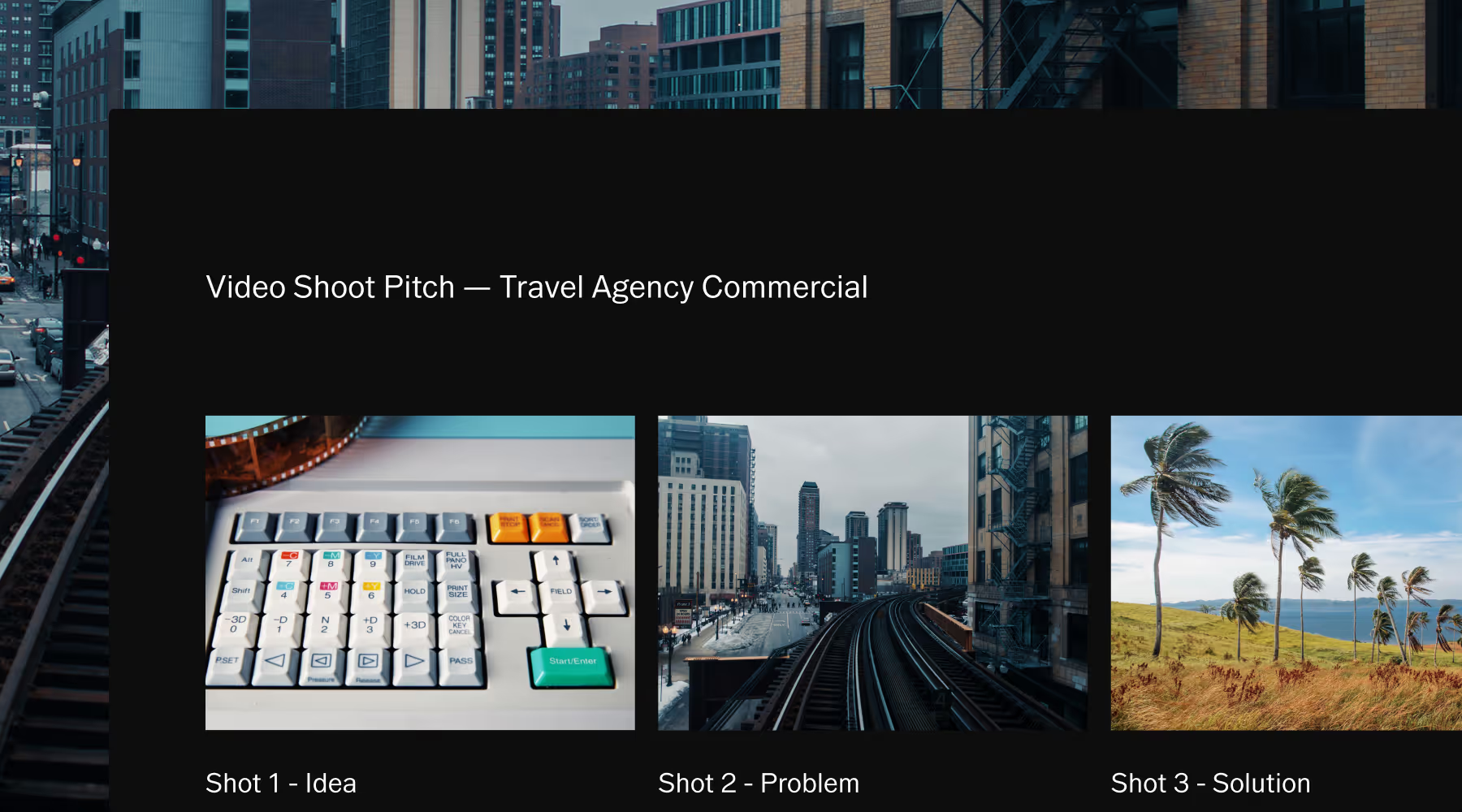
PLAN VIDEO SHOOTS WITH VSCO CANVAS
Align and share your creative vision before stepping on set. Pitch and build mood boards, scene references, and shot lists that define style, lighting, and tone.
Collaborate with clients and crew in one visual space so every detail is covered and shoot day follows the script exactly as planned.

EVERY TOOL FOR VIDEO EDITING
Explore the full suite of VSCO’s video editing tools. Add effects, refine your clips, and shape every frame to tell your story.
Frequently asked questions
Can I edit video in VSCO?
Yes. VSCO includes a full video editor that lets you color grade with tools and presets, trim, crop, adjust speed (including slow motion and speed ramps), reverse playback, and control audio levels—all in an intuitive mobile app that works across both video and photo.
Can I use the same presets on both video and photo?
Yes. VSCO's 200+ presets work across video and photo, so your aesthetic stays unified regardless of format. Hybrid creators don't need to learn separate systems or recreate their look twice. Edit video with the same tools and workflows you use for stills.
What video resolutions and formats does VSCO support?
Edit everything you capture on iPhone, from cinematic 4K at 60 fps to HD and slow motion at 120 fps or 240 fps. Import footage up to 4K resolution from professional camera systems, though select formats and codecs may not be supported. Your video exports in the same resolution you import, preserving clarity and detail while optimizing file size.
Can I maintain a consistent look across multiple video projects?
Yes. Save your complete grading workflow, including presets, adjustments, and VFX, as a Recipe. You can also copy and paste edits to new footage in one tap, then refine individual clips as needed. Create a repeatable look without starting from scratch every time.
Can I deliver videos to clients through VSCO?
Yes. Videographers can add videos to VSCO Galleries and deliver the full story to a client. Include highlight reels, BTS footage, ceremony films, and more—alongside your photos in one clean, shareable link. Clients can view, revisit, and share their gallery from any device without needing an account or a separate platform.
Can I merge multiple video clips in VSCO?
Yes. You can merge multiple video clips in VSCO using the Montage. Combine multiple videos into one project, arrange them in sequence, and layer clips with photos or graphic elements. You can trim, duplicate, and control timing for each scene, then export everything as a single video file. It’s a simple way to build a cohesive video without needing a complex timeline editor.
How does shooting video in VSCO Capture differ from editing after?
VSCO Capture applies presets in real-time as you record up to 1080p at 24fps or 30fps, so you see the final look before you hit record. This eliminates post-production guesswork and reduces editing time. You can make creative decisions in the moment rather than spending more time editing after.