
Photo Filters Made for Photographers
VSCO presets make editing effortless with professional photo filters and one-tap photo effects that elevate your unique style.


Photo Presets for Your Signature Look
Professional-quality photo filters crafted to enhance your editing process and showcase your style.
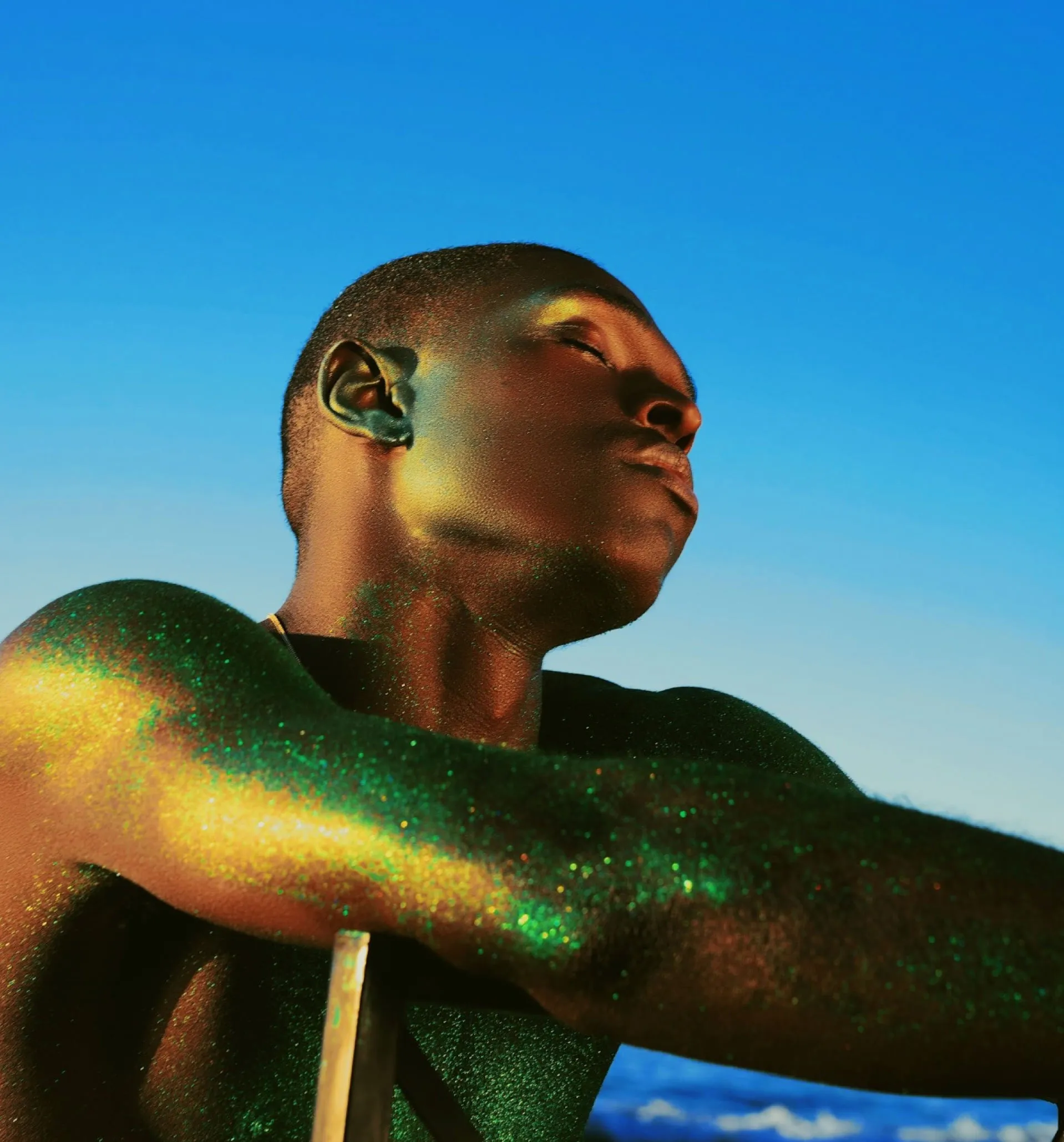
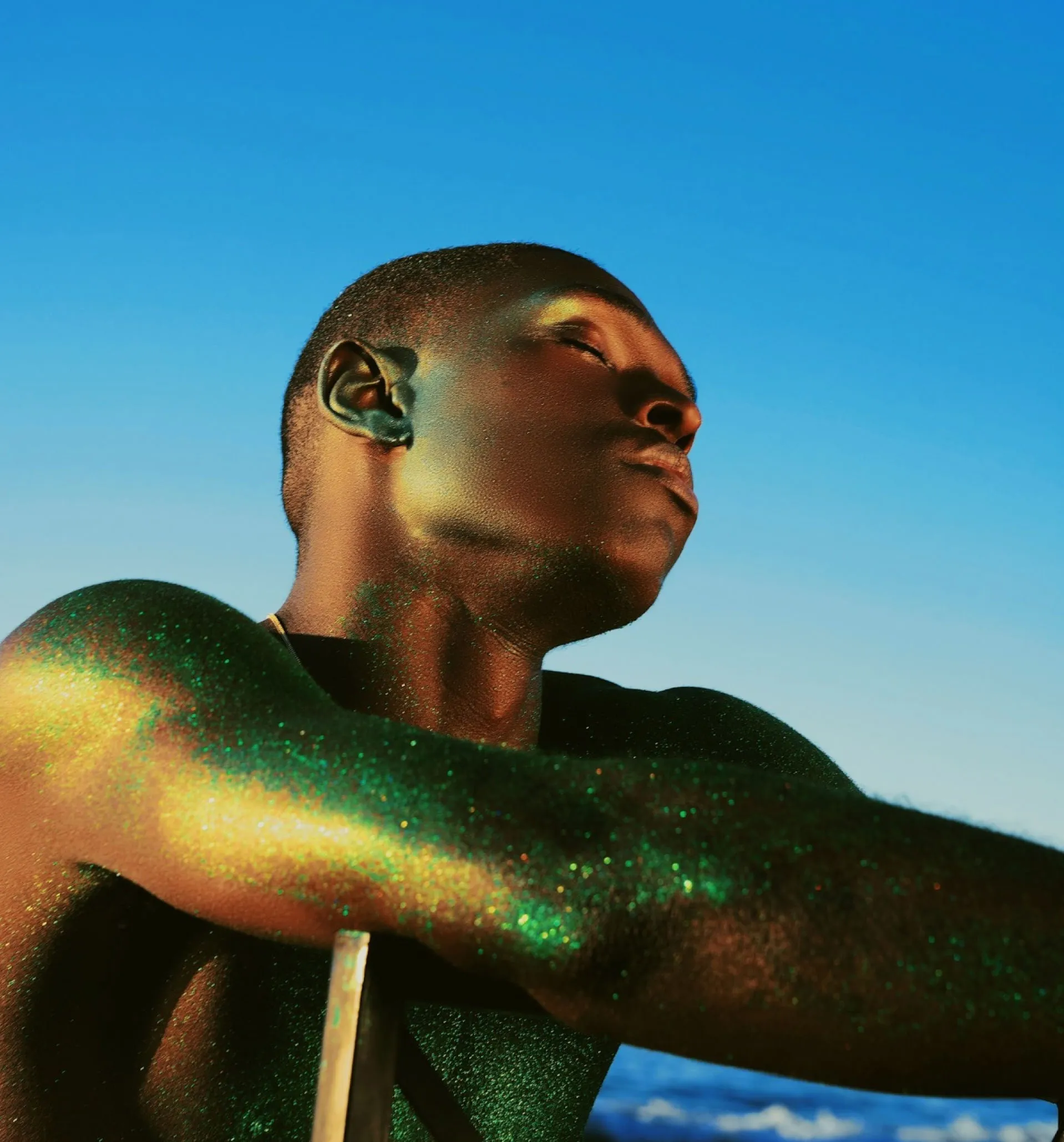

ENDLESS LOOKS, ALL IN ONE EDITING APP
From photo filters that simulate real film looks to customizable Pro presets and analog-inspired photo effects — get the look you’re after with our complete photo editing suite.






FREE PHOTO FILTERS
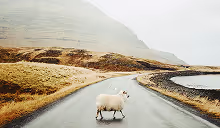
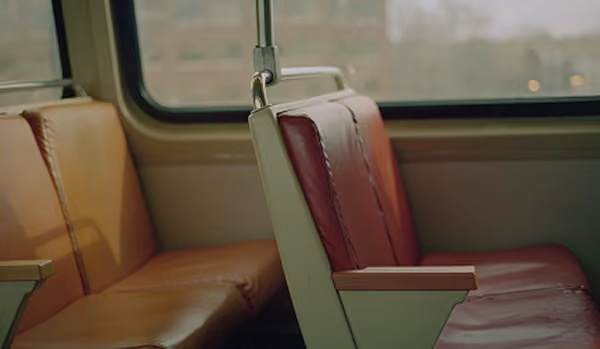
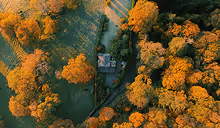
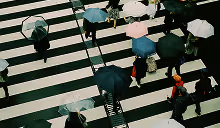
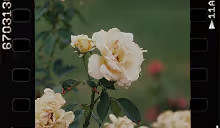
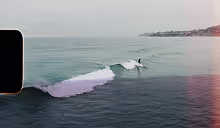
We’ve included fifteen of our most popular professional-grade photo filters for free so you can start elevating your images right away in the VSCO photography app.
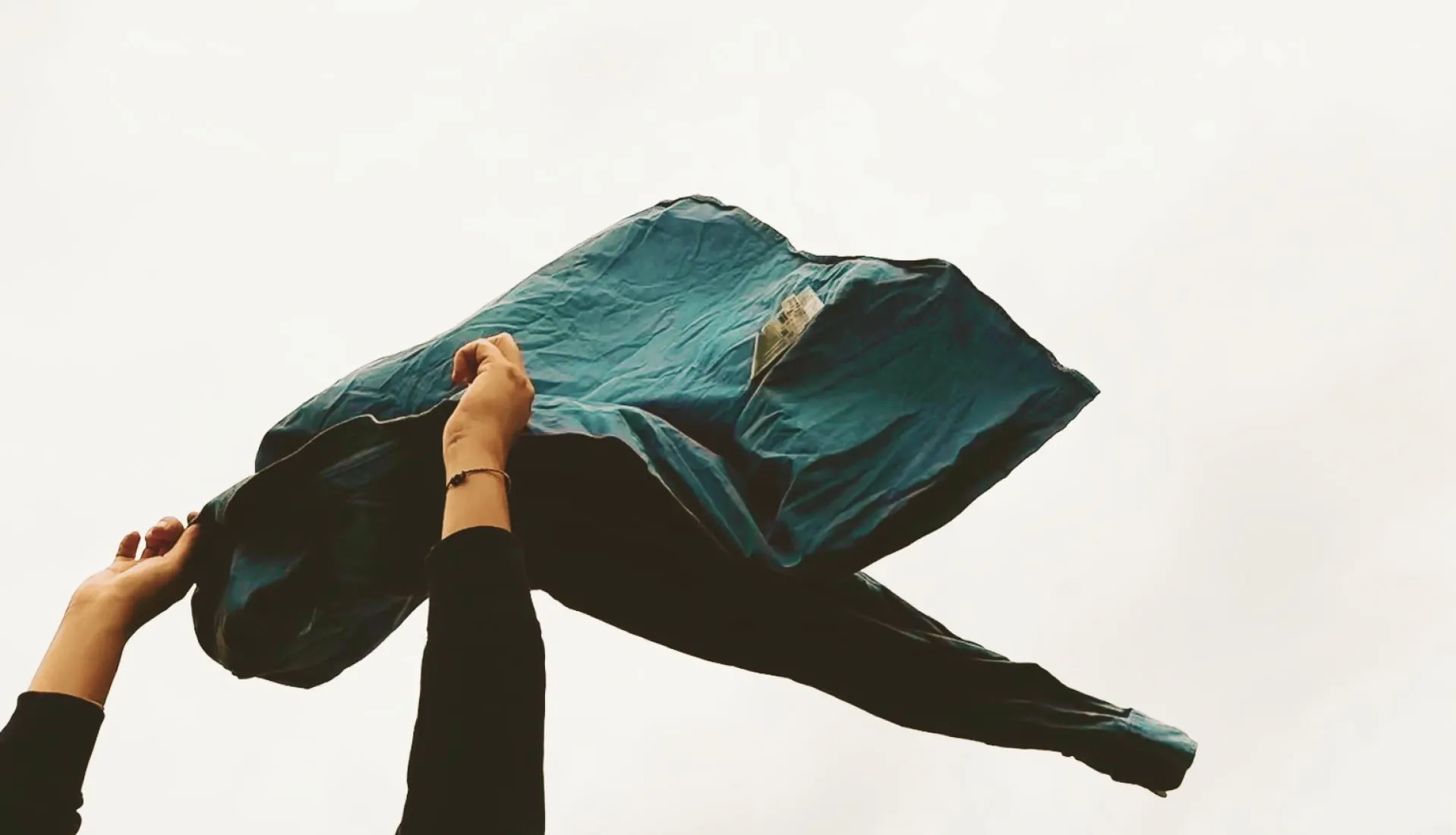
THE TRUE LOOK OF FILM
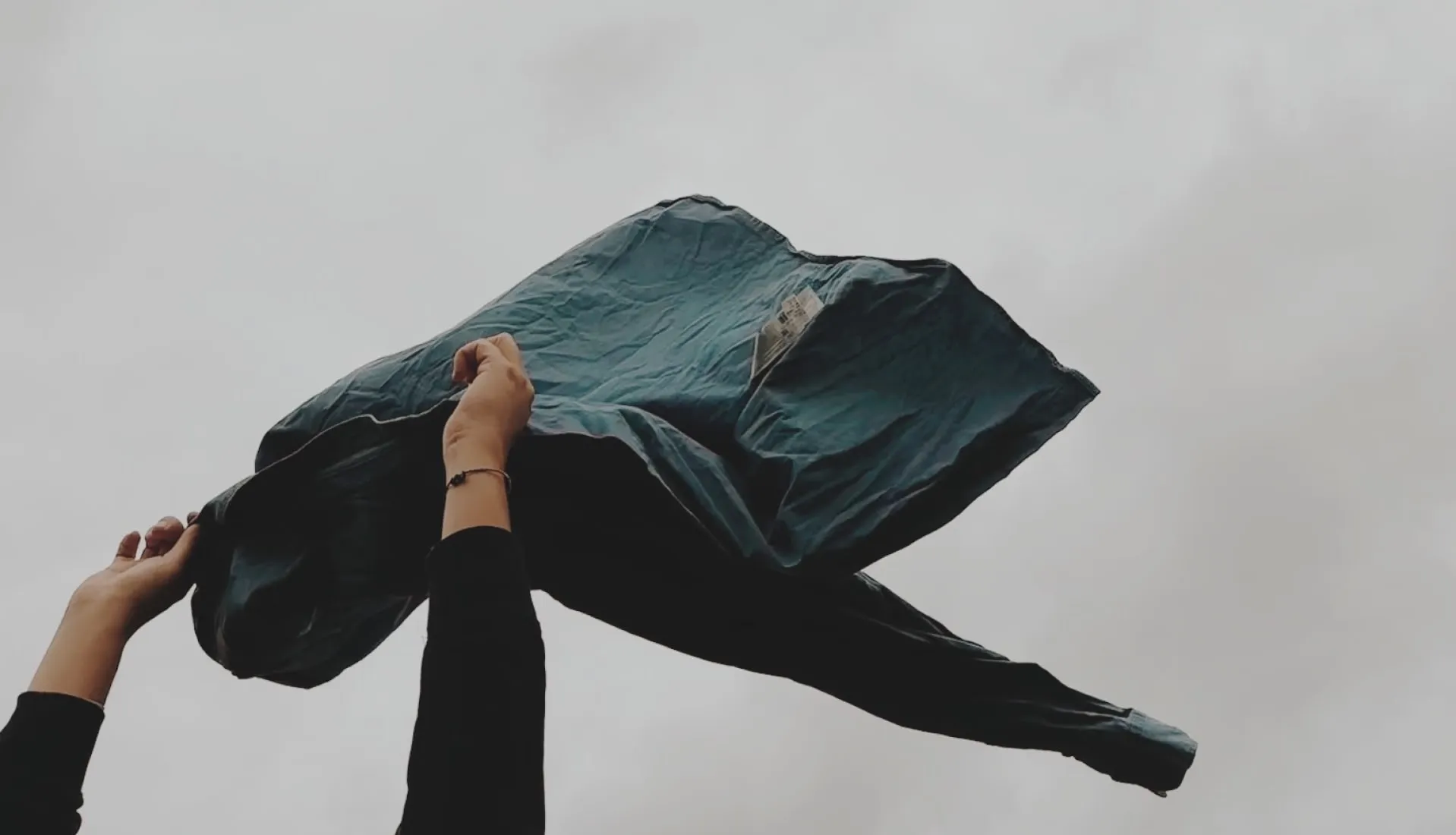
VSCO Film X presets were carefully engineered to emulate the color and tone of a wide range of true analog film stocks including Fuji, Kodak, and more.

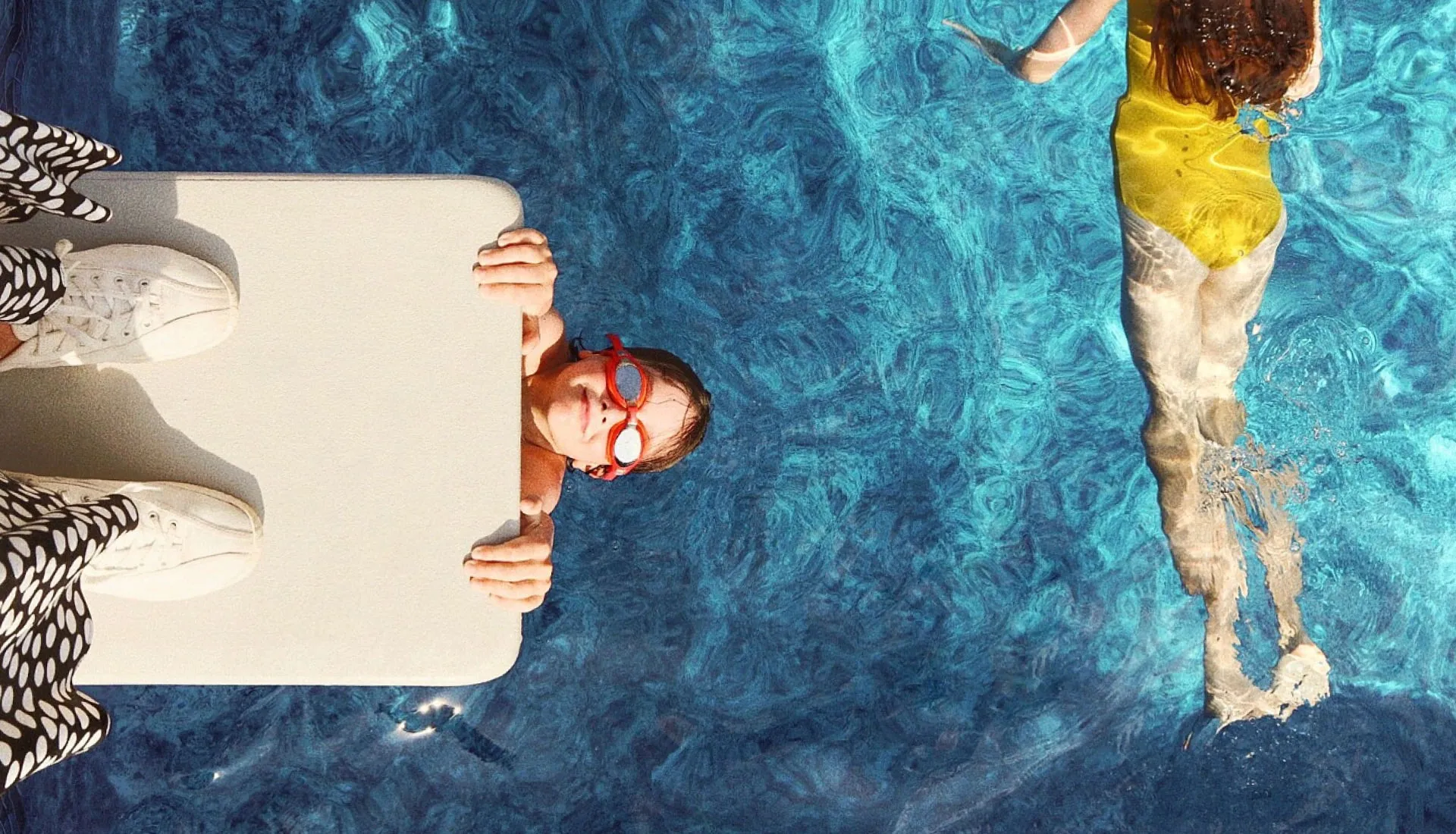
200+ premium PHOTO presets
Access our full library of professional quality filters for photos when you edit with VSCO Studio.
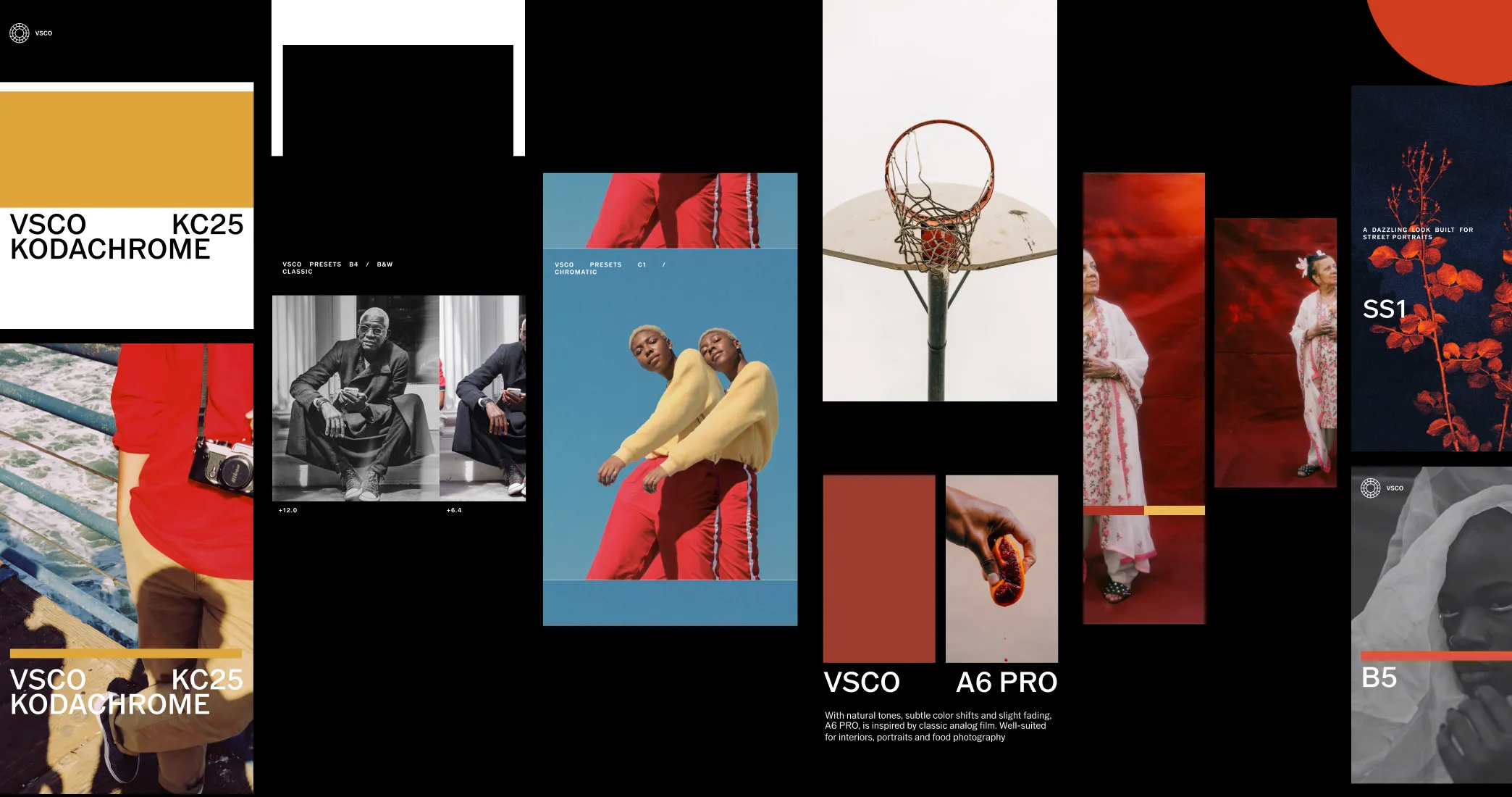
WE THE CREATORS
All-new photo presets, made in collaboration with VSCO photographers.

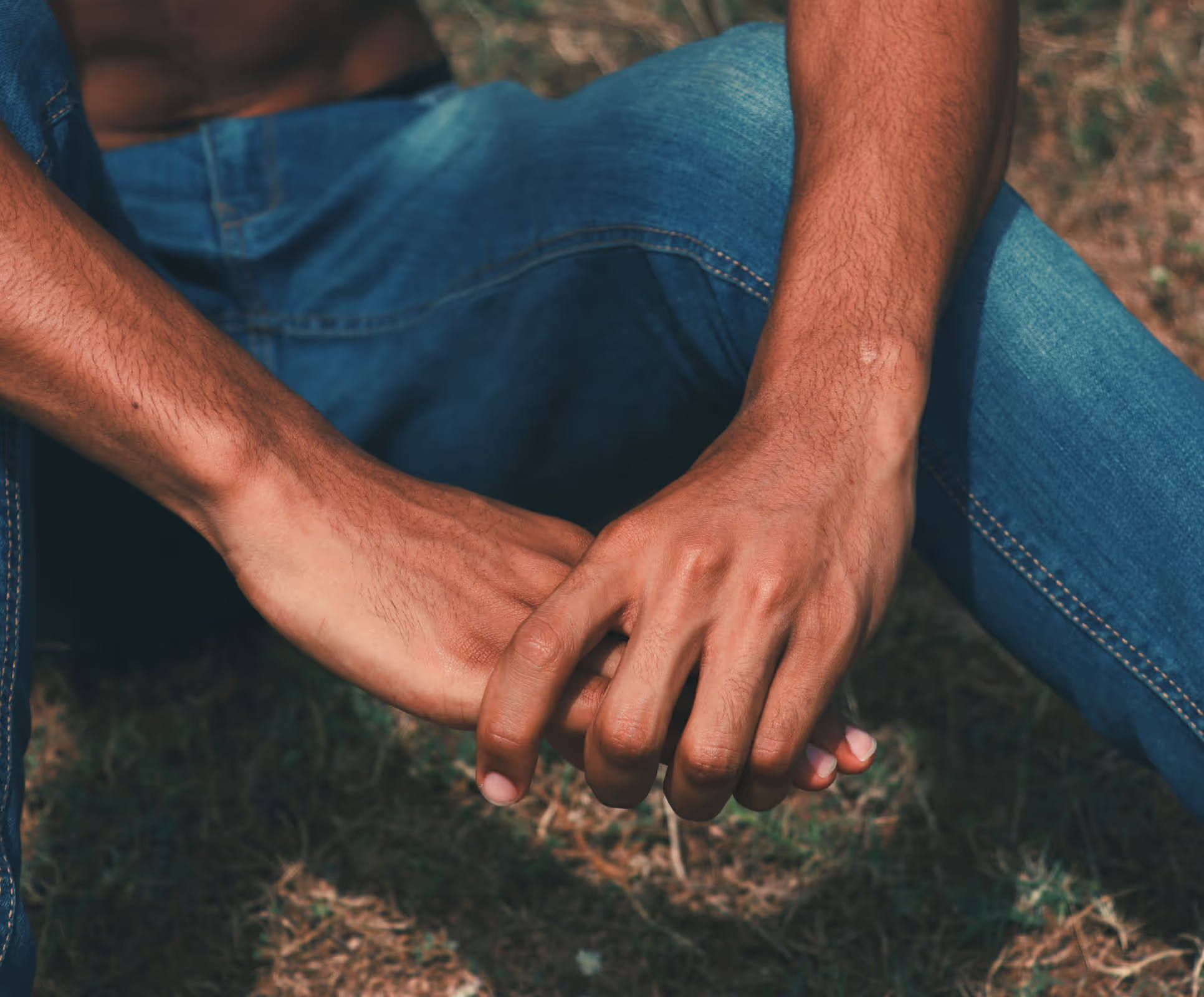

Fine tune PRO PHOTO EFFECTS
Exclusive to Pro members, VSCO Pro Presets unlock customizable controls for our best effects so you can create the exact mood you're looking for.
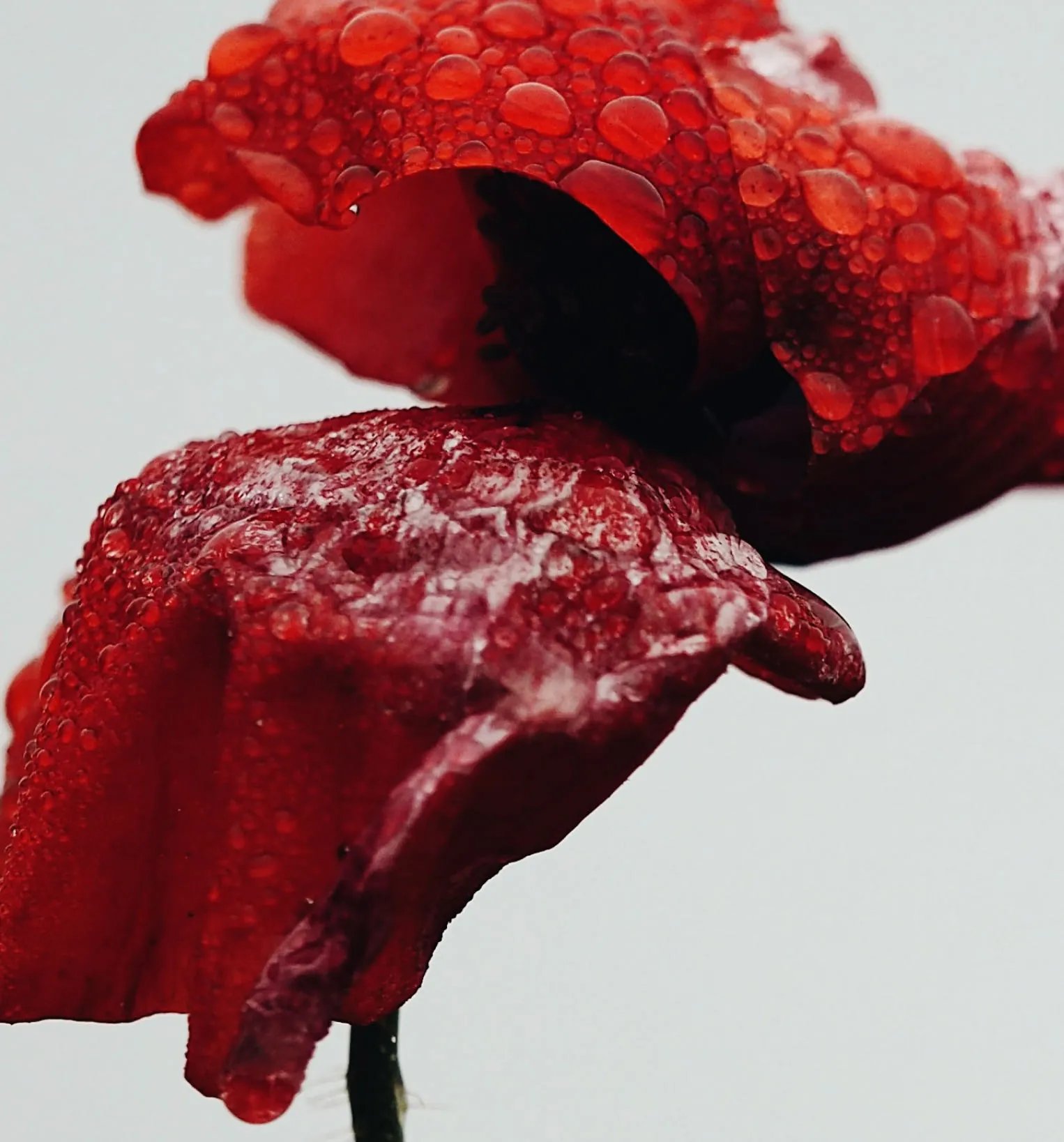
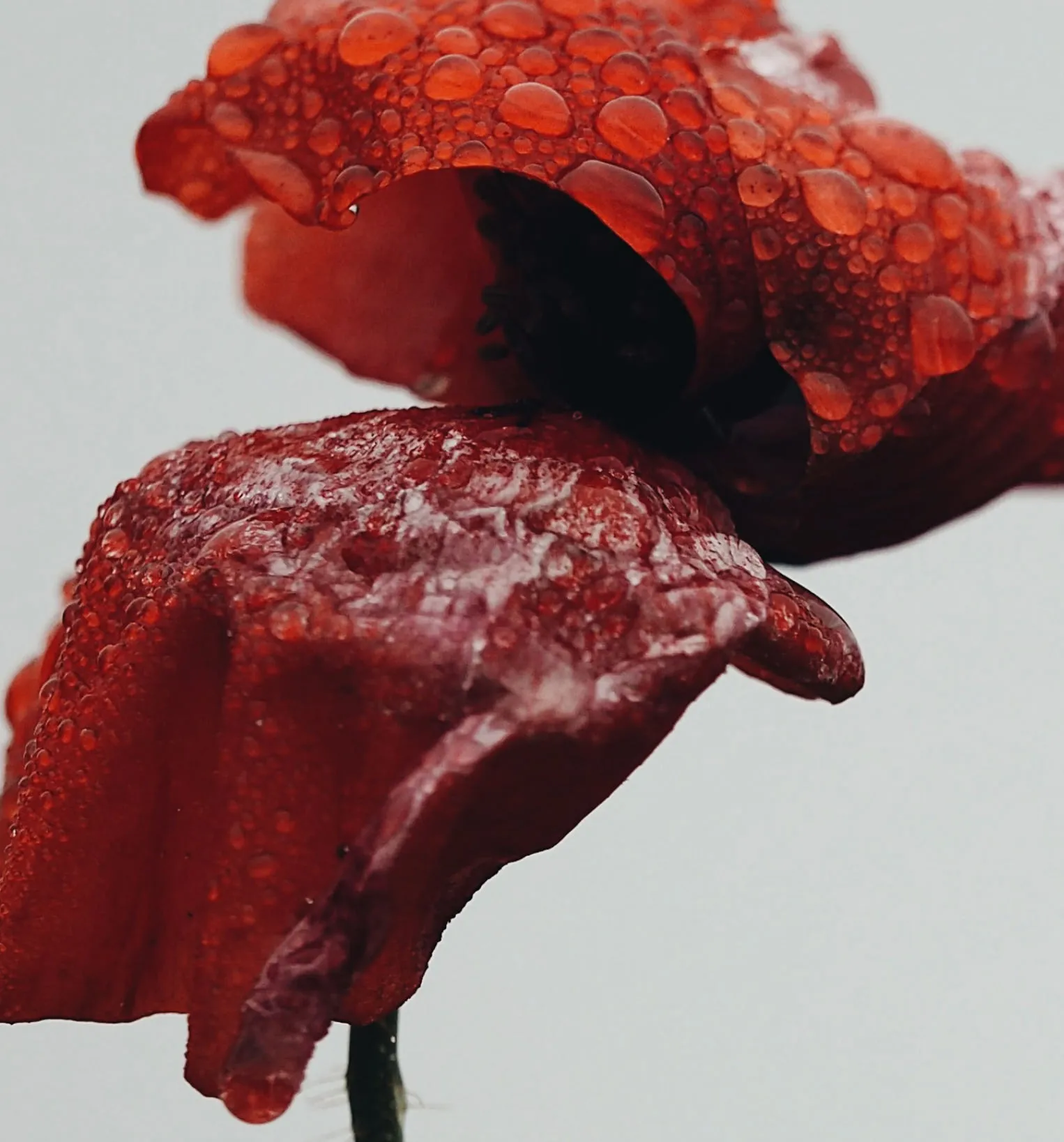
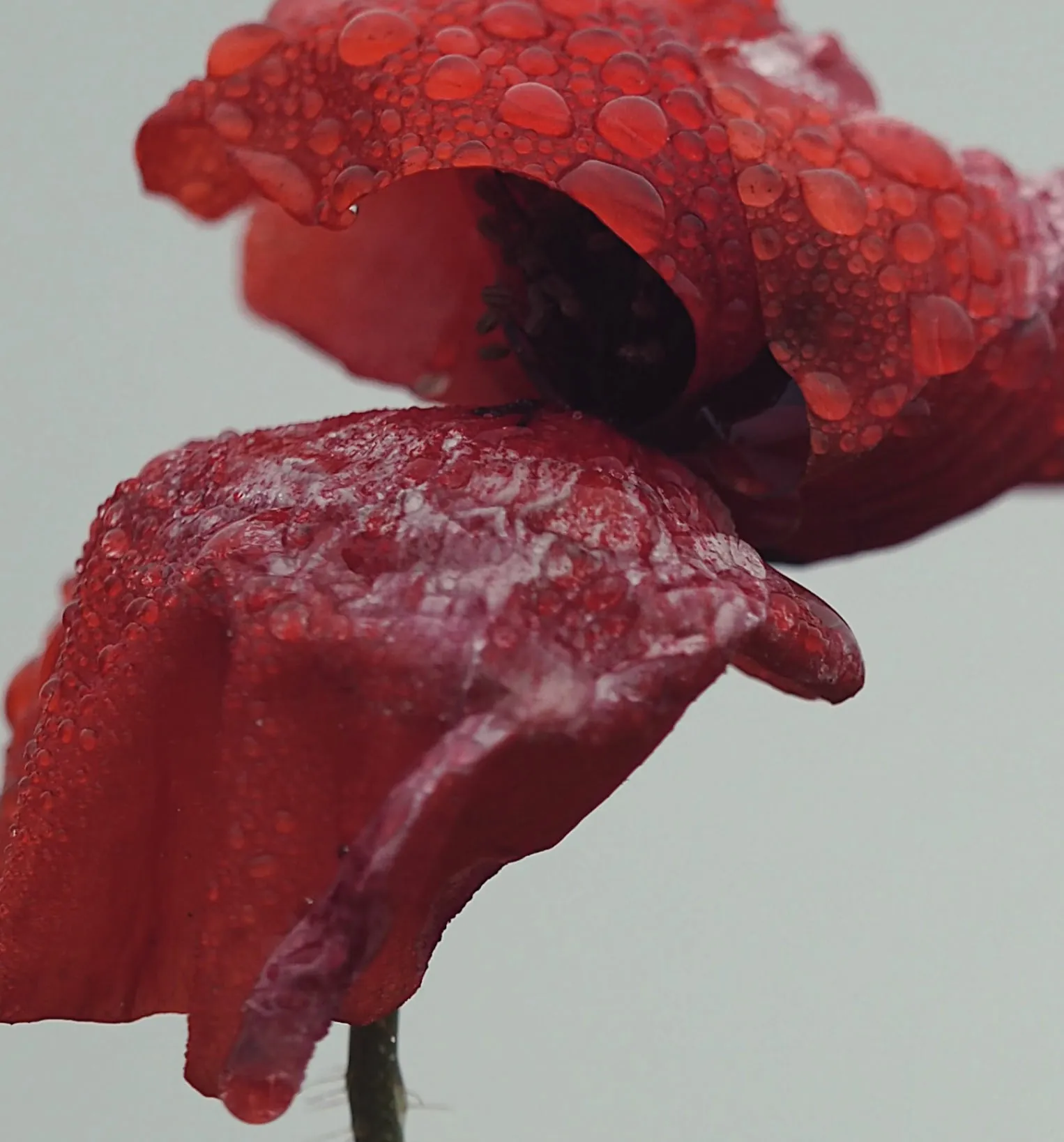
We’re always releasing new photo presets. With VSCO Membership you’ll have instant access to our latest photo filters, including our color grading presets.
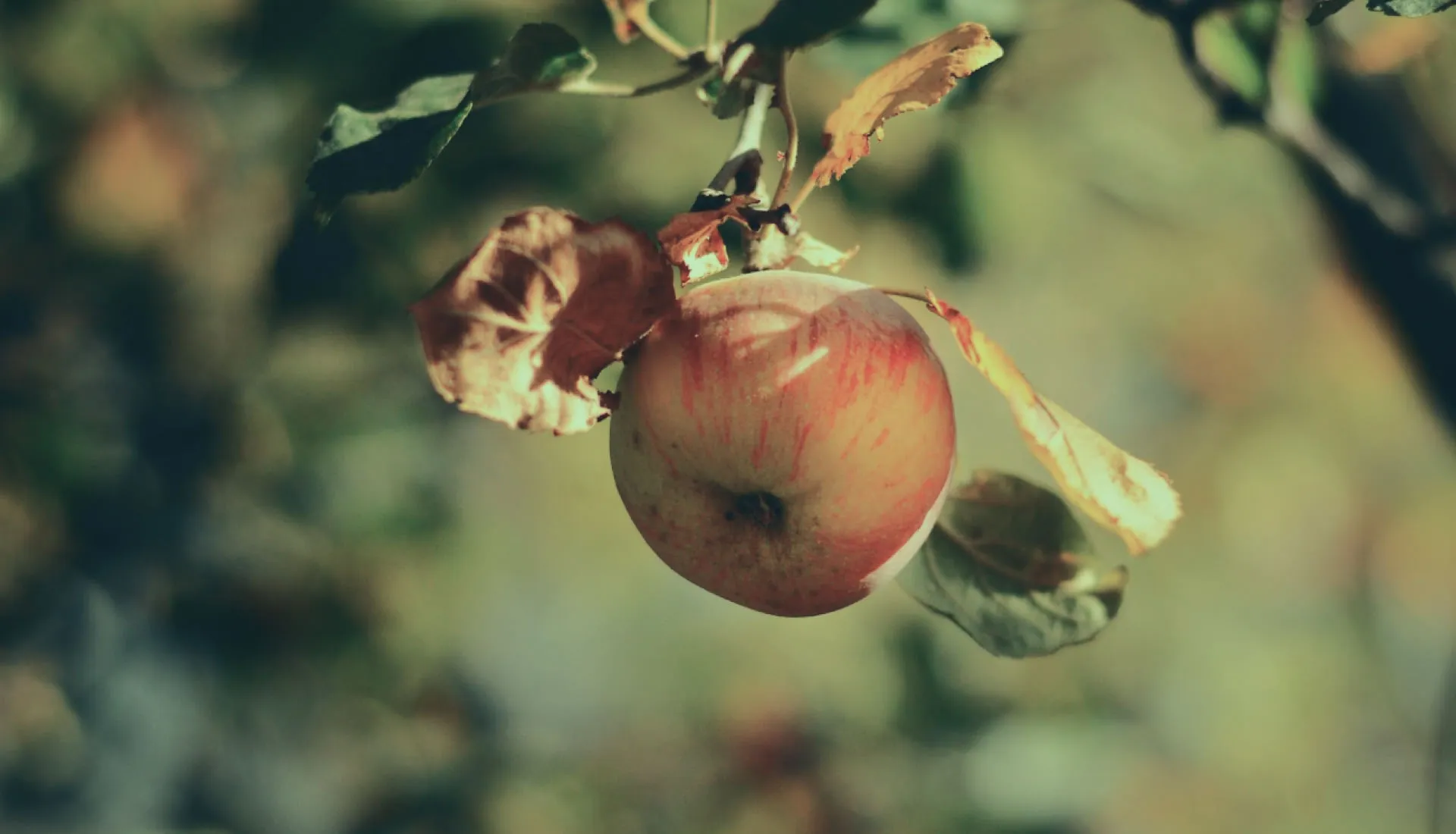

Every photo filter is expertly crafted by our team of photographers and engineers with an eye to detail and a commitment to quality.

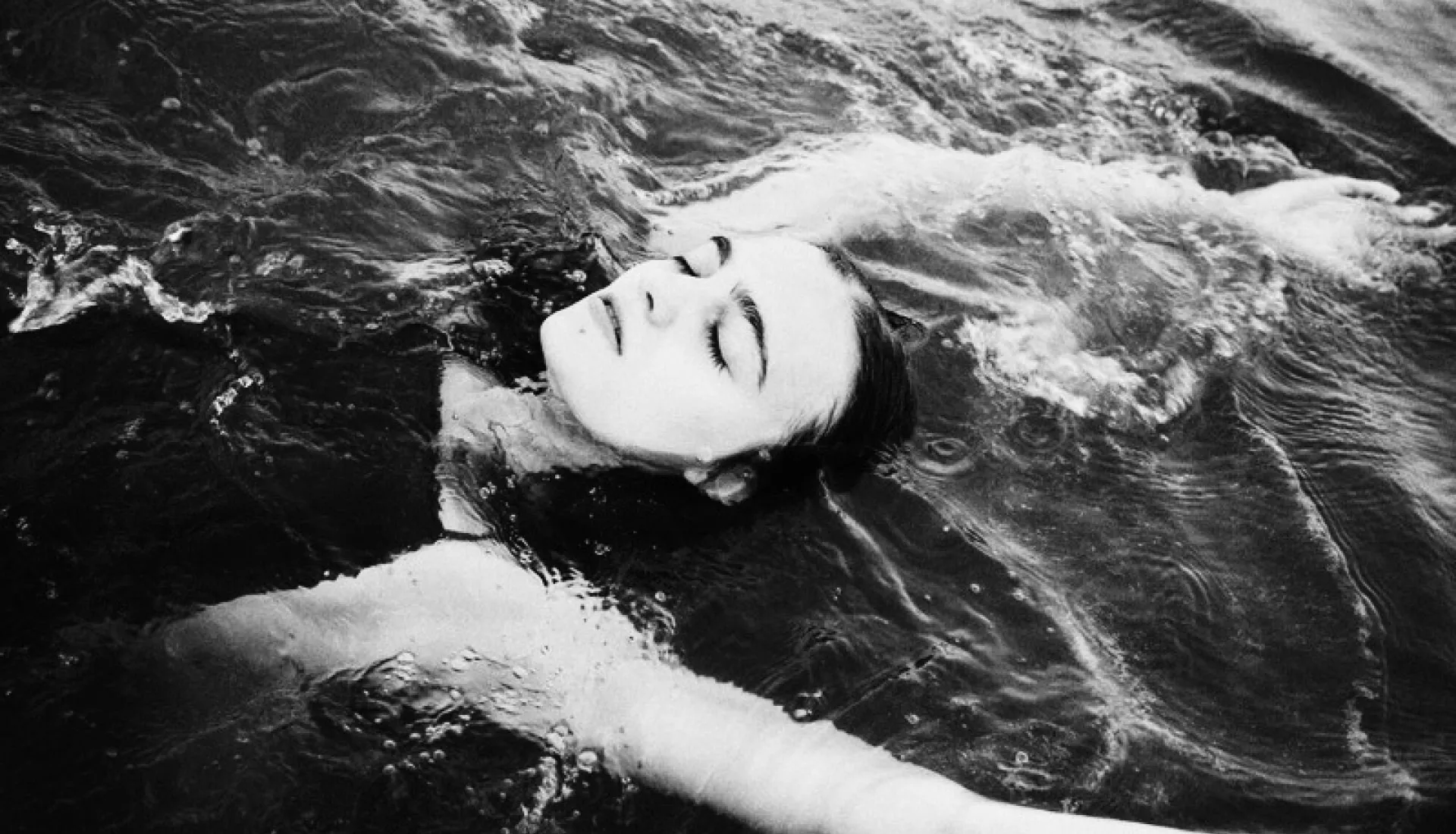
Use photo filters to enhance the mood and apply artistic photo effects. From quiet and muted to vibrant and saturated, each preset produces a unique photography aesthetic.
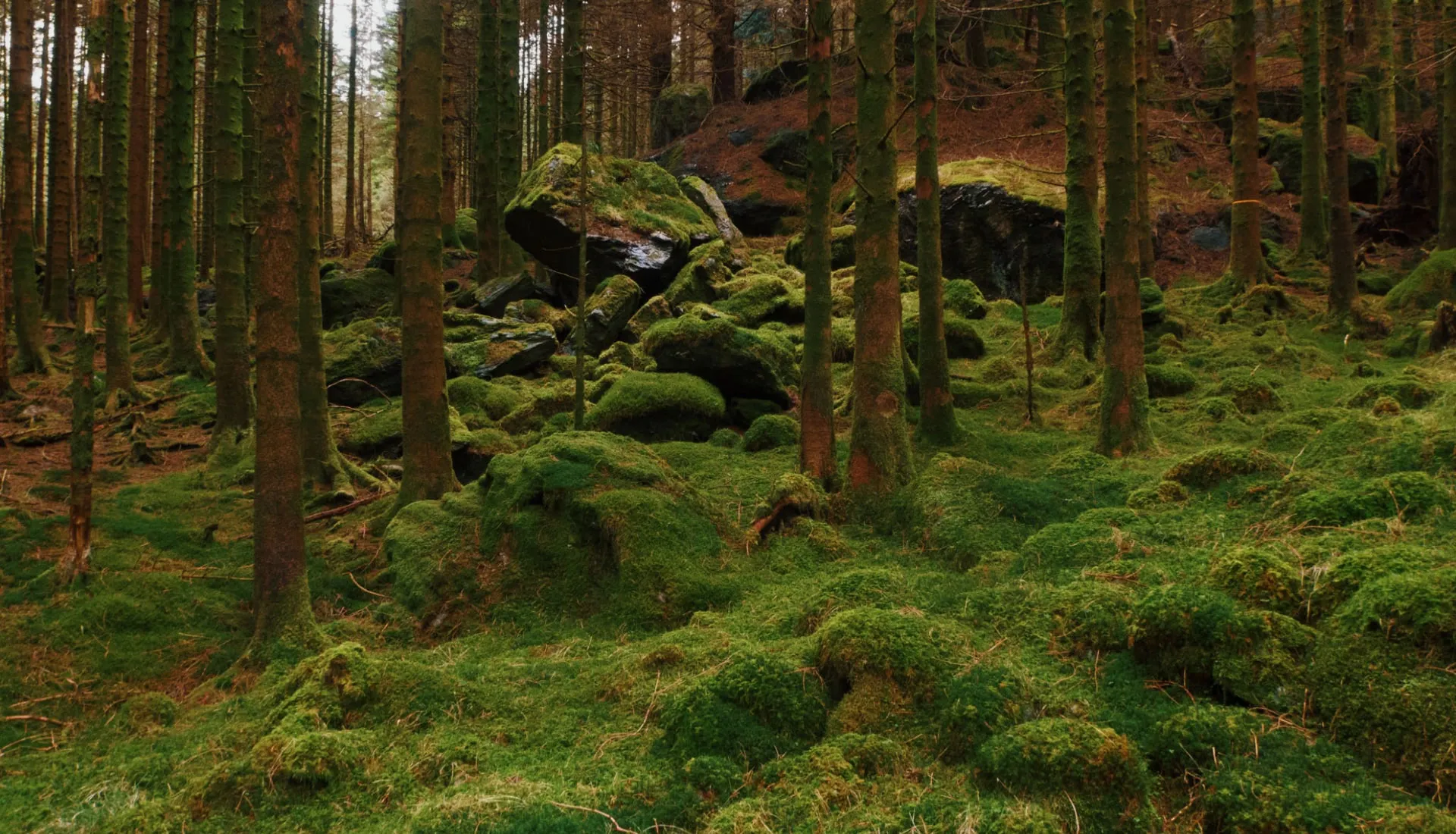

With the release of cross-processed photo presets, we’ve added a totally new category of film presets to the VSCO Film X library.
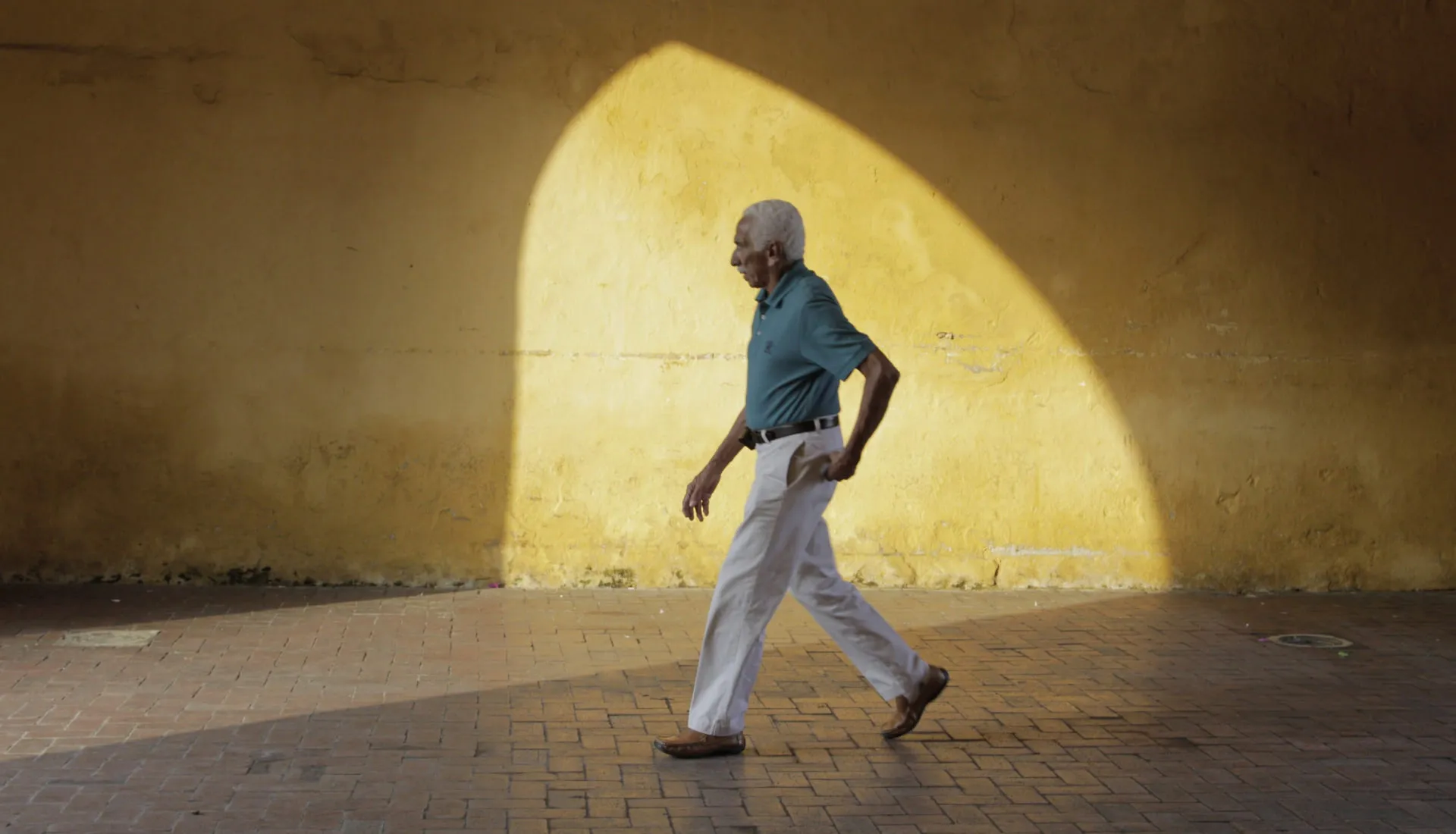
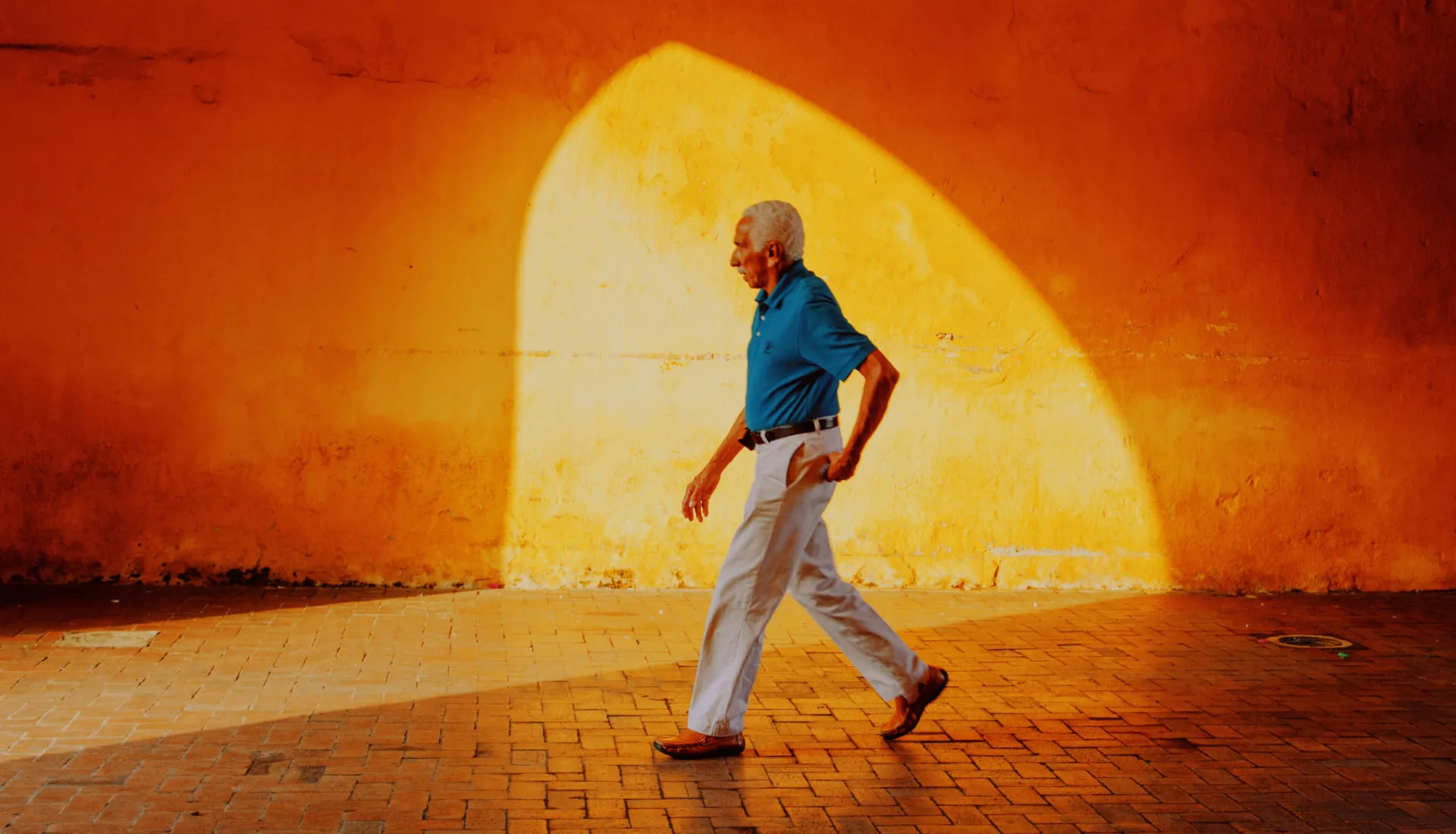
Frequently asked questions
What is the most popular VSCO photo filter?
The most popular VSCO filters include A4 for a warm, analog film vibe, B1 for a classic black and white look, and A6 PRO for a polished, professional finish. Join VSCO to explore edits from other creators and see exactly which presets and tools they’re using in your personalized feed.
How do I put filters on my photos?
VSCO makes it easy to add filters to photos — just upload your image to your Studio, tap ‘Edit Image,’ and choose a preset filter. Tap the filter again to quickly adjust the strength for a more subtle look. Add VSCO filters to photos using your iPhone, Android, or with our online photo filters in your browser, Mac or PC — download the filters app or launch Web Studio.
Can I make photos look like film?
Yes, VSCO offers film-inspired photo filters that recreate the look of classic film stocks. Explore the full collection of film photo filters — from Kodak, to Fuji, to Ilford and more film presets.
Are photo filters the same as presets?
VSCO presets are photo filters, designed to give your pictures a consistent style with just one tap. From aesthetic photo filters that create a signature look to vintage classics, they’re perfect for editing images with a unique yet cohesive feel.
Can I create my own photo filters?
Yes, with VSCO you can save your custom edits as Recipes to reuse on any photo. They’re a simple way to batch edit photos in bulk while building your personal editing style.
What’s the difference between regular and Pro presets?
VSCO Pro gives you access to dozens of exclusive, professional-grade photo presets that go beyond free photo filters with additional contrast, color, and tone sliders. Learn more about our Pro presets.
Can I make photos black and white?
Absolutely. VSCO offers over 15 black and white photo filters in our photo editor, each with a unique monochrome look. Explore black and white filters from VSCO.
What are color grading filters?
Color grading filters adjust tones, highlights, and shadows for cinematic photo effects. Start color grading images and videos with VSCO.
Can I use VSCO presets in Adobe Lightroom?
Yes, VSCO Film presets for Adobe Lightroom are designed for advanced RAW workflows and desktop editing. These presets are available to download for VSCO One members and bring the same film-inspired color, contrast, and tonal character to your existing Adobe Lightroom workflow.
Does VSCO offer Capture One presets packs?
Yes, VSCO preset packs for Capture One are designed for advanced RAW workflows and desktop editing. These presets are available to download for VSCO One members and bring the same film-inspired color, contrast, and tonal character to your existing Capture One workflow.
Does VSCO have retro photo filters?
VSCO offers some of the best vintage and retro photo filters like A6, G6, and KE1 — perfect for a faded or film photo filter look. Try them on your iPhone and Android — or try our photo filters online with desktop Studio.
Can I combine filters with other photo editing tools?
Yes — VSCO lets you combine photo filters with tools like grain, fade, and HSL for full creative control. Filter photos your way and add additional film photo effects with just a few taps.
More PHOTO EDITING TOOLS
After applying a filter, take your photo and video editing even further with powerful editing tools to create a more personalized and professional final look.
Get Help
Get the most out of VSCO with assistance getting started, questions, or feedback.
Download VSCO
VSCO is a connected system for photographers. The photo editor is available on iPhone and Android, and desktop web on Mac and PC.