
Studio-grade Batch Photo editing
Batch photo editing app, Style Match, and iconic presets. First release, building fast for photographers who refuse to slow down.
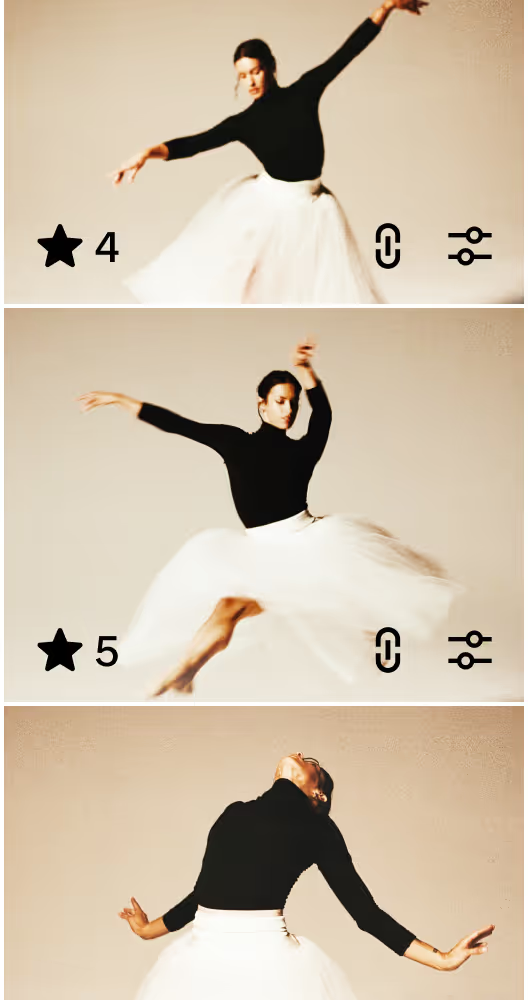
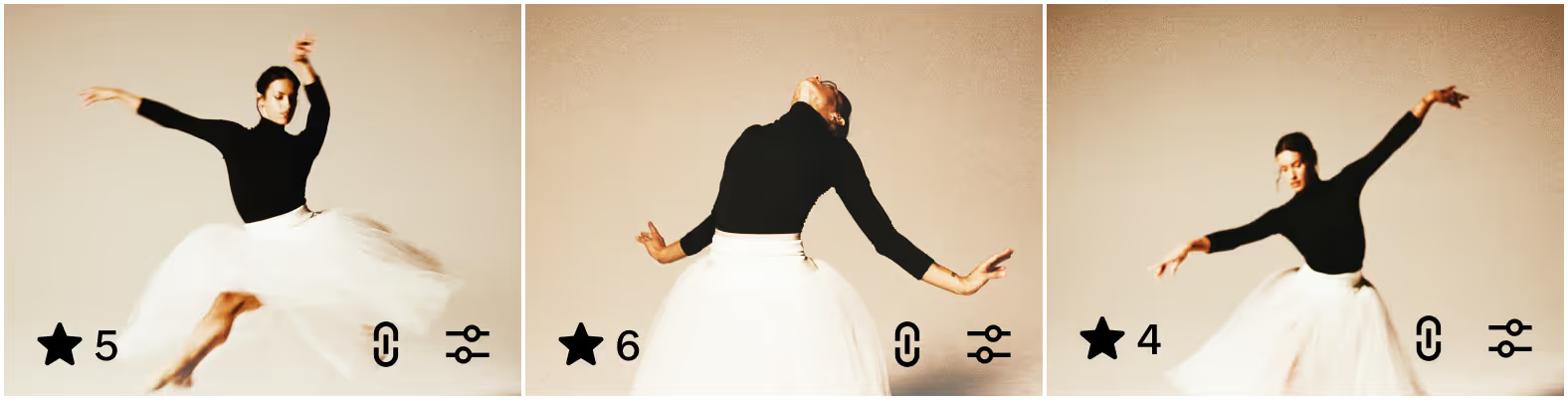

Edit 100 photos at once, recreate your best edits with Style Match, apply film presets, and fine-tune with precision controls. Pro workflows fast enough to keep up with your ambition.









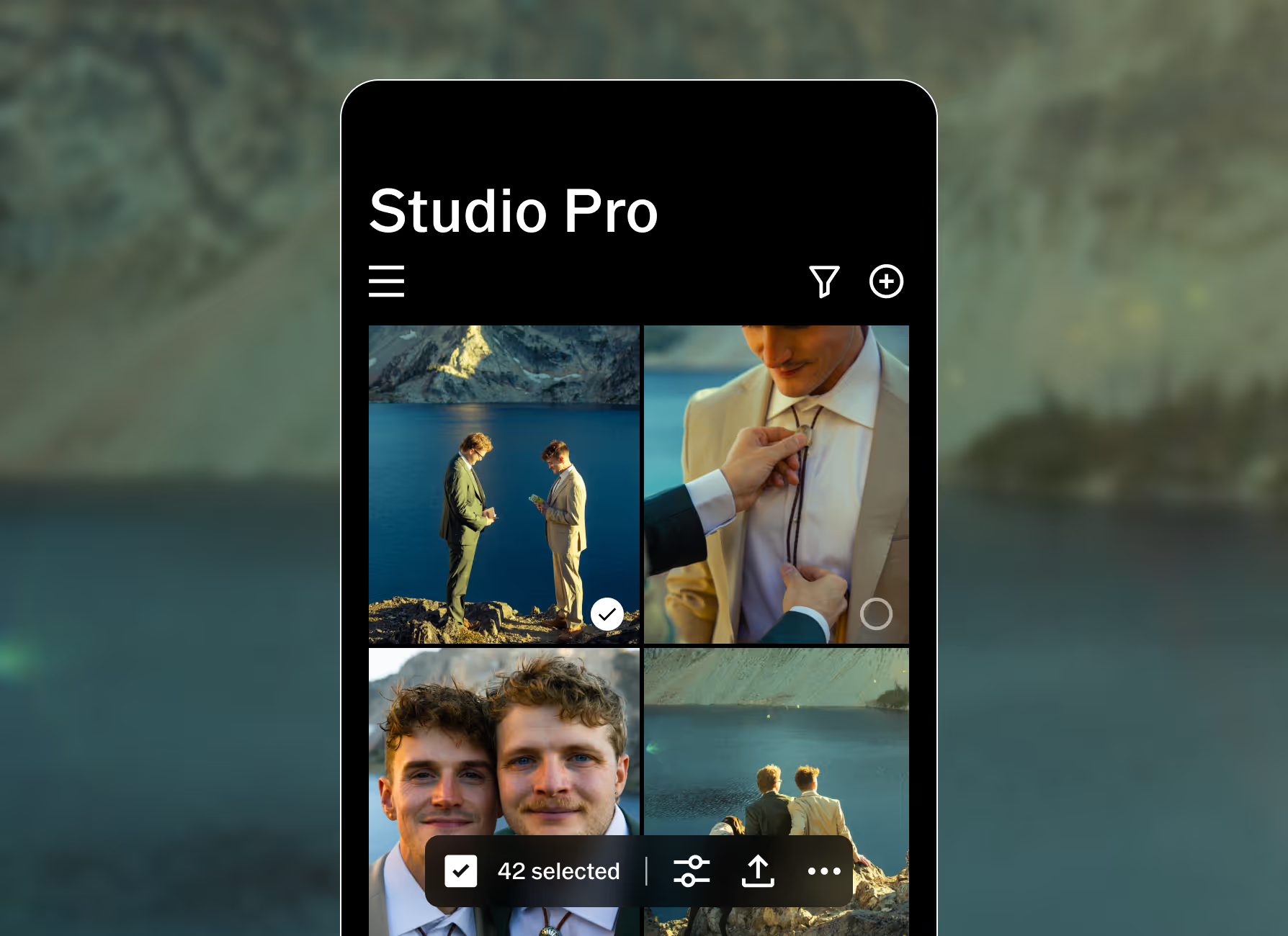
Edit 100 photos in one tap
Finish editing a full photoshoot in seconds, not hours. An all-new image engine brings iconic VSCO presets and professional manual controls into a faster, more powerful workflow. Apply your look across 100 photos and watch every edit happen in real time.
Whether you're delivering client galleries, building a portfolio, or editing your first paid gig, studio-grade consistency makes every image feel intentional and every set feel complete.
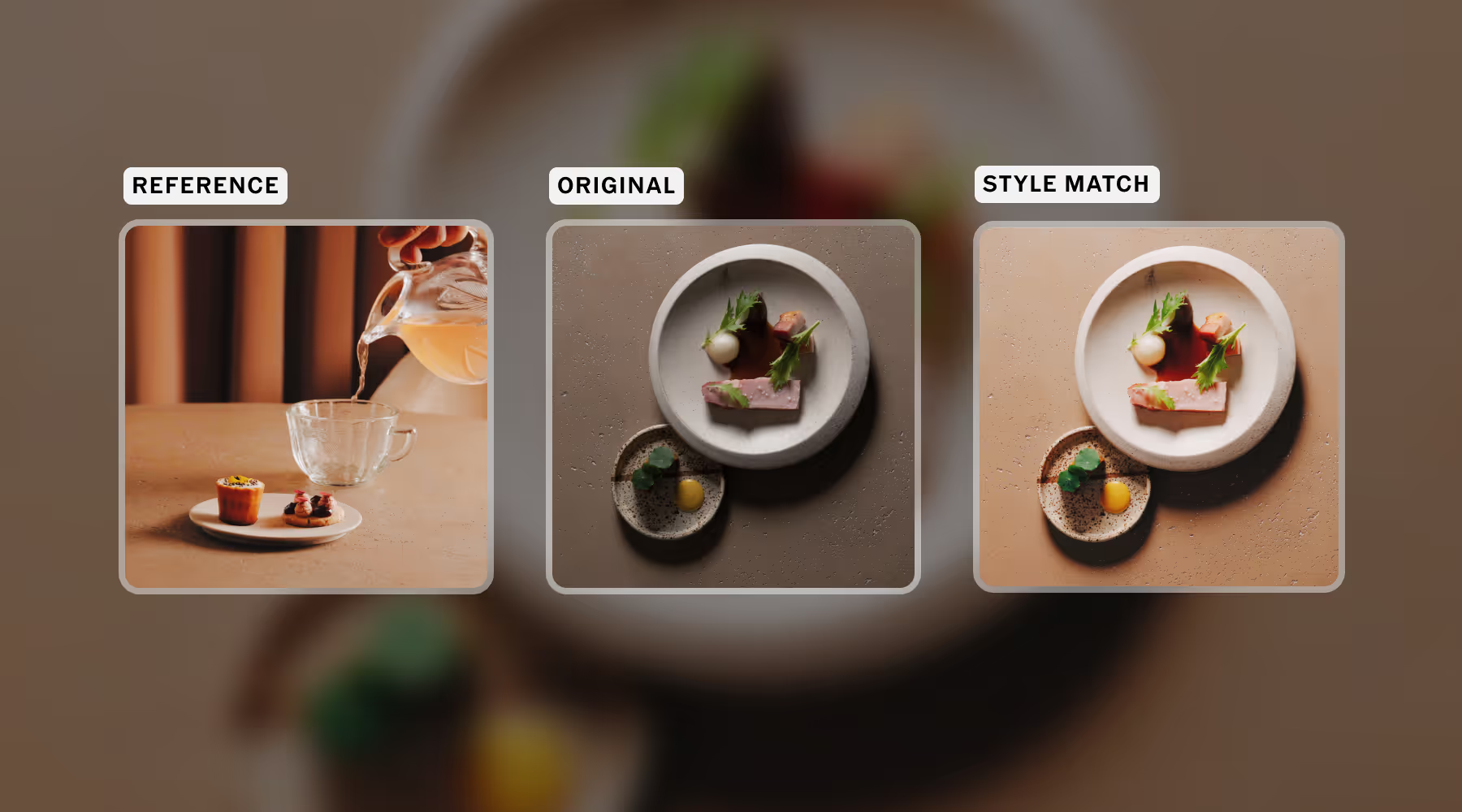
Choose a photo, create your look
Style Match analyzes any image and recreates its color, tone, and mood using a tailored combination of presets and tools. Apply your new Style across one photo or a full set in seconds.
Whether you're recreating your own signature edit at scale, matching a client's brief, or experimenting with new looks, Studio Pro makes consistency effortless.
This is just the beginning
VSCO Studio Pro is here with new features, smarter tools, and faster workflows on the way. We're also bringing Studio Pro to desktop so your professional editing suite works seamlessly wherever you do.
Every update puts more time back behind the camera. From AI-native editing tools to workflows made for volume and precision, we're building for photographers who shoot fast, deliver consistently, and never want post production to be the thing that slows them down.
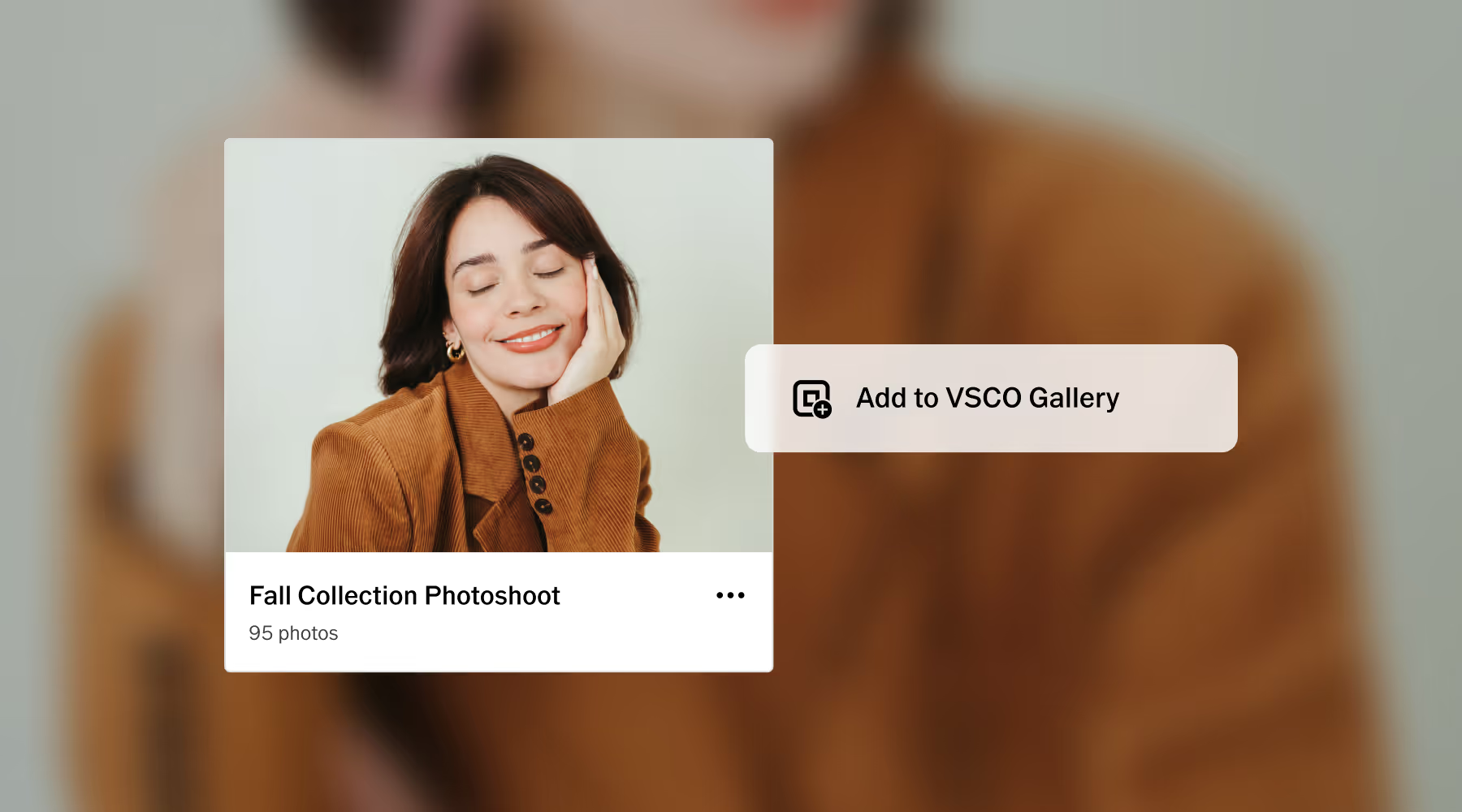
Go From edit to client in One tap
Finish your selects in Studio Pro and publish directly to Galleries. No export, no re-uploading, no switching apps. The gallery is live faster and lands when clients are still excited from the shoot.
Link the gallery directly inside Workspace and send the delivery email from the same place you manage the booking, the contract, and the invoice. One client record. Everything in one place.
Download Studio Pro free
Edit your photoshoot in minutes, not hours. Studio Pro gives photographers pro workflows that keep up with their ambition.
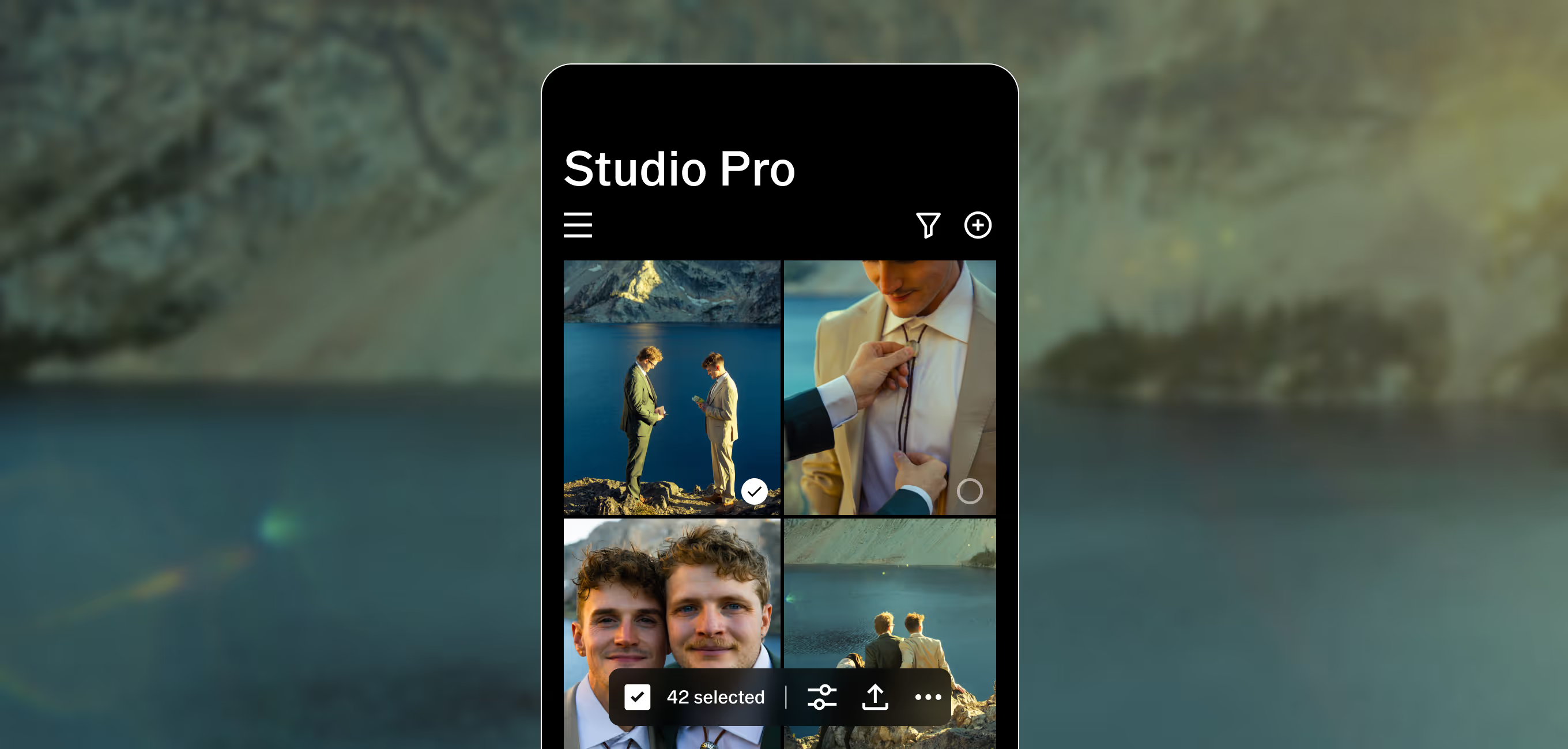
VSCO Studio Pro is available for on iOS from the Apple App Store, Download for Mac desktop coming soon.



Powerful tools for every edit
Studio Pro comes with complete set of professional editing tools designed to give you full creative control, with even more on the way.
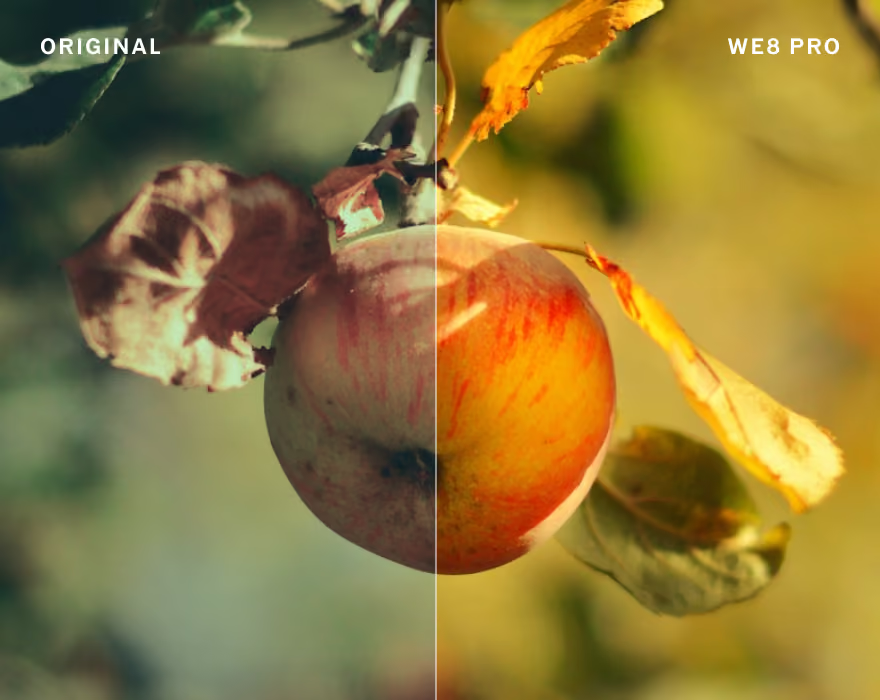
Presets
200+ film-inspired looks, plus Pro Presets that give you even more control to define your own style.
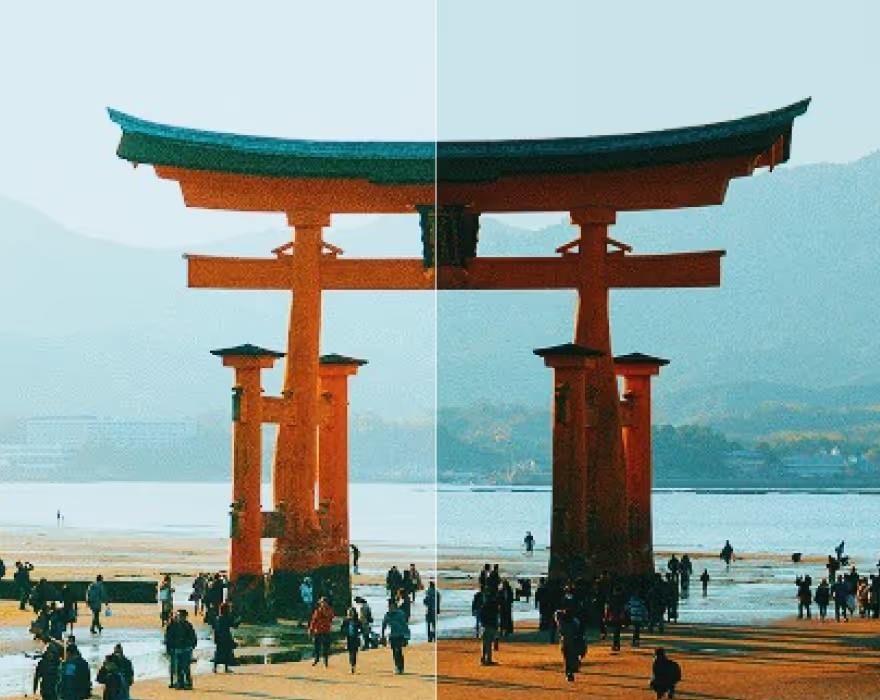
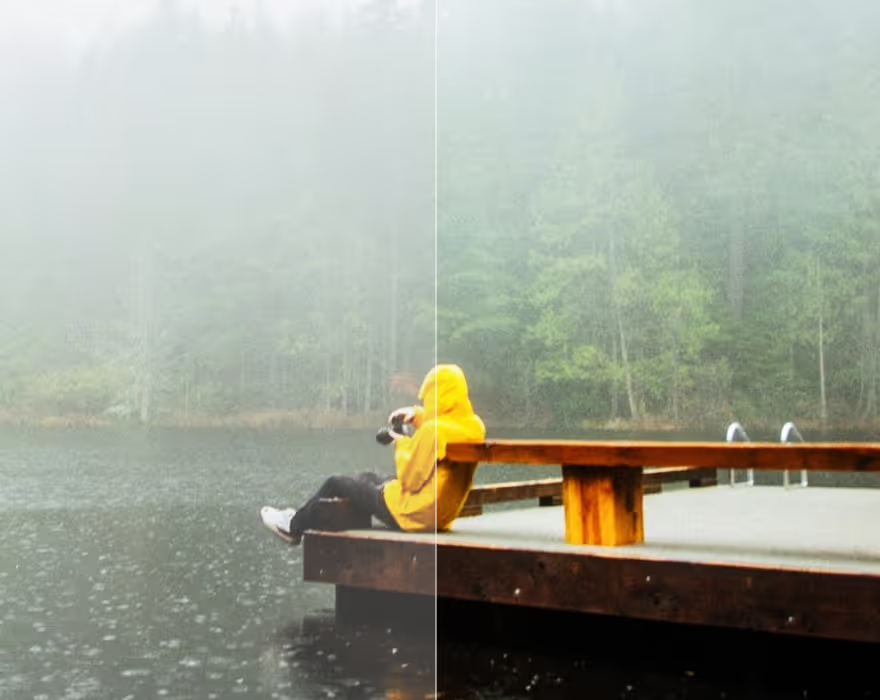
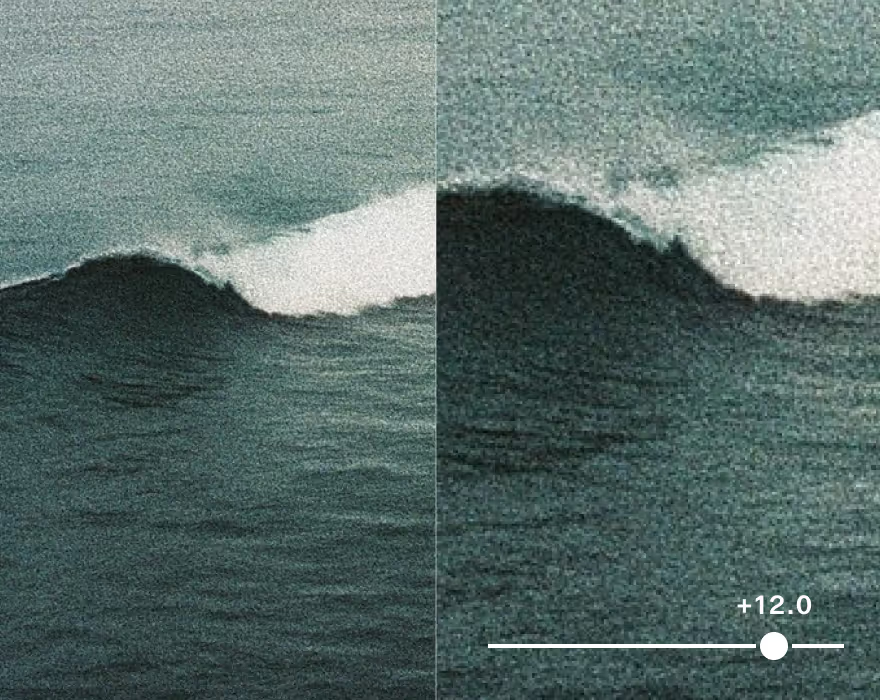

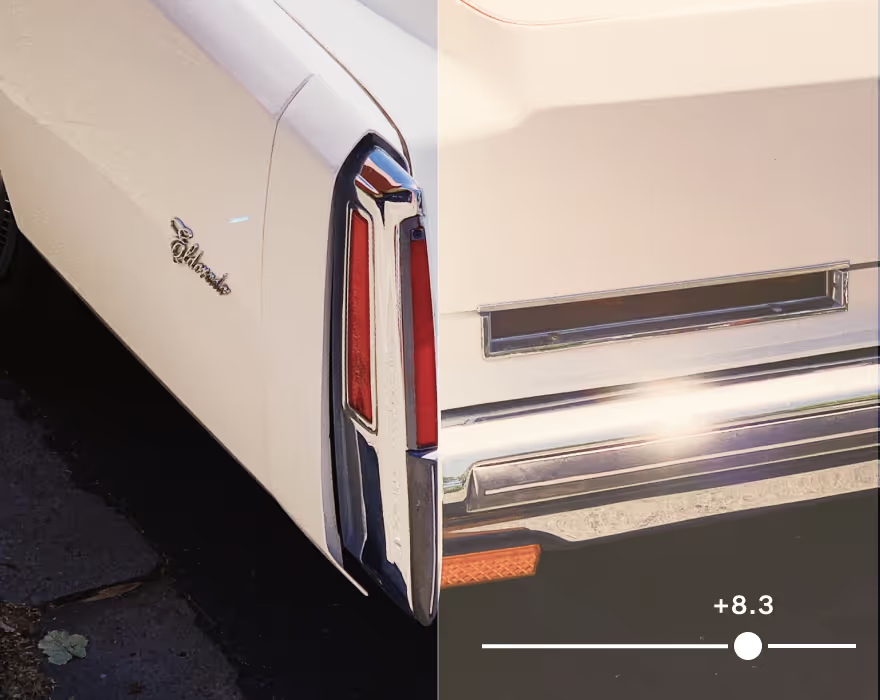
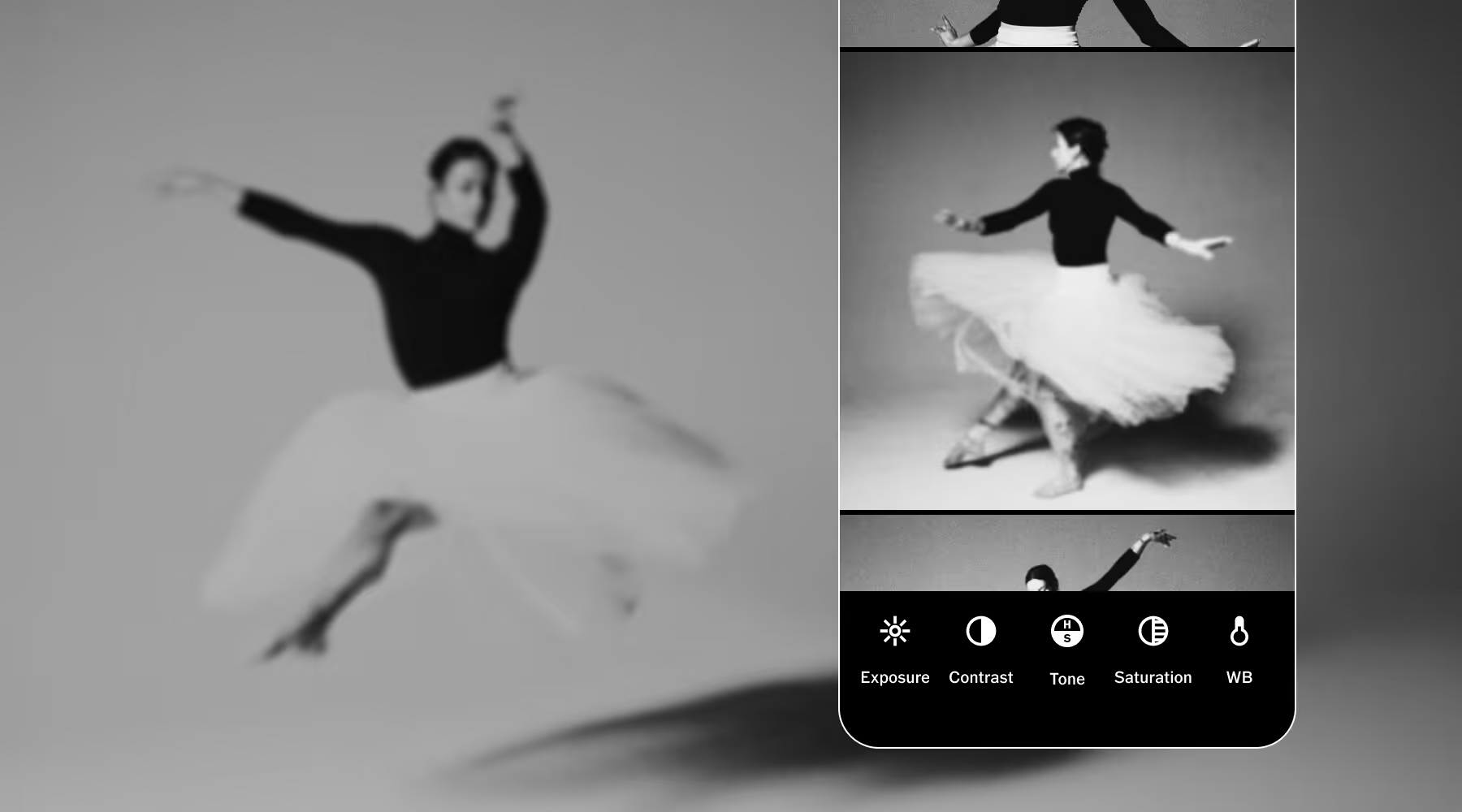
Calibrate color and correct casts from artificial light with White Balance.
Frequently asked questions
What is VSCO Studio Pro?
VSCO Studio Pro is a professional photo editing app for iOS, built for photographers who want studio-grade results without sacrificing speed or quality. It combines batch editing, AI-powered Style Match, and over 200 iconic VSCO presets—all with a new image engine built for speed and precision.
What is batch photo editing?
Batch editing lets you apply edits like presets, manual adjustments, or Style Match to multiple photos at once instead of editing frame by frame. In Studio Pro, you can edit up to 100 JPEG or HEIC photos, make adjustments across all of them, and export your finished photoshoot in minutes. Batch editing is the fastest way to deliver a consistent, professional set of photos.
What is Style Match and how do photographers use it?
Style Match analyzes the color, tone, and mood of any image and recreates that look using a tailored combination of presets and tools. Use a photo you've already edited, a client brief image, or one that inspired your creative direction—and Studio Pro gives you the perfect starting point. Apply your new Style to one photo or up to 100 at once for a cohesive, consistent, professional set.
How is VSCO Studio Pro different from the VSCO app?
The VSCO app is a complete creative platform with editing, community, portfolio, and more. Studio Pro is purpose-built for professional editing at scale with the latest technology. Batch editing up to 100 photos, Style Match, and full manual controls, all in a faster, more powerful workflow designed for photographers who need to edit and deliver more images.
How is Studio Pro different from other photo editing apps?
Most photo editing apps make you choose between speed and quality. Mobile apps are intuitive but lack professional workflows. Desktop suites are powerful but can be slow and complicated. Studio Pro combines professional quality, full manual controls, and batch editing in a workflow fast enough to keep up with your ambition.
What manual editing tools are available in Studio Pro?
Studio Pro includes a full suite of professional manual controls: exposure, contrast, highlights, shadows, white balance, temperature, tint, HSL, grain, fade, and sharpen. Every tool can be applied to a single image or up to 100 at once.
Can I use Studio Pro to deliver client photos?
Yes. Studio Pro is built for photographers who need to deliver fast and consistently. Import your shoot, apply your look with Style Match or presets, fine-tune with manual controls, and export in JPEG or HEIC. You get client-ready photo in minutes, not hours. When you're ready to send, use VSCO Galleries, a free app built for professional photo delivery.