

Your gallery lives in one tool. The invoice is sent somewhere else. The follow-up depends on you remembering. That gap can cost you your next booking. Close it with VSCO One.
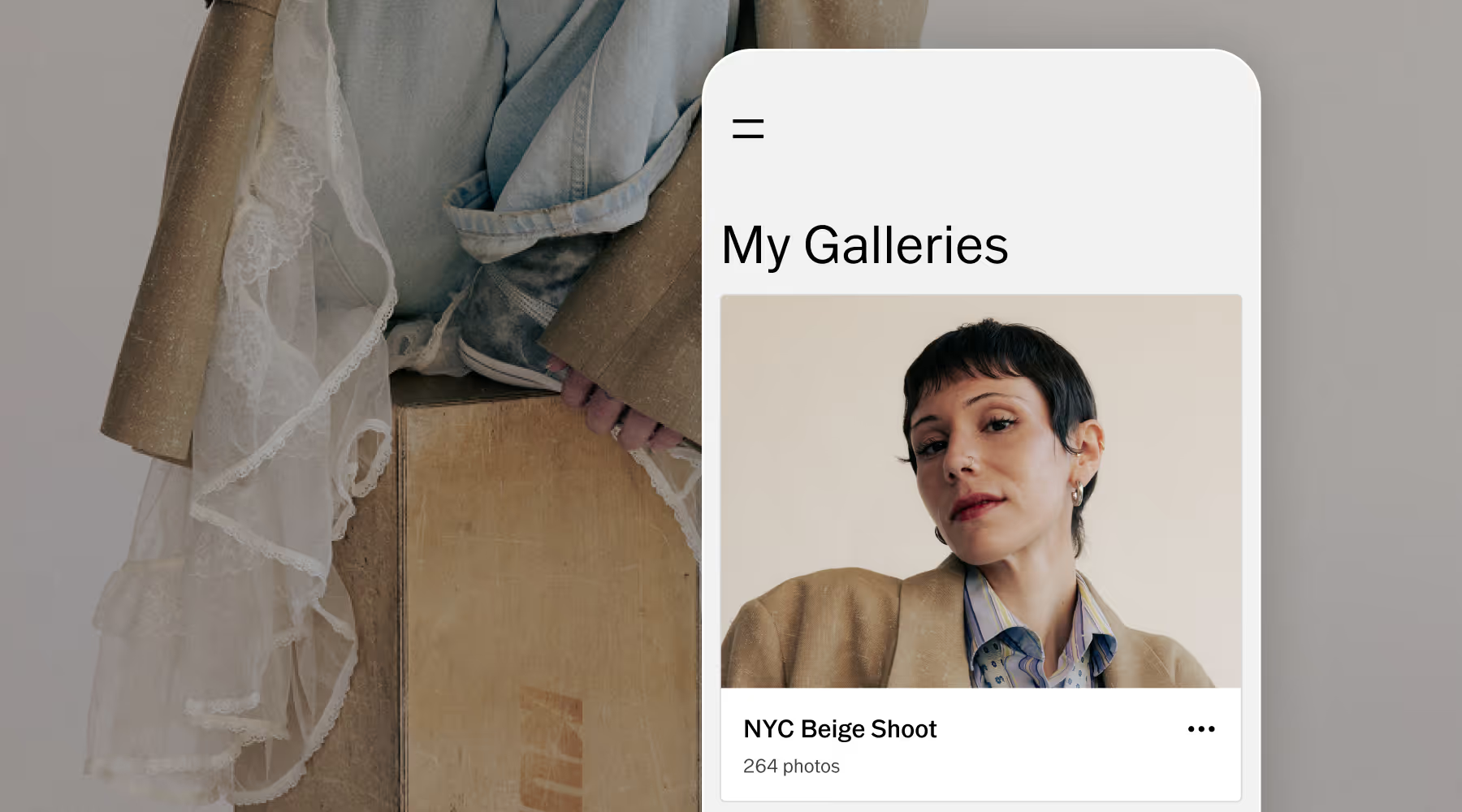
The gallery your clients remember
Deliver a gallery experience as polished as the work inside it. Full resolution on any device, password-protected, clean and distraction-free, and no expiring links.
Looking professional isn't about how long you've been shooting. It's about what your client experiences when they open the link.
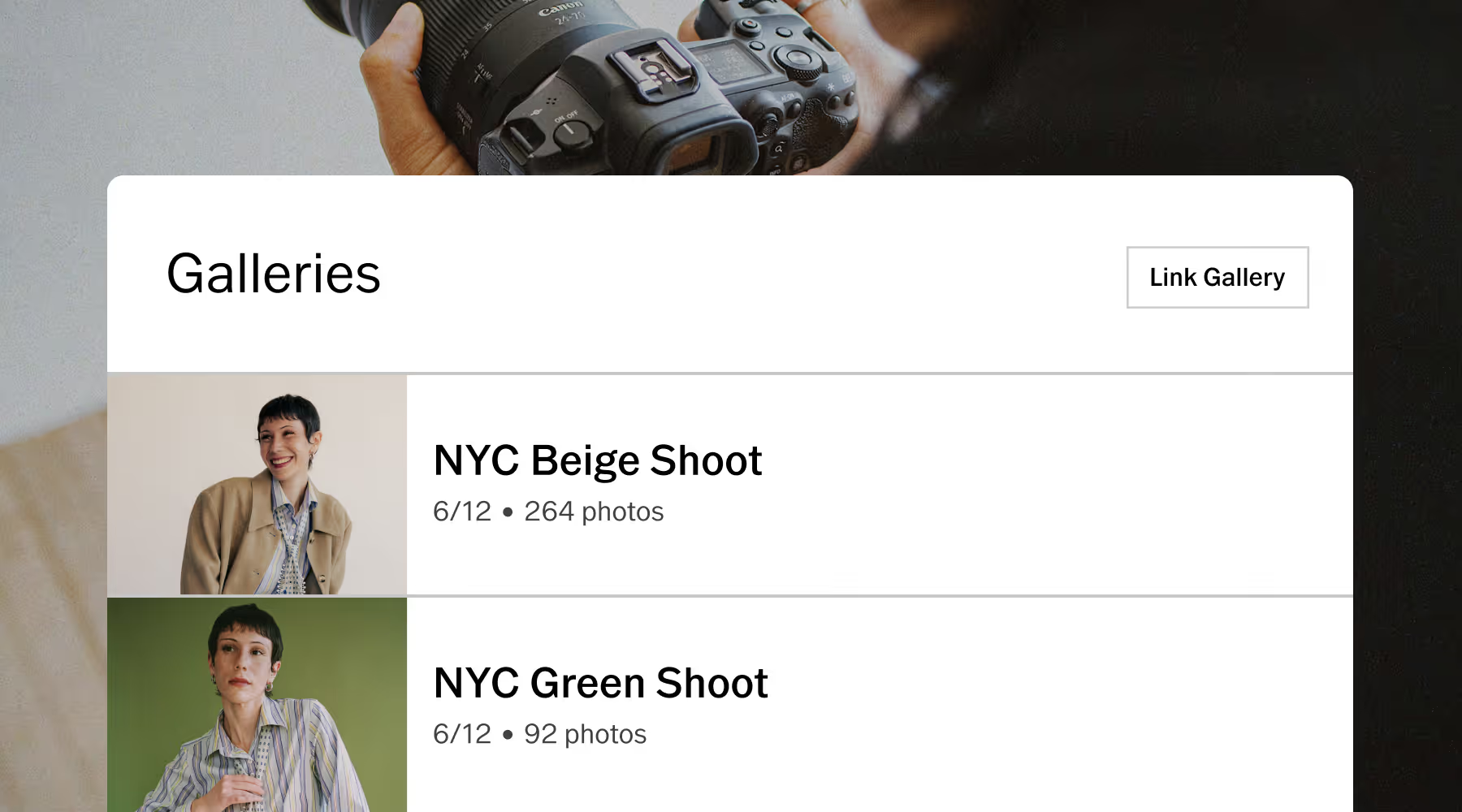
Connect every client detail
Link any gallery to a job in Workspace and the details are ready to use inside your email templates. Send the delivery email from the same place you manage the booking, the contract, and the invoice.
One job can hold multiple galleries. An engagement session, a wedding day, a portrait follow-up. Each one part of the client record it belongs to.
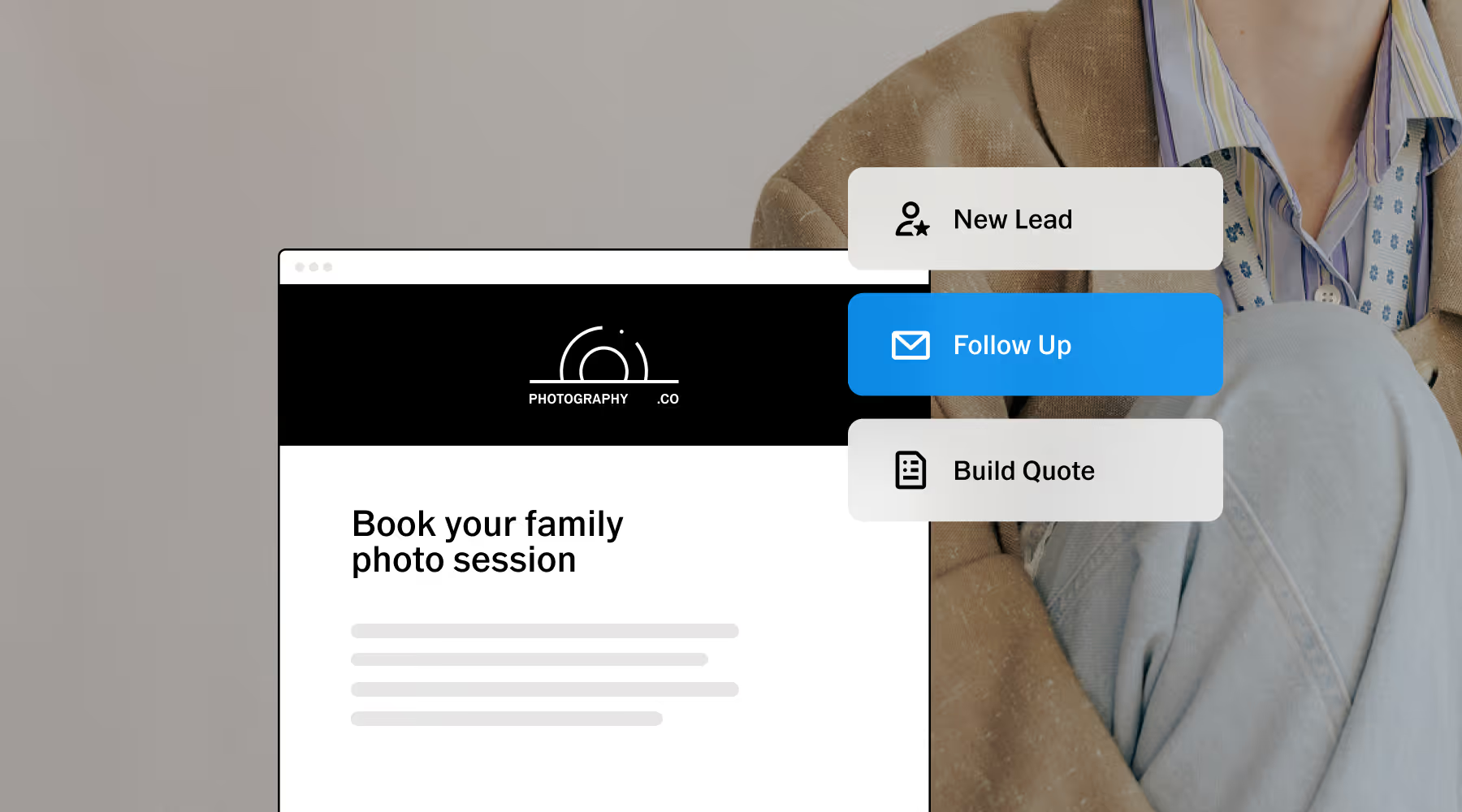
Act when the moment is right
The moment a client receives their gallery, they're already thinking about what comes next. The holidays, the next product launch, the next milestone. That feeling doesn't last.
With Workspace, invoice reminders go out on schedule and follow-up emails land at exactly the right moment, all based on timing and job stages you configure. You stay present without tracking anything manually.
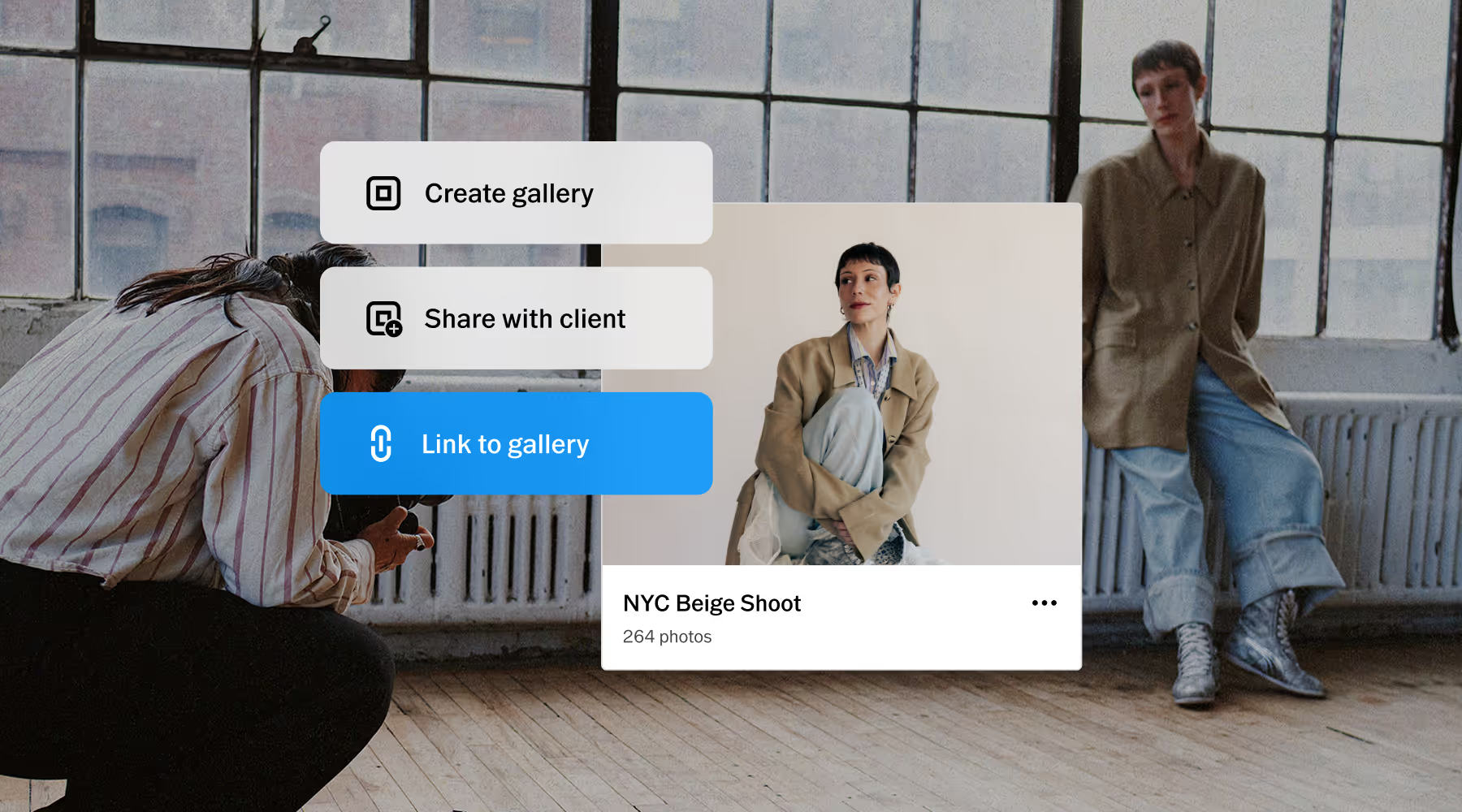
One system for every workflow
Other tools require API keys, manual setup, and an afternoon you didn't plan to spend on it. Galleries and Workspace are connected from the start so you can focus on your next booking.
That means less time managing tools and more time growing your business and client list.
Built for the business between bookings
Every client relationship needs more than a great delivery. Workspace keeps the invoicing on schedule, the follow-ups timely, and the admin handled—so you can focus on what grows your business.
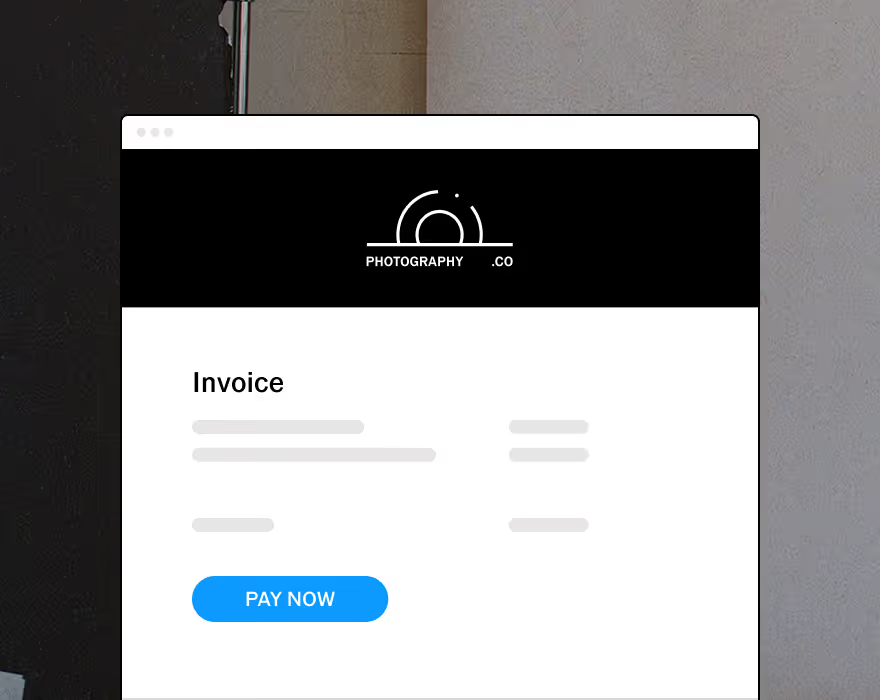
Upsell with upgradable quotes and get paid online with automated invoice reminders.
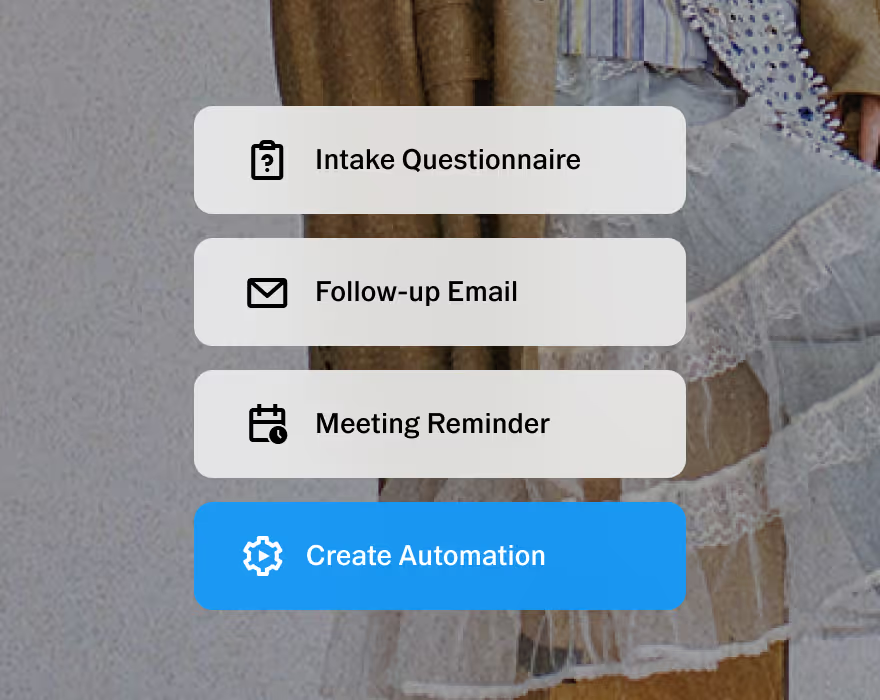
Customizable to help you run your business, your way. Made to adapt to your unique workflow.
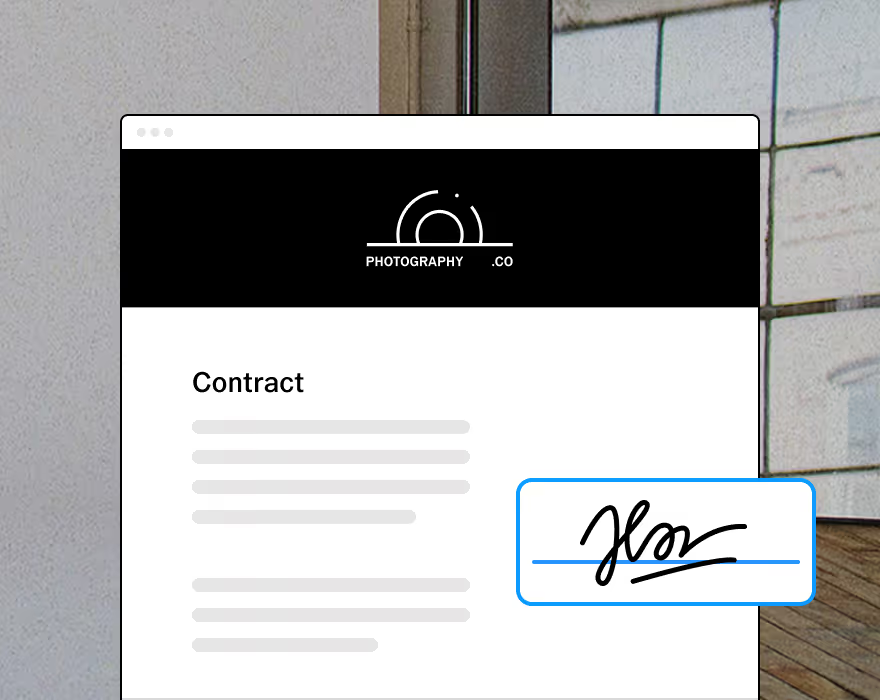
Protect your business and clients with built-in contracts, pre-filled with questionnaire responses.



FREQUENTLY ASKED QUESTIONS
How does a gallery get linked to a Workspace job?
Inside any Workspace job record, there's a gallery dropdown that shows every gallery in your account. Select the one that belongs to the job. Once linked, the gallery name and link are available to reference inside Workspace email templates. No API setup required.
Can I link more than one gallery to the same job?
Yes. You can link multiple galleries to the same job. An engagement session, wedding day, and anniversary can all live in the same client journey so nothing gets lost.
What can Workspace actually do once a gallery is linked?
Once a gallery is linked to a job, the gallery name, link, and delivery details are available inside your Workspace email templates. Send the delivery email from the same place you manage everything else. Separately, Workspace automations handle invoice reminders, follow-up emails, and anniversary check-ins based on job milestones you configure.
I'm just starting to work with clients. Is Workspace too advanced for me?
Workspace is built to scale with your business. Start by referencing a gallery link in a delivery email template and sending it from the same place you manage the booking. That single consolidation is enough to feel the difference. Add automations as your client practice grows.
Can I try this before committing to VSCO One?
VSCO One includes a 30-day cancellation window. If you cancel within 30 days of joining, you get a full refund. This gives you time to set up the system, explore the features, and confirm it works the way your business needs it to.
Our premium support team is here to help you get started with confidence , from setup questions to workflow advice. You won't be figuring it out alone.