
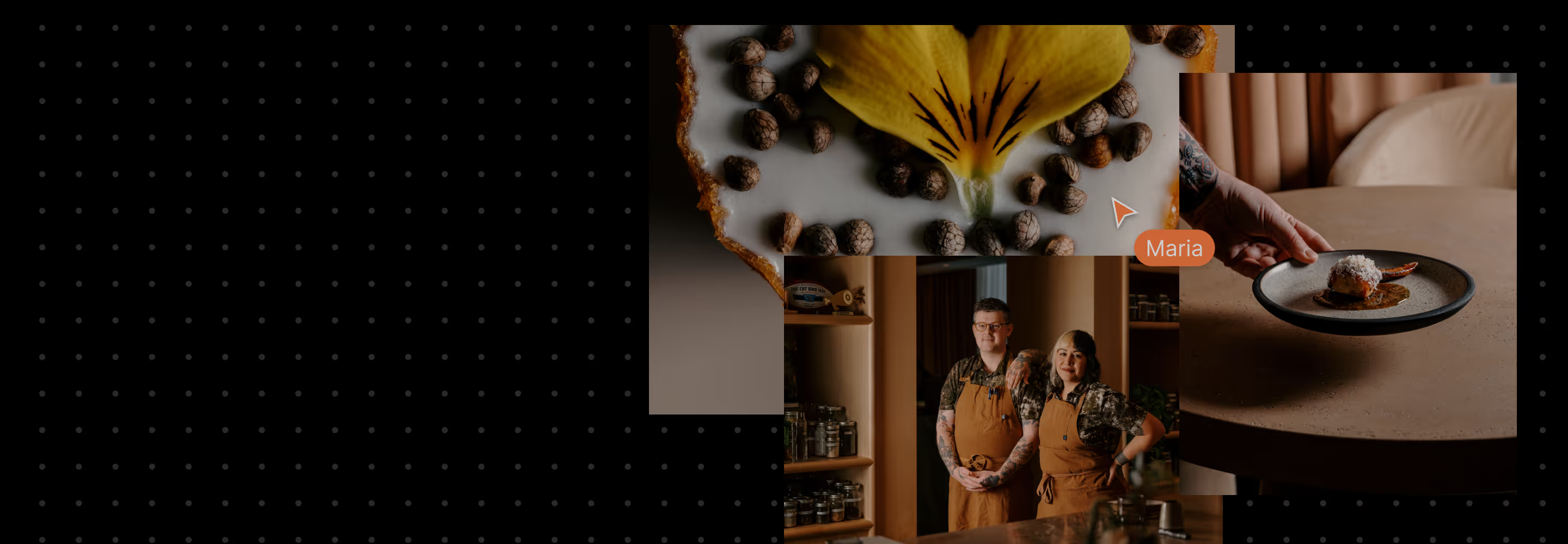
Confident shoots start with clear planning. VSCO Canvas turns scattered inspiration into structured preparation, ensuring everyone sees the same vision before the camera comes out.
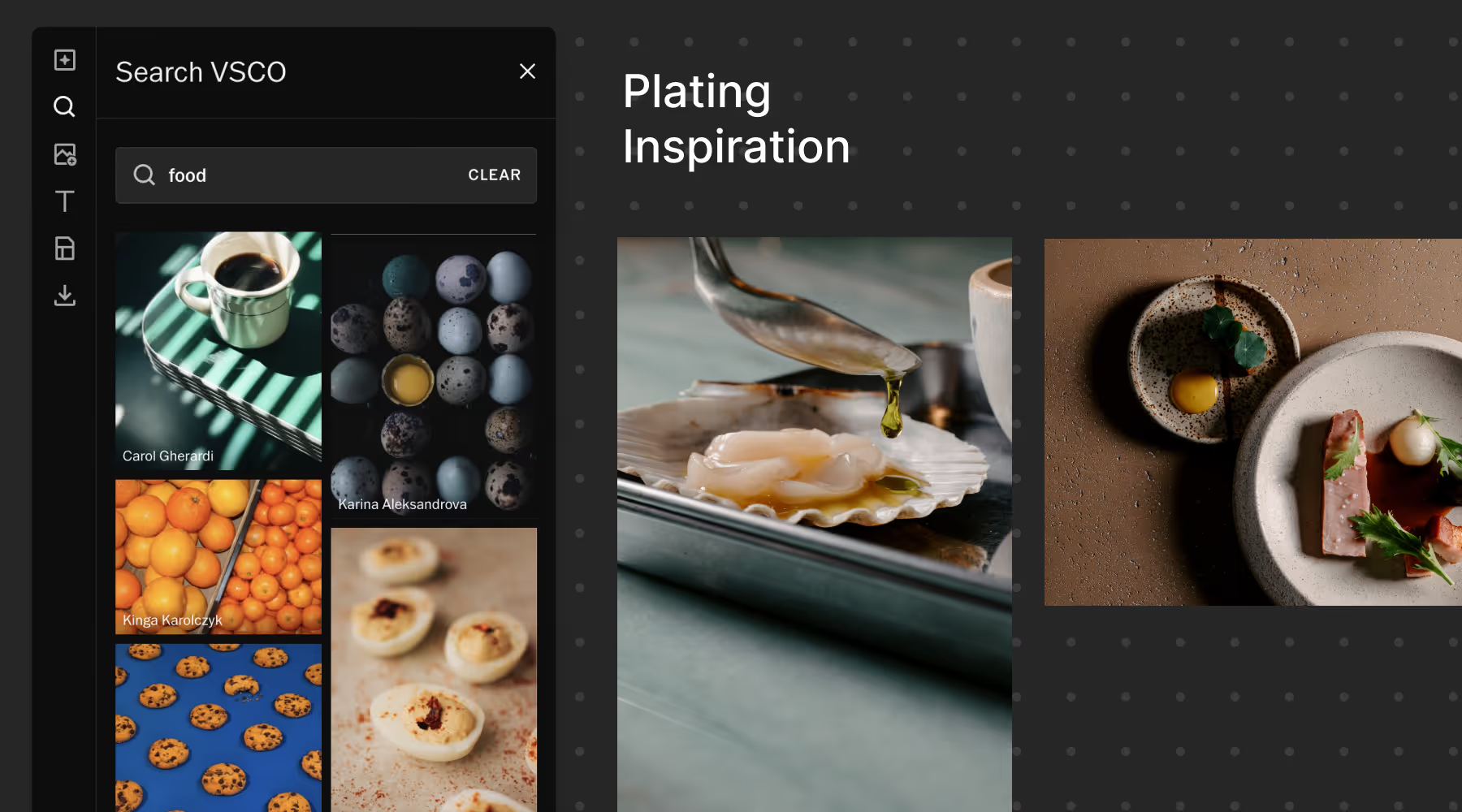
Find the Look, Define Direction
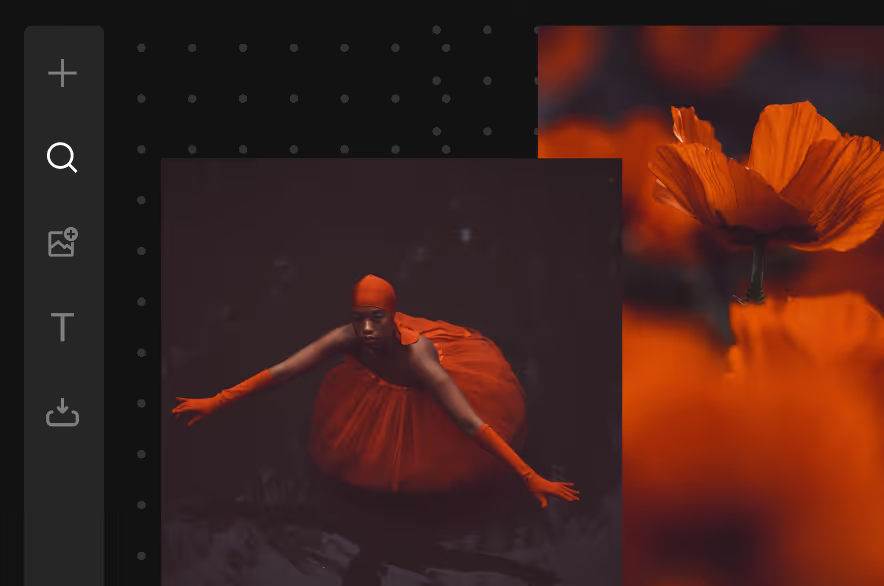
Start with a spark and give it direction. Import your own references, explore images from the VSCO community, generate visuals with AI, and add links or notes.
As your Canvas grows, abstract ideas sharpen into a clear aesthetic you can confidently communicate with your team and clients.
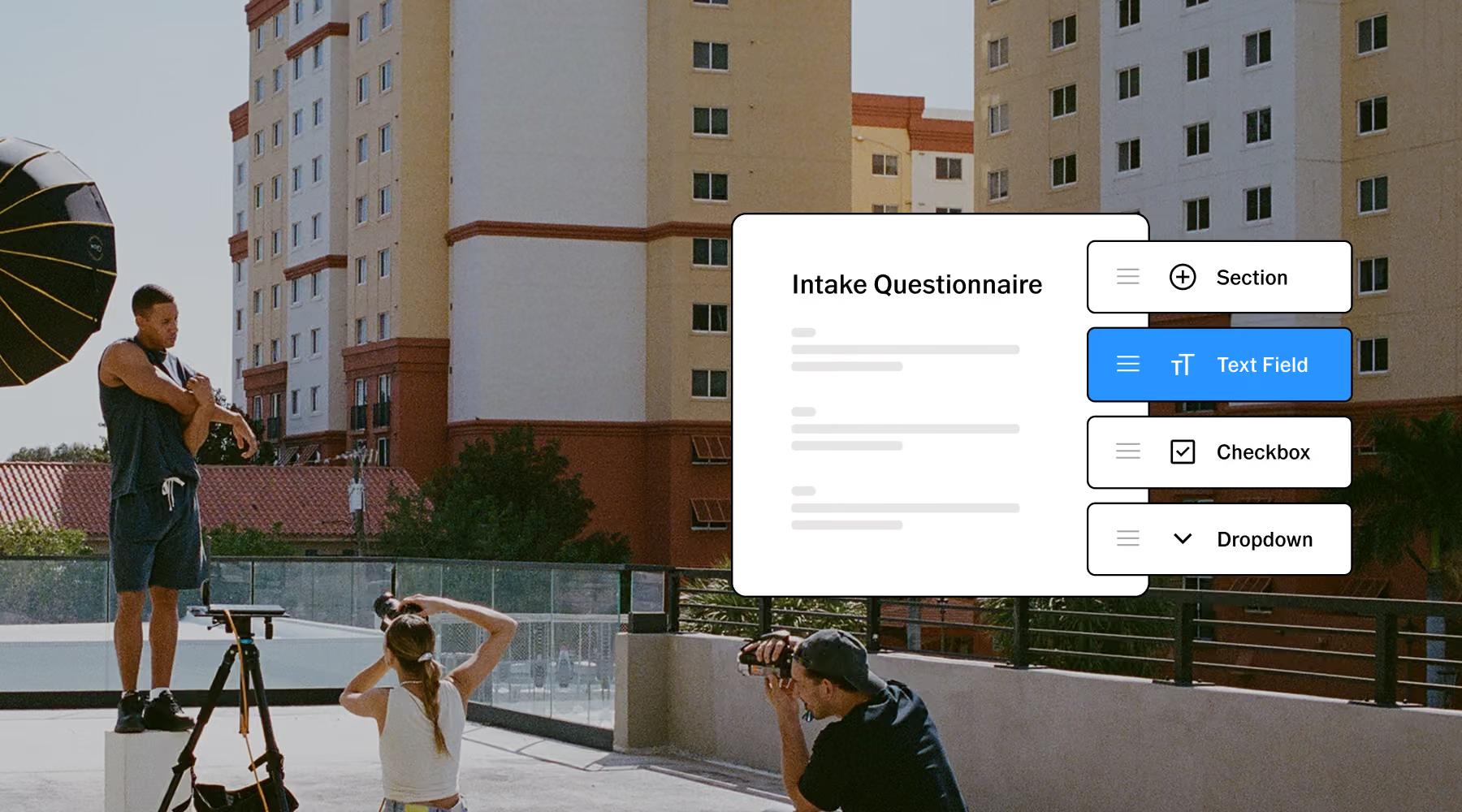
know every Detail Before the Shoot
Send clients a questionnaire through VSCO Workspace before planning begins. Capture goals, locations, wardrobe, timeline, creative direction. Everything you need to start planning.
With a contact form on your VSCO Site, every submission can automatically populate as a managed lead in Workspace. From there, use VSCO Canvas to build a shoot plan that reflects exactly what your client has in mind.
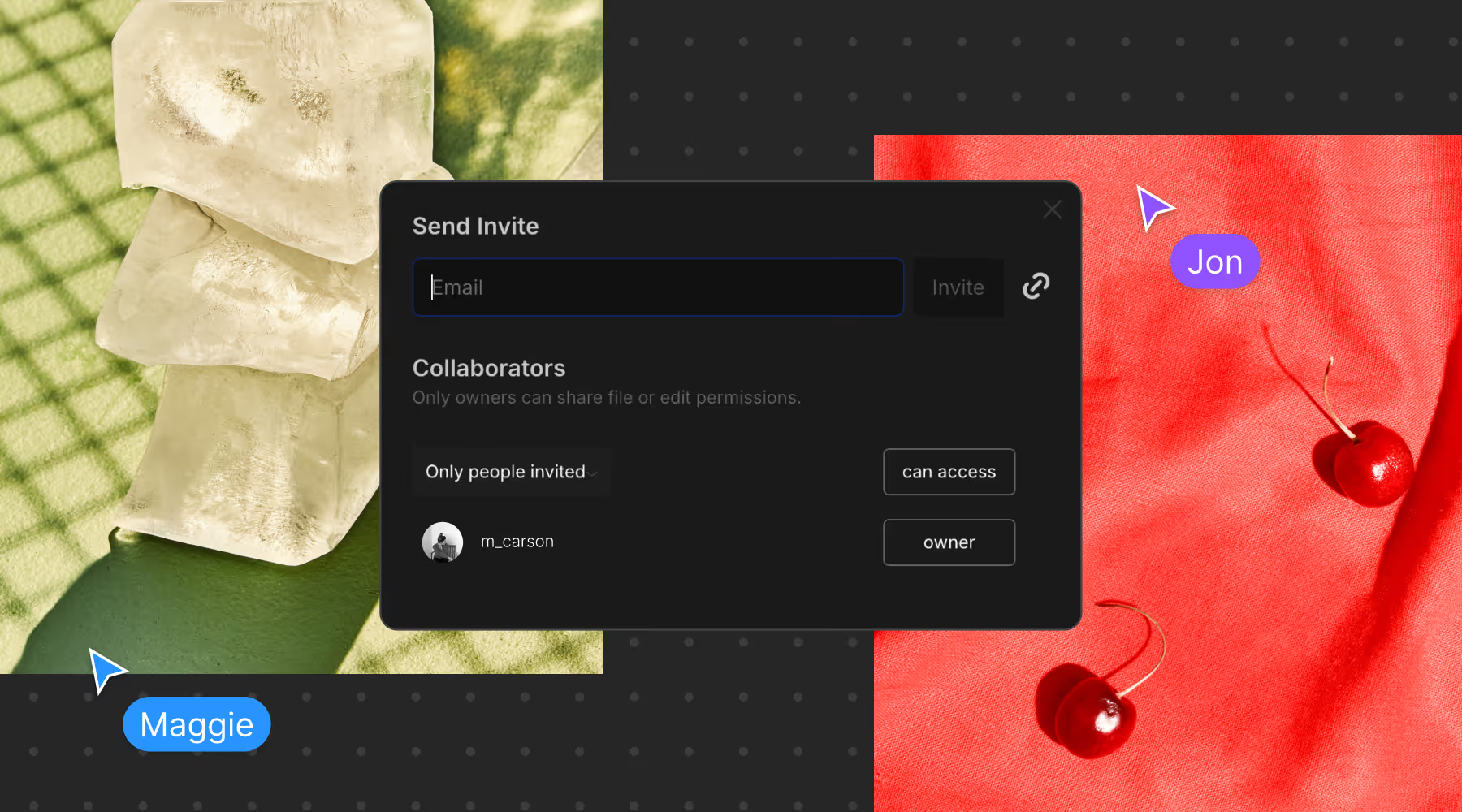
COLLABORATE WITH CLIENTS AND TEAMS
Share your Canvas and invite collaborators to view or contribute. Hold real time creative sessions, or let team members and clients add feedback as you go.
Align on color, lighting, and composition before production begins so everyone arrives on set with the same vision.
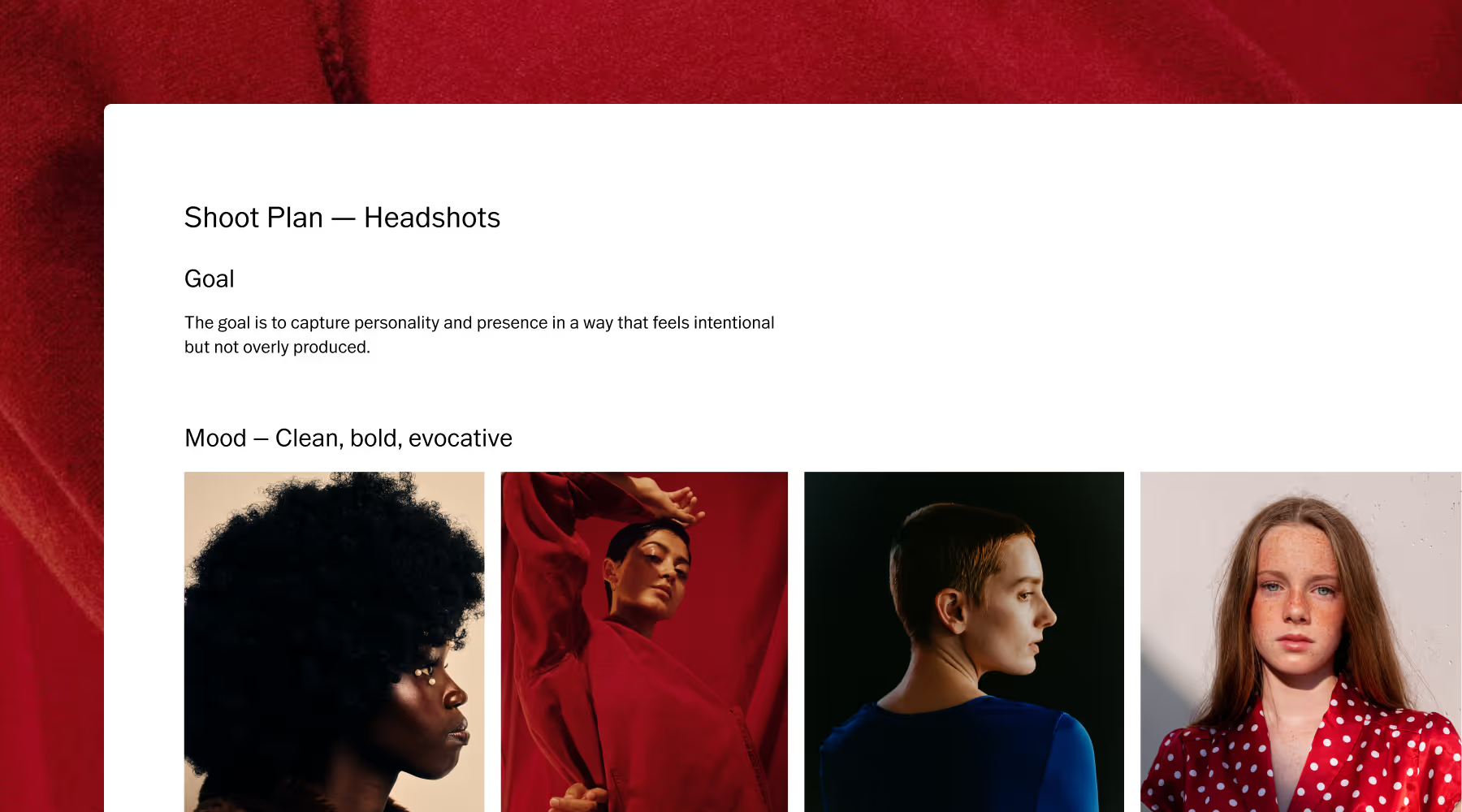
TURN INSPIRATION INTO A PLAN
Start with a template, then layer in your own shot lists, locations, gear, and schedule. Whether you’re pitching, planning a product shoot, or storyboarding a video, each one is built for real-world creative work.
By shoot day, your Canvas isn't just inspiration, it's a sharable plan. Everyone knows what shots to capture, where to be, and what the final aesthetic should look like.
VSCO CANVAS
Plan photoshoots with a moodboarding tool designed for photographers and creative pros. Gather inspiration, collaborate in real time, and turn your vision into clear execution.
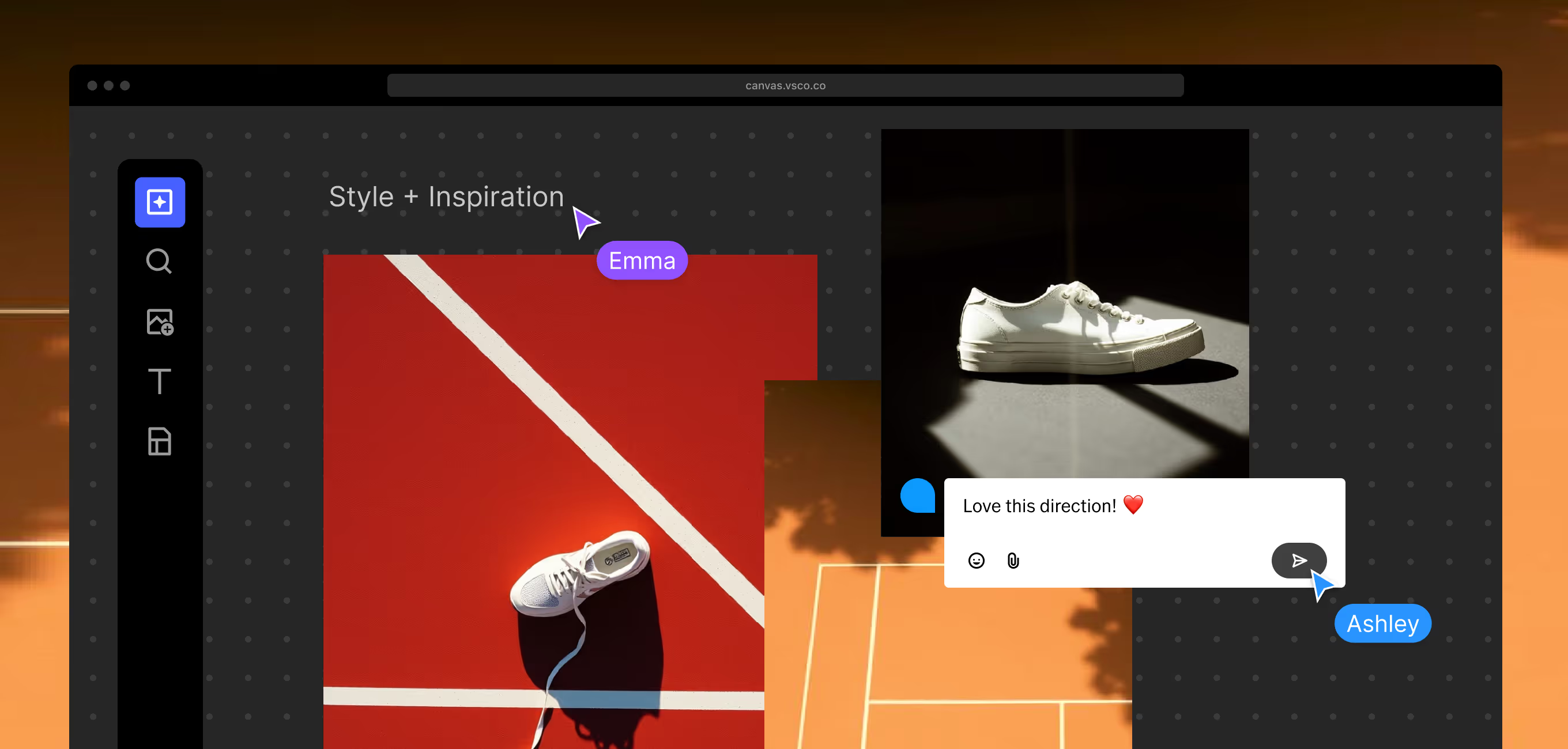



Start planning your next shoot
Access essential guides and templates to move from concept to confident execution. Learn how to structure your planning process, use VSCO Canvas, and walk into every shoot prepared.
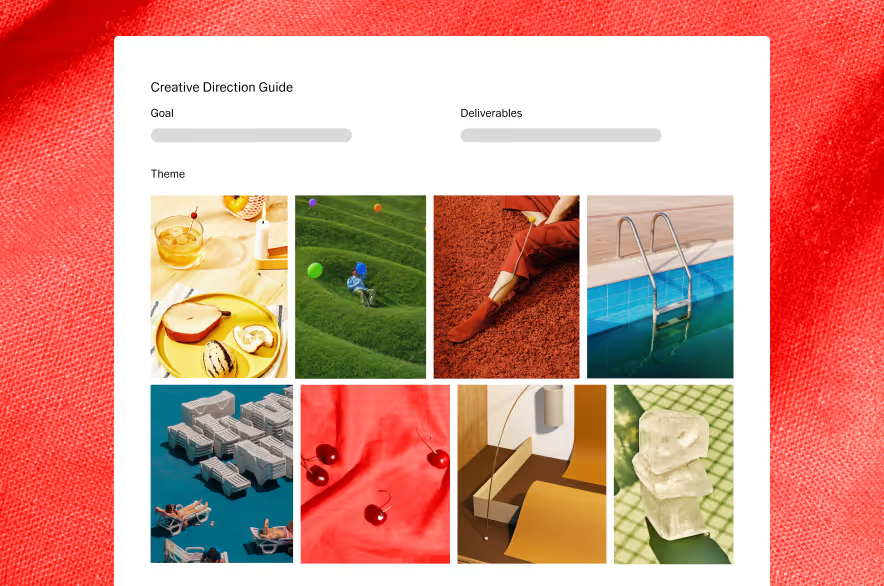
Start fast with pre-built templates for photoshoot planning, pitching, and moodboarding.
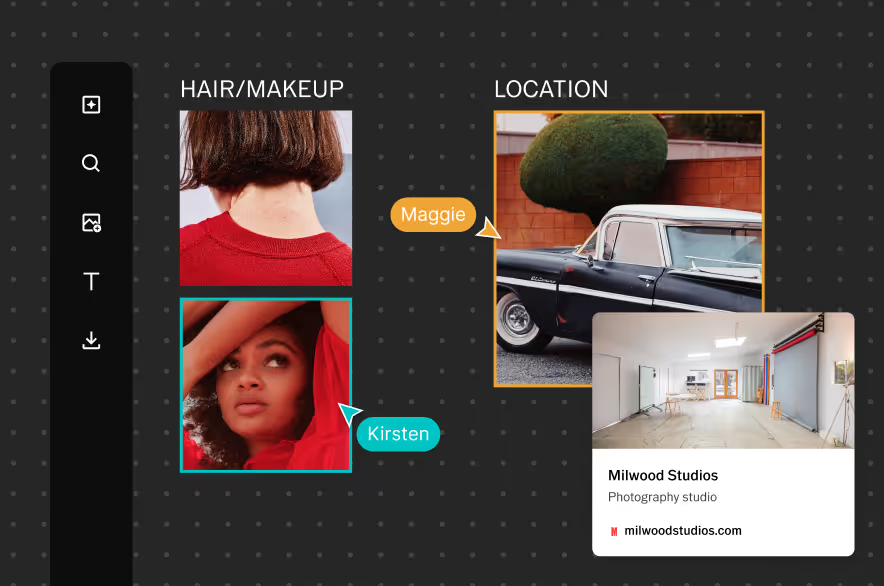
Learn the essentials for building, sharing, and collaborating.
Move from initial spark to shot lists and logistics with a clear, structured process.
Common questions about photoshoot planning
What's the difference between moodboarding and shoot planning?
Moodboarding defines your creative vision—colors, mood, aesthetic references. Photoshoot planning takes that vision and adds execution structure like shot lists, locations, equipment needs, schedules, and logistics. VSCO Canvas supports both in one place, letting you move seamlessly from concept to actionable plan.
How does VSCO Canvas help me avoid last-minute chaos on shoot day?
VSCO Canvas keeps all your planning in one accessible place. Your moodboard contains inspiration, client-approved references, shot lists, location links, and schedule details. Everyone involved can access the same board, so nothing gets lost in email threads or last-minute text messages. You arrive knowing exactly what to shoot and how.
Can I share my photoshoot plan with clients before the shoot?
Yes. Share your Canvas board with view-only or editing access. Clients see your proposed aesthetic, provide feedback directly on the board, and approve the direction before production begins. This helps eliminate surprise revisions after the shoot.
How do I use AI in Canvas for photoshoot planning?
Generate visual concepts from text prompts when you can't find the exact reference you're imagining. Change colors, adjust lighting, and add details to whatever you’re thinking. AI helps you visualize ideas that don't exist yet, making it easier to communicate concepts that are hard to describe in words.
Can multiple people work on the same photoshoot plan simultaneously?
Yes. VSCO Canvas supports real-time collaboration. Invite your creative director, client, stylist, or team to edit the same board. Everyone sees updates immediately, can leave comments, and contributes their expertise. No more messy email threads or outdated documents.
How does VSCO Canvas integrate with the rest of my photography workflow?
Plan shoots in VSCO Canvas, then move to VSCO's editing tools to grade your captured images with the same aesthetic you planned. Deliver final work through VSCO Galleries, and manage the entire client relationship in VSCO Workspace. Your mood board references stay accessible throughout the project.
Is VSCO Canvas suitable for planning different types of photoshoots?
Yes. VSCO Canvas supports any photoshoot type. Start with a flexible blank Canvas or choose a template designed for real-world workflows including concept pitching, product shoots, and video planning.
Wedding photographers coordinate vendors and shot lists, commercial shooters build creative briefs with campaign concepts, and portrait photographers align on wardrobe and location aesthetics with clients. Whether you're shooting editorial, events, products, or campaigns—VSCO Canvas adapts to your specific workflow.