

Most photographers edit in one app, export to another, and upload to a third. That export alone can take long enough to go grab lunch. Studio Pro and Galleries cut the whole process to one tap.
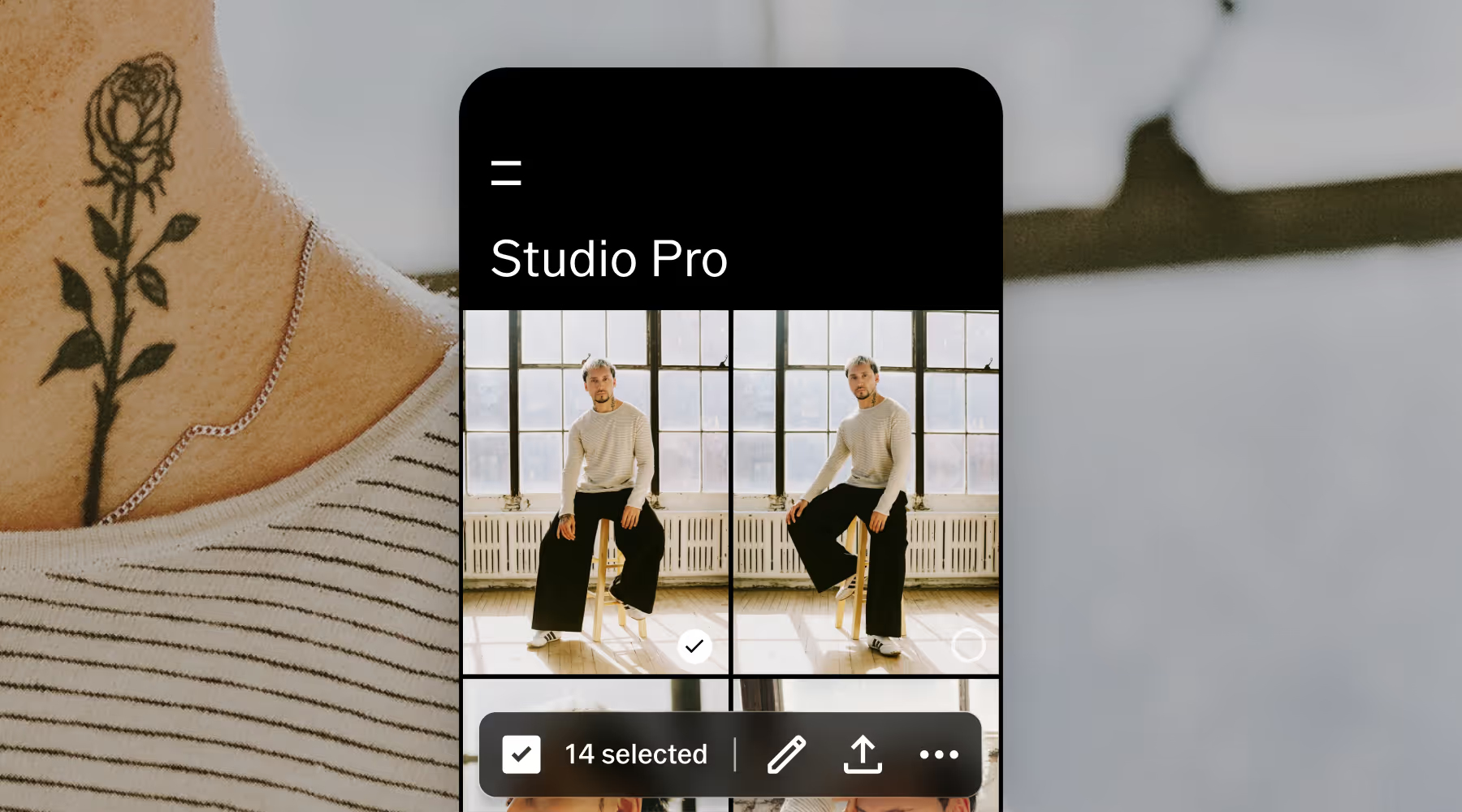
Batch-edit a full shoot in minutes
Studio Pro is mobile-first professional editing built for the device you already have on the photoshoot. Batch process, apply 200+ presets, fine-tune every detail, and edit in RAW.
This is the workflow that makes you feel ready. When clients ask when their photos will be ready and you say "tonight," you'll mean it.
Studio Pro for desktop is coming soon, bringing the same connected workflow to Mac.
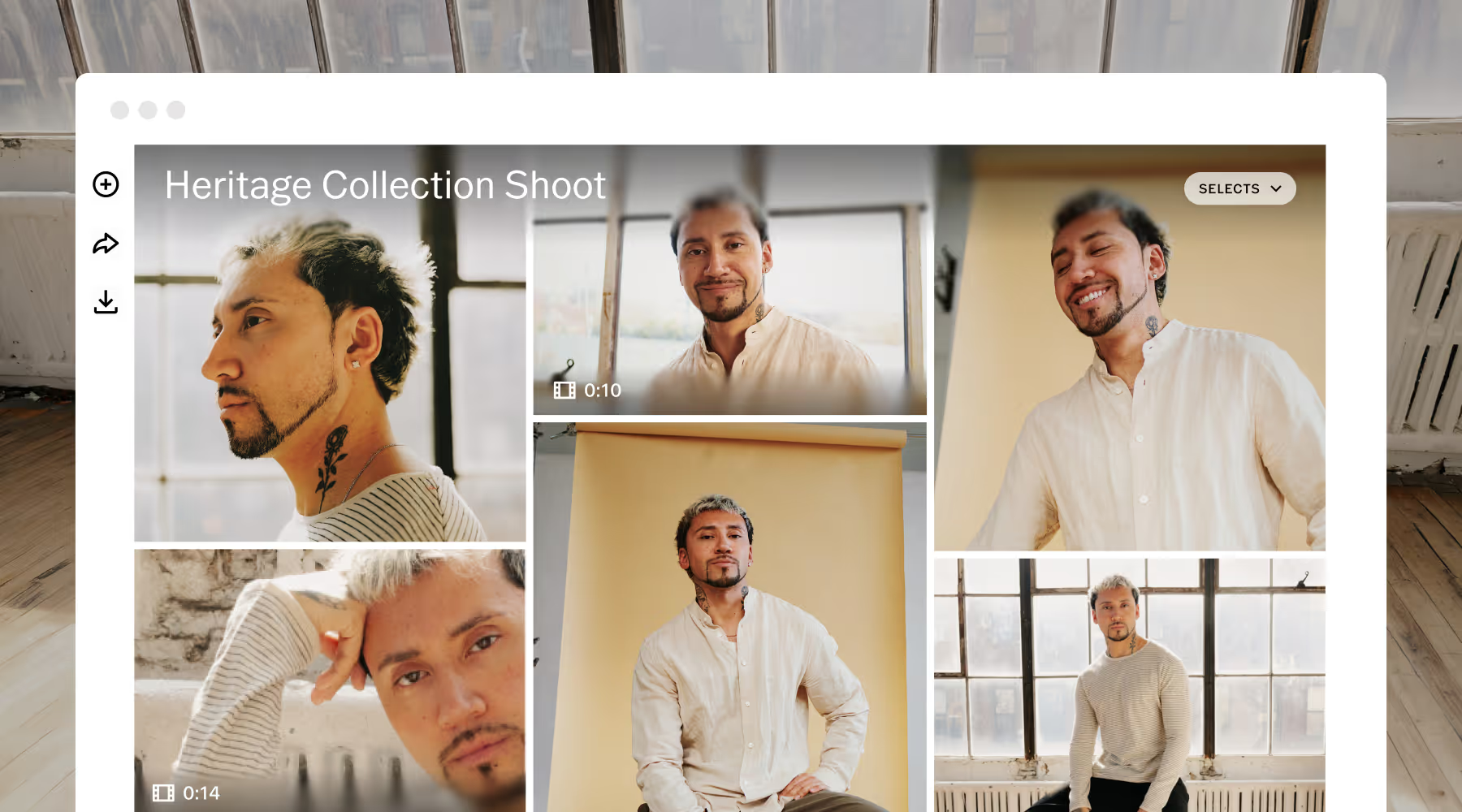
Branded delivery, Not a Dropbox link
Your client gets a polished, professional gallery that looks great on any device. Everything is password protected, in full-resolution, and ready to download.
One tap from Studio Pro and your gallery is live. The photos arrive while your clients are still thinking about the photoshoot.
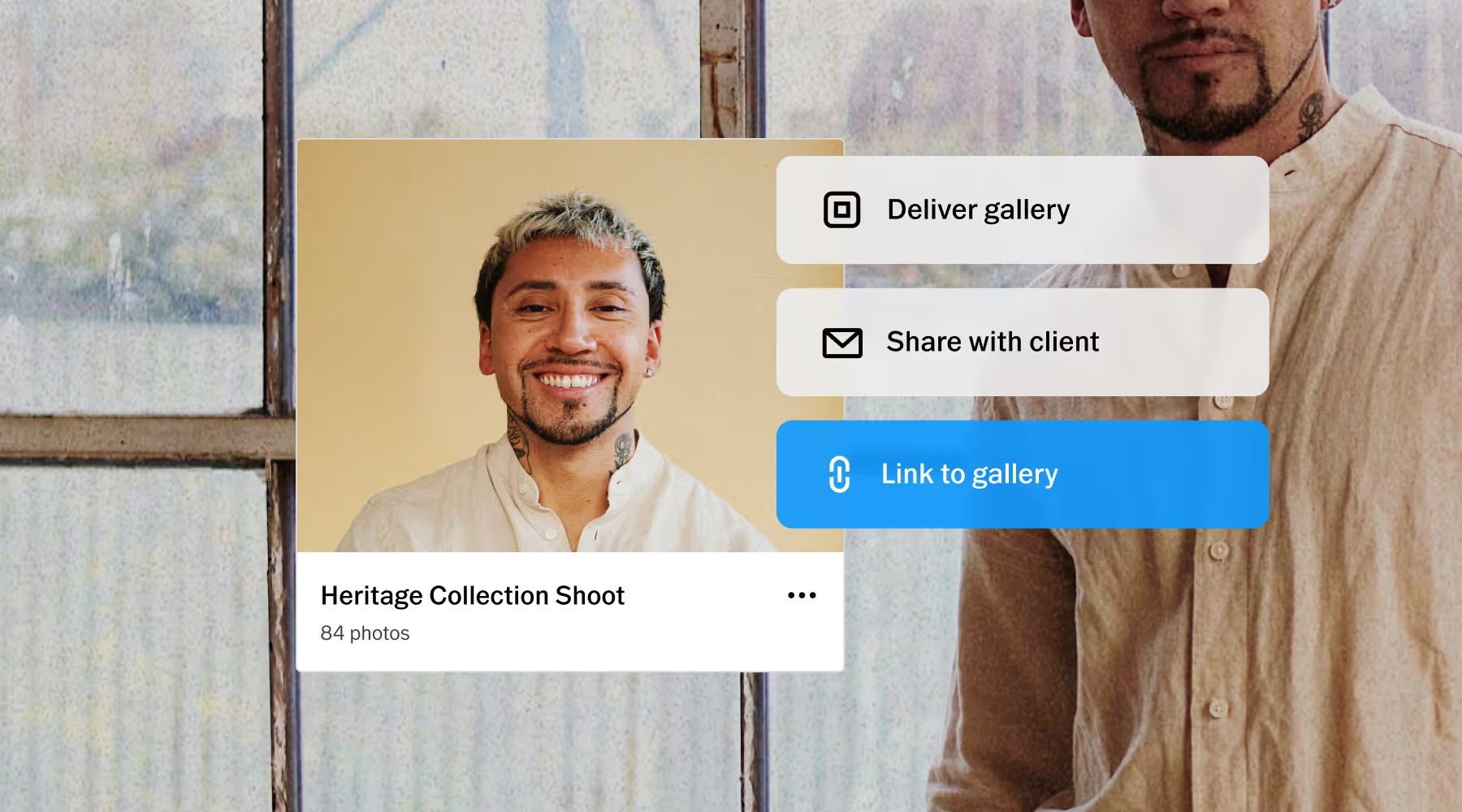
Every part of the job connected
Link your gallery to a job in VSCO Workspace and the delivery becomes more than a handoff. Now everything from contracts to invoices to follow-ups live in one place.
One system holds the creative work and the business work together, helping you grow your client list and build confidence with every photoshoot.
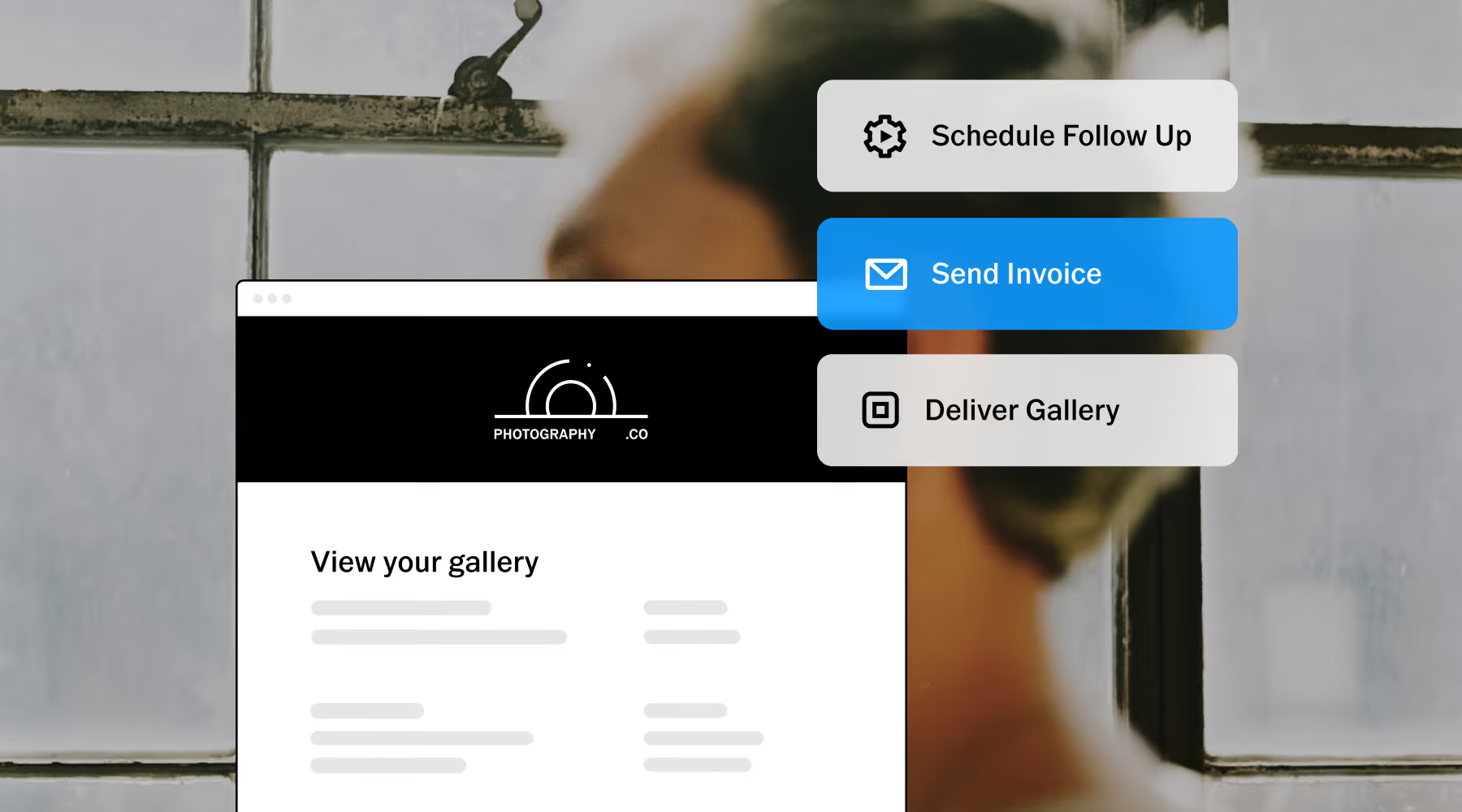
Delivery is where the next job starts
With Workspace, the work that used to happen manually starts happening on its own. Invoice reminders go out on schedule. A year later, an anniversary check-in lands at exactly the right time. Your work is back in their hands when it matters most.
Stay close to your clients without getting lost in the admin. Workspace handles everything in between, so your business keeps growing and the relationships stay personal.
Run the business behind the work
VSCO Workspace turns delivery into pipeline. Schedule consults, stay close to clients between bookings, and manage the busywork without paying for a separate CRM.
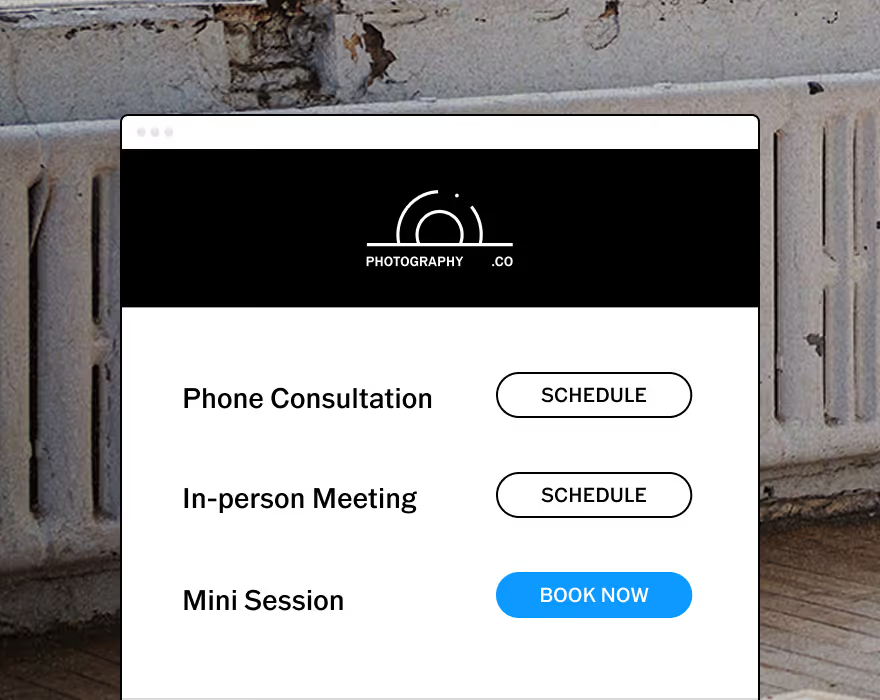
Let clients book consults and sessions instantly. No more email and calendar tag, just set your schedule.
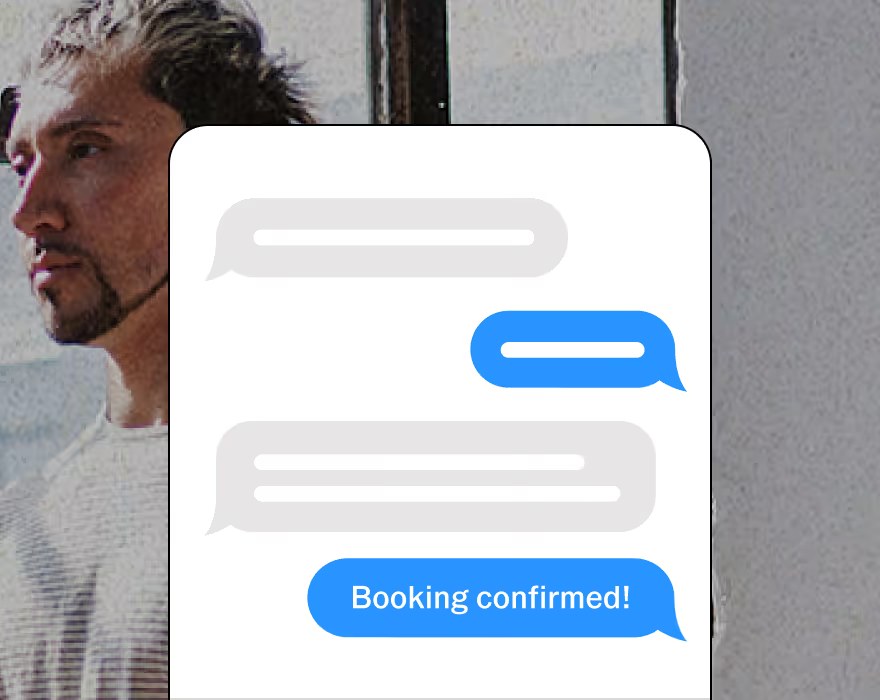
Two-way texting lets you automate, personalize, and respond all in one place. Currently available in the U.S. and Canada.
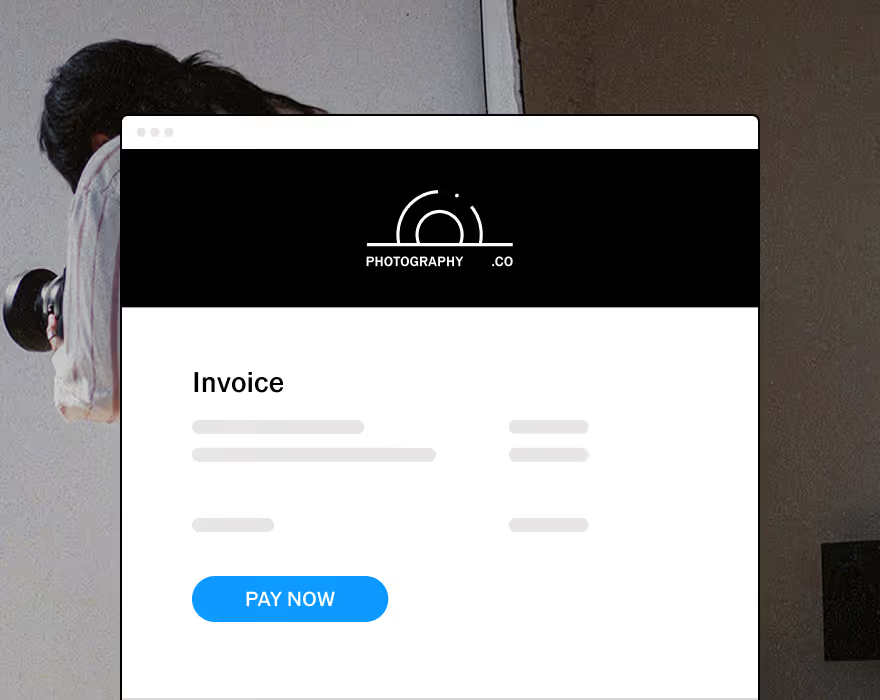
Upsell with upgradable quotes and get paid online with automated invoice reminders.



FREQUENTLY ASKED QUESTIONS
How does the connection between Studio Pro and Galleries work?
Studio Pro and Galleries use the same account connected to VSCO. When you're done editing, tap share from Studio Pro and select your gallery. The images upload directly. Your gallery is live in the same time it usually takes to export. From there, link your gallery directly to a job inside Workspace and send the delivery email from the same place you manage the rest of the client relationship.
Is Studio Pro available on desktop?
Studio Pro is available for iOS on the app store. It’s built for the device you have on the shoot, so editing and delivery can happen in the same session before you leave the location. Desktop Studio Pro is coming later this year.
Do my clients need a VSCO account to view their gallery?
No. Clients receive a link and can view, download, and interact with their gallery on any device without creating an account. Collaborative galleries where guests, second shooters, or family members can upload their own photos work the same way. No app download required.
Can I use VSCO Galleries without Studio Pro?
Yes. Galleries works as a standalone client delivery tool. You can upload images from your camera roll or desktop. The direct connection to Studio Pro (no export, no re-upload) is optimized for VSCO One, but Galleries is fully functional for photographers who edit in Adobe Lightroom, Capture One, or anywhere else.
What's included in VSCO One?
VSCO One includes Studio Pro, Galleries, Workspace, and Sites. Plus 200+ iconic presets, downloadable desktop presets for Adobe Lightroom and Capture One, a dedicated business education curriculum, AI Lab, Canvas, and 24-hour support. One membership, one home for your photography.
Is there a free trial for VSCO One?
VSCO One includes a 30-day cancellation window. If you cancel within 30 days of joining, you get a full refund. This gives you time to set up the system, explore the features, and confirm it works the way your business needs it to.
Our premium support team is here to help you get started with confidence, from setup questions to workflow advice. You won't be figuring it out alone.