AI Image Upscaler
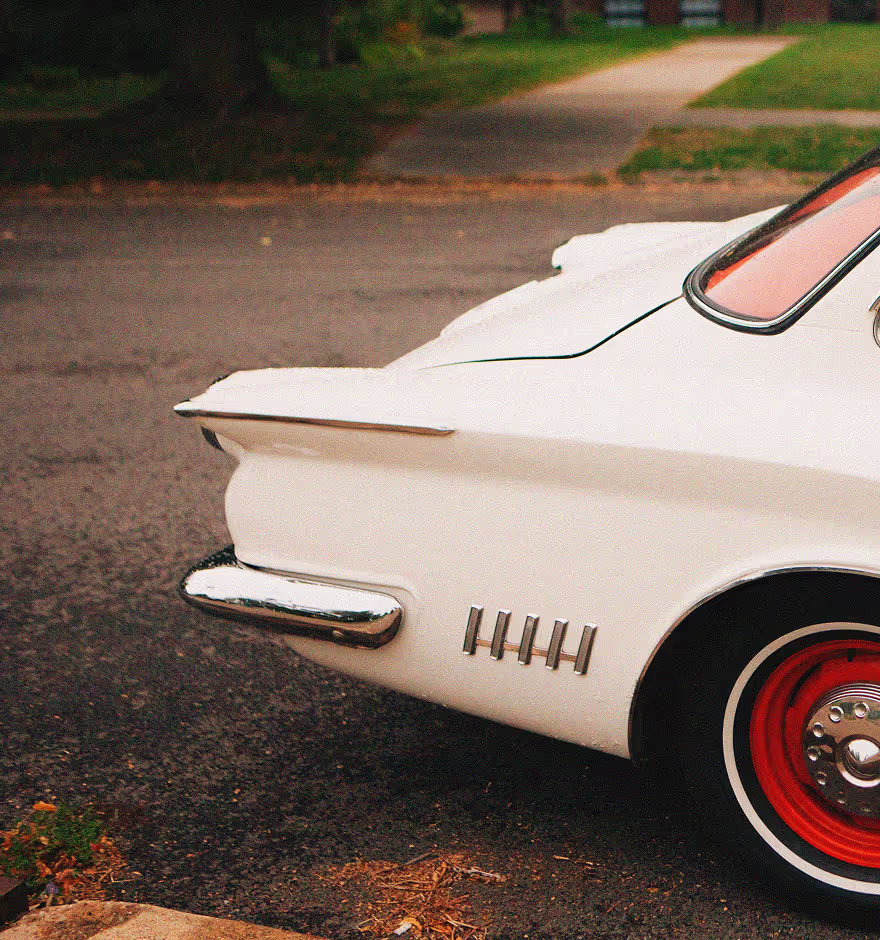
Increase image resolution and get more range from every shot. VSCO’s AI image upscaler lets you crop tighter, print bigger, and deliver confidently with any camera.
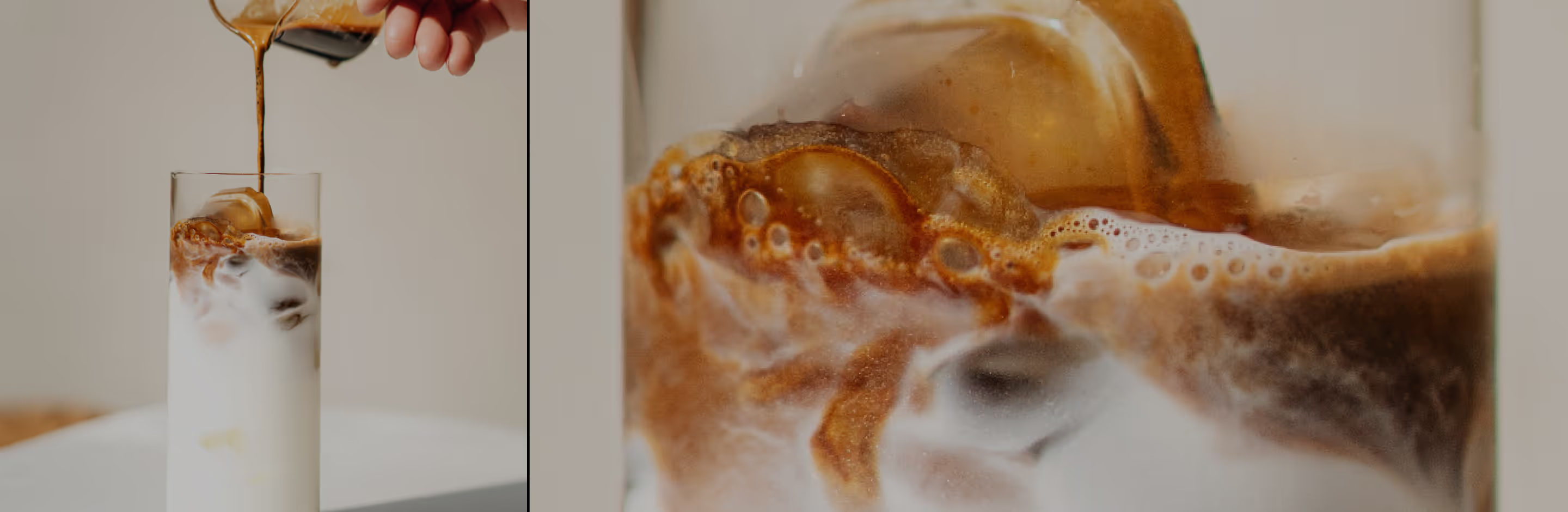
Boost image resolution up to 4× while preserving texture, tone, and detail—so your work is always flexible and future-proof.
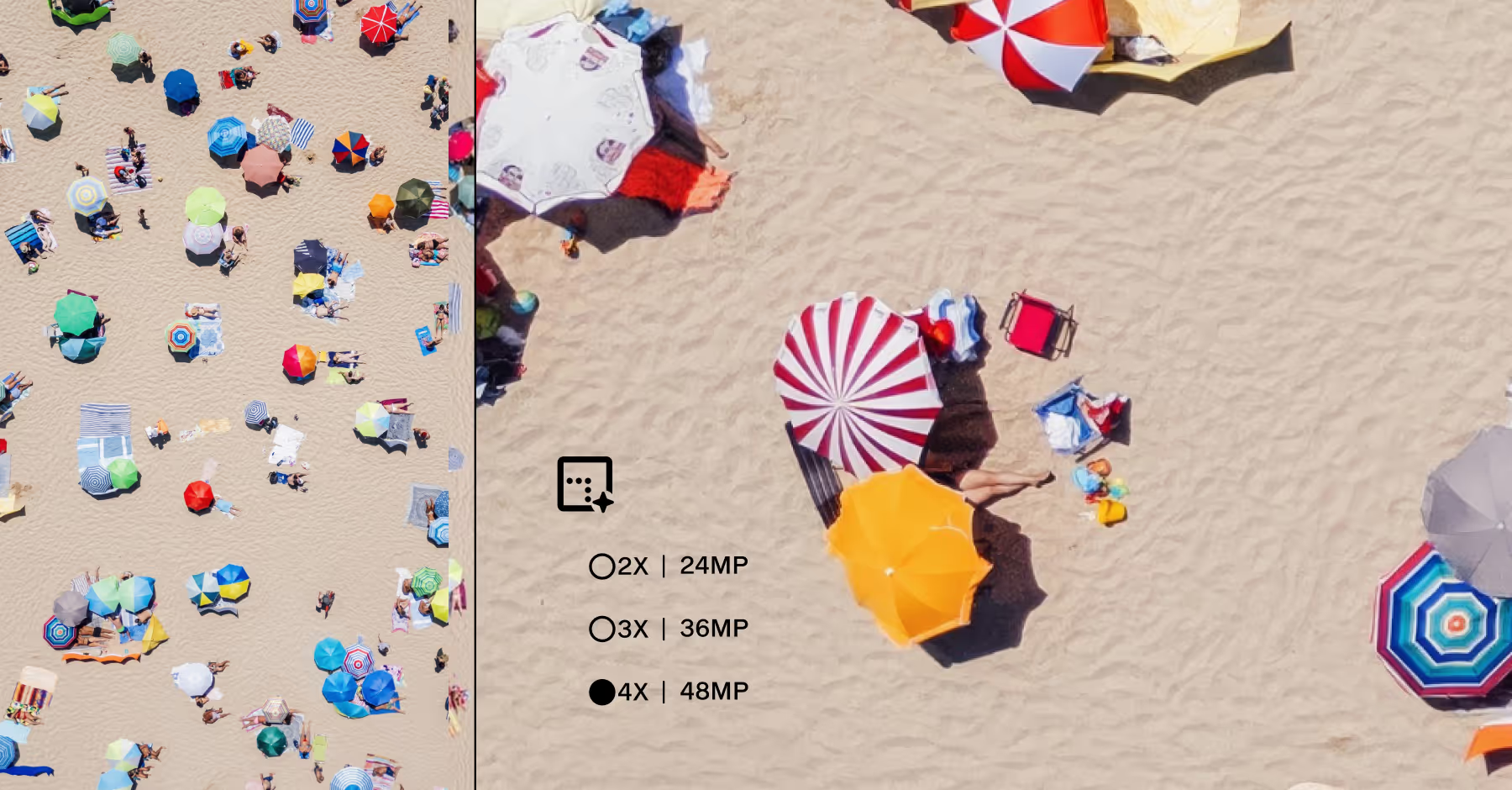
ENHANCE IMAGE RESOLUTION
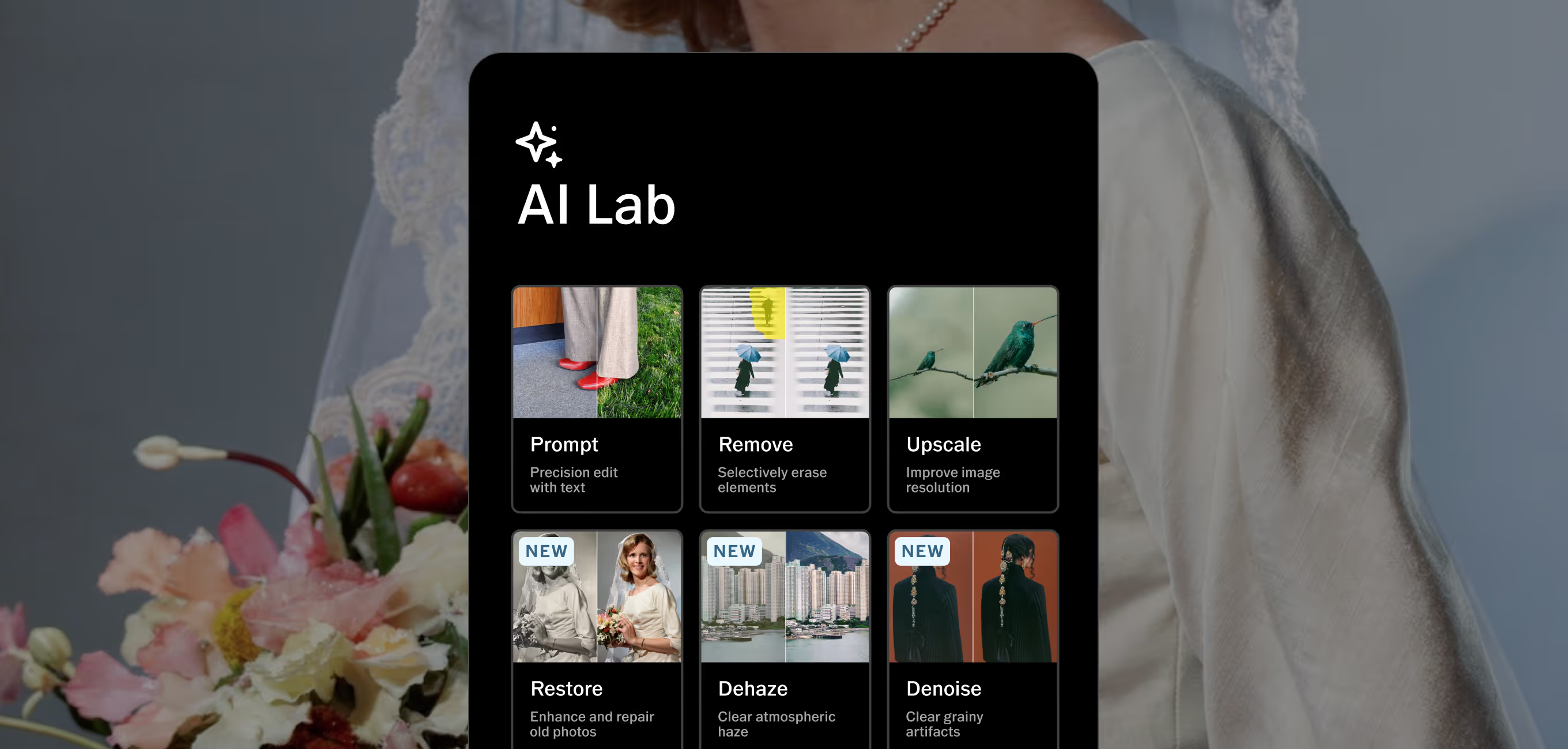
AI Lab upscales your images intelligently, rebuilding pixel detail without harsh sharpening or artificial texture. The result is sharper, cleaner resolution that holds up in print, on screen, and in front of clients.
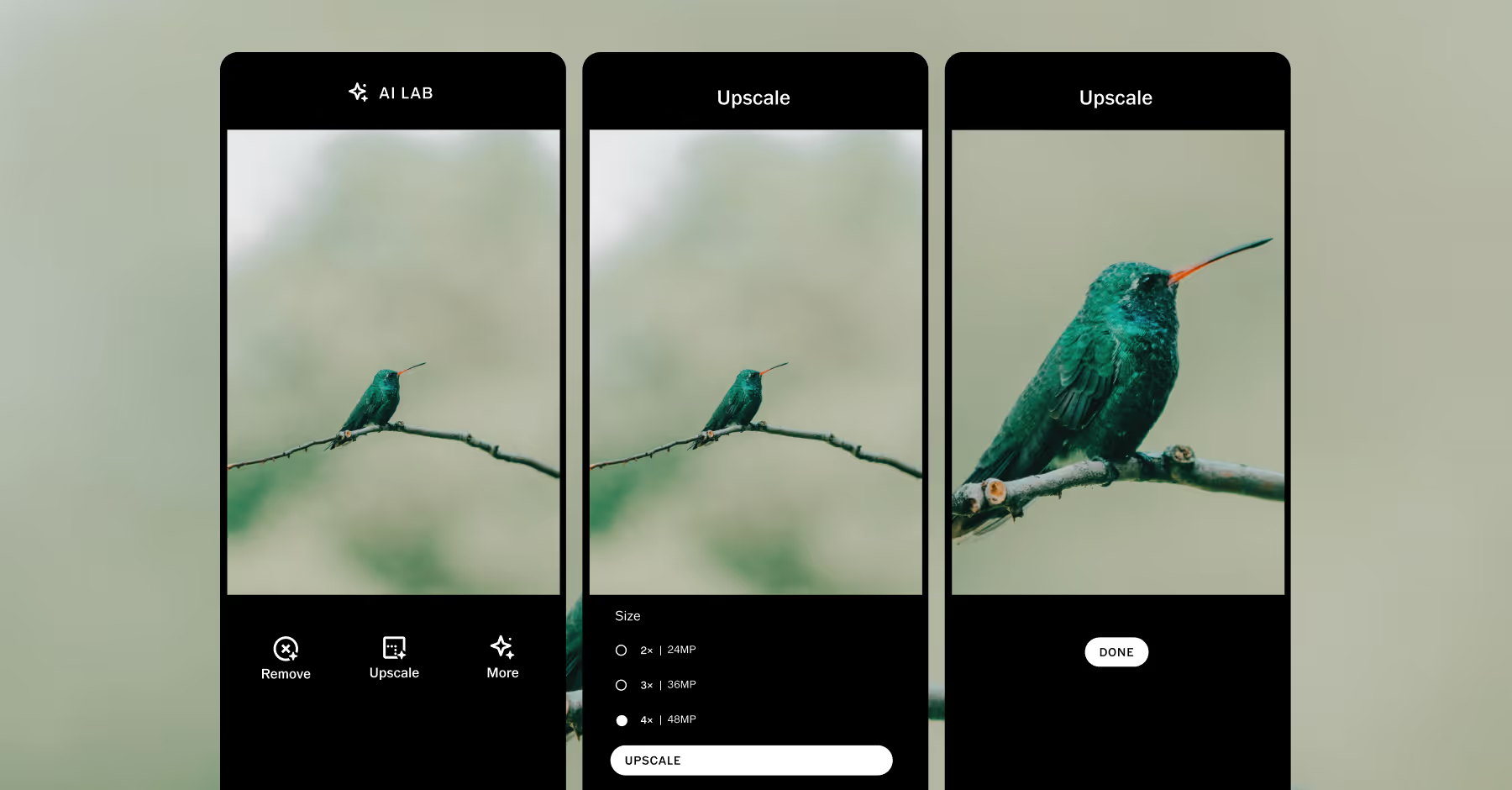
HOW TO UPSCALE IMAGES
Add photos to VSCO from your camera roll.
Select an image and tap the AI Lab editor.
Increase resolution 2×, 3×, or 4×.
Save and post directly to your VSCO profile or social media.
DOWNLOAD VSCO
Spend less time fixing distractions and more time creating work that looks and feels exactly how you saw it, at the resolution and quality your clients expect.
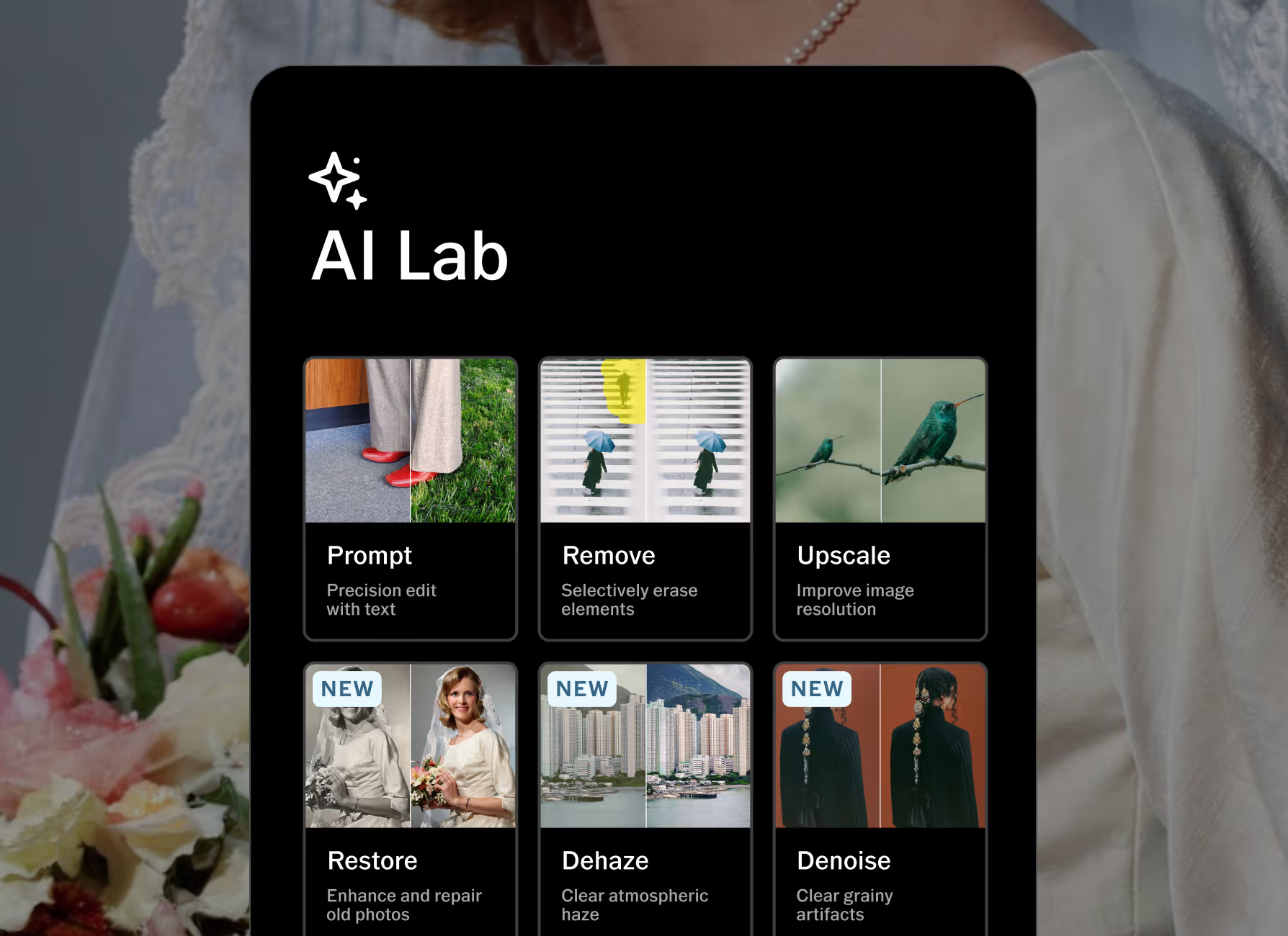
AI Lab is available within the VSCO app for iPhone. Download the VSCO app from the App Store and start editing your photos with powerful AI tools like Prompt, Remove, Upscale, and more.

Frequently asked questions
What is AI Upscale?
AI Upscale intelligently increases image resolution up to 4× while keeping texture, tone, and detail intact. Unlike standard resizing, it rebuilds pixels naturally. Find it in AI Lab in the VSCO app to make your photos sharp, professional, and ready for any format.
How to enhance the quality and resolution of an image?
Try VSCO’s photo enhancer AI in AI Lab. Import your image into the VSCO mobile app and open it in AI Lab, then pick your upscale factor and let the AI enhance image resolution. You can then refine exposure, apply presets, and make other adjustments for full-resolution, professional results.
What’s the best way to upscale a photo without detail loss?
Choose a high-resolution source file and select 2×, 3×, or 4× upscale. VSCO’s AI image upscaler intelligently rebuilds pixels instead of stretching them. Finish with VSCO tools and presets to refine and dial in your aesthetic.
Is upscaling the same as resizing?
Resizing stretches pixels, often causing blur or loss of detail. AI upscaling preserves edges, texture, and tone, giving you natural, professional results at larger sizes.
When should you use image upscaling?
Upscale whenever you need higher-resolution images without reshooting. Ideal for cropping, large prints, client deliverables, or reviving older work. AI upscaling keeps your photos flexible, future-ready, and professional.
MORE EDITING TOOLS
Start in AI Lab, finish anywhere. Edit on desktop or integrate with Adobe Lightroom, enhance your images with film-inspired presets, and keep your workflow moving without compromise.
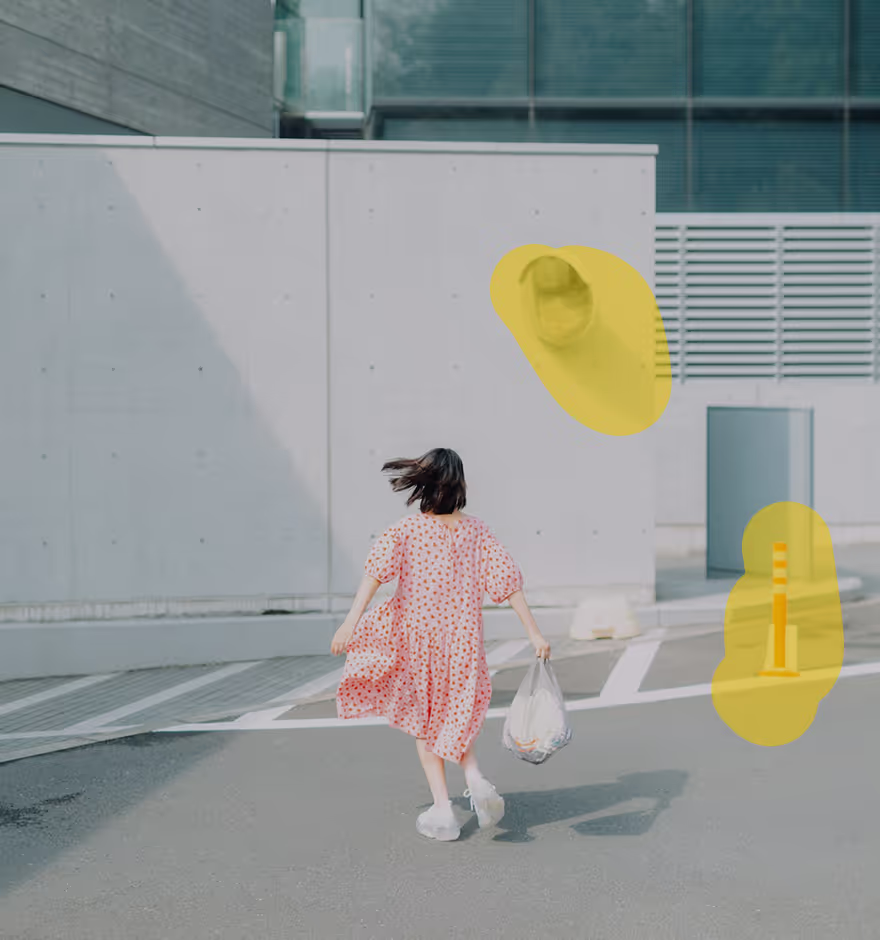
Clean up image backgrounds
Remove unwanted objects or people from your photos while preserving full resolution.
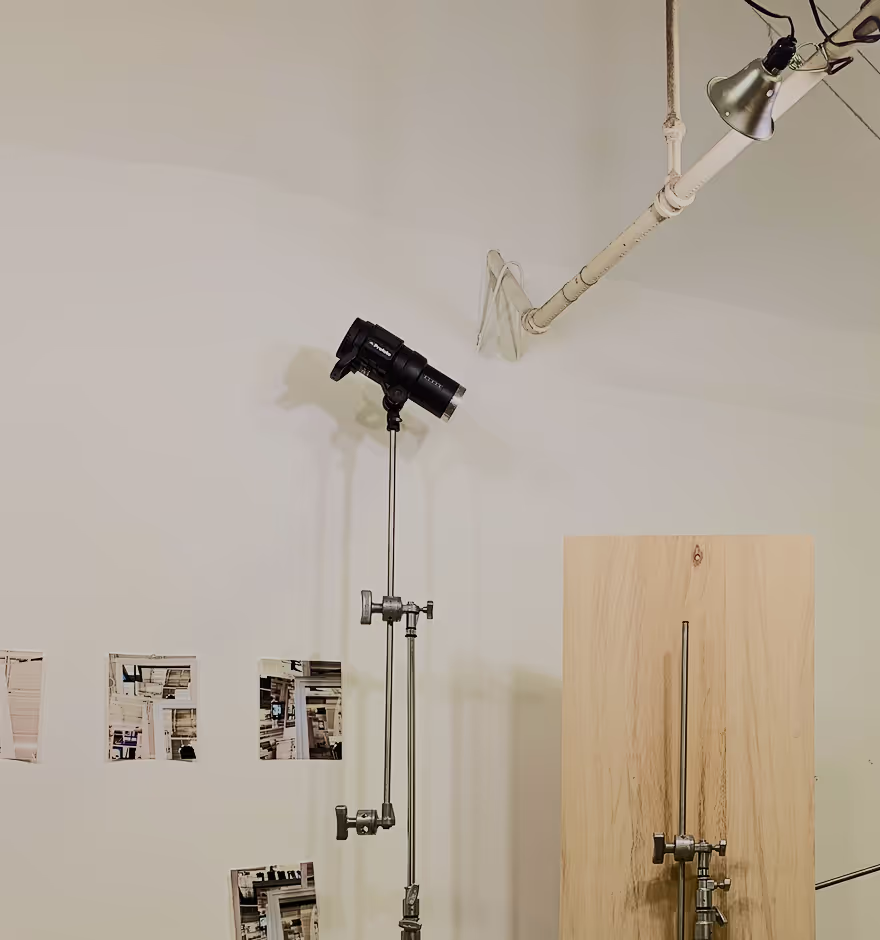
Mac & PC desktop photo editor
Edit photos on desktop so you can see and adjust every detail with advanced tools and filters.
FILM filters
Apply film-inspired filters and modern presets to transform any image in one tap.