Every great photo starts with an idea. But when you’re staring at your camera and struggling to think of your next project, it can feel like inspiration is just out of reach.
Photoshoot ideas don’t appear out of nowhere, they grow unpredictably from sparks of imagination, visual references, conversations, and the way you shape them into something concrete.
An idea might start with a fleeting color you notice on your commute, a lyric that lingers in your head, or the way light bends through a window in late afternoon.
When we asked our VSCO photographer community how they plan their photoshoots, the answers showed just how personal the creative process can be. 38% said they start with a mood board, 13% make a shot list, 10% craft a story, and 39% admit they don’t plan at all.
It’s a reminder that inspiration doesn’t follow a single formula — but having some kind of framework, whether that’s a quick mood board or a full concept, can turn a passing idea into something real.
This is where a process comes in. Having a way to move from that first flicker of photoshoot inspiration to a polished, ready-to-execute plan can make all the difference. Whether you’re shooting for yourself, for a client, or for your portfolio, mapping out your creativity ensures you’re prepared when it’s time to pick up the camera.
This guide walks you through a creative flow that photographers at every level can use to dream, shape, and execute their next project or photoshoot. And along the way, we’ll highlight how VSCO Canvas, a mood board maker built for visual creators, helps you organize your vision, generate new possibilities with AI, and keep your ideas moving.
In this guide:
- Making a photography mood board
- How to come up with ideas for a photoshoot
- Generating new ideas with AI
- Collaborating with a team
- Making a plan
- Preparing for a photoshoot
- Archiving previous photoshoot ideas
Every shoot begins with a moment of curiosity. Maybe it’s the way light hits a wall in the afternoon, a reference from cinema, or a memory you want to reimagine. The important part is not dismissing those sparks when they happen.
Instead, capture them in a place where you can return later, whether that’s jotting them down in notes, snapping a quick reference photo, or dropping inspiration straight into a photography mood board inside VSCO Canvas.
By giving weight to small creative sparks, you give yourself more raw material to work with when it’s time to move into full photoshoot planning.
Once you have a spark, you need to give it shape. A photoshoot mood board is one of the most powerful tools a photographer can use because it’s how you move from abstract thought to visual clarity. Collect images, colors, and references that bring your idea into focus.
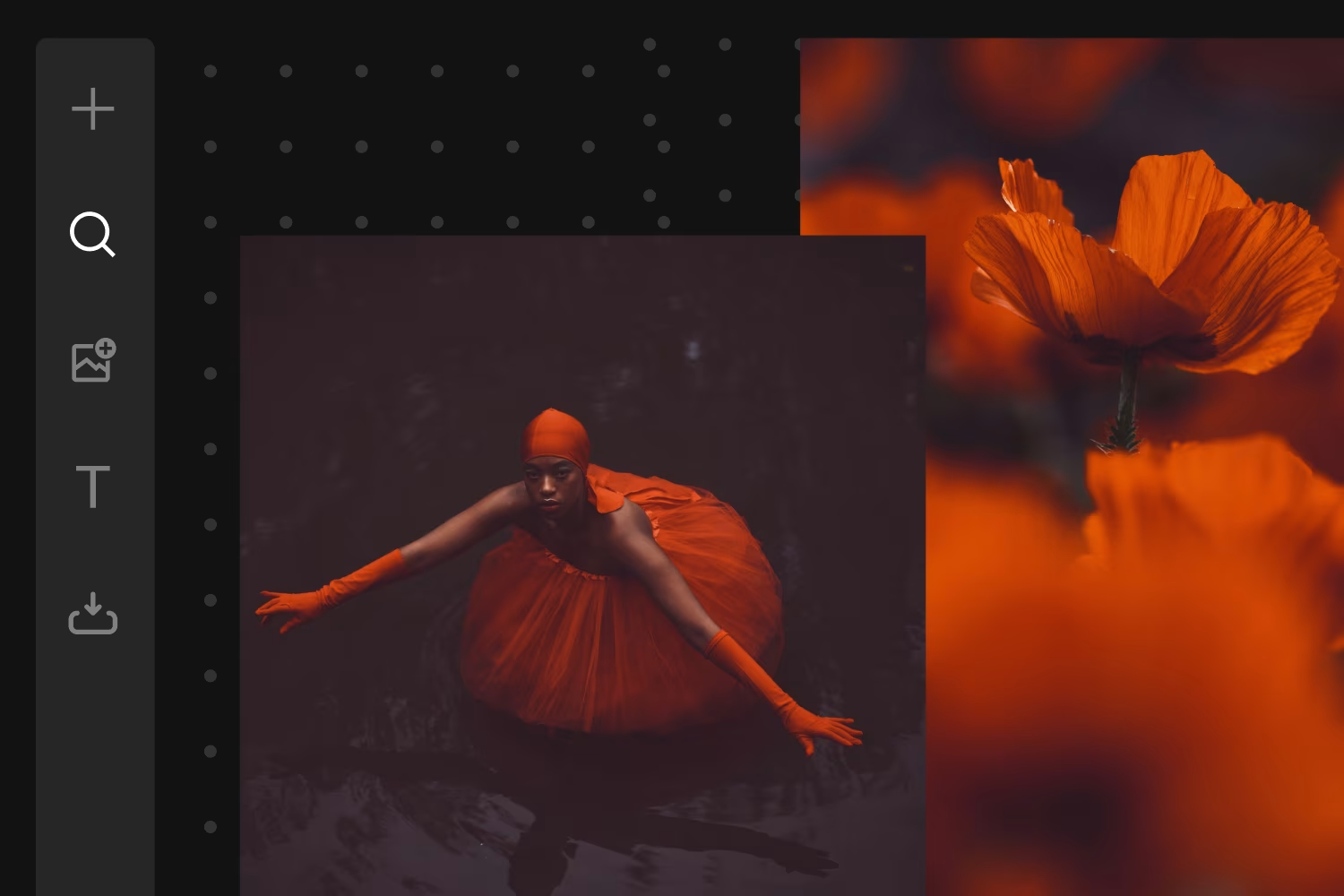
In VSCO Canvas, building a photography mood board is simple: you can import your own reference photos, search millions of images from the VSCO community, or generate new ones with AI. The goal isn’t to make it perfect, it’s to give yourself something you can see. A well-made mood board becomes a compass, pointing you toward decisions around lighting, styling, location, and tone.
The act of gathering and arranging images also forces you to define your idea. You start asking yourself: Do I want this to feel soft and dreamlike, or sharp and graphic? Should it be outdoors in golden hour, or indoors with a strong flash? These questions sharpen your vision before you even start shooting.
A great photoshoot mood board captures not just visuals, but the full context of your idea. When moodboarding, consider including:
- Reference images: Photos, film stills, or artwork that convey the tone, subject matter, or lighting you want.
- Color palette: Swatches or images that set the emotional feel of your shoot.
- Styling details: Wardrobe, props, or location cues that shape the visual direction.
- Lighting inspiration: Examples of golden hour glow, moody shadows, or high-contrast studio setups.
- Composition references: Framing, angles, or poses to guide your camera work.
- Texture and detail shots: Close-ups or material references that add depth and richness.
- External links: Outside reference images or galleries, articles, client briefs, shot lists, and documents.
With VSCO Canvas, you can gather all of this in one place. Import your own images, add links, search for photoshoot inspiration from the VSCO community, or generate visuals with AI to test out ideas before you step behind the camera.
One of the best ways to develop photoshoot ideas is by surrounding yourself with the work of others. This doesn’t mean copying, it means widening your perspective so your own creativity has room to grow.
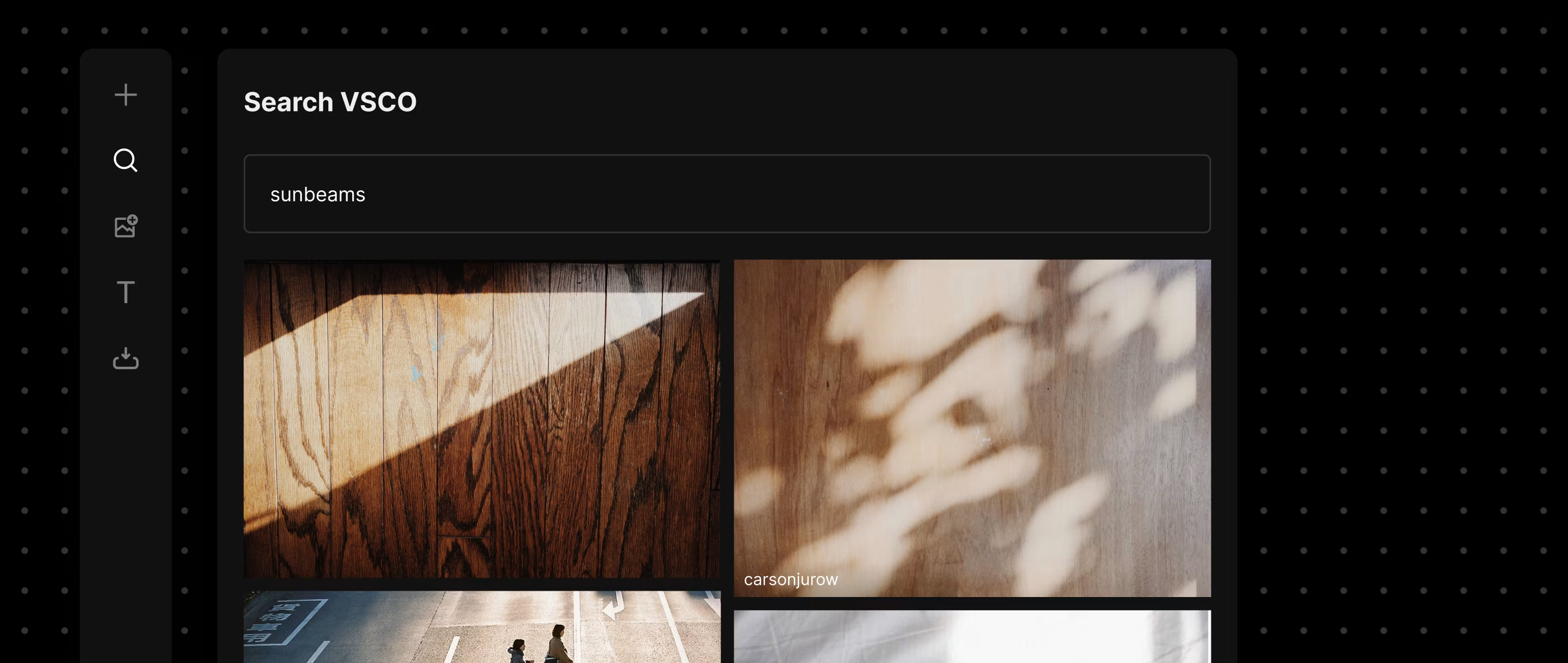
VSCO’s community is one of the richest sources of photoshoot inspiration online, with millions of images from photographers around the world. Inside VSCO Canvas, you can search through the community and pull images directly into your photoshoot mood board. This turns your mood board into a living document: not just your own thoughts, but a collage of creativity you can remix and respond to.
VSCO's community is primarily composed of fellow creators and photography enthusiasts, making it an ideal space for finding inspiration. — Marco Knoblich
And of course, your own camera roll is often your best source of hidden inspiration. Uploading your past images into a photography mood board helps you notice patterns in your own work. Maybe you’ve been unconsciously drawn to muted tones, or to reflections, or to a certain kind of light. Recognizing those threads can guide your next project in a new direction.
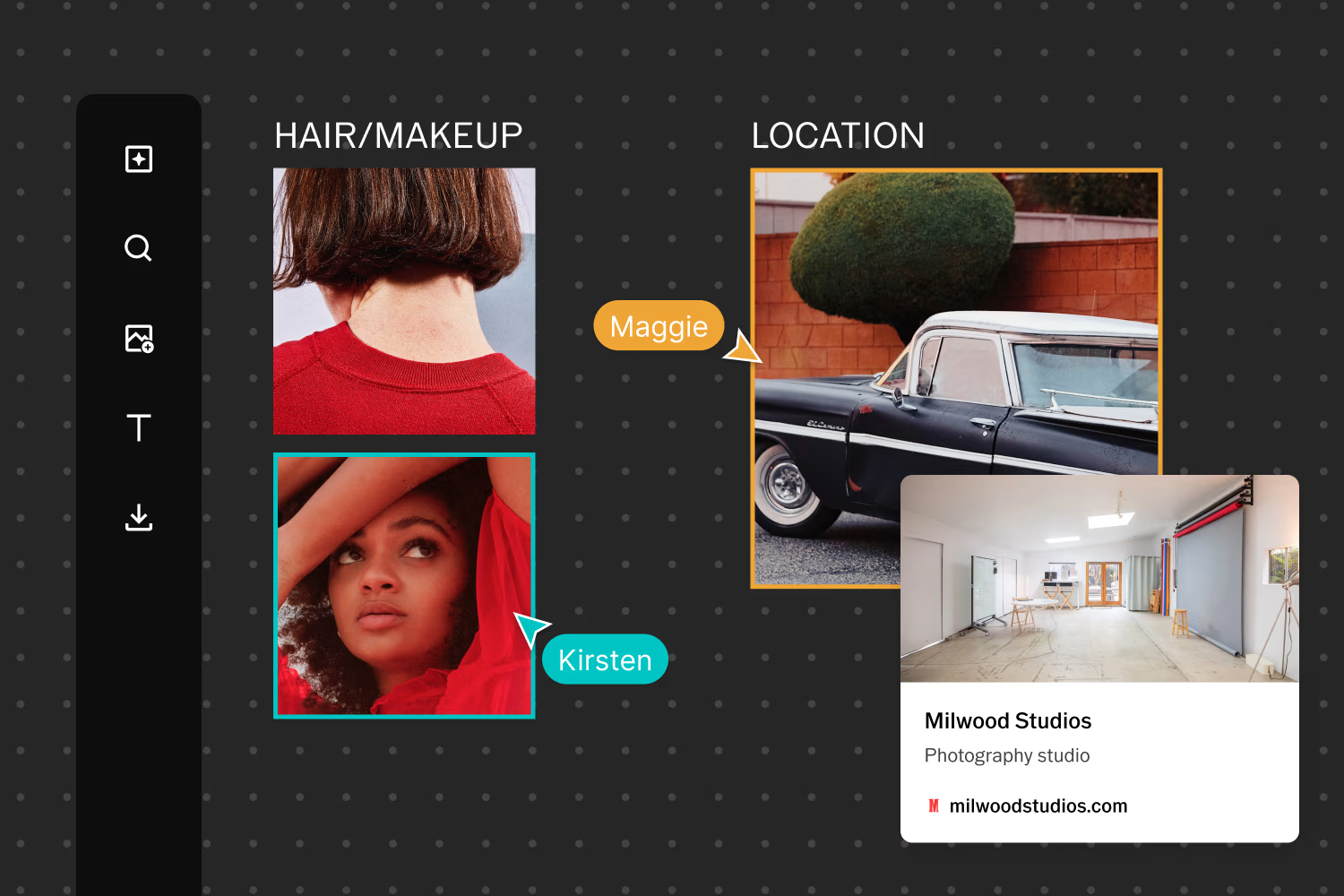
As you’re building your photography mood board, don’t limit yourself to just images. With VSCO Canvas, you can also embed external links directly into your photoshoot mood board by simply pasting them in. That means a link to a music video that sets the tone, a detailed creative brief, or even a reference article can live right alongside your visual inspiration.
Sometimes, even with a photoshoot mood board, you can feel stuck. You know the vibe, but you’re not sure what form it should take. This is where AI becomes less about shortcuts and more about exploration.
With VSCO Canvas, you can type out a prompt, something as simple as “portrait in neon light with cinematic shadows,” and generate visuals that expand your board. You can iterate by adjusting tones, shifting color palettes, or creating variations on the same prompt. Think of it as a sketchbook, where each generated image is another angle on your idea.
By treating AI like a brainstorming partner, you can keep your creative momentum going. You may not use an image exactly like the one generated, but the process opens doors you might not have considered. And when those doors open, new photoshoot ideas have space to emerge.
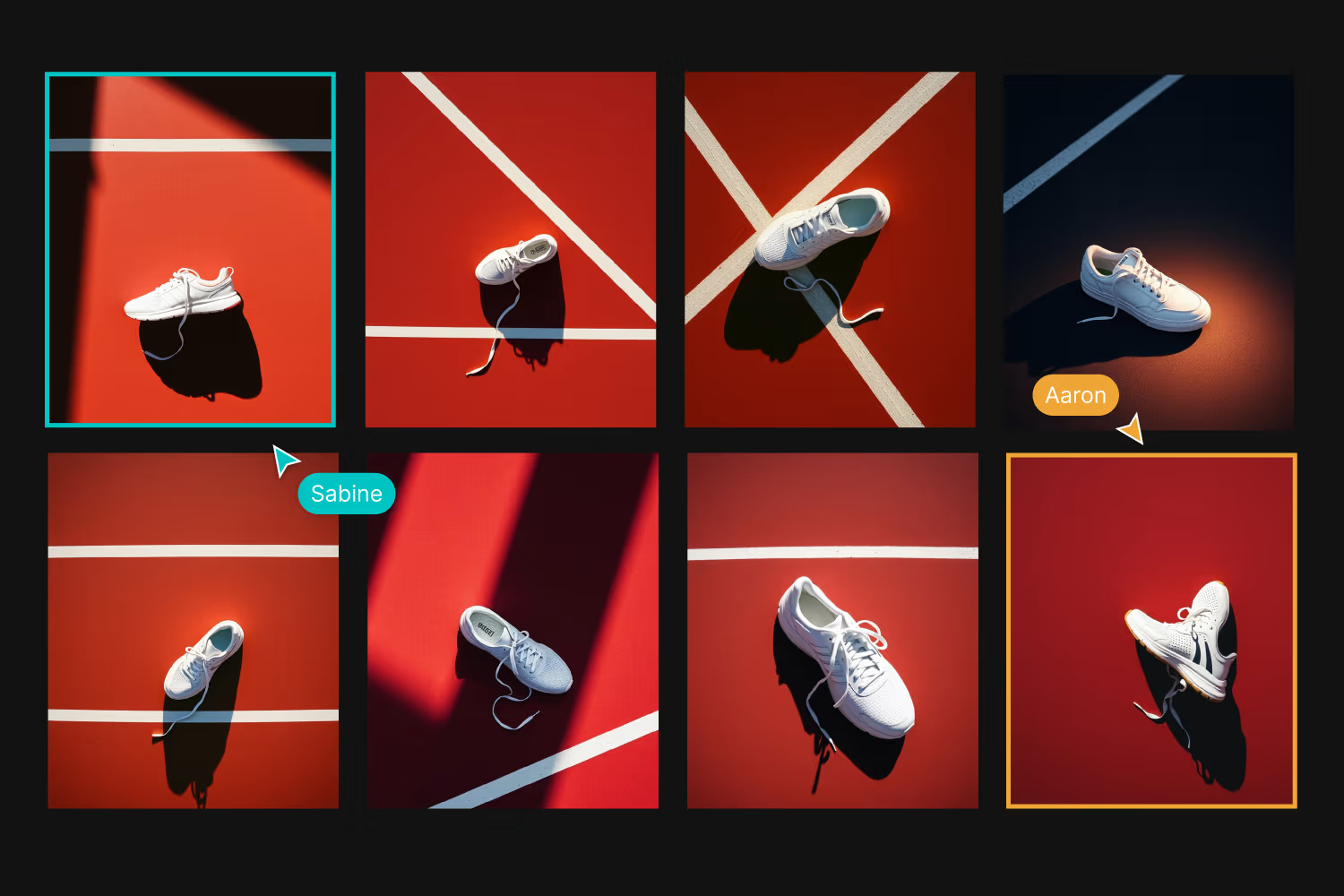
Most photography projects involve more than one person. Think about models, stylists, clients, and creative partners. A photoshoot mood board makes collaboration smoother. Instead of trying to explain a concept in words, you can show it.
VSCO Canvas comes with collaboration built-in. You can invite others to view or edit your photography mood board and build a shared visual language. This kind of feedback loop not only clarifies your own vision, it gets everyone aligned before the shoot. Misunderstandings around color, wardrobe, or tone can be avoided when everyone is literally looking at the same page.
Collaboration also sparks refinement. Someone else might notice that a detail in your board suggests a different location, or that a particular reference could inspire makeup choices. The more you open your process, the stronger your final shoot becomes.
Whether you’re shooting for a client or developing your own portfolio, thoughtful photoshoot planning ensures your vision comes through consistently. Use your photoshoot mood board to share inspiration, clarify expectations, and keep everyone aligned on style, color, and composition. A well-organized board makes feedback easier to manage and helps turn ideas into actionable, professional results.
A mood board without a plan is just an idea. To move from photoshoot inspiration to execution, you need to iron out the logistics: What equipment will you bring? What time of day will you shoot? Do you need permits, props, or backup gear?
Here’s where your photoshoot mood board doubles as a checklist. In VSCO Canvas, you can add links to resources and documents that cover your shot list, location details, and other photoshoot essentials, making it easy to connect visuals with practical details.
By the time shoot day arrives, your moodboard isn’t just an inspiration board, it’s a working document guiding your process.
Preparing for a client photoshoot goes beyond picking a location or choosing outfits — it’s about turning your creative vision into a clear, actionable plan. From defining goals and refining the concept to coordinating locations, shot lists, and schedules, your mood board can set the stage for a smooth, professional, and inspired shoot.
Create a client brief for your photoshoot
For client work, a thorough client brief is essential. Use your mood board to communicate the visual direction, style preferences, and any brand requirements. This ensures that everyone, from the client to your collaborators, shares the same vision and that expectations are clear before you ever pick up a camera. You can also link out to any more detailed documents and lists.
Photoshoot locations
Location logistics are another crucial element of photoshoot planning. Consider the timing, permits, accessibility, and any environmental factors that might affect your shoot. Your photoshoot mood board can include reference images of locations, lighting studies, layout sketches, and even links to maps to help visualize each scene.
Make a photoshoot shot list
Creating a shot list keeps the day on track. Break your shoot into specific frames, poses, or compositions, using the mood board as a guide. Linking a document with notes about angles, lighting, or styling ensures that your creative vision is captured efficiently.
Create a call sheet for contacts
Finally, don’t forget the scheduling essentials. Whether it’s coordinating models, crew, or other collaborators, a simple call sheet or contact list helps everyone stay aligned. Include timing for each scene, key contacts, and any special instructions. This way, your team knows exactly where to be and when, reducing stress and freeing you to focus on creativity.
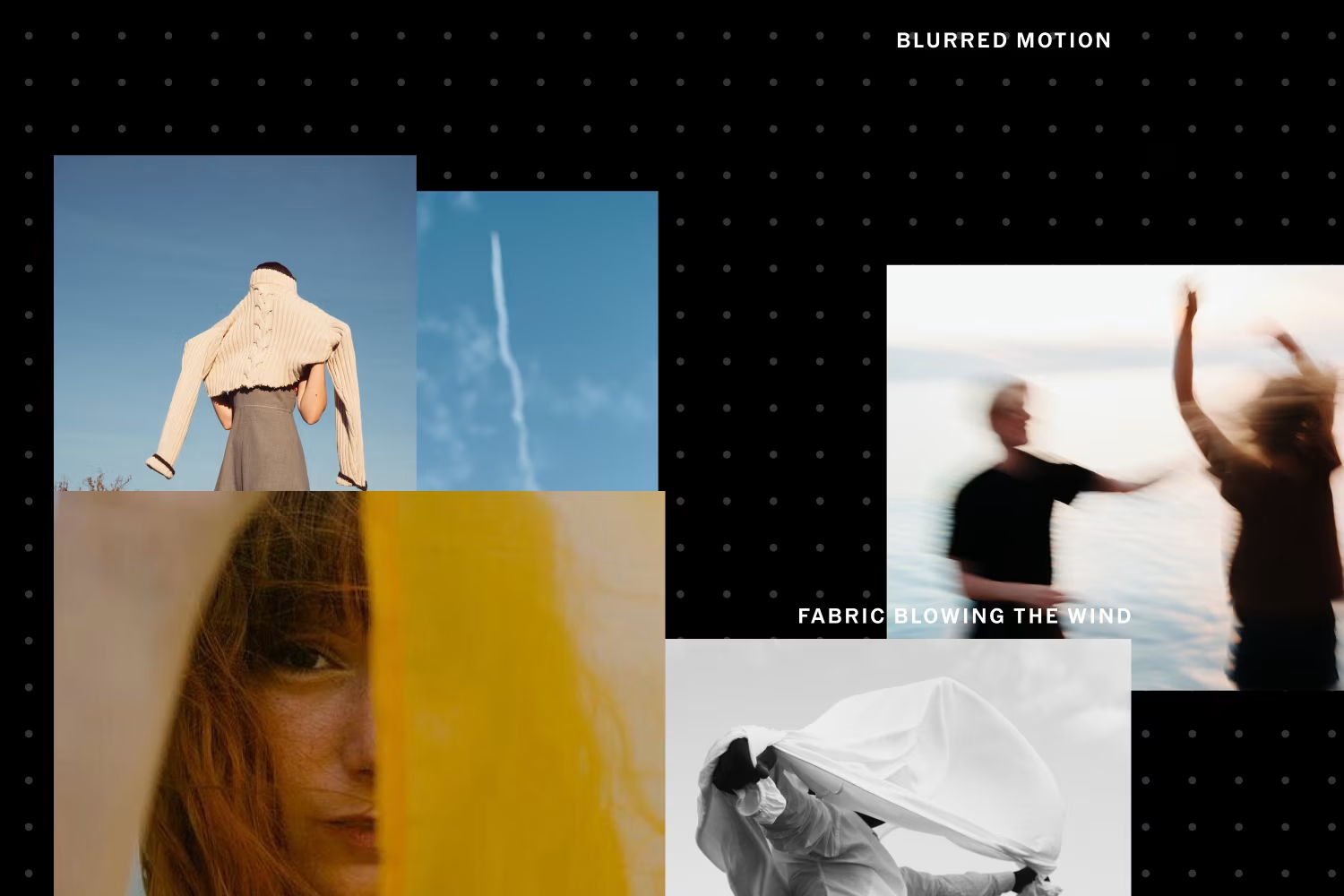
One underrated part of photoshoot planning is keeping track of your past ideas. Not every concept makes it to a shoot right away, and some of your best sparks might sit dormant for months or even years.
Keeping a running archive of photoshoot mood boards ensures that your ideas aren’t lost. VSCO Canvas makes it easy to keep boards organized, so you can return to them when the time feels right. Looking back at old boards often reveals how much your style has grown, and sometimes, you’ll find an idea that’s finally ready to be realized.
An archive also becomes a portfolio of your creative process. For clients, it demonstrates not just your final work, but the depth of thought that goes into every shoot.
Leave room for creative follow-through
Even with the most detailed photoshoot planning, creativity often comes alive in the moment. A change in the weather, an unexpected shadow, or a spontaneous pose can transform your shoot. The best photographers leave space for this to happen.
A photoshoot mood board isn’t meant to lock you in, it’s meant to give you a foundation. With your vision clearly mapped, you have the freedom to improvise, knowing you won’t lose track of your original intent. The balance between preparation and openness is what turns a good shoot into a great one.
Start with VSCO Canvas
Coming up with photoshoot ideas doesn’t have to feel overwhelming. By moving through a process, from initial spark, to mood board, to action, you create a cycle that keeps your creativity flowing.
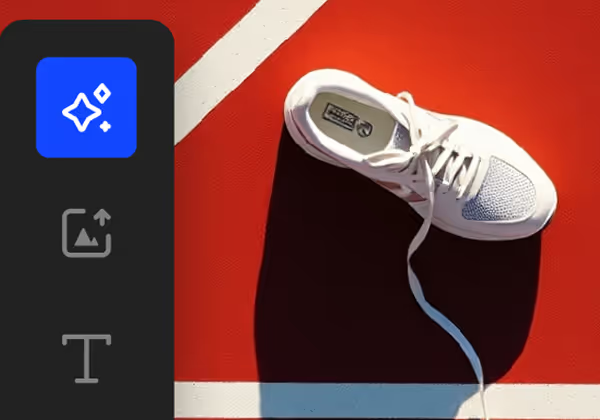
VSCO Canvas is designed to make this cycle easier. It’s more than just a photography mood board tool, it’s a place to collect, generate, refine, and collaborate. Whether you’re planning a personal project, a client shoot, or simply experimenting with new photoshoot inspiration, VSCO Canvas helps you turn abstract ideas into actionable plans.
The next time you feel stuck, start with a spark. Start a new board. Gather visuals, search the VSCO community, and let AI push your concept in new directions. Share your photoshoot mood board with collaborators, refine your plan, and keep building your archive. The more you use this process, the easier it becomes to create consistently.
Because the truth is, ideas aren’t rare. They’re everywhere. The key is knowing how to catch them, shape them, and set them in motion. And with the right tools, your next photoshoot is already waiting to happen.