


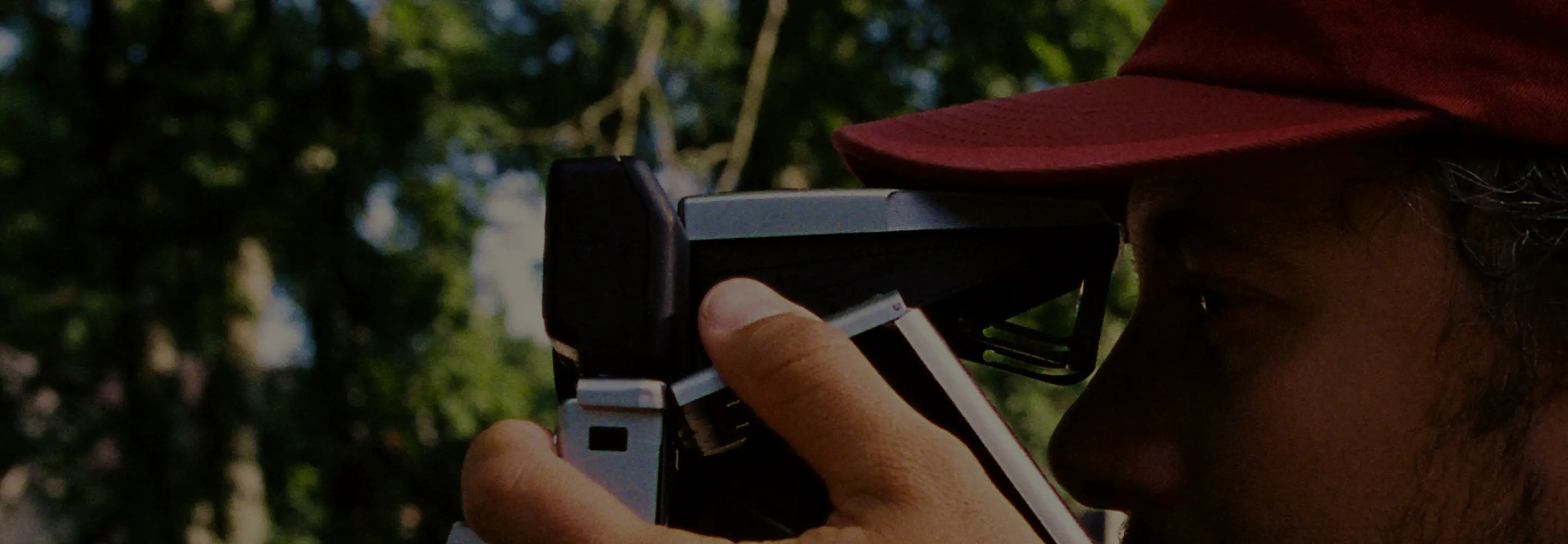
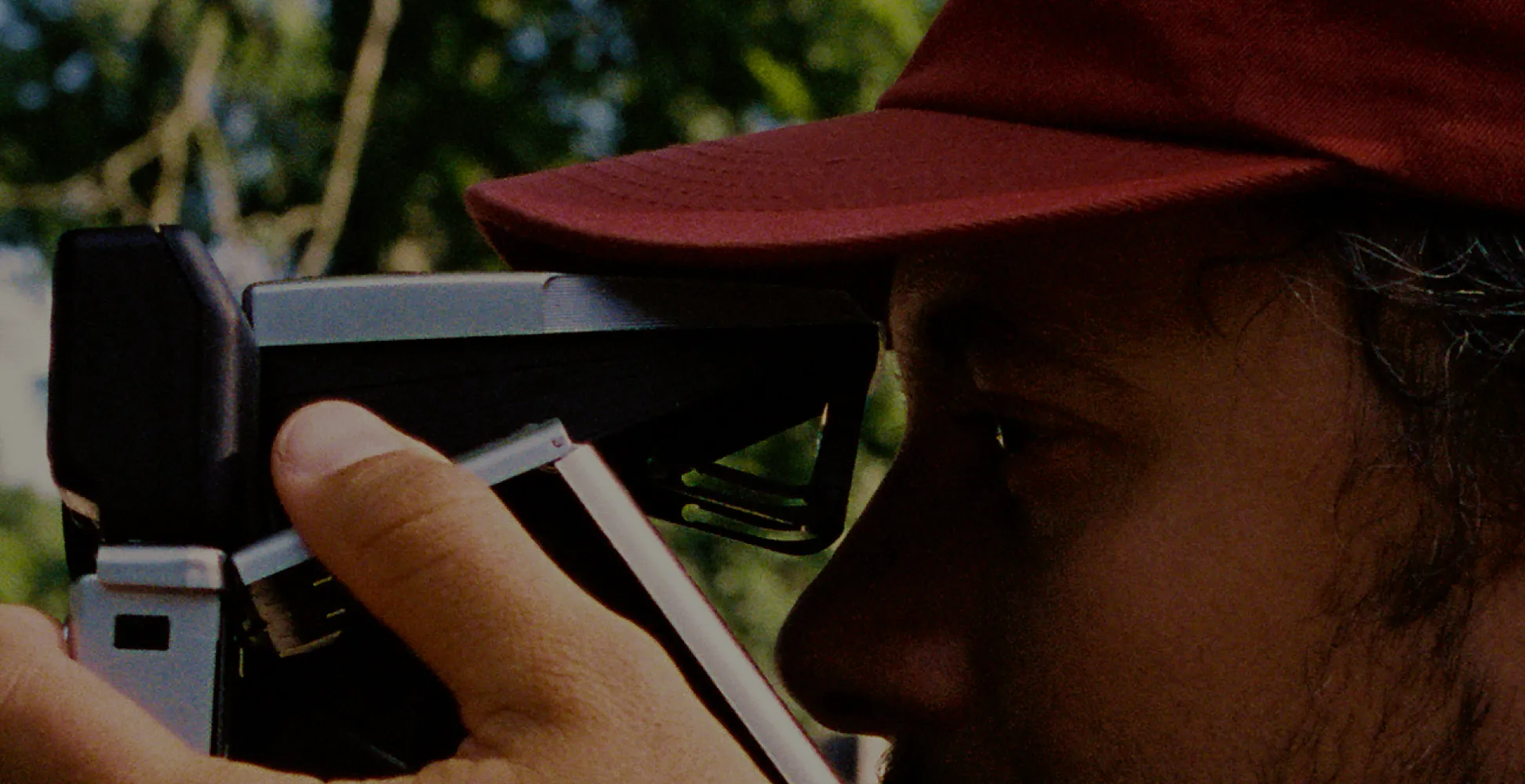
Joe Greer, a self-taught photographer who got his start on VSCO and has gone on to work with top brands like Apple, Land Rover, and Starbucks, knows a thing or two about color.
About Pro Presets
Joe Greer
Pro Photographer, Tennessee


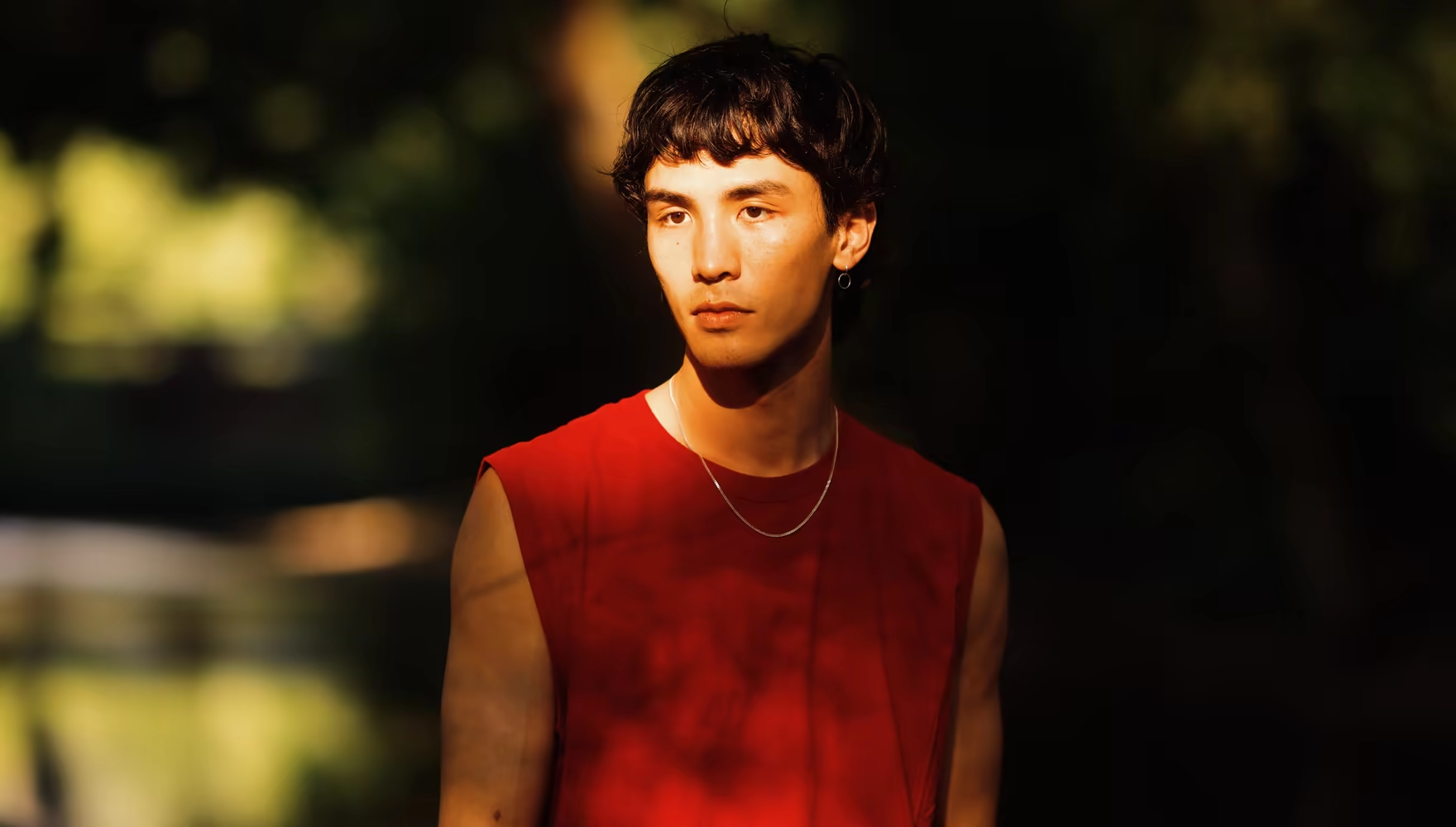
Make Joe’s look your own
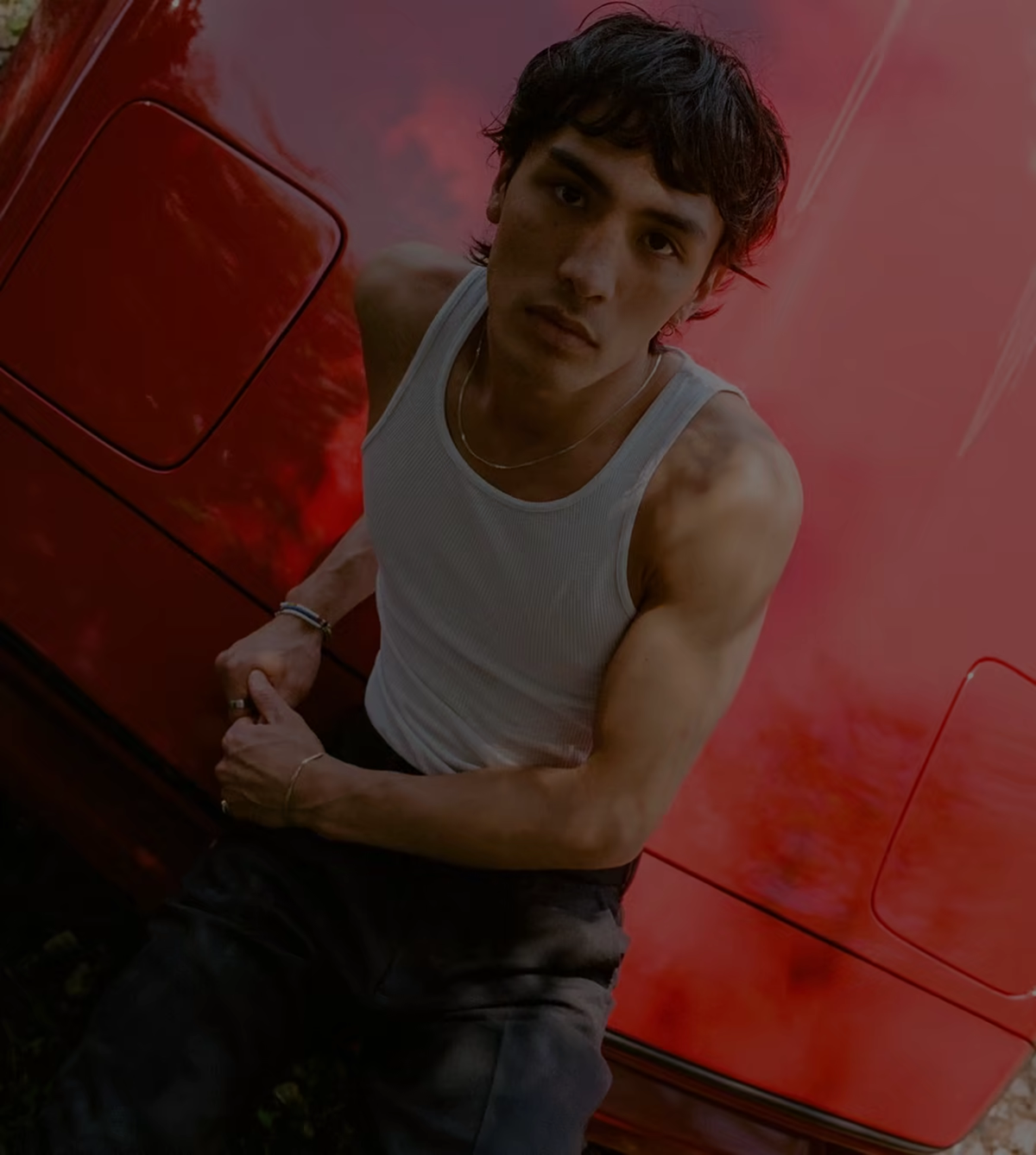
Start with Joe Greer’s signature color and shape the finish to fit your frame. Push the contrast, shift the palette, or add more warmth. Pro controls give you more ways to make Joe’s look your own.
Contrast
Go softer or add more punch, from subtle film-inspired transitions to stronger definition.
Color
Add the range of Joe’s favorite presets. Blend in AL3 or C8 to shift the look and find your balance.
Tone
Dial back the film character or lean into rich, rusty hues and sun-kissed warmth.

Joe Greer’s world of color
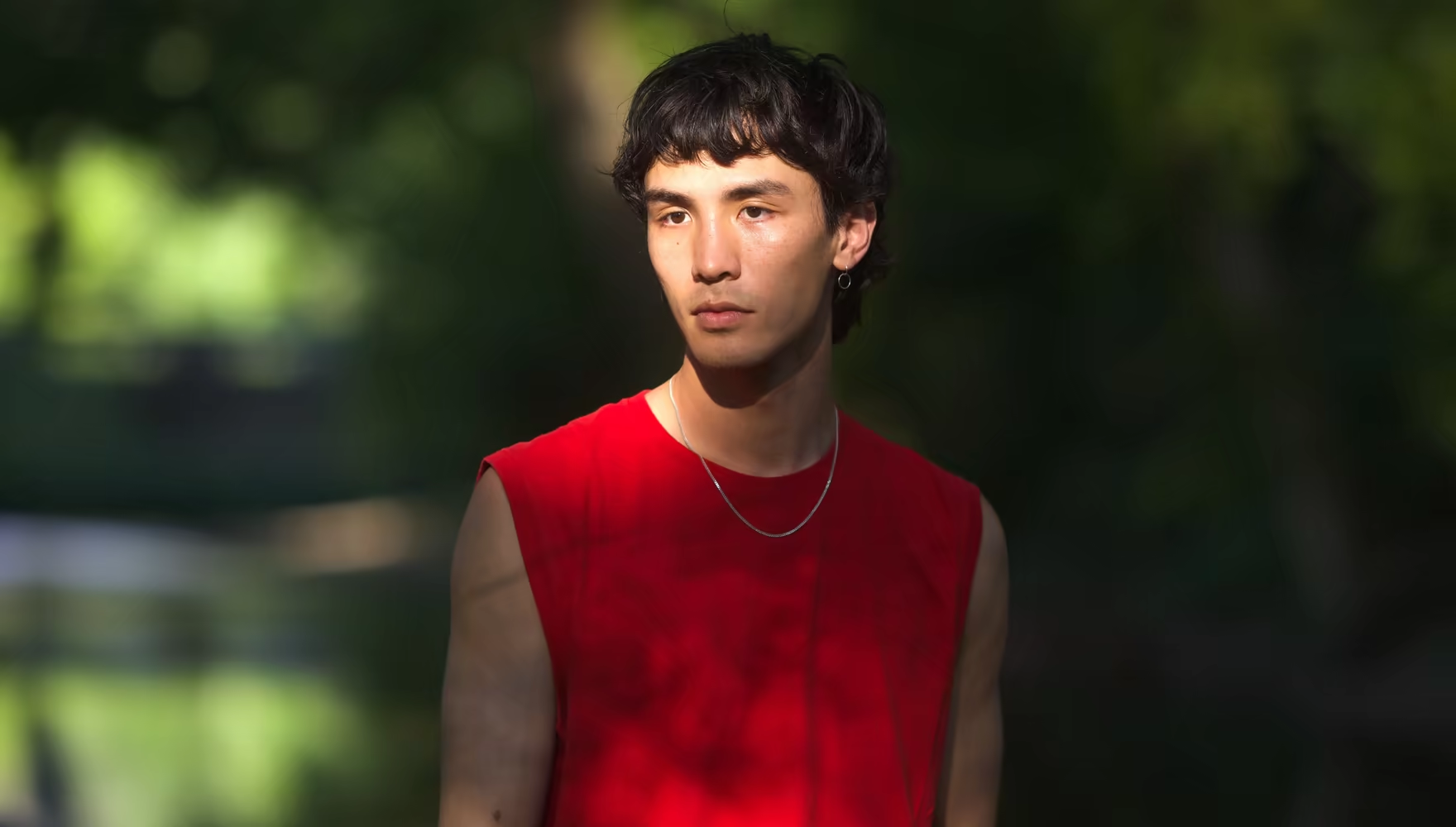
For Joe, color shapes the feeling of a photograph before anything else. His work balances rich reds and greens with defined detail, and highlights that hold the glow of late-afternoon light.
IOE1 PRO brings his look into your editing process, capturing the qualities that make his work recognizable while leaving room for each image to tell its own story.
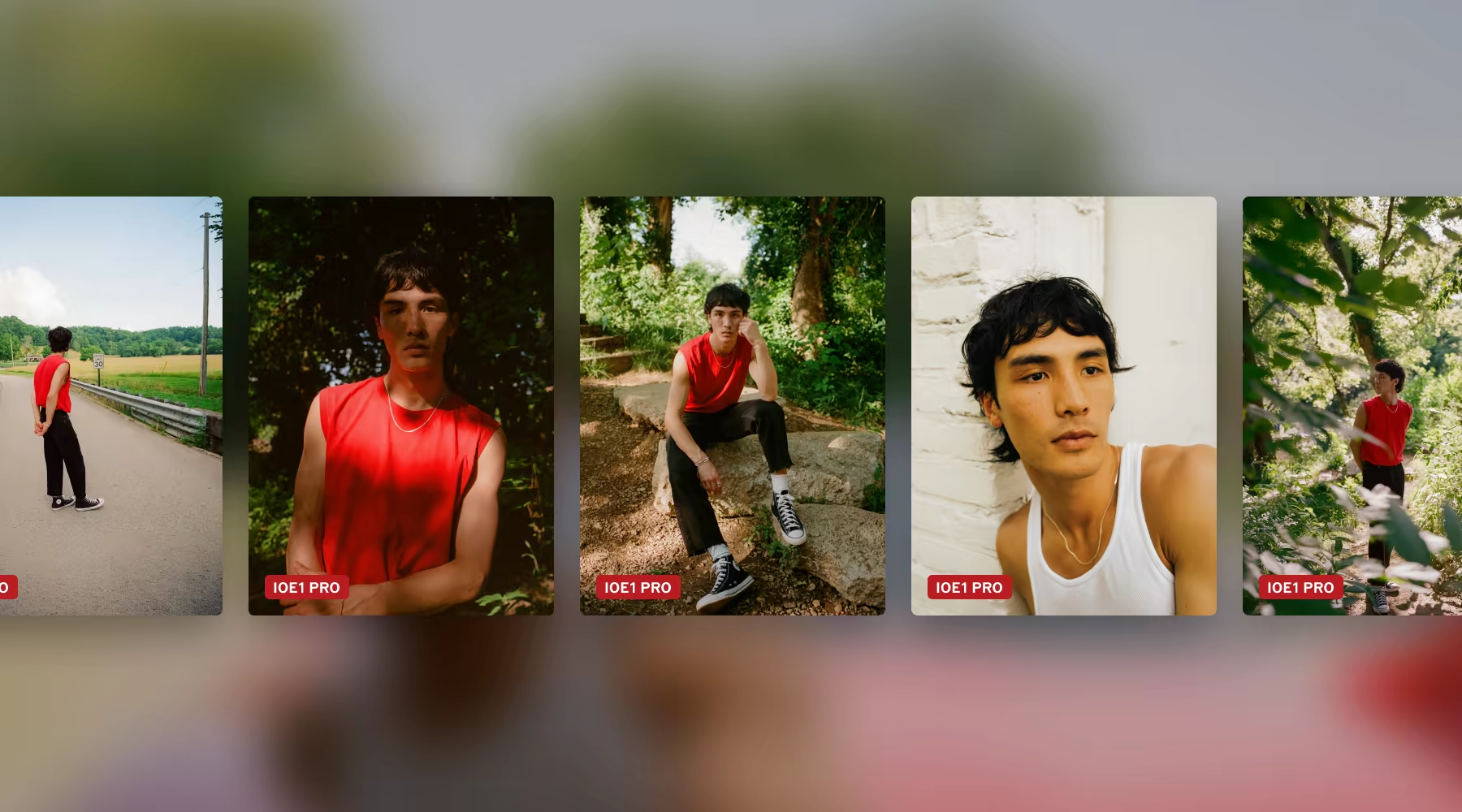
Made for any kind of light, any shoot
IOE1 PRO is rooted in Joe’s own photography, bringing his signature warmth and color to every kind of work. Portraits keep natural skin tones. Family sessions and events get a warm, inviting feel. Travel and street photography gain richer color, golden highlights, and depth.
The look works across changing light, whether you’re shooting under overcast skies, in open shade, or in the last light of the day.
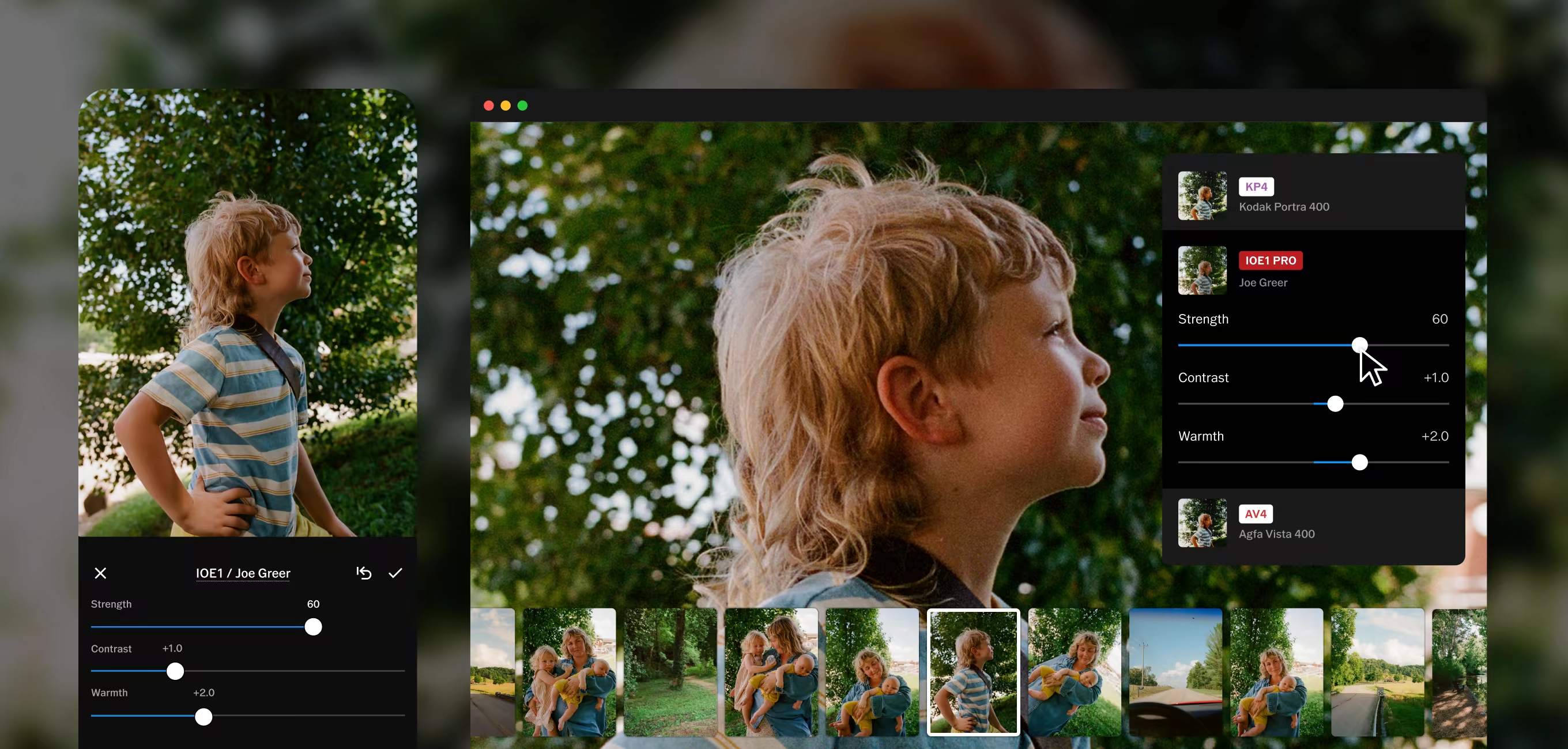
Frequently asked questions
What is IOE1 PRO?
IOE1 PRO is a preset built with photographer Joe Greer, defined by warm color, golden highlights, and film-like grain, and you’ll only find it in Studio Pro. Free to download for iPhone and Mac.
How do I adjust the look?
Strength sets how much of Joe’s look reaches your photograph. Contrast, Color, and Tone let you shape it to each frame.
What kinds of photographs does it suit?
IOE1 PRO works across portraits, families, events, travel, and documentary work, wherever warm color and natural tones matter. Adjust Strength to suit the light, use Pro controls to make it yours.
Where can I use IOE1 PRO?
IOE1 PRO is only available in VSCO Studio Pro. Start editing for free on iPhone and Mac.
How do I get started?
Download Studio Pro Desktop for Mac and try it for free.