

Most wedding photographers run four or five separate tools for a single job. VSCO connects all of it, so you get back the hours you're losing to tab-switching and busy work.
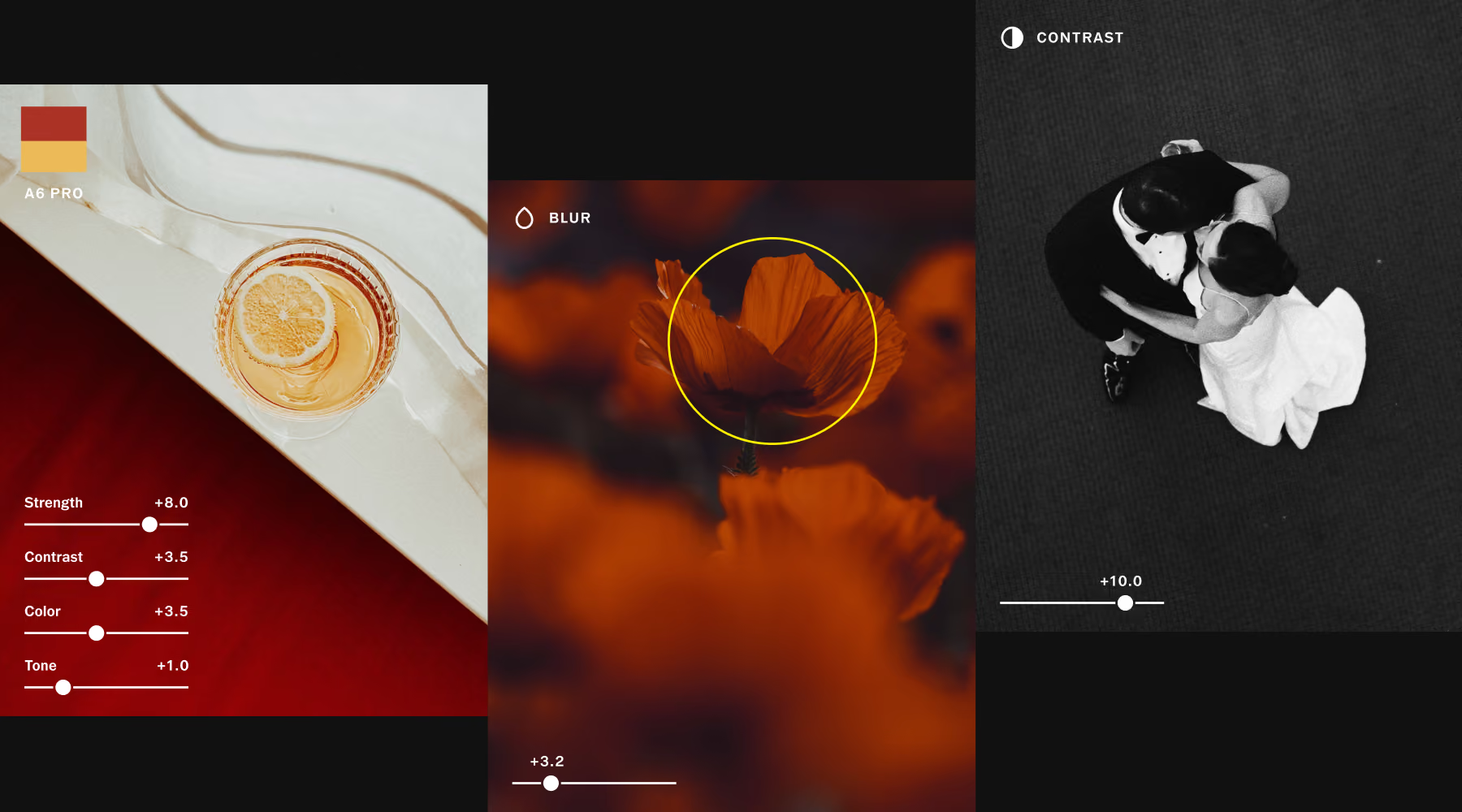
Edit at Scale, Stay in Control
Apply your look to 100 photos at once. The same preset, the same manual adjustments, the same Style Match analysis across an entire day with one tap. Style Match reads the color, tone, and mood of a reference image you've already edited and recreates it across your selection.
Your signature look stays consistent from ceremony to reception. Publish directly to a client gallery through VSCO Galleries when you're done. No export needed.
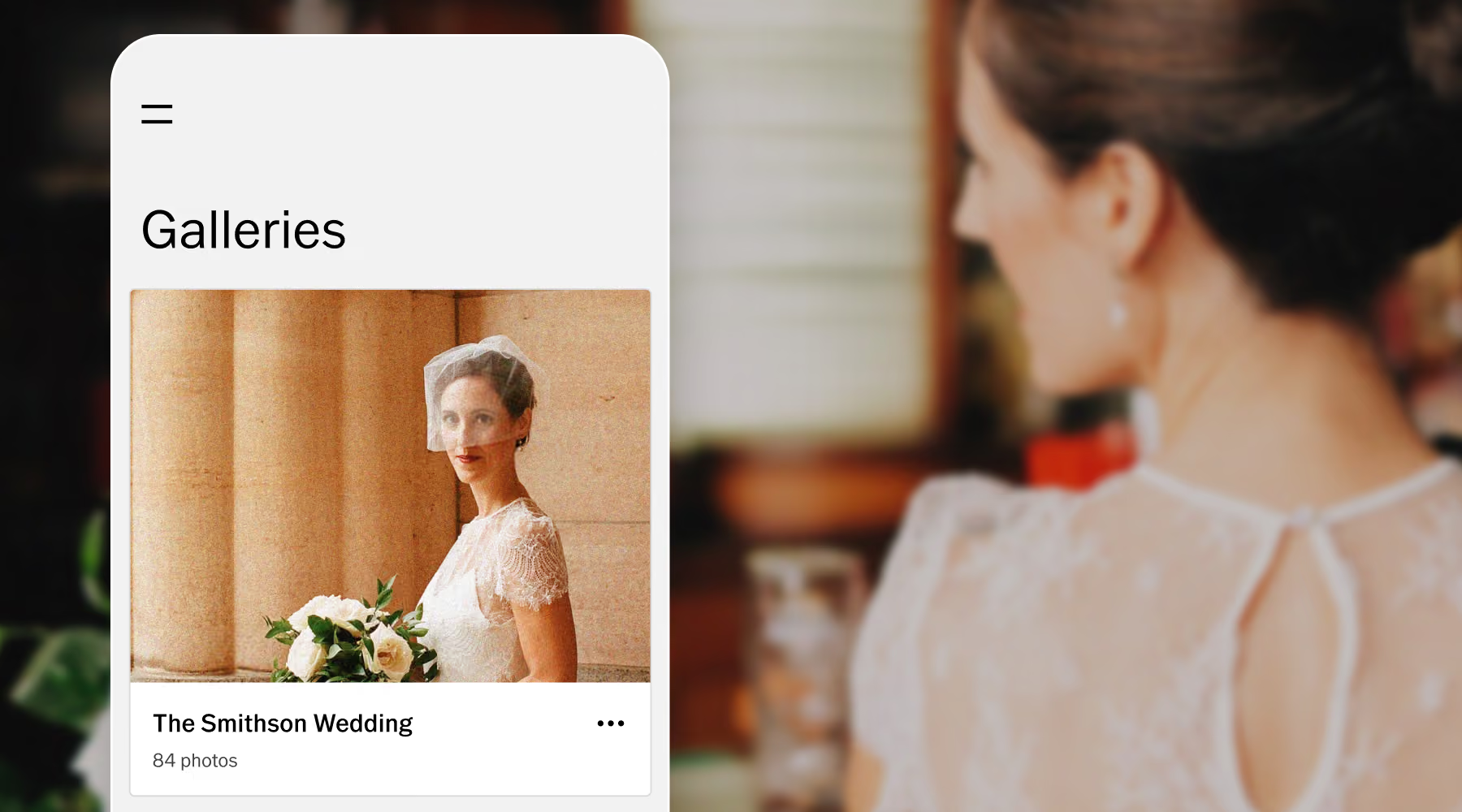
Galleries Built for Wedding Photographers
Send photos and video with a single link that looks great on any device. Password-protect each gallery, and enable collaborative uploads. Your clients save time scouring social media, you deliver a premium package.
Unlimited galleries and unlimited photo storage with VSCO One and Pro means your delivery setup scales with your client list, even during busy season.
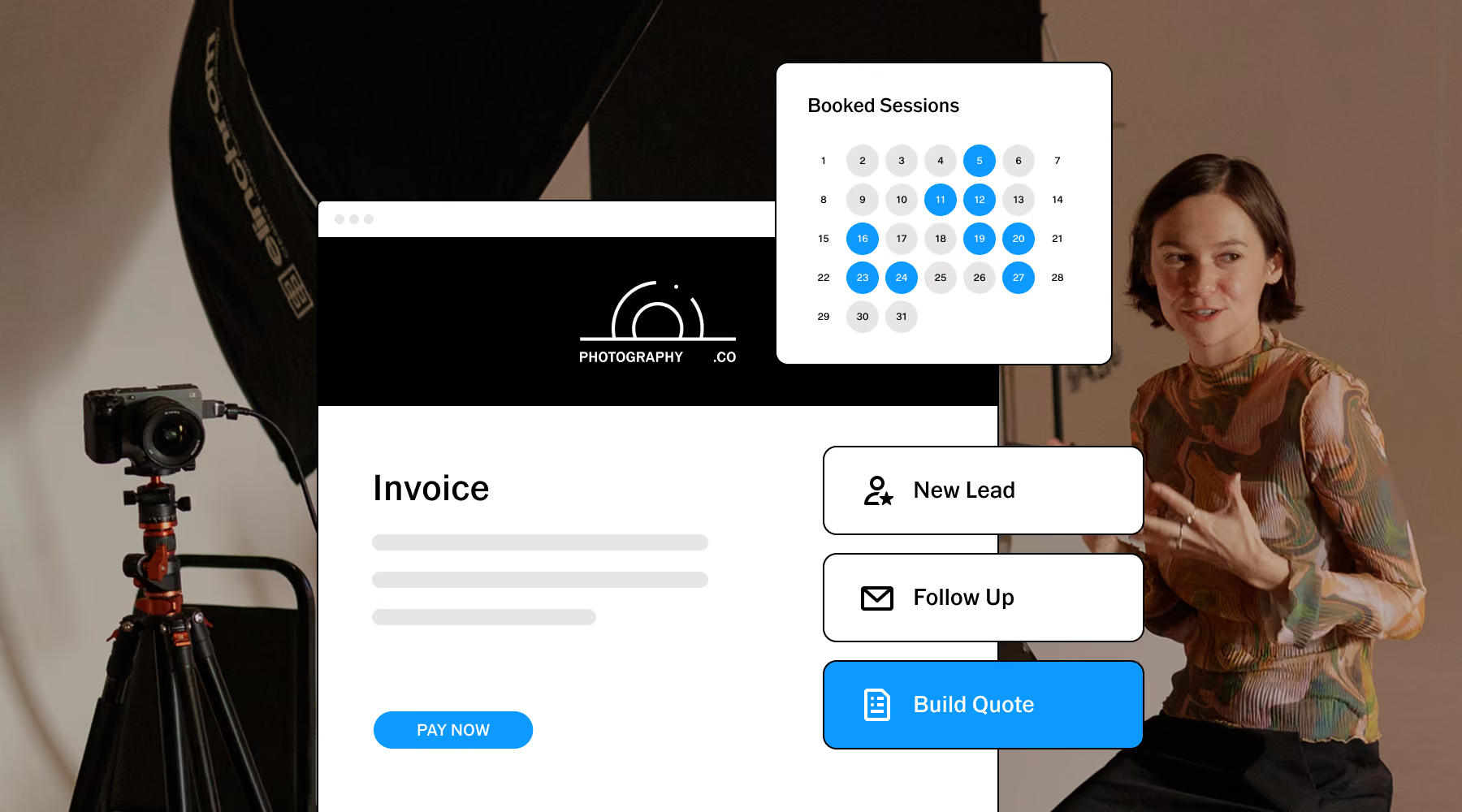
Run your business and stay organized
Never lose track of a booking, invoice, or follow-up again with VSCO Workspace. Every wedding lives in its own job record. Lead inquiry, signed contract, invoice, payment, and final gallery link— all in one place.
Automations handle the reminders, check-ins, repetitive tasks you'd otherwise forget on a busy stretch. Set it up once and keep your client experience consistent whether you have three weddings booked or thirty.
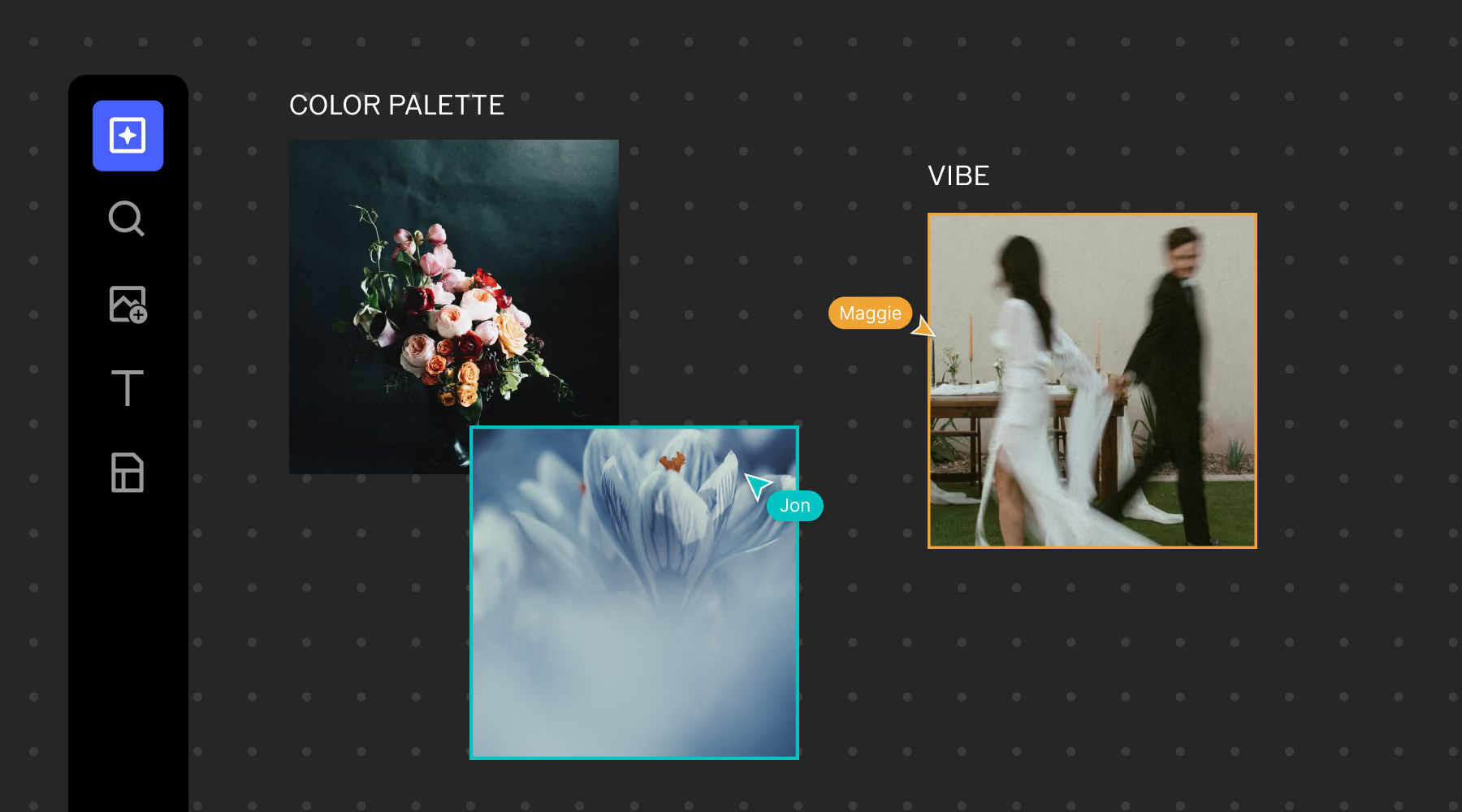
Plan the perfect wedding aesthetic
Moodboard, plan, and collaborate with VSCO Canvas. Pull references from your own past work, the VSCO community, or generate new visuals from a text prompt.
When you’re ready, share the link with the couple and build the direction together in real time. They can contribute, leave comments, or simply approve what they see. Everyone arrives on the wedding day with the same vision.
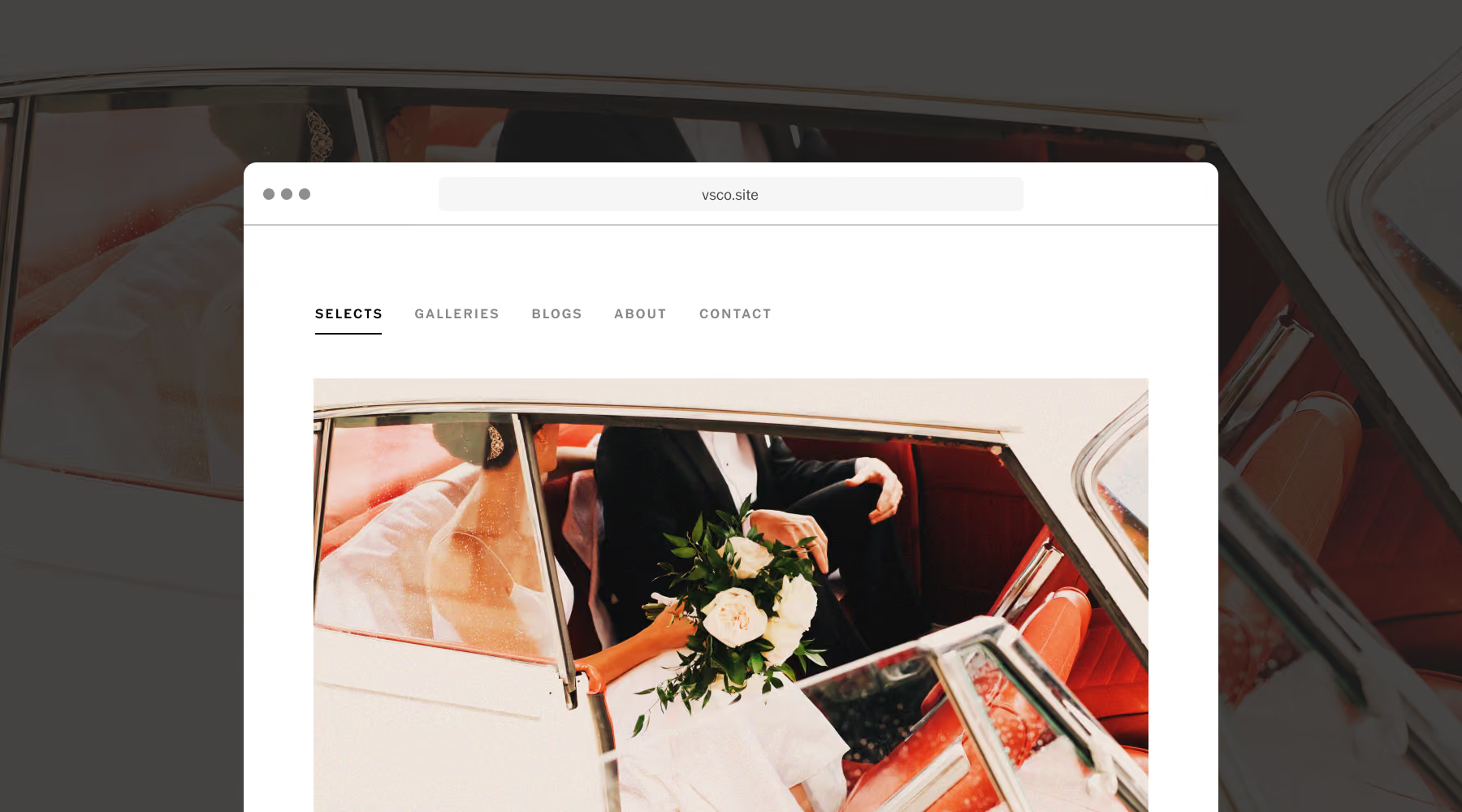
A Portfolio That Updates Itself
Your site builds directly from your VSCO Profile and updates as you add new work. No rebuilding pages, no manual upkeep. With VSCO One and Pro, connect your own custom domain.
Every contact form submission can flow into Workspace as a managed lead, with the couple's name, event date, and any details you asked for already attached. Never miss a lead to a jumbled inbox again.
A Single System for Your Entire Workflow
Explore VSCO tools to bring editing, delivery, planning, portfolio building, and business management into one connected experience.
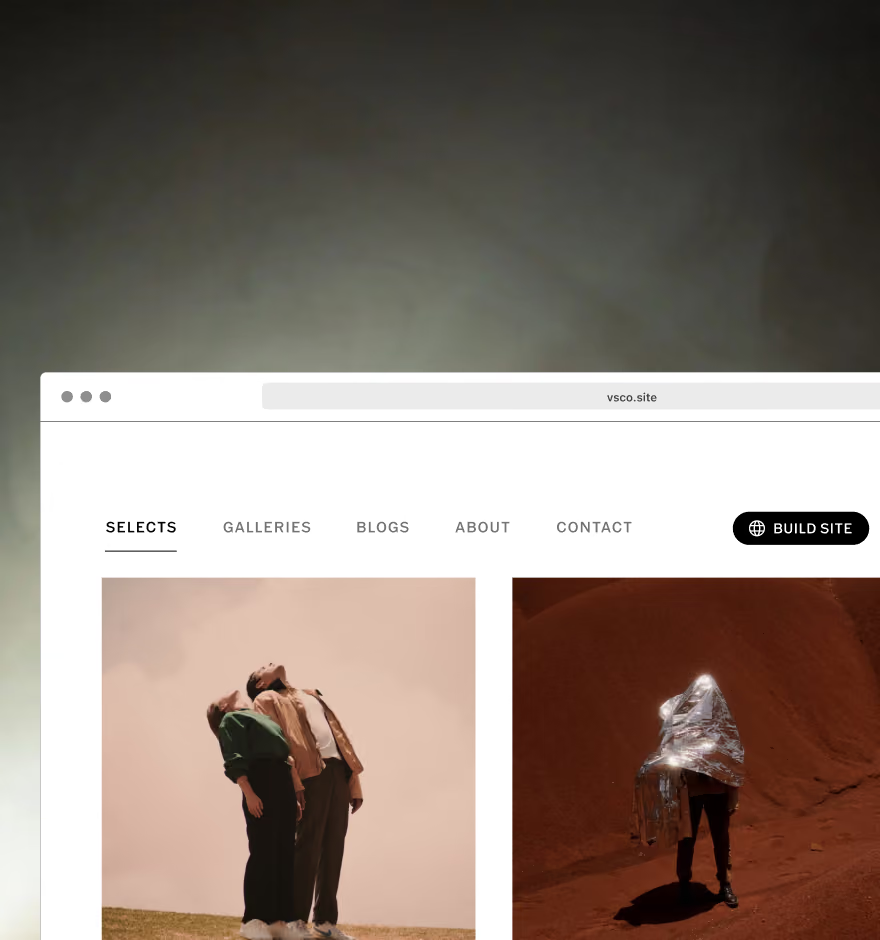
Build a website
Create a photography website that syncs directly with your VSCO Profile and stays effortlessly up to date.
THE FREELANCE PHOTOGRAPHER
Education, mentorship, and resources to help you build a stronger, more sustainable photography business.

VSCO Galleries
Professional client galleries designed to impress, scale, and support your growth as a wedding photographer.
Frequently asked questions
How does VSCO Galleries work for weddings?
VSCO Galleries creates a private, password-protected link containing your photos and video from a wedding. Couples access everything from one URL. No app download or account required. You can include a guest upload link so family and friends add their own photos from the day via QR code. With VSCO One and Pro, you get unlimited galleries and unlimited photo storage, so the size of your wedding season doesn't affect what you pay.
Can I use VSCO to manage my entire wedding photography workflow?
Yes. VSCO Workspace handles lead tracking, scheduling, contracts, invoicing, and client communication. VSCO Studio Pro covers batch editing and delivery. VSCO Galleries gives you client-facing photo delivery. VSCO Sites publishes your portfolio and routes inquiries into Workspace as managed leads. Each tool connects to the others, so you're working inside one system instead of copying information between separate apps.
How can VSCO tools help me stay organized during peak wedding season?
Every wedding gets its own job record in Workspace. Contract, invoice, communication history, and gallery link all in one place. Automations send invoice reminders and follow-ups on schedule. Studio Pro's batch editing cuts post-processing time significantly. The result is a workflow that scales to a full season without requiring proportionally more admin time.
Can I manage multiple weddings and sessions at the same time in VSCO?
Yes. Each job in Workspace is independent with its own timeline, contract, invoice, and gallery. You can move between a wedding and an engagement session without anything crossing over. Workspace's reporting also gives you a view across all active jobs, showing what's outstanding, what's paid, and what needs follow-up.
Does VSCO Workspace work as a CRM for wedding photographers?
Yes. Workspace was built specifically as a CRM for photographers and event professionals. It builds on the foundation of Táve Studio Manager, a tool trusted by wedding photographers for over a decade, now integrated into VSCO with additional features and full connectivity to the rest of the VSCO system.
Does VSCO Studio Pro support batch editing for wedding photos?
Studio Pro lets you apply presets, manual adjustments, or Style Match to up to 100 photos at once on iOS. Style Match takes a single edited reference image. Use your best-lit reception shot, for example, and recreate that color, tone, and mood across a full batch. You publish directly from Studio Pro to a VSCO Gallery, skipping the export step entirely.