
Portrait sessions stack up, turnaround is tight, and admin competes with the actual work. VSCO connects editing, delivery, and client management so the business side runs quietly while you photograph.
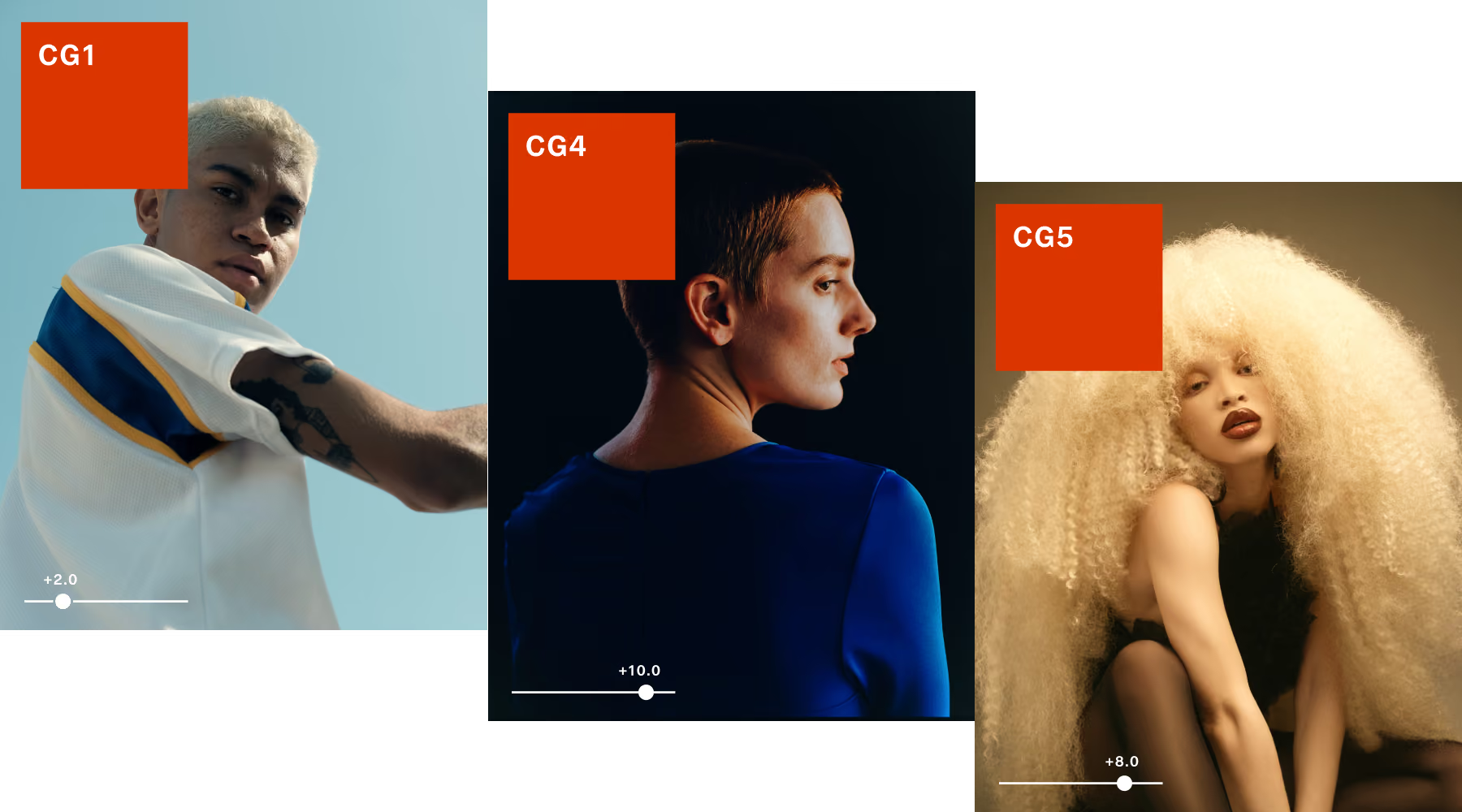
edit a full session in one pass
Studio Pro is VSCO's batch photo editor for iOS. Style Match reads the color, tone, and mood of a reference image and recreates it across up to 100 photos at once. Every frame in a senior session, brand shoot, or portrait series comes out consistent without individual editing.
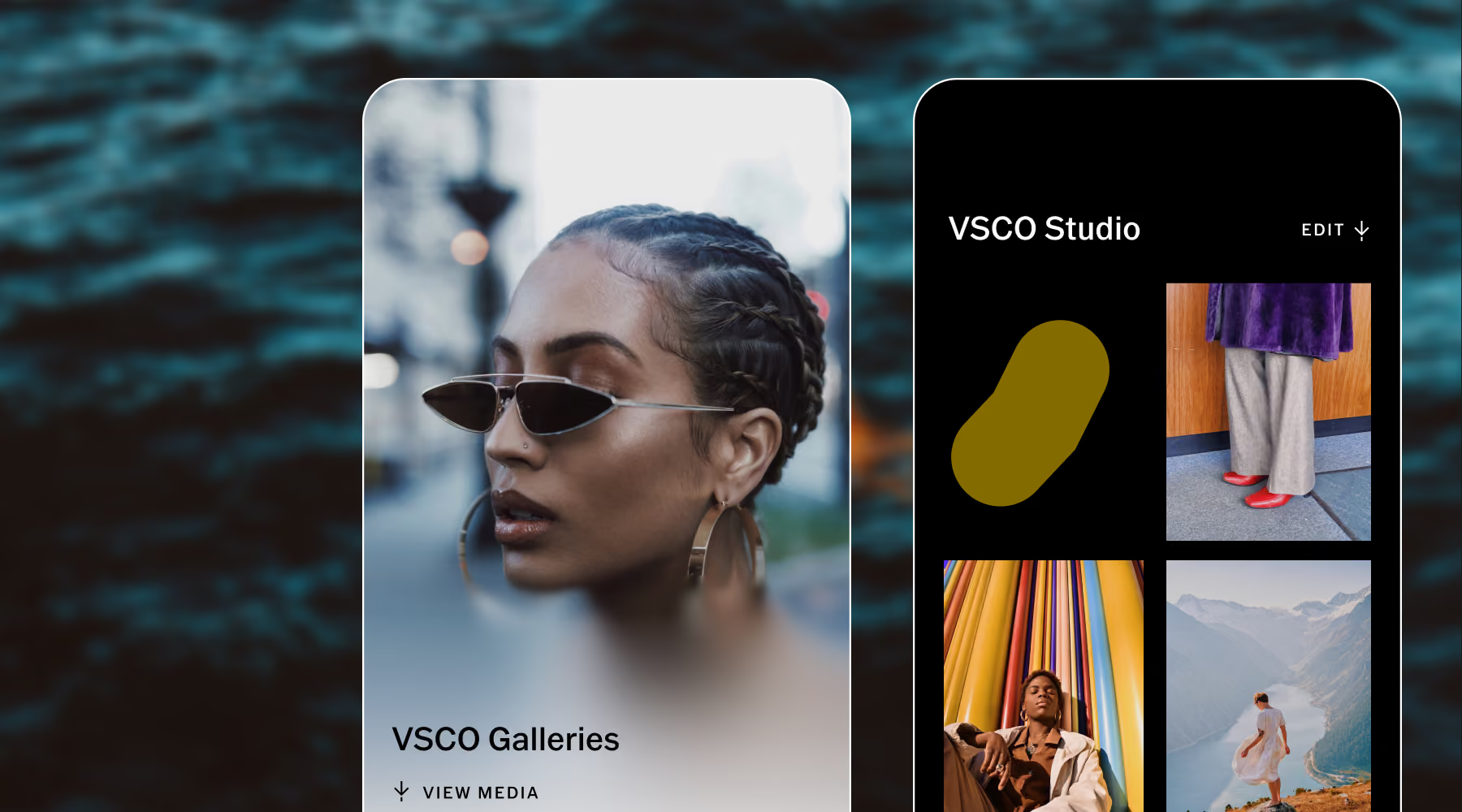
Publish directly to VSCO Galleries when you're done. Photos go from final edit to client delivery in minutes, without re-uploading or leaving the app.
Send your best work, not a folder
VSCO Galleries lets you deliver every session with a single link, photos and video together, with a clean layout that looks great on any device. Clients can view, revisit, and download without creating an account.
For sessions with multiple subjects or photographers, QR-based collaborative uploads let anyone contribute their own images from the day. Unlimited galleries with VSCO One and Pro means you keep up with your busy season.
Run your business and stay organized
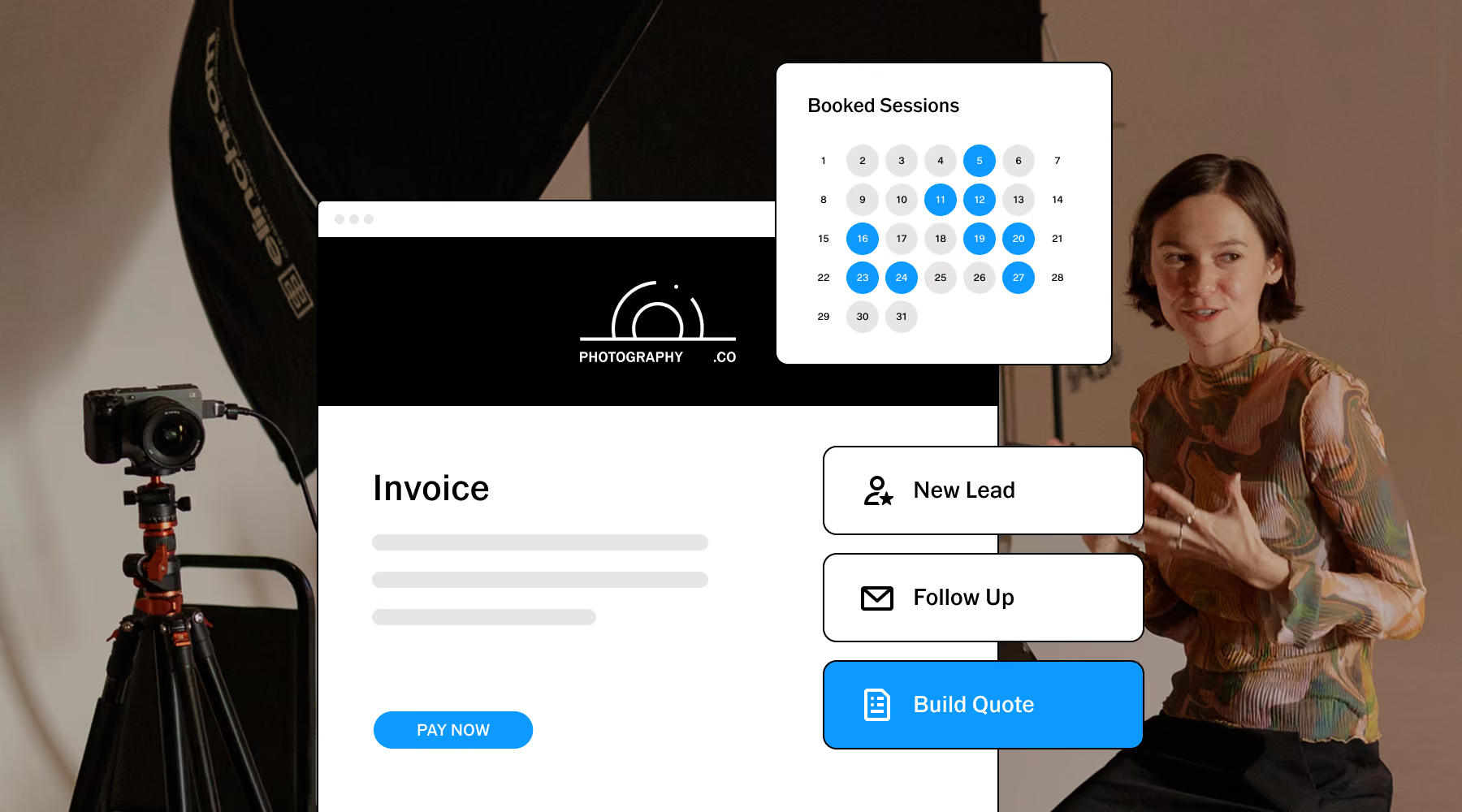
VSCO Workspace keeps every client in their own job record. Inquiry, consultation notes, contract, invoice, and gallery, all together. Automations handle confirmations, reminders, and follow-ups so nothing falls through between sessions.
Whether you're taking on three clients a week or thirty, the workflow stays consistent. Set it up once and Workspace runs the admin in the background while you focus on growing your portrait photography business.
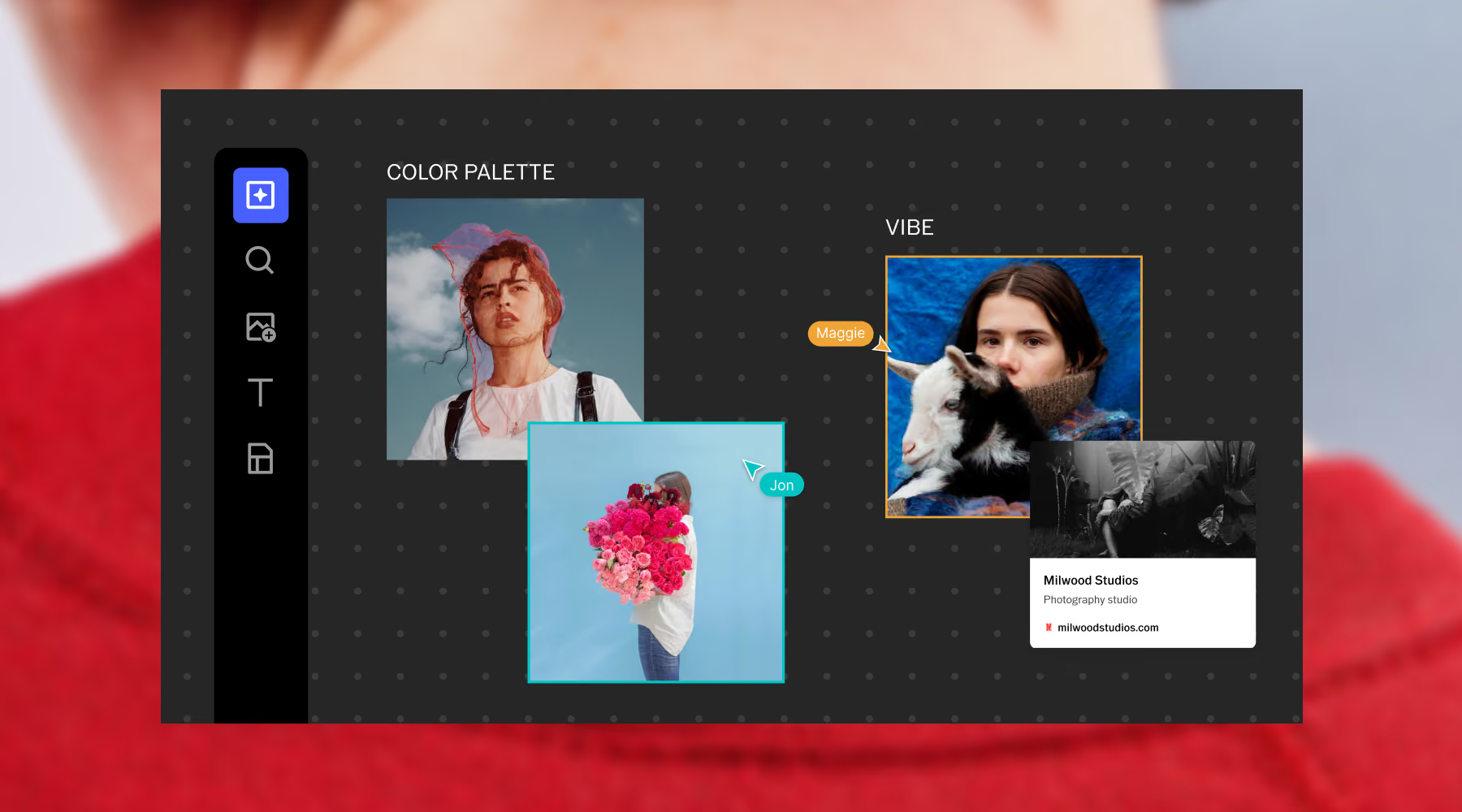
Plan portrait sessions before they happen
VSCO Canvas is a collaborative moodboard tool where you build the visual direction for a session before the day. Pull references from your own portfolio, the VSCO community, or generate visuals from a text prompt.
Share the board with your client so they can contribute, comment, or approve before you arrive. Everyone shows up aligned, everything runs smoother.
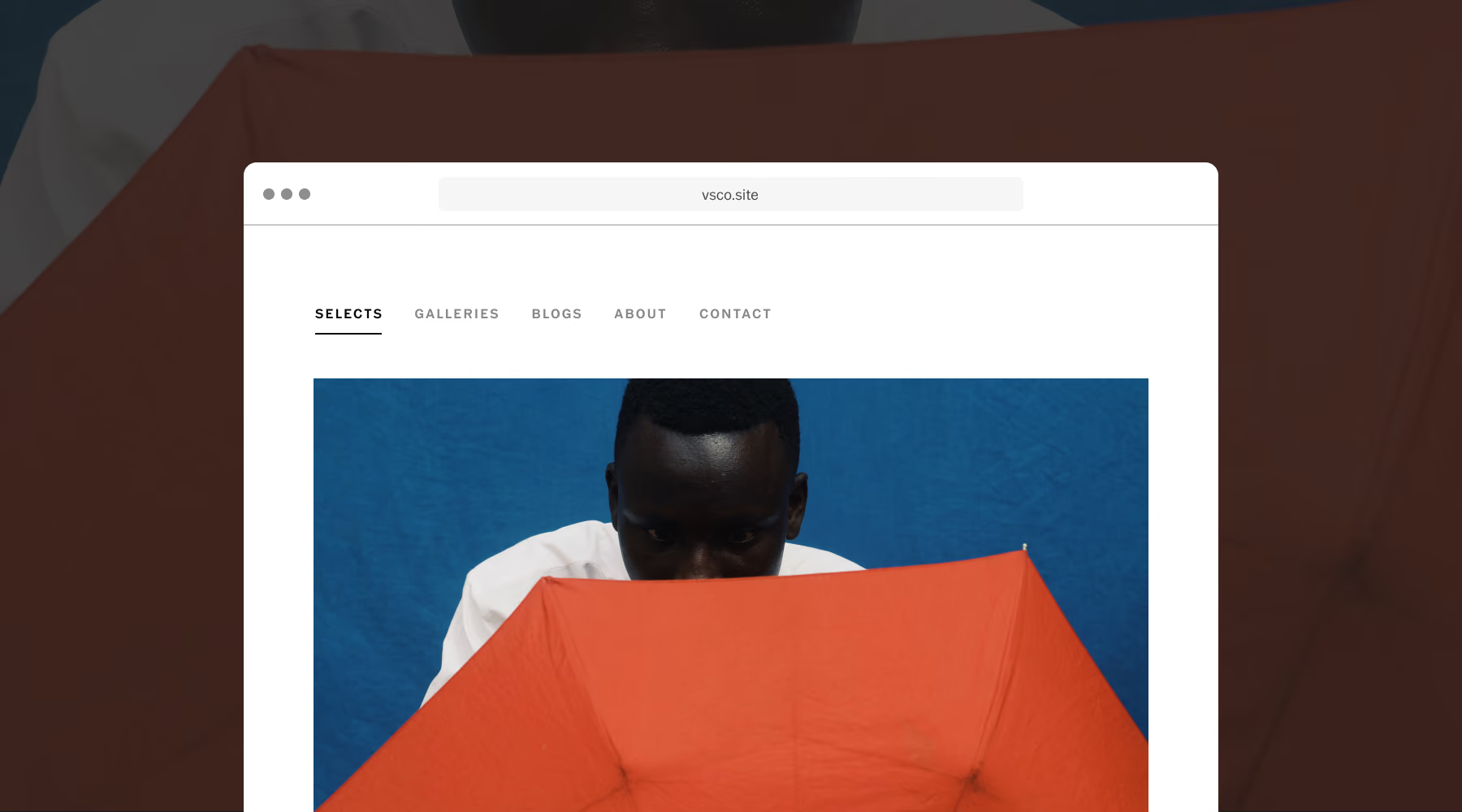
A portfolio website that never misses a lead
VSCO Sites builds your portfolio directly from your VSCO Profile and updates as you add new work. As your portfolio grows, your site stays current without any rebuilding or manual upkeep.
Every contact form submission can land in Workspace as a managed lead with the client details already attached. Connect a custom domain with VSCO One and Pro.
Shoot More and Manage Less With VSCO
Explore more VSCO tools to unite editing, delivery, business management, and portfolio building with one connected system.
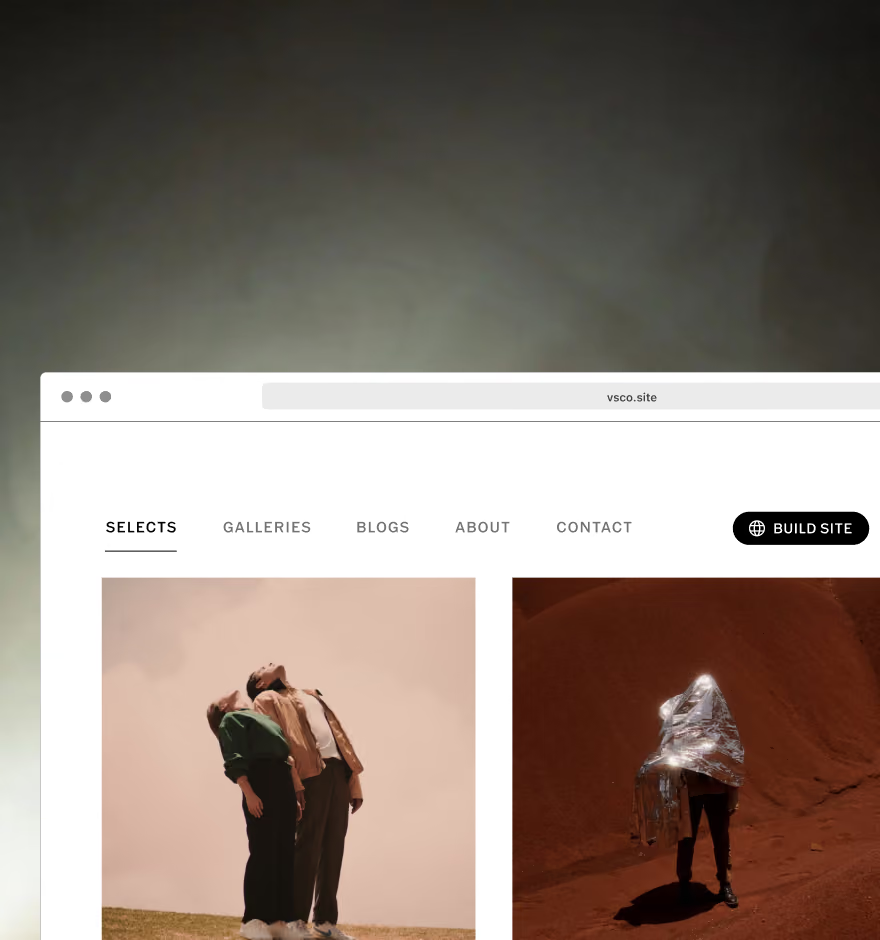
Build a website
Create a photography website that syncs directly with your VSCO Profile and stays effortlessly up to date.
THE FREELANCE PHOTOGRAPHER
Learn how to grow a sustainable photography business with education and mentorship.

VSCO Galleries
Deliver client-ready photo and video galleries designed to impress and built to scale with your business.
Frequently asked questions
How does VSCO Galleries work for portrait photo delivery?
VSCO Galleries delivers every session as a single link, photos and video together, with clean layouts that keep the focus on the images. Clients can view, revisit, and download without creating an account. Unlimited galleries with VSCO One and Pro means your business size never affects what you pay.
Does VSCO Workspace work as a CRM for portrait photographers?
Yes. Workspace was built specifically for photographers and event professionals, handling lead tracking, scheduling, contracts, invoicing, and client communication in one place. Every client gets their own job record, and automations send reminders and follow-ups on schedule.
Can I use VSCO for both studio and on-location portrait sessions?
Yes. Studio Pro's batch editing and Style Match work the same regardless of where you photograph. Canvas helps you plan the visual direction beforehand, Galleries handles delivery, and Workspace manages the client relationship.
Does VSCO have retouching tools for portrait photography?
Yes. AI Lab includes Hairstyle for flyaway and texture refinement, Remove for background distractions and blemishes, Simplify for reducing crowd and clutter behind your subject, and Prompt for describing edits in plain language. All tools work on high-resolution files and create non-destructive copies.
Does VSCO Studio Pro support batch editing for portrait sessions?
Yes. Style Match takes a single reference image and recreates that color, tone, and mood across up to 100 photos at once. Senior sessions, corporate projects, and portrait series come out consistent without editing frame by frame.