
Vintage filters to make your photos look retro
Transform your photos with vintage filters and retro effects. Try the vintage camera app that creates timeless edits with just one tap.

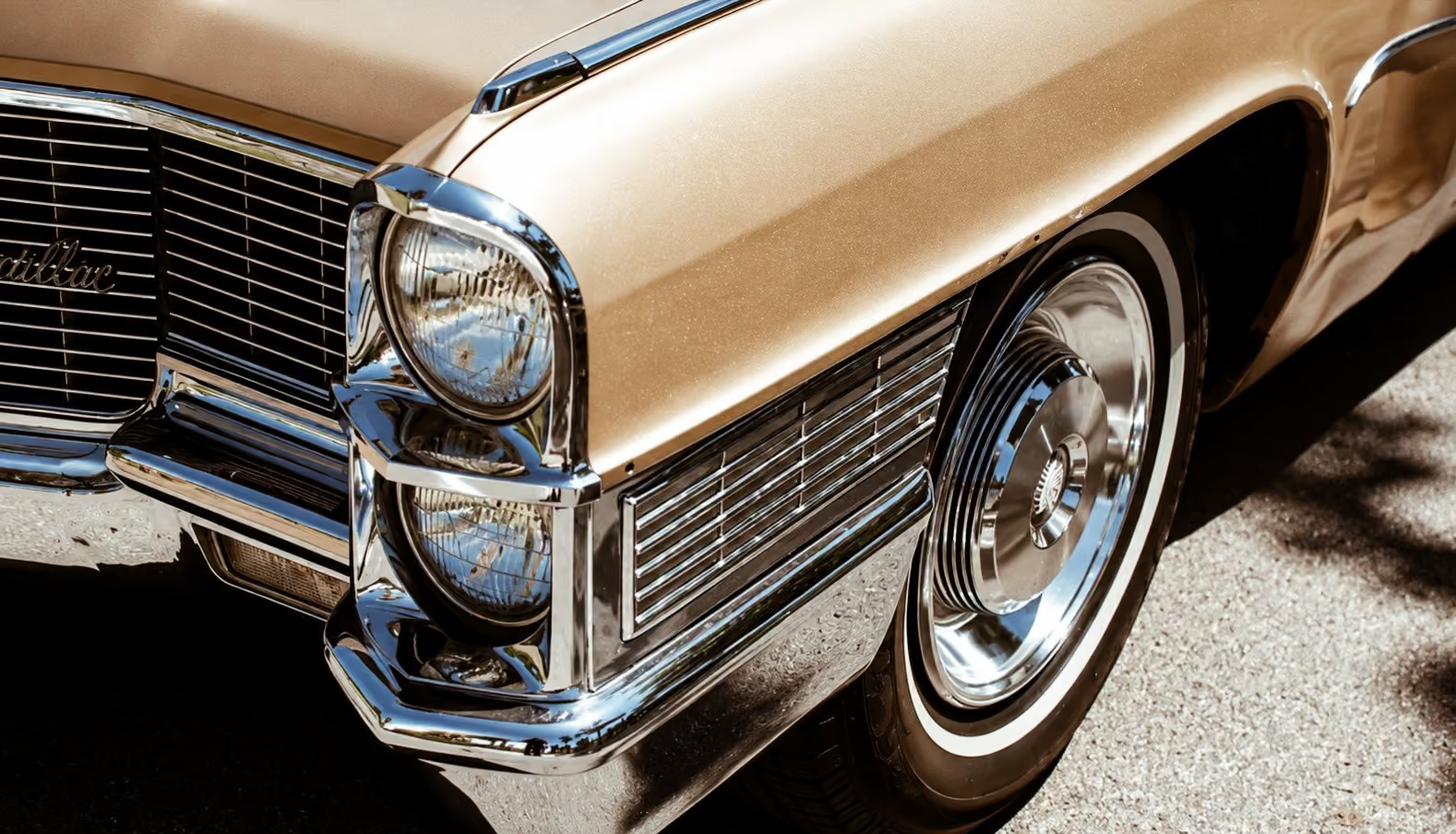
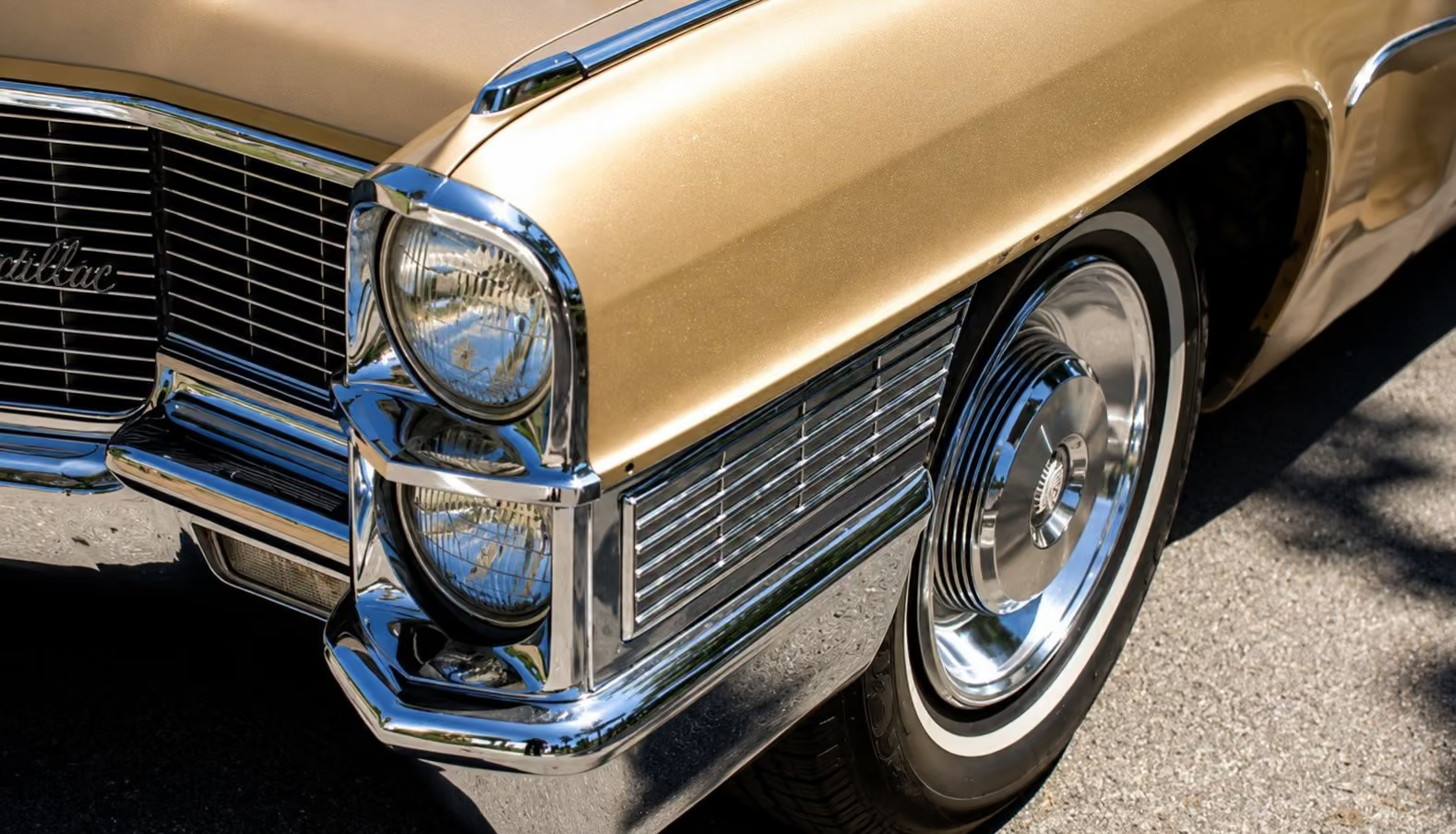
Make your photos look like vintage film
Achieve a retro look with film-inspired vintage filters and vintage effects available in the VSCO photo and camera app.
Import your photo
Apply a vintage filter
Fine-tune your look
Get the Vintage Camera Look
Recreate the timeless look of analog photography with iconic vintage filters and retro photo effects.
Choose from a curated selection of film-inspired presets, then customize your edit with tools like Grain, Fade, and Vignette to give your images an authentic, old-school feel.
No film, no developing, and ready to share instantly.
How to Add Vintage Filters to Photos
Import your photo to the VSCO app from your camera roll.
Apply a vintage filter inspired by classic film styles.
Save your edited photo and post directly to your profile or social media.
Popular Vintage Filters
Apply a retro film look in seconds with some of VSCO’s most popular vintage filters.
Analog filters like A4 and A5 bring natural tones and subtle shifts that mimic classic film. B&W Classic filters like B1 and B5 add rich contrast for striking monochrome looks. For moody, nostalgic color, Mood presets like M3 and M5 deliver warm, cinematic depth.
Tap to apply any photo filter, then tap again to adjust the strength and fine-tune your edit.


VINTAGE FILTERS on desktop
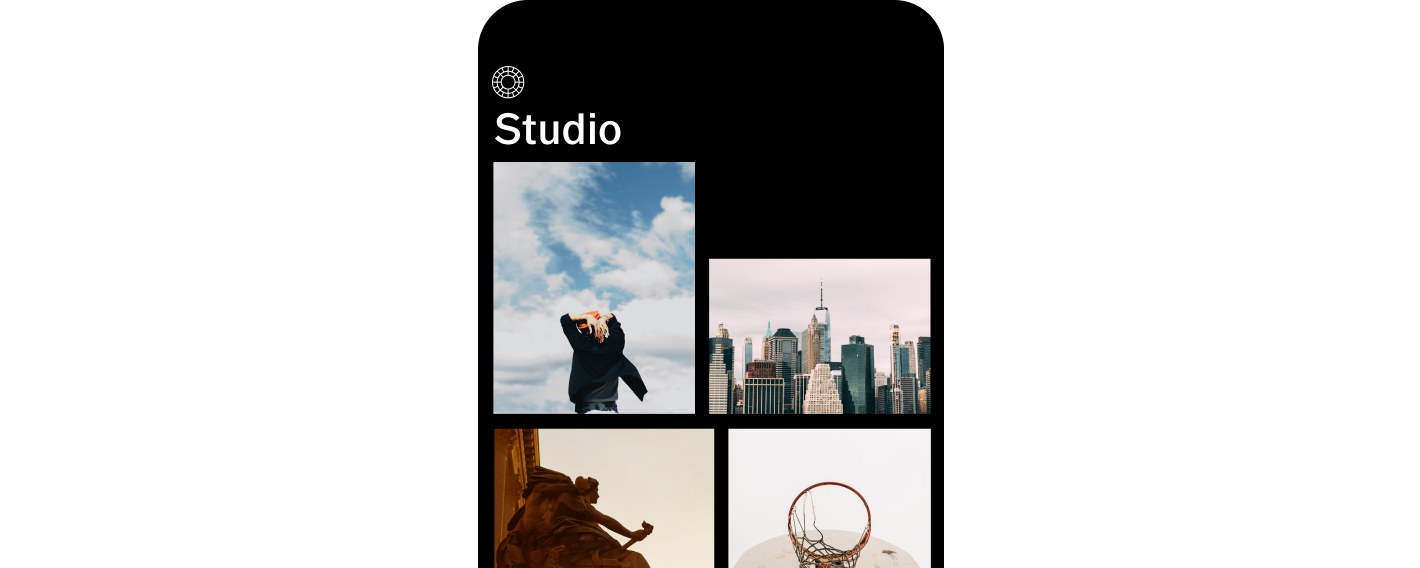
Add vintage filters using VSCO Desktop Studio for Windows PC & Mac, or edit with the Adobe Lightroom plugin.


ACCESS YOUR PHOTOS ANYWHERE
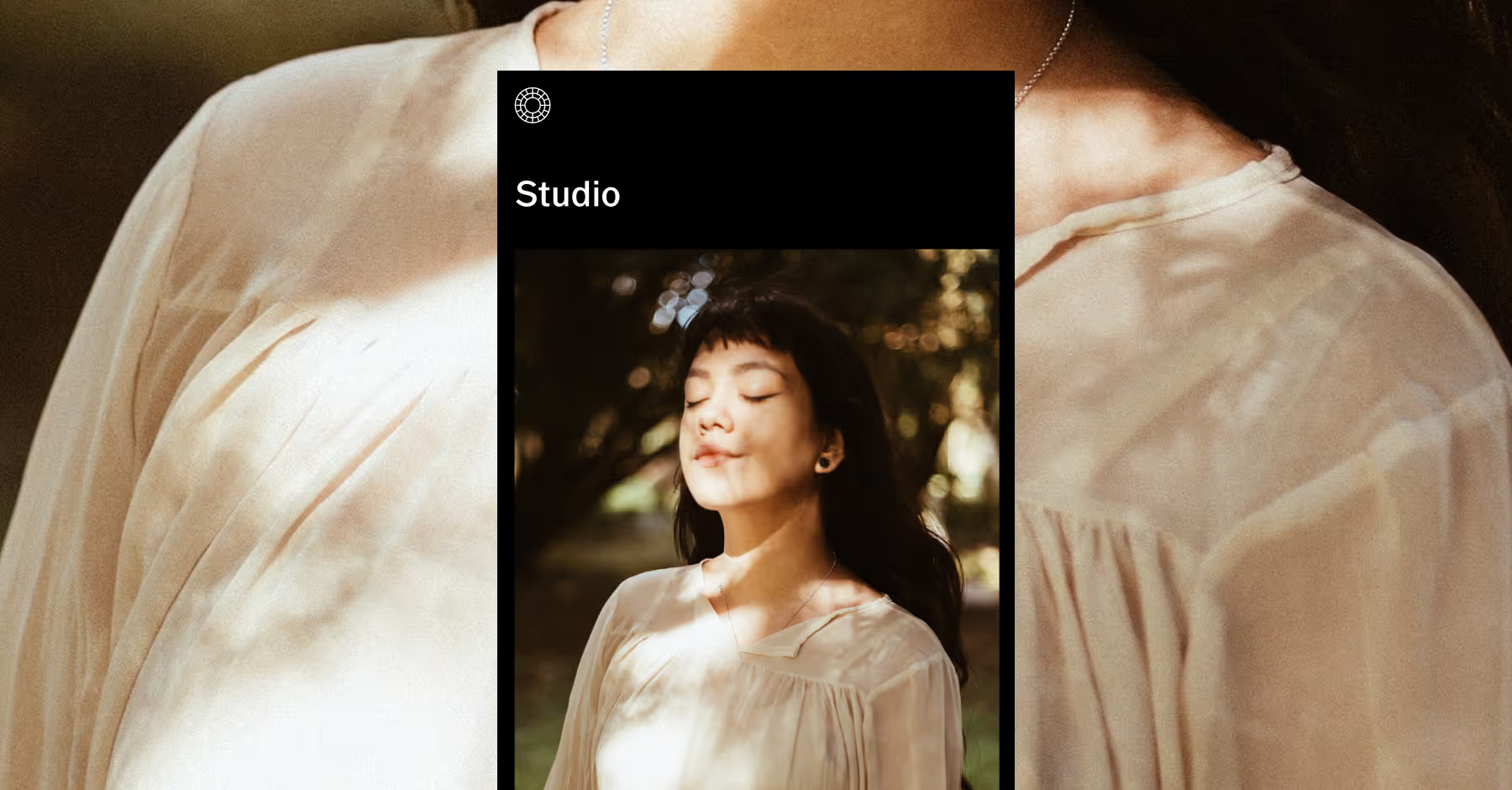
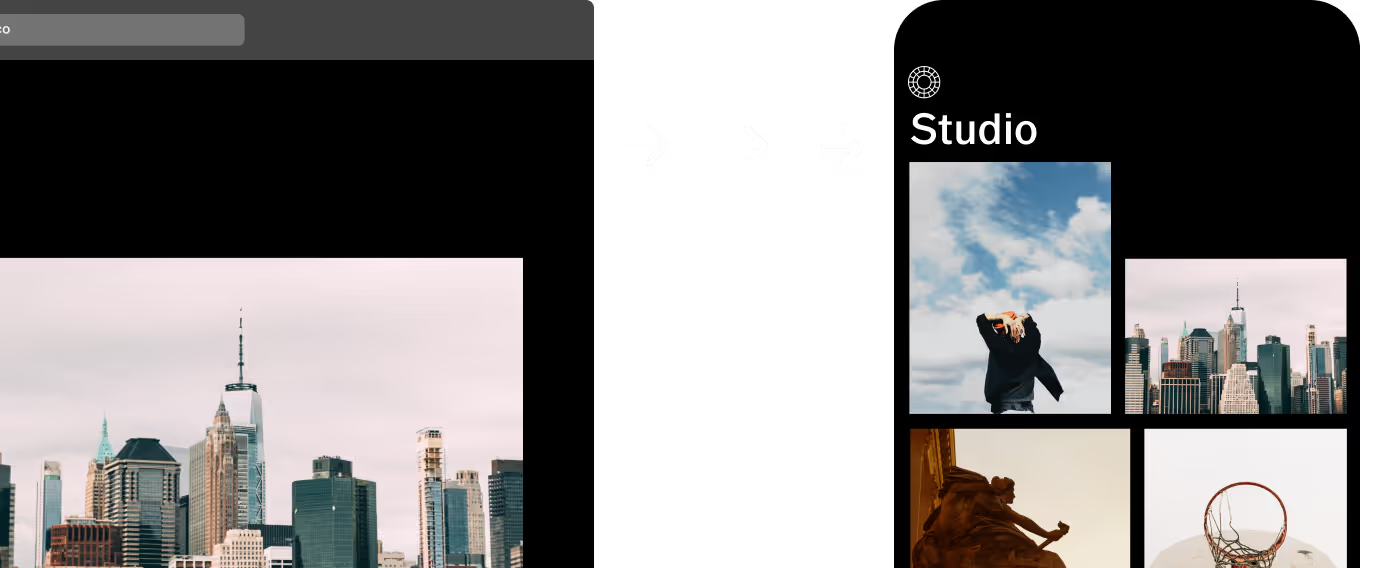
Edit your photos with VSCO Studio and sync seamlessly across mobile and desktop.

Frequently asked questions
What filter makes a photo look vintage?
VSCO offers vintage filters like A4, A5, B1, B5, M3, and M5 that add film-inspired color, contrast, and texture for a retro look.
What is the app that makes photos look vintage?
How to make iPhone photos look vintage?
VSCO makes iPhone photos look vintage with presets like A4 and B5, plus tools like Grain and Fade to enhance the film effect.
How do I add a vintage effect to a photo?
You can add a vintage effect to your photo using VSCO’s retro filters and photo editor. Just upload, apply a filter, and adjust strength as needed.
Are the vintage filters free to use?
VSCO offers several free vintage filters for iPhone and Android, and 200+ additional presets and tools with VSCO Pro Membership.
Shoot with vintage effects in real-time
The VSCO Capture camera app lets you apply vintage effects directly in-camera. Choose your favorite vintage filter, create a retro glow with the live Bloom effect and add cinematic Halation for a dreamy vintage look.


related VINTAGE PHOTO EFFECTS
Enhance your photos with subtle vintage effects that bring depth, texture, and a nostalgic mood. Layer light leaks, soften focus, and add retro-inspired details to complete your analog-style edits.
Apply Film Effects
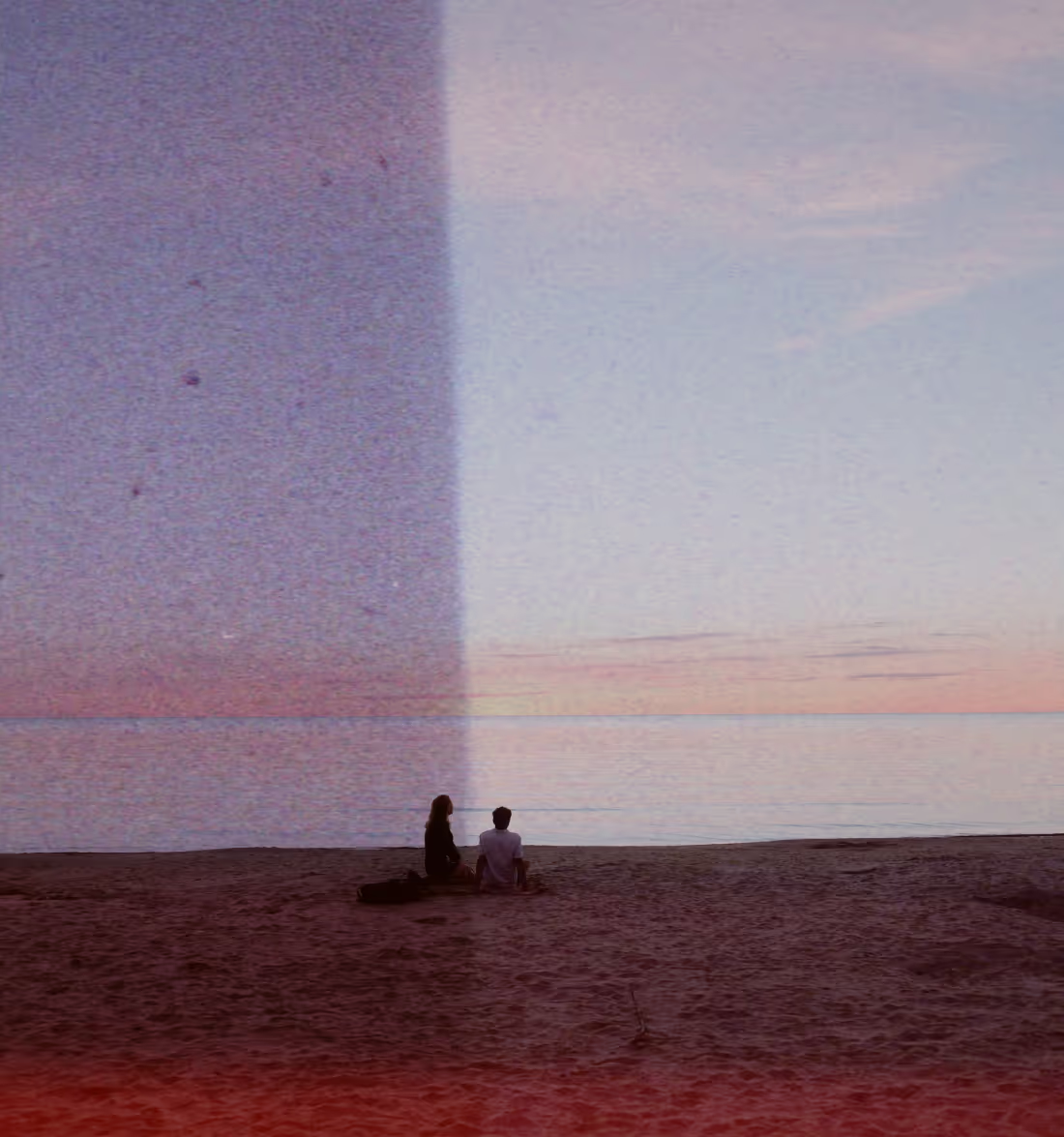
Add retro film effects like lens flares, grungy textures, and frame overlays for an authentic analog vibe.
Add a Grain Filter
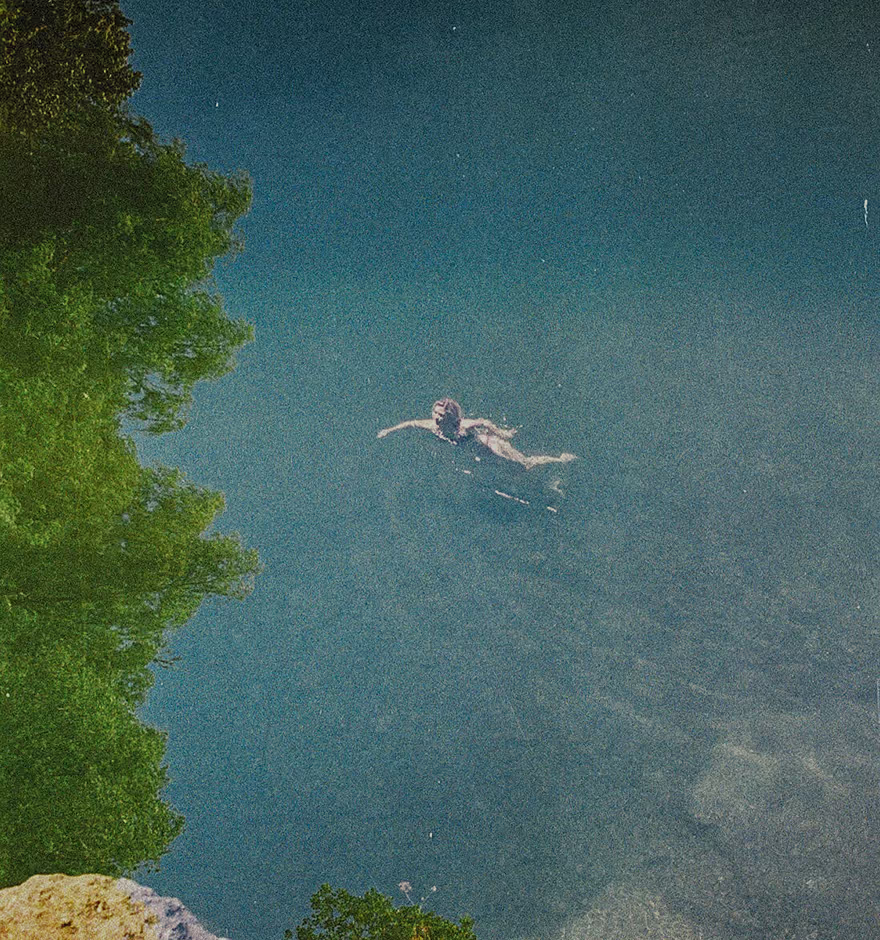
Create a real film vintage look with texture and depth by adding a grain filter.
Soften photos with blur
Create a soft photo blur effect that guides focus and adds a touch vintage glow.
