
Mood board Template for Pre-Production Planning
Go into every photoshoot with a shared visual plan. This VSCO Canvas mood board template keeps everyone aligned before production begins.
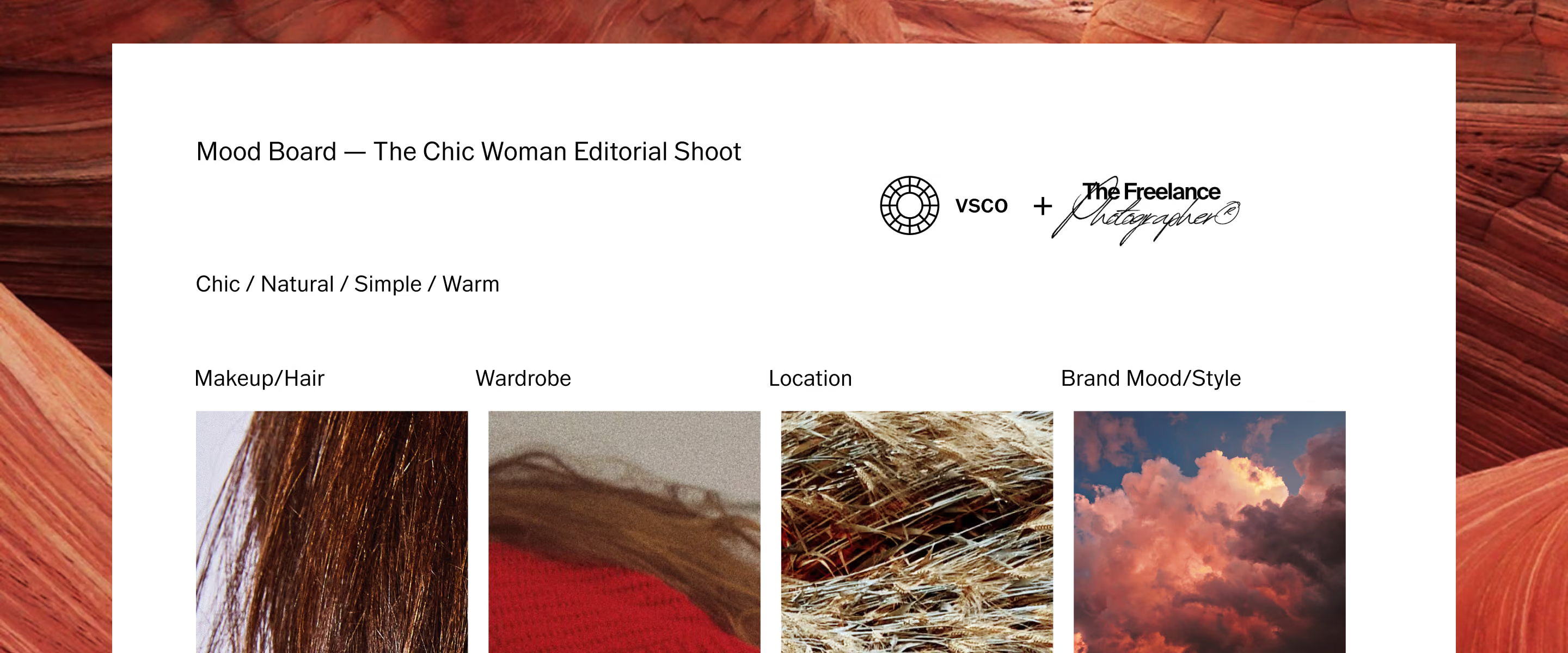
See the photoshoot before it happens
The VSCO Canvas photoshoot planning template turns a concept into a clear vision. Gather your references, define the aesthetic, and share a visual direction your whole team can respond to before anyone sets foot on set.
When everyone arrives with the same vision, everything runs smoother. Decisions get made in pre-production, not on the fly. VSCO Canvas gives you tools to make it all happen.
Plan every detail
A great photoshoot doesn't start with the camera. It starts with a clear visual plan that defines every element before you press the shutter. Capture the details that shape your vision, share them with your team, and walk in ready to execute.
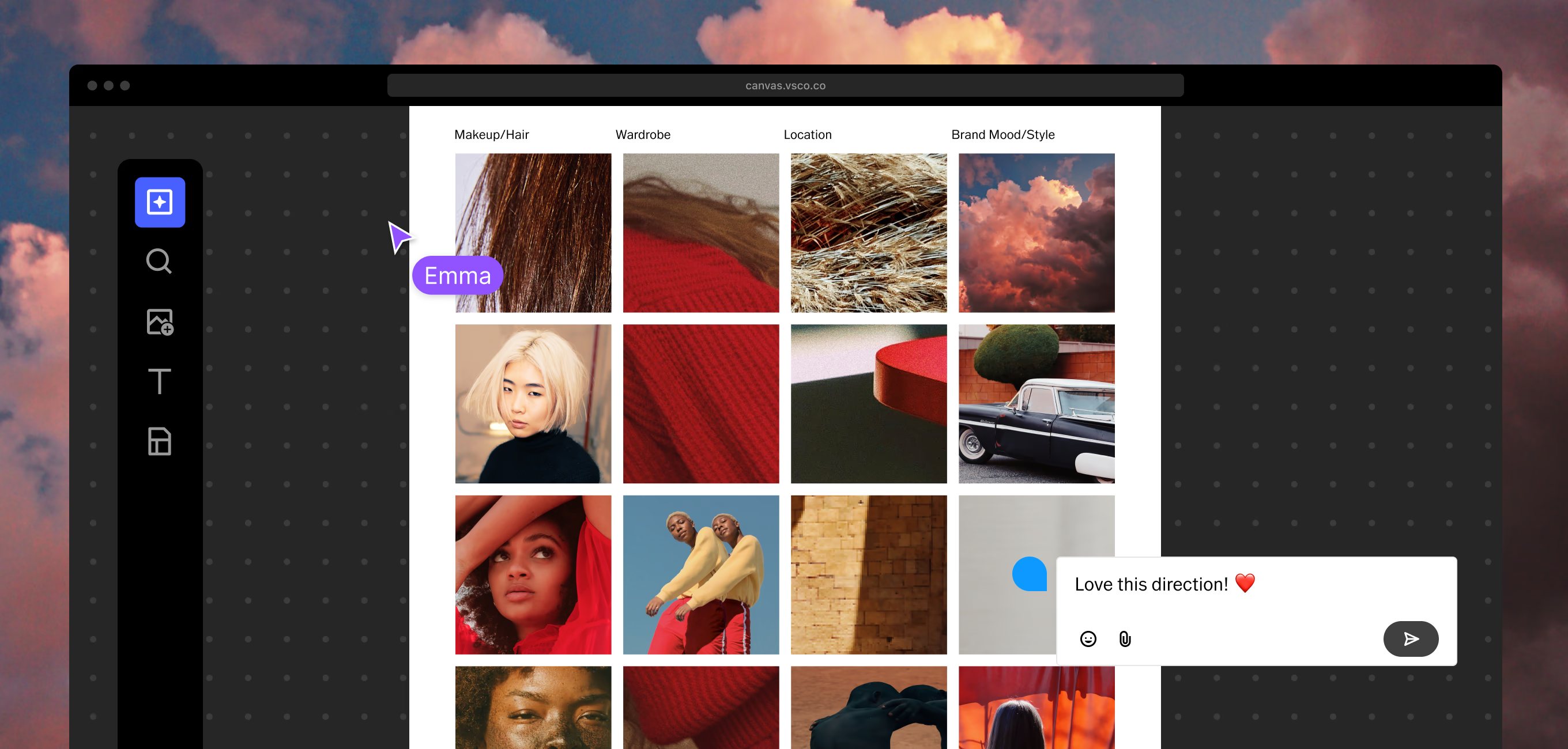
Reference the exact look before the makeup artist opens their kit. Pull images that establish direction, texture, and finish so your team shows up aligned, not guessing.
Define silhouettes, color palette, and texture in pre-production. Share it with your stylist and client so everyone arrives with the right pieces, not alternatives.
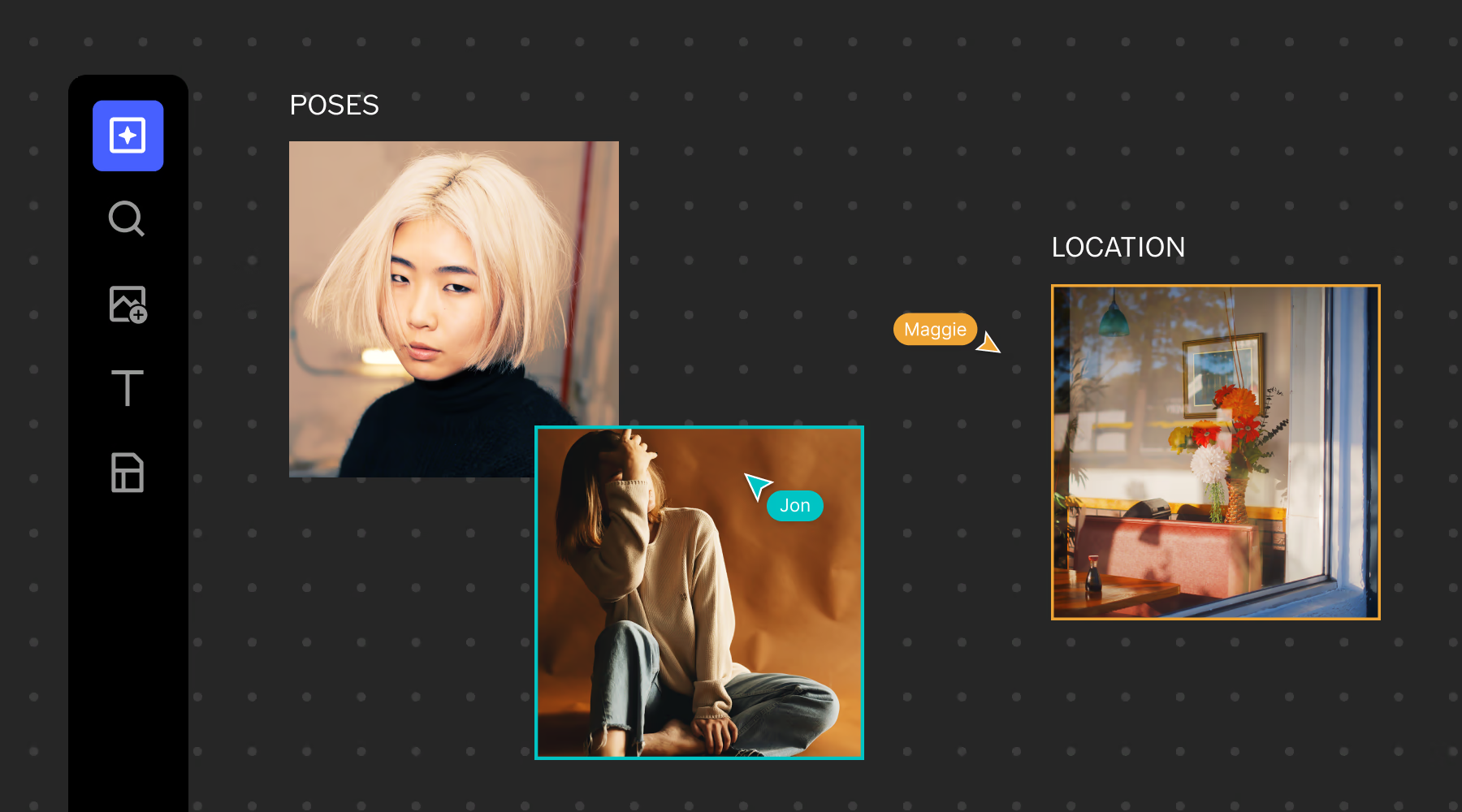
Show the space, not just the address. Add scout photos, map pins, and light references so there are no surprises when you arrive and no time lost figuring out where to set up.
Collect brand references, color swatches, and images that define the feeling of the photoshoot. This is where creative direction meets the exact style your client wants.
From concept to photoshoot-ready in three steps
VSCO Canvas gives you a structured process to move from the first spark of an idea to a plan your whole team can execute.
Start from template
Open a pre-built moodboard template. The structure is already there: brand mood, location, wardrobe, makeup and hair. Add your content and start building.
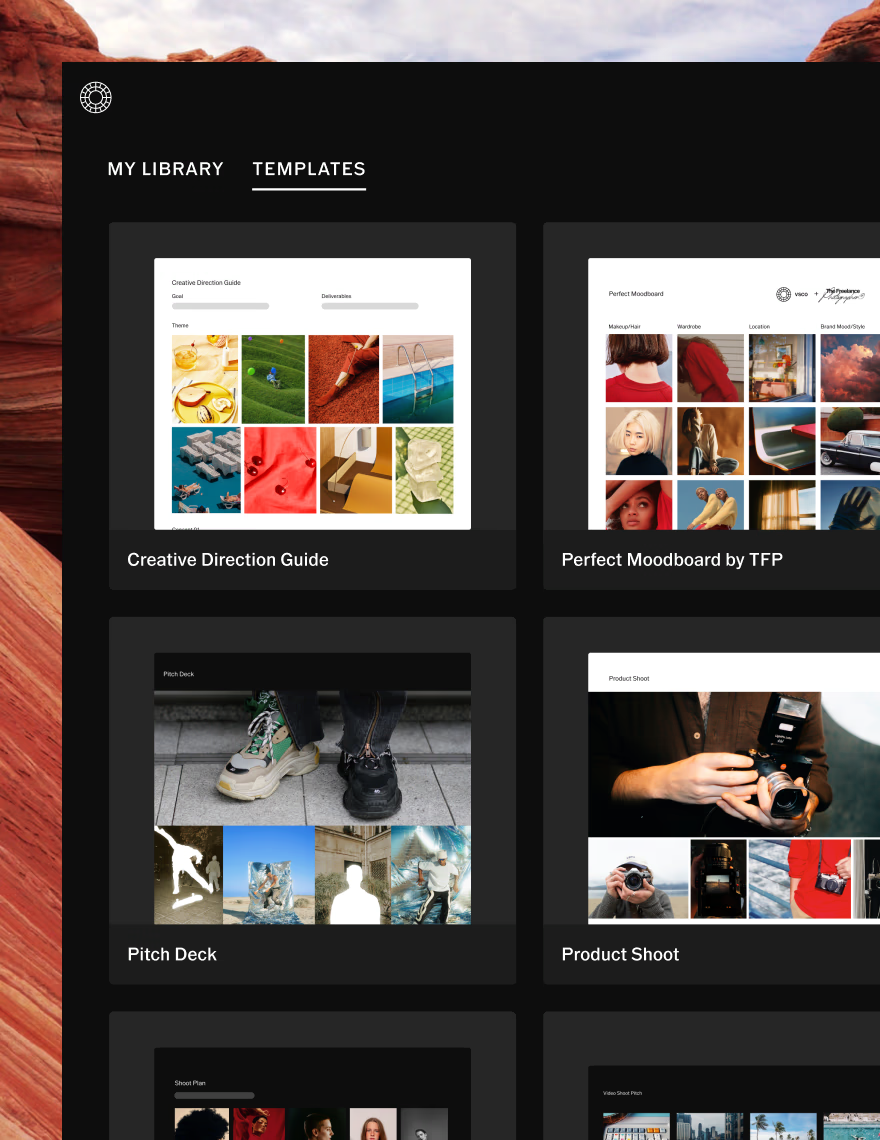
Gather your references
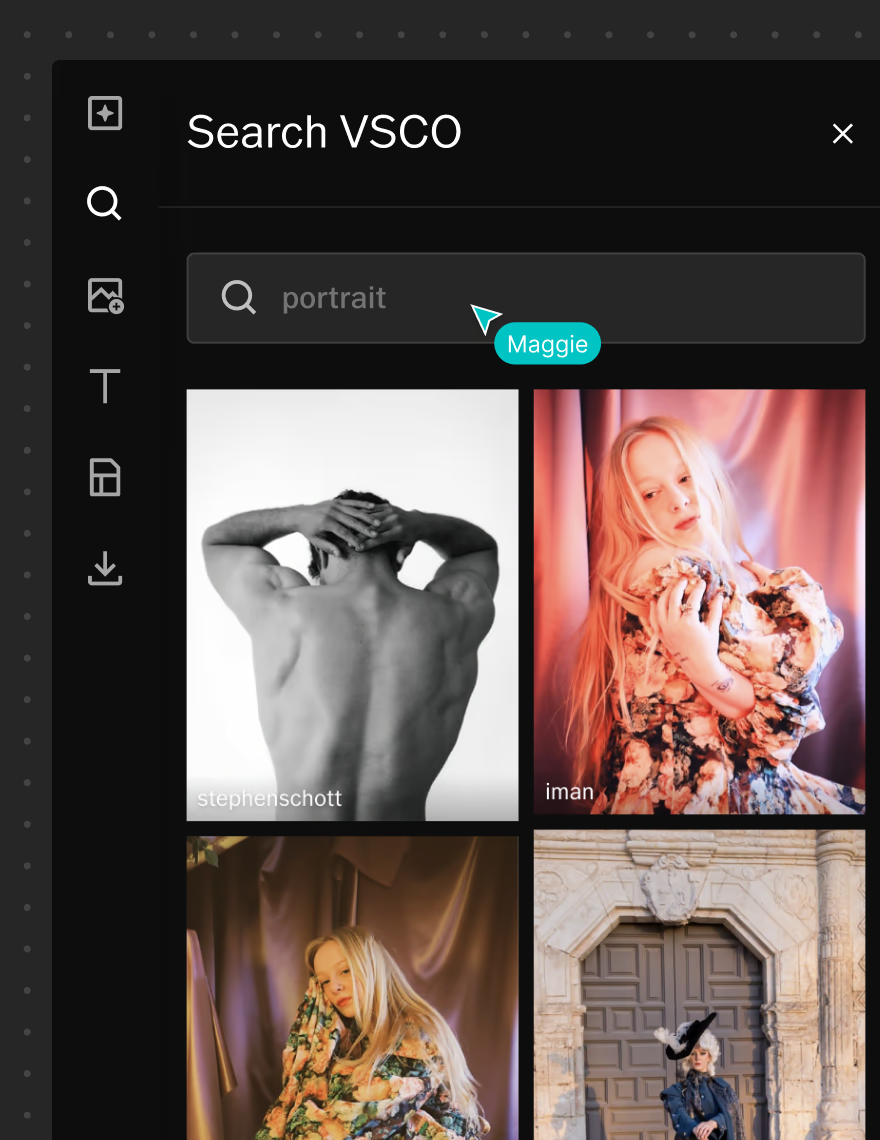
Upload your own work, search millions of images from the VSCO community, embed links and videos, or generate new visuals with AI when you can't find exactly what you're imagining.
Collaborate and share
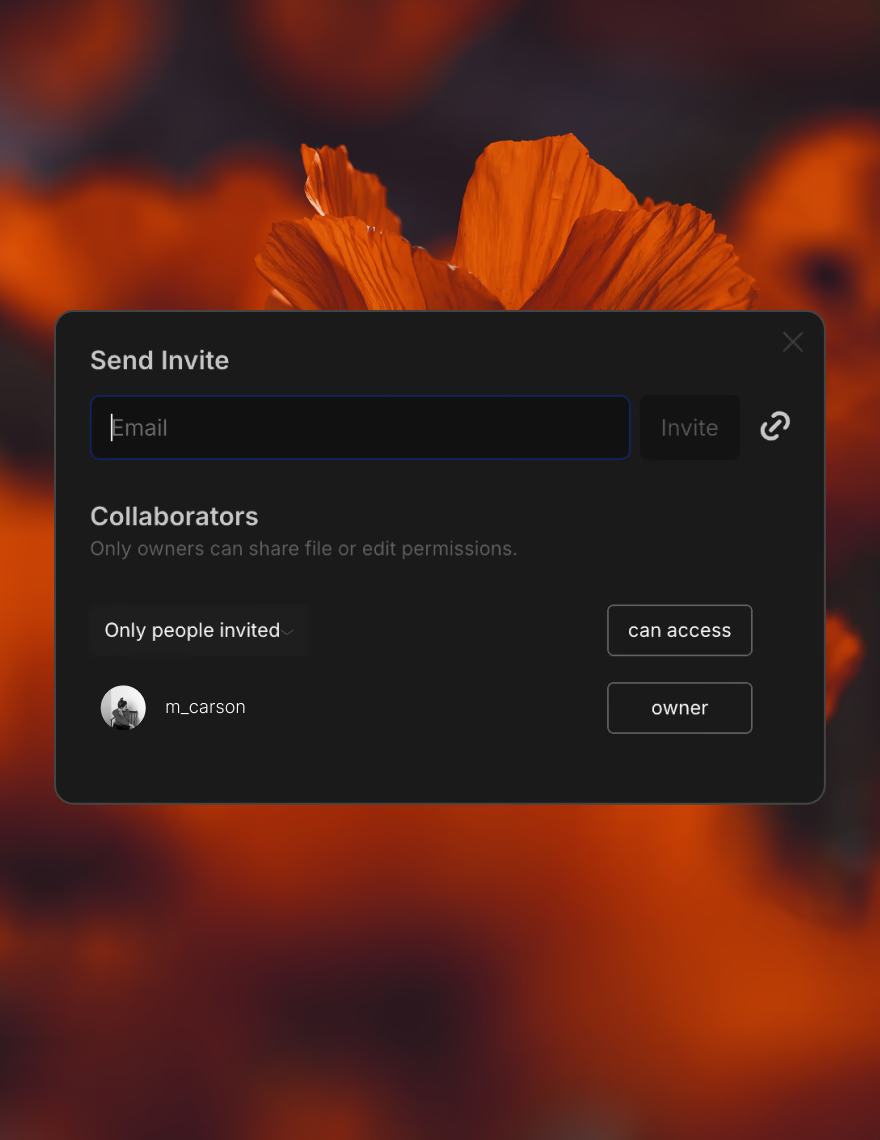
Invite your client, stylist, or creative team to the board. Share view-only access for approvals or full editing access for collaborators. Work in real time directly in your Canvas.

One board, start to finish
VSCO Canvas moves with your creativity. Access it from any device before, during, and after the photoshoot. When plans shift on set, update the mood board and your team sees the change in real time.
After the photoshoot, it stays in your library. Reference it during editing to stay true to the original direction. Use it as the foundation for the next project with the same client.
Start planning your next photoshoot
VSCO Canvas is where scattered inspiration becomes a photoshoot-ready plan. Build mood boards that align your team, impress your clients, and give you the confidence to walk into every project knowing exactly what you're there to create.
Available on all VSCO membership plans. Get started for free, or join the membership plan that grows with your photography—and your client list.
Frequently asked questions
What should I include in a photography moodboard template?
Visual references, a color palette, lighting direction, location images, wardrobe and prop notes, a shot list, and any contextual notes your team needs. VSCO Canvas templates are pre-structured around these elements so you're not starting from scratch.
How do I share a moodboard with a client?
In VSCO Canvas, share a view-only link for client review. Clients can see the full board without needing a VSCO account. If you want clients to contribute directly, invite them to start collaborating.
Can I generate reference images if I can't find what I'm looking for?
Yes. VSCO Canvas includes AI image generation. Type a prompt describing the reference you need and generate a visual. Prompts can be as simple as "golden hour portrait with soft backlight" or as specific as your concept requires.
Is VSCO Canvas available on mobile?
Yes. Access VSCO Canvas from any browser on iOS, Android, or desktop at canvas.vsco.co. On iOS, you can also open it directly from the VSCO app.
How does a moodboard template help with client approval?
A shared board gives clients something concrete to react to instead of a written brief they have to imagine. When they can see the exact references, lighting direction, and color palette you're proposing, approvals happen faster and late-stage revisions become less common.
How many moodboard projects can I have?
Free and Plus members get 1 Canvas project. Pro and One members get 50 projects, making it practical to maintain separate boards for every active client and shoot.