
Photoshoot Plan Template
Organize and plan photoshoots with VSCO Canvas templates. Bring every detail into one space so you can walk into every project prepared and ready to go.
From concept to camera-ready
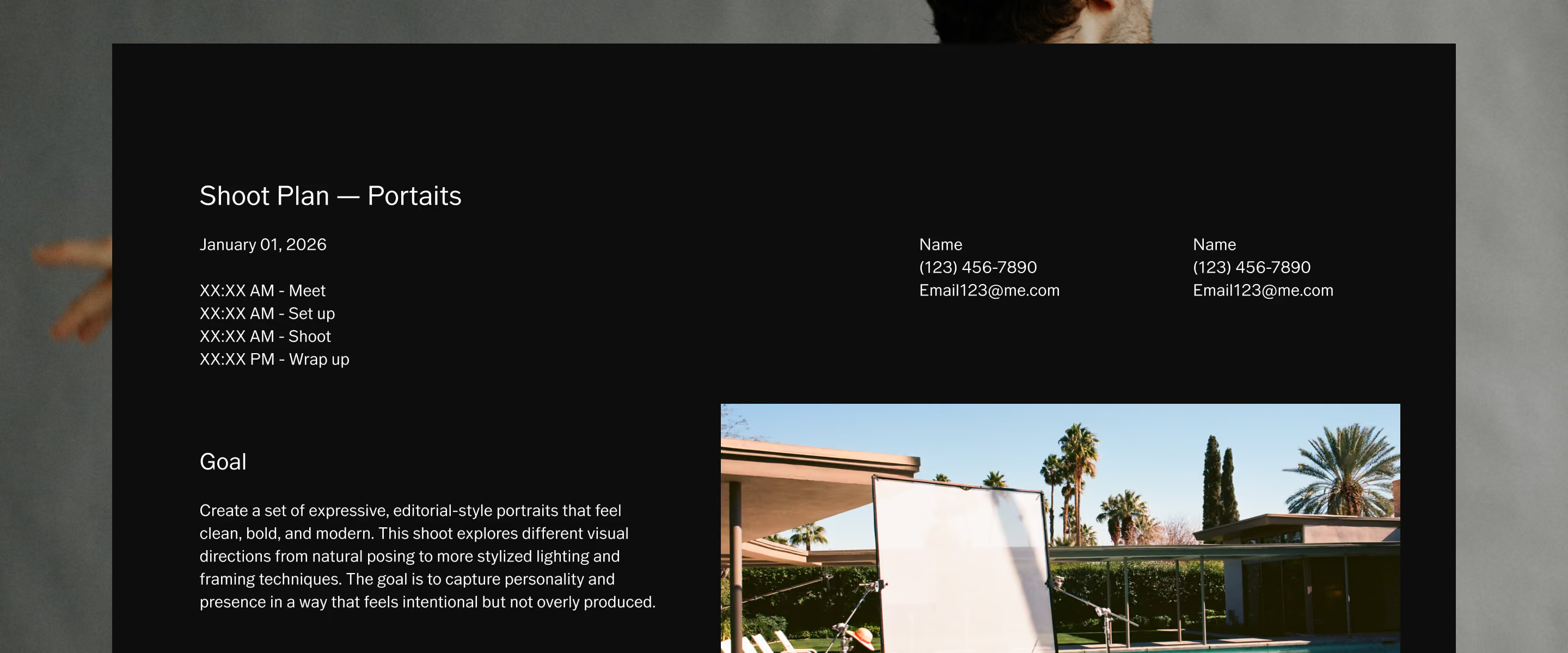
Every great photoshoot is built long before the camera comes out. The work that happens in pre-production, defining the concept, mapping the schedule, aligning the team, is what separates projects that run smoothly from ones that don't.
The shoot plan template brings all of it into one place. Creative direction, contact details, reference images, and timeline all live in the same connected Canvas, updated in real time and accessible to everyone who needs it. You arrive on set knowing exactly what you're there to create.
Everything you need to plan a photoshoot from start to finish
All the key parts of your production in one flexible space, so your planning stays structured without slowing down creativity.
Map out your timeline so each phase connects: setup, shoot, and wrap. A clear schedule keeps the day moving and gives everyone a shared reference for timing.
Keep crew, talent, and client details in one place. No hunting through texts or email to find who you need to reach when plans shift on set.
Define intent before production begins. A clear goal keeps every creative decision grounded in a shared direction your whole team can work toward.
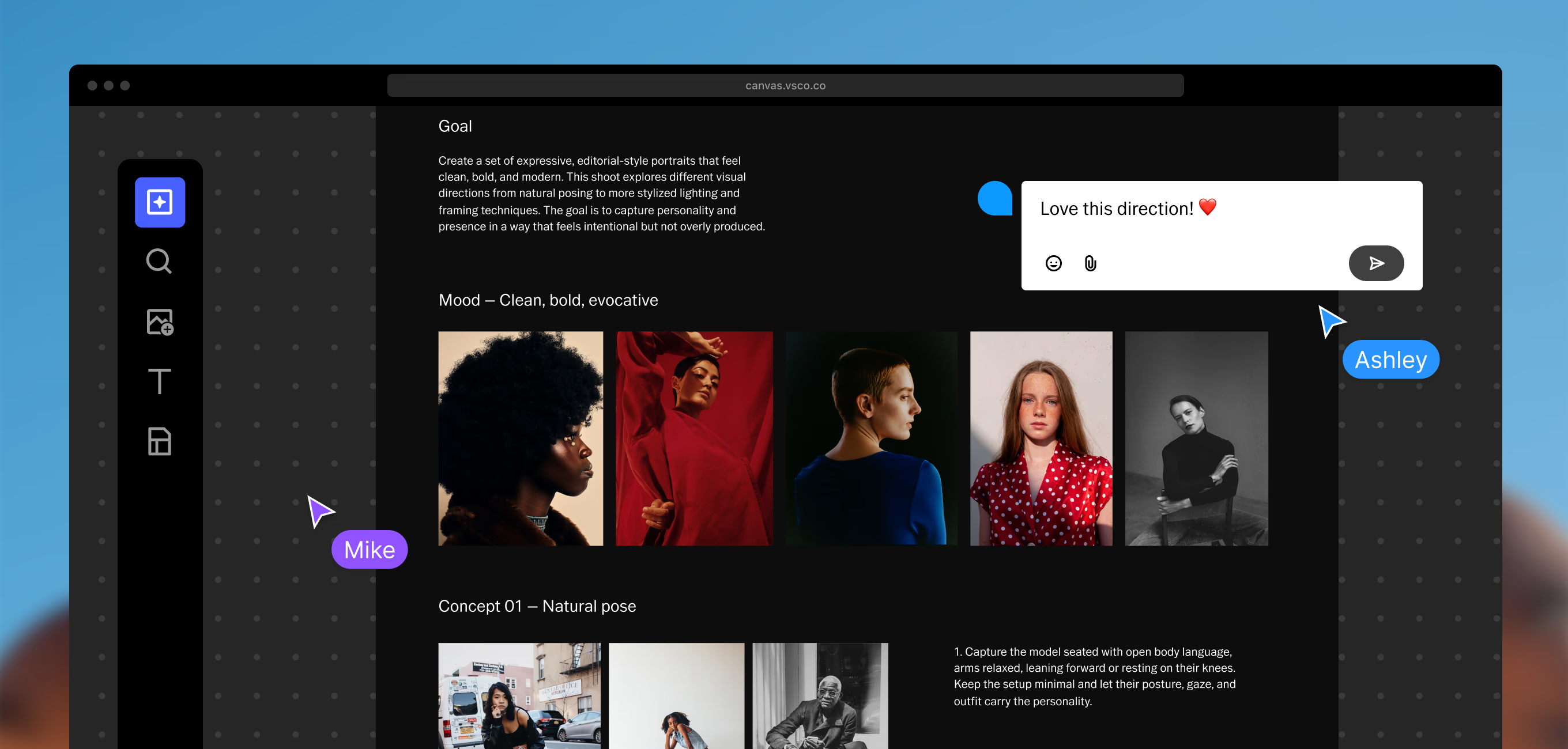
Collect mood, style, and visual inspiration in one evolving Canvas. Build the aesthetic before you arrive so your references are there when you need them.
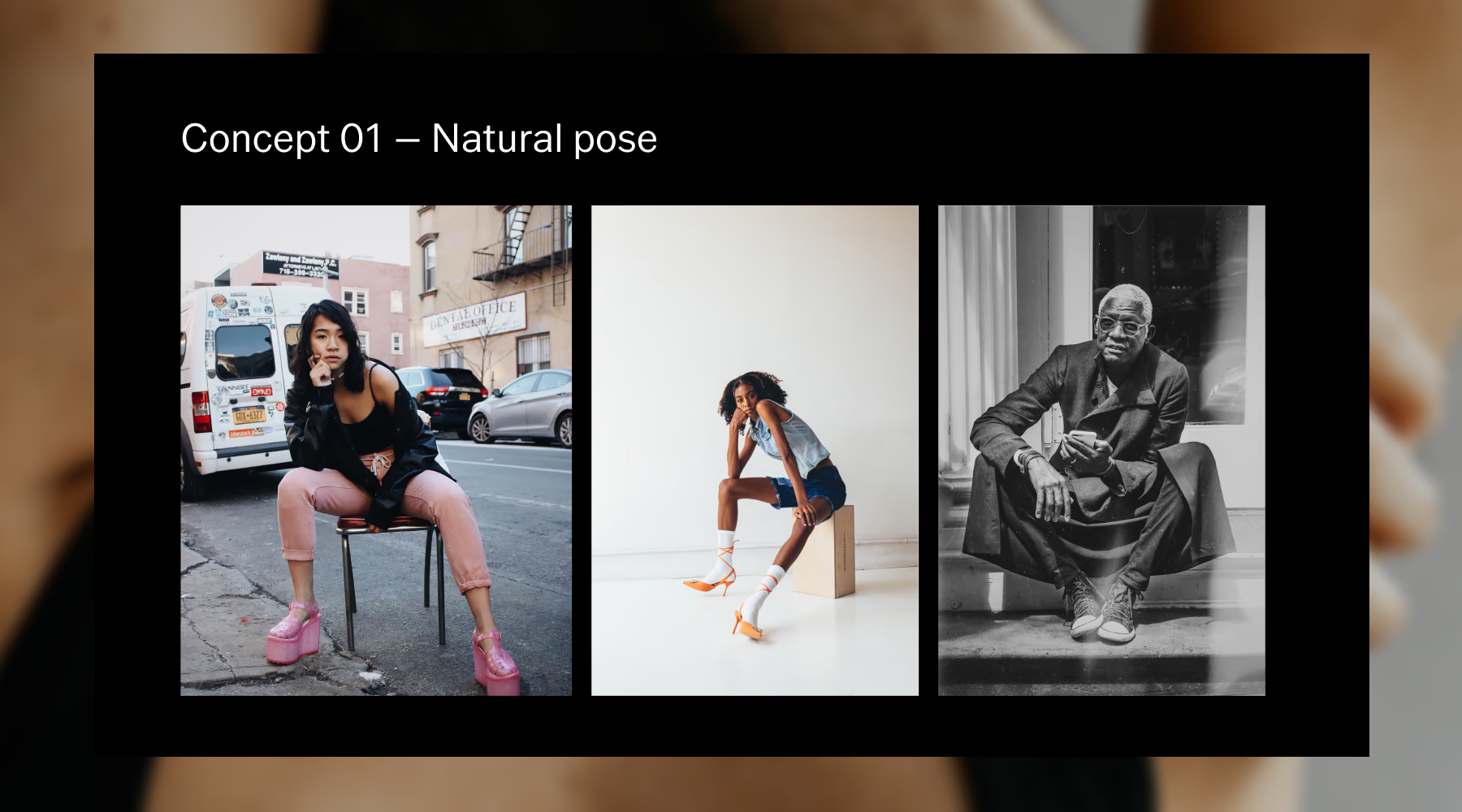
Turn ideas into a brief your team can execute. Document the approach, add references, and give added context so nothing gets lost when production begins.
Plan your photoshoot in three steps
A simple setup in VSCO Canvas quickly becomes a fully connected pre-production plan.
Start from the template
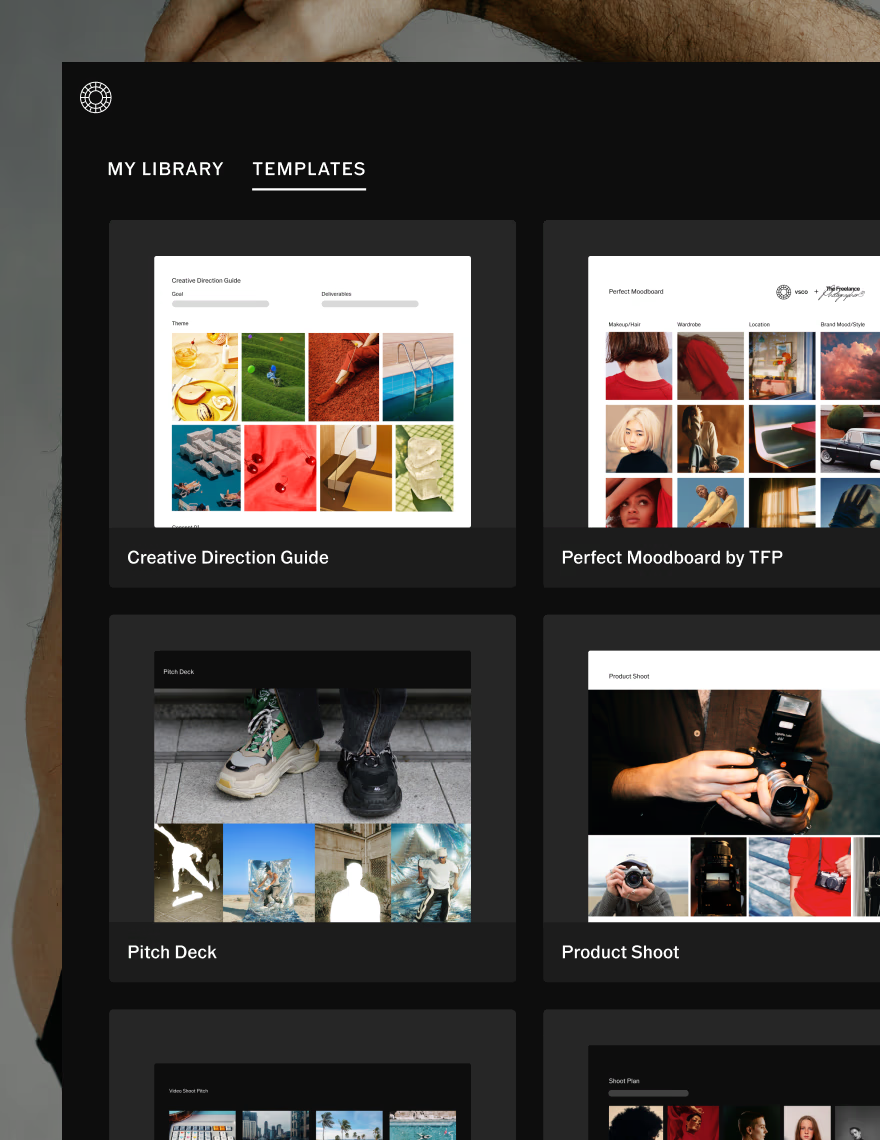
Open the Shoot Plan Template built around real photography workflows. The framework is ready. Add your content and start building.
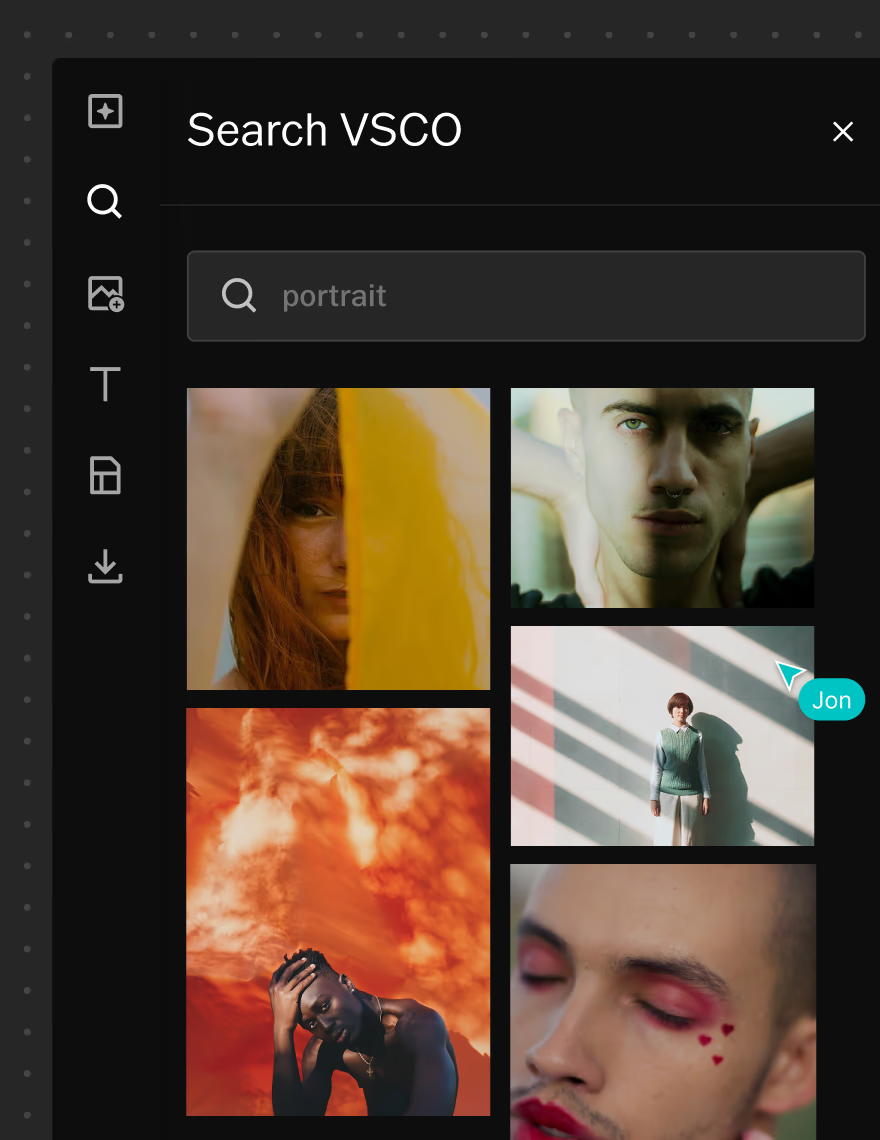
Find and generate inspiration
Search VSCO for references or use AI tools to generate visuals when you need something more specific than what you can find. Your inspiration and your plan live in the same space.
Collaborate and share
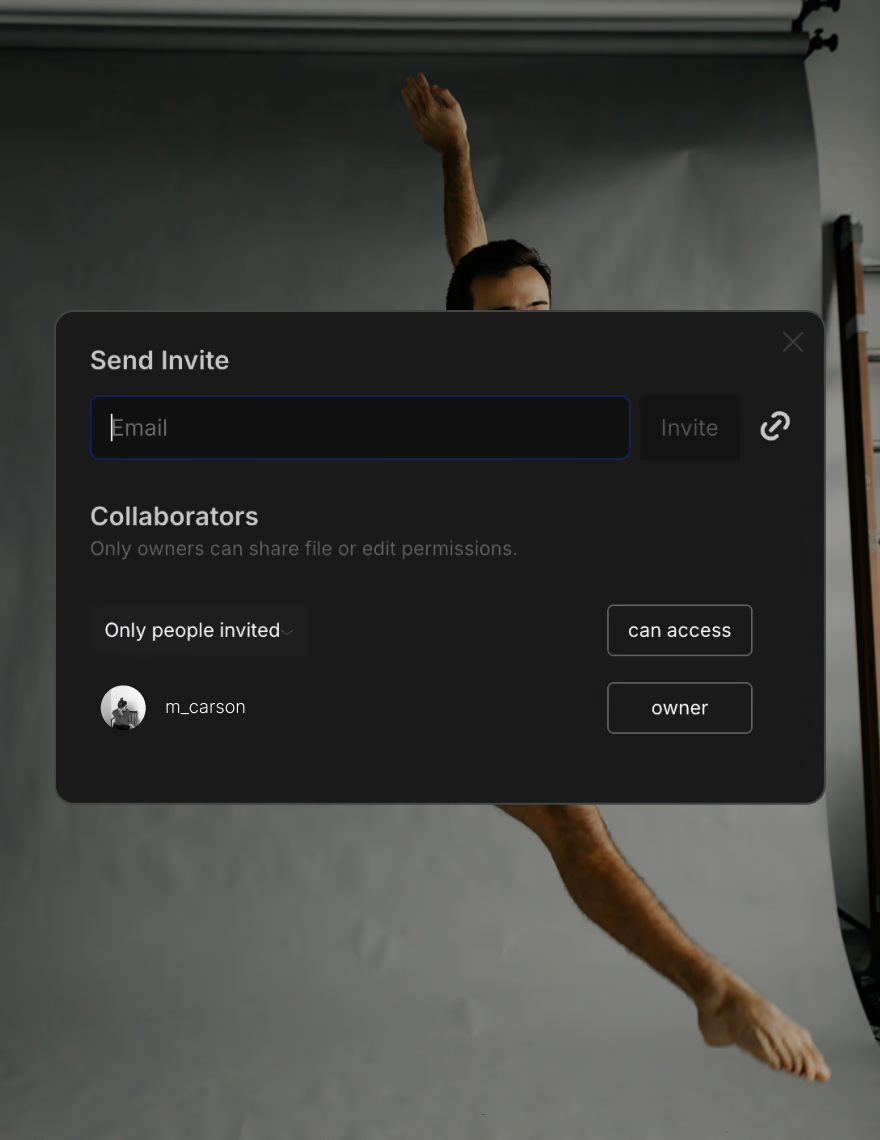
Invite collaborators into the project or share a view-only link with clients so everyone arrives on set aligned from the start. No version control issues. No last-minute surprises.
The template that fits any photoshoot
Photographers reach for the Shoot Plan Template at the earliest stage of a project, before ideas get scattered across different tools or conversations. It works across editorial, commercial, lifestyle, portrait, and personal projects, adapting to the scale and complexity of each without changing the workflow.
When creative direction and logistics live in one space, there's less back-and-forth, fewer gaps, and a cleaner path from concept to execution. By production day, the plan has already done its job.
Planning that moves with your creativity
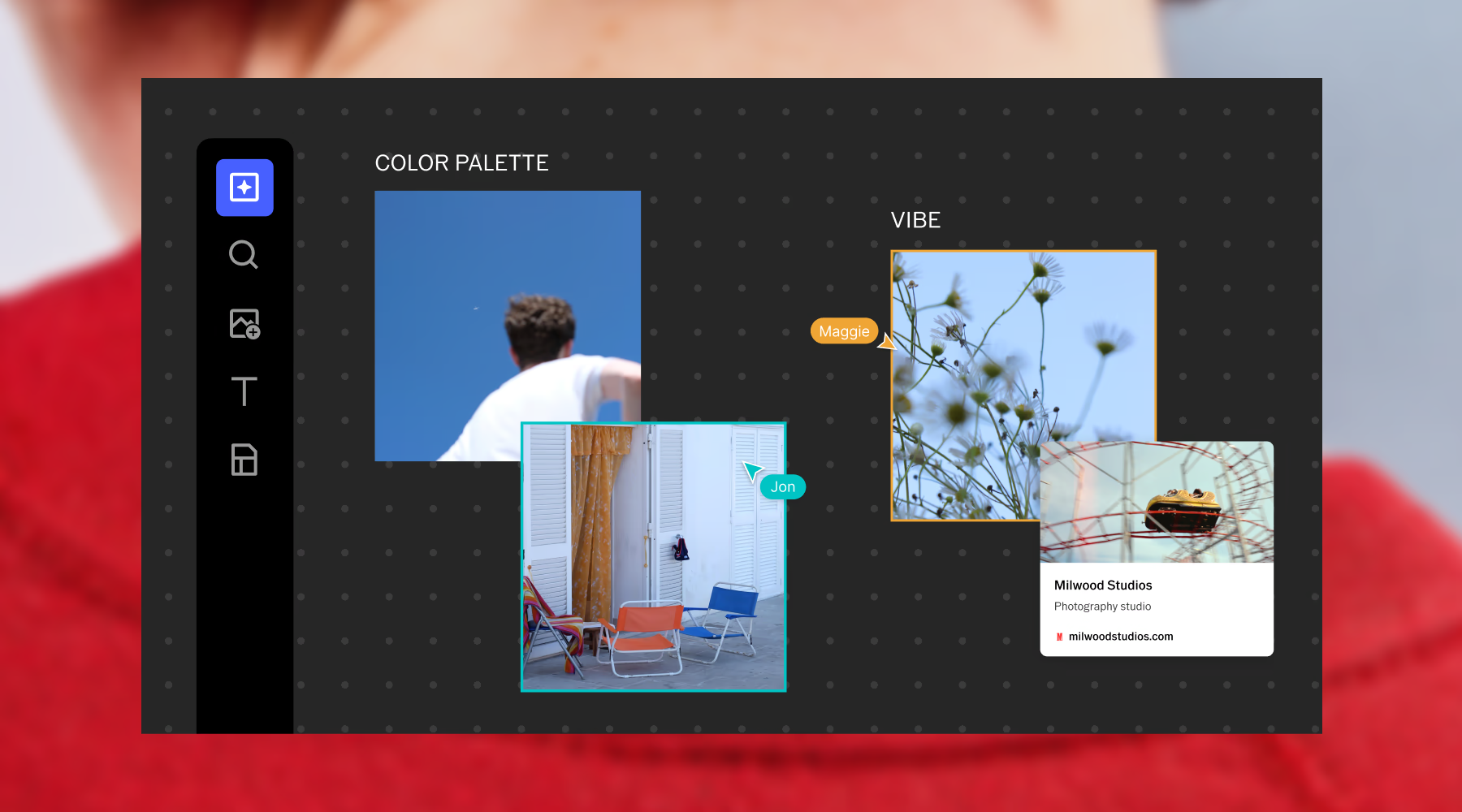
Structure and creative flexibility aren't opposites. VSCO Canvas gives you a framework that holds the details without locking down the process. Build your mood board, collaborate in real time, manage logistics, and refine direction as the project evolves. Everything stays connected, easy to update, and ready to share at any stage.
Frequently asked questions
How can I plan for a photoshoot?
Start by defining your concept and creative goal, then build out the supporting elements: references, schedule, contact details, and any production notes your team needs. A strong plan turns a direction into something everyone can execute. In VSCO Canvas, all of this lives in one connected space that develops alongside the project.
What should I include in a photoshoot plan?
A complete photoshoot plan covers your concept and creative goal, a schedule, reference images that establish the visual direction, contact details for crew and talent, and any key production notes. Together these give every person involved a clear view of both the vision and how it will be executed.
Where do I find inspiration for a photoshoot?
Inspiration can come from your own archive, the VSCO community, or anywhere that matches the mood you're building toward. In VSCO Canvas, you can search millions of community images or use AI generation to create visuals when you can't find exactly what you're imagining.
Can I add collaborators to my photoshoot plan?
Yes. Invite collaborators directly to your Canvas so multiple people can contribute, comment, and refine ideas together in real time. Feedback stays centralized instead of scattered across tools.
Can I share my photoshoot plan with clients?
Yes. You can share your plan with clients via a view-only link once it's ready, or invite them to edit. They get a clear, unified view of your concept, schedule, and references, which streamlines approvals and reduces back-and-forth before the shoot begins.