
Build Your Pitch Deck Template in VSCO Canvas
Present your creative concept with clarity. Organize visual references, narrative direction, and casting ideas into a pitch clients can see, respond to, and approve.

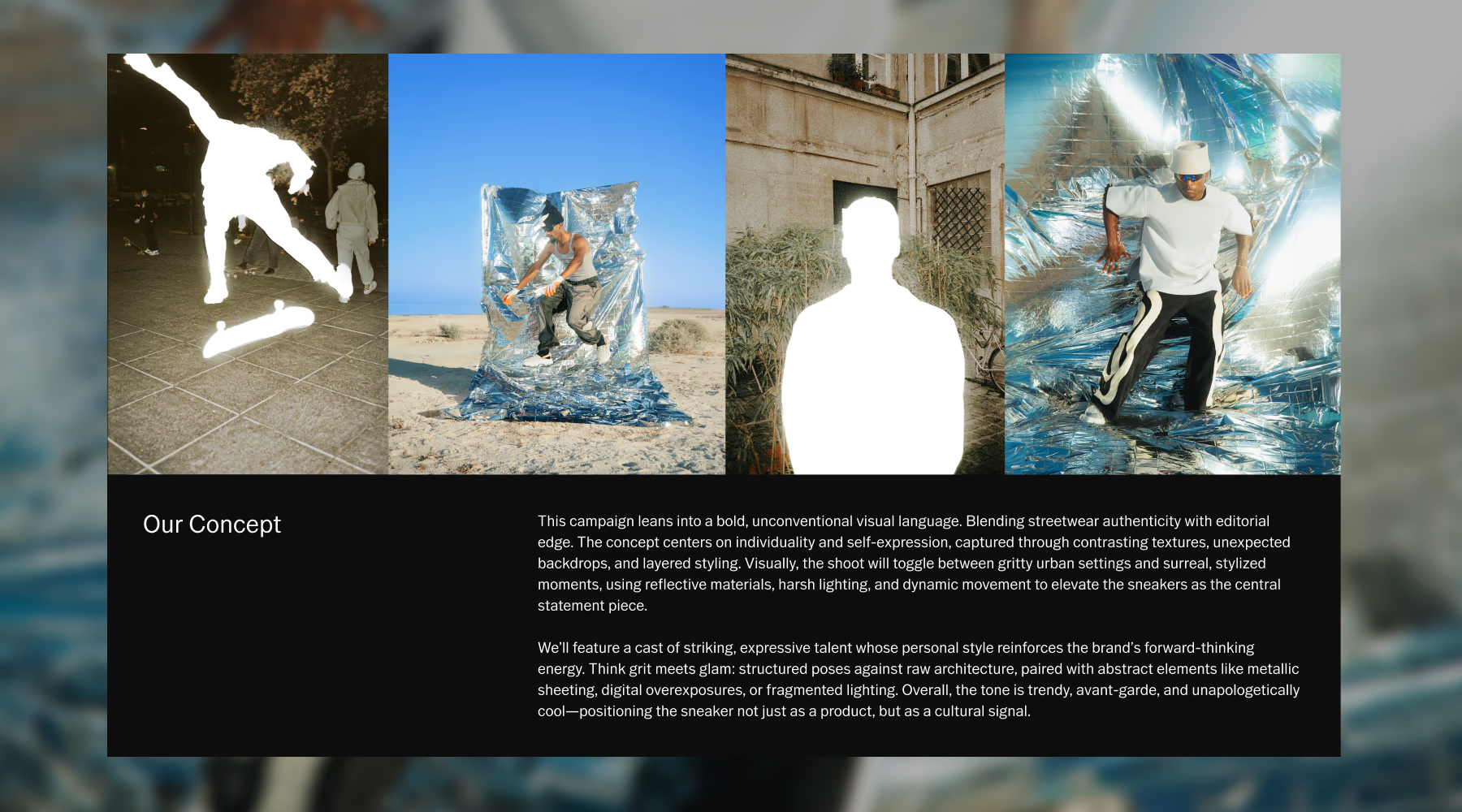
Win the brief before the photohoot begins
The strongest pitches don't describe a concept. They show it. The Pitch Deck template in VSCO Canvas gives photographers a structured space to bring together visual references, creative direction, and talent inspiration into a presentation that communicates the full vision at a glance.
When clients can see exactly what you're proposing, feedback gets specific and approvals happen faster. Walk into every creative conversation with a pitch that speaks for itself.
What the pitch deck template includes
A complete creative pitch covers four things: the concept, the look, the feeling, and the people. This template organizes all four into a single, shareable presentation.
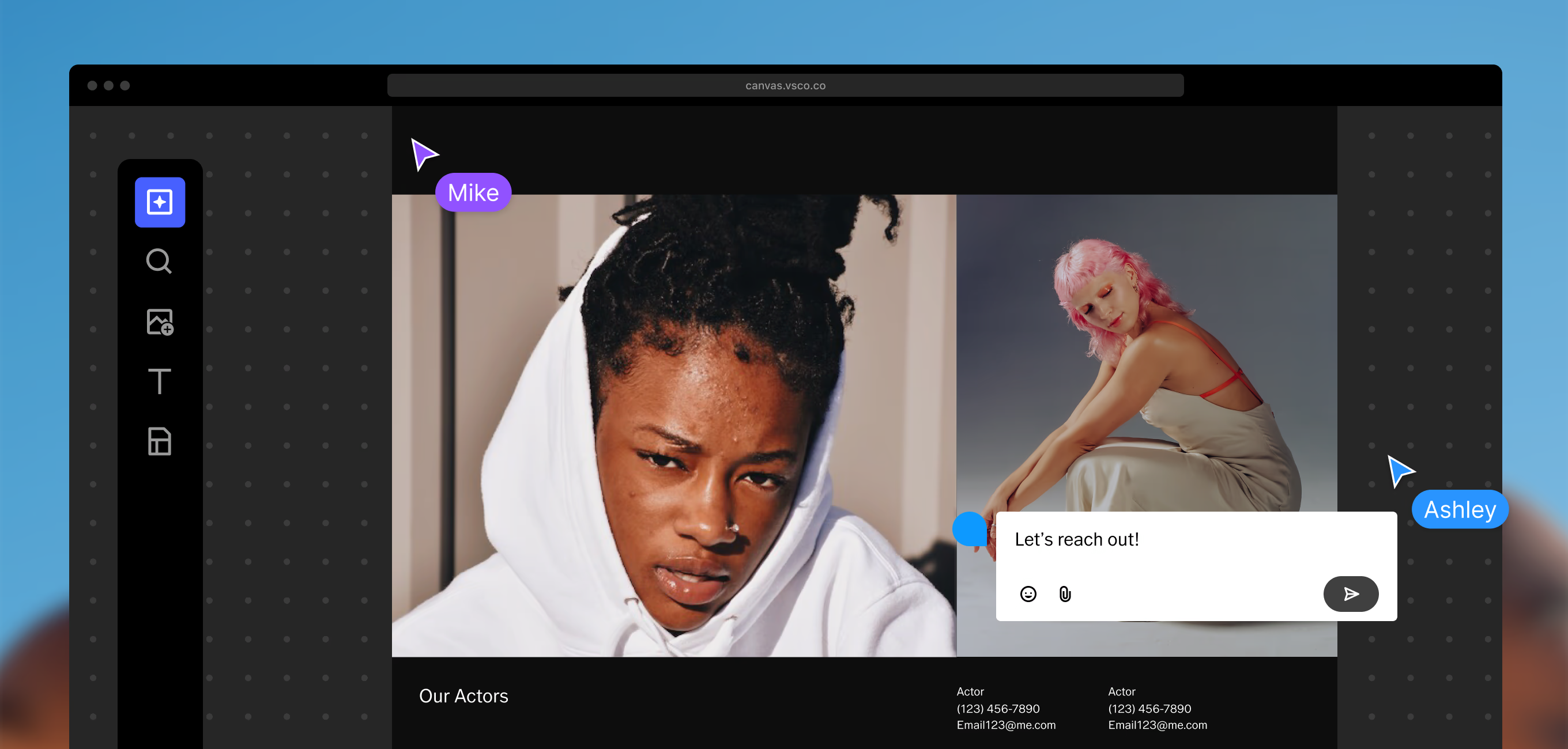
Introduce the core idea behind your photoshoot. Outline the story, purpose, and creative direction so clients understand the vision and goals from the start.
Collect reference images that communicate the aesthetic of the project, including composition, lighting, color palette, and the overall visual language of the shoot.
Define the emotional atmosphere of the concept using textures, imagery, and inspiration that show collaborators the feeling and energy you want to capture.
Highlight the people who bring the concept to life, including model inspiration, character references, styling ideas, and talent direction that supports the story.
Build your pitch in three steps
The Pitch Deck template moves you from early inspiration to a polished presentation your clients can engage with.
Start from the template
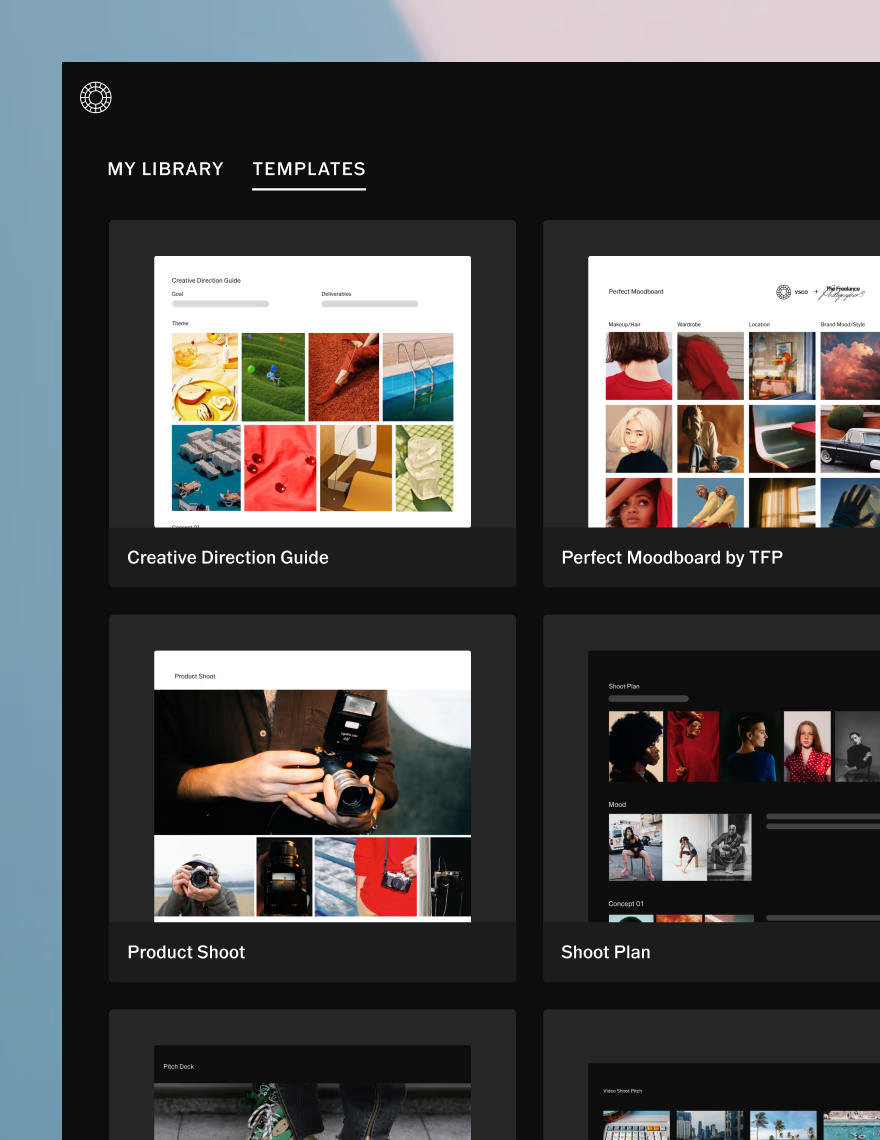
Open a structured layout that organizes your concept, visual references, and casting ideas into one clear space.
Find your inspiration
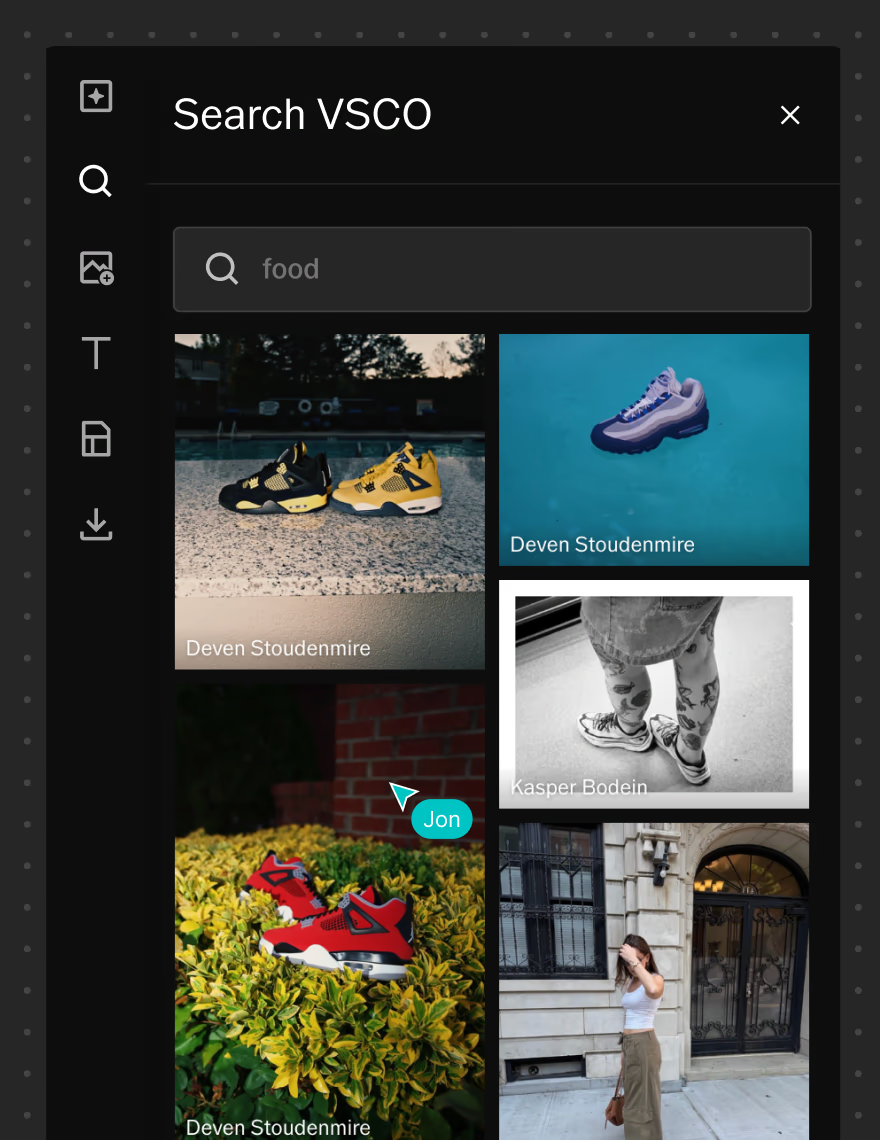
Search VSCO for references or generate new visuals with AI when the exact image you're imagining doesn't exist yet.
Collaborate and share
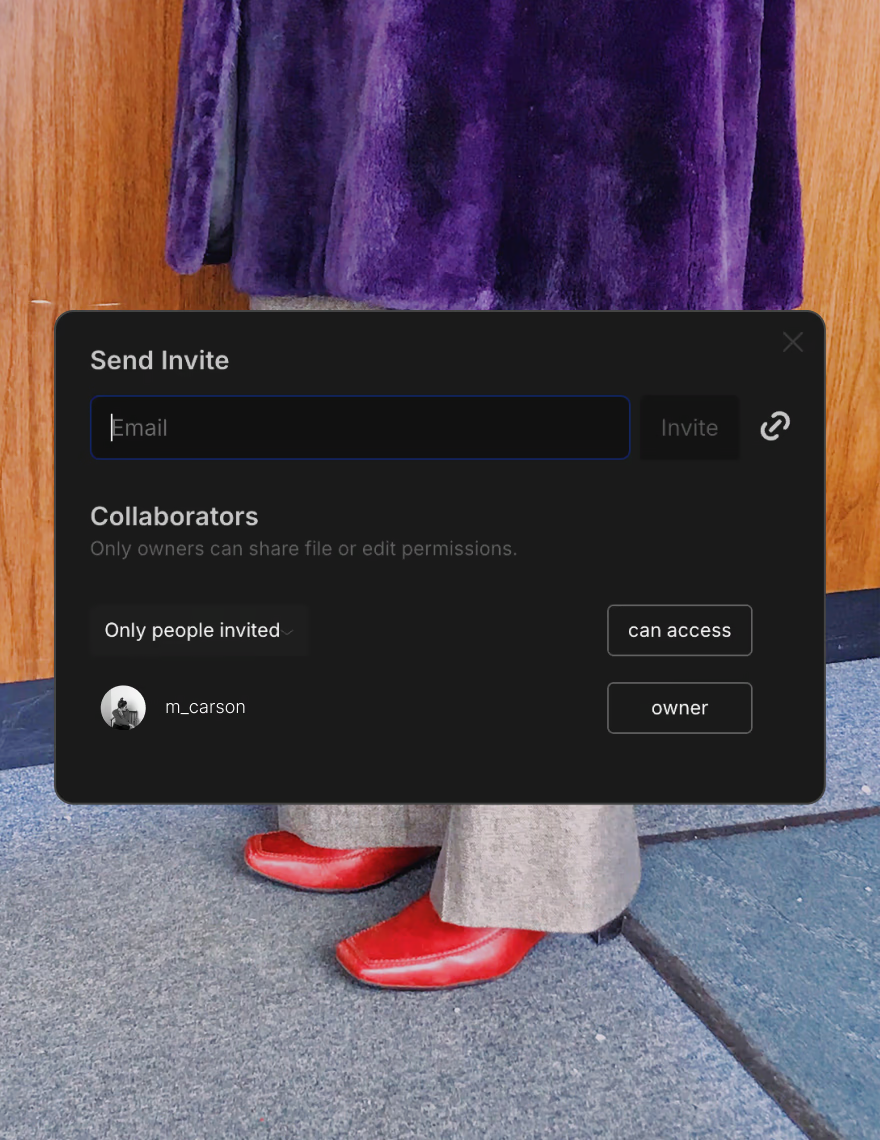
Invite collaborators to contribute directly in Canvas, or share the finished pitch deck with clients for review and approval.

When to use this template
A pitch deck earns its place before locations are confirmed or cameras start rolling. Use it whenever you need to present a concept to a client, align a creative team around a direction, or move a project from idea to approved production plan.
With the concept mapped out visually, it's easier to discuss, refine, and move forward with confidence.
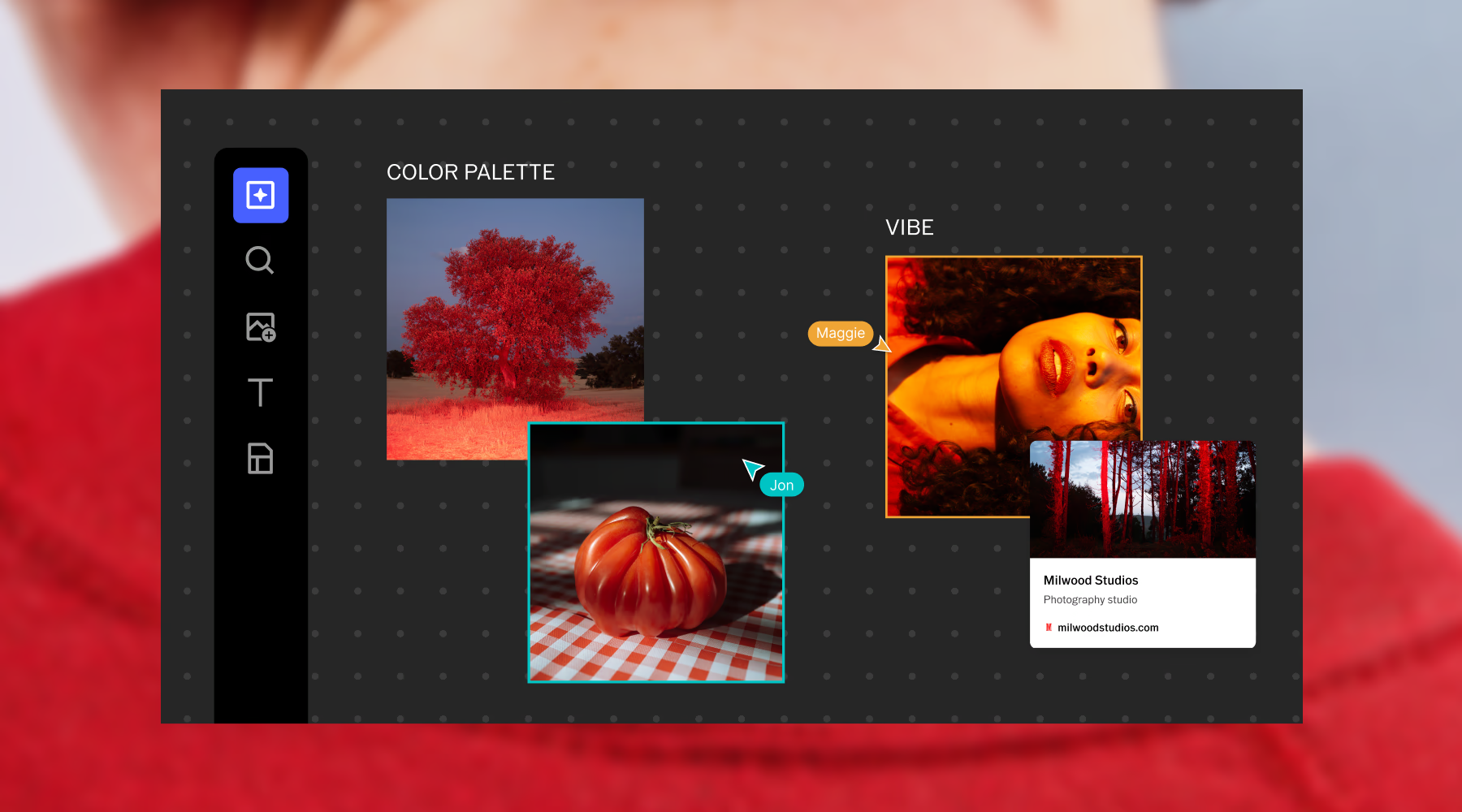
Visualize, plan, and pitch
Great pitches get built together. Invite clients, art directors, and creative partners directly into your Canvas. Share view-only access for approvals or full editing access for collaborators who are shaping the concept with you. Everyone leaves feedback directly on the board, on specific images, in context, in real time.
No PDFs back and forth. No emails describing a feeling. One shared workspace where the concept gets refined and signed off before production begins.
Frequently asked questions
What’s a campaign pitch deck?
A campaign pitch deck is a visual presentation that outlines a creative concept for a photoshoot or campaign. It brings together inspiration, style direction, mood, and talent references so clients can understand the vision before production begins.
Why should I create a pitch deck?
A pitch deck makes creative ideas tangible. Instead of describing a concept in words, you can show it. When clients see the visual references, the lighting direction, and the casting ideas together, the concept becomes real and decisions happen faster.
How do I present my ideas visually?
Combine reference images, color palettes, textures, and storytelling elements into one cohesive presentation. VSCO Canvas brings all of these pieces together in a clear, shareable space you can build and update in real time.
What should I include in a campaign pitch deck?
A strong pitch covers four elements: a concept overview that frames the story, visual style references that establish the aesthetic, mood and tone inspiration that conveys the feeling, and casting or talent ideas that show who brings it to life.
When should I use a pitch deck?
Use a pitch deck when presenting a concept to a client, aligning a creative team before production, or whenever you need to turn an abstract idea into something everyone can see and respond to.
Can I share moodboards with clients?
Yes. VSCO Canvas lets you share your pitch deck with view-only or editing access. Clients can review, comment, and approve your creative direction directly in the board, without needing a VSCO account to view it.