
Plan Your Next Product PhotoShoot
The product photoshoot moodboard template in VSCO Canvas helps you turn early ideas into creative direction. For campaigns and product launches where every detail matters.
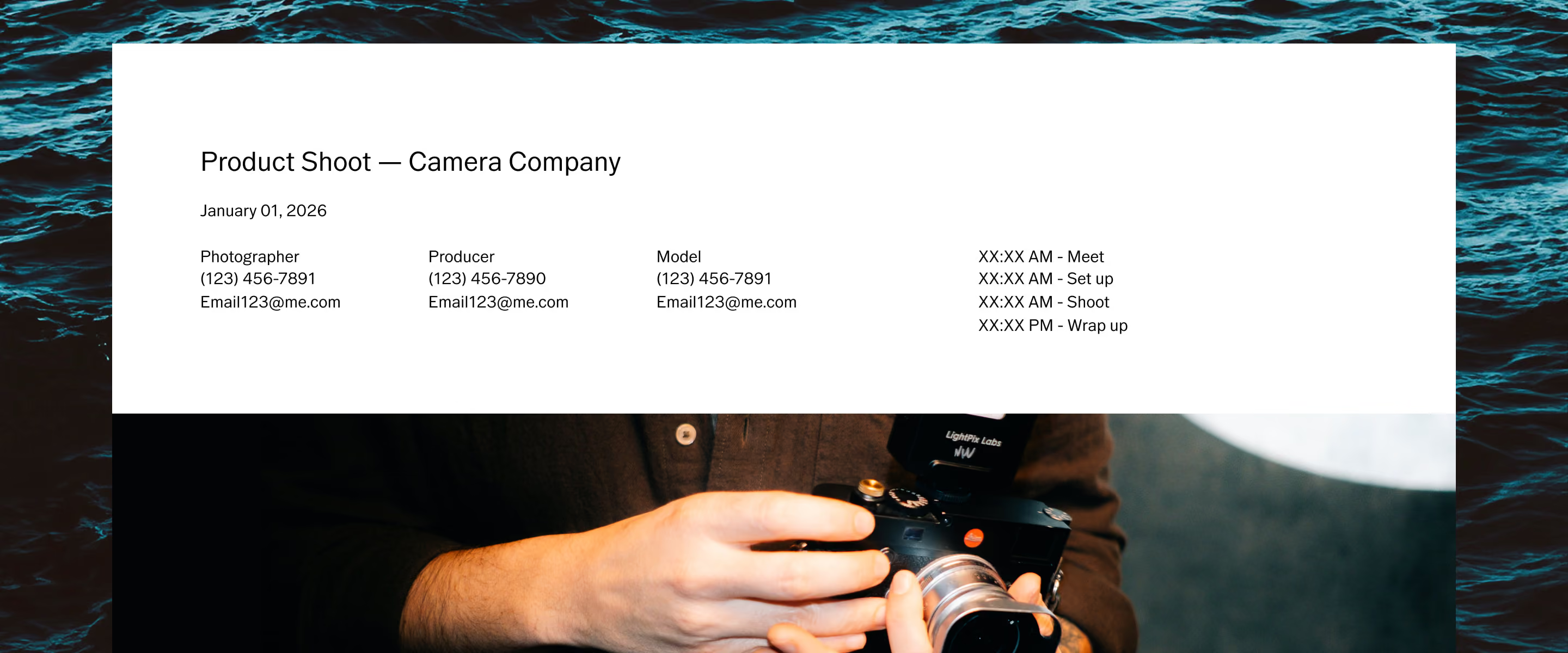
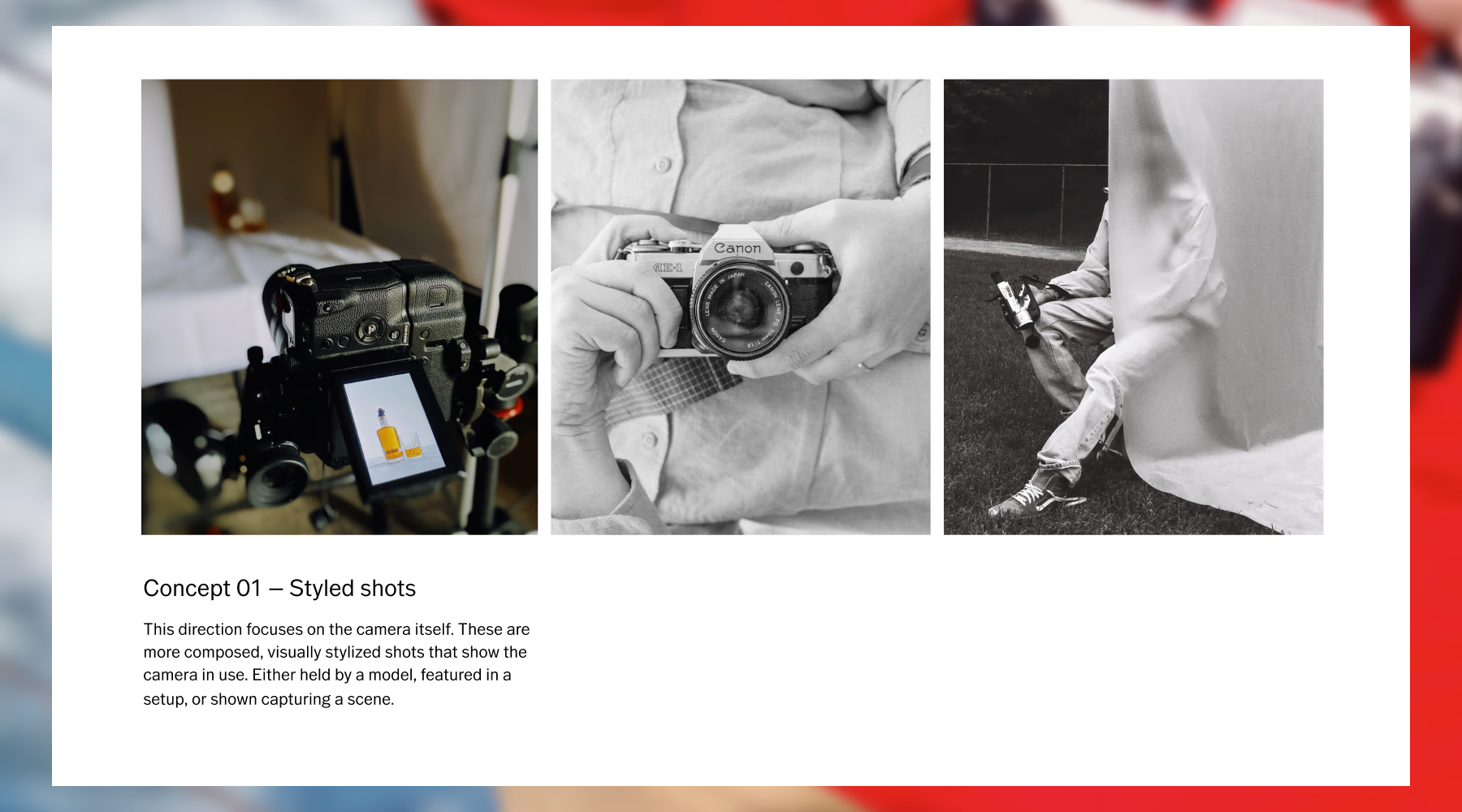
Give every idea space to evolve
Before production begins, ideas need structure. This template gives photographers a shared space to gather inspiration, define direction, and develop the creative thinking behind a shoot before anyone sets foot on set.
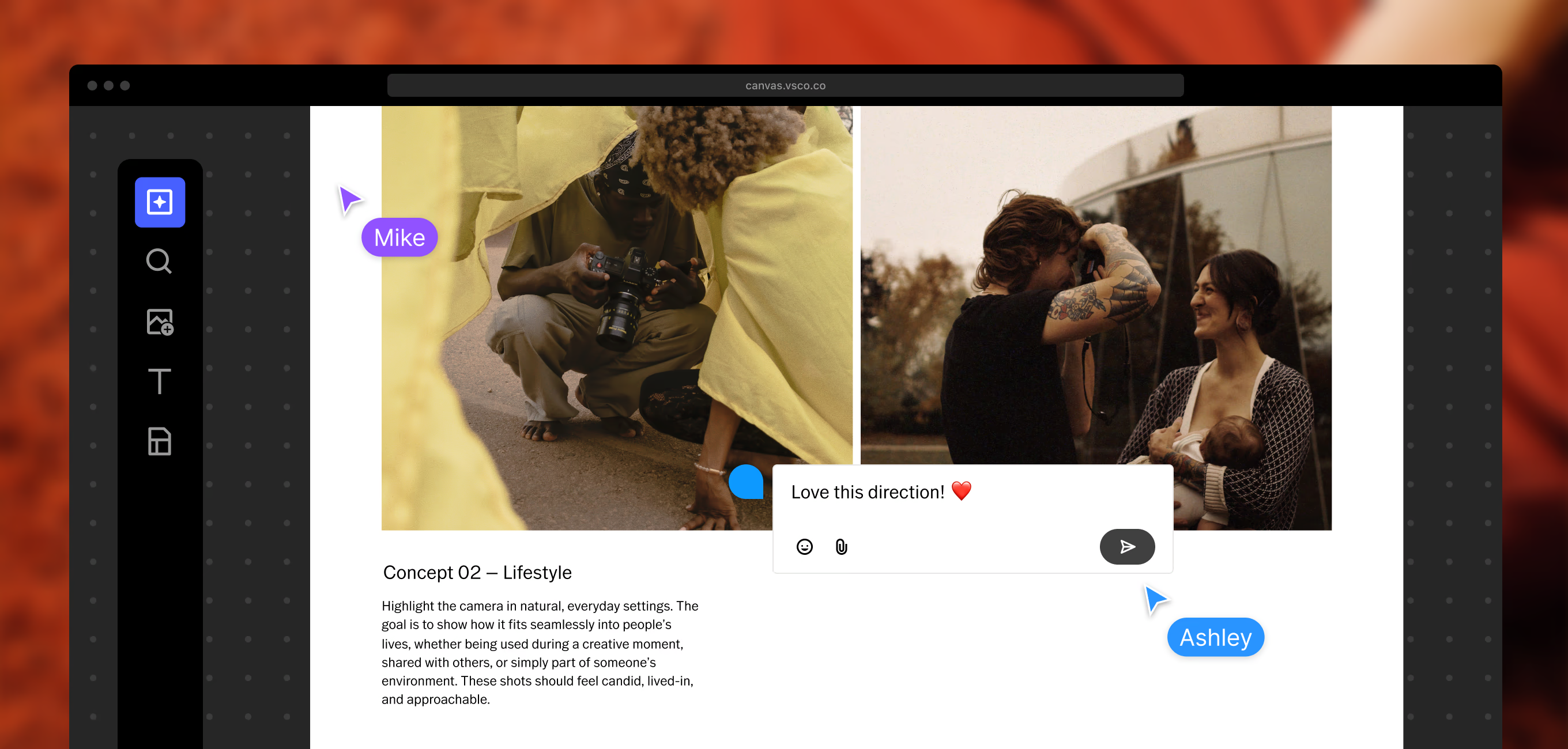
As the project evolves, collaborators can add references and sharpen the concept together. By the time the shoot day arrives, the vision is clear and execution feels intentional.
Cover the creative and practical in one place
A simple framework that organizes both the vision and the logistics, so nothing gets figured out on set that should have been decided in pre-production.
Ground the project in the brand and its goals. Add context around audience, positioning, and intent so early creative decisions stay tied to the purpose of the shoot.
Set the atmosphere through visual references—imagery, color, texture, and light. Define how the final photography should feel, not just how it should look.
Clarify what needs to be produced and how it will be used. Formats, usage across channels, and turnaround expectations. Get everything in writing before production begins.
Map out how the product will be brought to life visually. Scenes, composition ideas, and shoot pacing that turn early thinking into actionable creative direction.
Three steps to a photoshoot-ready plan
Start loose, build toward clarity. Canvas gives you the structure to move from scattered inspiration to a direction your whole team can execute from.
Start from the template
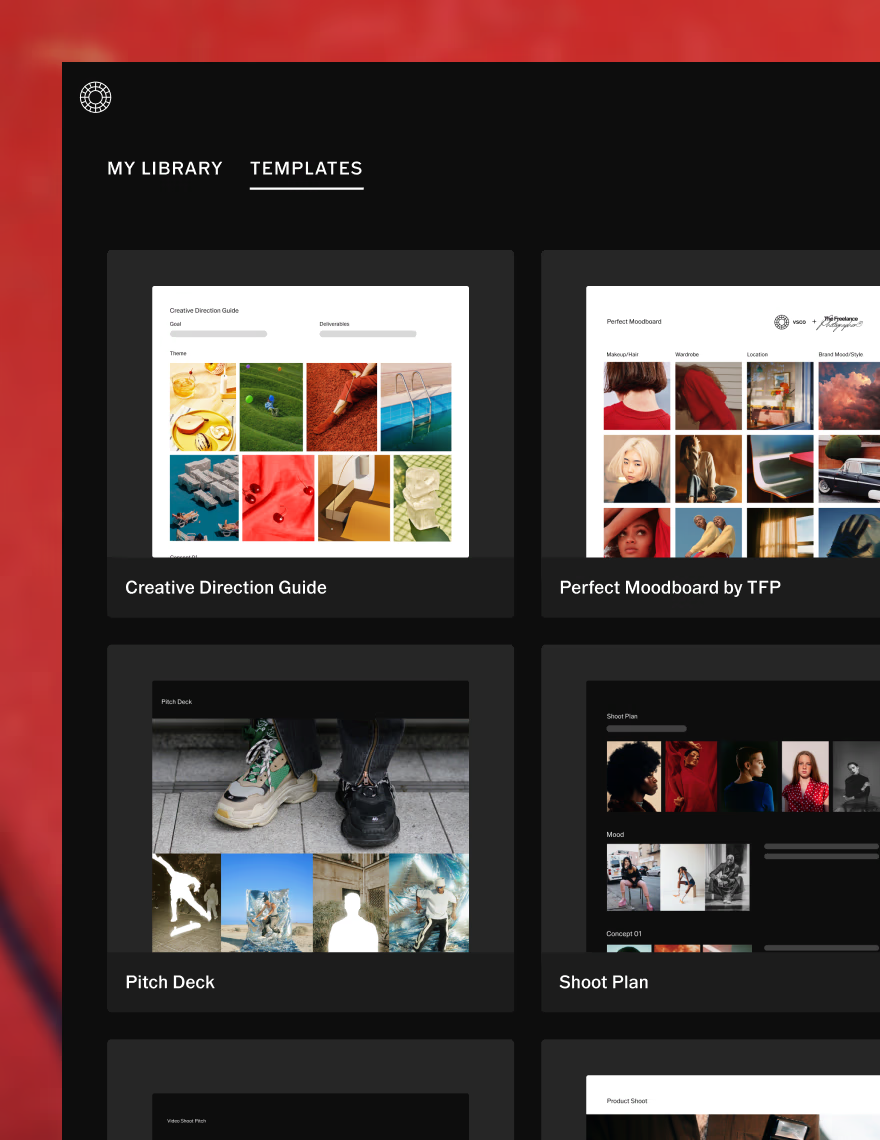
Open the product photoshoot template and begin shaping your project. The structure gives you momentum while leaving room for your own creative process.
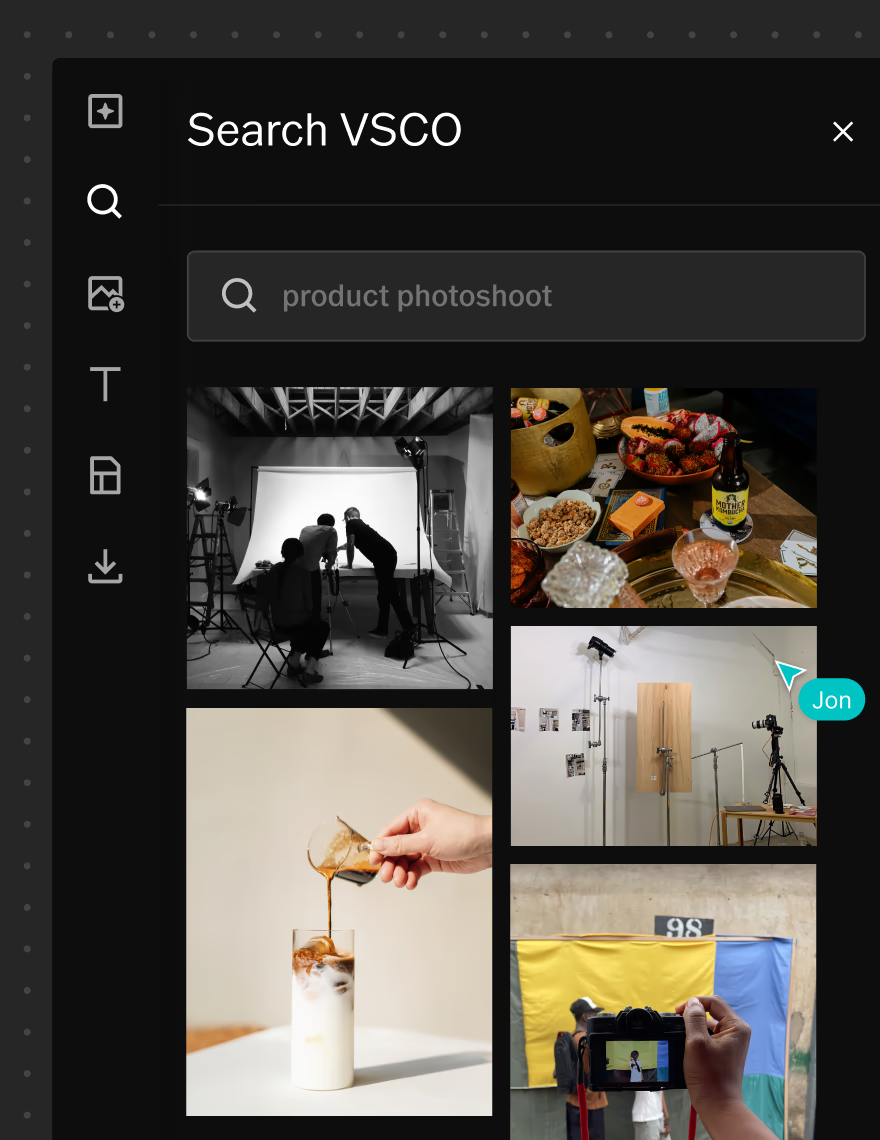
Find and generate references
Search VSCO for imagery that matches your direction, or generate AI visuals when the right reference doesn't exist yet. Make abstract ideas easier to communicate before the shoot.
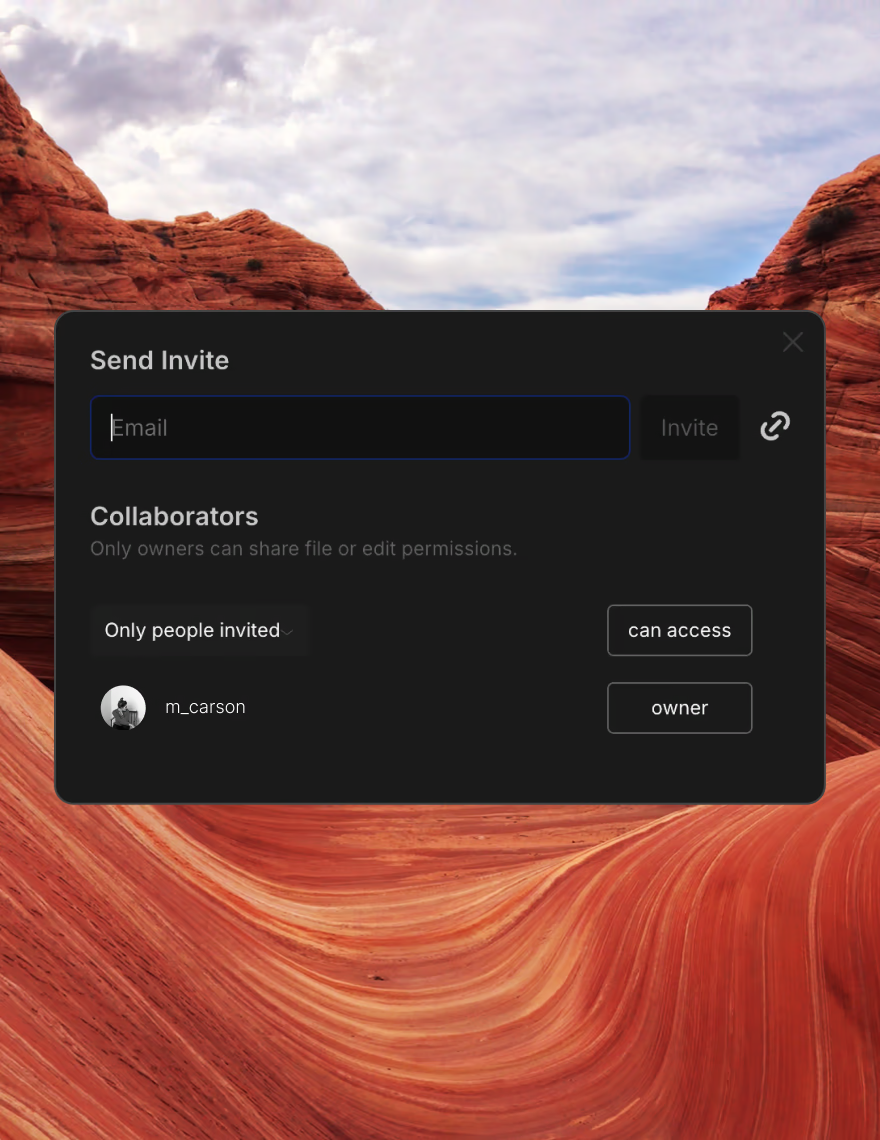
Share and refine
Invite collaborators to build on ideas and sharpen the direction together. Share the finalized plan with clients to confirm alignment before production begins.
Your starting point for campaigns and product photoshoots
This template works best at the beginning of a project, when creative direction is still being defined. It's especially useful for brand campaigns, e-commerce photography, and product launches where visual consistency is non-negotiable.
As ideas develop, the plan becomes a central reference point for the whole team. Inspiration, feedback, and direction can all be found in one place, so production starts with everyone working toward the same outcome.
Build the plan visually and watch it evolve
Canvas is built for visual thinking across the full arc of a project. Combine references, project notes, and production context in one space so the creative direction is always complete and easy to share.
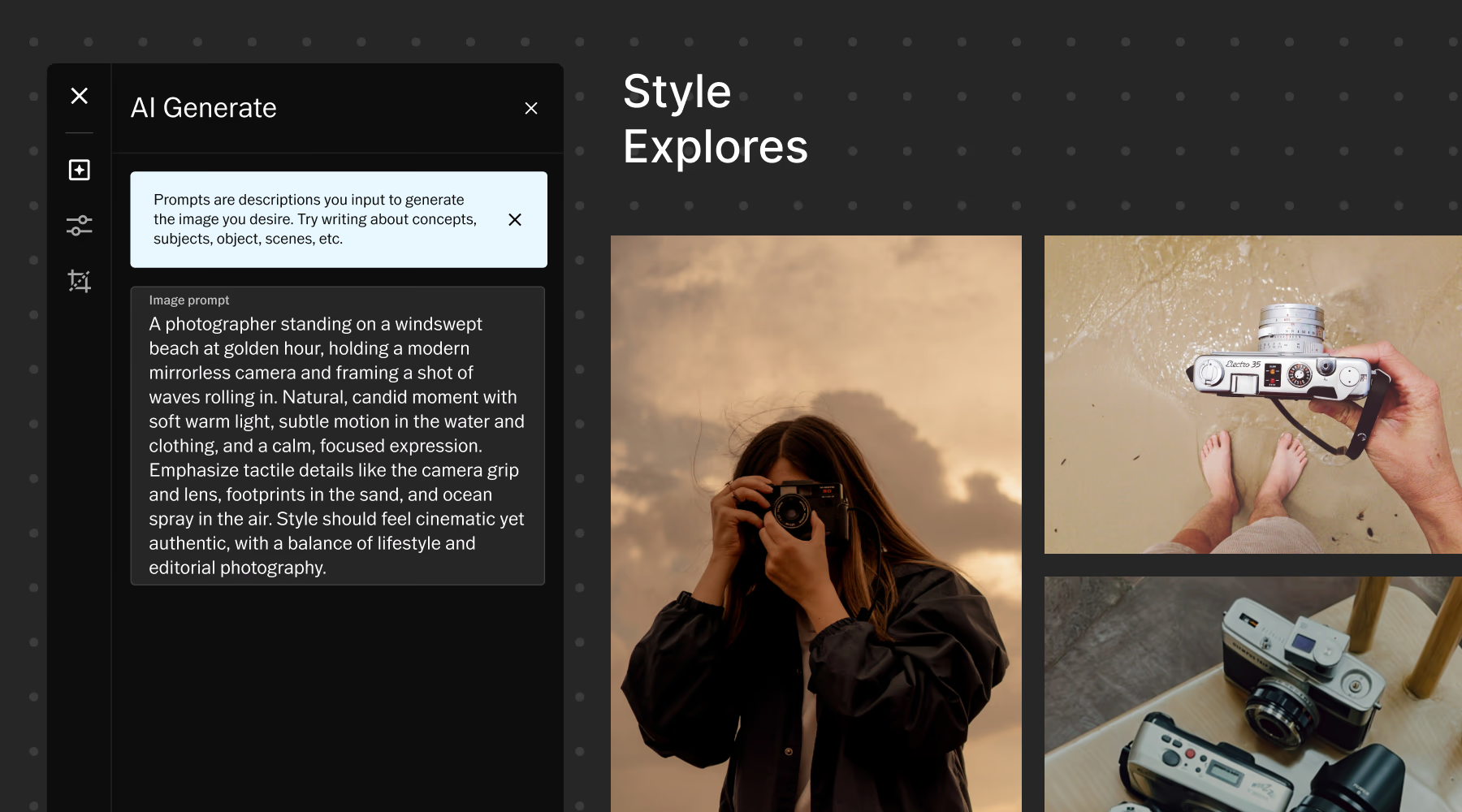
When references are hard to find, AI-generated visuals help fill the gaps and make early concepts easier to communicate. With collaborative editing and cross-device access, teams can keep refining the concept wherever the work takes them.
Frequently asked questions
How can I prepare for a product photoshoot?
Preparation usually starts by defining the creative direction and collecting visual references. Many photographers also outline key shots and confirm deliverables early to keep production focused and efficient.
What should I include in a product photoshoot plan?
A strong plan typically includes:
- Background about the brand or campaign
- A mood board that captures the visual tone
- Notes about the final images that need to be produced
- Clear documentation of final deliverables and usage
How can I create a product photoshoot mood board?
Mood boards are built by combining imagery, color, texture, and styling references that reflect the intended feel of the shoot. VSCO Canvas lets you organize all of these in one space.
Can I add collaborators to my mood board?
Yes. VSCO Canvas allows multiple people to contribute to the same board, making it easy for creative teams to develop ideas together.
Can I share mood boards with clients?
Yes. Once your mood board is ready, you can share it with clients to present concepts, gather feedback, and confirm the creative direction before production begins.