
Video Shoot Pitch Planning Template
Turn early ideas into clear, client-ready video pitches with structured storytelling and visual direction in VSCO Canvas.
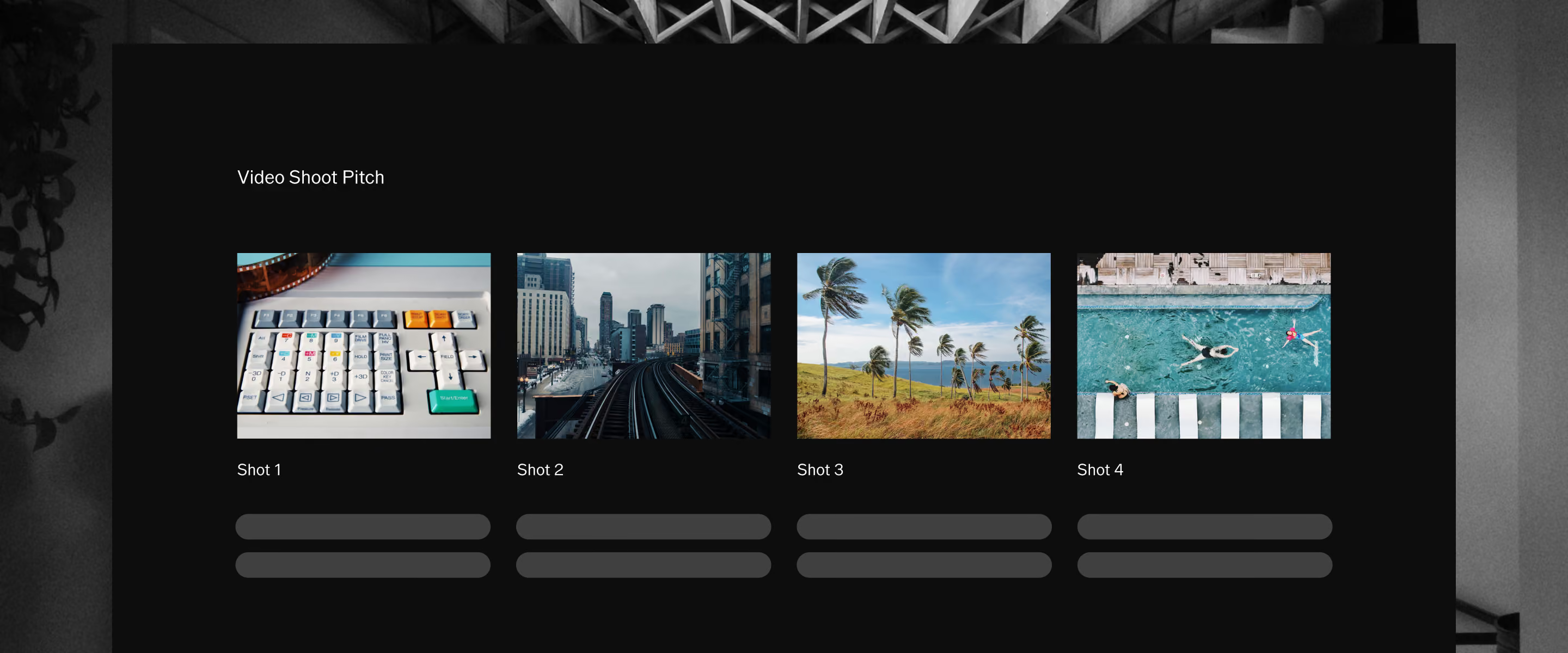
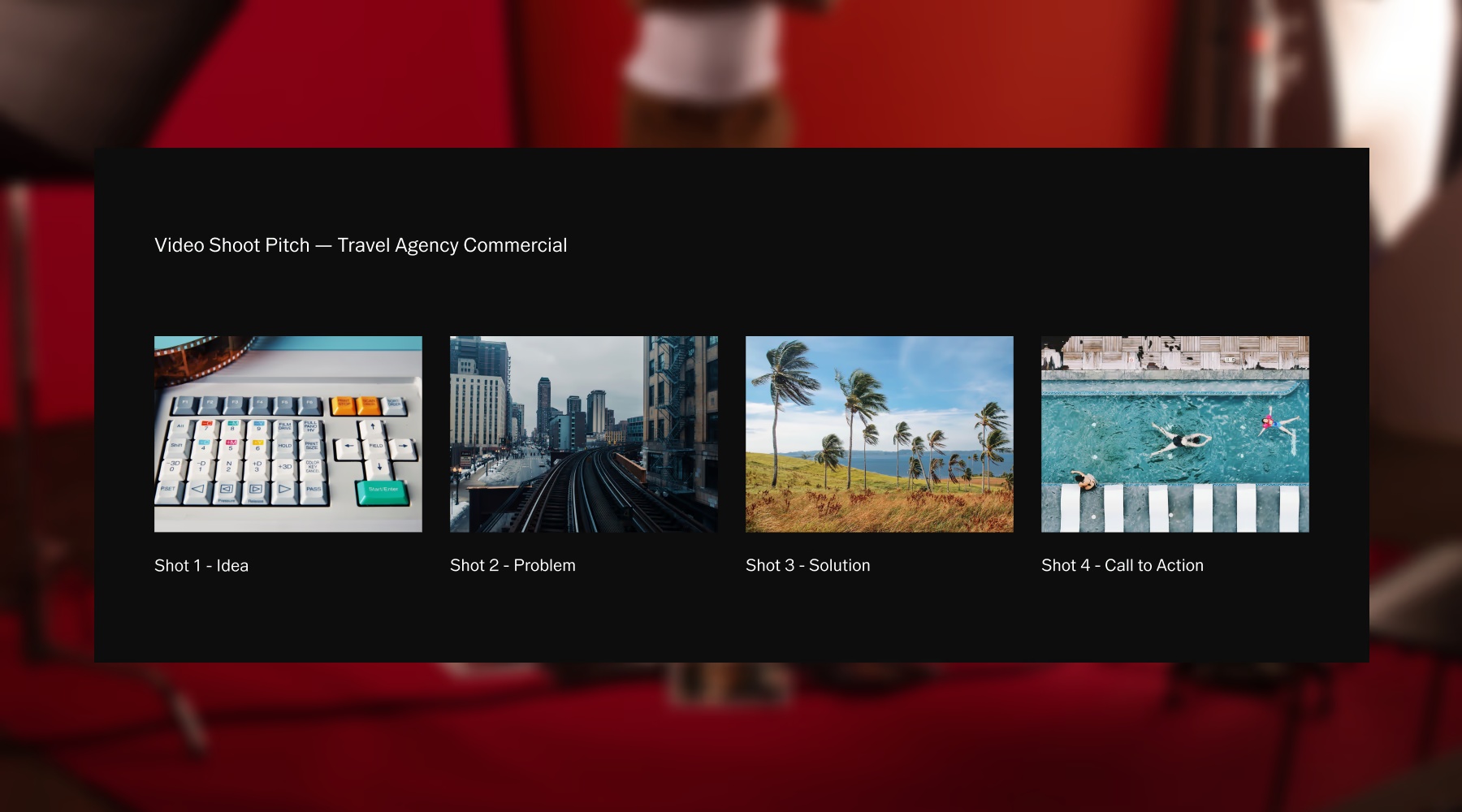
Turn creative ideas into client-ready concepts
Every video starts with an idea. But ideas alone don't win briefs, and they don't align creative teams. The Video Shoot Pitch template gives that idea structure: a clear storyline, scene-by-scene breakdown, visual direction, and a defined call to action that tells clients exactly what you're proposing and why it works.
Build it in VSCO Canvas, share it in minutes, and walk into your next pitch meeting with a presentation that speaks for itself.
Cover every detail with The Video Shoot Pitch template
A complete video pitch covers the story, the look, and the ask. This template organizes every element into one shareable presentation so clients and collaborators can see the full concept at a glance.
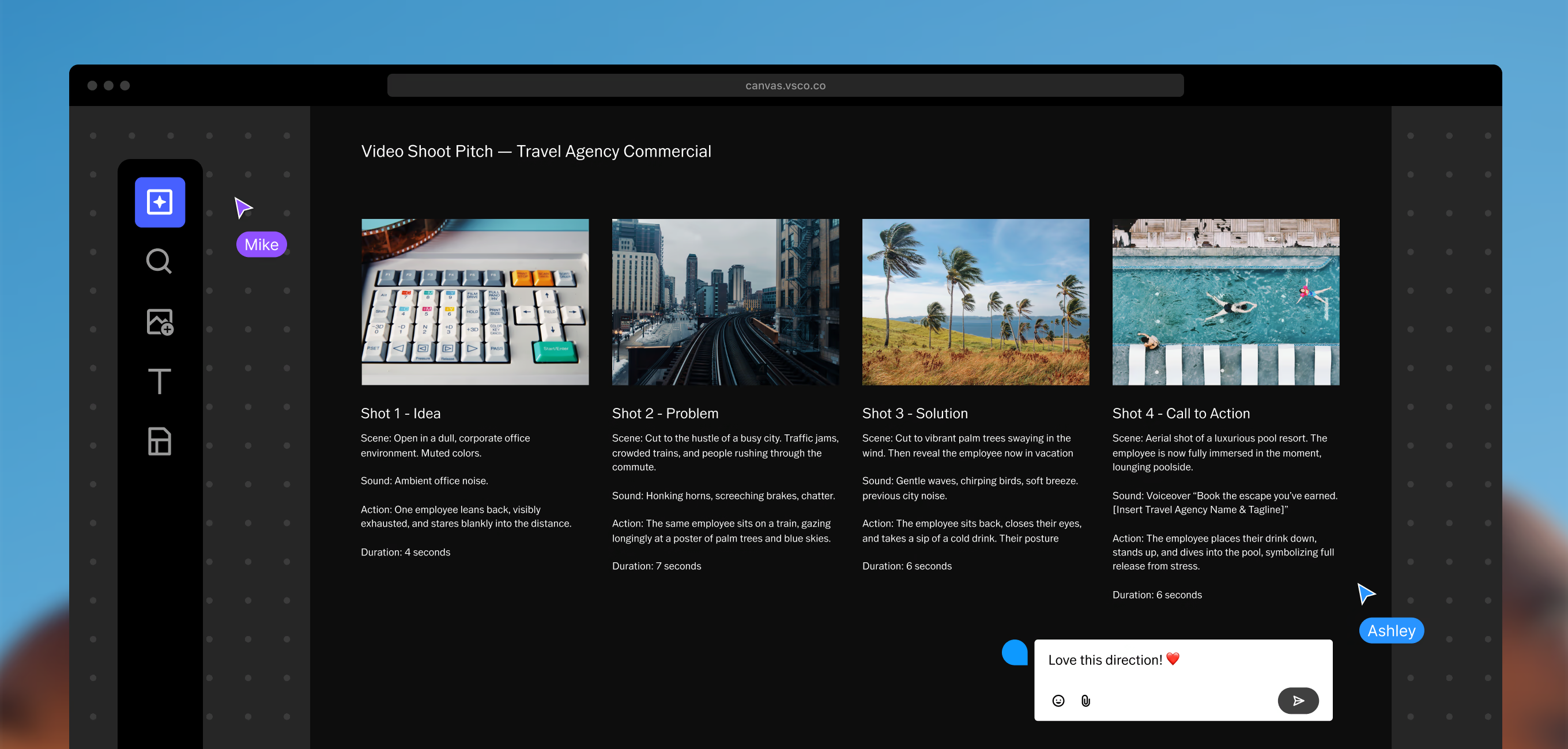
Establish the narrative arc behind the project. Define what the video is about, what it should make people feel, and what it needs to achieve before a single scene is planned.
Map each scene with notes on action, setting, and sequence. A clear breakdown shows clients the shape of the video and gives your crew the direction they need.
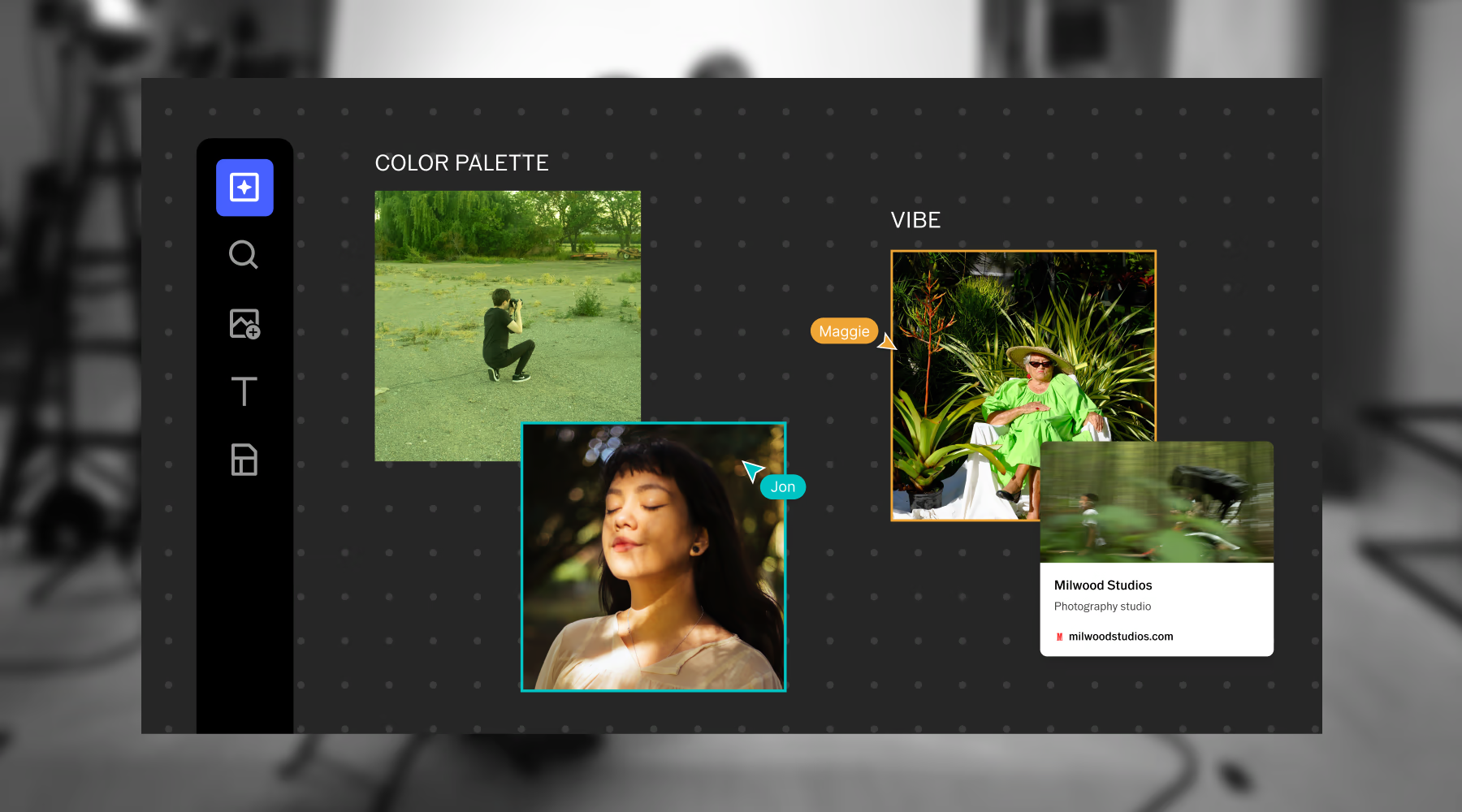
Collect reference images, color palettes, and visual inspiration that define the look and tone of the production. Show the aesthetic, don't just describe it.
Define the next step. Whether that's client approval, budget sign-off, or production greenlight, every strong pitch ends with a specific ask that moves the project forward.
A simple workflow for building a video pitch
The Video Shoot Pitch template gives your ideas a structure to grow into. Three steps from concept to client-ready.
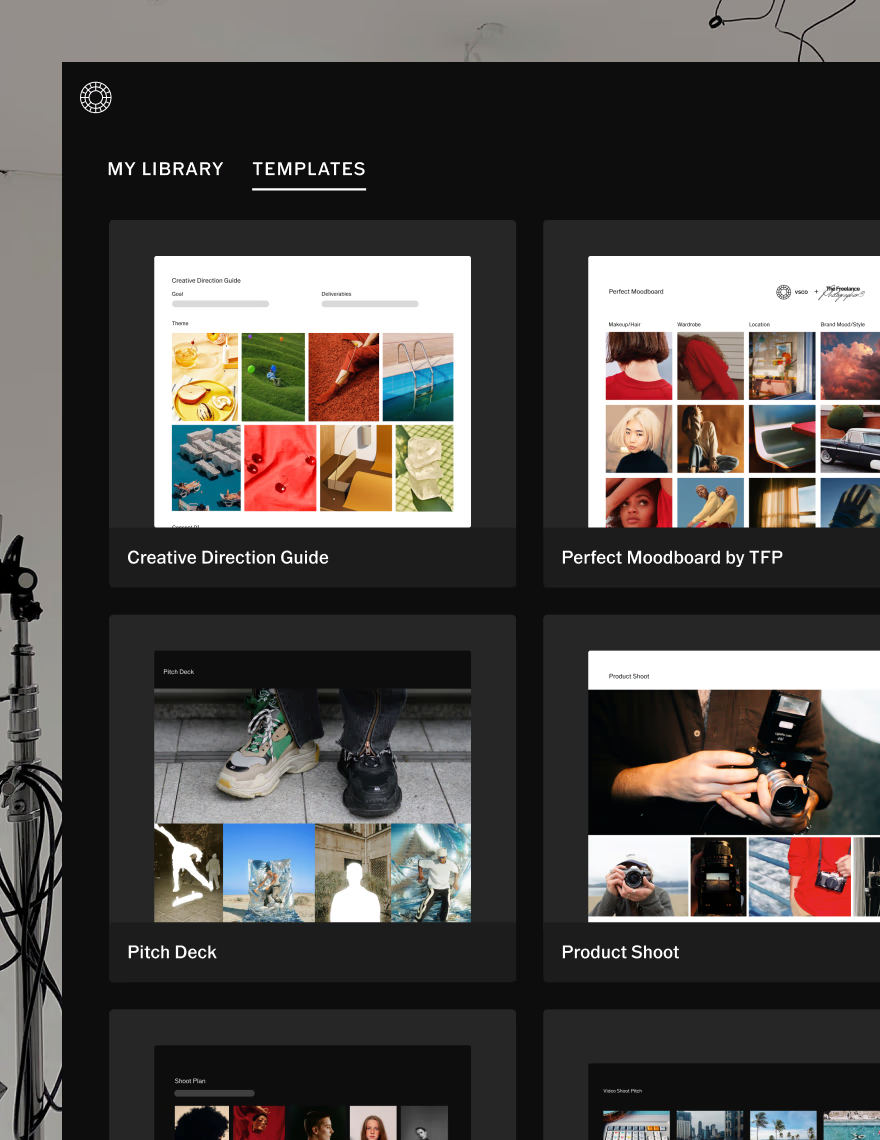
Start with the template
Open the VSCO Canvas template built for video pitches. Organize your storyline, scene breakdown, and visual direction in one clear space from the start.
Add inspiration and links
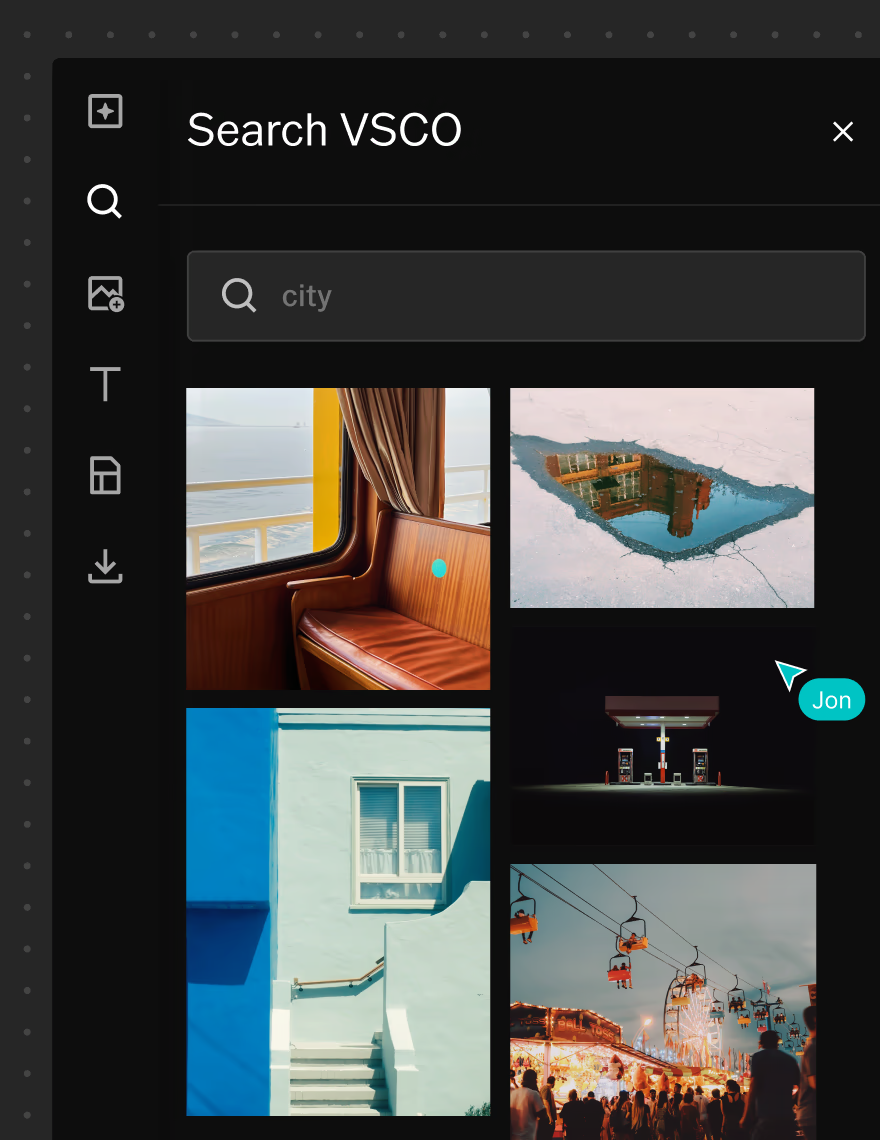
Pull references from VSCO search, upload your own work, generate new visuals with AI, and embed links to any external references that support the concept.
Collaborate and share
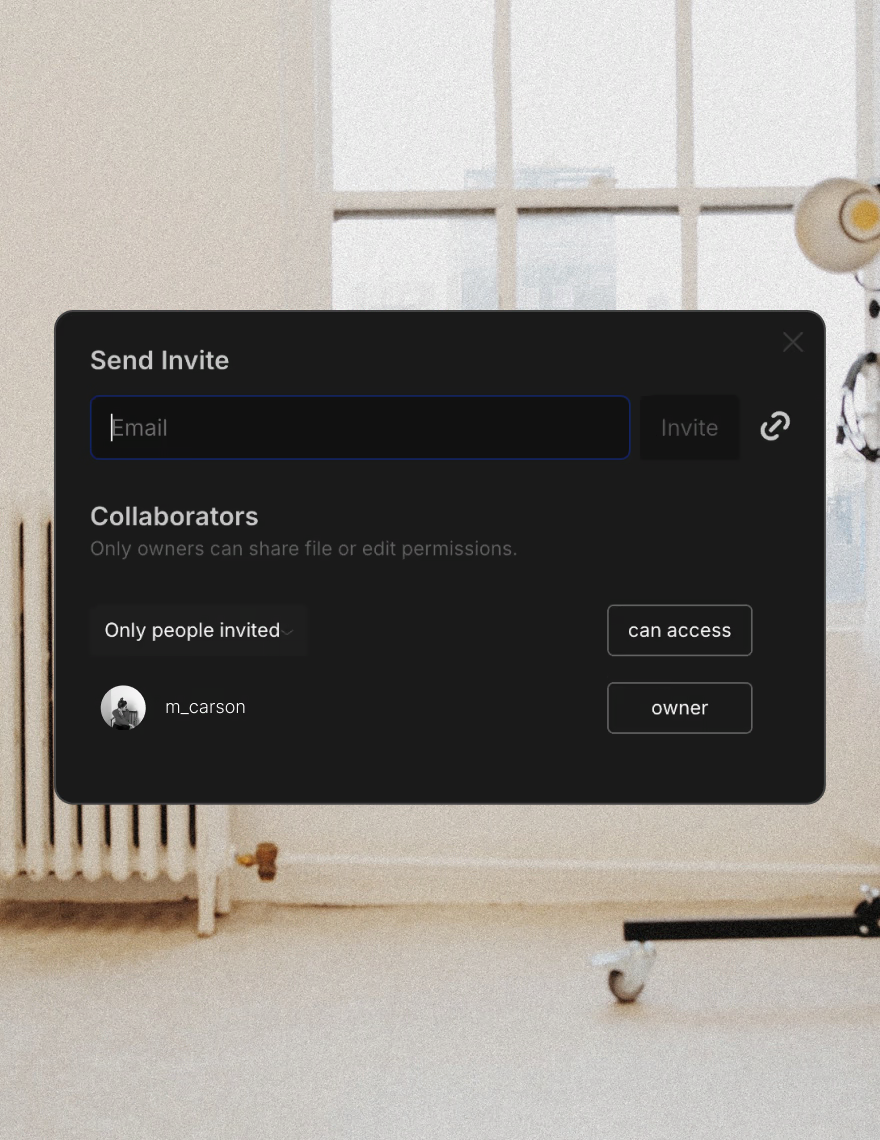
Invite collaborators to contribute directly in Canvas, or share the finished pitch with clients for review and approval. Everyone sees the same vision before production begins.

When to use the Video Shoot Pitch template
Use this template at the earliest stage of any video project, before locations are booked, crew is hired, or budgets are approved. A visual pitch gets concepts aligned and reduces the back-and-forth that comes from trying to describe a production in words.
When every stakeholder can see the storyline, visual reference, and next steps in one place, it's easier to discuss, refine, and move forward into production with confidence.
Bring video pre-production into one place
VSCO Canvas keeps every part of your video pitch connected. Storylines, references, scene notes, and links live in the same workspace, updated in real time and accessible to everyone involved.
No version confusion. No scattered documents. One board that evolves as the concept develops and is ready to share the moment it's done.
Frequently asked questions
How can I plan for a video shoot?
Start by defining the concept and what the video needs to achieve. Then build out the supporting elements: a scene-by-scene breakdown, visual references, logistics, and a clear ask for the client. A strong plan turns a creative idea into something a production team can execute and a client can approve.
What’s a video shoot pitch deck?
A video shoot pitch deck is a visual presentation that outlines your creative concept for a video project. It covers the narrative direction, scene structure, visual tone, and the specific ask, giving clients and collaborators everything they need to understand and approve the concept before production begins.
Why should I create a pitch deck?
A pitch deck makes abstract ideas concrete. Instead of explaining a video concept in a meeting, you can show it. When clients can see the visual direction, the scene breakdown, and the next steps together in one place, decisions happen faster and misalignment is caught before production starts.
What should I include in a video shoot pitch?
A complete video pitch includes a storyline overview that frames the concept and intent, a scene breakdown that maps the structure, a visual direction section with references that establish the look and tone, and a clear outline of what comes next.
When should I create a video shoot pitch deck?
Before locations are confirmed, crew is booked, or budgets are approved. The pitch deck is the document that gets everything aligned and approved. Building it early means fewer revisions later and a cleaner path into production.
Can I share my video pitch deck with clients?
Yes. VSCO Canvas lets you share your pitch deck so clients can review, comment, and approve your concept without needing a VSCO account. Share editing access with collaborators who are shaping the direction with you.