
Video Storyboard Template
Plan video scenes and stories before you press record. Get your crew and client aligned, before anyone picks up a camera.
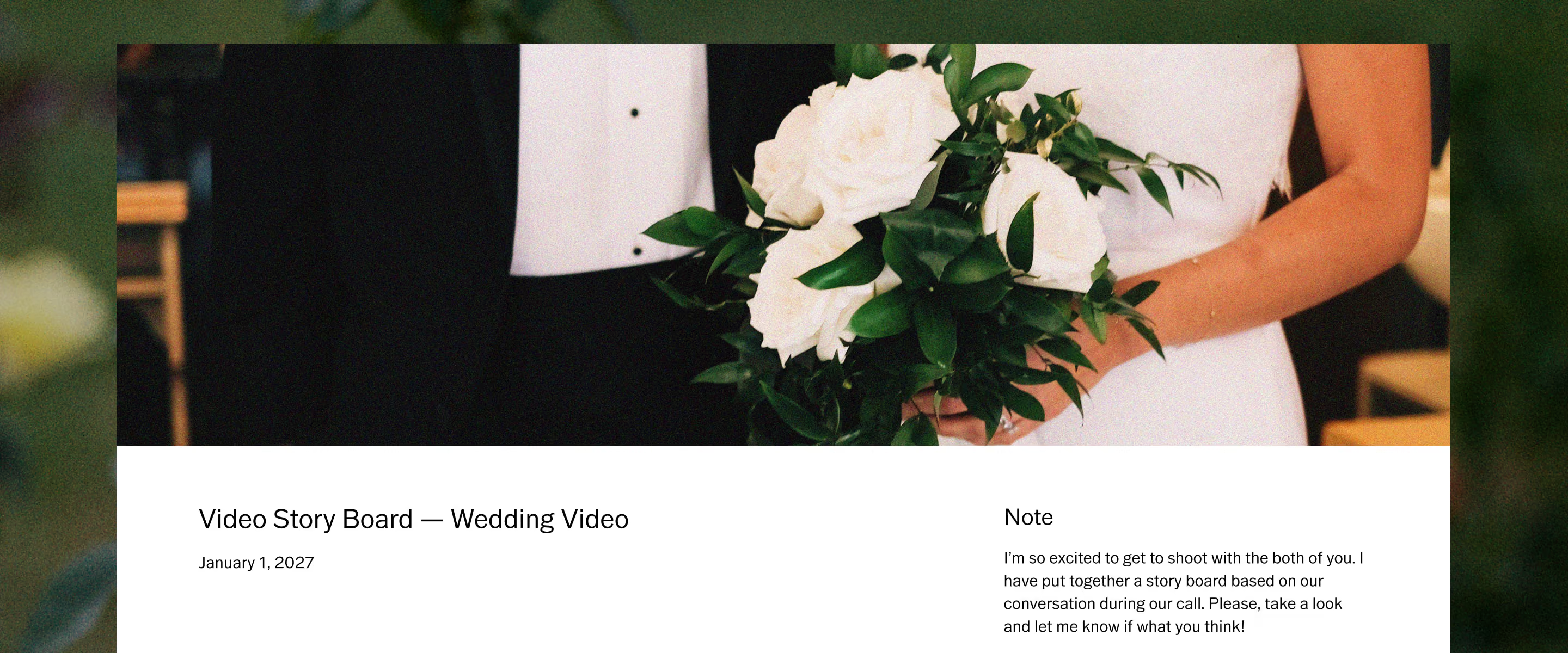
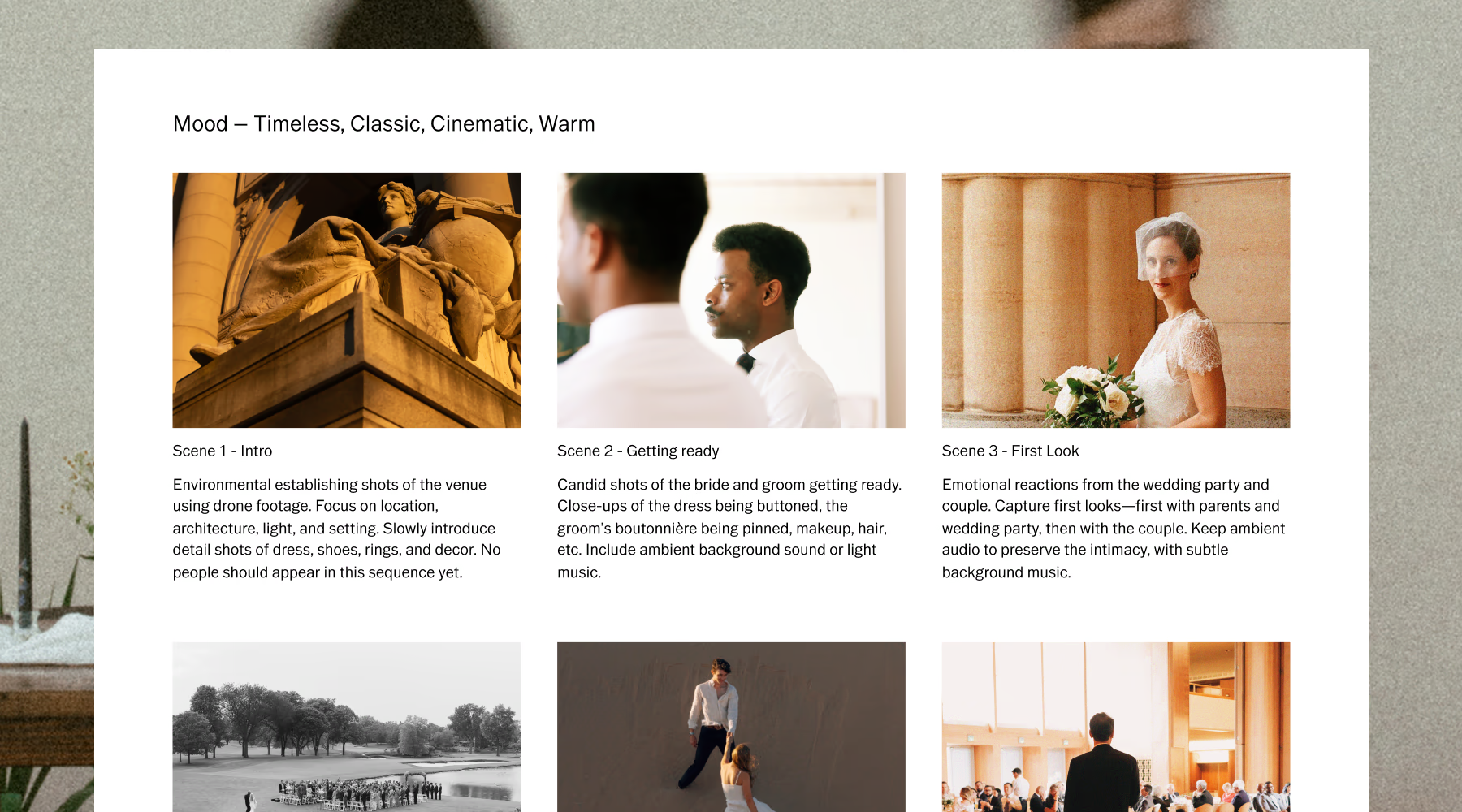
Turn scattered ideas into a scene-by-scene story
Every video starts messy. A few reference clips, a mood you can feel but can't quite name yet, a scene idea scribbled in your notes app. The Video Storyboard template in VSCO Canvas gives those pieces somewhere to land.
Instead of showing up on set and figuring it out as you go, you map the story first: how it opens, where the emotion builds, how one scene hands off to the next. What comes out the other side is a plan your whole crew can actually shoot from, and a lot less guessing on the day.
A flexible framework that brings videos to life
The template holds enough structure to keep you organized, and enough flexibility to let the story change as you develop it. It carries you from that first loose idea all the way to a plan you can hand to your DP, your second shooter, or your client.
Name the feeling first. Warm and candid, or cinematic and quiet. Every scene and cut you plan after this stays true to that one decision.
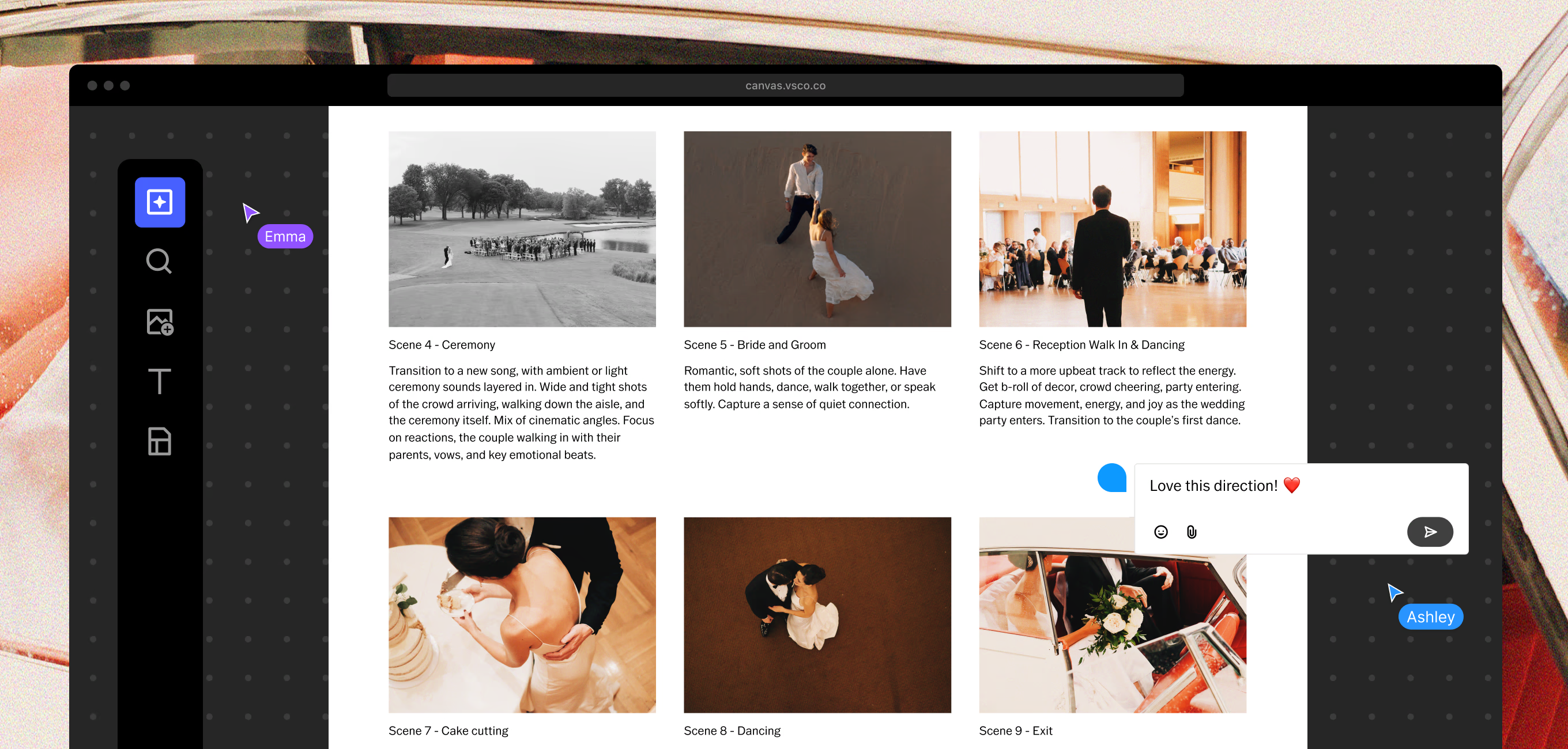
Lay your scenes out in order and watch the story take shape. See how one moment leads into the next, so the finished video has a rhythm instead of just a run time.
Get specific about how each scene gets captured. Framing, camera movement, composition. Notes your crew can read once and shoot from, no explaining twice on set.
Not every scene carries the same weight. Flag the moments that matter most, so they don't get rushed when the day runs long.
Three steps from idea to storyboard
Going from a loose idea to a storyboard you can actually work from takes just three steps with VSCO Canvas.
Start with the template
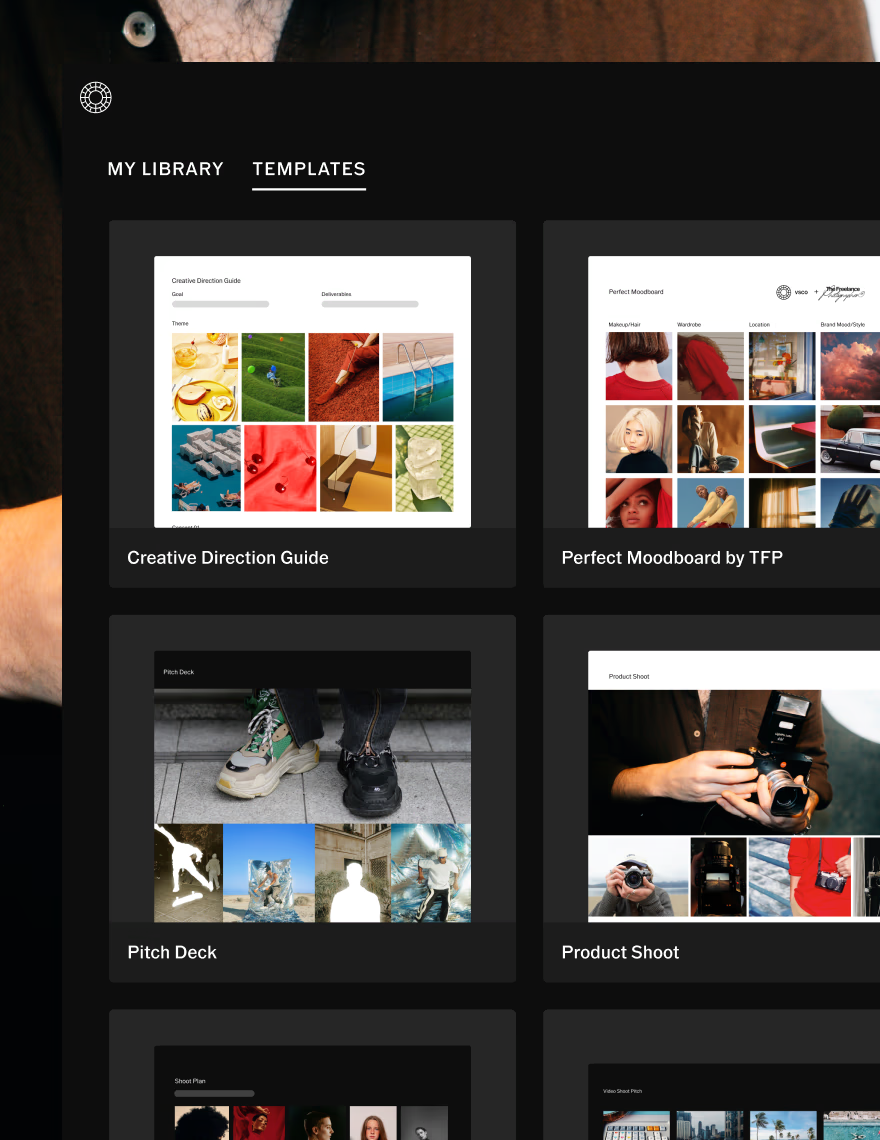
Open the video storyboard template. The scene structure is already there, so you start organizing your story instead of staring at a blank page.
Add inspiration and direction
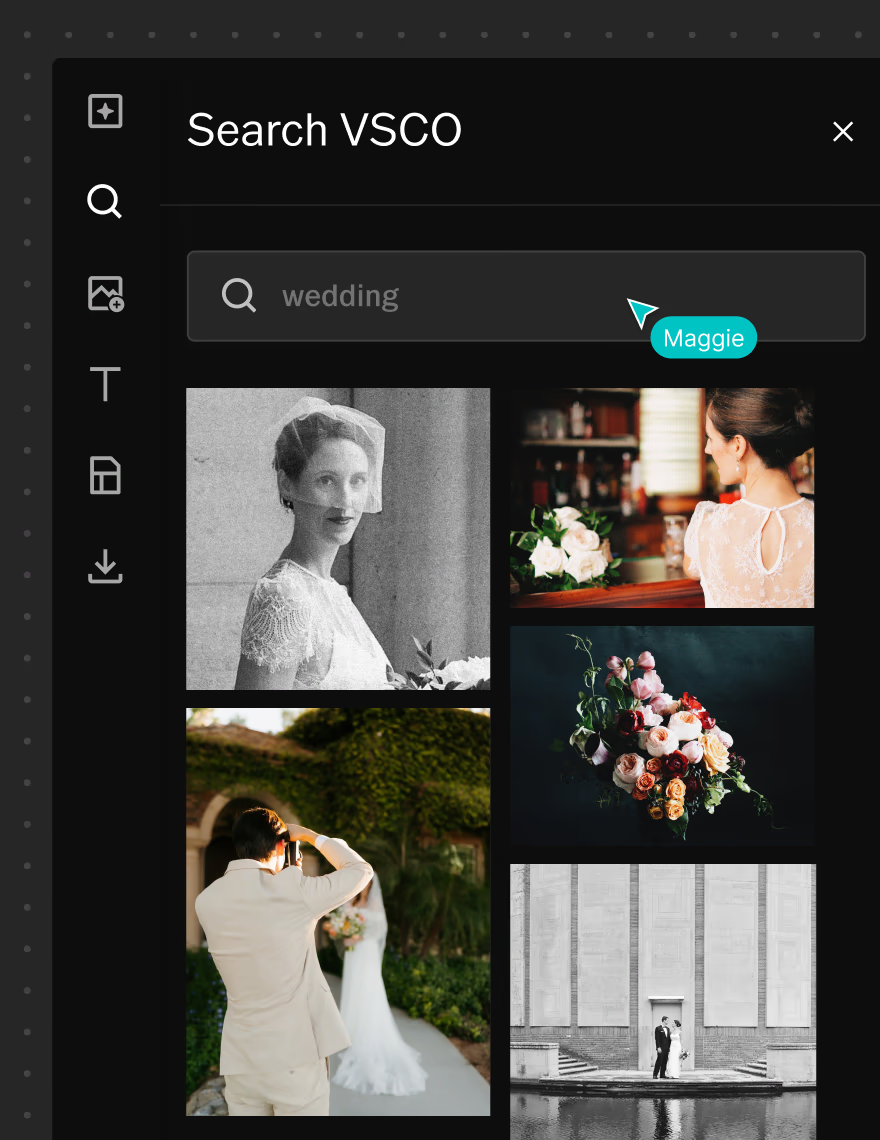
Drop in references, stills, and mood cues, anything already inspiring the project. Hit a creative gap? Generate new visual references right inside Canvas to keep the direction moving.
Collaborate and refine
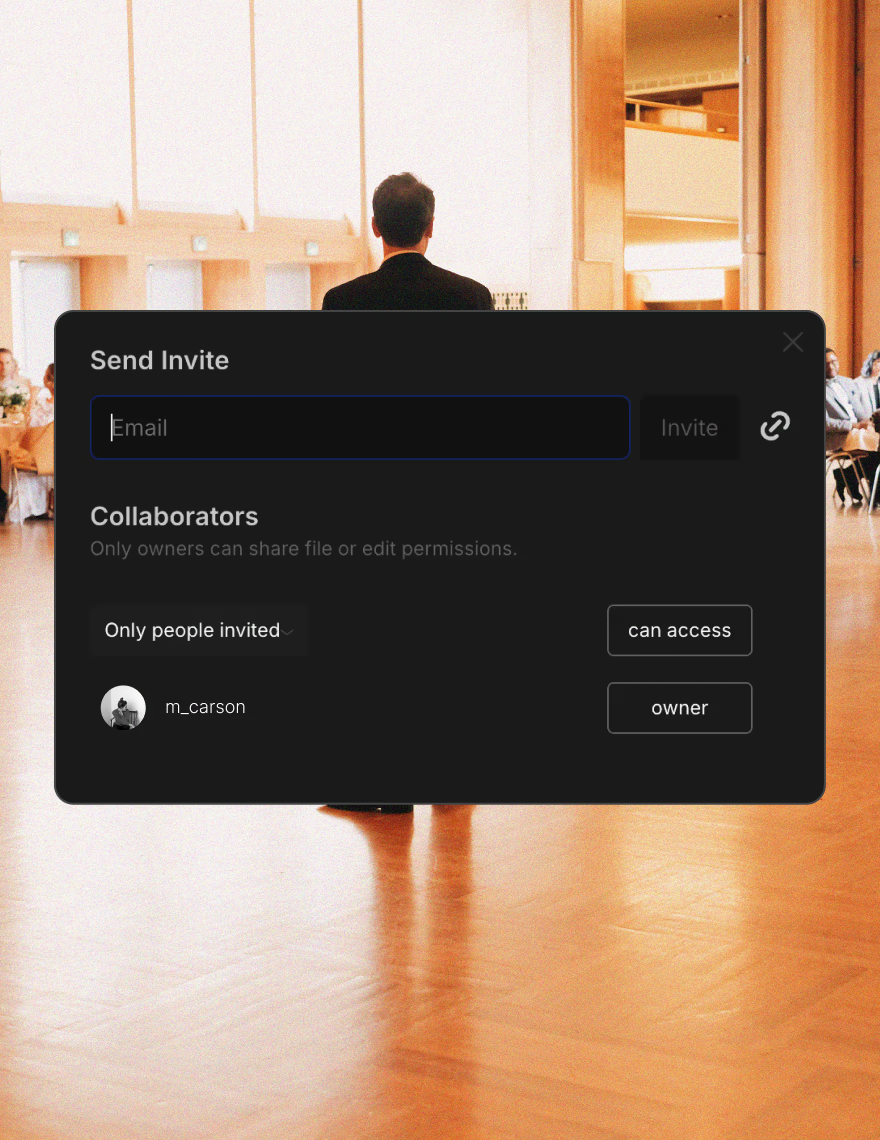
Invite your editor, set crew, or client to comment directly on the board. Feedback stays attached to the exact scene it's about, so nothing gets lost in a text thread.
The reference point for every part of the day
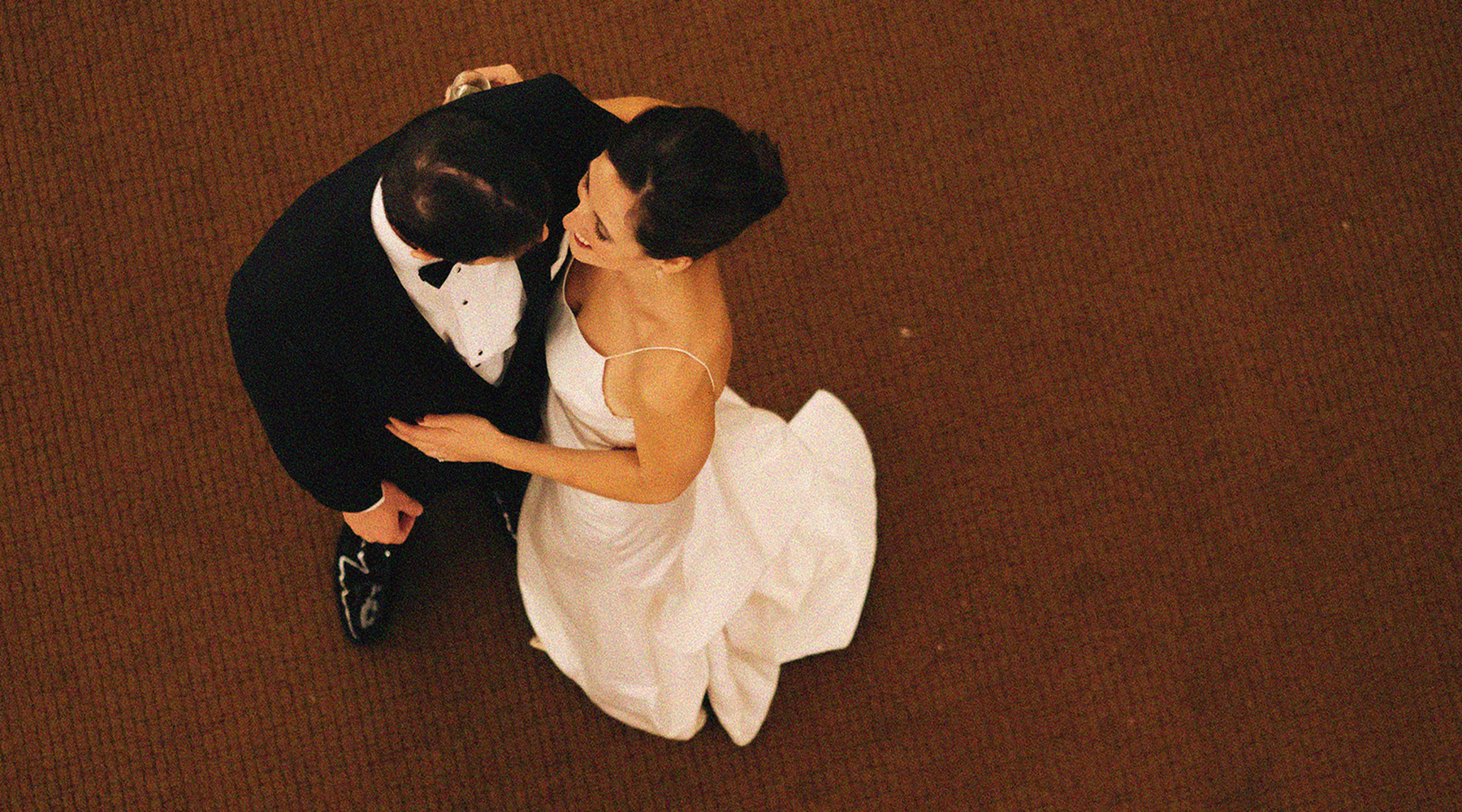
Use this template to shape ideas and present them professionally. Wedding videographers use it to align with couples on tone ahead of the big day. Directors use it to brief a crew that's never worked together before. Brand and content teams use it to get sign-off before a single scene is captured.
However you use it, the storyboard becomes the one place everyone points to when a question comes up on set: what's the tone here, what's the intent, what happens next.
One board, everyone on the same page
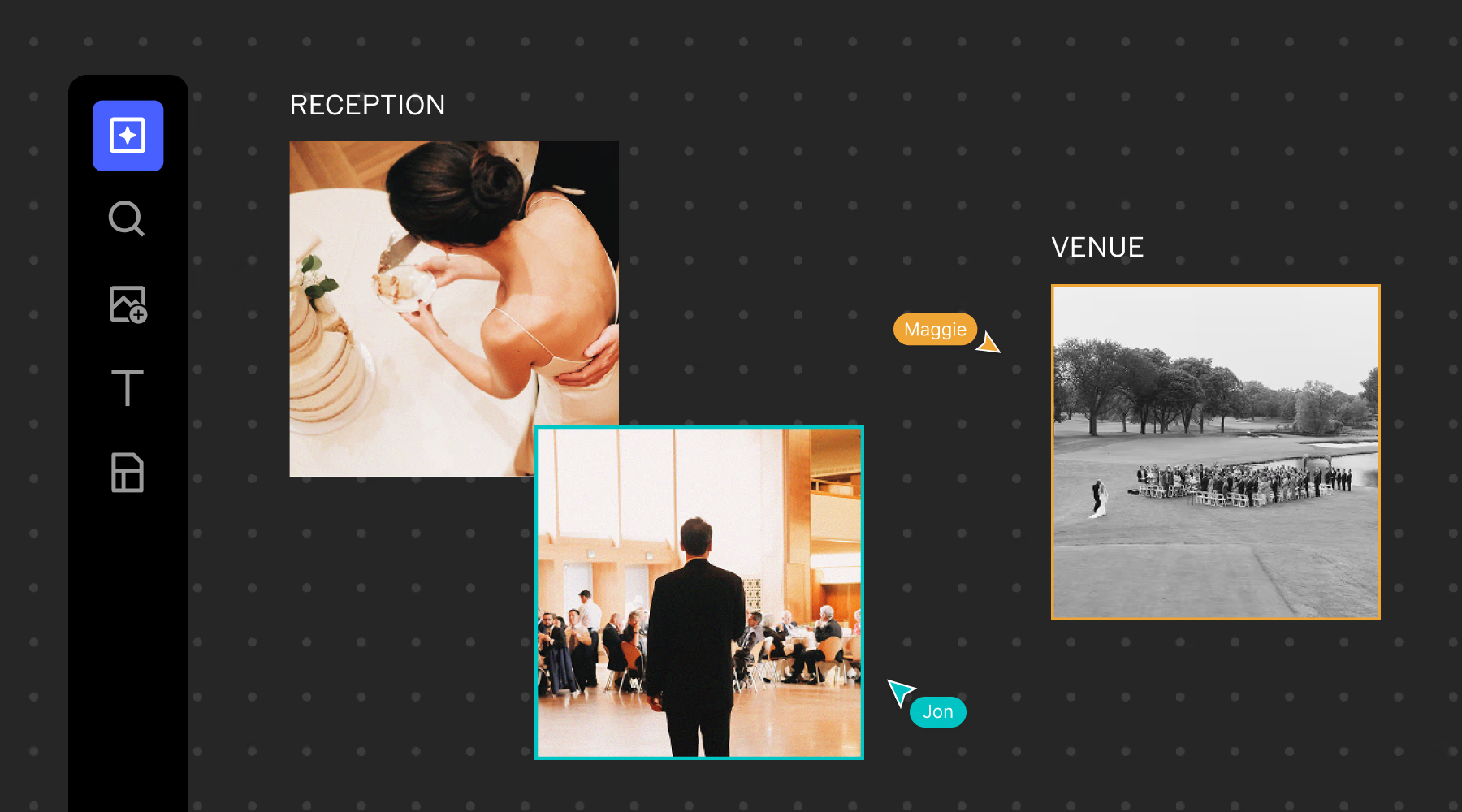
Your client sees the tone and scene order before they sign off. Your crew sees the shot list before they show up. Everyone works off the same board in real time, watching each other's changes land live, so nobody's ever looking at an outdated version.
Invite anyone by email as a viewer or an editor, or share a single link everyone can see without creating a VSCO account. Comments stay in place with, so feedback never gets separated from the scene it belongs to.
Frequently asked questions
What is a video storyboard?
A video storyboard is a visual plan that maps out a video's scenes, shots, and narrative strcuture before you start production. It breaks an idea down into individual moments, so the story is easy to communicate to a crew or a client before a single clip is filmed.
Why are video storyboards helpful?
A storyboard turns an idea that lives in your head into a plan everyone can see. It gets your crew and client aligned before production starts, cuts down on guesswork on set, and gives you something concrete to work from instead of a verbal brief.
What should be included in a video storyboard?
A solid video storyboard usually includes mood and tone direction, scene flow, shot-specific notes on framing and movement, and the key narrative moments that matter most. Together, they give you a full picture of how the video should look, feel, and unfold.
Can I share my video storyboard with collaborators and clients?
Yes. VSCO Canvas lets you share your storyboard by link or invite, so collaborators and clients can view, comment, and give feedback in the same place the storyboard lives.
Is VSCO Canvas free to use for storyboarding?
Yes, Canvas is available on every VSCO membership, starting with Free. Plus, Pro, and VSCO One memberships add more projects and monthly generation credits for building out additional storyboards.