The most expensive client you'll ever work with is the one you work with once. Getting a new inquiry, qualifying it, booking it, delivering it, and moving on is a complete cycle every time. Do that for every project, and your business runs on a treadmill: always moving, never compounding.
With a returning client, the trust is already established, the onboarding is lighter, and bookings tend to grow as the relationship deepens. A family whose portraits you've taken three years running doesn't price-compare. A brand that's worked with you through two campaign cycles doesn't shop around.
Building that kind of client base requires a consistent experience, the kind of follow-through that makes clients feel remembered, and a workflow that keeps you present long after the gallery is delivered. A photography CRM is what makes that repeatable at scale.
In this guide:
- Why a returning client is worth more than a new one
- What a photography CRM actually does
- Build the experience that makes clients come back
- Using automation without losing the personal touch
- The follow-up workflow that drives rebookings
- Using client data to make communication feel personal
- How to build a CRM routine you'll actually maintain
- Managing your photography business with VSCO Workspace
- FAQ: Photography CRMs and repeat clients
It costs more to acquire a new client than to retain an existing one. Every new inquiry requires marketing spend, response time, qualification, and a full onboarding process before a single frame is captured. A returning client skips most of that and arrives with the relationship already built.
Repeat clients also refer at a higher rate. When a friend asks for a photographer recommendation, someone who's worked with you has a firsthand account to share, which carries more weight than any portfolio or review.
The financial case compounds over time. The couple whose engagement photos you shot may return for the wedding, a maternity session, and family portraits across a decade. A growing brand might need updated content every quarter. Each project builds on an existing foundation rather than starting from scratch.
None of this happens automatically. Rebooking starts the moment you deliver the gallery, not when you remember to follow up. The photographers who retain clients consistently are the ones who treat delivery as the beginning of the next client relationship, not the close of the current one.
Most photographers think of a CRM as a contact database, but contact management is the smallest part of what a good one does.
A photography CRM is the operational layer of your business: the system that manages every client touchpoint from the first inquiry to the final follow-up, and every interaction in between. In practice, that means:
- Inquiry capture and lead tracking
- Automated booking confirmations, contracts, and invoices
- Questionnaires and planning documents
- Project timelines and task reminders
- Client communication history
- Post-delivery follow-ups and rebooking prompts
- Reporting on what's working, and what's not
Without a CRM, these tasks get distributed across email threads, spreadsheets, calendar reminders, and memory. That works until a client falls through a gap, a follow-up never goes out, or an anniversary passes without a touchpoint. A CRM keeps those things from being left to chance. When routine tasks run automatically, there's more bandwidth for the interactions that actually require your attention.
When clients find a photographer who delivers exactly what they want and on time, they rarely feel the need to look elsewhere. Repeat business is mostly a function of consistency across the full client experience rather than exceptional effort on any single project.
That experience has four key stages.
Inquiry to booking. First impressions are set here. A prompt, professional response with a clear process and easy next steps tells a potential client what working with you will feel like. Automated inquiry responses ensure nobody waits 48 hours to hear back while you're on set.
Pre-photoshoot communication. Questionnaires and planning tools gather the information you need to do great work and make clients feel heard before the shoot begins. A client who filled out a detailed questionnaire and got a thoughtful response arrives on set with higher trust and lower anxiety.
Delivery. The gallery is the peak of the client relationship. The moment they open it is when their emotional investment is highest. A smooth, polished delivery reinforces everything you want them to associate with working with you, while a clunky one undermines the work inside.
Post-delivery. Most photographers go quiet here, and that's where the rebooking window closes. A follow-up a few days after delivery, asking if they could download everything and if they have a favorite, takes two minutes. An anniversary email a year later, timed to the shoot date, takes no time at all once it's automated. These touchpoints are where loyalty compounds.
Automation has a reputation problem among photographers. The assumption is that automated communication feels impersonal, and that building a personal relationship requires manual effort at every step.
In practice, automation handles the routine so the genuinely personal moments get more attention. An inquiry response at 11pm on a Saturday signals professionalism, not coldness. An email the morning of their first wedding anniversary feels considered rather than generic. What makes communication feel personal is the content and the timing, not whether a human pressed send.
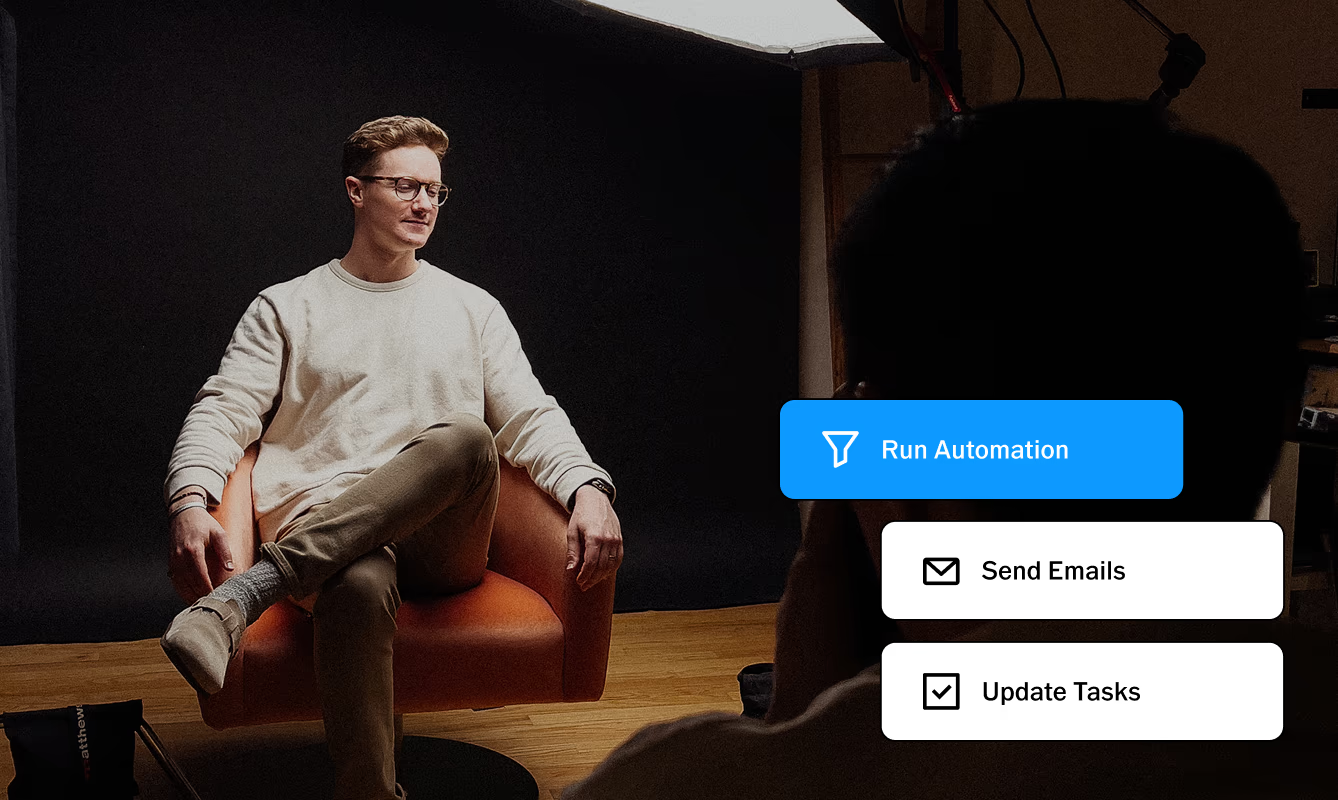
A typical setup includes auto-responses to new leads, automated follow-ups, and reminders throughout each project, ensuring every client receives the same professional experience. With that foundation running reliably, you're free to layer in the personal touches: a note referencing something specific from the shoot, a recommendation based on what they've booked before, a check-in timed to a milestone they mentioned.
The photographers who feel most present to their clients are often the ones with the most automated systems, because the system handles the consistent baseline and they handle everything else.
Most rebooking problems are follow-up problems. The photoshoot went well, the client was satisfied, and then nothing happened because nobody sent a reason to come back.
A CRM solves this with triggered workflows: sequences of communication that fire based on where a client is in their journey rather than whether you remembered to check your to-do list.
A rebooking-focused workflow might look like this:
Day 3 after delivery. A short check-in asking if they were able to download everything and if they have a favorite image. Low stakes, easy to respond to, and it keeps the relationship warm at its highest-engagement moment.
Day 14. A note thanking them for the session and mentioning what you'd love to do next time.
3 months out. A seasonal session announcement, targeted to clients whose shoot type makes them likely to book again: families, brands with content calendars, businesses with quarterly content needs.
One year out. An anniversary email timed to their original shoot date. Among the highest-converting touchpoints in any photographer's CRM, and one of the simplest to set up.
Each of these gets built once and runs automatically across every client, every time. Every delivered job becomes the starting point for the next one. The workflows that used to live on sticky notes and calendar reminders now run on their own.
The goal of tracking client information is to use it in ways that make future interactions feel more considered, not to build a database for its own sake.
Useful data to capture in your CRM:
Photoshoot history. What they've booked, when, and what they were like to work with. A client who's booked twice at the same time of year will likely book a third time. A commercial client who refreshes content quarterly can be reached proactively before their planning cycle starts.
Creative preferences. What they gravitated toward, what they asked for, what felt right and what didn't. Reference this in future pre-shoot questionnaires rather than starting from scratch with every session.
Milestones and relevant dates. Anniversaries, business launch dates, event seasons. These are the triggers for your most personal outreach.
Communication patterns. Which emails get opened, which get ignored, when clients are most likely to respond. Over time, this tells you when and how to reach each person.
Segmentation makes outreach more effective. A family client and a commercial client have different rebooking windows, different content needs, and different reasons to rebook. The more specific the message, the more likely it is to prompt a response.
The best system is one you use consistently, not the most sophisticated one on the market. A CRM that requires an hour of manual input per client will get abandoned the moment the season gets busy.
Start with the automations that eliminate the most friction: inquiry responses, booking confirmations, contract sends, payment reminders, and post-delivery check-ins. These cover the full client lifecycle and can all be built in an afternoon. Once those run reliably, add milestone outreach, seasonal campaigns, and rebooking invitations.
Review the system every quarter. Look at where leads are dropping off, which emails generate responses, and which client types rebook most reliably. A CRM is a workflow, and workflows improve through iteration, not through getting them perfect on the first build. Your CRM will evolve with you as your business grows.
VSCO Workspace is a studio management platform built specifically for photographers, with customizable automations and tools designed to scale from managing a first client to running a multi-person studio.
When it comes to conditional logic and automation depth, VSCO Workspace leads among photography CRMs, meaning your workflows can respond to where a client actually is in their journey. A lead who fills out an inquiry form gets a different sequence than one who came through a referral. A commercial client gets a different follow-up cadence than a portrait client. The system adapts to the actual shape of each relationship.
Specific tools inside Workspace:
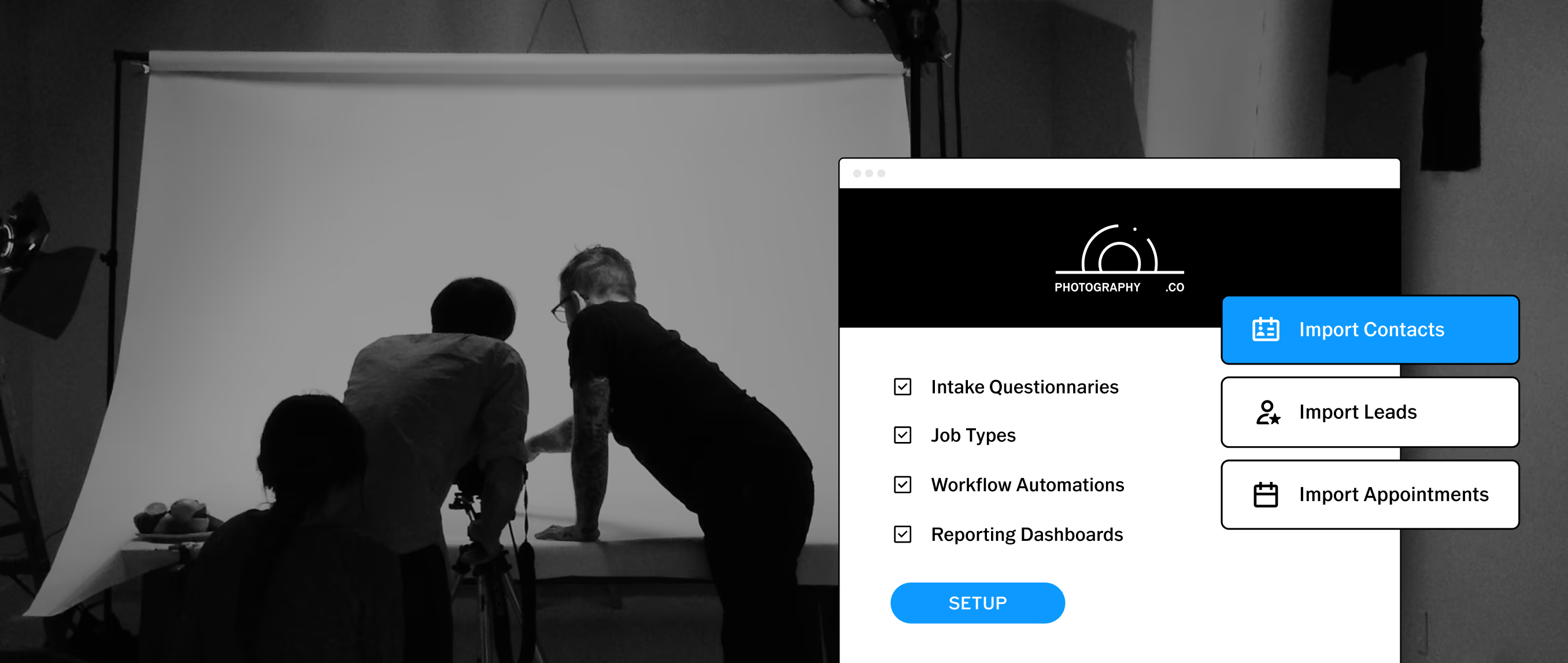
Lead tracking. Every inquiry flows into a lead pipeline with full communication history, so nothing slips between shoots.
Contracts and invoices. Auto-sent, pre-filled, and trackable. Clients sign and pay without requiring manual drafting on your end.
Questionnaires. Sent automatically at the right stage of each project. Client answers live in their profile for reference on every future shoot.
Scheduling. Calendar sync, session scheduling, and availability management in one place.
Client portal. A centralized hub where clients access contracts, invoices, and questionnaires without digging through email.
Text messaging. Automated and manual text communication directly through the platform, currently available in the US and Canada.
Gallery delivery integration. Link a VSCO Gallery to a job in Workspace and the delivery lives where everything else does. Send the gallery link from the same place as the contract and the invoice.
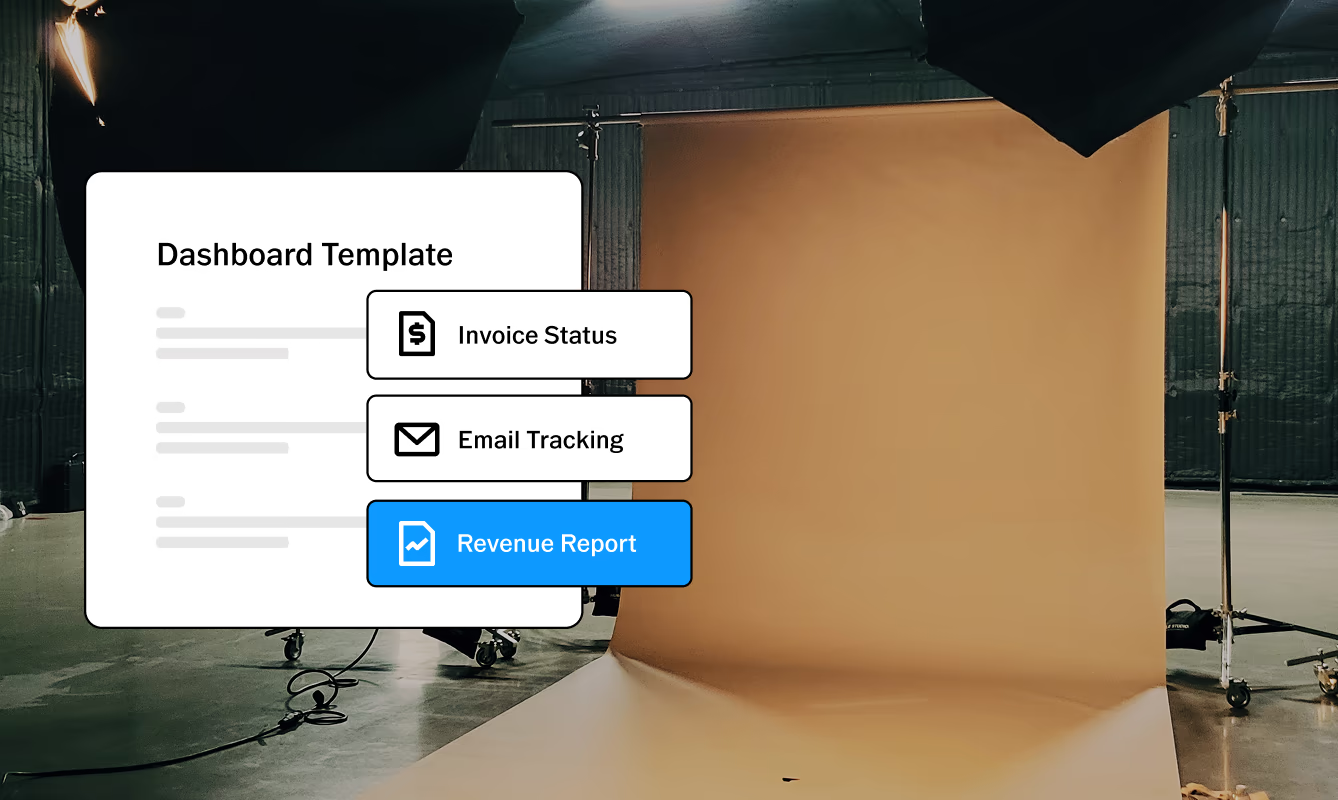
Reporting. Dashboards for lead conversion, revenue tracking, booking patterns, and email engagement. The data that shows what's actually working.
Because Workspace is native to VSCO, the tools connect where it matters most. Publish your portfolio with VSCO Sites and add a contact form: every inquiry that comes in lands directly in Workspace as a managed lead, with the client's details already populated and ready to act on. Link a VSCO Gallery to any job in Workspace and the gallery name and details are available alongside every other job detail.
Full access to VSCO Workspace is included with VSCO One. Free and Pro members get a simplified version for basic job tracking. Try VSCO One risk-free for 30 days. If it's not the right fit, cancel within that window for a full refund. Free onboarding support is included to help you migrate from your current CRM or get set up from scratch.
Explore VSCO Workspace →
Book a free demo →
What's the best CRM for photographers?
The right CRM depends on where your business is and where you want it to go. For photographers who want deep automation, conditional workflows, and advanced reporting, VSCO Workspace is one of the most powerful photography-specific options available.
How do I get photography clients to rebook?
Make rebooking the obvious next step rather than something the client has to initiate. Plant the seed at delivery ("I'd love to work with your family again next year"), automate a follow-up a few days later, and build anniversary and seasonal outreach into your CRM. The photographers who rebook clients most consistently are the ones who stay present after the gallery is delivered.
What should I track in my photography CRM?
At minimum: every inquiry and its source, booking and payment status, client communication history, project notes and creative preferences, and delivery dates. Over time, add milestone dates for anniversary outreach, content calendar notes for commercial clients, and booking pattern data to identify when clients are most likely to rebook.
How long does it take to set up a photography CRM?
The core automations (inquiry response, booking confirmation, contract, invoice, payment reminder, post-delivery follow-up) can be built in a few hours. VSCO Workspace includes free onboarding support so you're not starting from scratch. Most photographers see the time savings within the first client cycle.
Is a CRM worth it if I'm a solo photographer?
Especially then. A solo photographer has no assistant to handle follow-ups, no office manager to track payments, and no team to catch what slips through. A CRM makes it possible to run a professional client experience without studio overhead. Start with the automations that cover the full client lifecycle and build from there.
How does VSCO Workspace connect with the rest of VSCO?
Workspace is the business layer inside VSCO One. A contact form on your VSCO Site sends inquiries directly into Workspace as managed leads. Link a VSCO Gallery to any job and the details live alongside the contract and invoice. Automated follow-ups trigger from the same record. Every VSCO app and tool runs under the same membership, so your pre-production, editing, delivery, and client management all share one login.
Strengthen client relationships through smarter workflows
Repeat clients are built through trust, consistency, and thoughtful communication. A photography CRM like VSCO Workspace helps support those relationships by keeping client information organized and automating routine tasks — making personalized outreach easier to maintain.
With the right systems in place, you can spend less time managing administrative work and more time creating meaningful client experiences that lead to future bookings.
Explore VSCO Workspace to create a streamlined workflow that supports stronger client relationships and long-term business growth.