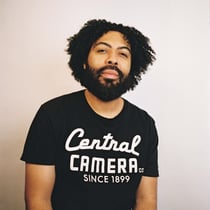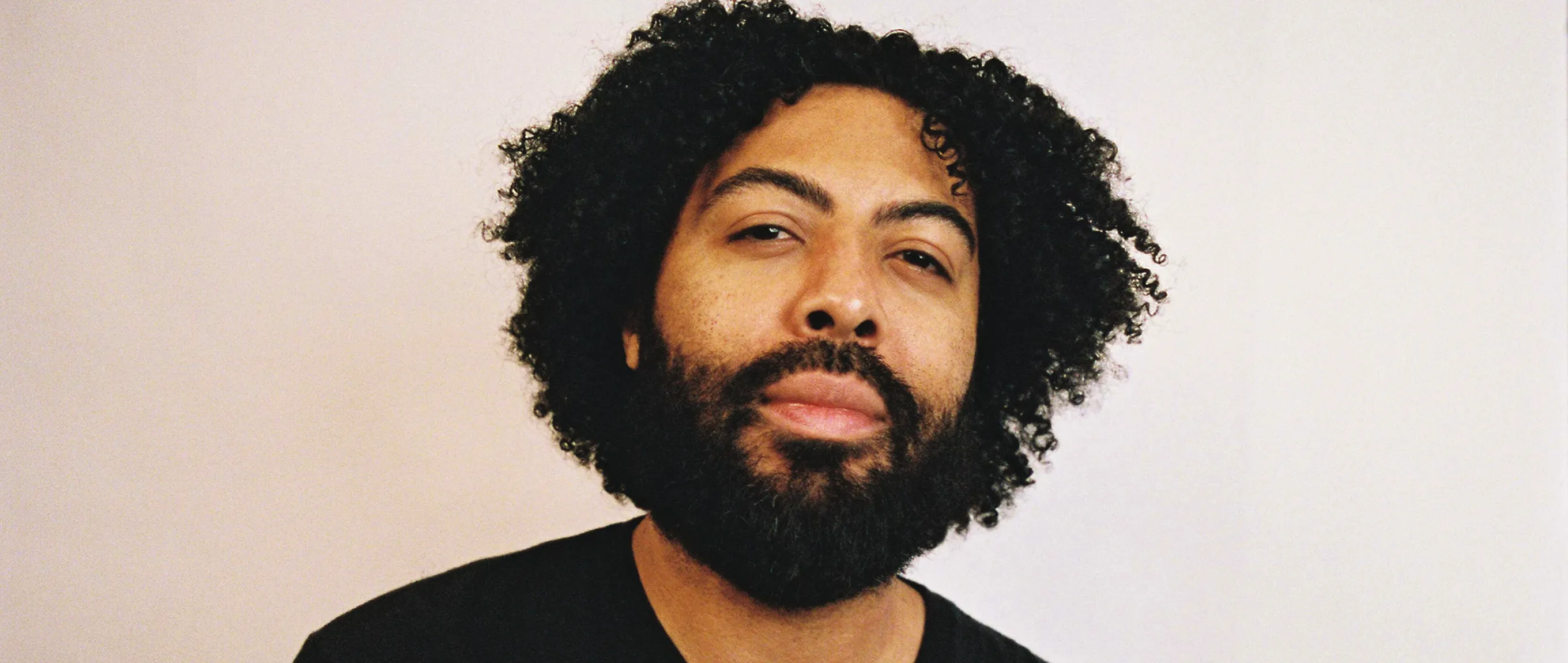
For a while I was extremely unconfident in my editing style, but finding the VSCO app eased that burden and helped me branch out and experiment more.
Jason Pendleton doesn't edit with a fixed formula. His work shifts from subtle to bold depending on the project, from concerts one week to weddings the next, and that flexibility used to come with a lot of uncertainty about where his style actually lived.
VSCO became the turning point. By leaning into presets and tools like Halation, Jason found a way to explore different directions without second-guessing every decision. Now he moves quickly, refines his look in real time, and delivers work that feels intentional across every genre he shoots.
In this conversation, Jason walks through the tools that anchored his workflow, and how getting comfortable with experimentation is what actually helped him find his look.
1. What VSCO editing tools do you use regularly?
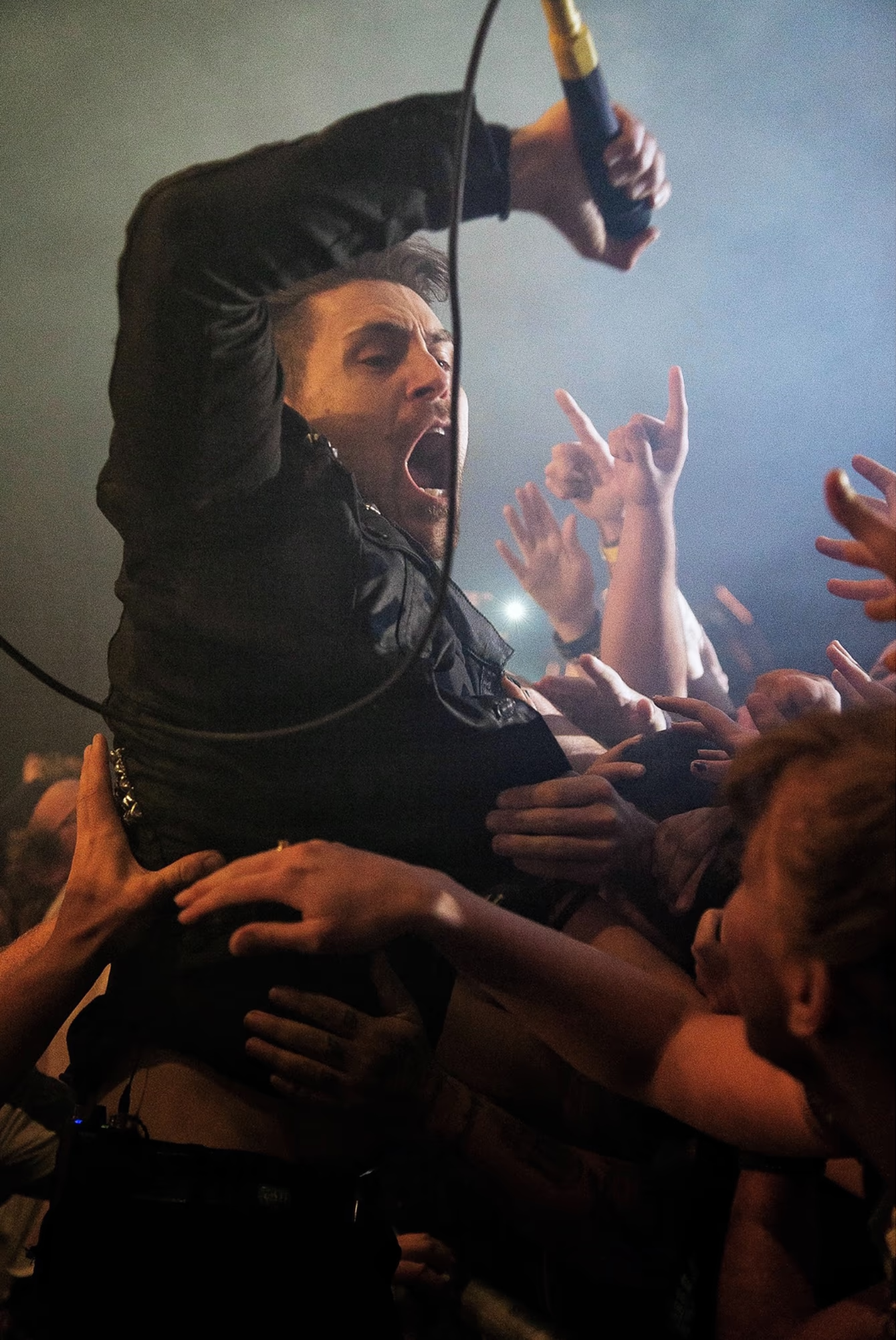
The main tools that I use in the VSCO app are the presets.
Sometimes I struggle to determine the desired look for a finished photo; cycling through various presets helps me approach the photo differently than I initially intended.
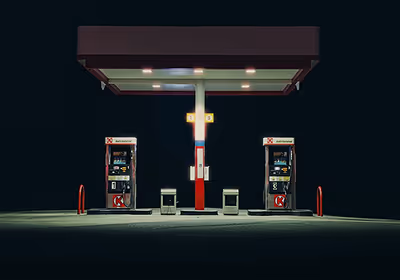
I also shoot a lot of film and have become consumed with the way Cinestill film looks in the highlights, so the Halation tool is very important to me when shooting digitally.
2. What made VSCO the right fit for how you work?
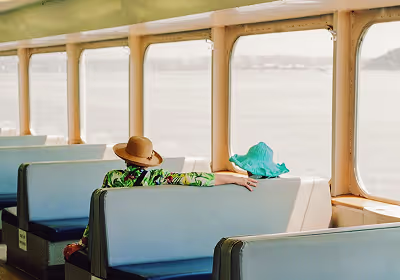
I use these tools because my style tends to change from project to project. Sometimes I want to stay subtle, other times I want to try something outside of my comfort zone.
For a while I was extremely unconfident in my editing style, but finding the VSCO app eased that burden and helped me branch out and experiment more.
3. Have any of these tools changed how you photograph?
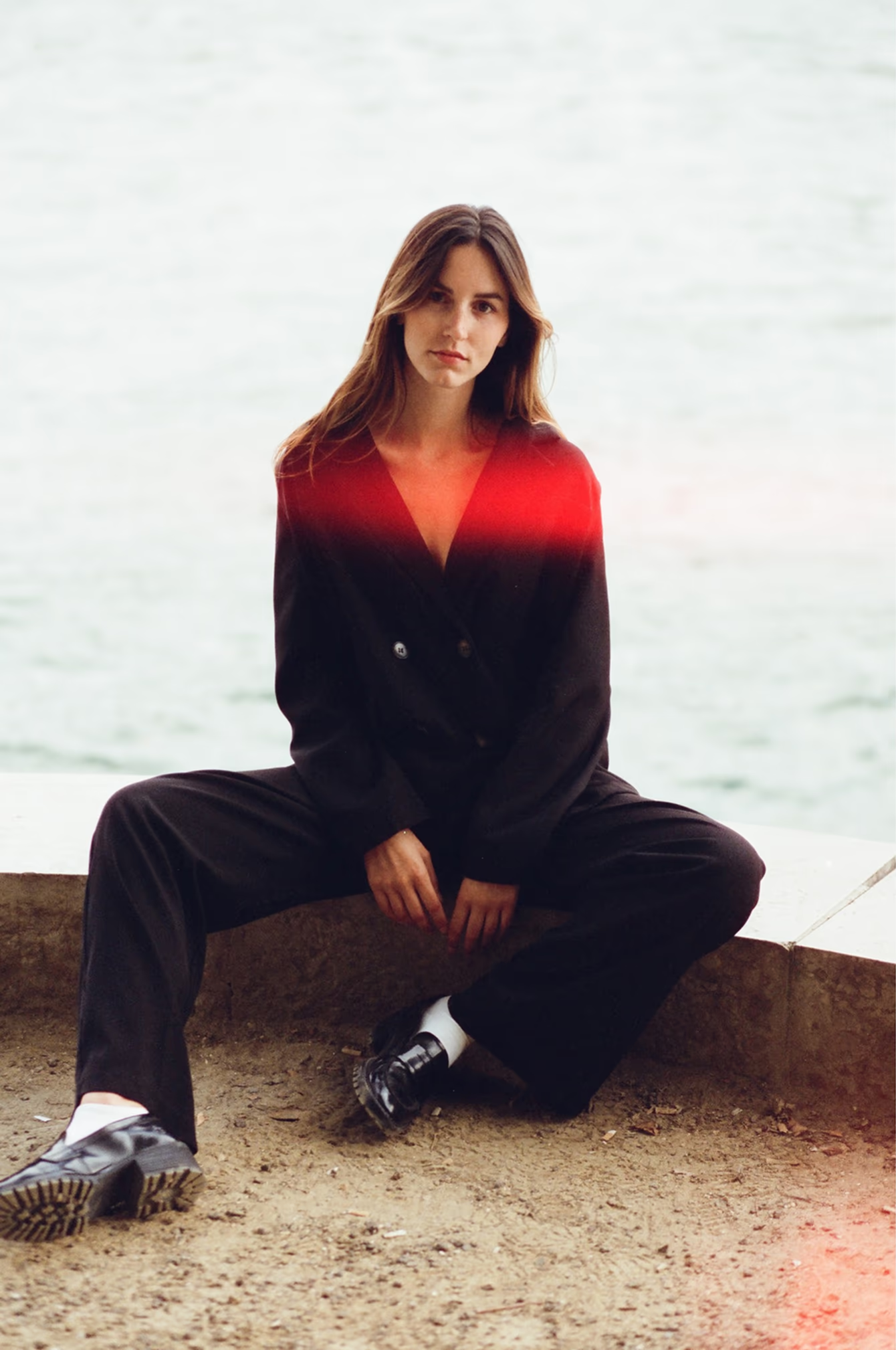
The Halation tool has made me more aware of the highlights in my photos. I love the red, glow halo that appears because of it.
When doing portraits, I now try to find interesting highlights on a subject's skin or near them.
VSCO's editing tools have been a blessing for me because I photograph many events requiring a quick turnaround.
4. How have VSCO's tools changed the way you actually work when you’re out photographing?
VSCO's editing tools have been a blessing for me because I photograph many events requiring a quick turnaround.
While photographing concerts, I have a few presets saved for daytime performances and some for nighttime.
While photographing a wedding, I can quickly edit a few photos throughout the day for the bride and groom and give them a sneak peek at the end of the night using VSCO Galleries for delivery.
5. Can you describe your photography practice in a couple of sentences?
I would describe my photography style as colorful and dramatic. I grew up on comic books, so I think that has really informed the way I photograph and edit.
Style isn't something you define once, it's something you build by photographing and editing.
A lot of photographers get stuck trying to define their style before they have actually built it. Jason did the opposite. He used the tools to explore first, then let the work reveal what stuck.
That is the real advantage of a workflow like this. Presets give you a starting point. Tools like Halation train your eye to notice highlights and skin tones in a different way. And when you are shooting high-pressure work like concerts or weddings, speed matters just as much as taste.
With VSCO, that all comes together. You can test looks, save what works, and deliver images while the moment still matters.
Turning pro is not about having one fixed style. It is about being able to create strong, consistent work on demand. Work that feels like you, no matter the project.