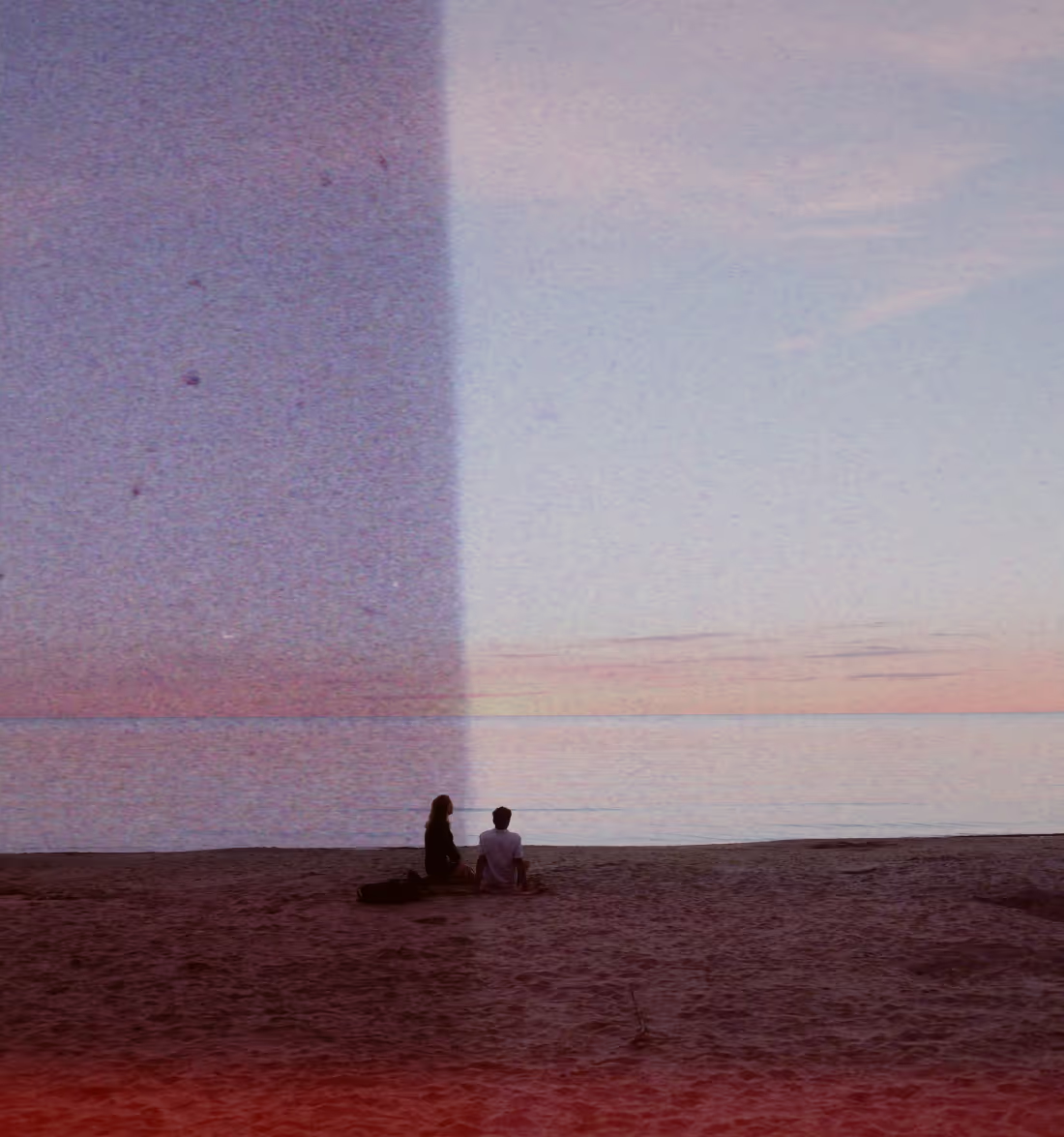
Halation Effect
Add a warm cinematic glow that feels like film with the Halation effect from VSCO.
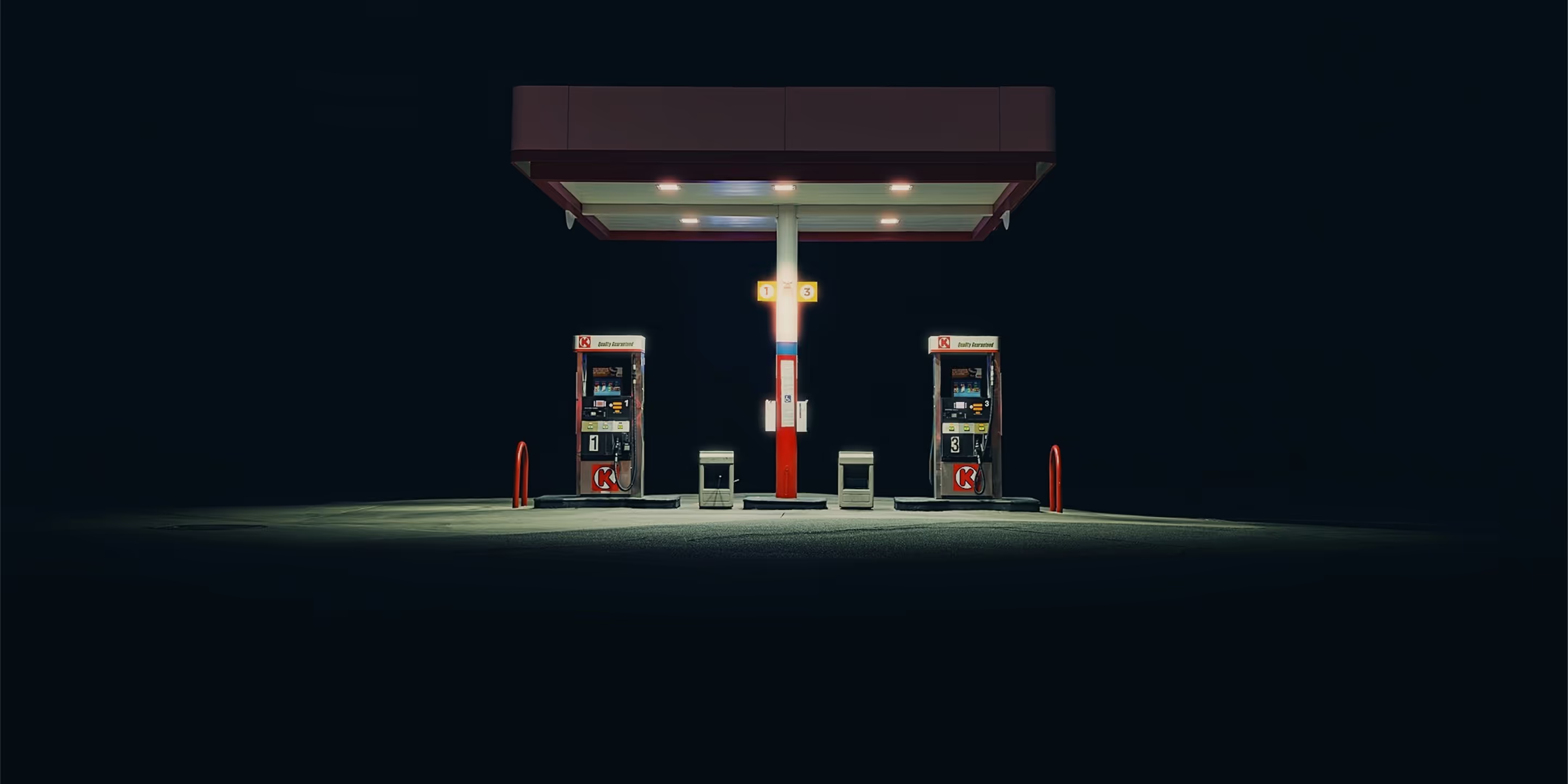
Recreate the red-orange halo of motion picture film scans with the Halation tool. Give your photos warmth, depth, and vintage character.
VSCO is a community-driven platform that equips photographers to expand creatively and professionally. Join today to build authentic connections that foster professional growth and to edit photos and videos with our full suite of tools. Invest in your creativity with a VSCO Membership.
Authentic halation film effect
Halation mimics the subtle red glow that surrounds highlights in analog film, adding emotional depth, light-driven texture, and a nostalgic edge to your edits. The halo filter is fully customizable with dedicated sliders for precise control over its look and feel.



Shape the mood
Control how bold, soft, or far-reaching the cinematic glow becomes. Adjust Strength, Size, and Range sliders to match the emotion you want your image to convey.

Make highlights glow
Add a subtle red-orange fringe around bright areas and transform flat, blown-out highlights into expressive, glowing accents that feel alive with emotion.

Enhance film-style edits
Pair Halation with our Bloom effect, Grain filter, Fade effect, and vintage photo filters to evoke the texture of old film reels. Create moody, cinematic narratives with a nostalgic edge.

Shoot with Halation in real-time
Add cinematic highlights in real time with the VSCO Capture camera app. Apply and adjust the live Halation effect, Bloom, film filters, and manual controls — all in-camera.


How to apply the Halation effect to photos
Start by capturing or importing a photo in the VSCO photo editor. Tap ‘Edit Image,’ then tap the slider icon in the bottom bar to open the Halation tool. Apply the warm, film-like halo effect, and fine-tune it with the Strength, Size, and Range sliders. Layer your edit with photo effects and photo filters to create an even more cinematic look before sharing or exporting.


Frequently asked questions
What is the Halation effect?
The Halation effect in VSCO recreates the warm, cinematic glow seen in motion picture film scans—adding a subtle red-orange halo around bright highlights to give photos depth, emotion, and a nostalgic film-like character.
How do I use the Halation tool in VSCO?
To apply Halation to photos, open the photo editor and select the Halation tool. Adjust Strength, Size, Range, and Tint sliders to control how bold or subtle the glow appears, then finish your edit with other effects or filters before exporting. You can also use Halation while shooting live in the VSCO Capture camera app.
What Halation settings can I adjust?
Fine-tune your halation effect by adjusting Strength to adjust how vivid and pronounced the glow becomes, Size controls the spread of the halo from sharp fringe to softer flare, Range determines whether only the brightest spots are affected (lower values) or a broader range of highlights are effected (higher values), and Tint changes the color of the halo.
How is Halation different from Bloom or lens flare?
Halation creates a warm colored halo around bright highlights, emulating film characteristics. Bloom produces a softer, ethereal glow that diffuses light outward. Lens flare appears as streaks or orbs when shooting toward a light source. Learn the differences between light effects and their creative purposes in shaping light and mood.
Can I apply Halation while shooting with VSCO Capture?
Yes. With the VSCO Capture camera app, you can apply and adjust Halation and other film-style effects in real time as you frame your shot, giving you live cinematic feedback before you tap the shutter.
Why use Halation in my photos?
Halation adds emotional depth, warmth, and a vintage aesthetic to your images. It elevates ordinary highlights into expressive light that feels alive, helping your edits convey mood and atmosphere more powerfully.
What types of photos benefit most from Halation?
High-contrast scenes with bright highlights like night cityscapes, backlit portraits, sunset images, or artificial lights often showcase the Halation effect most effectively.
Can I combine Halation with other VSCO effects?
Is Halation an authentic film characteristic?
Yes. Halation is a hallmark of analog film photography and cinema where light scatters and reflects within film layers, creating a halo around bright areas. VSCO digitally emulates Halation, adding even more precision and creative control.
COMPLETE YOUR CINEMATIC LOOK
Turn moments into atmosphere. Use Bloom for glowing highlights, filters to set the tone, and film effects to bring texture and timeless character to photos and videos.
Bloom effect
Add a soft, radiant glow effect to your highlights, giving your photos the warmth and depth of classic film.

PHOTO FILTERS
From soft, faded tones to bold, cinematic colors, VSCO presets create iconic looks in just a single tap.

FILM EFFECTS
Add texture and imperfection with lens flares, grunge, film frames, and distressed effects that capture the feeling of film.