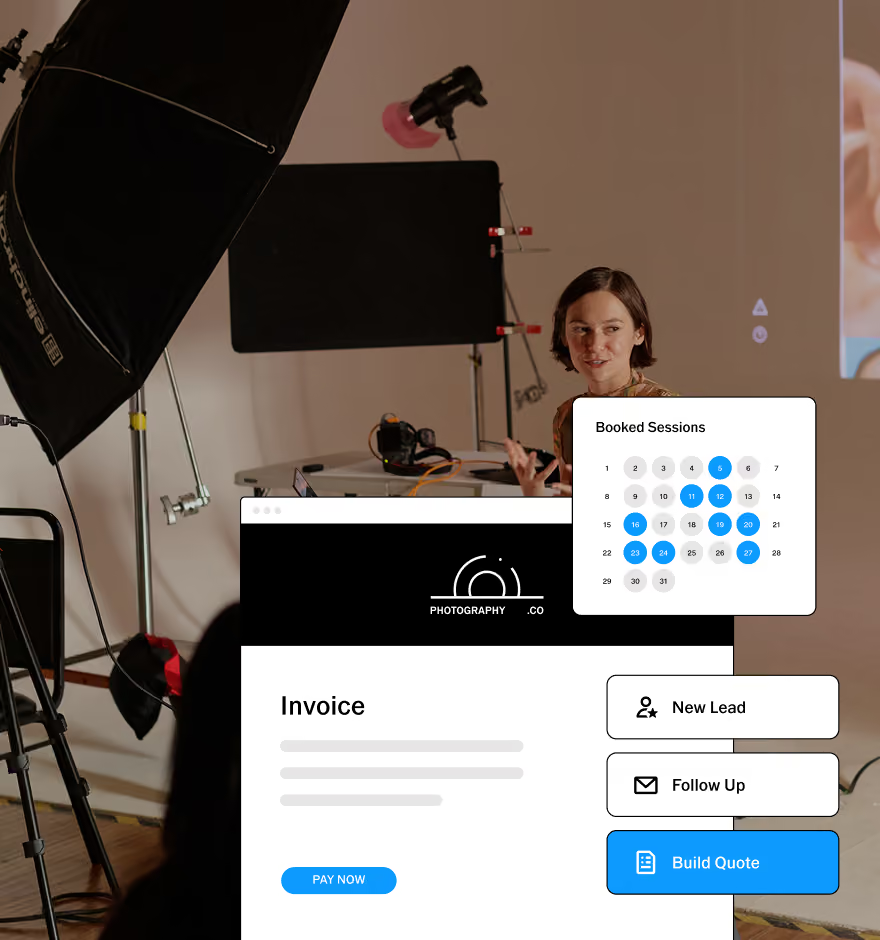
Client Galleries for Videographers
Deliver films, highlight reels, and behind-the-scenes footage in one gallery. Share a single link that works on desktop and mobile.
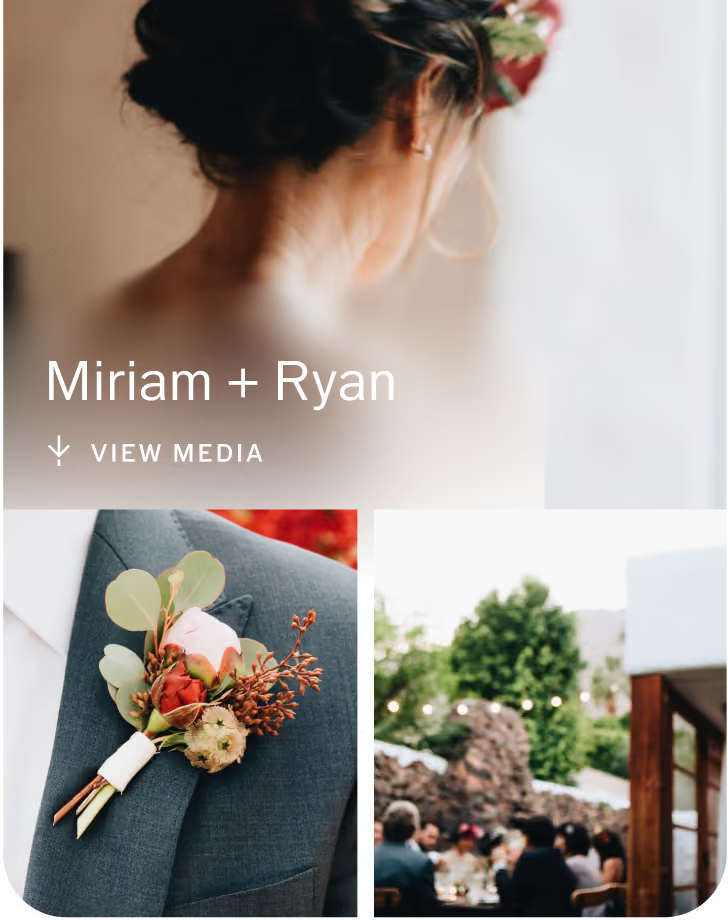

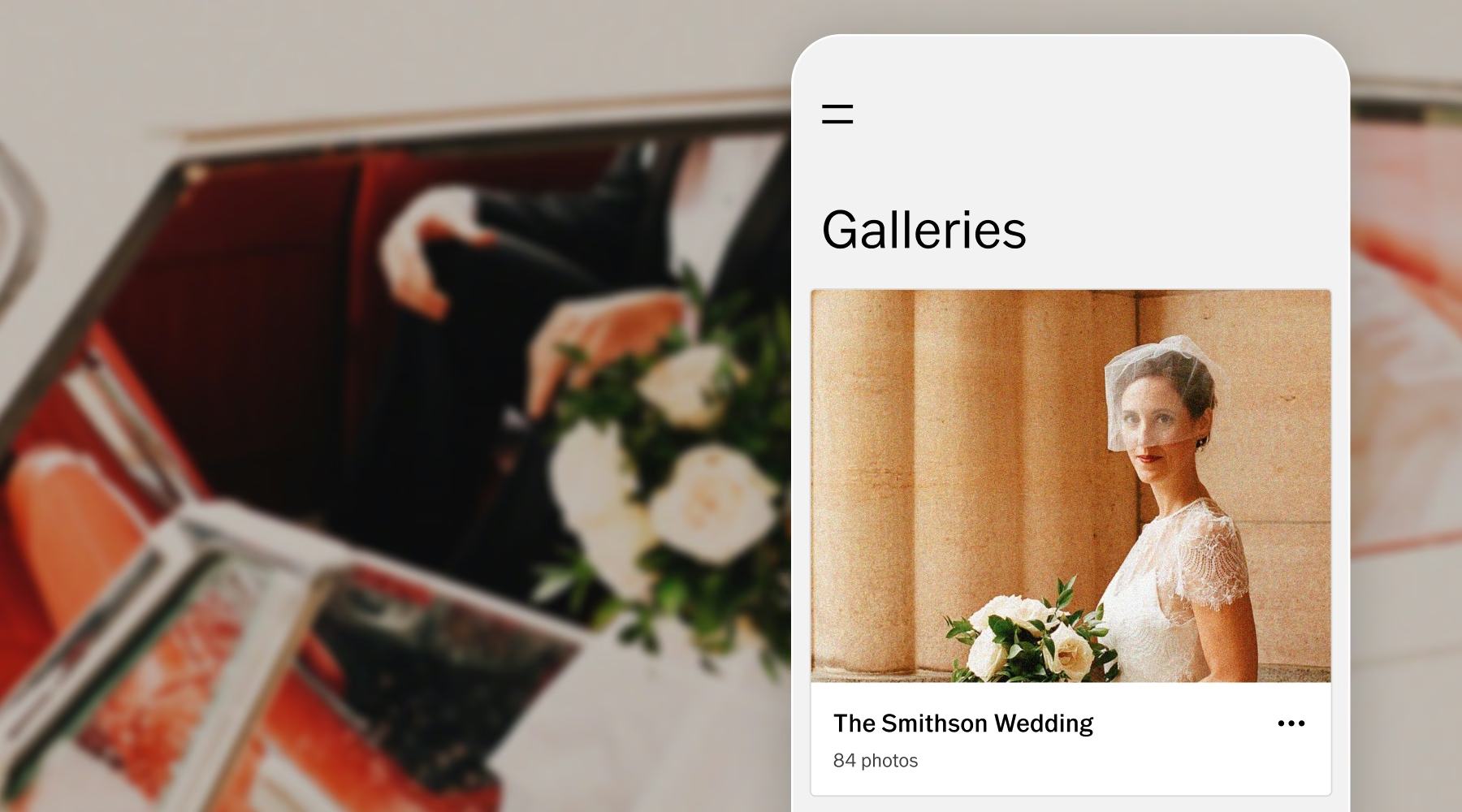
Let the finished work speak for itself
VSCO Galleries brings films, highlight reels, behind-the-scenes footage, and stills together in one clean, distraction-free gallery.
Add a custom cover image and organize your work into sections, so the gallery reflects your style from the first view.
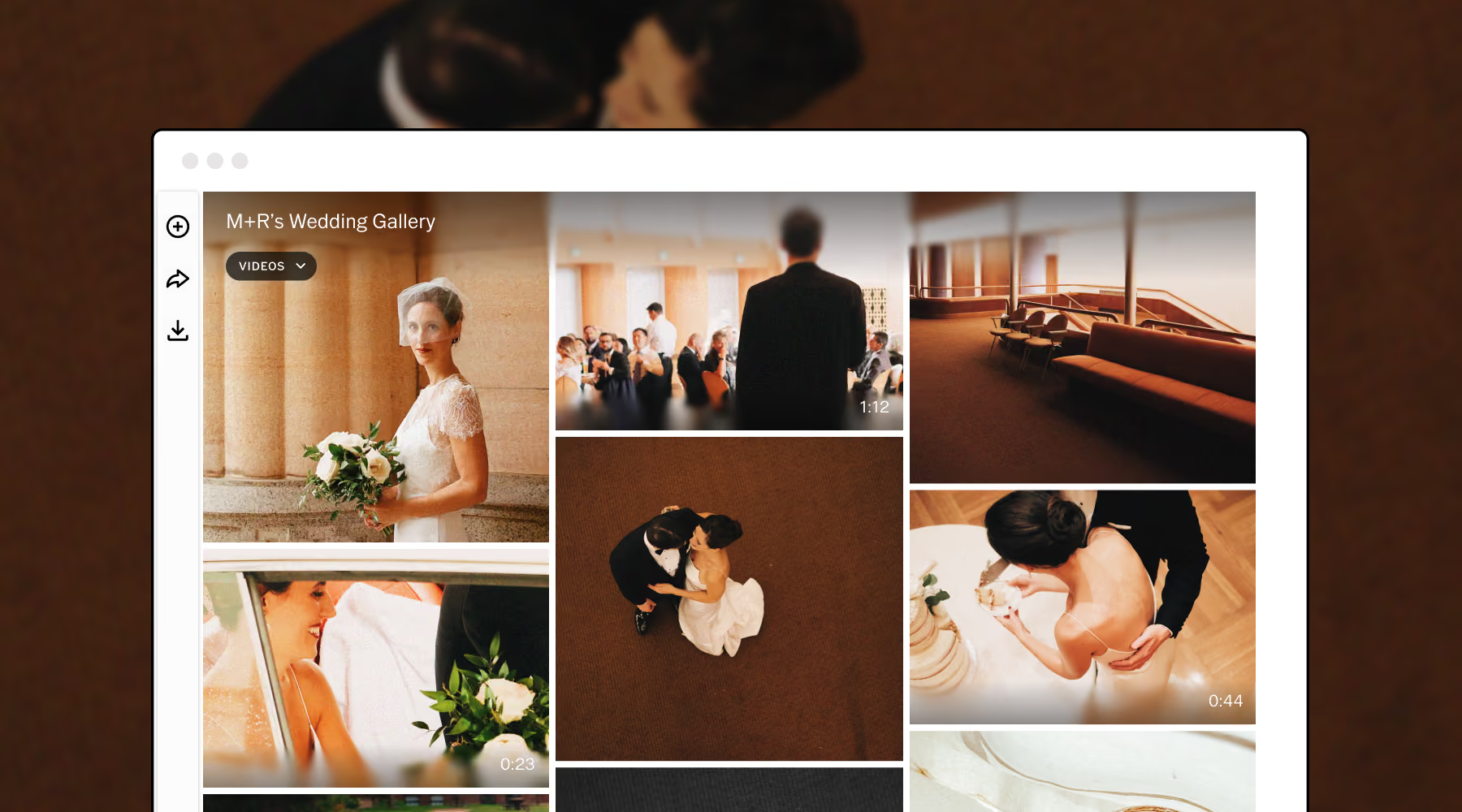
Bring the whole story into one gallery
Share a full-length film, a short highlight reel, and the supporting stills in the same place. Clients can watch and download their content directly from the gallery, and you get one polished link to send when the project is complete.
One link. Every moment.
Send clients to their finished work with a single gallery link. It opens in a browser on desktop and mobile, with no app to download and no account to create.
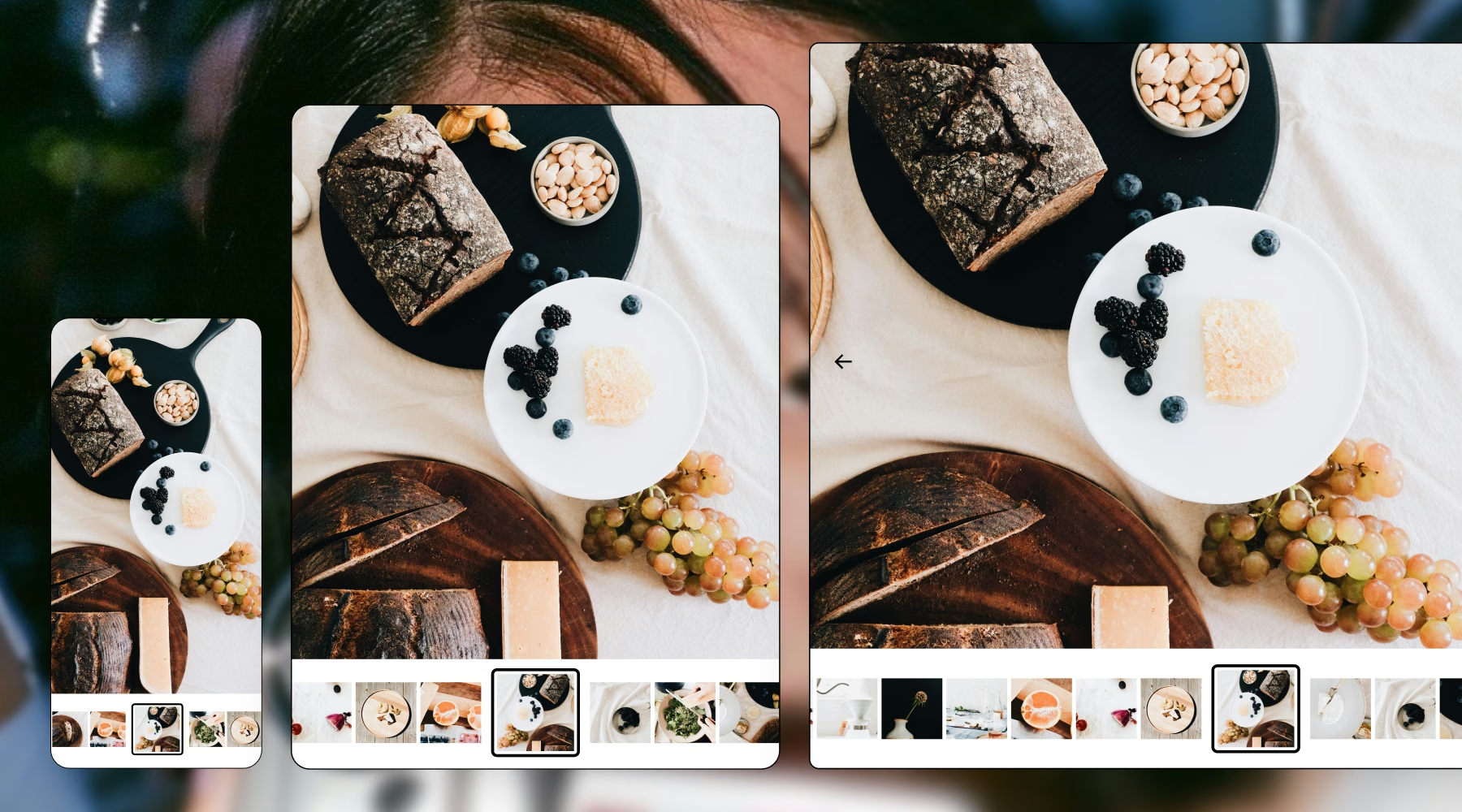
Organize Galleries into sections
Separate the highlight film from the full edit, behind-the-scenes footage, and photography. Rename and reorder sections to match how each project is delivered.
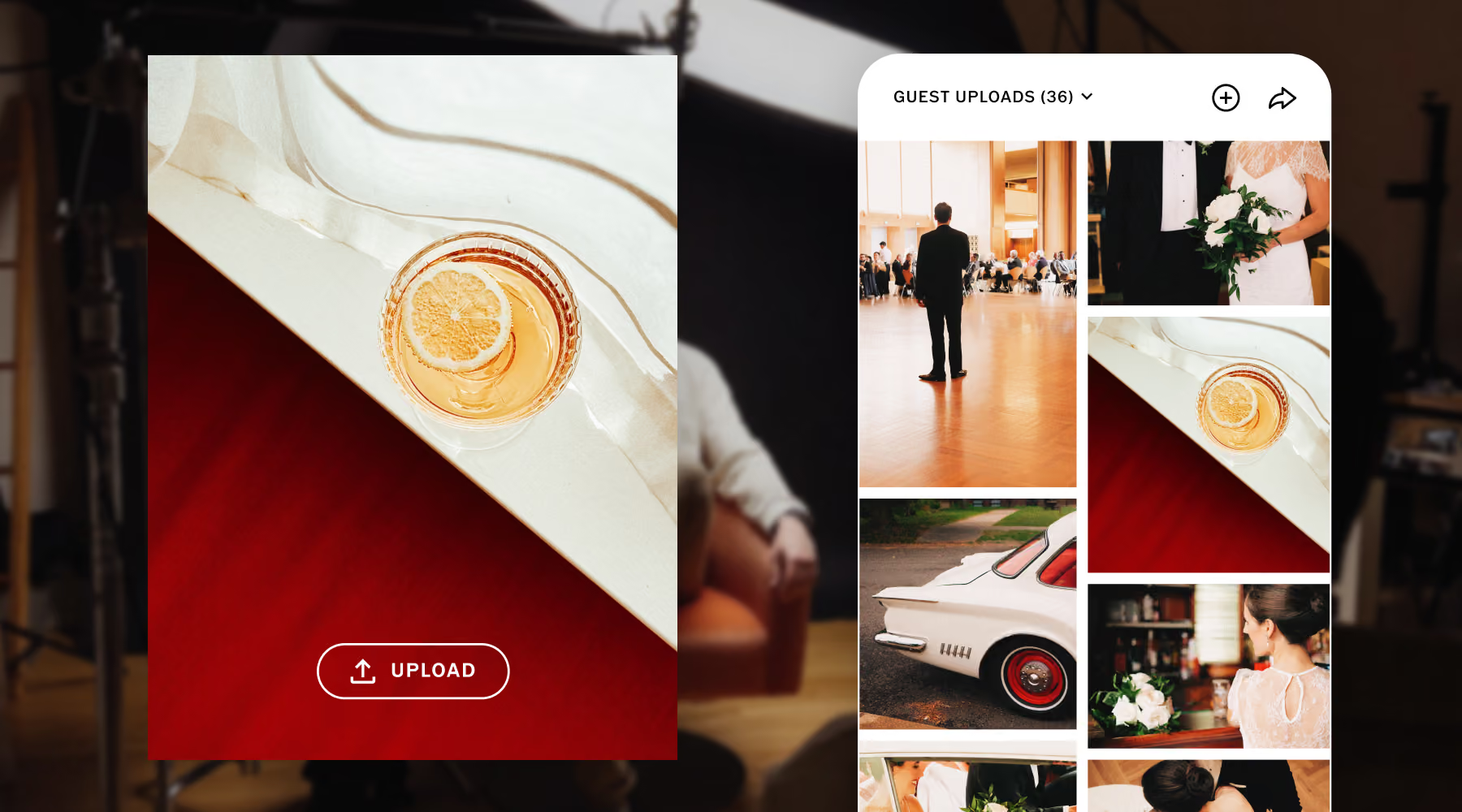
Give finished projects a place to live
Keep completed work in a gallery clients can return to whenever they want to revisit it. One dedicated link works across desktop and mobile, so collaborators, friends, and family can watch without an account or app.
Frequently asked questions
Can videographers use VSCO Galleries to deliver video?
Yes. VSCO Galleries supports video and photography, so you can deliver highlight reels, full edits, behind-the-scenes footage, and stills in one gallery. Clients watch in a web browser without downloading an app.
Is VSCO Galleries free for videographers?
Yes. Free members can create and share client galleries, with video included within a 10GB storage limit.
How much video storage does VSCO Galleries include?
Free members can upload video within their 10GB storage limit. VSCO Pro and VSCO One members get 65GB of dedicated video storage across their account, plus unlimited photo storage and galleries.
Can clients download video from a gallery?
Yes. Clients can download the films, highlight reels, and photos in their gallery directly from the shared link, with no account required.
Do clients need a VSCO account to view a gallery?
No. Clients open the shared link in a web browser on desktop or mobile, with no account required.
Can I password-protect a video gallery?
Yes, with a VSCO Pro or VSCO One membership. The password is built into the shared link and QR code, and you can update it later to restrict access to links you have already sent.
Can I organize video and photography in separate sections?
Yes. Custom sections let you group a gallery into a highlight film, full edit, behind-the-scenes footage, and photography. You can rename and reorder them at any time.
Build a workflow around your video work
VSCO brings your creative process and your business together, from presenting your work with VSCO Sites to planning projects in VSCO Canvas and running the business in VSCO Workspace.
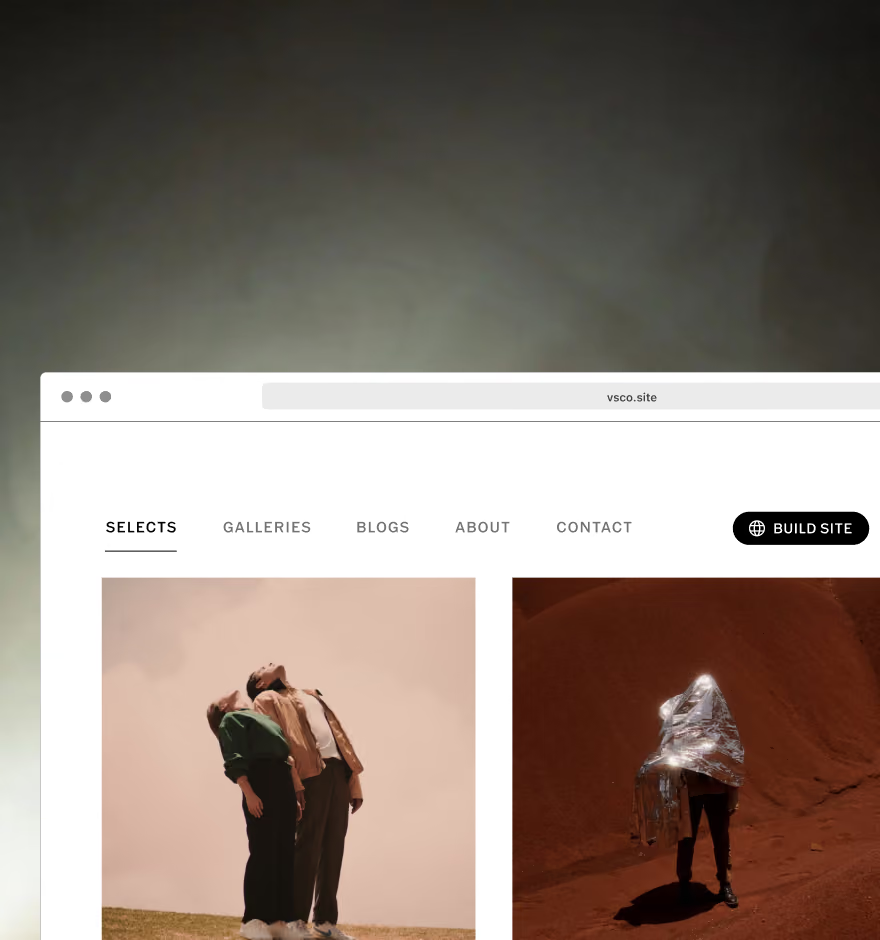
Create a home for your work
Give prospective clients a polished place to discover your video work with a customizable VSCO Sites website.
Plan projects with VSCO Canvas
Organize inspiration, collaborate, and build moodboards before production begins.

Keep your business moving
Manage leads, quotes, contracts, and invoices in VSCO Workspace, so more of your time goes to the work itself.