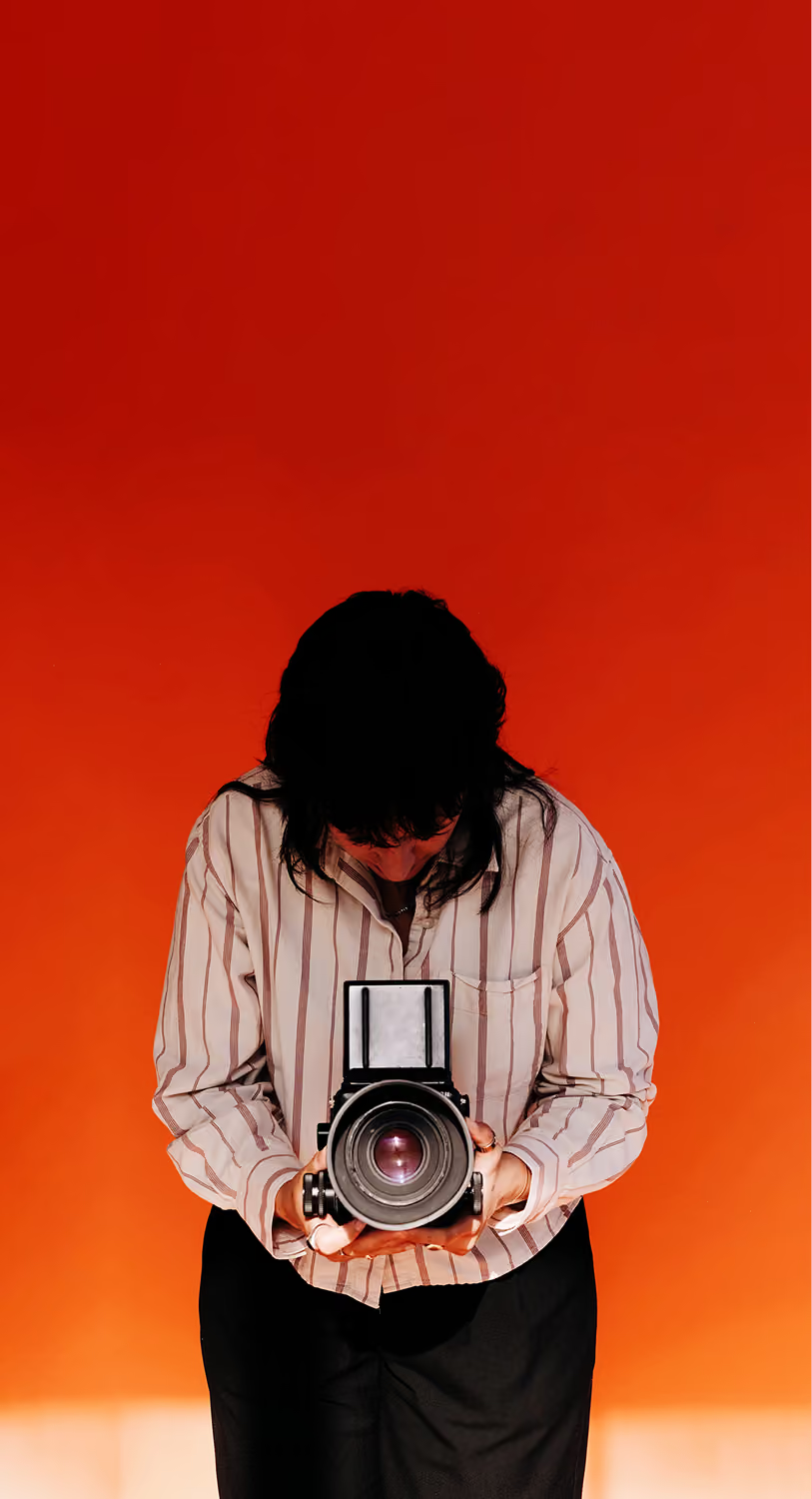
Photography begins and ends with light. It’s not just how much of it you capture, but how it behaves once it hits the frame. Sometimes, perfection isn’t found in optical clarity. It’s in the way light bends, leaks, and wraps around what you see.
The Halation effect, Bloom effect, and lens flares are three creative ways to let light express itself. Each light effect has a distinct visual quality and emotional tone, from nostalgic film warmth to dreamlike softness to raw cinematic energy.
Here’s how to understand these light effects, and when to use each when you’re shooting and editing photos.
In this guide:
Understanding the Difference
Many photo effects may play with light, but each shapes mood and atmosphere in a distinct way — here’s a quick and easy comparison of Halation vs Bloom vs Lens Flare to help choose which one delivers the look you’re actually after.
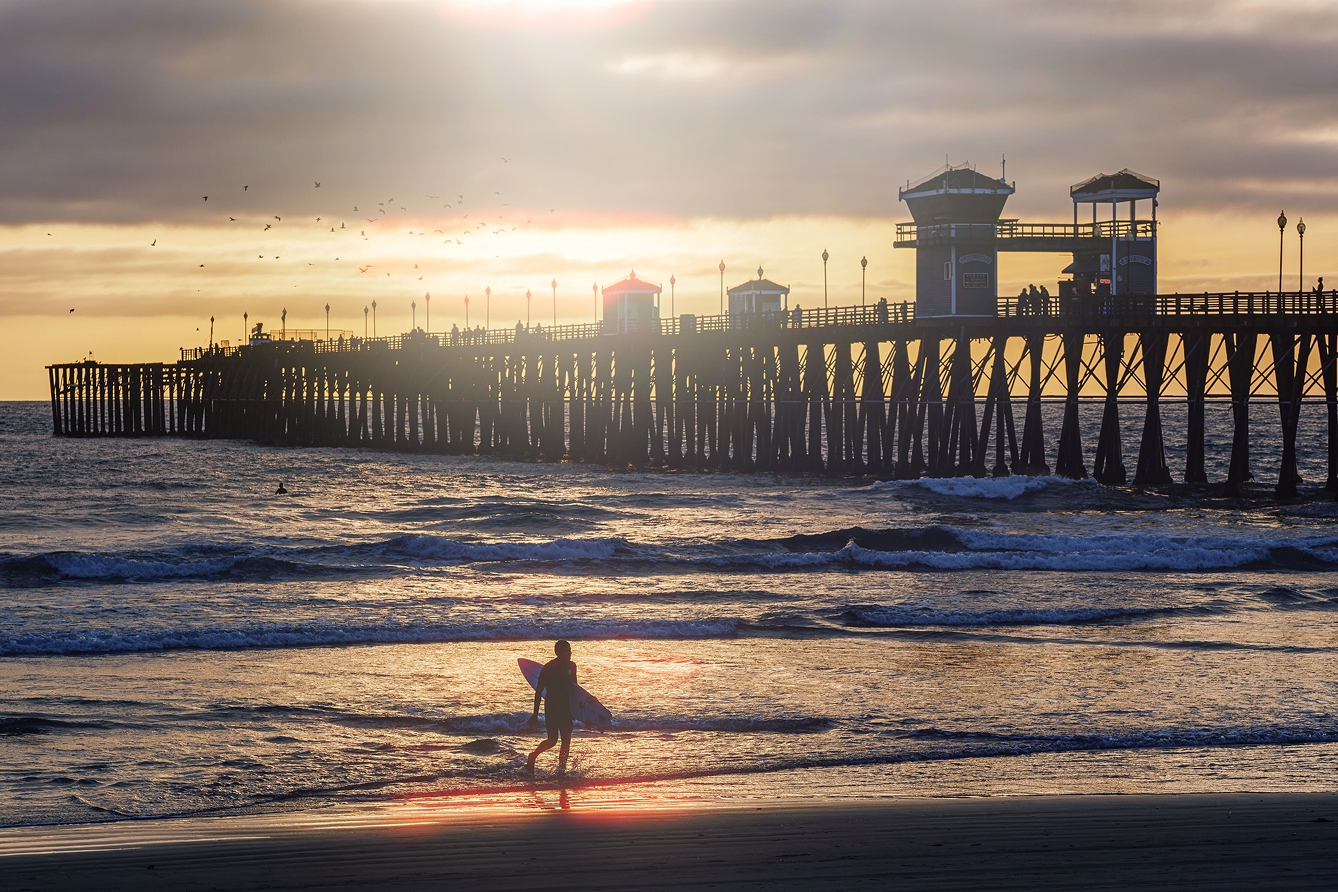
The Halation effect is that subtle red or amber halo that appears around bright highlights. It’s the signature glow that gives film photos their distinctive analog warmth. In film photography and cinema, it happens naturally as light scatters inside the emulsion. In digital photo editing, it’s a creative choice that brings a sense of texture and imperfection back into your workflow.
Halation adds depth, softness, and emotional tone. It turns sterile sharpness into something organic and cinematic. It’s perfect for:
- Night photography with neon or tungsten light
- Backlit portraits where highlights feel harsh
- Cinematic film looks that evoke 35mm style
With VSCO’s Halation editor, you can recreate this analog film effect digitally, building warm halos that echo real film stocks while keeping full control of your tones. Try combining it with the color grading presets (CG1-CG8) for an authentic cinematic look.


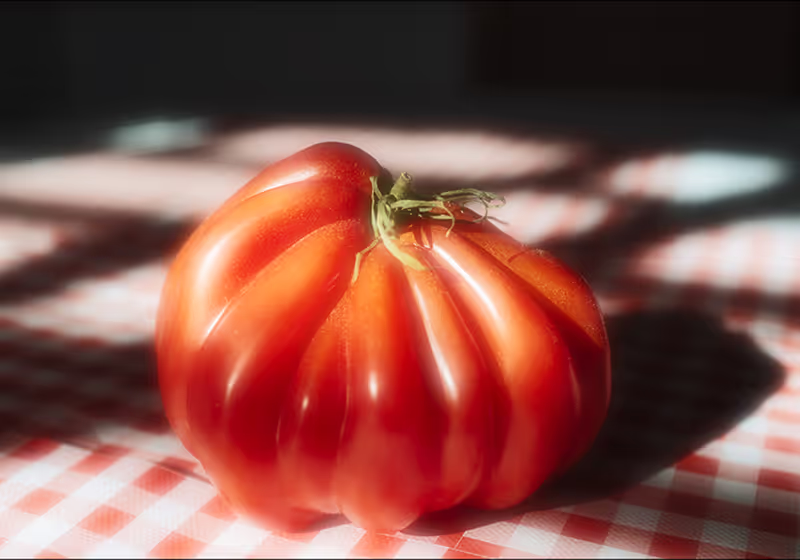
The Bloom effect softens brightness, letting highlights bleed gently into surrounding areas. Instead of crisp separation between light and shadow, you get a luminous glow that feels alive, like your photo is lit from within.
Bloom enhances mood and gives your lighting a tactile, emotional quality. It’s especially useful for:
- Portraits that emphasize mood and softness
- Editorial photography where atmosphere matters
- Soft-focus images that highlight emotion over detail
In VSCO, the Bloom editor lets you fine-tune how diffused or defined your glow appears. It’s a subtle but powerful way to make digital photos feel emotive and light-driven.

Lens flare in photography is created when light hits the lens directly and bounces between internal elements, creating streaks, bursts, or circular reflections. Once seen as a common flaw in older lenses, lens flare effects are now a defining part of expressive, cinematic light play.
Lens flare can add energy, realism, and movement. It shows how the camera interacts with light rather than just recording it. Try it in:
- Outdoor travel shots with the sun entering the frame
- Lifestyle or music imagery with bold backlight
- Vintage and film-style edits that need dynamic contrast
VSCO’s lens flare overlays help you reintroduce that spontaneous imperfection in any shot. Each flare feels authentic, helping your photos carry the natural drama of real light. Explore 10 different lens flare effects under the Light category in Film FX.

Each effect shapes light differently. Bloom softens and glows, Halation spreads warmth around highlights, and lens flares add energy and tactility. Knowing how they interact with your image helps you match the right one to your creative intent.
Halation adds analog warmth for a retro film look
Bloom creates dreamy, soft lighting
Lens Flare adds tactility, energy, or realism
The best photo lighting effects often come from layering. Think of Halation as your warmth, Bloom as your softness, and lens flare as your energy.
A single image can hold all three: flare from sunlight, Bloom from backlit highlights, and Halation around glowing edges. With VSCO, you can stack these effects seamlessly, balancing analog character with modern control.
Even subtle light effects can easily overpower an image. Here’s what to watch for so they enhance your shot — not distract from it.
Overuse
Start subtle. Too much glow or flare can overwhelm your image.
Blown out highlights
These effects can overexpose details. Monitor your histogram and keep an eye on your preview while editing.
Stylistic mismatch
A crisp, commercial image may not pair well with vintage film effects. Make sure your editing style aligns with your creative intent.
What’s the difference between halation and bloom?
The Halation effect creates a warm colored (red or orange) halo from light scattering, a common film-based artifact. The Bloom effect is a white, neutral glow caused by light diffusion.
Can you create these light effects in-camera?
Yes, lens flare can occur naturally when shooting toward the sun, and Bloom can appear with soft lenses or fog. Halation, however, is unique to film but easily recreated through VSCO’s digital halation tool. You can also apply Bloom and Halation in real time when you shoot with the VSCO Capture camera app.
Does VSCO support all three?
Yes, you’ll find dedicated tools for Halation and Bloom, along with a full lineup of different lens flare effects in the Film FX editing suite in the VSCO app.
Are these just editing trends?
Not at all. These effects have been part of photography since its early days. They’re timeless tools for shaping light and emotion — and with the right touch, they’ll never feel overdone.
Using light effects in your photos
Light drives emotion, and how you shape that light defines your style.
Use Halation for analog warmth, Bloom for softness and mood, and lens flares for realism and energy. Together, they turn digital precision into something more tactile, more human, and more cinematic.
So next time you edit, don’t just correct your lighting, shape it.