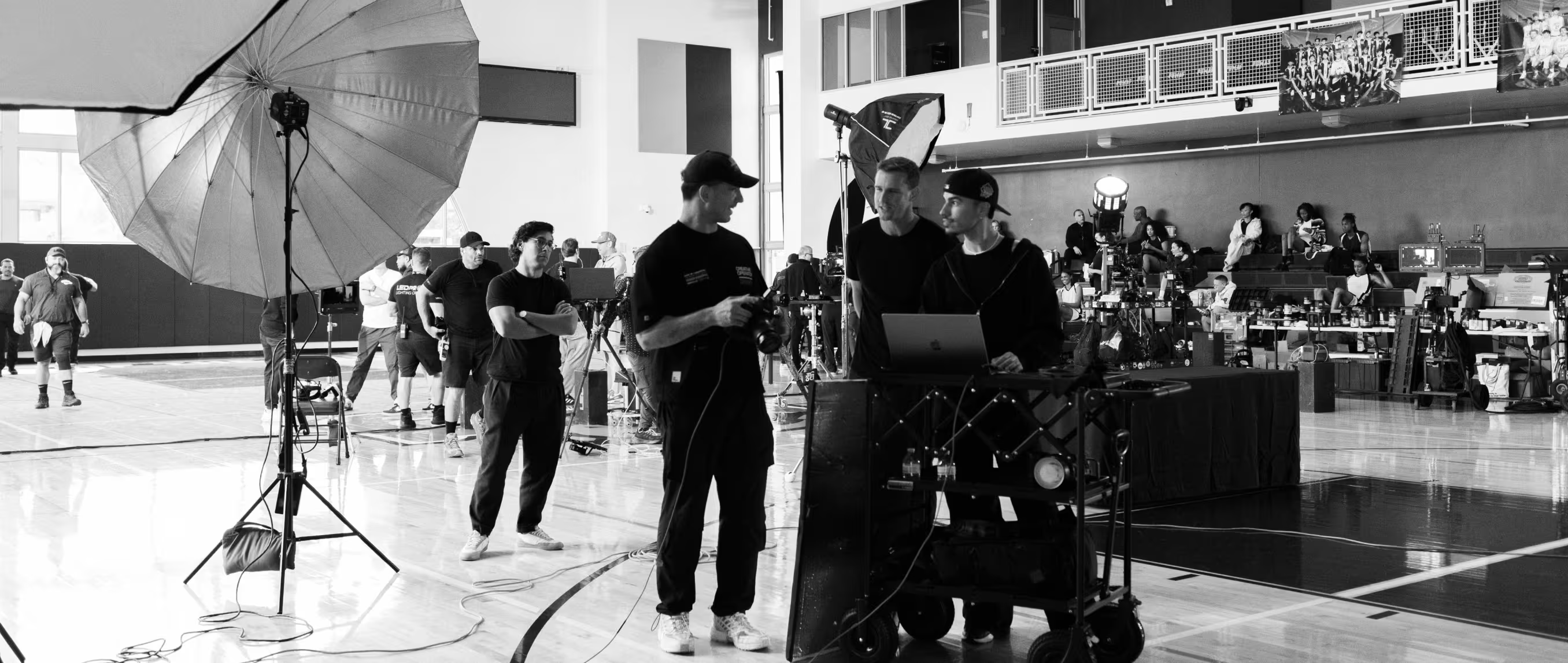
The moment a commercial production gets complex enough that you're directing talent, managing a client, making creative decisions, and keeping the day on schedule simultaneously, having a skilled assistant becomes less of a luxury and more of a structural necessity.
The limiting factor on a busy set isn't usually creative vision. It's bandwidth.
A good assistant protects yours.
This guide covers how to define the right role before you hire, how to plan and brief your assistant so the day runs efficiently, how to communicate clearly during production, how to set appropriate rates and responsibilities, and how to turn a good working relationship into a trusted long-term creative partnership.
In this guide:
- Define What You Need From a Photo Assistant
- Plan the Production Before Call Time
- Brief Your Assistant Clearly
- Communicate During Production
- Let Your Assistant Protect Your Pace
- Set Expectations Around Rates and Responsibilities
- Keep Post-Production Handoffs Organized
- Build a Trusted Creative Partnership
- Frequently Asked Questions
Before looking for an assistant, get clear on what the role actually requires.
Commercial productions vary dramatically, and the support you need for a tight location session with two setups is fundamentally different from what you need on a large campaign with multiple talent, locations, and a client entourage.
General Photo Assistant
A general photo assistant handles the operational and technical support that keeps a set running:
- Setting up and moving light stands, modifiers, and grip equipment
- Managing batteries, lenses, memory cards, and other gear
- Flagging or bouncing light and making quick lighting adjustments on direction
- Managing cables, sandbags, and on-set safety details
- Resetting props or the environment between setups
- Preparing the next setup while you're finishing the current one
- Anticipating what you'll need before you have to ask
That last point is the real differentiator between a competent assistant and an exceptional one.
An assistant who is already setting up the next configuration while you're reviewing the last setup doesn't just save time.
It gives you the mental space to stay focused on the creative decisions that only you can make.
Digital Tech
For productions with more specialized technical demands, consider a dedicated digital tech. They manage tethering, file backups, color management, and on-set image review so those responsibilities don't fall on you or your general assistant during the session.
On smaller productions, one person may be able to cover both assistant and basic digital duties.
Be explicit about that expectation before the job begins and ensure the rate reflects the additional responsibilities. Asking someone hired as a general assistant to manage a tethered workflow mid-production without prior agreement is the kind of miscommunication that damages working relationships.
Match Experience to the Job
Not every production requires the most experienced assistant available.
A newer assistant can be a good fit for a personal project, a test session, or a straightforward production where you have time to provide direction.
An experienced first assistant is worth the higher rate on a fast-moving commercial campaign where you need someone who can anticipate your workflow, make independent technical decisions, and manage other crew members without supervision.
Think realistically about how much direction you'll have time to give.
If you'll be directing talent, managing the client, and making creative calls all day, an assistant who needs to be told what to do at each step doesn't protect your bandwidth. It consumes more of it.
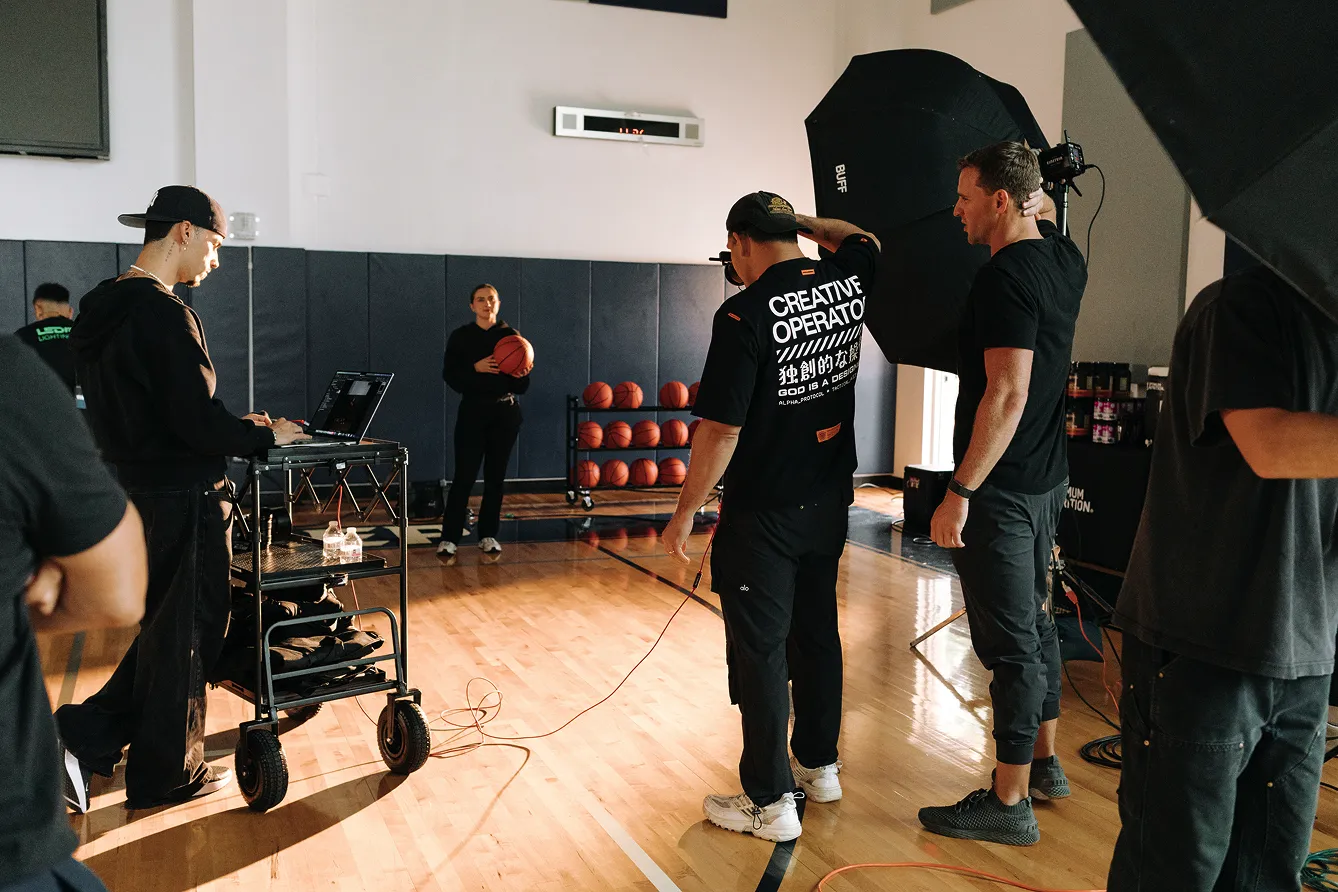
A well-briefed assistant can anticipate problems. An under-briefed one creates them.
The goal is to get your assistant thinking about the production with you before the day begins, not to hand them a call sheet when they arrive on set.
Give your assistant a pre-production brief that covers:
- The overall concept and creative direction
- Visual references and moodboards that communicate the aesthetic
- Priority captures and must-have deliverables
- Locations, talent, props, and wardrobe
- Lighting approach and equipment list
- Schedule and major production milestones
- Client expectations and approval points
- Contact information and communication preferences
- Any safety, access, or location considerations
VSCO Canvas is useful here: build your visual references, moodboards, and creative direction in one shared board and give your assistant access before the production.
A Canvas that shows the lighting direction, color palette, and overall aesthetic gives an assistant a clearer sense of the visual goal than a verbal briefing, and it lets them come to set with questions already answered.
Build a Shared Gear and Setup Plan
Once the creative direction is clear, map the day logistically.
For each major setup, think through:
- What equipment is required
- Which captures are the highest priority
- The realistic time each setup needs to look as good as possible
- What needs to be pre-staged while the previous setup is still running
A gear list organized by setup rather than by equipment category makes it easier for an assistant to pull what's needed for the next configuration without interrupting the current one.
It also makes it obvious when a single assistant isn't enough coverage for the day's complexity.
Even with a thorough pre-production brief, take time at the start of the day to align on expectations.
Explain the schedule, priorities, communication style, and anything that's changed since your initial plan.
Be specific about what you want your assistant to handle independently versus what requires your input.
You might want them to adjust a light without asking, but check with you before changing a major setup. You might want them to communicate directly with the producer about equipment while routing creative questions back to you.
The more clearly those boundaries are defined, the more confidently they can operate without needing your attention every few minutes.
Cover basic on-set professionalism: staying attentive, keeping phones away unless they're needed for the job, respecting talent and client confidentiality. These don't need to be delivered as a lecture. A brief, direct mention is enough.
And treat the brief as a two-way conversation. Your assistant may have spotted a logistical problem you haven't considered, or have experience with a similar setup that could make the day easier.
Making space for that before production starts costs two minutes. Missing it on set costs much more.
Once you're on set and the day is moving, communication needs to be clear and specific.
You'll be directing talent, watching your framing, monitoring lighting, and answering client questions simultaneously. Vague instructions create the wrong adjustments, slow the pace, and require follow-up.
Instead of "can we move this light a bit," try "move the key two inches camera left and bring it down slightly." Instead of "the background looks off," try "the background is too bright. Bring the backlight down by about a stop."
If a change affects a critical technical setting, confirm you've both understood the same thing. Repeat it back or ask your assistant to.
And actively encourage them to speak up when something looks wrong. A dying battery or overheating light is easier to address when someone catches it early rather than when you lose a frame mid-session.
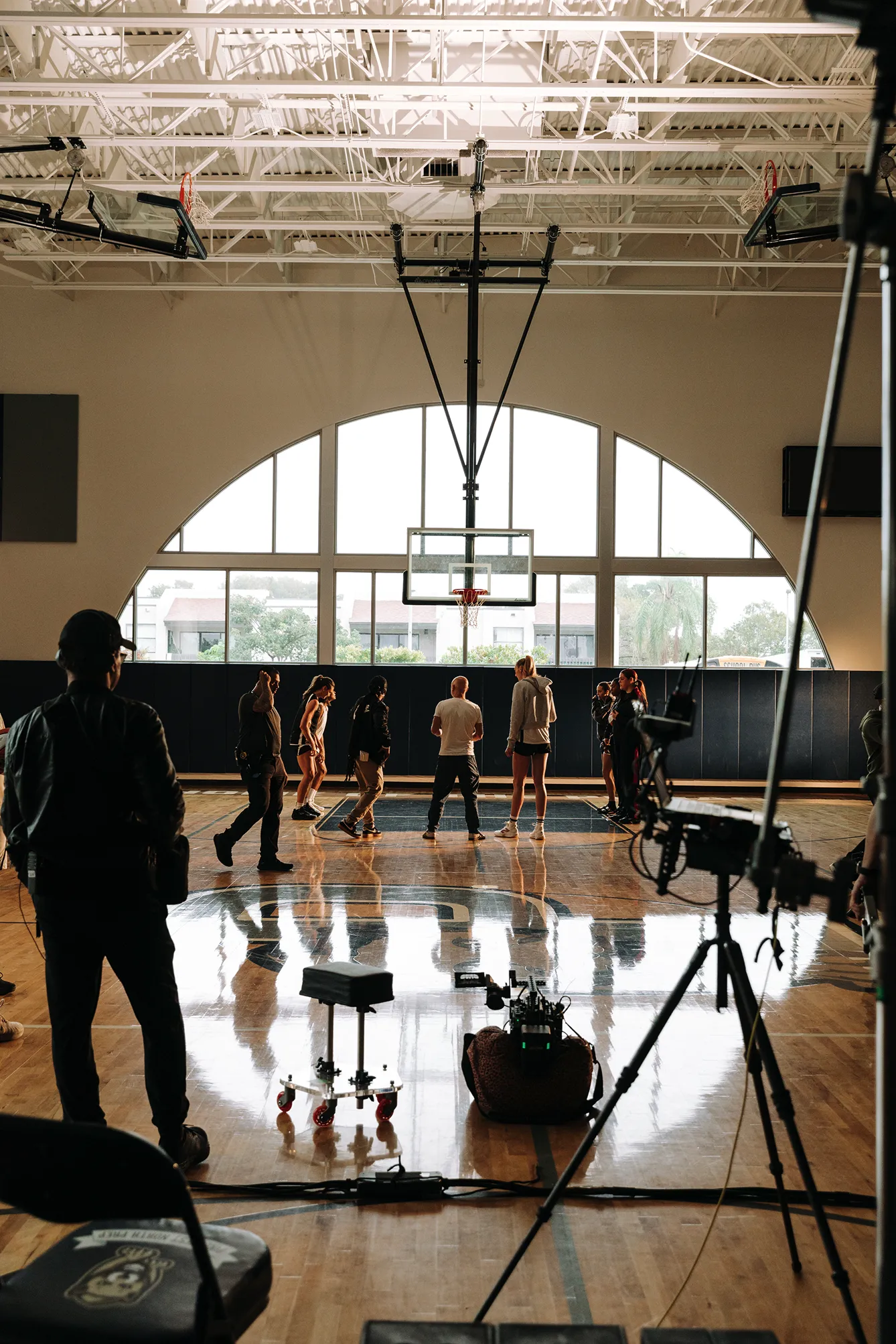
A strong assistant isn't just reactive to requests. They stay a step ahead, so you're never waiting on the technical side of the day.
The rhythm that keeps a commercial production moving:
- While you're capturing the final frames of one setup, your assistant is preparing the next
- While you're reviewing priority images with the client, they're resetting the environment
- While talent changes wardrobe, they're confirming the lighting is ready for the next configuration
- While you're finishing a client conversation, they're confirming everything is set before talent comes back in
That staggered workflow is the difference between a day that ends on time and one that goes into overtime.
Building it consciously, giving your assistant clear cues for when to start the next setup rather than waiting for you to finish, compounds across the full day.
Agree on all financial terms before the production: day rate, expected hours, overtime rate, travel, mileage, and any additional expenses. Put it in writing.
Current market rates vary by market and experience level. In major markets like New York and Los Angeles, first assistants typically earn $400-700 per day.
In mid-sized markets like Chicago or Denver, rates generally run $300-500 per day.
Digital techs typically command higher rates given the additional technical responsibility.
Most assistants work as independent contractors, so factor in that they're responsible for their own taxes and insurance. This affects how you structure agreements and how they evaluate the compensation.
If the scope changes during the production (if you ask a general assistant to manage a tethered workflow they weren't hired to do, or to take on production coordination responsibilities mid-day) revisit the rate rather than assuming they'll absorb the additional work. Scope creep that's uncompensated is one of the fastest ways to erode a working relationship with someone you may want to work with again.
VSCO Workspace keeps the business side of these arrangements organized.
Contracts, invoices, client communication, and scheduling all live in one place, which becomes increasingly useful as your productions grow more complex and you're managing relationships with multiple assistants and creative partners across overlapping projects.
Before everyone leaves set, confirm who is responsible for each post-production step:
- File backup: who is making the backup copies, and where
- Card organization: how cards are labeled and handed off
- Material delivery: how and when files reach post-production
- Production notes: any outstanding technical or creative notes that need to follow the files
If you're working with a digital tech, establish the file-handling process before the production, not after.
If your assistant is responsible for backups or equipment, make sure the specifics are clear. Not just "they'll take care of it" but exactly what that means.
When the images are ready for client delivery, VSCO Galleries provides a clean, professional presentation: a single client-facing link, no account or app required for clients to access, download controls you manage, and optional password protection for sensitive work. The gallery link can connect directly to the client's job record in Workspace, so delivery stays attached to the contract and communication history in one place.
The value of working with the same assistant across multiple productions compounds quickly.
After a few jobs together, they understand how you set up lights, which lenses you reach for first, how quickly you move between configurations, and when to check in versus work independently. You learn their strengths (whether they excel at client interaction, technical troubleshooting, or managing complex multi-light setups) and you can plan productions around those strengths.
After each production, take a few minutes to debrief: what worked, what didn't, what would make the next job smoother. Treat that conversation as part of the collaboration rather than as performance review.
The goal is a process that gets better each time you work together.
The most valuable thing a trusted assistant provides isn't technical support. It's the confidence that the operational side of the day is handled.
When you know someone reliable is managing the gear, the setups, and the logistics, you stop thinking about those things and stay focused on the creative decisions that actually move the work forward.
How do I find a photo assistant for commercial work?
Professional networks are the most reliable source: other photographers in your market, local photography associations, assistants you've met on sets where you were assisting or second-assisting, and alumni networks from photography programs.
What's the difference between a photo assistant and a digital tech?
A general photo assistant handles physical setup, gear management, lighting adjustments, and set logistics. A digital tech specializes in tethering, file management, color management, and on-set image review. On larger productions these are separate roles. On smaller ones, a single person may cover both, but the expectation needs to be explicit before the job, and the rate should reflect it.
Do I need to provide a written agreement for an assistant?
Yes. A written agreement protects both parties. At minimum, confirm the day rate, expected hours, overtime rate, travel and mileage, any additional expense coverage, and the specific scope of the role. If responsibilities change during the production, update the agreement rather than assuming the original terms still apply.
How do I brief an assistant I haven't worked with before?
Send a pre-production brief at least a day before the job covering the creative direction, visual references, priority captures, equipment list organized by setup, schedule, and contact information. Give them access to your VSCO Canvas if you've built a mood board for the production. Then take 10-15 minutes at the start of the day to align on communication style and expectations before the production starts.
What do I do if an assistant isn't meeting expectations on set?
Address it directly and specifically during a natural break in the day, not in front of the client or talent. Be specific about what you need: "When I say we need to move to the next setup, I need you to start breaking down immediately rather than waiting for me to be done with the client." Give clear direction, give them a chance to adjust, and assess from there. If the working relationship consistently isn't working, that's useful information for staffing future productions.
The Work Behind the Work
The limiting factor on most commercial productions isn't creative vision. It's logistics.
A skilled, well-briefed assistant protects the creative part of the day by handling the operational part of it, and the investment in building that working relationship pays returns across every production that follows.