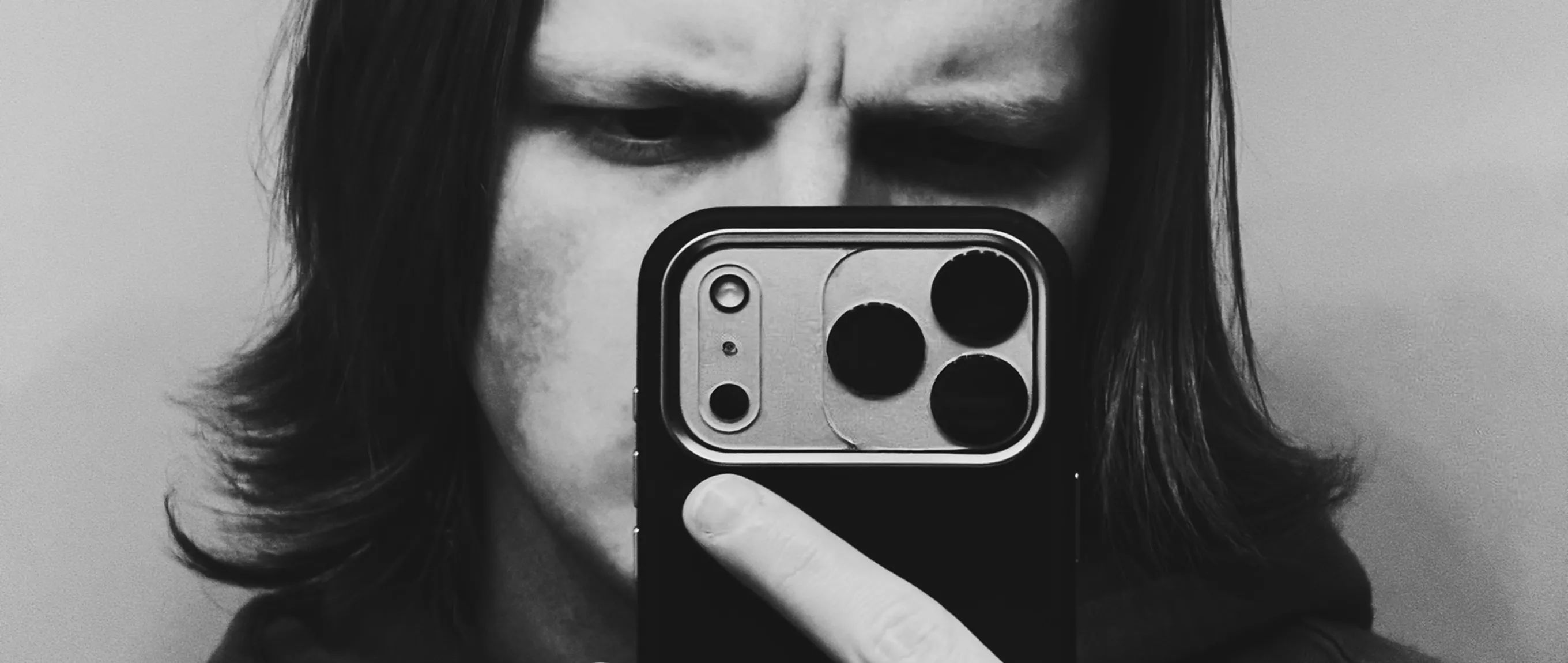
Seeing all the new presets and tools that have come out recently reminds me why I started taking photos in the first place; simply because it's fun.
Mike Clark doesn't shoot with a camera. Everything he makes starts and ends on his iPhone. Captured on instinct, refined in VSCO, and shaped by a set of tools he knows well enough to use fast.
His workflow isn't complicated. Pro Presets lock in his look. Dodge and Burn guides where the eye lands. Crop finds compositions he didn't see in the moment. And AI Remove cleans up whatever doesn't belong. Together they give him full control over the image, all without leaving the app.
In this conversation, Mike breaks down the tools driving his practice, and why the best thing that happened to his photography wasn't better gear, but a better editing process.
1. What VSCO editing tools do you use regularly?
As of late, the main tools that I've been using for my photography are the new Pro Presets, Dodge and Burn, Crop, and Grain tools.
In addition, I also like to use VSCO Capture and the AI Remove tool on occasion.
2. What keeps you coming back to these tools? Which one would you never give up?
Since all of my photography is done through my iPhone, I like to edit everything directly through the VSCO app. These tools allow me to fine tune and adjust every detail, making my work more unique and tailored to my liking.
I'm always a fan of new ways to create, and seeing all the new presets and tools that have come out recently reminds me why I started taking photos in the first place; simply because it's fun.
There's something so enjoyable about using an editing tool, like Bloom, to take an image that may look good as is, and transform it into something completely different and unique.
If I had to pick one tool I couldn't live without, it would definitely be the Adjust tool. Being able to pick parts out of a composition that otherwise I wouldn't have seen before is so refreshing and it's saved quite a few of my photos honestly.
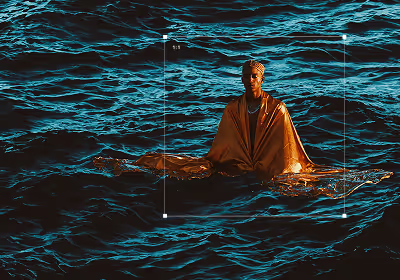
I've definitely noticed a shift in my style since the new Pro Presets came out. Being able to independently adjust things like tone and color really help bring to life the vision in my work.
3. Have any of these tools changed how you photograph?
I've definitely noticed a shift in my style since the new Pro Presets came out. Being able to independently adjust things like tone and color really help bring to life the vision in my work.
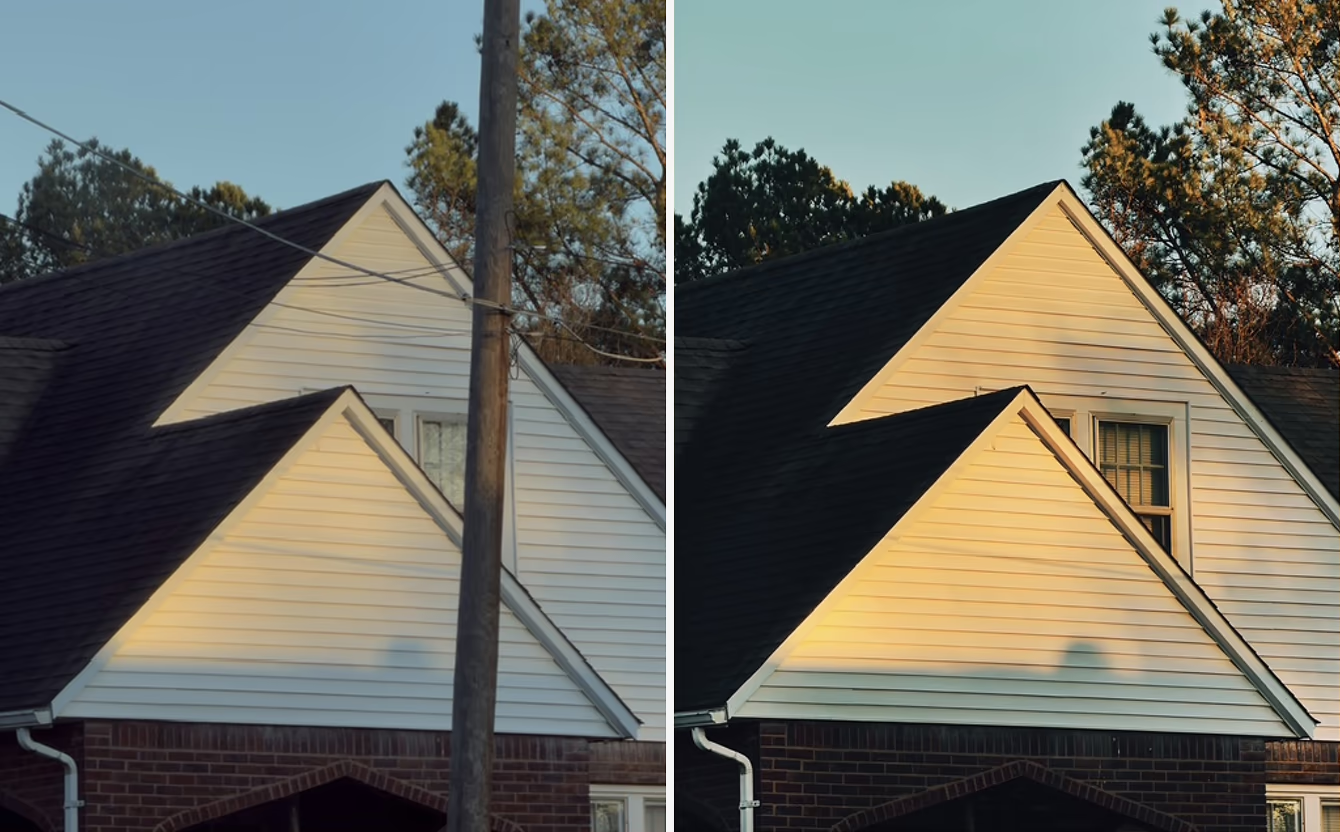
And I also love VSCO's AI Remove tool because it allows me to essentially be a little more careless when shooting. If there's something I don't like about a photo, I can just use Remove to erase it and like magic it's gone, almost as if it was never there.

4. Have any of VSCO's editing tools inspired new ideas for you? New ways of working? Maybe a specific series grounded in them?
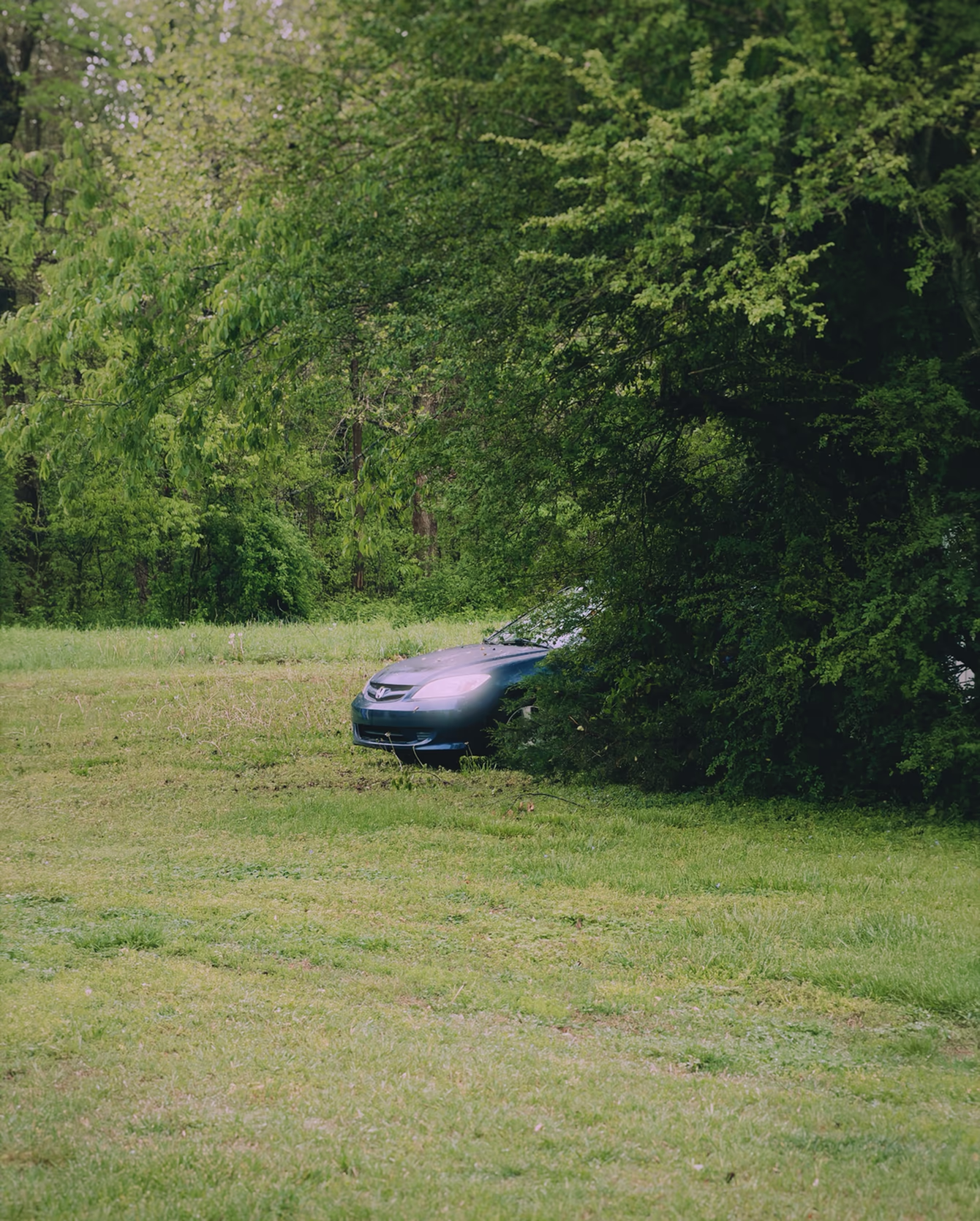
Back in January, I attended the Imaging USA Expo in Nashville, as well as the VSCO X Narrative meetup, and the majority of my work was shot using VSCO Capture.
It was so exciting being able to see in live view what my images would look like with different presets, and there were some times where I took a photo through the app and did little to no extra editing afterwards.
Being able to visually see a preset on a composition before pressing the shutter gave me the creative liberty to shoot from new and unseen angles that I otherwise wouldn't have thought to be possible on its own.
5. Can you describe your photography practice in a couple of sentences?
Photography, for me, is a diary; it's a way for me to communicate my thoughts and feelings without the need of pen and paper.
I often think of my work as instinctive and without thought, almost as if it's an itch that needs scratching.
Sometimes I don't understand why certain photos speak to me in the moment, but later on when I look back, I realize that it's not what was inside the frame that mattered, but that the person behind the lens had faith in their own work and they believed that that moment was worth memorializing.
Work on instinct. Edit with intention.
Mike's process is simple: photograph what feels right, then use the right tools to make it hold up.
Pro Presets shape his look and give him independent control over tone and color. Dodge and Burn lets him guide the eye to exactly where it should land. Crop finds the composition that was already there, waiting. And AI Remove means a distracting detail in the background is never a reason to throw away a good frame.
All of it happens on his iPhone, in VSCO, without switching apps or interrupting the work. The best editing workflow isn't the most complex one. It's the one you'll actually use, consistently, on every image you make.
VSCO's AI Remove tool allows me to essentially be a little more careless when shooting. If there's something I don't like about a photo, I can just use Remove to erase it and like magic it's gone, almost as if it was never there.