Pro presets
Easily apply your favorite looks, now with even more creative control.
C1 PRO
Unite creativity and control with the best pro photography filters. Use VSCO Pro Presets to edit images with strength, contrast, color, and tone.
VSCO is a community-driven platform that equips photographers to expand creatively and professionally. Join today to build authentic connections that foster professional growth and to edit with our full suite of photo editing and video editing tools. Invest in your creativity with a VSCO Membership.
Customizable classics
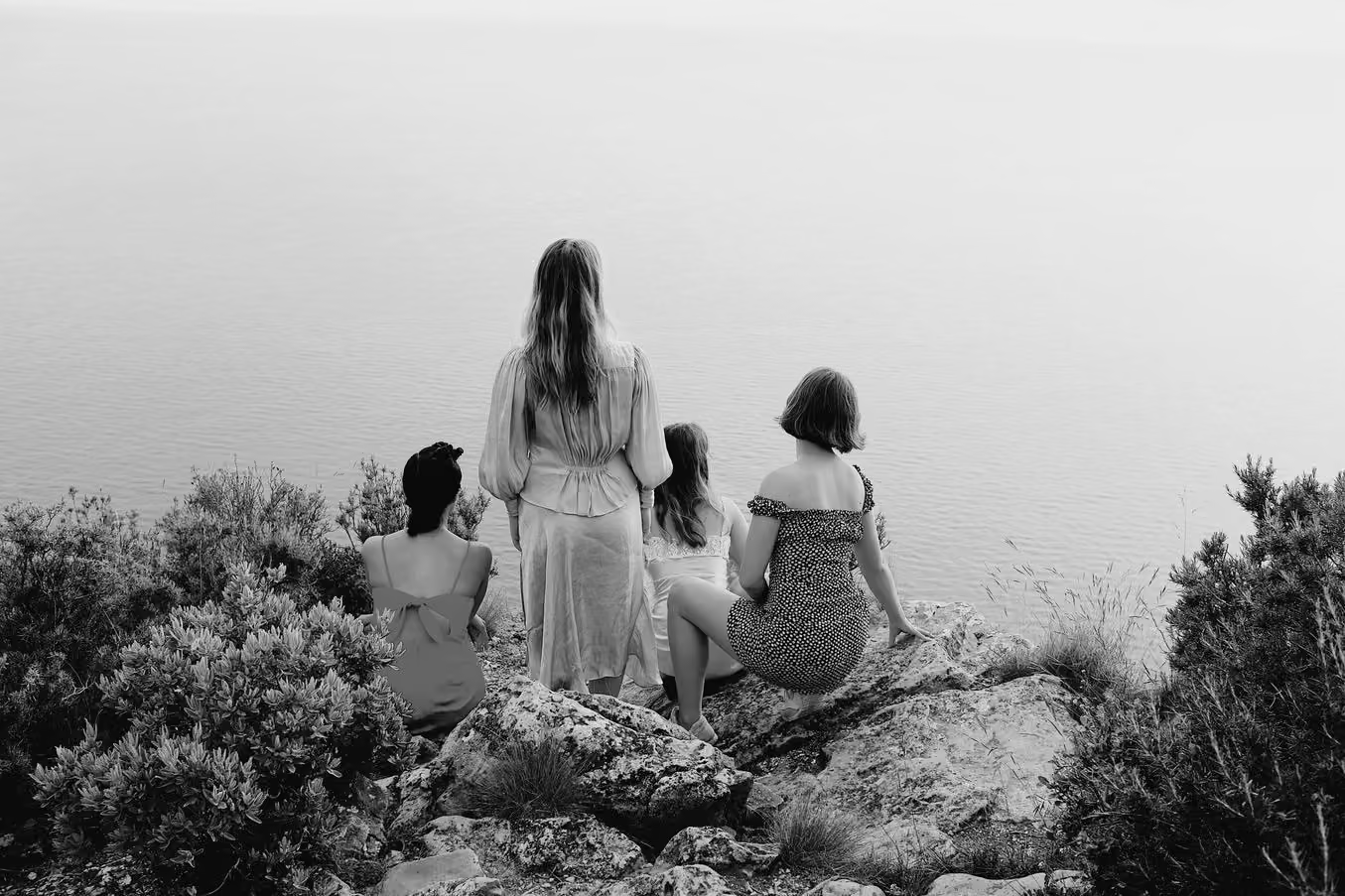
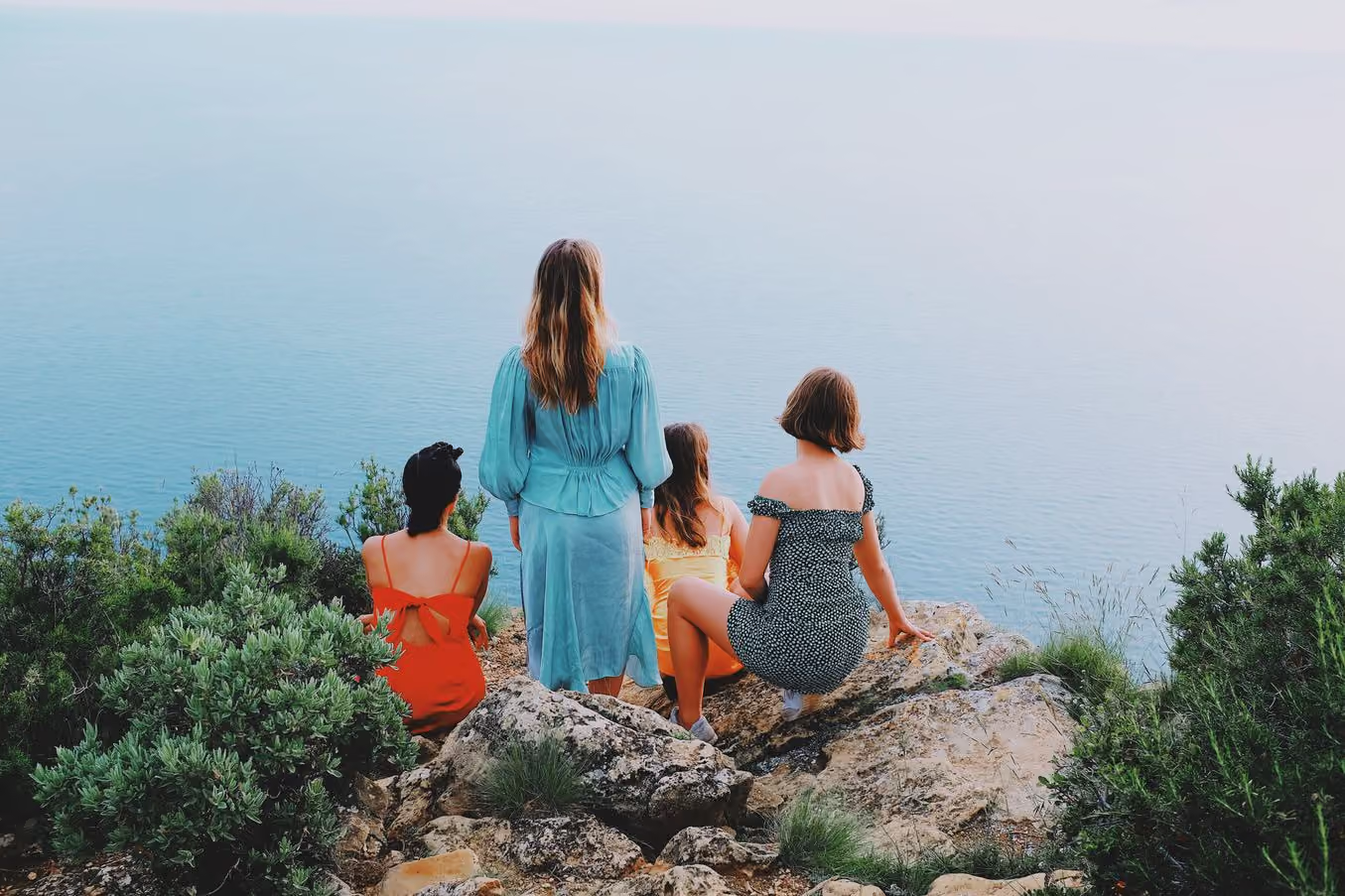
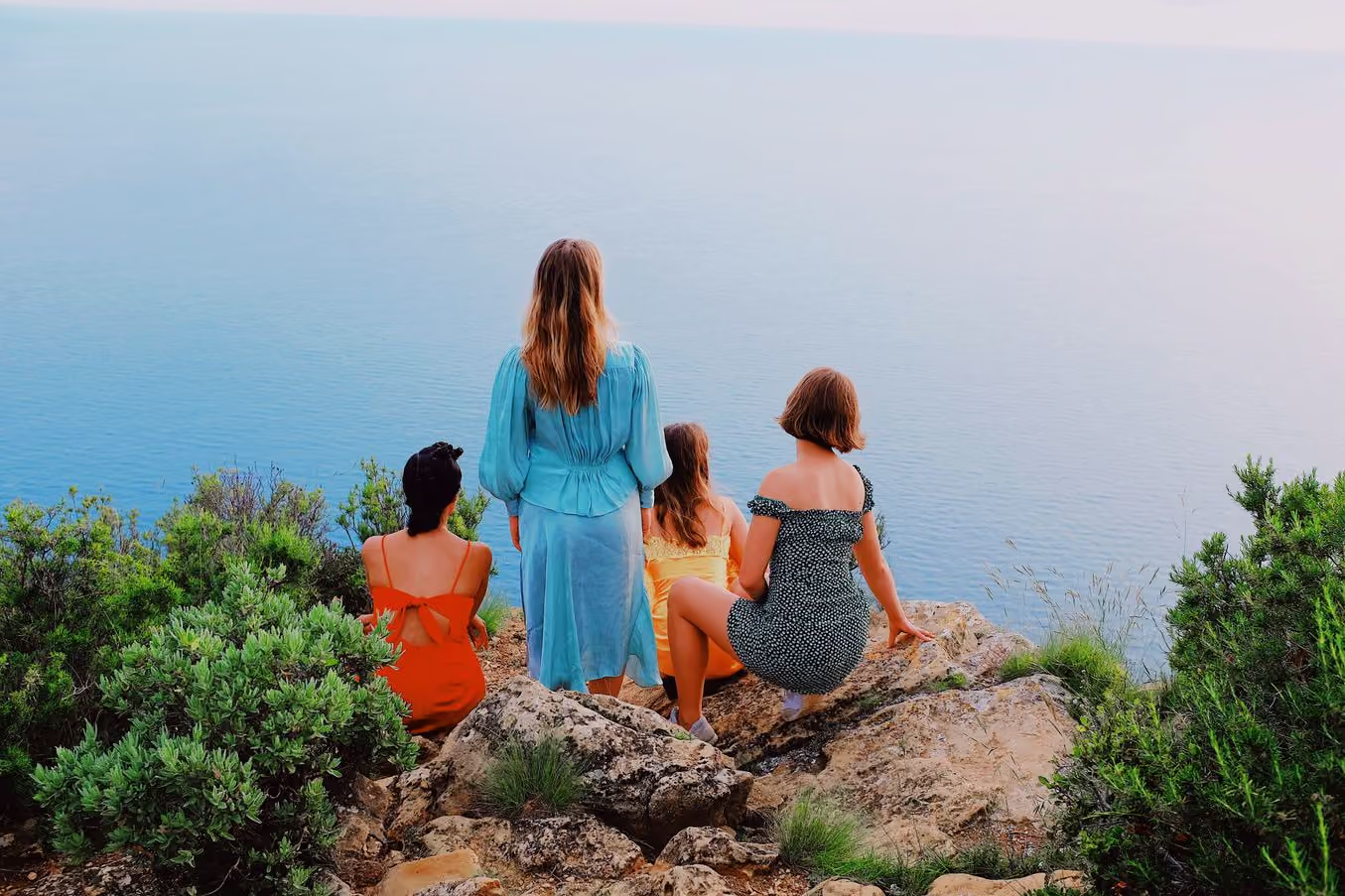
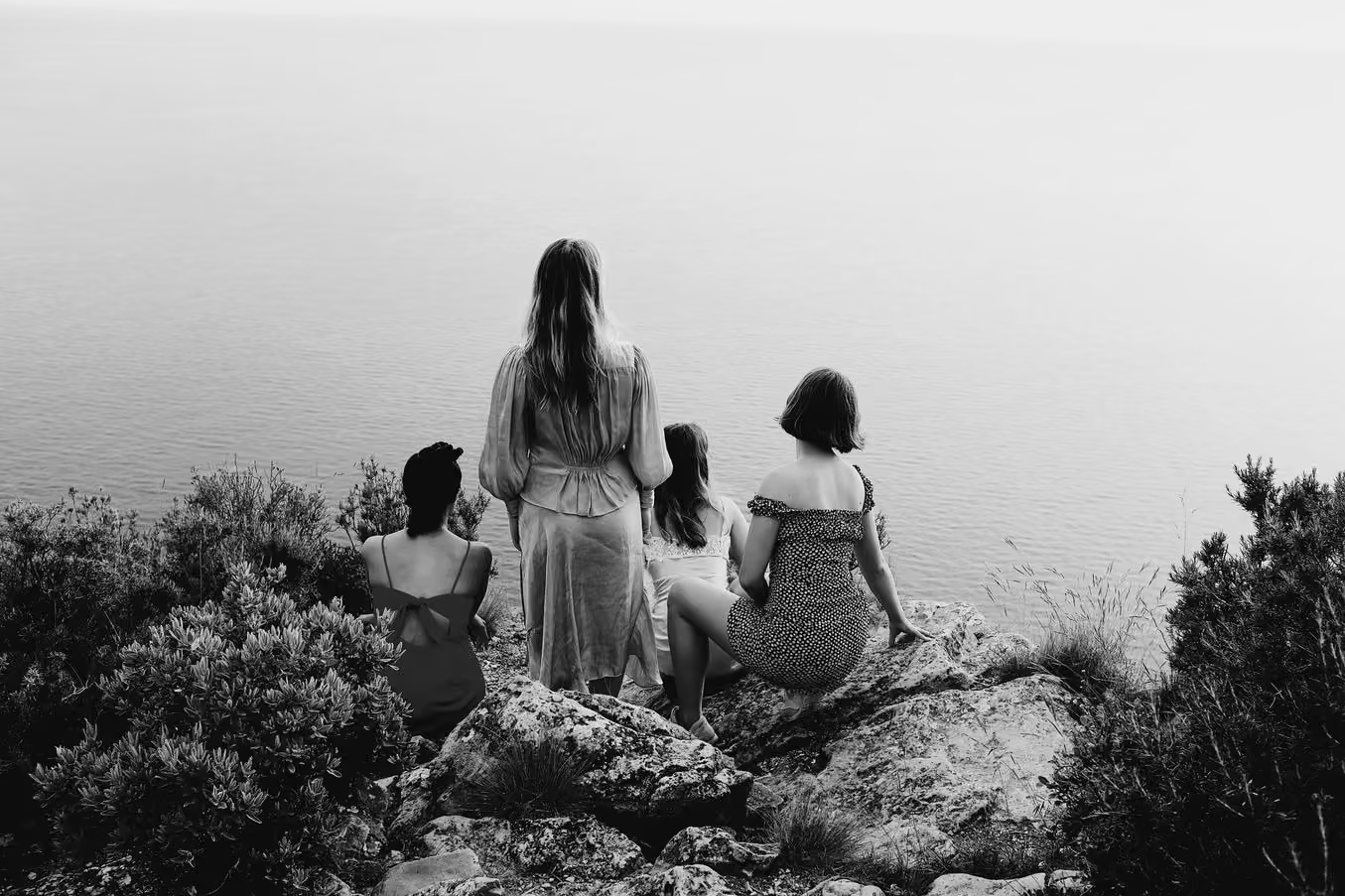
Inspired by our most popular looks, VSCO Pro Presets let you color grade photos and videos with unique quality and precision. Pro Members can easily craft and customize their own aesthetic.


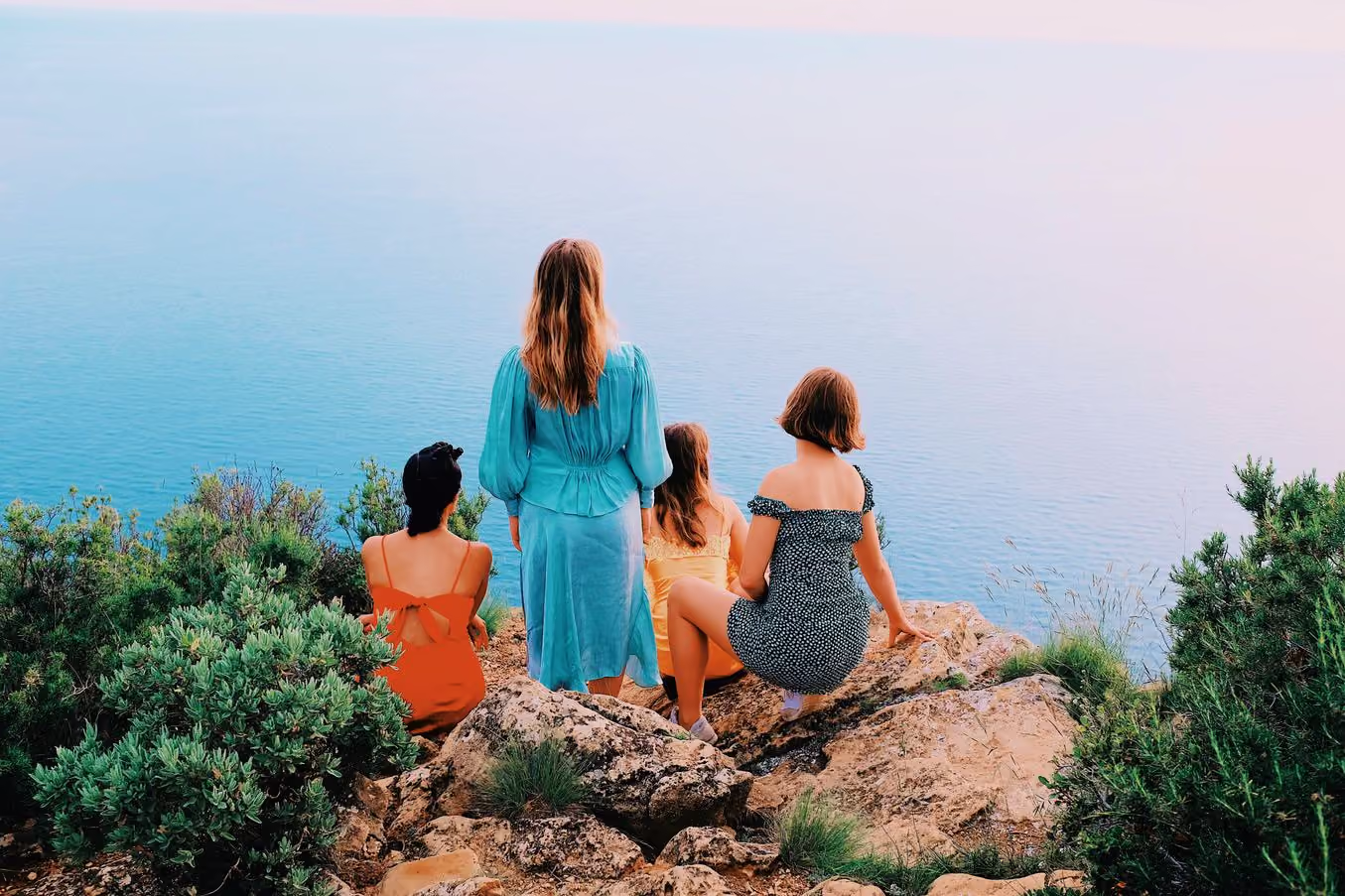
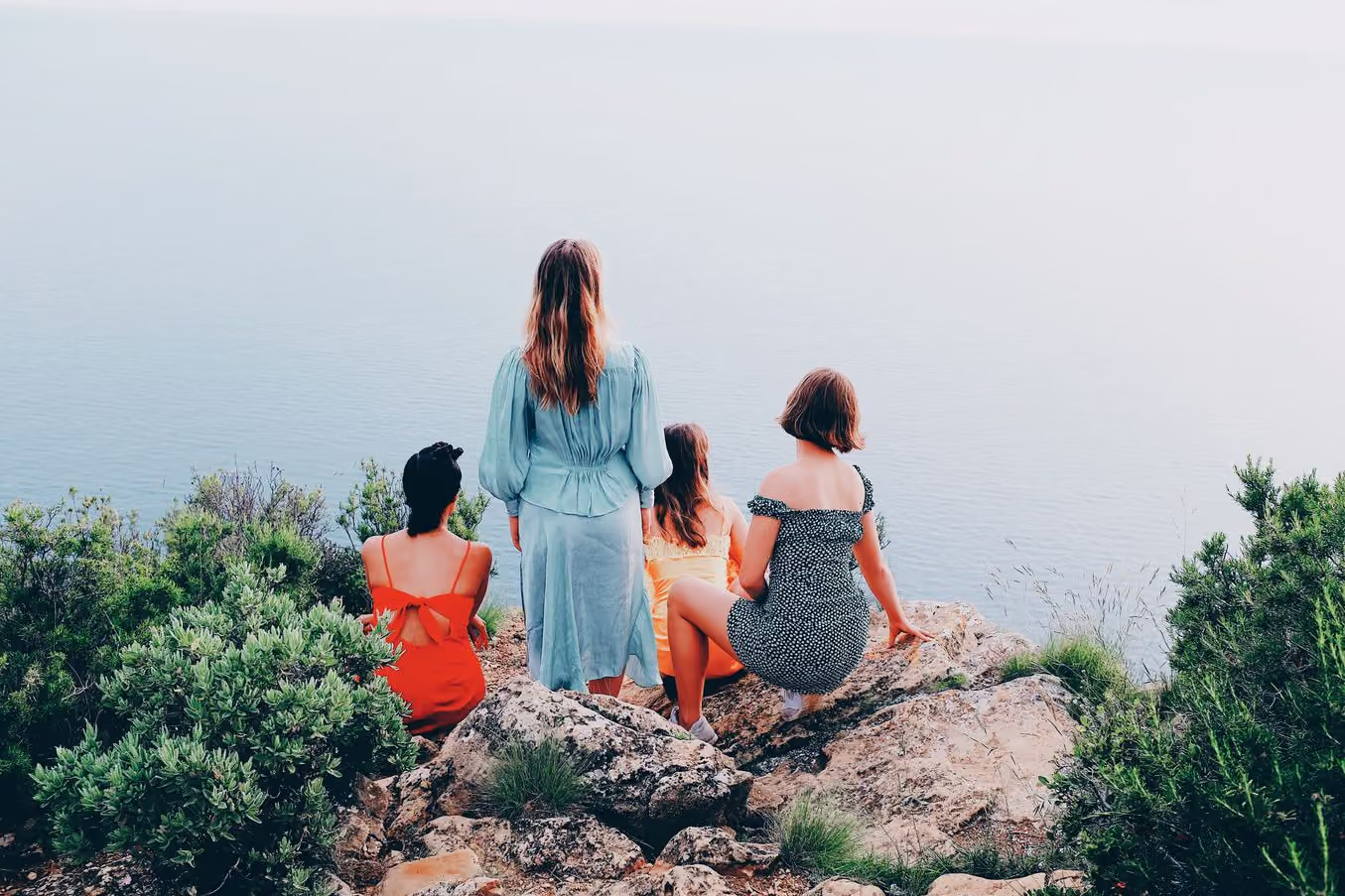
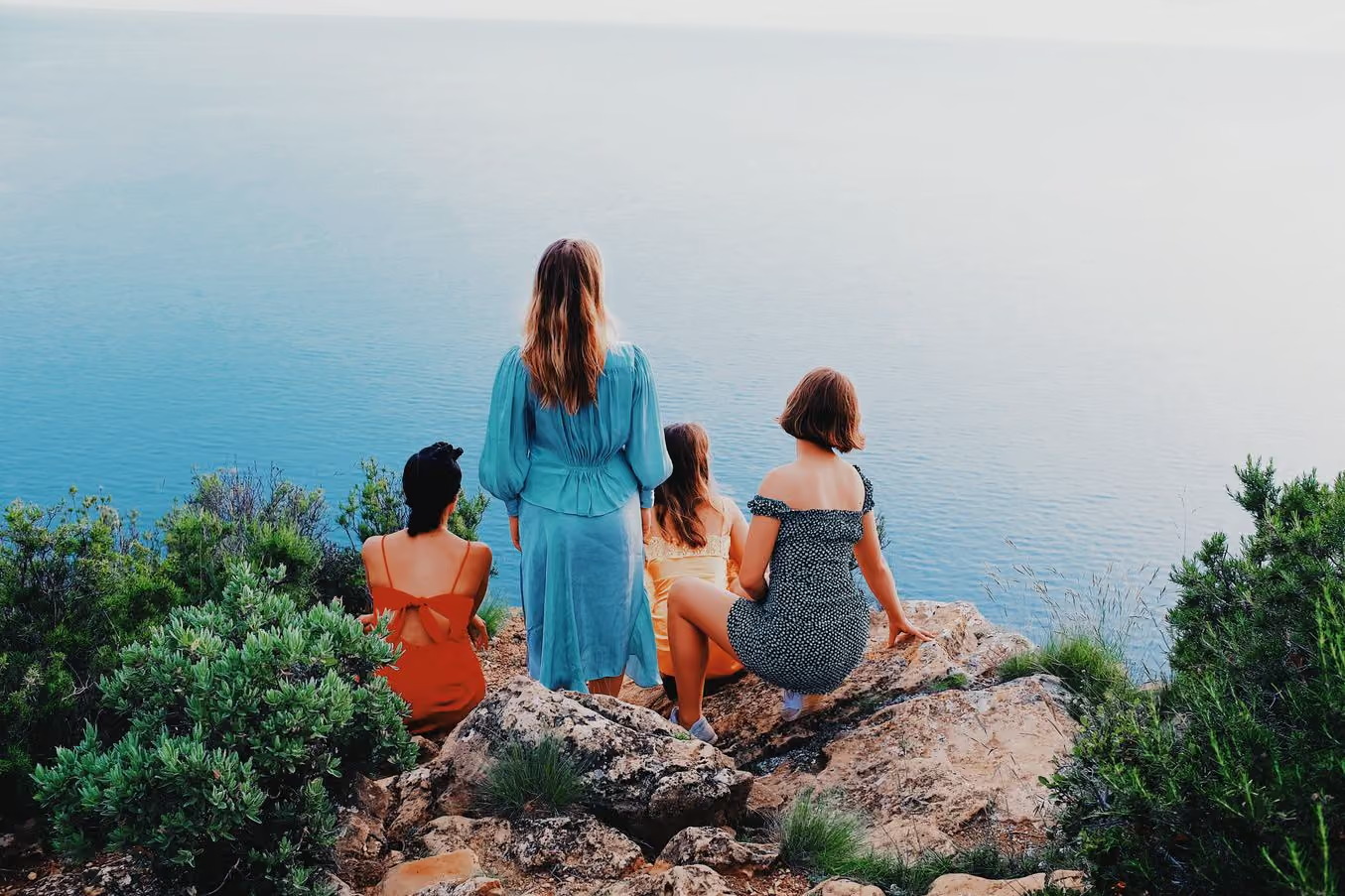
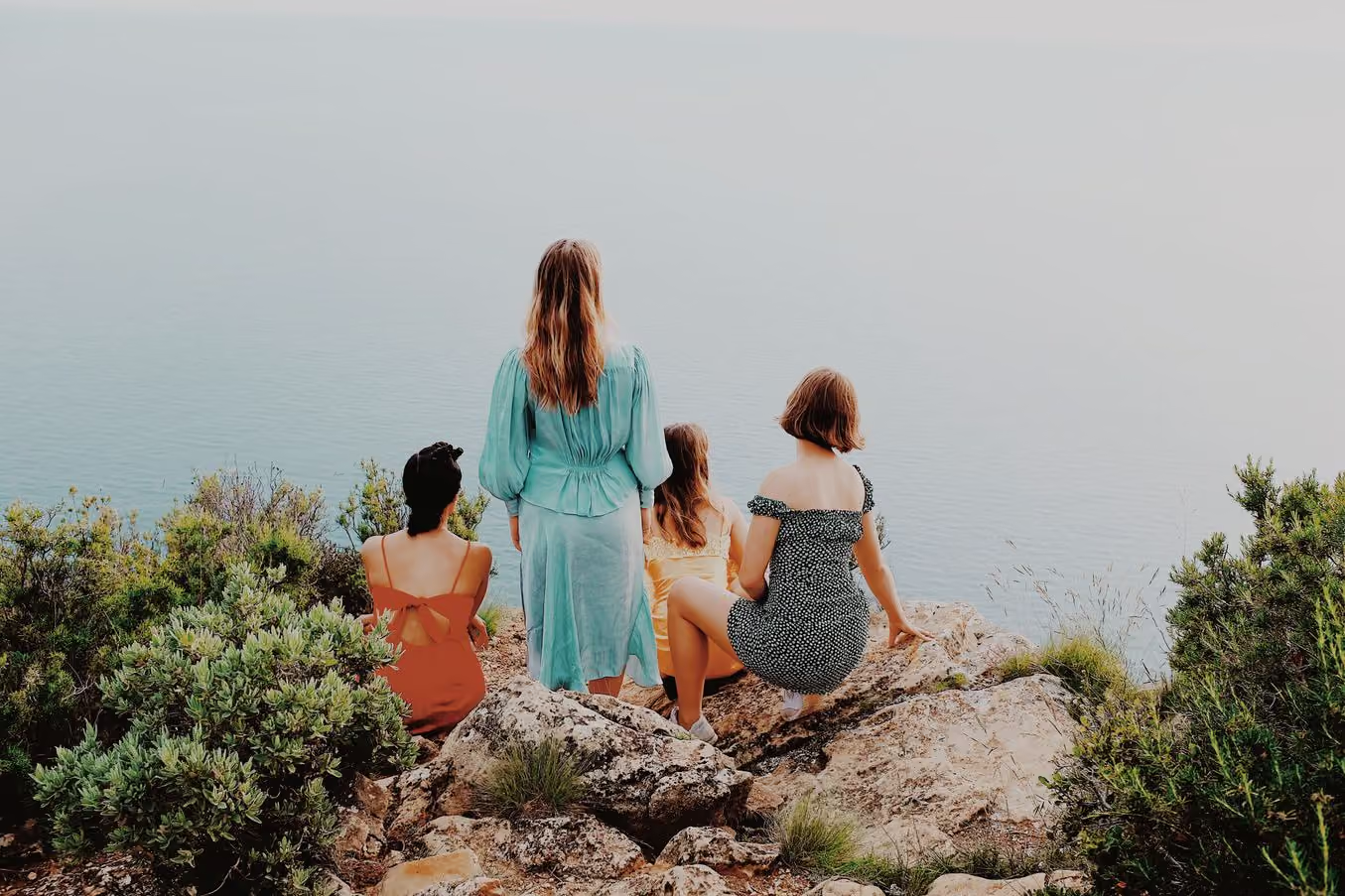
STRENGTH + 10.5
CONTRAST +0.5
COLOR - 3.0
TONE - 6.0
Balance contrast
Every Pro preset offers extra control – use the additional contrast slider to transform any Pro preset. Take shadows and highlights from dynamic to mellow, and anywhere in between.
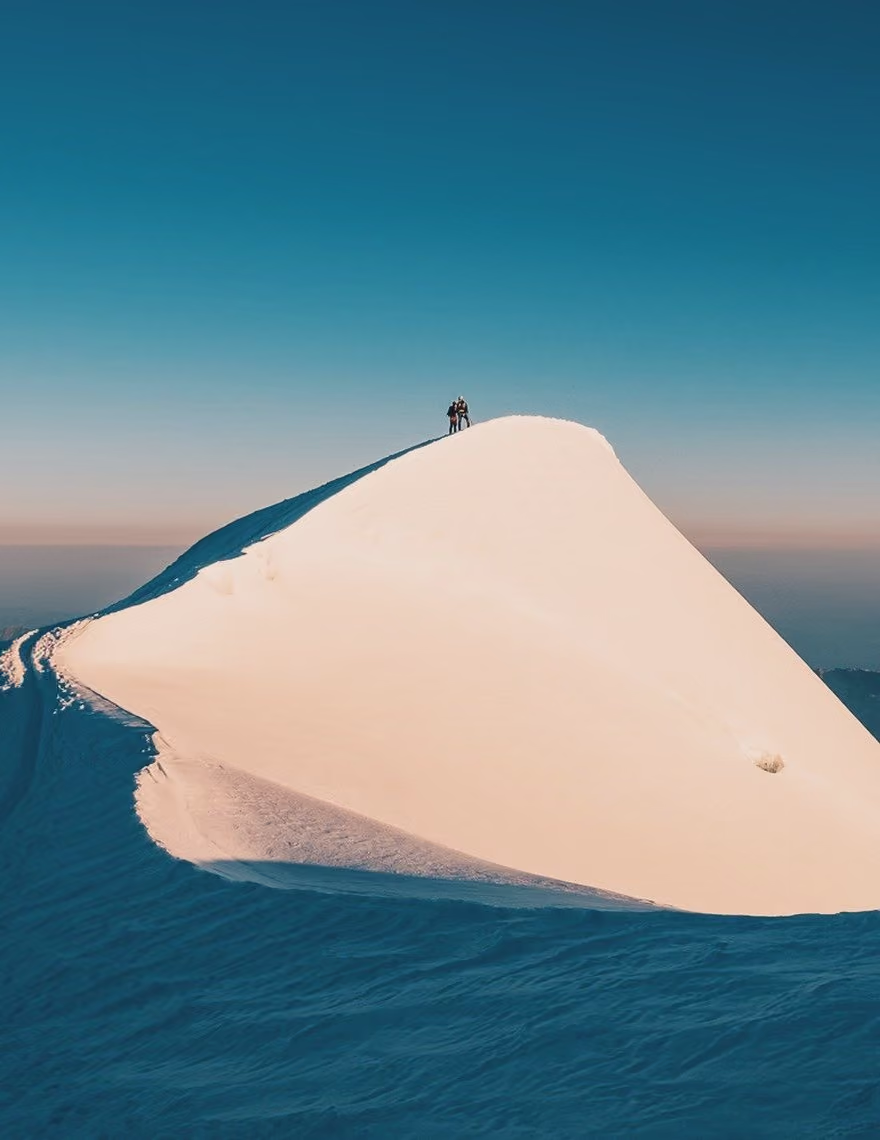
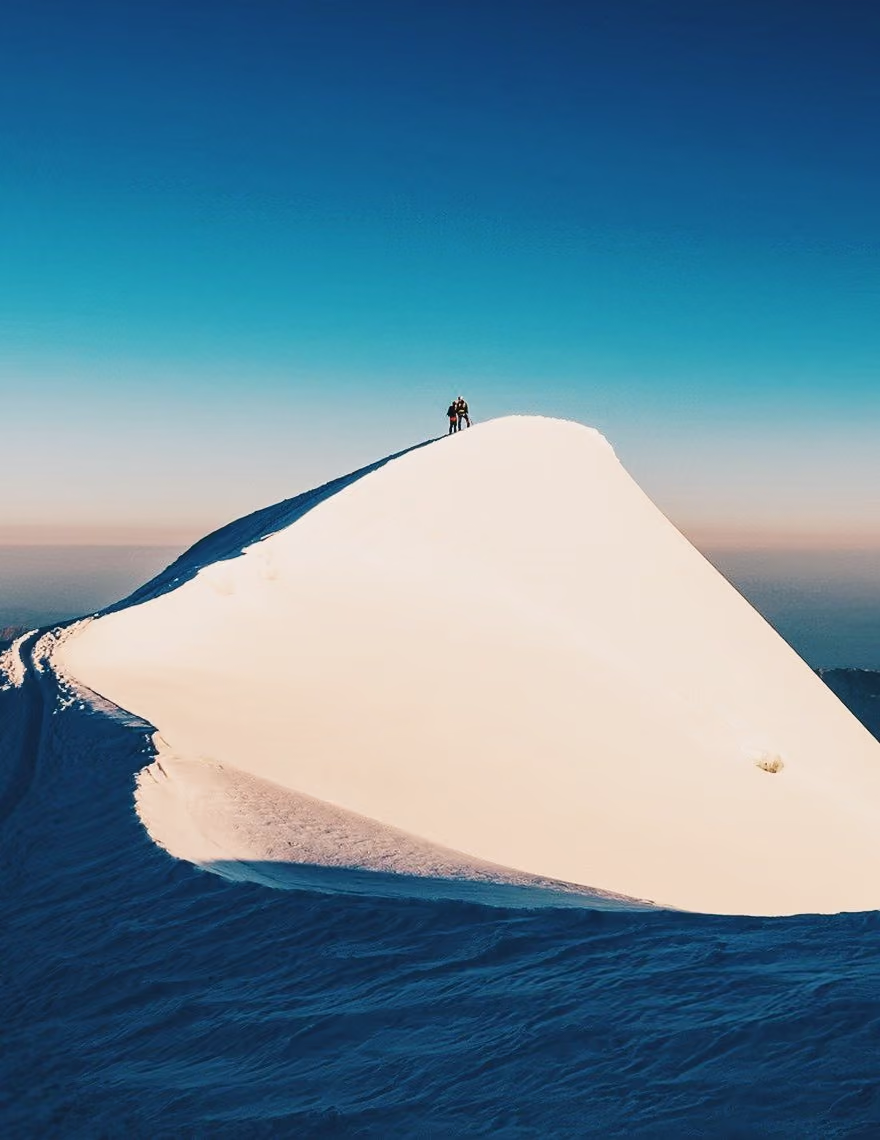
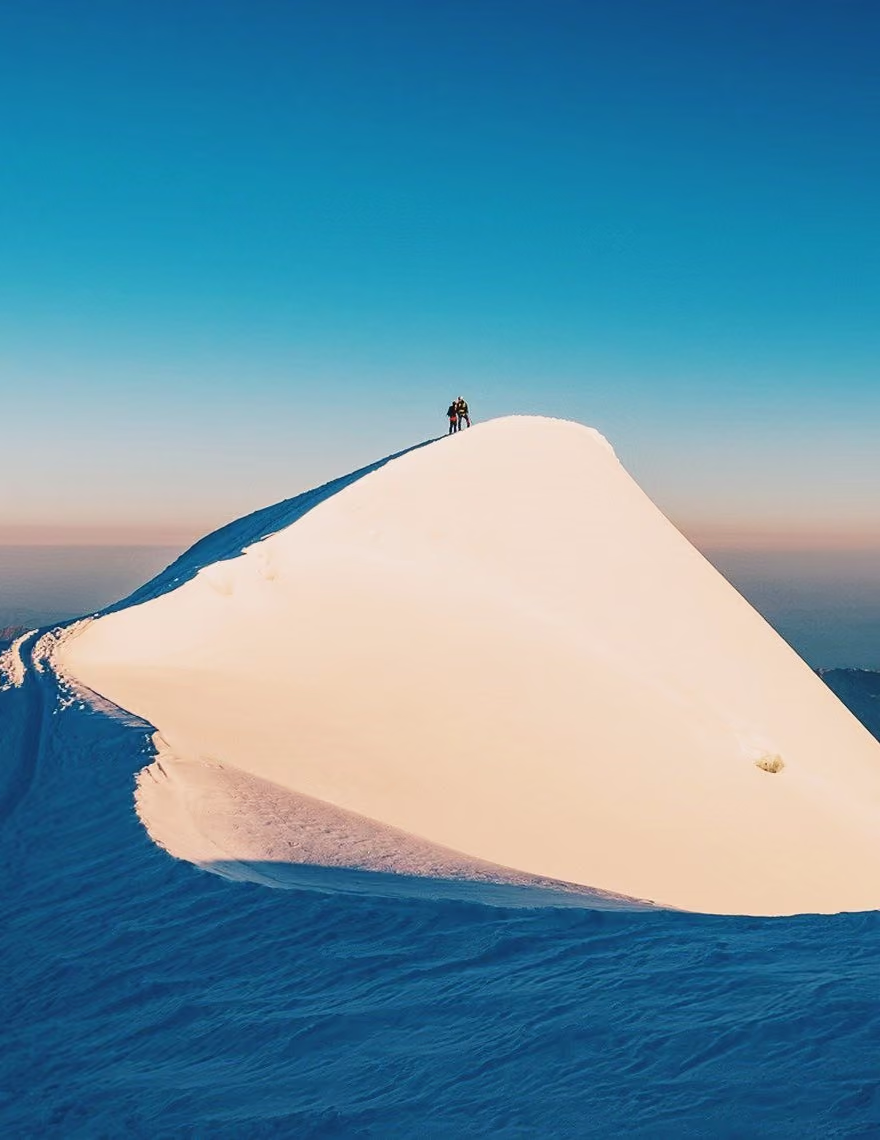
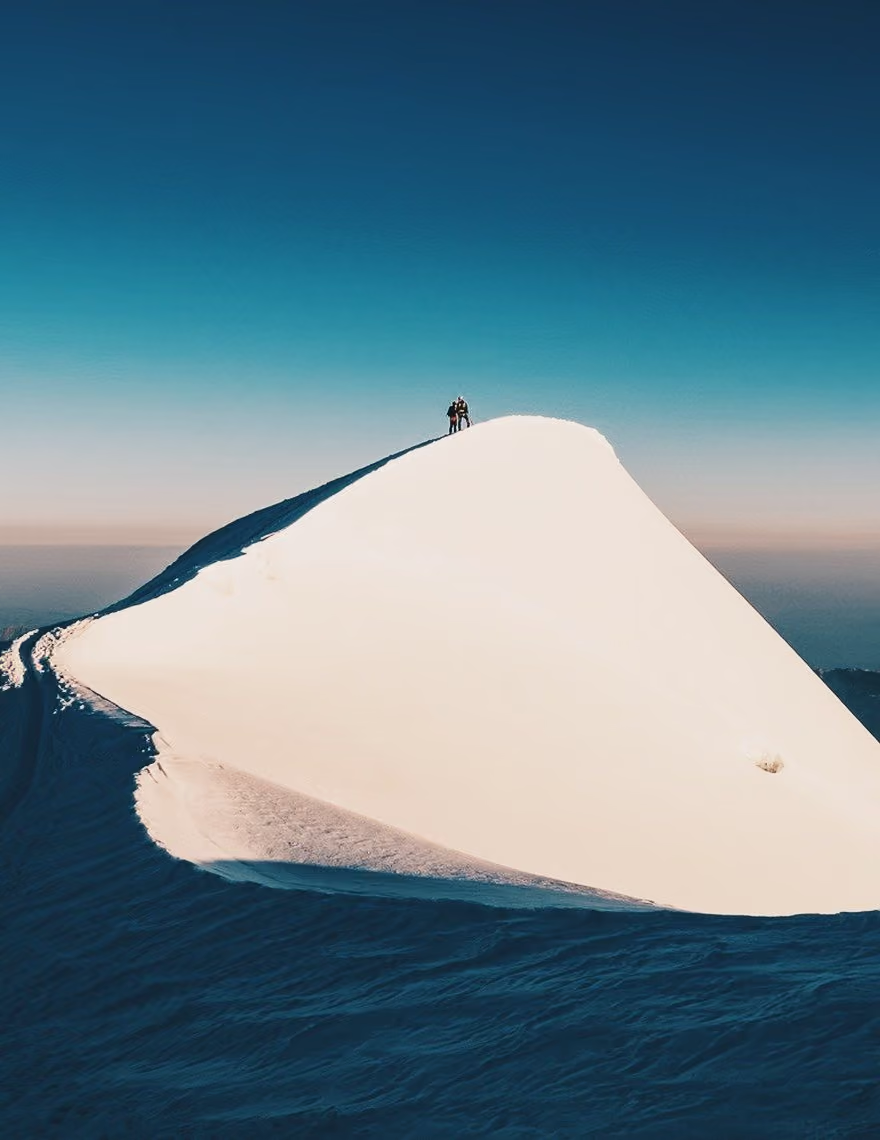
Control color
With a unique look and feel for each Pro preset, the color slider lets you explore the full spectrum of hues within each filter. Go from vibrant to muted without leaving your preset library.
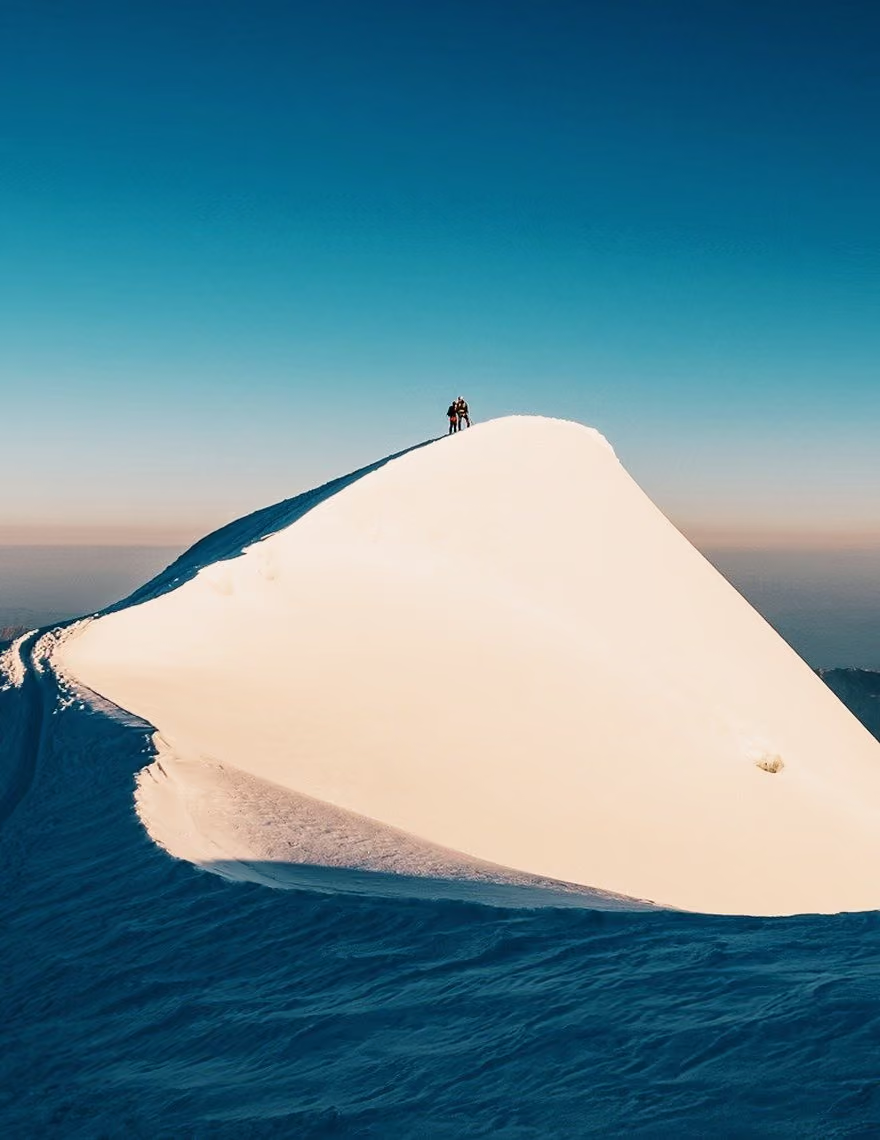
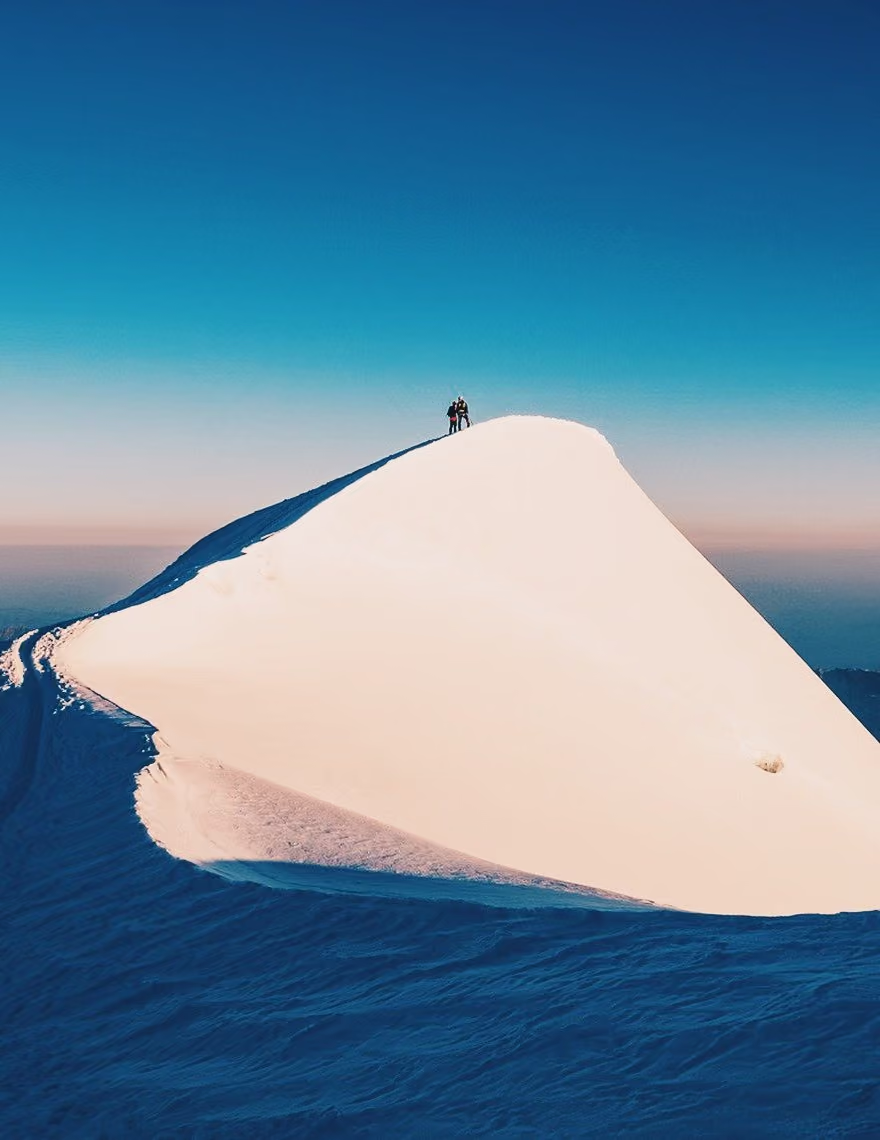
Create perfect tones
The tone slider lets you fine tune subtle shifts in fade from highlights to shadows. Use VSCO Pro Presets to strike the perfect tonal balance in your next shot.
How to use VSCO Pro Presets
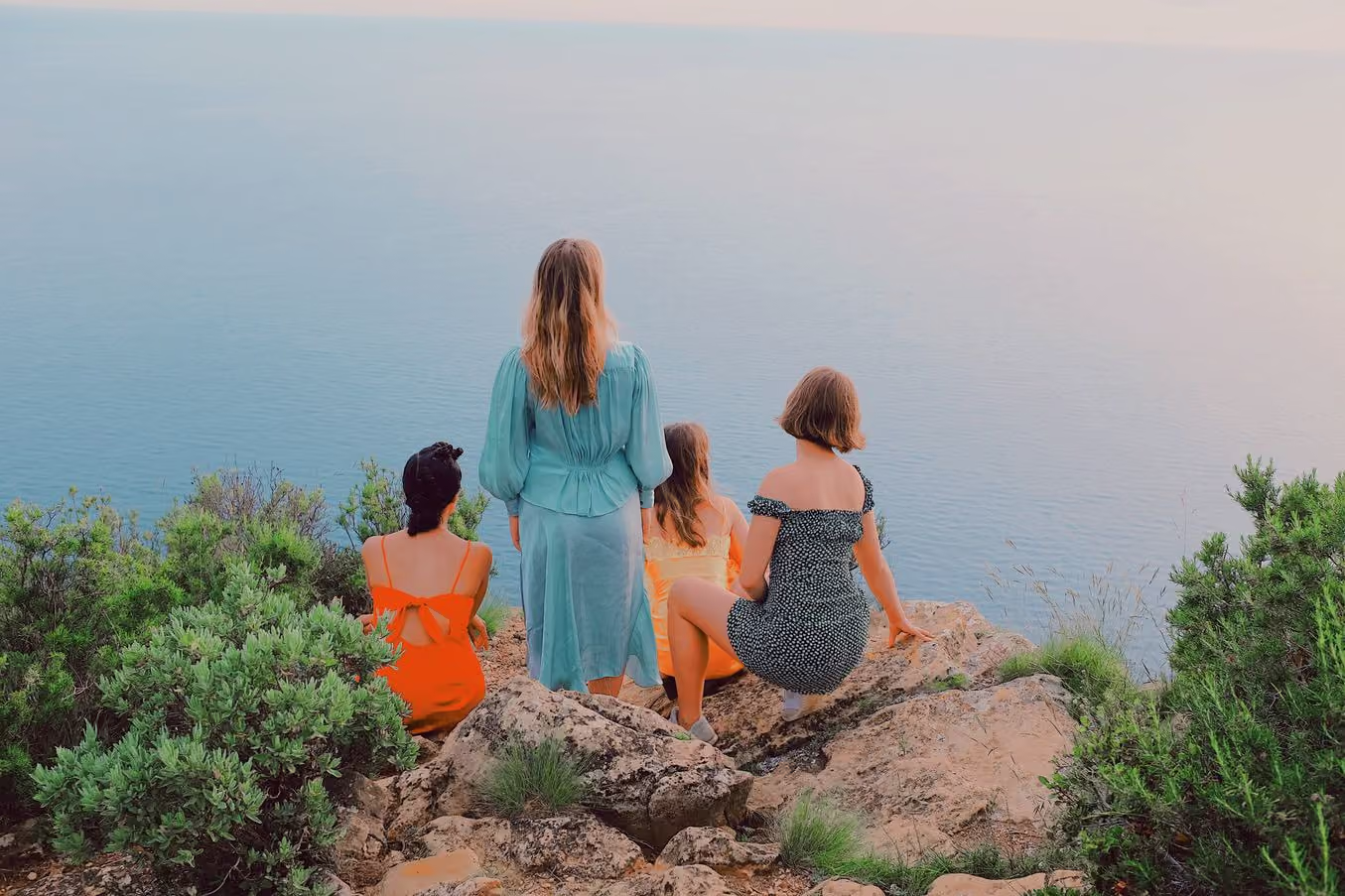
VSCO Pro Members can use the mobile app or VSCO Studio on desktop to apply Pro Presets. Use the editor to apply a look by tapping any Pro Preset tile. Tap the tile again to access the exclusive strength, contrast, color, and tone sliders.

Frequently asked questions
What are VSCO Pro Presets?
VSCO Pro Presets are high-quality, professional photo filters designed to give your images refined and expressive looks with advanced editing control. Each preset includes dedicated sliders for strength, contrast, color, and tone so you can dial in the exact aesthetic you want.
What are the most popular Pro Presets?
Some of the most widely used VSCO Pro Presets include A-series presets like A6 PRO, AL-series, C-series, G6 PRO, SS1 PRO, and WE4 PRO. These presets are popular because they produce balanced contrast and natural color, making them reliable starting points across different lighting conditions and photo styles.
How do Pro Presets differ from regular VSCO filters?
Pro Presets go beyond standard filters by offering greater creative control beyond filter strength adjustments. All Pro Presets include additional sliders for contrast, color, and tone—letting you customize each look with precision.
Can anyone use VSCO Pro Presets?
You need a VSCO Pro membership to unlock the full suite of Pro Presets and their advanced controls. Without a Pro membership, you can still use basic filters in the VSCO app, but access to the complete Pro Preset collection and extra sliders is reserved for Pro members. Try VSCO Pro.
What platforms support VSCO Pro Presets?
Pro Presets are available in the VSCO mobile app and VSCO Studio on desktop, so you can edit on your smartphone or computer with the same creative tools.
Can I edit videos with Pro Presets too?
Yes. Pro Presets work for both photos and videos in VSCO, giving you consistent color grading and cinematic style, no matter how you shoot.
Why should I use presets instead of editing from scratch?
Presets accelerate your workflow by providing a consistent starting point for your edits, helping you save time and maintain a cohesive visual style. They enhance colors, tones, and mood without manually adjusting every setting, but can always be further refined for unique results.
Can I save my own custom preset in VSCO?
Yes. After fine-tuning a look, you can save it as a Recipe in VSCO to reuse your custom style across other photos, creating your own signature editing workflow.
Are Pro Presets good for professional photography?
Absolutely, professional photographers use preset systems to speed up editing while keeping consistent aesthetics across client projects. With Pro Presets’ advanced sliders, you get even more flexibility that supports the demands of professional workflows.
Photo contrast
Control light and shadow to define mood. Push Contrast for depth and drama, or soften it for subtle, balanced tones.
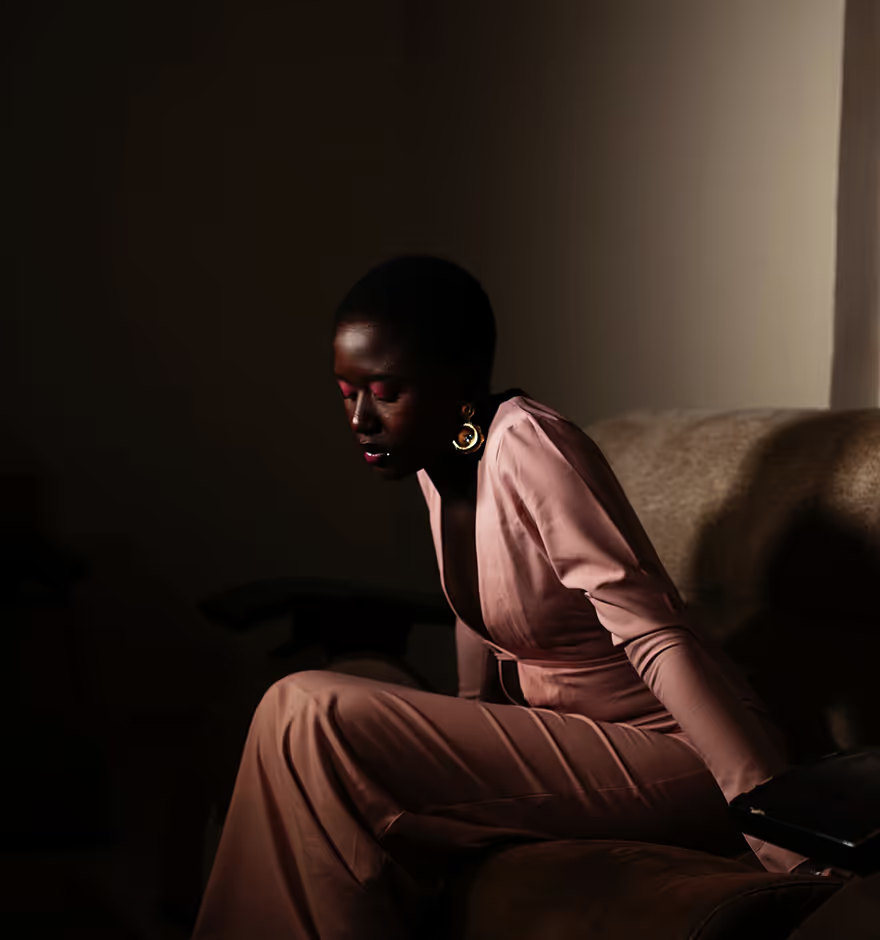
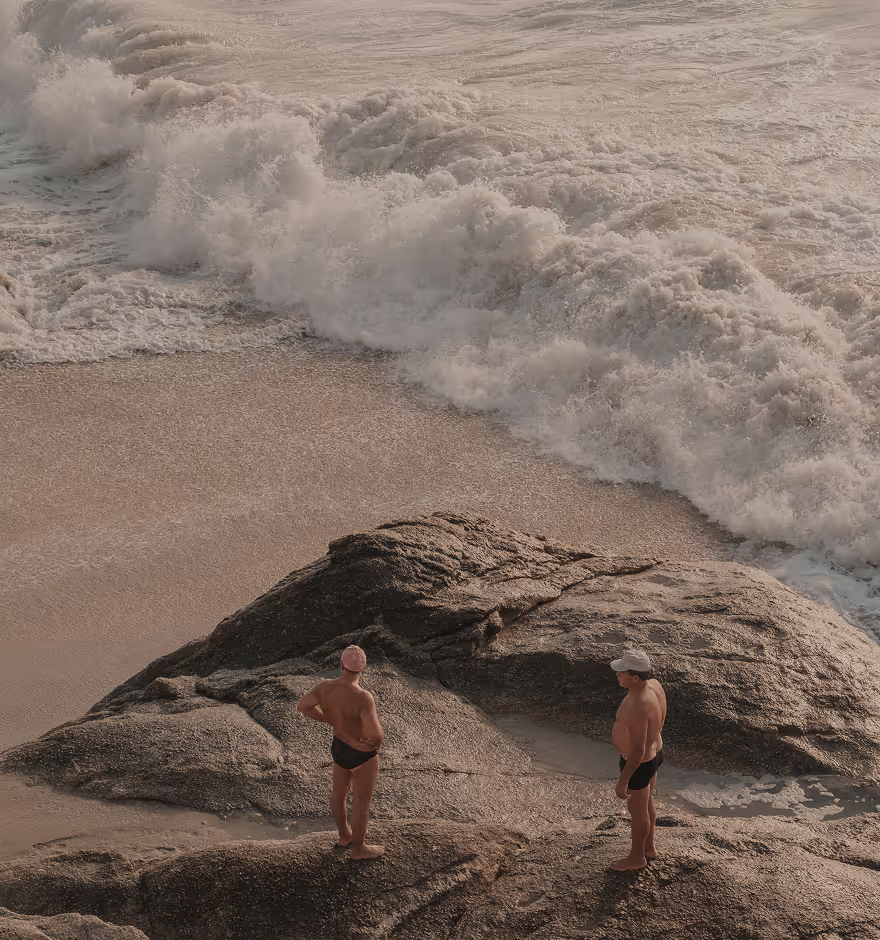
Image tone
Recover detail and balance light. Lift shadows to reveal hidden areas, and control highlights to preserve texture.
HSL editor
Target colors with precision. Shift specific hues, dial up or soften saturation, and adjust brightness with HSL.