Crop images
Easily crop images to the perfect size. Adjust aspect ratios, cut unwanted edges, and freehand crop for precise framing.
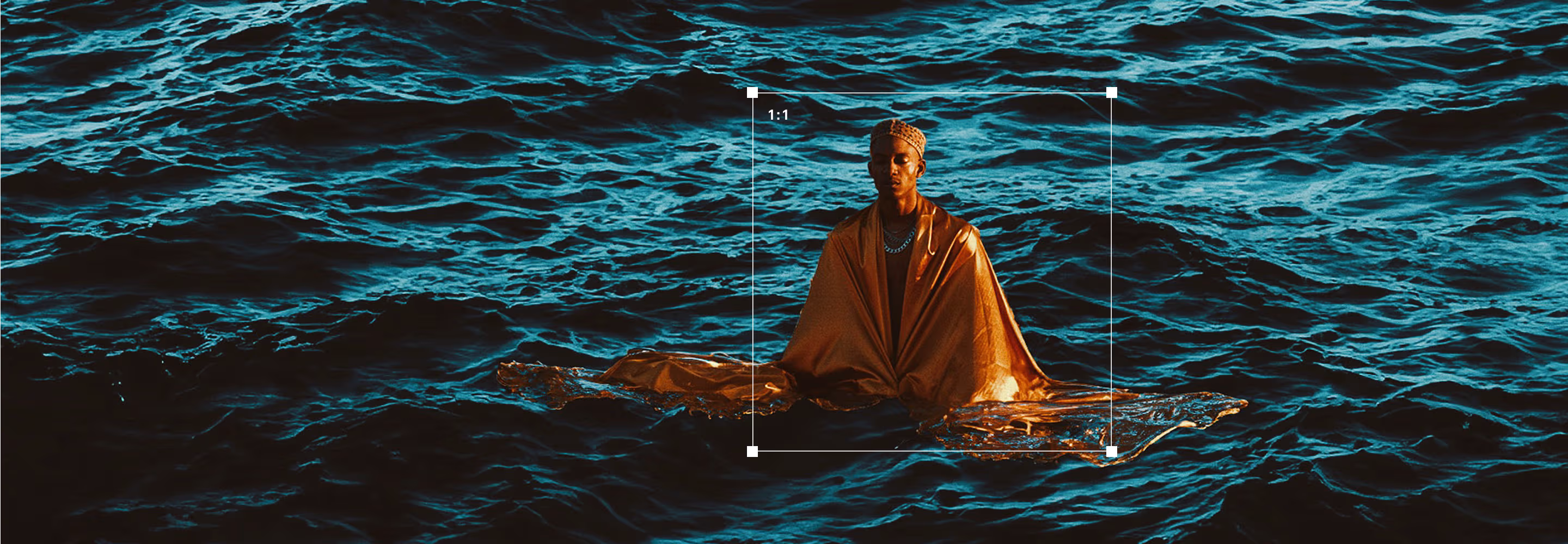
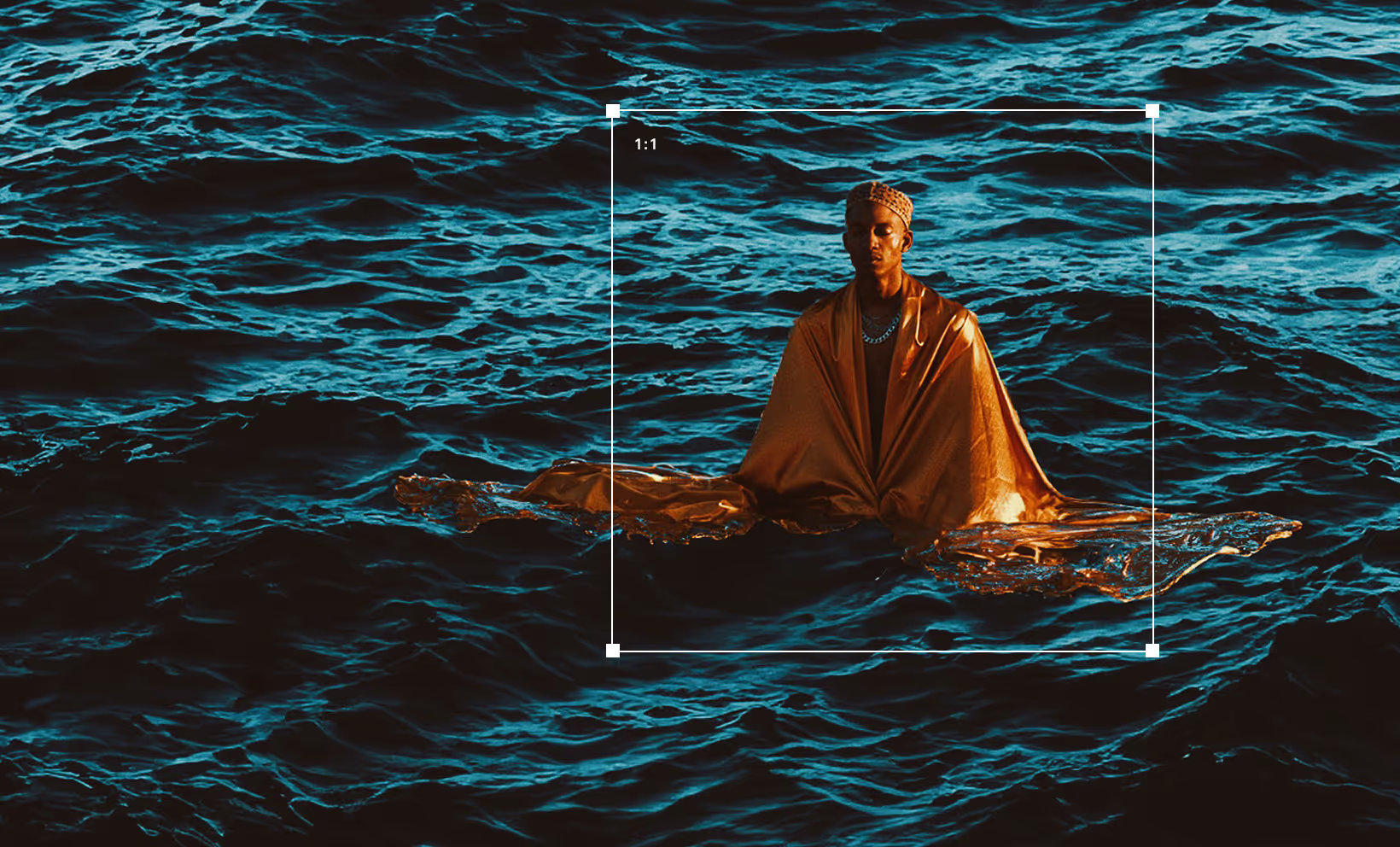
Crop, trim, and cut photos with VSCO. Control aspect ratio and framing with intuitive tools, or freehand crop images with precision.
VSCO is a community-driven platform that equips photographers to expand creatively and professionally. Join today to build authentic connections that foster professional growth and to edit photos and videos with our full suite of tools. Invest in your creativity with a VSCO Membership.
Crop images
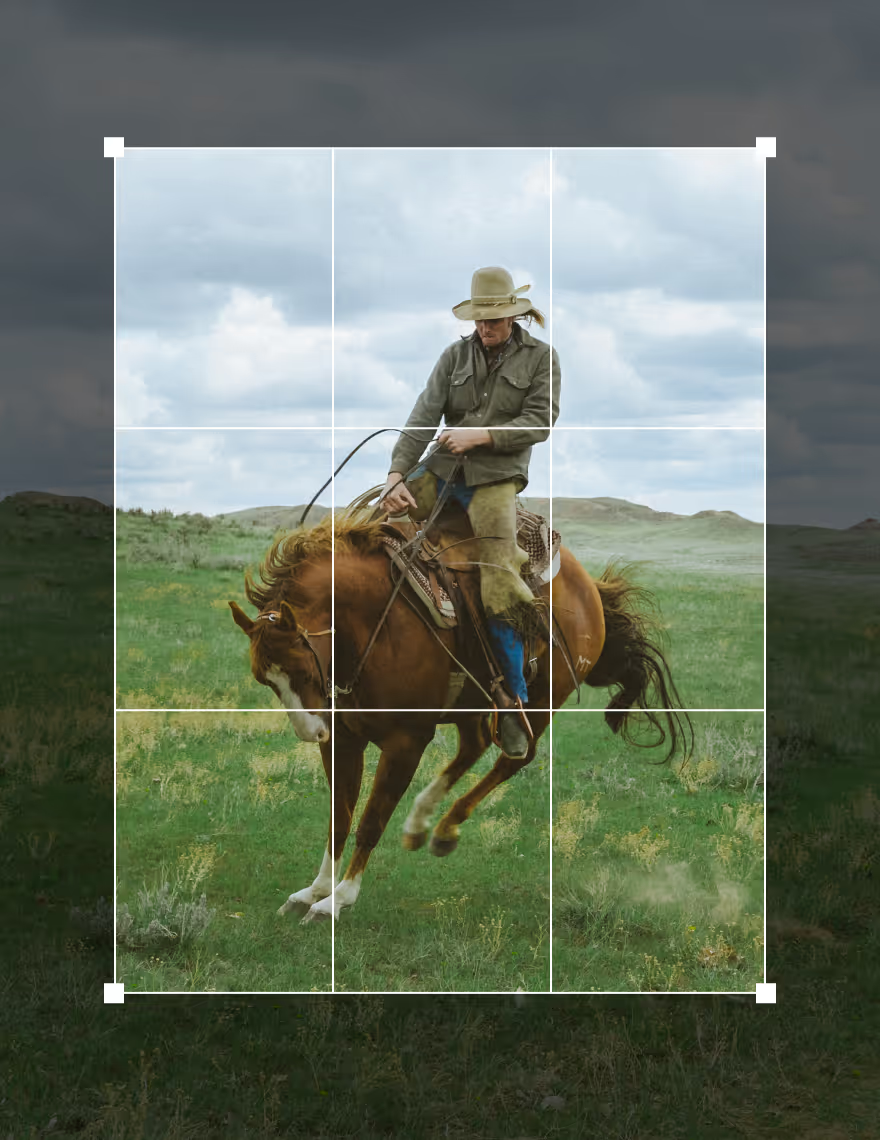
Crop photos with precision using the VSCO desktop photo editor or mobile app. Use grids to apply the rule of thirds, choose aspect ratios like 1:1 or 9:16, and free hand crop for custom framing. Go further with more tools to skew, straighten, and refine every detail of your photo.
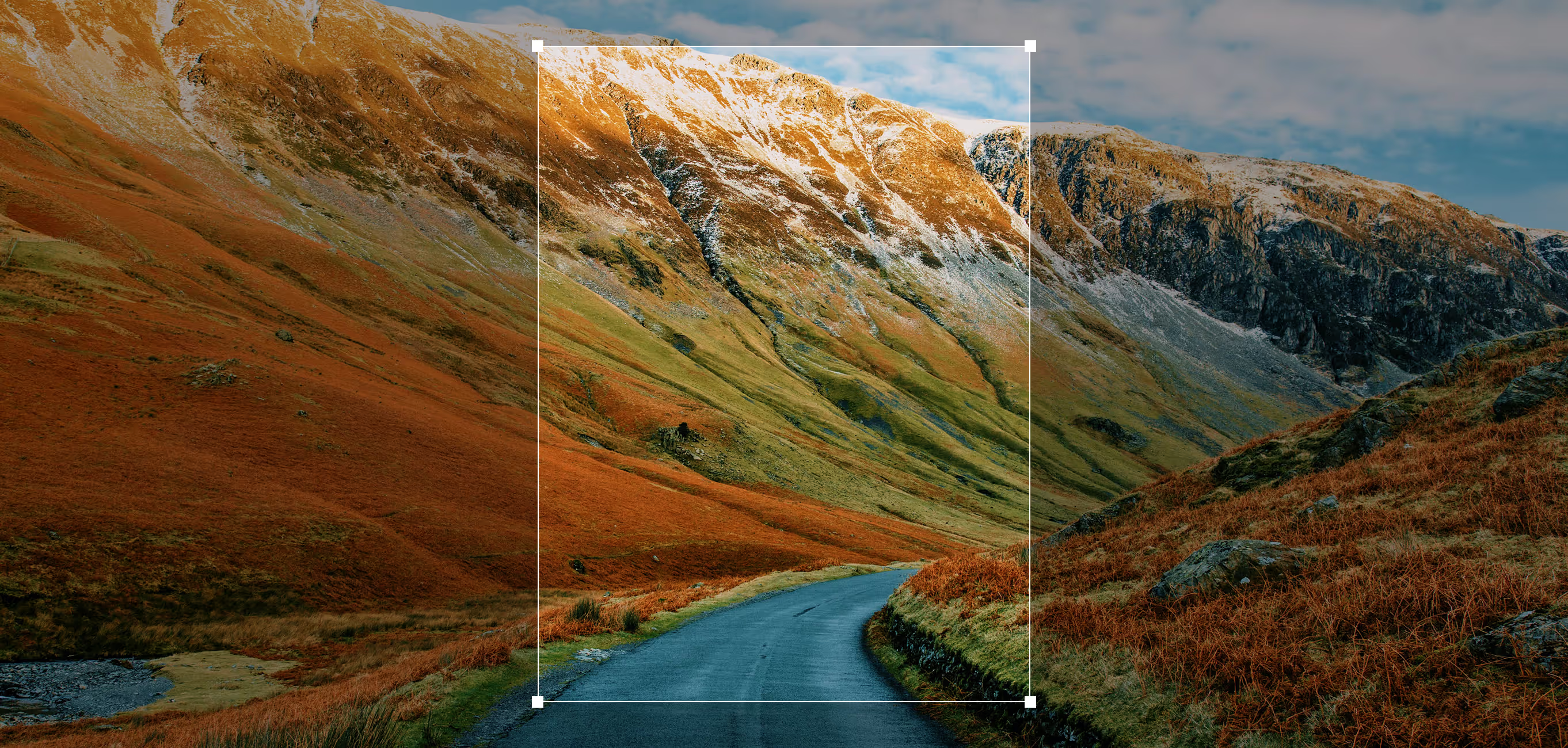

Crop photos online
See every detail on a bigger screen with VSCO Studio for Mac and Windows PC. Crop photos your way by choosing a popular aspect ratio, setting a custom size, or free hand cropping. Then straighten or rotate to find the perfect composition.
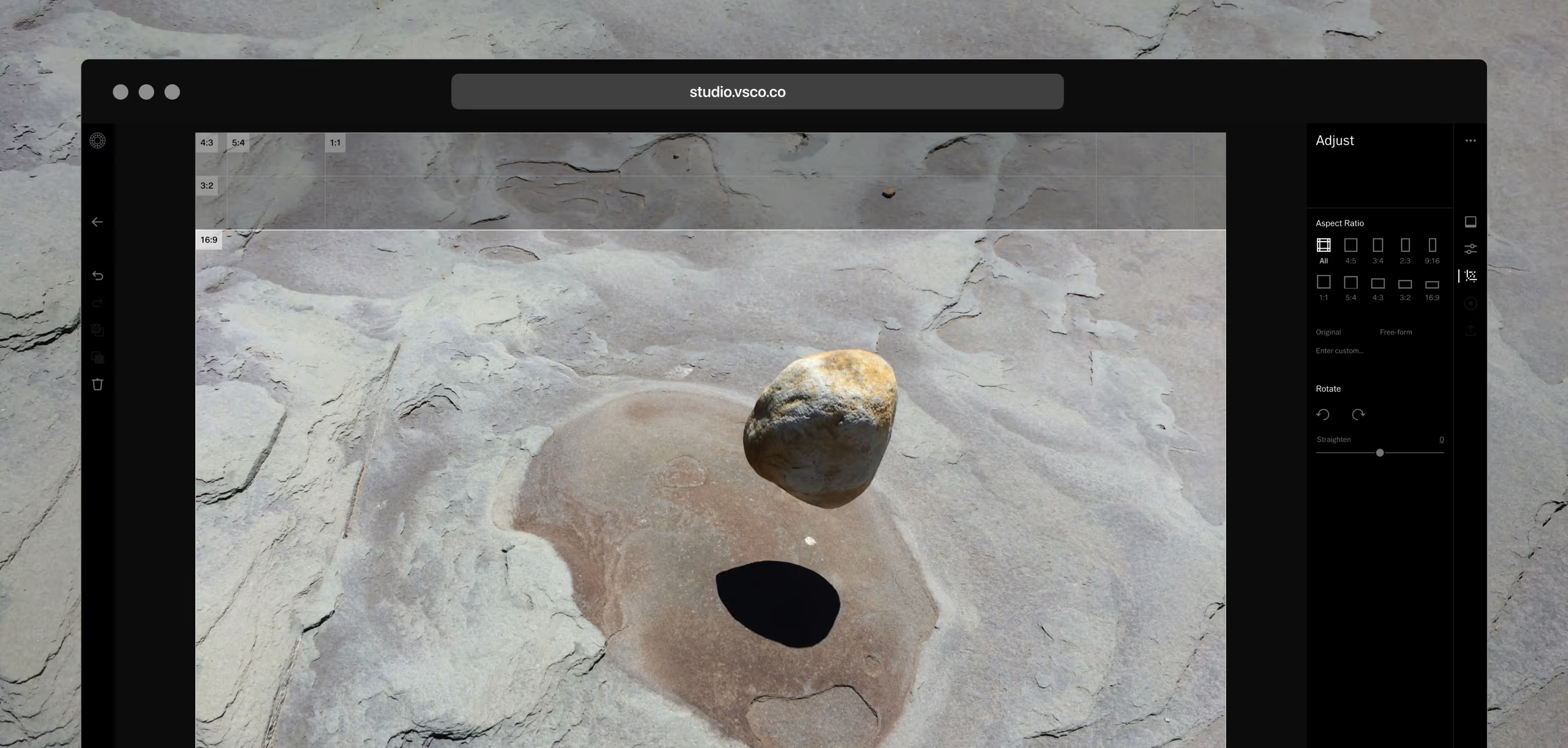
How to crop images
Learn how to crop photos with VSCO. Download the app on iPhone or Android or use VSCO Studio on desktop for Mac or PC to get started, then follow the steps below to refine your shots.
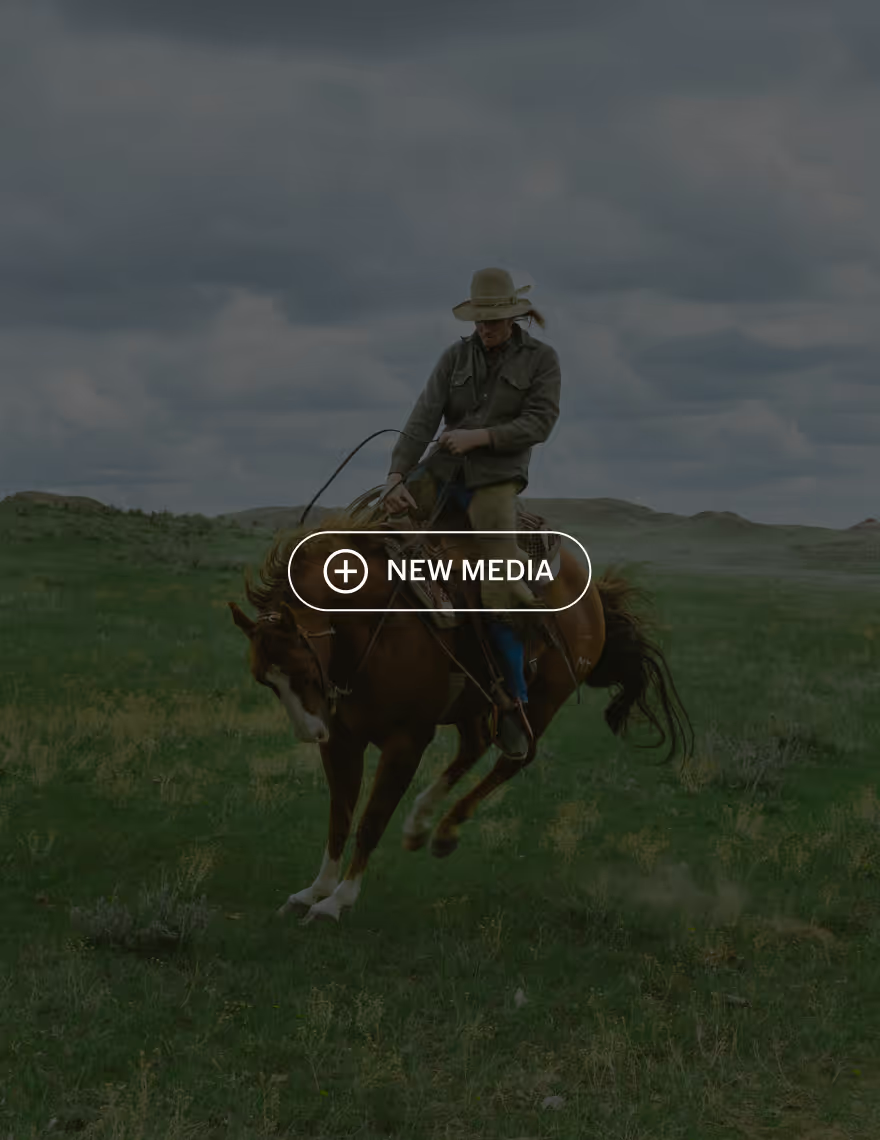
1. Add your photos
Import your shots from your camera roll or desktop. When you’re ready to crop, select a photo and tap Edit Image to get started.
2. Crop with the Adjust tool
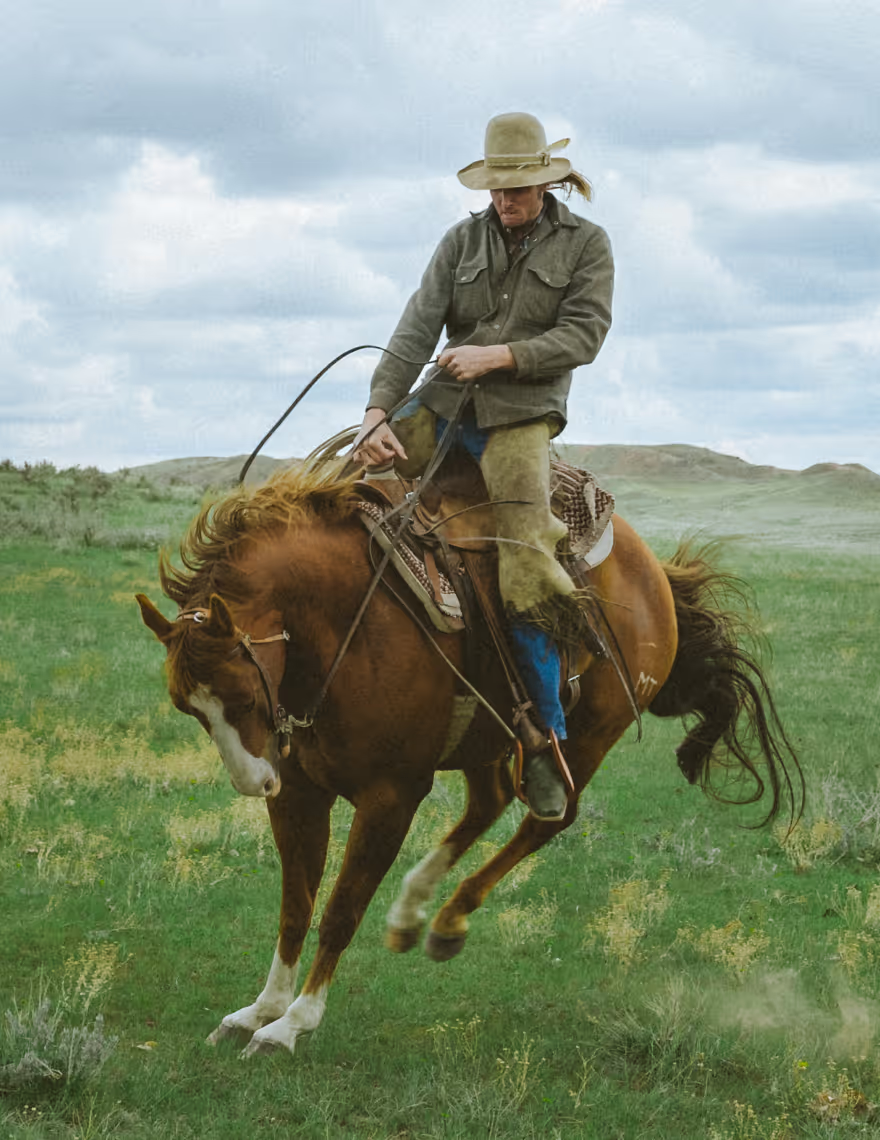
Open the tools tray and tap Adjust. Freehand crop by dragging the corners, or select a defined aspect ratio before you start framing.
Frequently asked questions
How do you crop an image?
How to crop for social media (Instagram, YouTube, etc.)?
VSCO is perfect for cropping content to fit any platform. Choose preset aspect ratios like 1:1 for Instagram or 9:16 for TikTok, or free hand crop to get your shot just right.
What is image crop aspect ratio?
The crop aspect ratio is the width-to-height relationship of your image. VSCO offers popular preset ratios for social media, as well as the ability to create custom ratios for precise framing.
What is the difference between crop and resize?
Crop trims the edges of your photo to change framing, while resizing changes the overall dimensions without cutting content. Although these terms are often used interchangeably, VSCO provides precise crop tools to adjust your composition.
related PHOTO EDITING TOOLS
Go beyond cropping to shape your photos. Add borders to frame your shots, layer text to make a statement, and apply film-inspired effects to enhance mood and style.
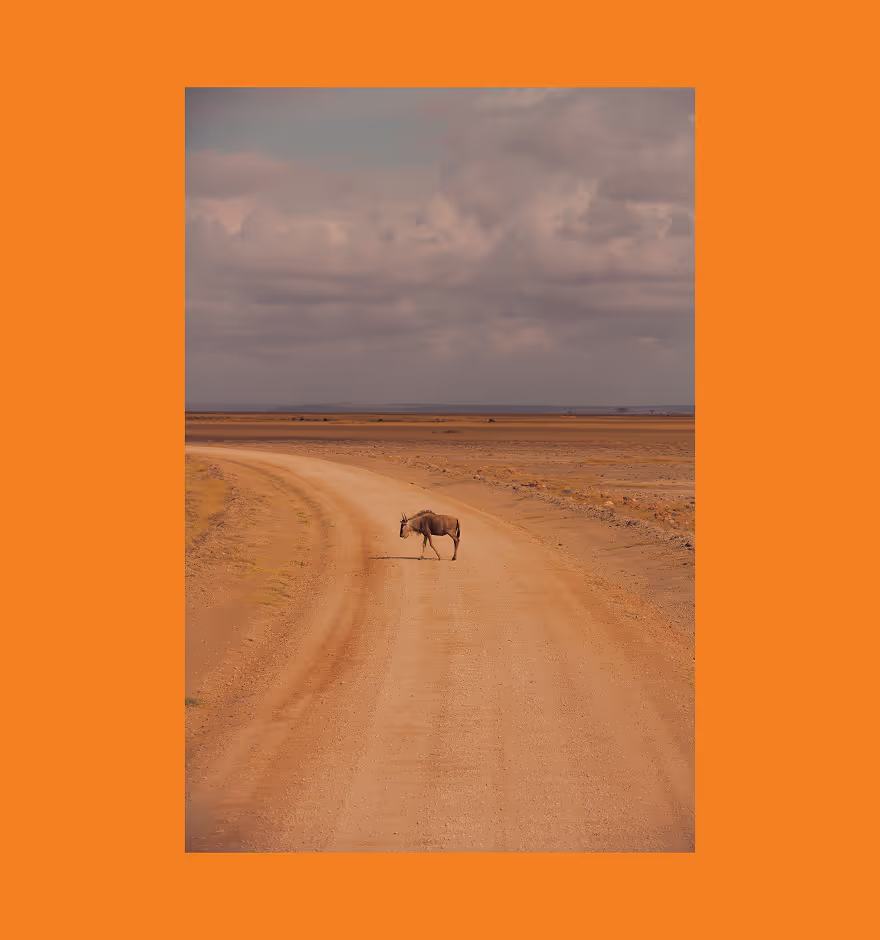
Frame It with Borders
Add bold colorful borders or white borders to give your photos a finished look.
Say Something with Text
Layer text onto your images to add context, captions, or creative flair.
Film-Inspired Effects
Add film effects like frame overlays, lens flares, and grain filters for a true analog look.