You may know it by now, but there's a word for that professional, out-of-focus look you see across genres of photography and when using your phone’s ‘portrait mode.’ Bokeh.
Often characterized by a sharp subject surrounded by a sea of blur, photographers can use bokeh, or lens blur, in all sorts of creative ways. Before jumping right into the look, it’s always helpful to understand how bokeh works and why you may want to experiment with it in the first place.
What does Bokeh mean?
The term comes from the Japanese word boke (暈け/ボケ), which means "blur" or "haze", resulting in boke-aji (ボケ味), the "blur quality".
It is pronounced “boh-keh”.
What is Bokeh in Photography?
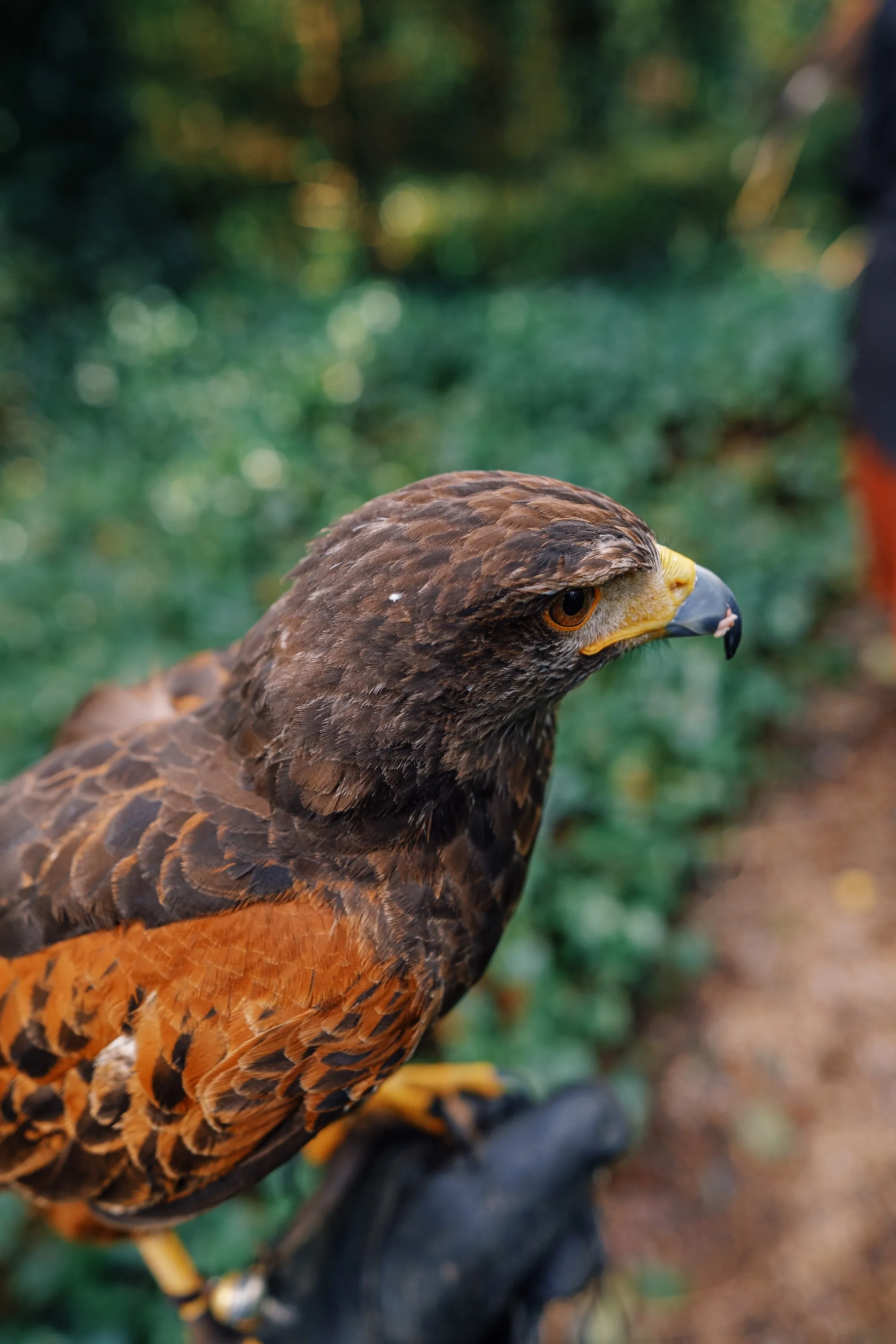
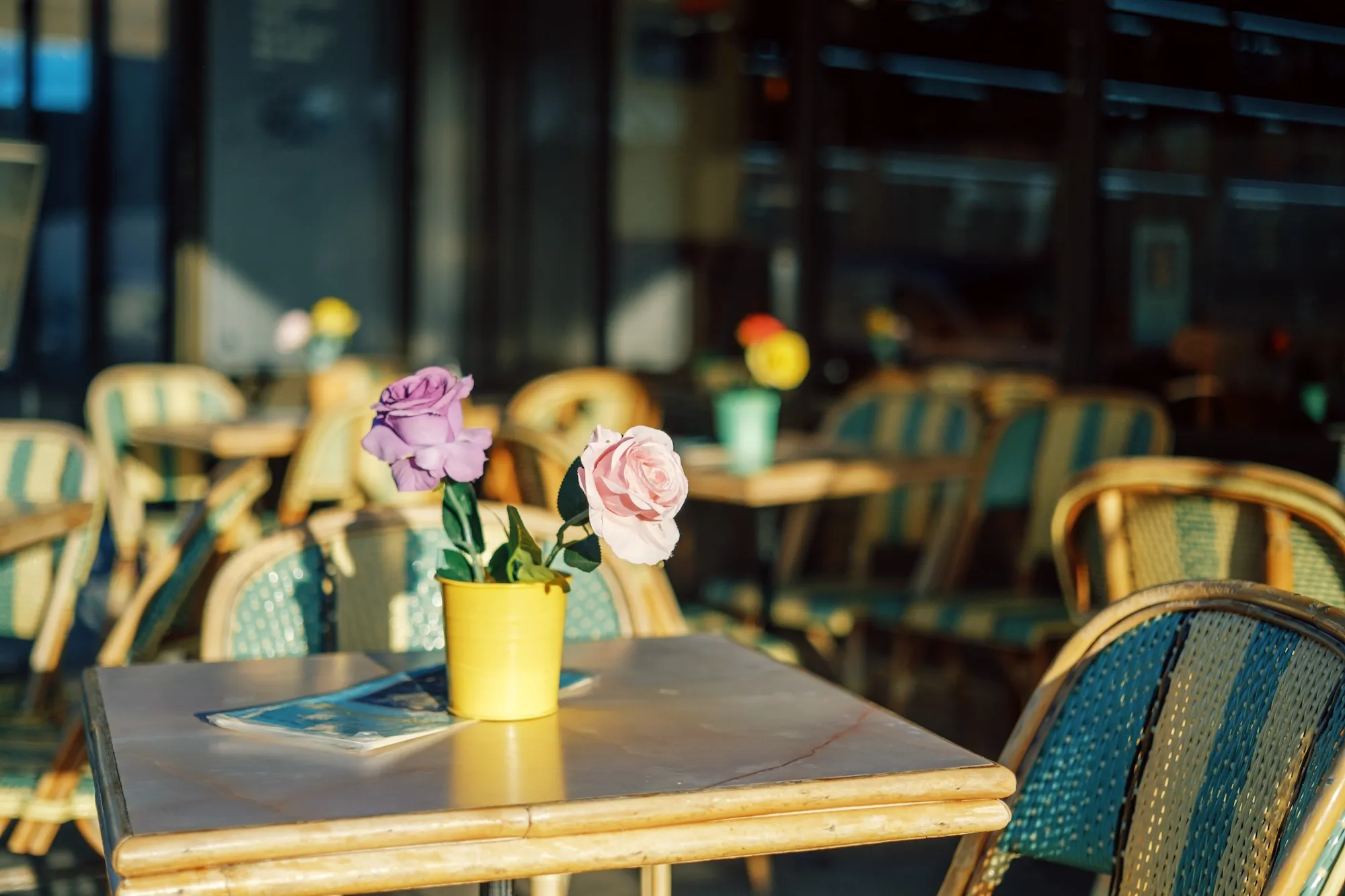
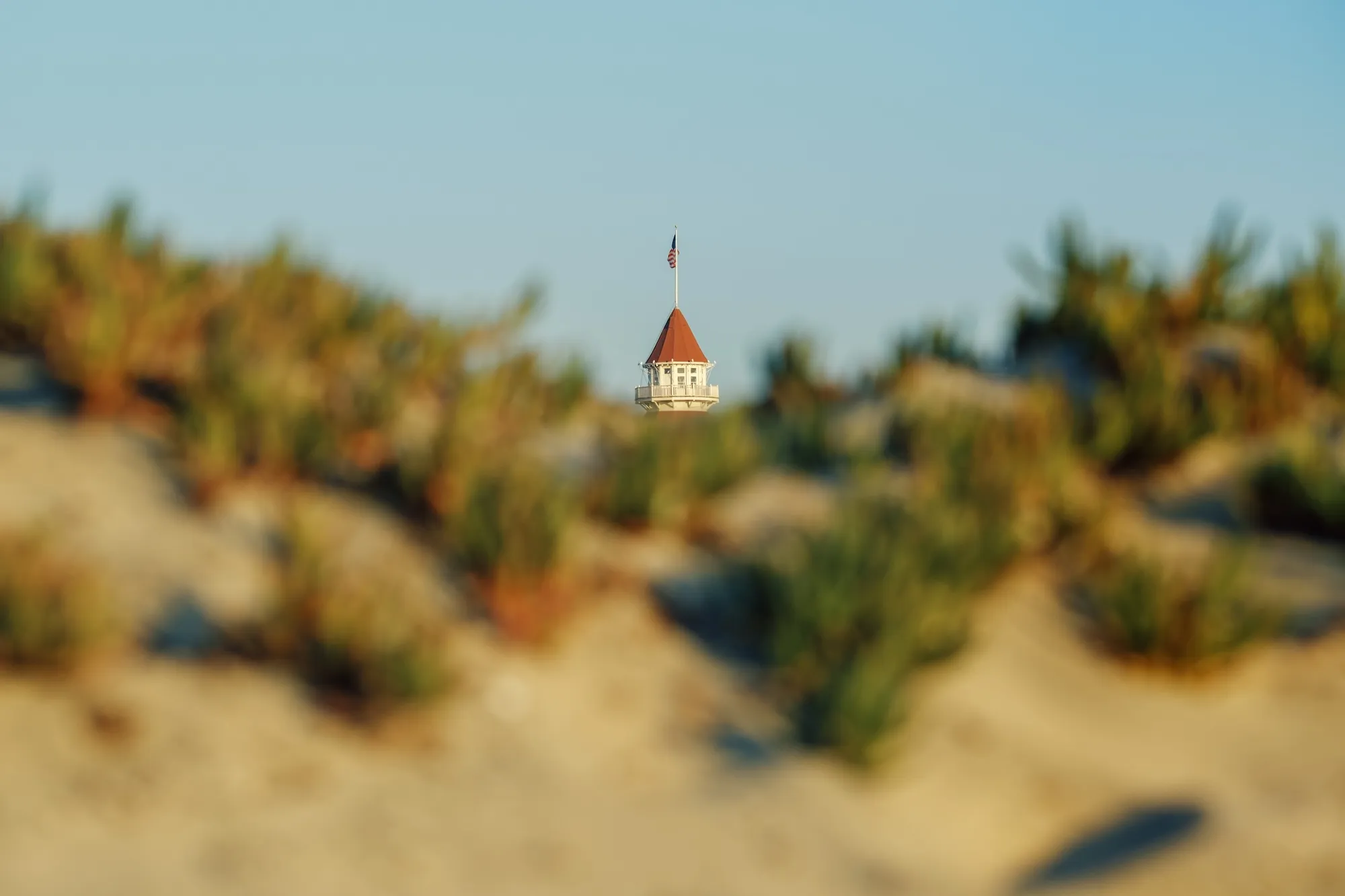
Bokeh is the blurring of the background and foreground behind and in front of the subject that is in focus.
If you hold something close to your eyes and focus on it, you’ll notice that even your eyes have a little bit of bokeh.
Understanding Bokeh Effect
When using a lens, you can control the bokeh effect in three main ways:
- A wider aperture (use a lower f-stop, like f/1.4)
- A longer focal length with more ‘zoom’ (like 85mm)
- Decreasing the distance between the lens and the subject (get in close!)
Advanced cameras and niche lenses, like a large format 4x5 camera or a specialty tilt-shift lens, can offer unique ways to control bokeh. With these, you can control focus, and blur, not only in the ‘depth’ field of focus, but also side-to-side with horizontal ‘tilt.’
Aperture
Aperture is one of the most effective ways to achieve the bokeh effect. Setting a wide aperture (the lowest f-stop number in your camera settings) will create a shallow depth of field, meaning that things will blur the more distant they are from your point of focus.
Learn more about aperture in photography here.
Focal length
The focal length settings of your camera as well as the lens itself can affect bokeh in an image. A longer focal length increases the bokeh effect. This also helps reduce distortion that often occurs in wide-angle compositions.
Positioning
The closer you are to your subject the easier it is to achieve a bokeh effect. When the subject is closer and in focus, the background becomes more out of focus and the bokeh effect becomes more noticeable. A distant background can enhance the bokeh effect even more.
Positioning can be helpful for isolating the subject from a busy background by making that busy background fade away with soft bokeh.
How to Create a Bokeh Effect in Your Photos
To create natural bokeh effect with a camera:
- Try zooming in, or use a longer lens like an 85mm or 70-200mm
- Turn the aperture all the way down (go to Aperture Priority mode and scroll to the lowest number you can)
- Get as close to the subject as you can while still maintaining your composition
- Capture the photo, check the results, and make adjustments as needed
On a variable-aperture kit lens, you may actually get more bokeh by zooming out all the way (to the widest setting) and then getting really close to your subject with the lowest possible aperture. Be careful though, this can cause some unflattering perspective distortion.
Best Lenses for Bokeh
The best way to create authentic bokeh is with a lens with a wide aperture. This is that f-stop number we keep referring to – and the lower the f-stop, the better – at least when it comes to bokeh. Specialty portrait lenses and wide aperture f/1.2 or f/1.4 prime lenses are champions of bokeh, but come with hefty price tags. A ‘standard’ 50mm f/1.8 or similar lens can be a much more accessible (and lighter) alternative for experimenting with bokeh.
Bokeh Effect on a Smartphone
Portrait mode on smartphones simulates a bokeh effect by creating a depth mask and applying a blur effect around the subject. It can look similar and improves every year, but there can be obvious errors, especially with small details like hair that get blurred or cut off in an unrealistic way. For best results, try to keep small details to a minimum with pulled-back hair or a hat.
Adding a Blur Filter with a Photo Editor
Just as bokeh can create a blur that brings attention to the subject, photo editing tools can be used to add blur that brings the focus to the subject. You can edit a digital or smartphone image for blur by using a photo editor like VSCO.
Linear Blur Filter
An interesting application of bokeh is with tilt-shift lenses, where a thin linear slice of the image is in focus, and the image gets progressively more blurry outside of that line. The same principles apply as with the normal background-blur type of bokeh, with the added dimension of the lens position. Thankfully, this effect can be simulated in post reasonably well with a linear blur.
Circular Blur Filter
With a circular blur filter, it can emulate the practice of putting vaseline on the outside of the lens to create a dreamy effect around the subject.
How to Blur an Image:
1. Open the VSCO mobile app
2. Select an image from your library to edit and open the VSCO photo editor
3. Find Blur in the tools menu
4. Select Circular or Linear to pick the focal point area
5. Adjust the in-focus elements by dragging and resizing the focal point within the image. Everything within the focal point area will be in focus and everything outside of the focal point area will be blurred
6. Change the strength of the blur using the slider
7. Save and post your image to VSCO
Adding a blur filter to a photo won’t exactly mimic the same effect as bokeh with your camera, but you can create blurred aesthetics that highlight the subject of your image and achieve a similar effect.
Benefits of Bokeh in Photography
Using bokeh in photography can enhance your photos by spotlighting certain elements and creating a sense of depth within a single image.
Contrasting areas of focus and blur can draw the viewer’s attention onto the subject. Bokeh also helps the subject appear more three-dimensional, like they’re ‘popping’ out of the background.
In a way, bokeh simulates the way we actually see things. Our eyes have a wide field of view, but a small area of focus, and we don’t really see a lot of detail outside of whatever we’re looking at. Bokeh can help a photo feel more like the experience of looking at a subject with our eyes.
Bokeh in Portrait Photography
Using bokeh in portrait photography is popular because it highlights the subject while muting the background, spotlighting the main focus of the image on the person. Bokeh can create stunning portrait photos and therefore many photographers choose to use this effect in their work.
Bokeh in Nature Photography
Nature photography is another genre where a bokeh effect can really impact your photos. Highlighting an animal or nature scene by blurring the background can elevate the image and be a powerful way to capture the natural world.
Bokeh in Food Photography
Food photographers will often use close-up compositions and mouth-watering details to capture our attention. Using bokeh to blur the background of a table-setting can help draw viewers into the sharply-focused food in the foreground. Hopefully you’re not too hungry.
Bokeh in Night Photography
At night, street lamps and traffic lights can be transformed into abstract orbs of light with the bokeh created by your lens. Artificial light and photography don’t always mix well, but this approach can have you on the lookout for all kinds of light in the night.
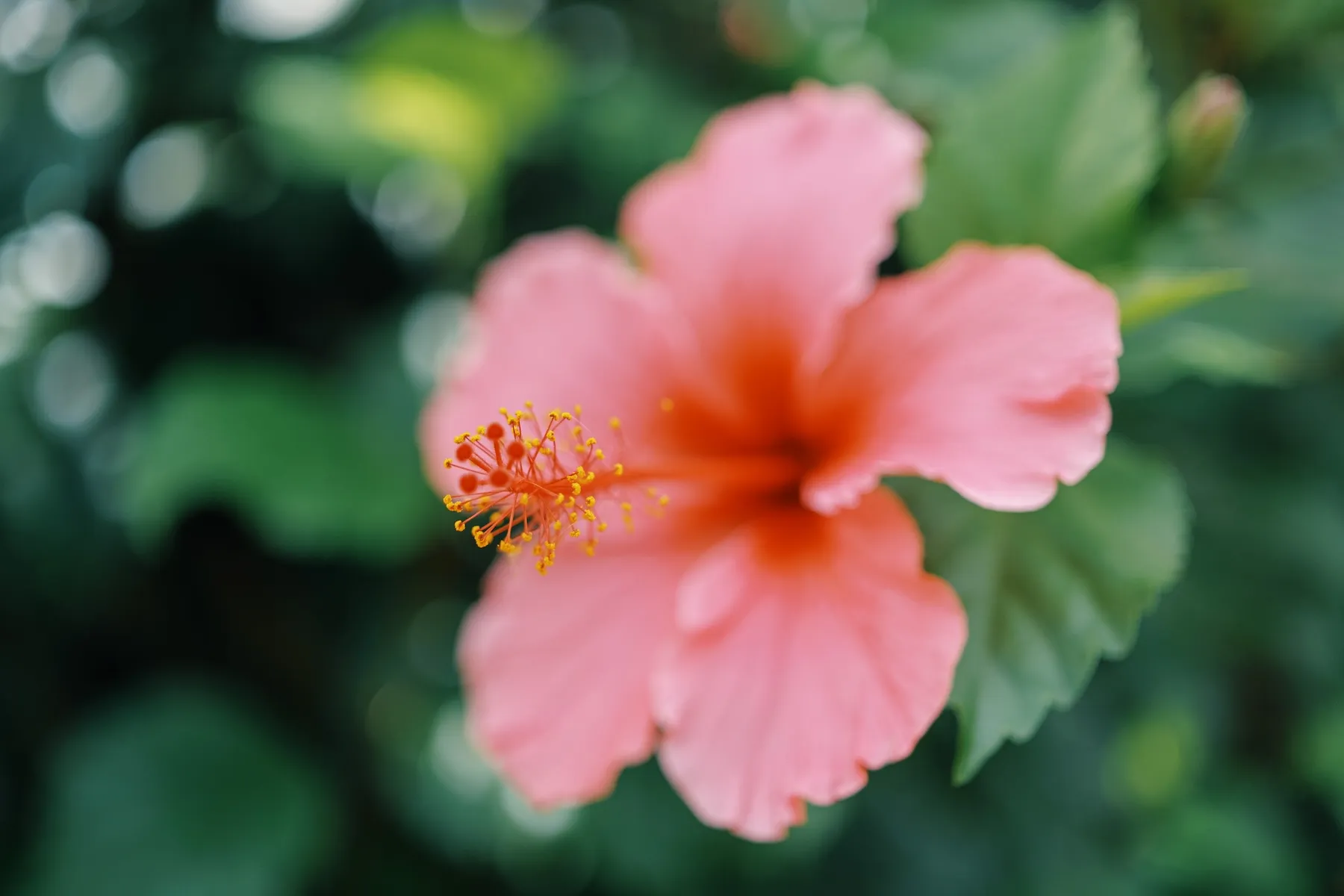
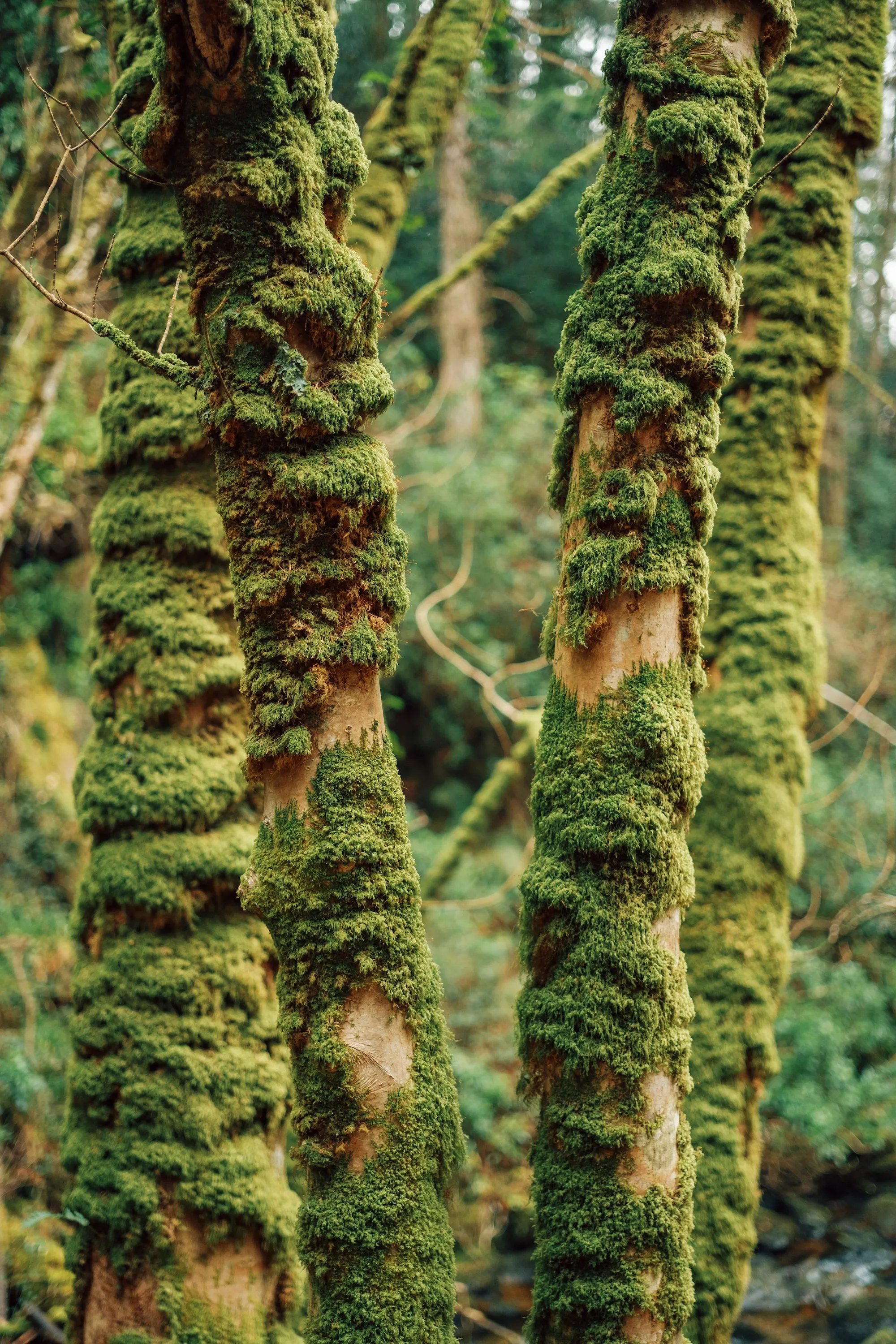
Bokeh Photography Examples


Creating Bokeh with VSCO
Bokeh opens up a world of creative possibilities. It’s not always about what is in focus in an image, but sometimes it’s what is out-of-focus that can set a photo apart. Get creative with bokeh and blur, and experiment with the tools and techniques above.
Explore other photo effects and presets, and share what you create along the way with #VSCO.