
A photography project doesn't end with the final edit.
How you deliver the images shapes the client's experience as much as the photos do.
A clear photography client delivery workflow helps you avoid missing-file emails, simplify downloads, and give clients an experience that brings them back.
Key Takeaways
A photography client delivery workflow helps you deliver finished photos professionally by organizing final images, choosing the right delivery method, setting clear access permissions, and following up to create a better client experience.
- Confirm deliverables before exporting. Agree on image counts, file formats, resolution, delivery timelines, and usage rights to avoid confusion.
- Choose the right delivery method. Use an online client gallery for polished presentation, a cloud folder for straightforward handoffs, or a transfer link for large files.
- Organize and quality-check final images. Remove duplicates, check editing consistency, use clear filenames, and arrange photos in a thoughtful sequence.
- Make access and downloads simple. Set appropriate privacy permissions, provide clear download instructions, and explain how long files will remain available.
- Send a personalized delivery message. Include the gallery link, access details, download instructions, and any remaining next steps.
- Follow up after delivery. Check in within a few days, request a review when appropriate, and reconnect with clients to encourage repeat bookings.
This guide walks through how to prepare, organize, deliver, and follow up on client photos, with practical tips and sample messages you can adapt to your business.
What you'll learn in this guide:
- Define Your Deliverables Before You Export
- Choose a Delivery Method That Fits the Project
- Prepare, Organize, and Sequence Your Final Images
- Set Clear Access, Privacy, and Download Permissions
- Send a Delivery Message Clients Can Follow
- Follow Up Without Making It Feel Transactional
- FAQ
Before you prepare final images, confirm what the client is expecting. It prevents revisions, missing files, and confusion about what's included.
Start with four essentials:
- Image count: Confirm the number or range of edited photos in your package. Deliver enough variety to tell the story without overwhelming clients with near-duplicates.
- Resolution and intended use: Prepare full-resolution images for printing and appropriately sized versions for websites or social media when needed.
- File formats: JPEGs work well for most client deliveries. Provide TIFFs or other formats when a project requires them, and clarify whether RAW files are included instead of assuming clients will want them.
- Additional deliverables: Account for album selections, social media crops, commercial usage requirements, and any other agreed extras.
Think about how the client will use the images.
A couple may want high-resolution wedding photos to print and share with family, while a commercial client may need web-ready campaign assets in specific dimensions.
Preparing for those needs now makes delivery easier for everyone.
Put these expectations in your contract before the project begins: the number of final edited images, whether clients receive high-resolution files, whether retouching or additional edits are included, the delivery timeline, whether RAW files are available, and how long the gallery will stay accessible.
It ties delivery back to booking and gives you something to point to if expectations drift.
Confirm any outstanding selections or approvals, too. If a client needs to choose favorites before final retouching, build that review stage in before you send the finished gallery.
Once you know what you're delivering, choose how to send photos to clients in a way that makes the files easy to view, download, and share:
- A cloud storage folder can work well for a straightforward commercial handoff, particularly when a client needs assets quickly
- A transfer link may be useful for especially large files
- A dedicated online gallery works for portraits, weddings, events, and other projects where presentation matters
VSCO Galleries is built for client photo delivery. Clients open a gallery from a link on any device, with no account needed and no app to download.
You can present photos and video together, choose a cover image to introduce the work, and share by link or QR code.
Galleries is free to start with 10GB of storage, and Pro adds unlimited photo storage and password protection.
Match the setup to the project:
- Personal sessions: Create a polished gallery that makes it easy to revisit, download, and share favorite images.
- Commercial work: Organize deliverables so clients can find the assets they need quickly.
- Weddings and events: Turn on the collaborative section so guests and second photographers can upload through a QR code. Their photos and videos stay in a separate section, apart from your edited delivery.
The best delivery method is the one that makes the images easiest for the client to access and use, not the one that's easiest for you.
The right choice depends on the client's needs, the size of the project, and how much collaboration is involved.
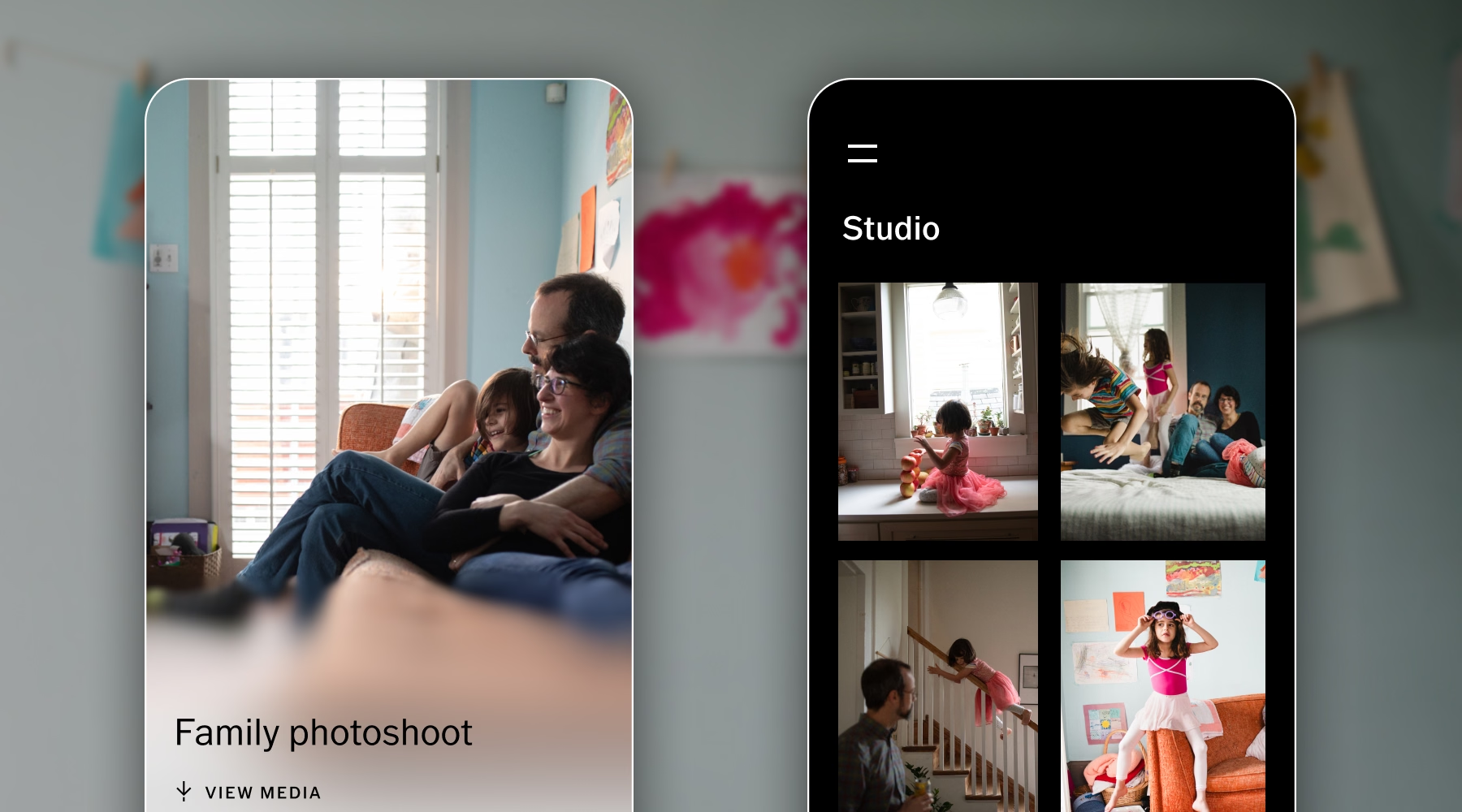
Before you share anything, take a few minutes to review the collection from the first photo to the last.
Curate and export with a purpose
Remove duplicates, test frames, and images that don't meet your quality standards.
Check images at 100% for focus, artifacts, and retouching inconsistencies.
Check that color, exposure, and retouching feel consistent across the collection, especially in photos clients may print or feature prominently.
Then choose export settings that fit the project.
- Full-resolution JPEGs work well for most final galleries, and web-ready versions make online sharing easier.
- Use consistent export dimensions and compression settings across the set.
- For web delivery, use an appropriate color profile such as sRGB, and confirm technical requirements with commercial clients.
Keep filenames and folders consistent
A clear file-naming system makes it easy to find a specific image if a client asks for a re-export months later. Include the date, project name, and image number.
For example, 2026-11-02_AroraFamily_0001.jpg is far easier to identify than a generic camera filename.
Keep working files, edited images, and final deliverables in separate folders so you can find the right version quickly. K
eep internal selection and editing notes out of client-facing filenames, and keep your own backup of the final deliverables. An online gallery is for delivery, not archiving.
Sequence the gallery like a story
The order of your images shapes how clients experience the collection.
Lead with a standout photo, then arrange the rest in a way that feels natural.
A wedding gallery can follow the events of the day, while a portrait session can move between settings and poses to keep the viewing experience fresh.
Close with an image that leaves a lasting impression.
Once the gallery is ready, make sure the right people can reach the right files. Personal portraits, private events, and unreleased commercial campaigns often call for more restricted access than a public portfolio.
Before you send the gallery, decide on:
- Access: Use a private link or password protection when appropriate, and share credentials through a suitable channel.
- Downloads: Decide whether clients can download individual images, selected collections, or the full gallery.
- Proofing: If clients still need to approve selections, hold the final gallery until the choices are made. Send proofs separately.
- Availability: Explain how long the gallery will stay online and whether clients should download and back up their files.
In VSCO Galleries, Pro adds password protection. The password is built into the link and QR code, so clients don't need to type it, and changing the password later disables links you shared earlier.
Access and usage rights are separate things. A client who can download an image doesn't automatically have unrestricted rights to use it, so state licensing, permitted uses, and any restrictions in your contract and your delivery message, especially for commercial work.
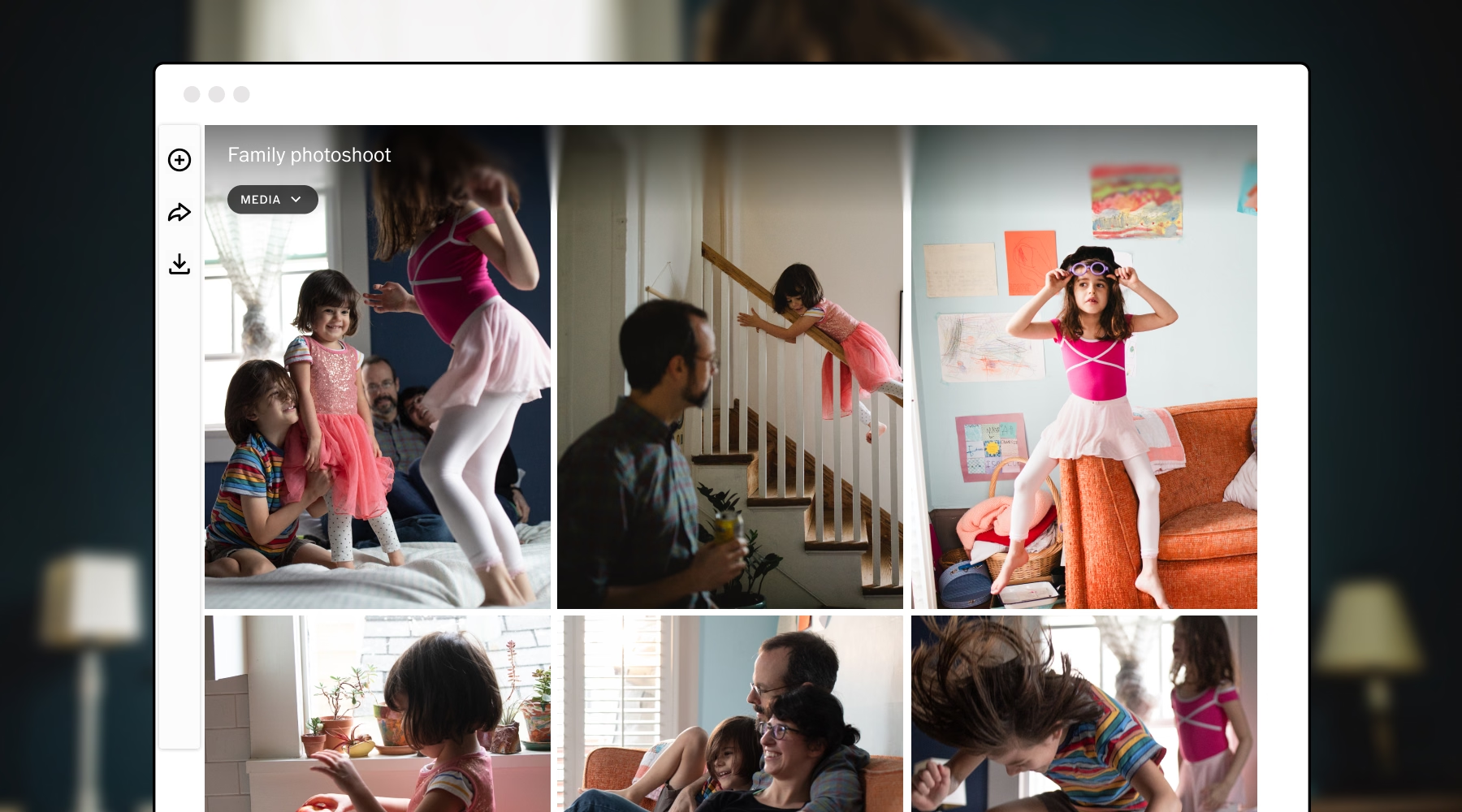
A warm, well-organized delivery email celebrates the finished work and gives clients what they need to access their photos. Keep it concise and easy to scan on a phone.
Include:
- A direct link to the gallery
- The password, if required, and any expiration date
- Simple instructions for viewing and downloading images
- Relevant details about printing, sharing, or additional deliverables
- Your preferred way to contact you with questions
Thank the client for trusting you with the project, and reference the session or a favorite moment. A personal note feels more genuine than a generic delivery notification. For example:
Hi [Name],
Your photos from [session] are ready. You can view and download them here: [gallery link].
The gallery will stay online until [date], so please download your favorites and back them up before then. If you'd like help choosing images for prints or an album, reply to this email and I'll help.
Thank you for trusting me with [session]. [One line about a favorite moment.]
Don't assume clients remember every detail of your agreement. Briefly restate the timeline for any remaining deliverables, how long the gallery will be available, and whether album orders or additional edits are included.
Only promise timelines and services that reflect your actual process.
Before you hit send, run one final check. Open the link yourself on your phone and your computer, confirm the cover image and the order look right, verify the permissions, and make sure the message has the correct details. A small oversight is much easier to fix before the client sees it.
In VSCO Workspace, you can link a gallery to a client's job and reference its name and link in your email templates, so delivery sits alongside the rest of the client record. Learn more in our guide on How to Automate Client Communication.
Delivering the gallery doesn't have to be the last touchpoint.
A thoughtful follow-up shows you care about the client's experience and creates natural opportunities for feedback and future bookings.
Here is a suggested cadence. Adjust it to the project, since wedding and commercial timelines differ.
- Delivery day: Send the gallery and instructions to make access easy.
- 2 to 3 days later: Confirm everything works and resolve issues early.
- 1 to 2 weeks later: Request a review and gather feedback.
- Before a relevant milestone: Reconnect to encourage repeat bookings.
Check in shortly after delivery
Within a few days of sharing the gallery, send a brief message that thanks the client again, asks whether everything opened correctly, and offers help with downloads or printing:
Hi [Name],
I wanted to check that your gallery opened without any trouble and that your downloads came through. If you'd like help choosing images for prints or an album, I'm happy to help.
This quick check-in resolves small problems early and leaves the client feeling taken care of.
Ask for a review when the timing feels right
Give clients a little time to enjoy their images before you ask for feedback. Include a direct link to your preferred review platform and briefly explain how reviews help others understand what it's like to work with you.
Keep the request low-pressure, and thank clients for their time whether or not they leave a public review.
Create opportunities for repeat bookings
Look for natural reasons to reconnect based on the work you've done together.
Reach out to family portrait clients before their next annual session, or check in with a commercial client ahead of an upcoming campaign.
VSCO Workspace lets you build these touchpoints into your workflow with scheduled emails, reminders, and follow-ups tied to client stages. Create a simple automated workflow for delivery check-ins, review requests, and future bookings, then personalize each message to the client and project.
Try VSCO Workspace for free or unlock full Workspace features with VSCO One.
Turn Delivery Into a Repeatable Workflow
A repeatable process saves you from rebuilding your approach for every project.
Before you deliver, confirm that:
- Deliverables, timeline, and gallery availability are in your contract
- Final images are checked at 100%, consistently exported, and backed up
- The delivery method, access, and permissions fit the client
- You've opened the link on your phone and your computer
- The delivery message includes the link, instructions, availability, and next steps
- Your check-in and review-request messages are scheduled
Your delivery workflow is part of a larger client experience. A VSCO Sites portfolio helps prospective clients find your work, and its contact form sends each inquiry into VSCO Workspace as a lead.
Workspace keeps the quote, contract, invoice, and follow-ups together, and VSCO Galleries gives you a dedicated place to deliver the finished images.
Delivery is the clearest signal you give a client that their project mattered. Make it simple to receive, personal in tone, and the start of a longer conversation.
Ready to deliver your next project? Create a client gallery with VSCO Galleries, free to start.
What is a photography client delivery workflow?
A photography client delivery workflow is the process of preparing, organizing, sharing, and following up on finished photos. It helps photographers deliver images consistently while creating a professional client experience.
What is the best way to deliver photos to photography clients?
An online client gallery is ideal for weddings, portraits, and events because it makes photos easy to view, download, and share. VSCO Galleries offers a dedicated delivery experience, while cloud folders and transfer links can work well for commercial projects or large files.
What is the best way to send large photo files to clients?
Use an online gallery or a transfer link that clients can open on any device without extra software. Deliver full-resolution files for printing and smaller web-ready versions for sharing.
What file format should I deliver to clients?
Full-resolution JPEGs work for most projects. Provide TIFFs or other formats when a project requires them, and use sRGB for web-ready versions.
What should photographers include in a client photo delivery email?
Include a direct gallery link, access instructions, download details, gallery expiration date, and any next steps. A short, personalized thank-you helps make the delivery feel more thoughtful and professional.
How long should a client gallery stay online?
Set the period in your agreement and repeat it in your delivery email. Choose a length that fits your process, and remind clients to download and back up their files.
When should photographers follow up after delivering photos?
Follow up within two to three days to confirm clients can access their images. After one to two weeks, consider requesting a review or feedback, then reconnect around relevant milestones or future photography needs.