HSL Editor
Change and edit specific colors with VSCO's HSL editor. Adjust hue, saturation, and lightness.


Edit with HSL to change specific colors in photos and videos with hue, saturation, and lightness sliders that can make any color pop.
VSCO is a community-driven platform that equips photographers to expand creatively and professionally. Join today to build authentic connections that foster professional growth and to edit photos and videos with our full suite of tools. Invest in your creativity with a VSCO Membership.
Color your world
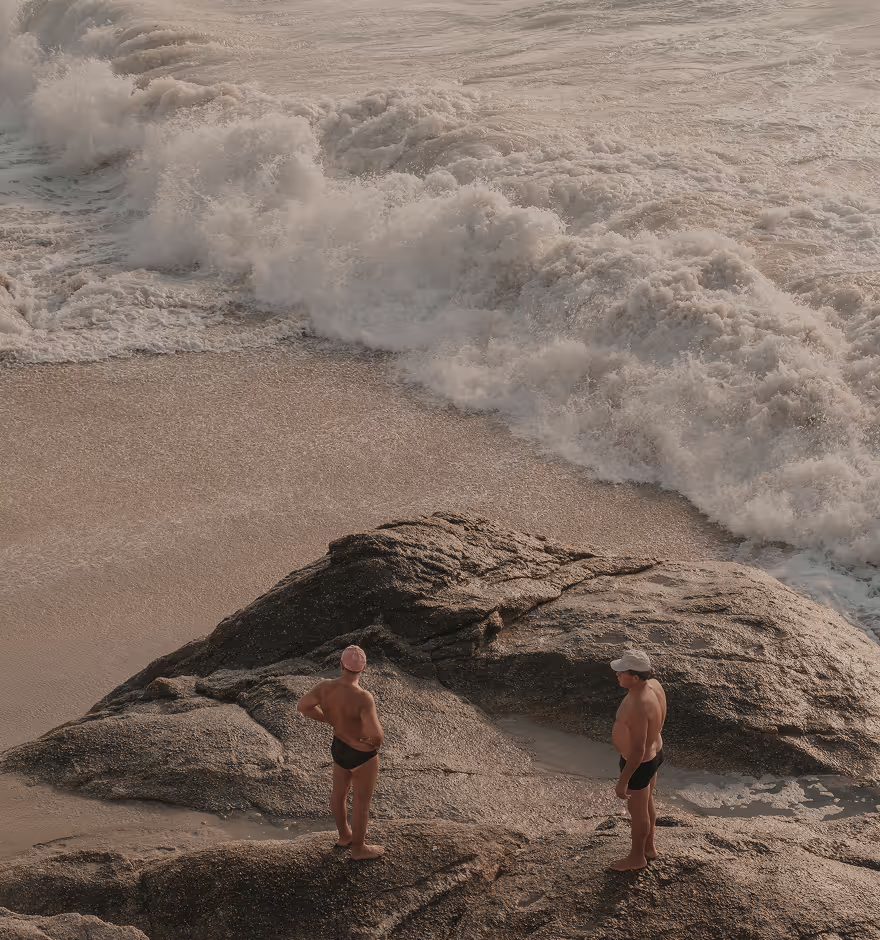
With the HSL image editor, you take full control of the colors in your composition — dial back saturation on distracting colors and watch them fade into the background, or adjust hue to find the perfect shade of any color in your image.


Hue changer
H is for Hue. Use the hue editor on any color channel to subtly change the selected color itself and nudge it toward a neighboring hue (or color). Go from blue to purple, or red to orange.

Saturate any color
S is for Saturation. Make any color pop or fade to gray with the saturation slider. Control the intensity of individual colors in your edit to draw viewers in or dial back any distractions.
Adjust lightness
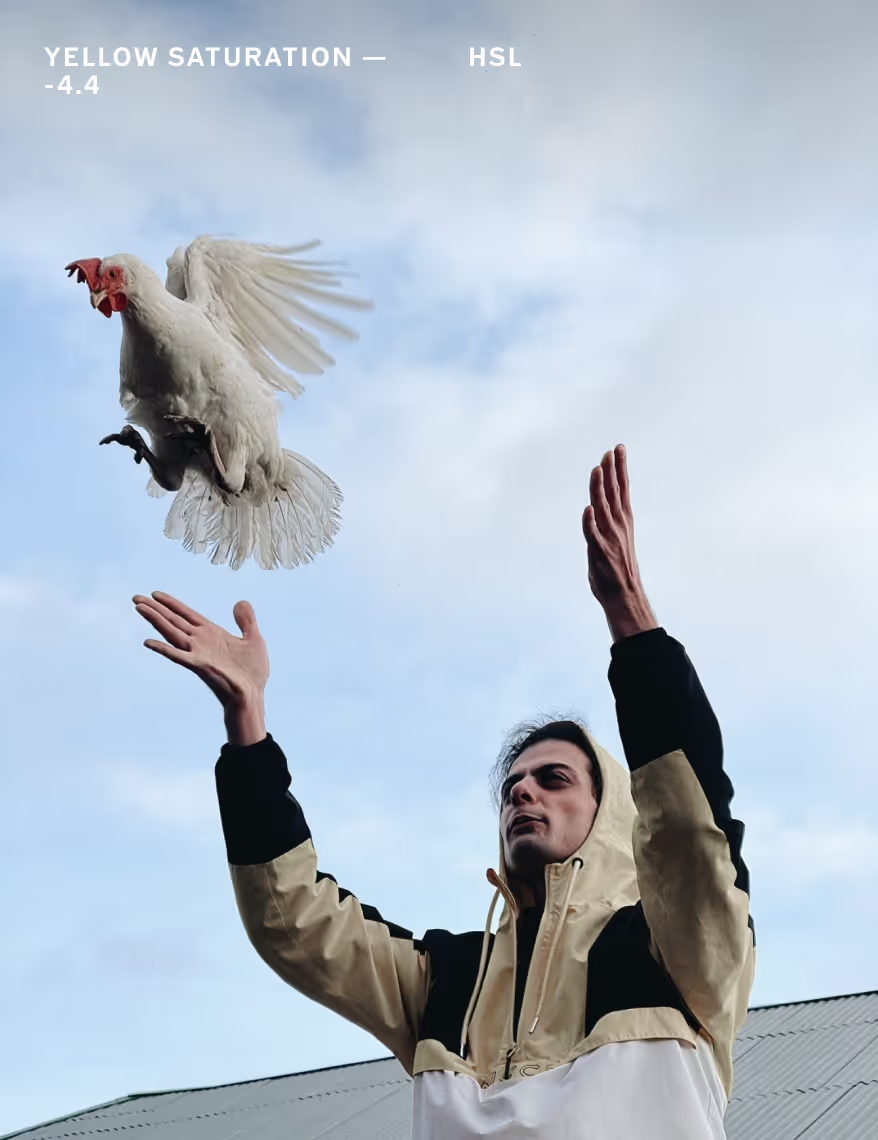
L is for Lightness. Use the lightness slider to lighten or darken any specific color in your image. Transform washed out blue skies into something more intense and textured by reducing lightness on only blue hues.

How to use the HSL editor
Capture or import photos or videos with the VSCO mobile app and use the photo editor to access the HSL editor. Use the color swatches to select a specific color channel to edit — it helps if the color is prominent in your composition. Experiment with hue, saturation, and lightness sliders to adjust the character of each color.



Frequently asked questions
What is HSL in photo editing?
HSL stands for hue, saturation, and lightness. VSCO offers an HSL photo editor that lets you fine-tune individual colors in your image for precise color control.
What can I use HSL for in photo editing?
VSCO’s HSL editor lets you shift colors to match your creativity. Change a blue sky to teal, soften red skin tones, brighten dull greens, or shift warm tones for creative color grading.
What is hue vs saturation?
Hue refers to the actual color, like red or blue, while saturation controls how intense or muted that color appears in your photo.
Is hue the same as brightness?
Hue is the color itself, while brightness refers to how light or dark that color appears. VSCO lets you adjust both with the HSL color editor.
What is hue vs color in photo editing?
Hue is one part of how any given color shows up in a photo. The appearance of the color, or hue, also depends on saturation and brightness, which you can edit with VSCO’s HSL editor.
How can I change the color of a picture?
VSCO’s HSL editor offers a hue slider that lets you shift and change any particular color in your image. Use this slider to change colors, enhance tones, or completely transform your photo’s mood.
Can I edit HSL on videos?
Yes, VSCO lets you use the HSL editor on videos so you can adjust colors and tone with the same precision as you would in photo edits.
Can I use HSL to correct skin tones?
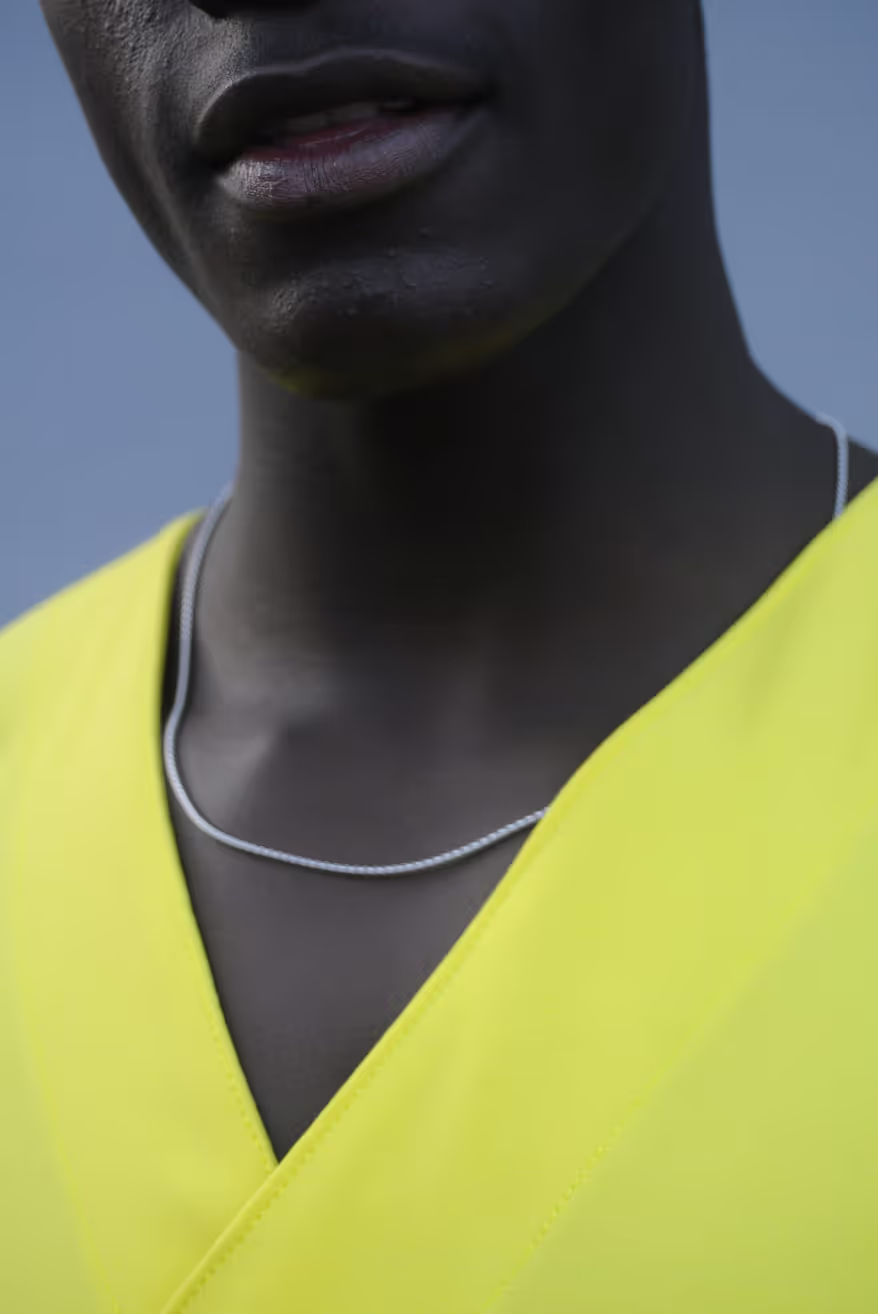
Absolutely. With VSCO’s HSL image editor, you can soften harsh reds or adjust orange tones to create more natural, balanced skin tones. VSCO also has a Skin Tone editor for even more control.
Can I use VSCO as a hue changer for photos?
Yes, VSCO’s HSL editor is a photo hue changer that makes it easy to shift or correct colors in your image with full control.
Is VSCO a free HSL editor?
VSCO offers HSL photo editing as part of its premium tools, available for Plus and Pro Members. You can try it for free on the iPhone or Android photo editing app.
MORE IMAGE EDITING TOOLS
Take full control of color and light. Adjust White Balance for overall tone, use Split Tone add subtle pastel tints, and control highlights and shadow with Tone for precise, intentional edits.
WHITE BALANCE
Adjust White Balance to get your colors just right. Warm up sunsets, correct indoor lighting, or tweak tint for skin tones.

SPLIT TONE
Shape your color story with Split Tone. Apply and control subtle pastel tints from shadows to highlights.
TONE SHADOWS and HIGHLIGHTS
Shape light with Tone. Lift shadows to reveal hidden areas and bring down highlights to preserve detail.