
Fade Images
Mute shadows and add tone to blown out highlights with our vintage-inspired faded picture effect.
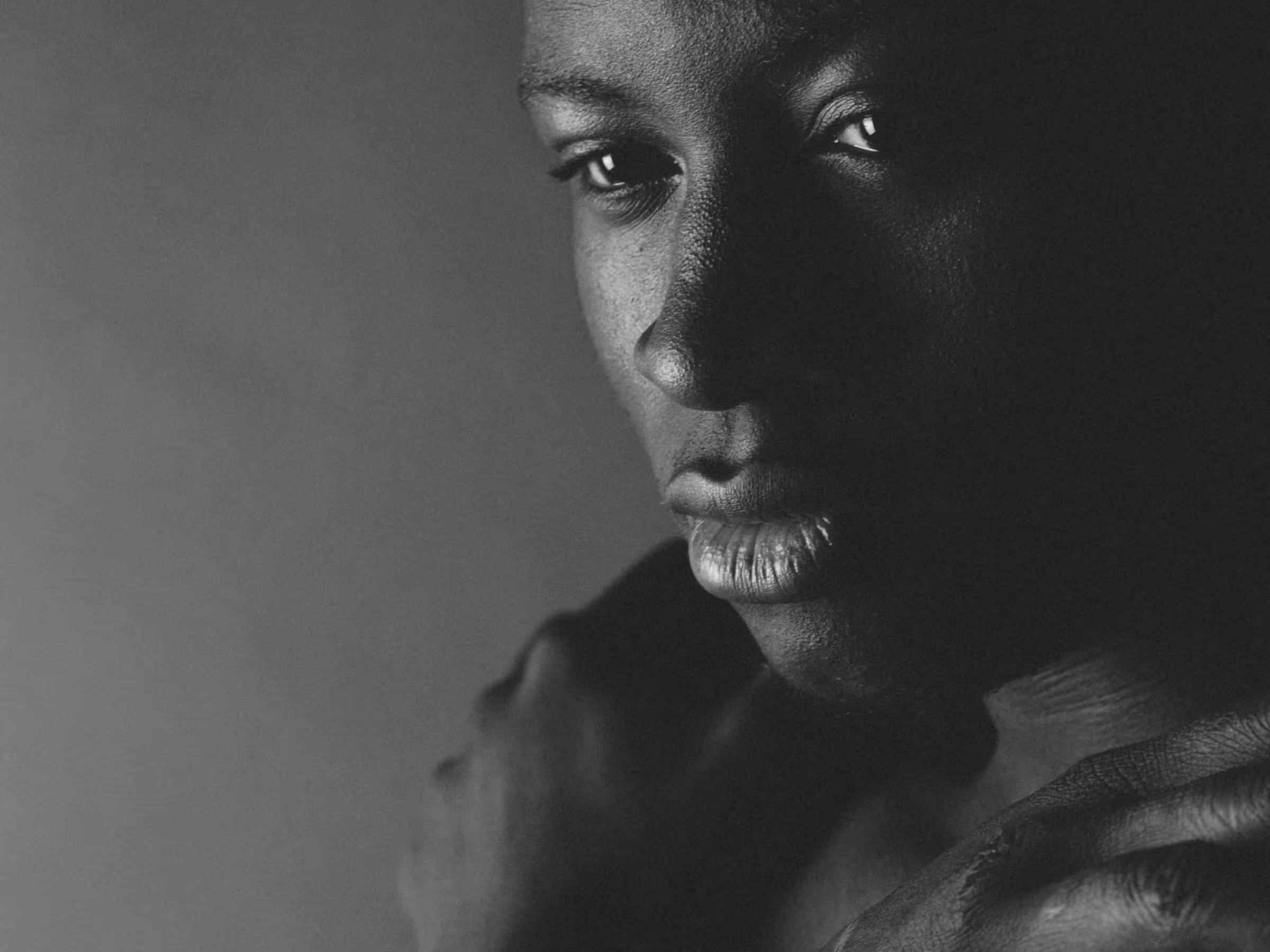
Create a vintage look for your photos and videos with VSCO's image fader. Mute and soften shadows & highlights, available in the app and on desktop.
VSCO is a community-driven platform that equips photographers to expand creatively and professionally. Join today to build authentic connections that foster professional growth and to edit photos and videos with our full suite of tools. Invest in your creativity with a VSCO Membership.
Vintage faded looks
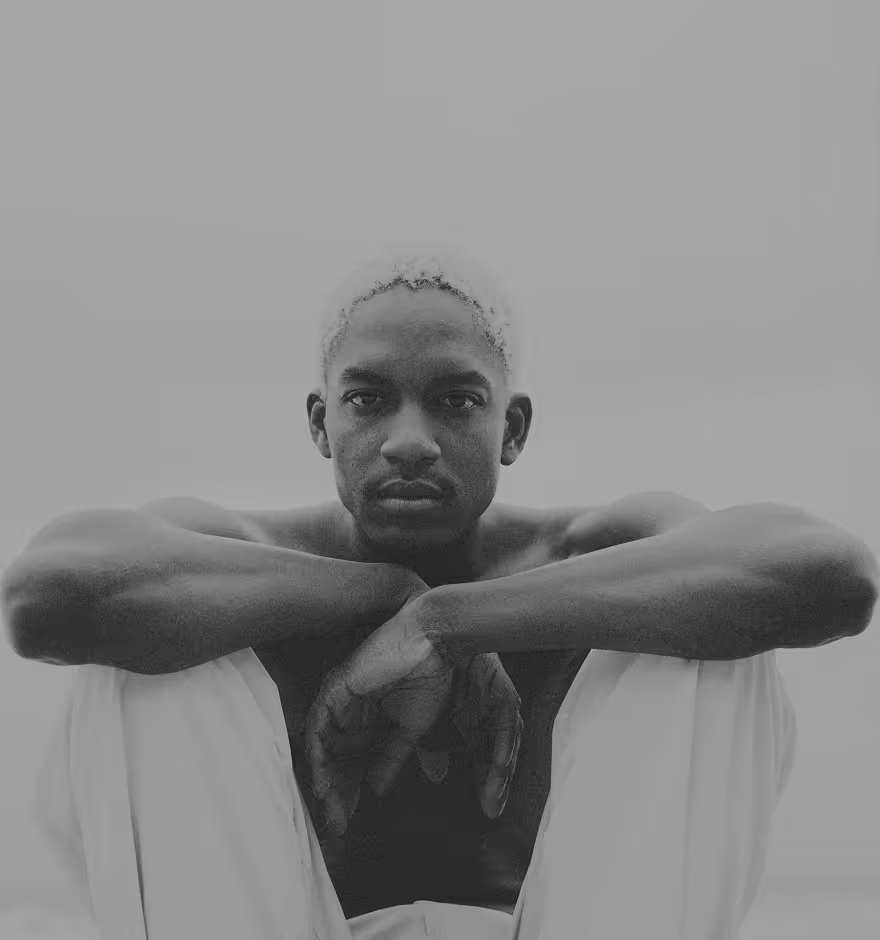
Replicate the low contrast look of black and white newspaper and old photographic prints by adding a touch of image fade. Complete your photo fade picture with our full suite of photo editing tools and photo filters.
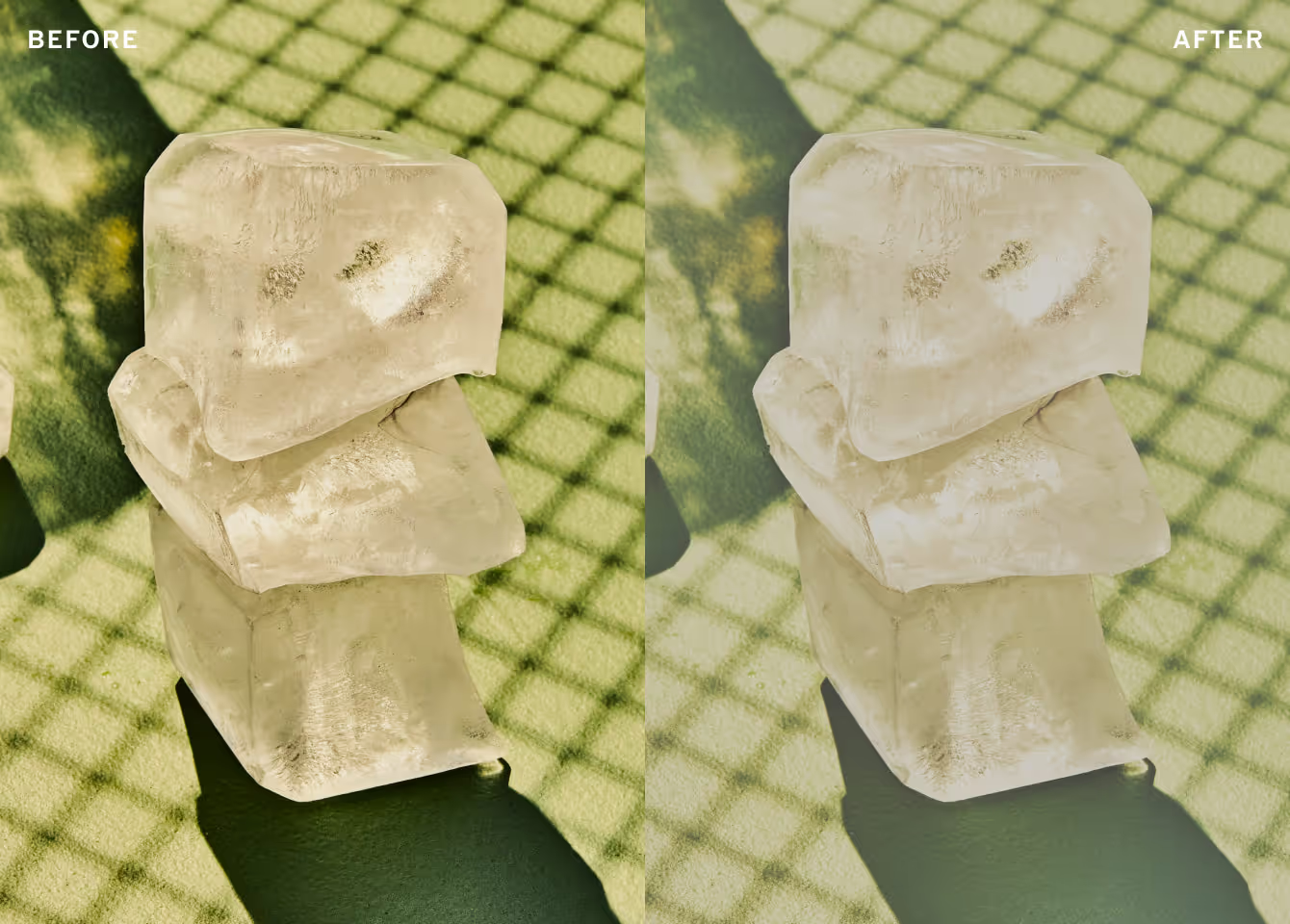

Muted shadows
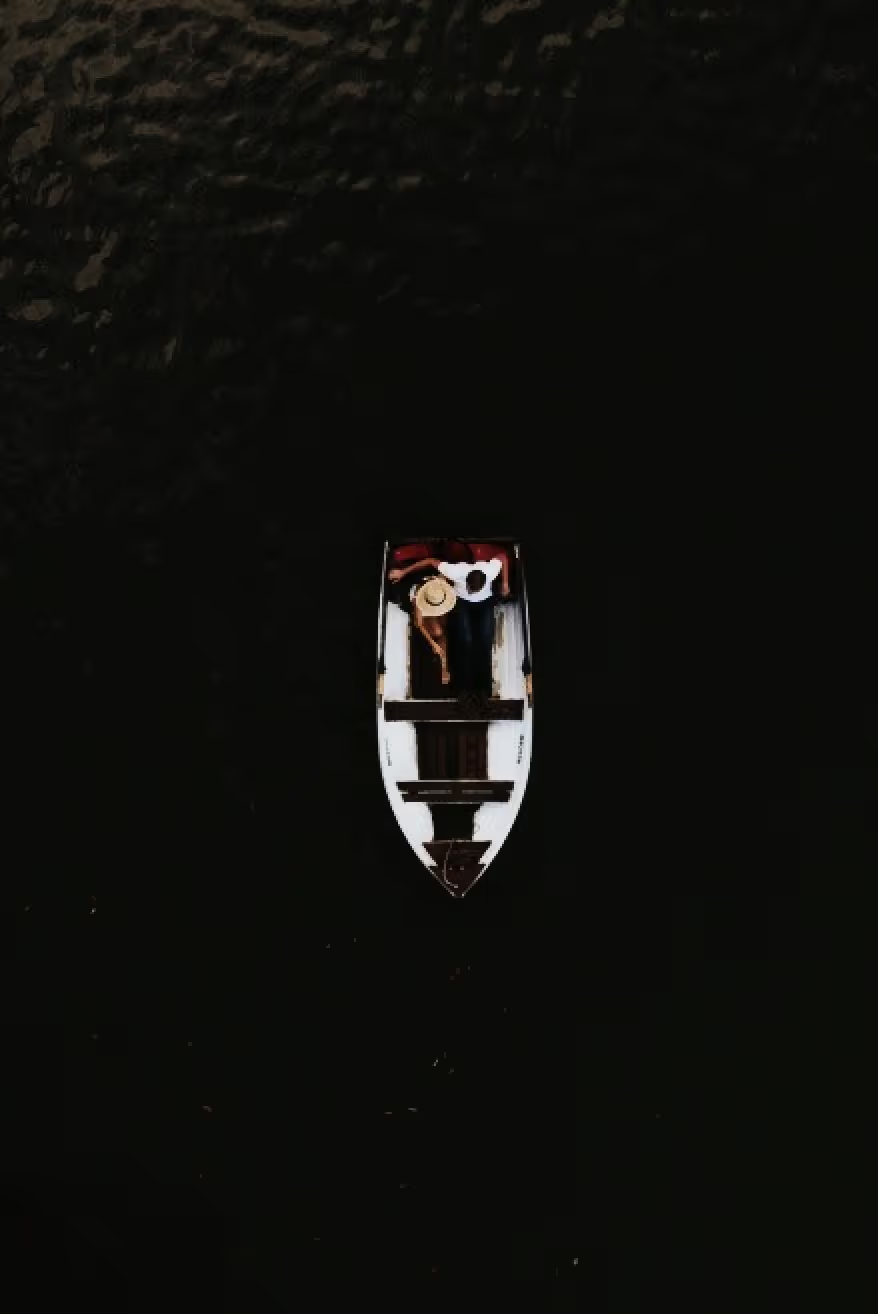
Our image fader creatively compresses the dynamic range of photos and videos. Watch as dark shadows and tones transform from deep black to muted gray as you move the image fade effect slider.
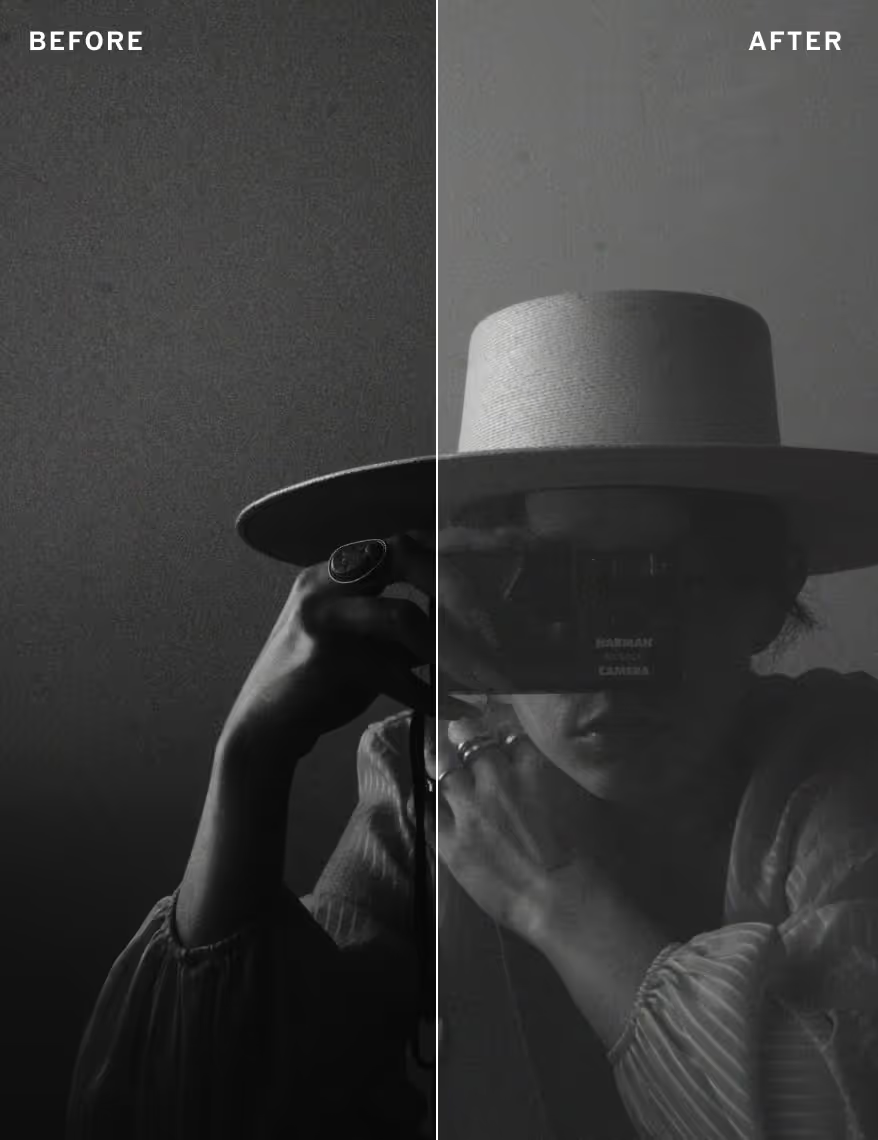
Fade to soften highlights
In addition to muting shadows, you can fade images to target bright highlights. Blown out or overexposed images can be softened from stark white to a more subtle tone.

Faded film effects
With its vintage roots, the fade image effect combines flawlessly with VSCO’s film effects. Complement your faded photo edit by adding some light leaks, a film frame, or unique distressed textures.
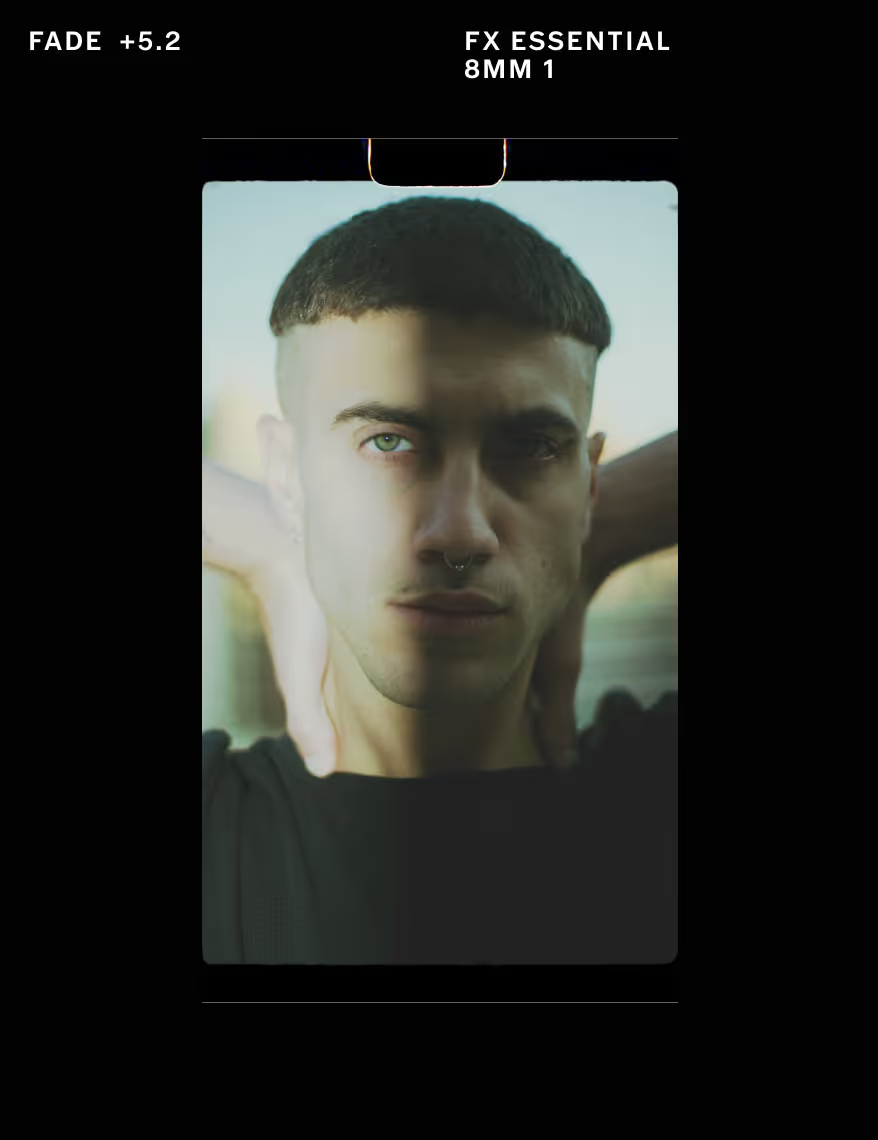
How to fade a picture
Capture or import pictures or videos with the VSCO mobile app and use the photo editor to access the image fader. Use the image fade slider to adjust and customize your faded look. Try adding a preset photo filter to finish your edit before exporting or publishing to your VSCO profile.


Frequently asked questions
How can I fade an image?
VSCO offers an image fader in both the mobile app for iPhone and Android and in the online photo editor for Mac and Windows PC, just upload your photo and adjust the Fade image slider.
How do I make a photo look vintage?
VSCO is a vintage photo editor with tools like image fade, retro photo effects like film grain filters and frame overlays, and vintage photo filters that give your pictures a nostalgic, aged look.
How do I make a video look faded?
You can use the fade effect on videos with the VSCO video editor. Create a soft, muted tone with a vintage feel for your videos.
Can I combine fade with filters or other tools in VSCO?
Yes, VSCO lets you combine the fade image effect with photo filters, grunge textures, lens flares, and other vintage-inspired tools like the film grain filter and the vignette effect to complete your edit.
What’s the difference between fade and exposure?
Exposure adjusts overall brightness, while the fade effect softens shadows and highlights to give your photo a more subtle, vintage tone.
Can I fade a black and white photo?
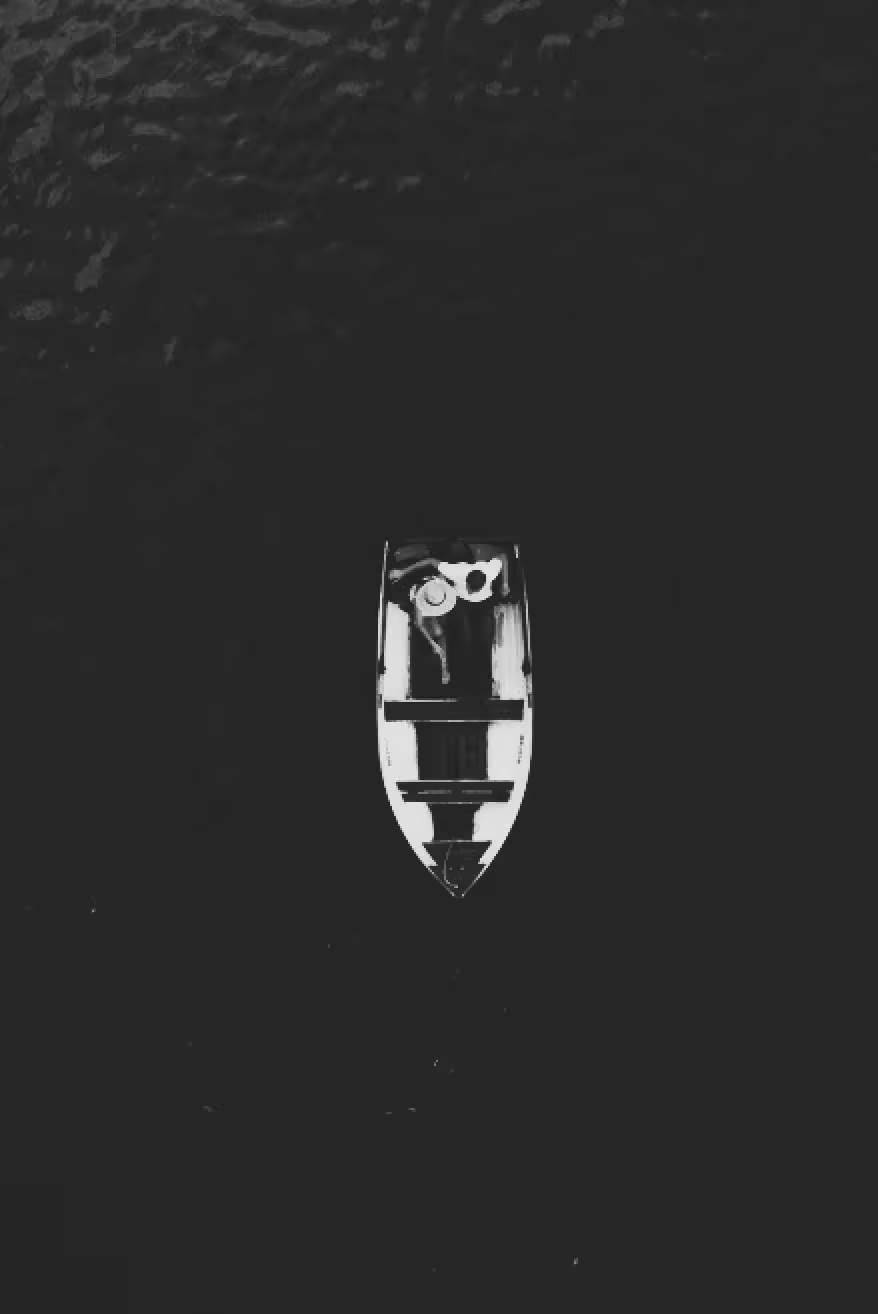
Yes, VSCO lets you fade black and white photos to create that timeless, low-contrast look similar to old prints or newspaper images. Easily convert photos to black and white with over 15 unique black and white photo filters and use the image fader to complete the faded picture edit.
Is VSCO a good photo fade editor?
VSCO is a top photo fade editor that offers an easy-to-use image fader for creating soft, vintage-inspired looks on pictures and videos.
Can I fade the edges of a photo?
While VSCO’s image fader adjusts the entire image, you can combine it with film frame overlays and light leaks to enhance the faded photo effect. You can also apply a vignette effect that darkens just the corners and edges of photos and videos— all in the VSCO photo editing app.
How do I fade a picture online with VSCO?
You can fade pictures online using VSCO’s image fader in the online photo editor for PC and Mac, just upload your image and drag the fade slider to customize the faded effect.
RELATED VINTAGE EFFECTS
Pair Fade with Grain, film effects, and Vignette to layer texture, add vintage character, and subtly darken edges. Together, these tools give your photos a timeless, tactile, and cinematic quality.
GRAIN TEXTURE
Add film grain to bring depth, texture, and analog warmth, turning digital images into something more.
FILM EFFECTS
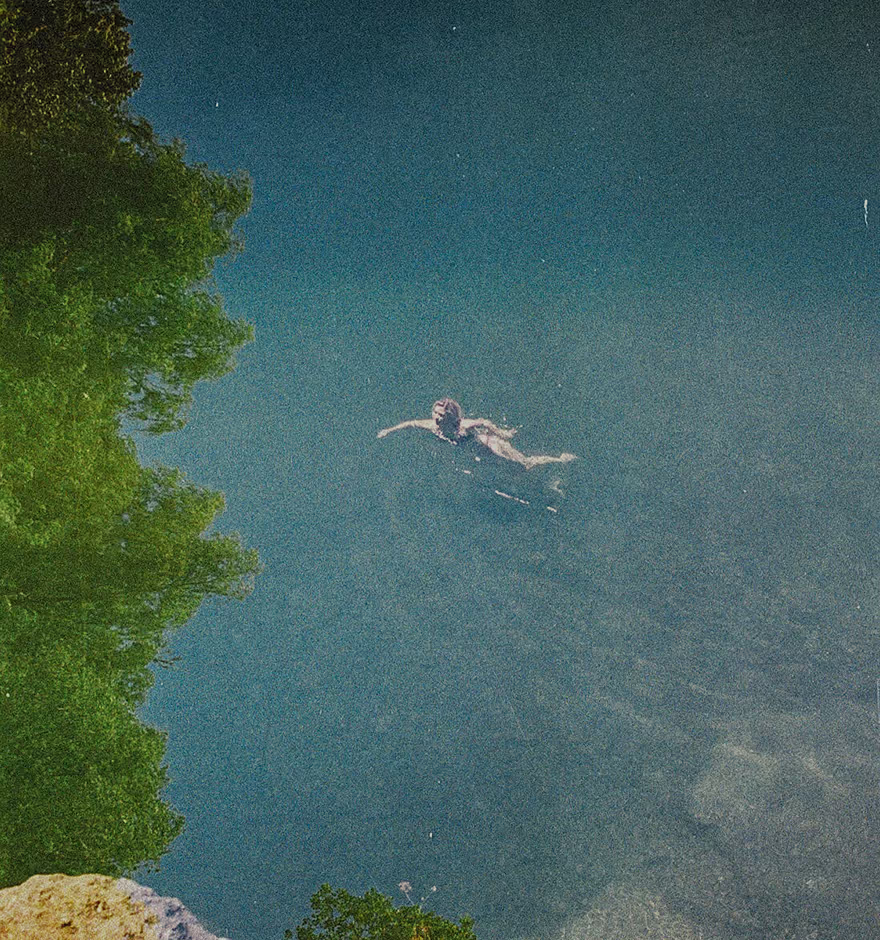
Transform your edits with film effects — light leaks, lens flares, and vintage textures for a cinematic, film-inspired look.
VIGNETTE FILTER
Darken the edges of the frame and draw the eye inward with a vignette filter that adds a subtle, vintage finish.