Image Contrast Editor
Easily edit images and videos with high and low contrast looks.
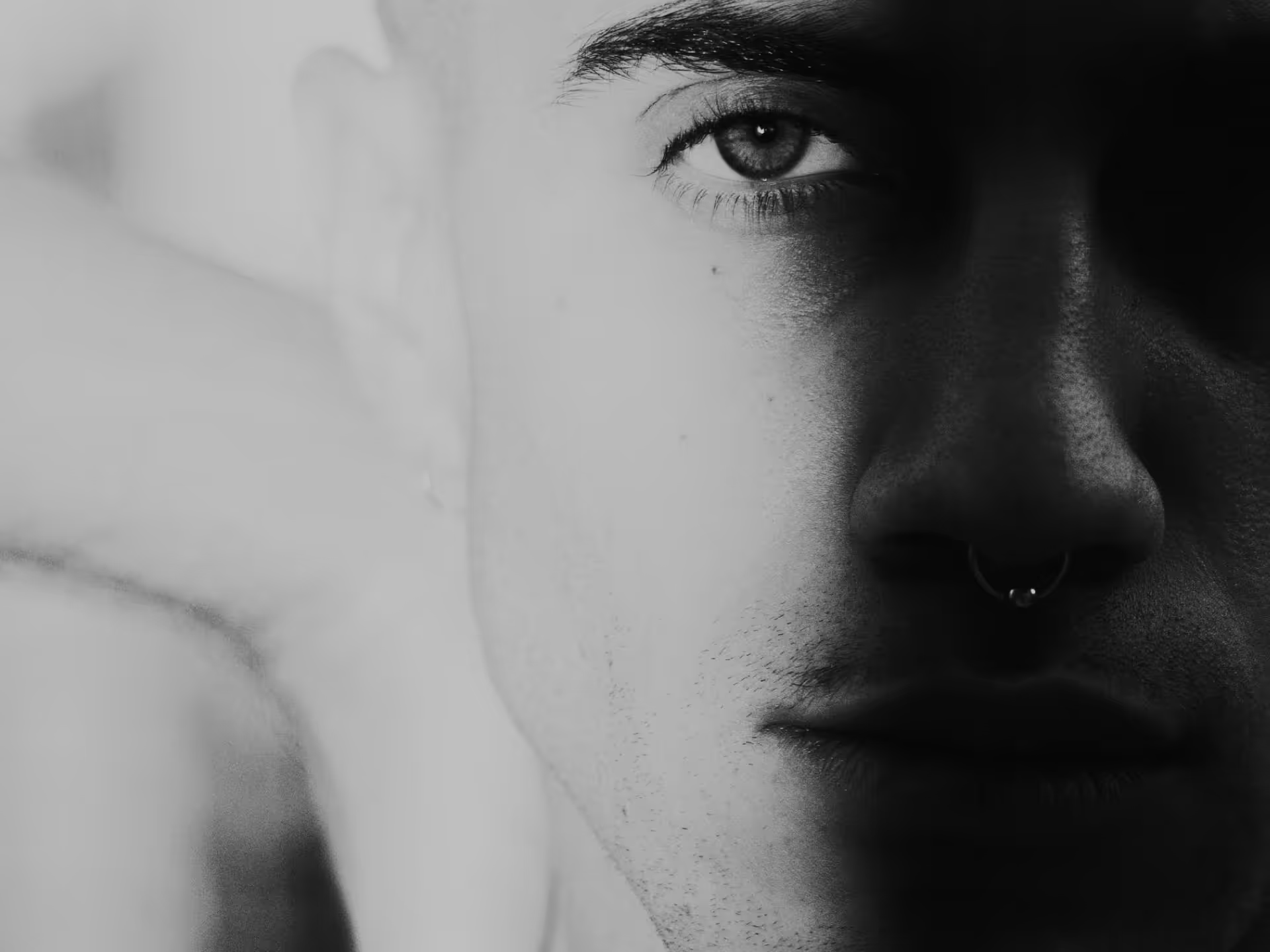
Control the highlights and shadows in photos and videos with the Contrast editor. Take your image from low to high contrast with one slider.
Edit image contrast for free with the VSCO mobile app or try VSCO Studio for desktop with a Pro Membership. Join today to build authentic connections that foster professional growth and to edit photos and videos with our full suite of tools. Invest in your creativity with a VSCO Membership.
High and low contrast photography
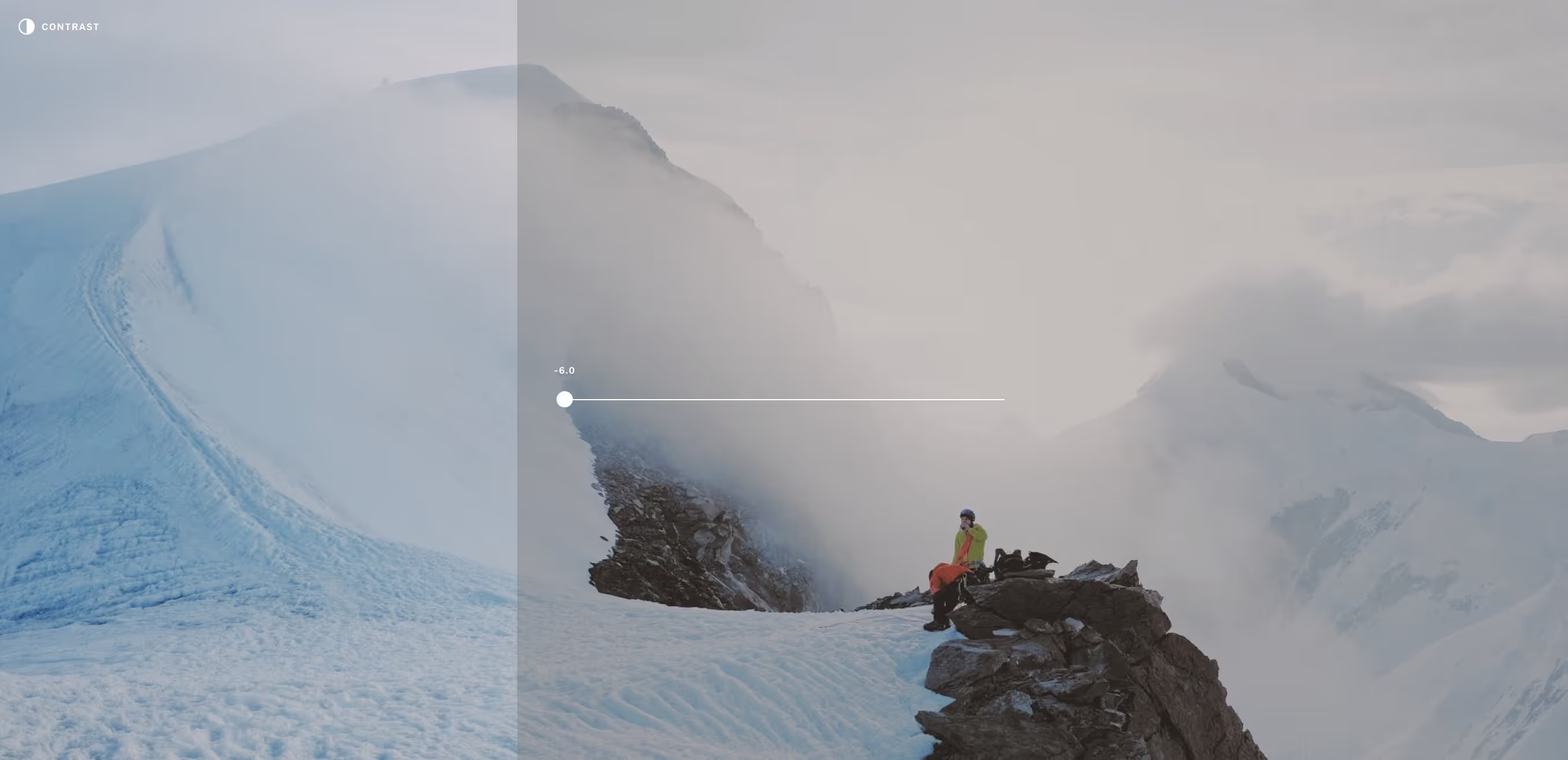
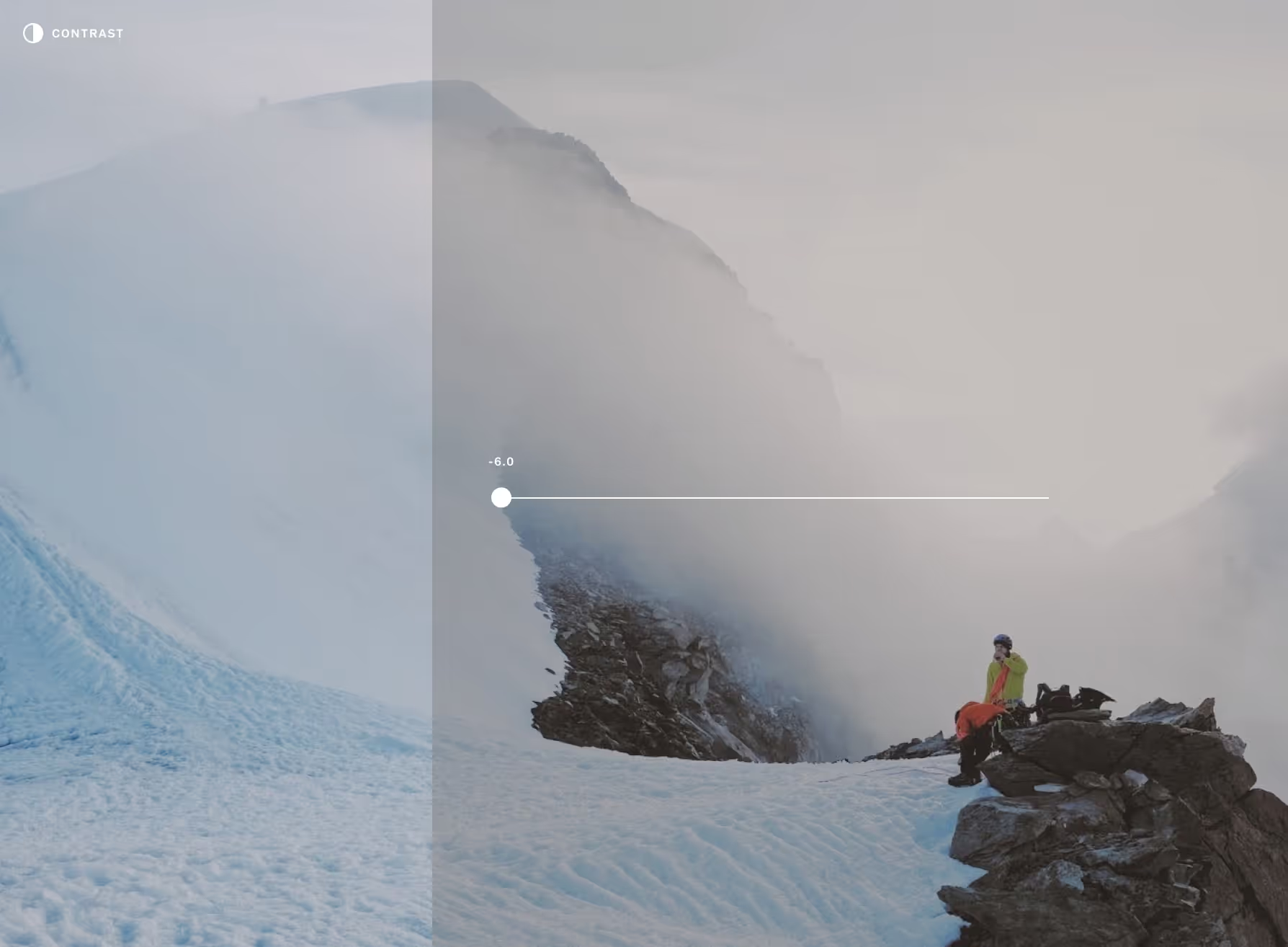
Dynamic, high contrast photography is defined by bright highlights alongside dark shadows, while a muted, low contrast photo will have more subdued highlights, and subtly brighter shadows.
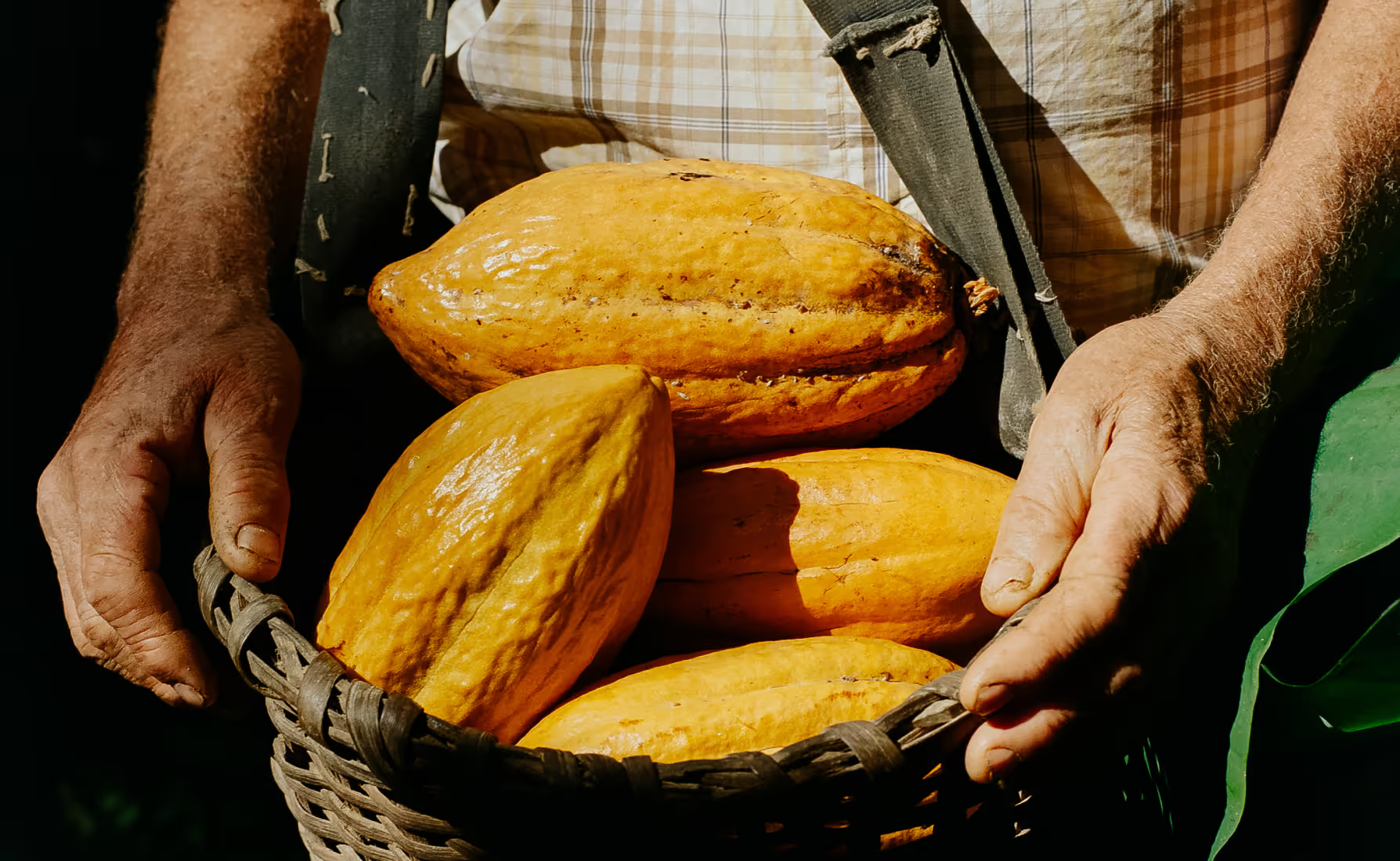
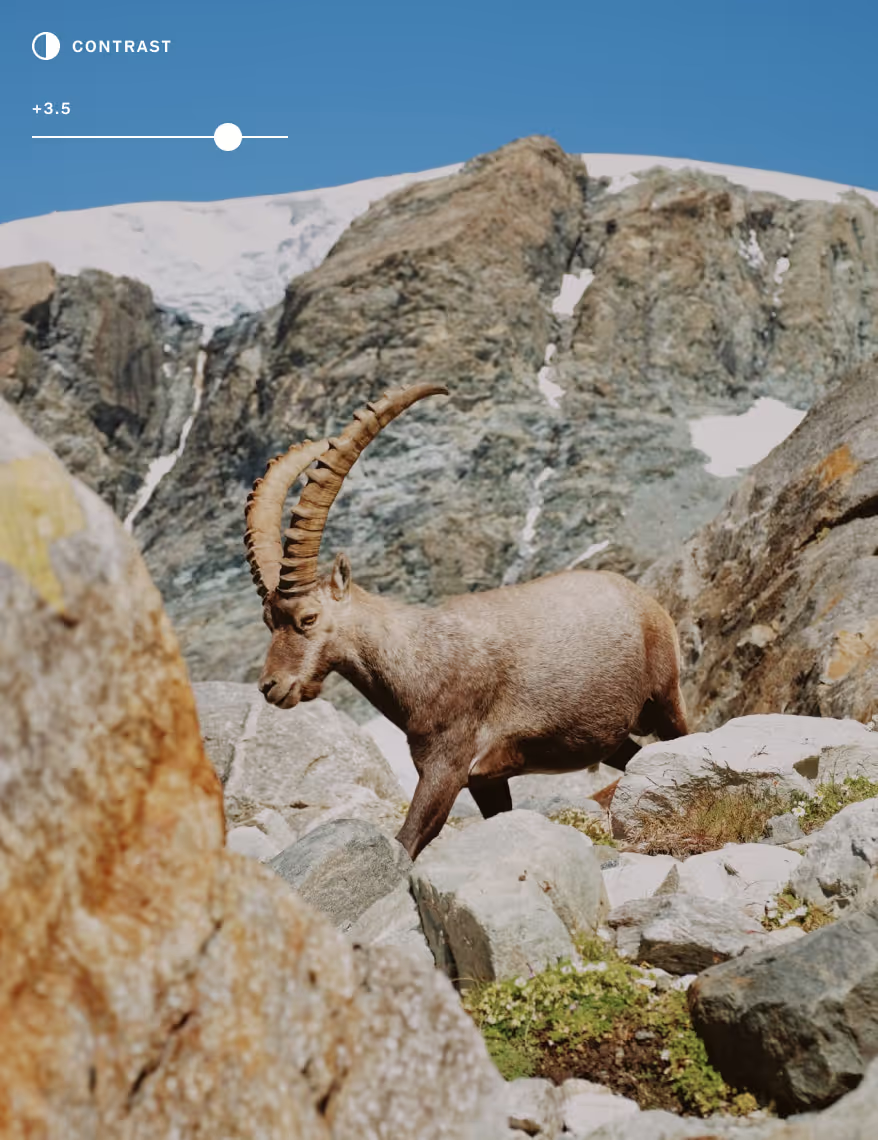
Edit for high contrast
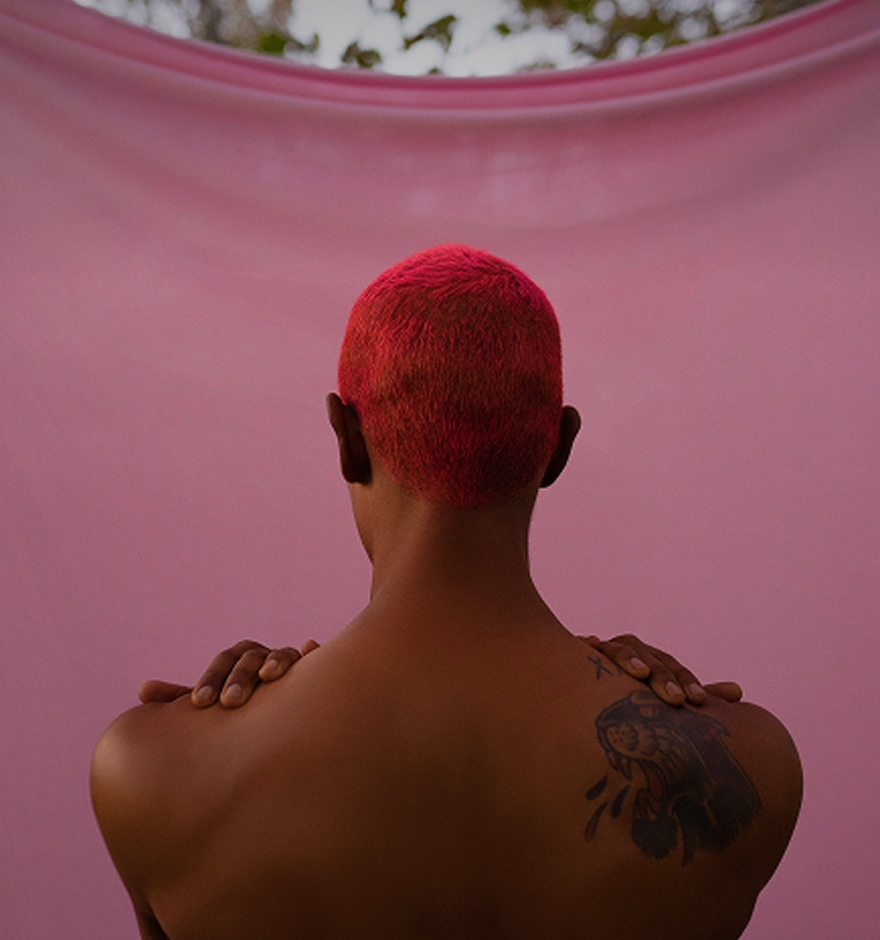
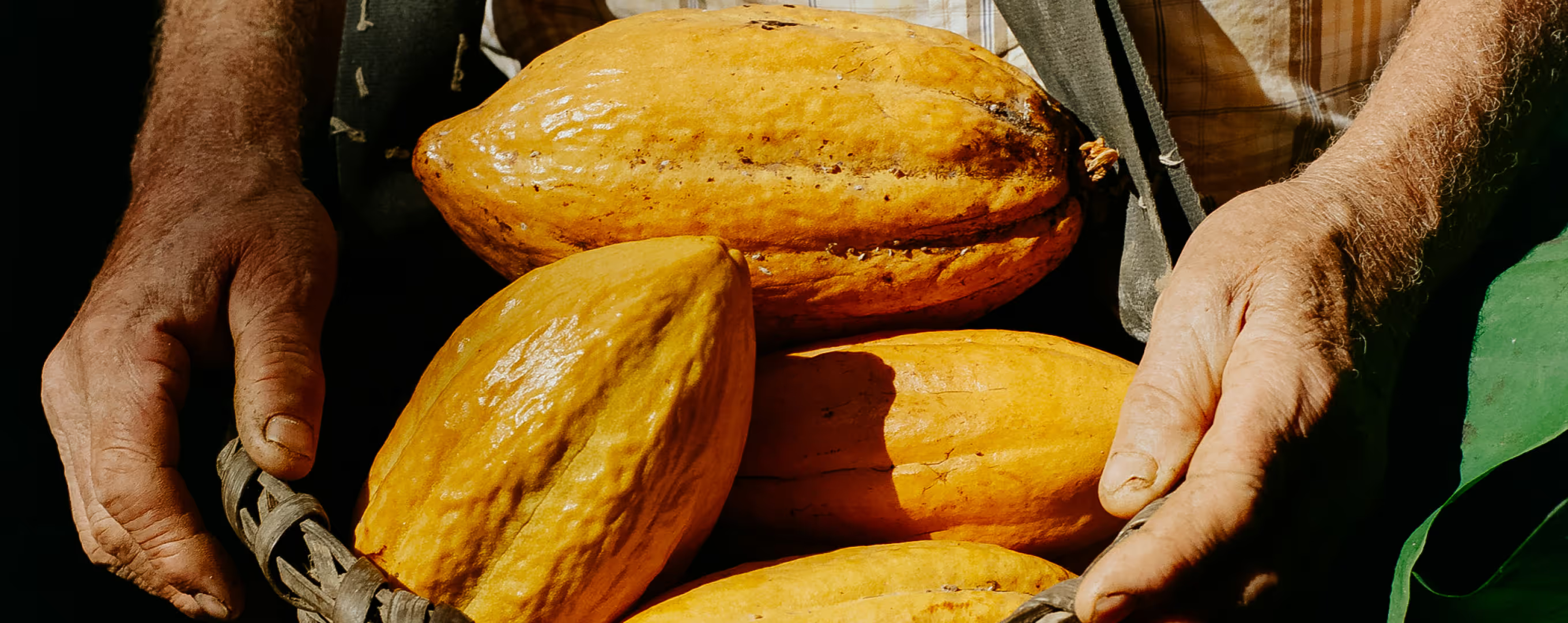
Create an eye-catching high contrast photo edit by moving the contrast slider to the right. Watch as colors start to pop, highlights brighten, and dark shadows fade to black.
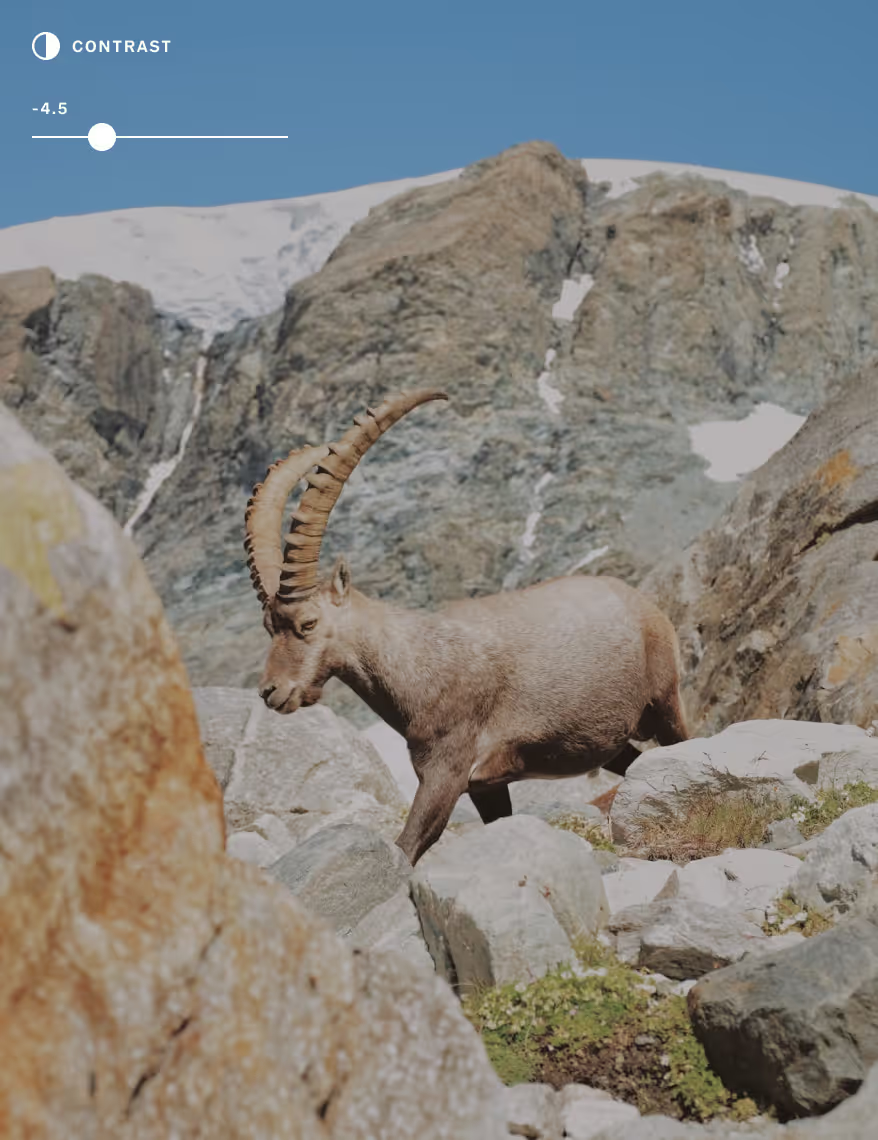
Go low contrast
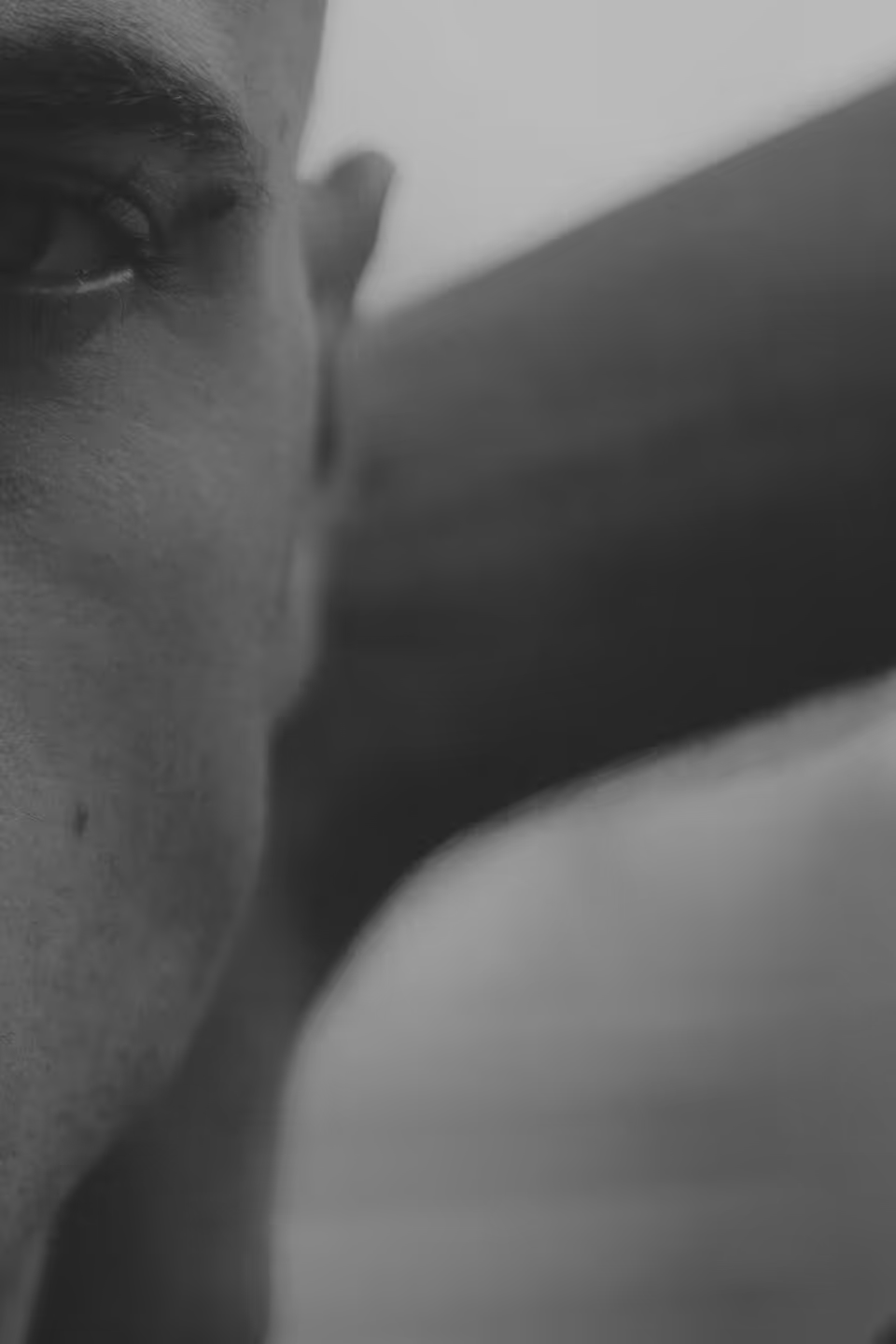
Let your composition shine with an understated, low contrast photography look. Dial contrast down to tame harsh light or create a more even exposure across your photo or video.
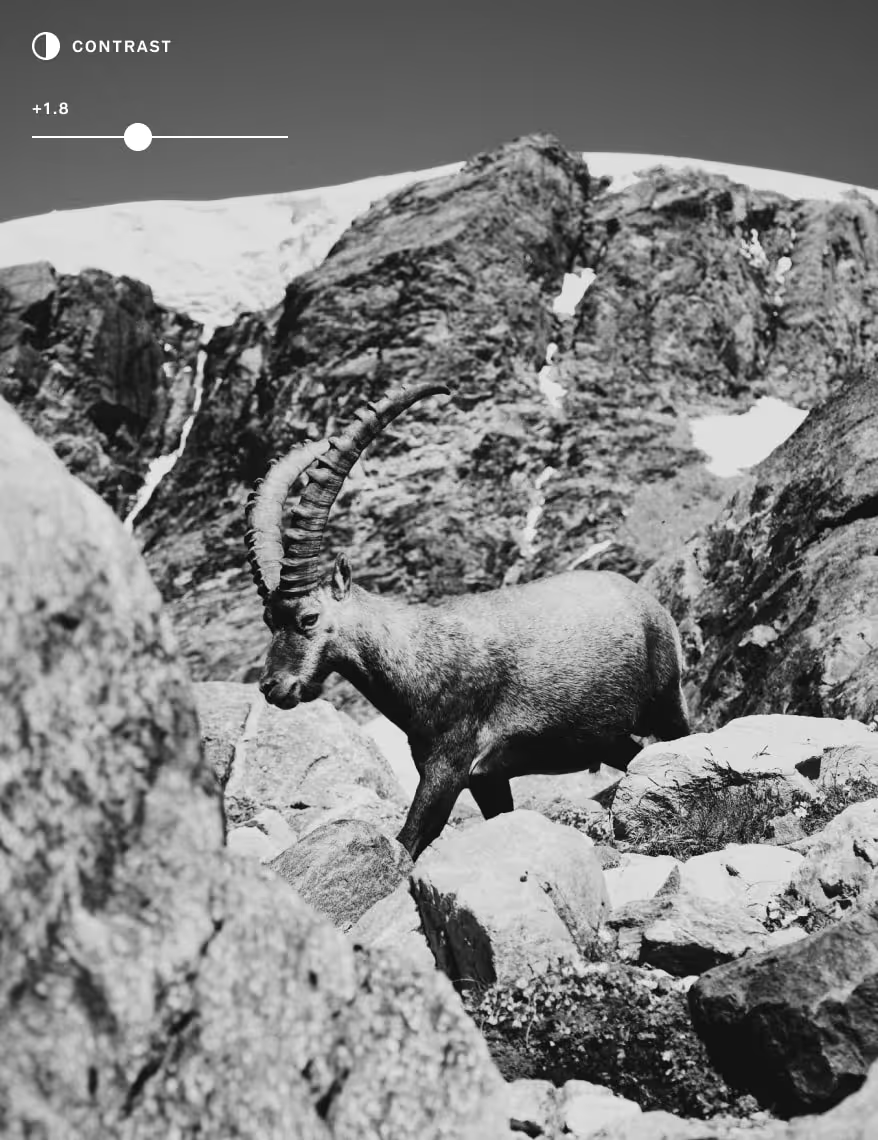
Try black and white
Without color, contrast often takes center stage in black and white photography. Experiment with contrast alongside black and white filters that recreate real monochrome film stocks.
How to edit image contrast
Capture or import photos or videos with the VSCO mobile app and use the photo editor to access the Contrast editor. Use the slider to increase and decrease contrast as you edit. Try using image contrast to finesse your favorite photo filter.

Frequently asked questions
What is contrast in photography?
How can I adjust the contrast of a photo?
You can change image contrast using VSCO’s contrast editor on iPhone, Android, and the online photo editor. Just drag the contrast slider to increase or decrease the effect.
What is a high contrast photo?
A high contrast photo has bold shadows and bright highlights, making the image feel more intense and striking. VSCO supports high contrast photography for a more dynamic look. You can use the contrast tool and apply high contrast photo filters.
How do I create a low contrast photo look?
For a soft, low-contrast look, try reducing the Contrast slider and adding a touch of Fade. This combination gives your image a muted, nostalgic feel.
Can I edit the contrast in black and white photos?
Yes, VSCO lets you change contrast in black and white photos to enhance texture and tone. Image contrast can be even more important when working without color. Create high contrast black and white photography with black and white photo filters.
What is contrast ratio in photo editing?
Contrast ratio measures the difference between the darkest blacks and the brightest whites in an image. Higher contrast ratios create more visual impact, while lower ones soften the mood.
How does adjusting contrast affect my photo's mood?
Higher contrast adds energy and boldness. Lower contrast gives photos a dreamy or vintage vibe. VSCO’s contrast editor makes it easy to match your image to your vision.
What’s the difference between exposure and contrast?
Exposure affects how light or dark the entire image is. Contrast controls the separation between light and dark areas. Both are key to creating a balanced contrast photo.
Should I adjust contrast before or after applying a filter?
It’s best to adjust contrast after using a photo filter. Since filters already shift tones, fine-tuning contrast last helps you lock in the final look.
Can I change contrast in videos too?
VSCO offers a video contrast editor, so you can change contrast in videos. Use the same tools to match the tone across everything you capture.
MORE IMAGE EDITING TOOLS
Dial in the mood of your photos with Clarity for texture, Exposure for balanced light, and Saturation for richer color. Together, they give you precise control over tone, depth, and feeling.
Photo CLARITY Editor
Clarity adds subtle sharpness and depth, highlighting texture without losing that natural feel.
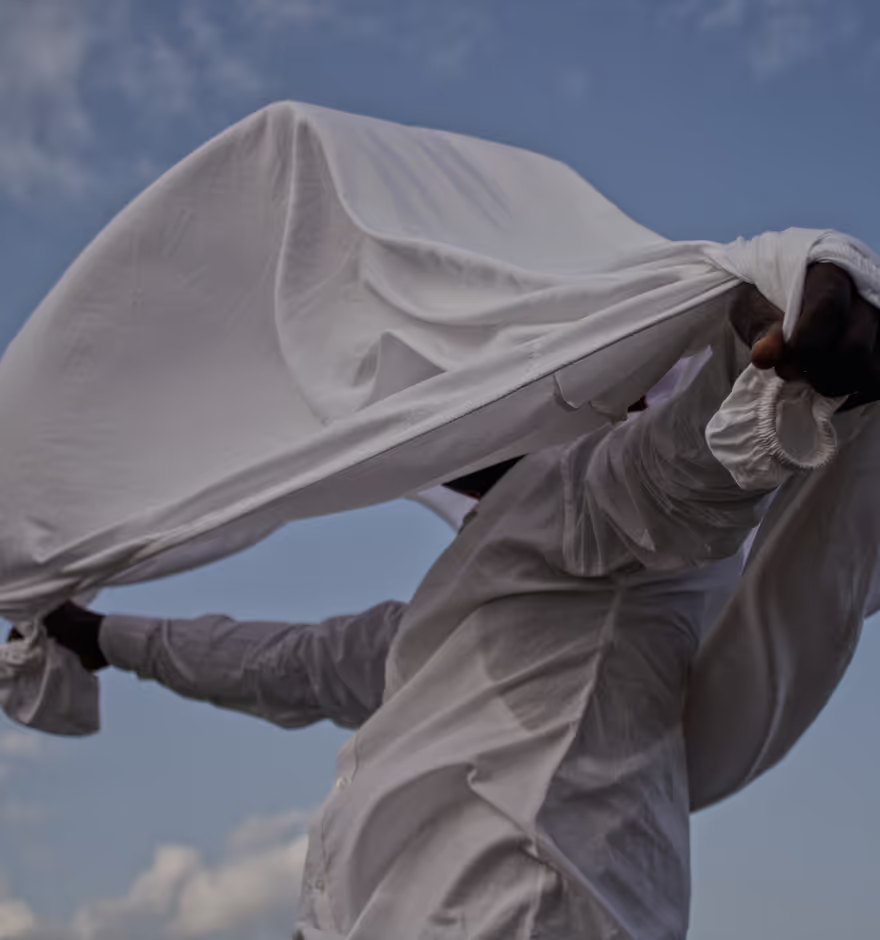
Photo EXPOSURE
Adjust Exposure to balance light, recover detail, and shape the overall mood of your image.
SATURATION EDITOR
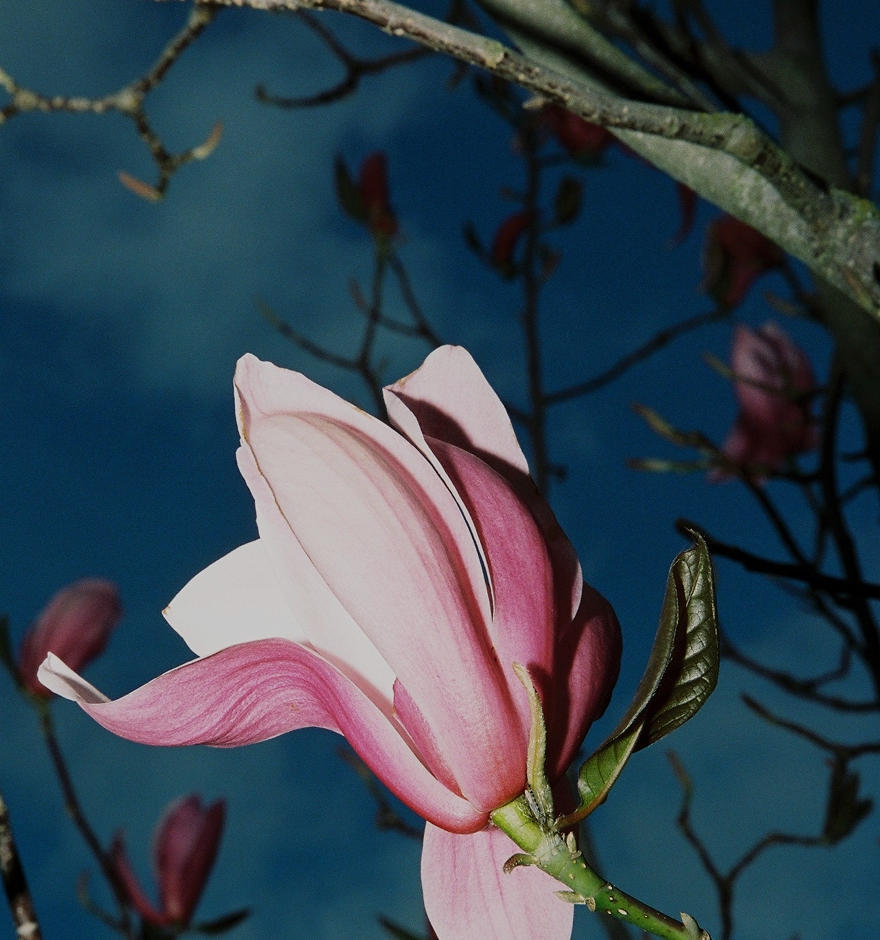
Dial in Saturation to control how boldly your colors speak — from muted to vibrant.