Sharpen Images
Add definition to details and reduce blur in photos with the image sharpener from VSCO.
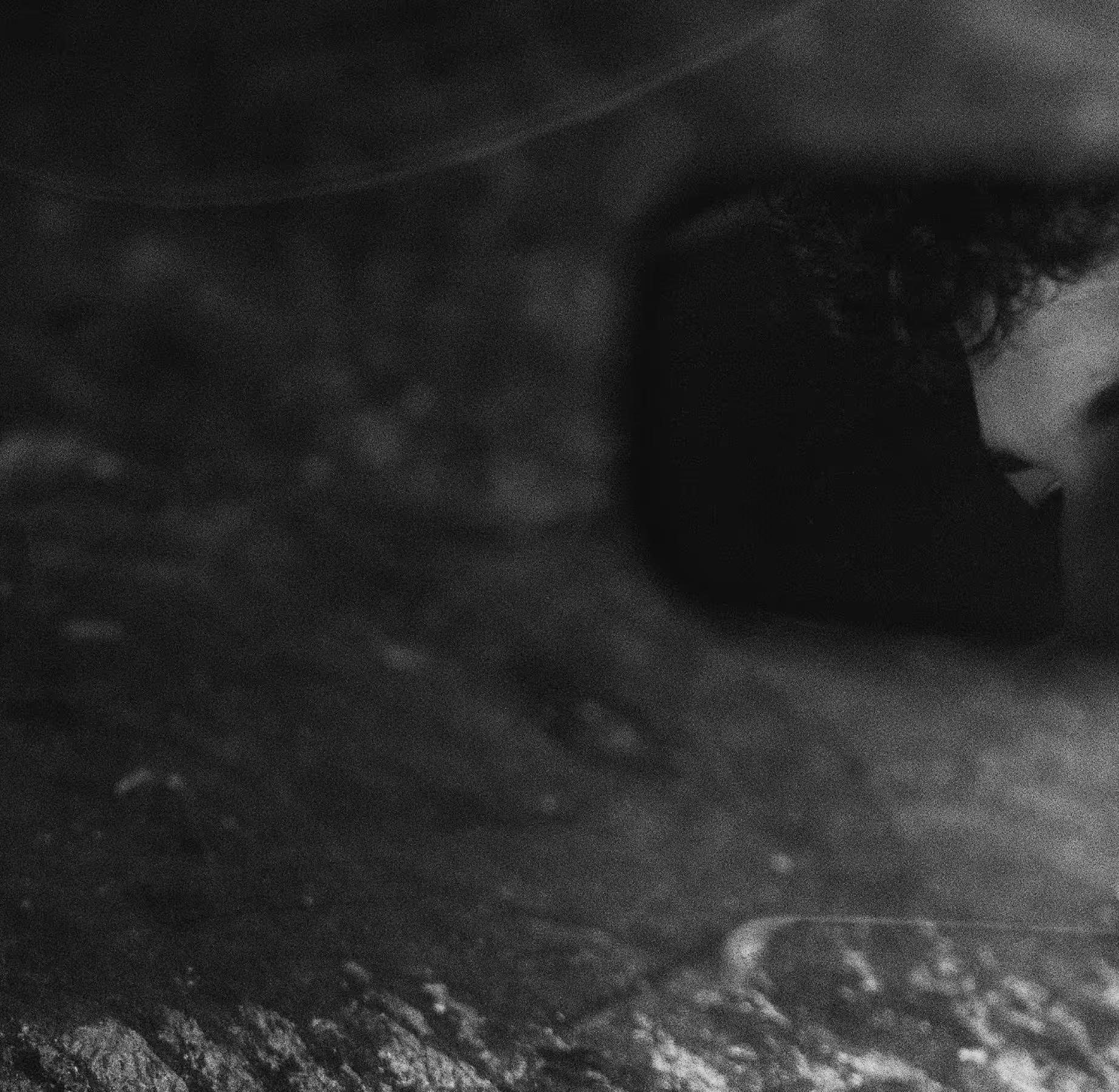
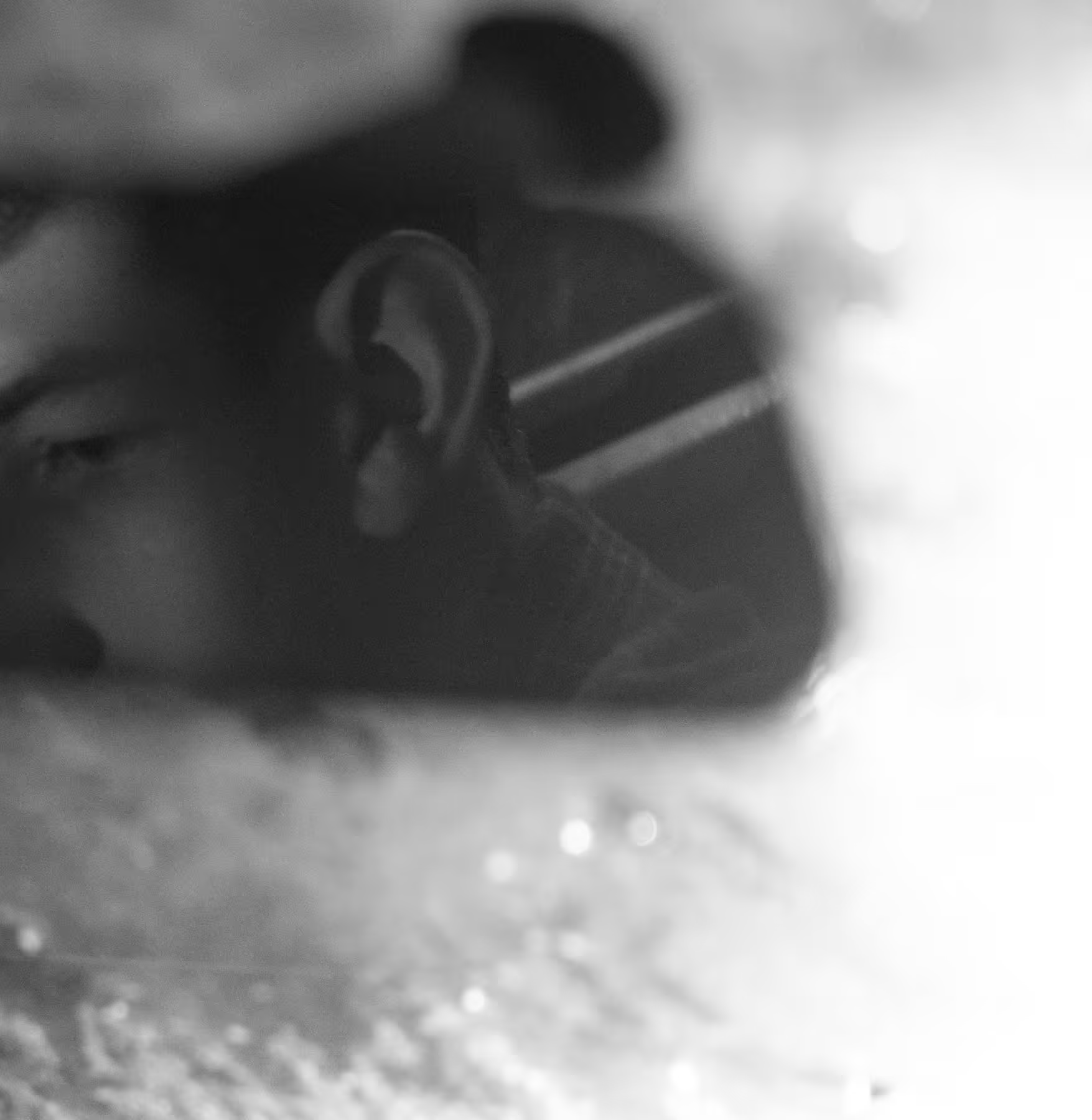
Reduce softness in blurry or out-of-focus images with VSCO’s image sharpener. Emphasize details and sharpen photos for free with the mobile app.
Complement Sharpen with other professional editing tools like Grain for complete creative control. Join today to build authentic connections that foster professional growth and to edit photos and videos with our full suite of tools. Invest in your creativity with a VSCO Membership.
Attention to detail
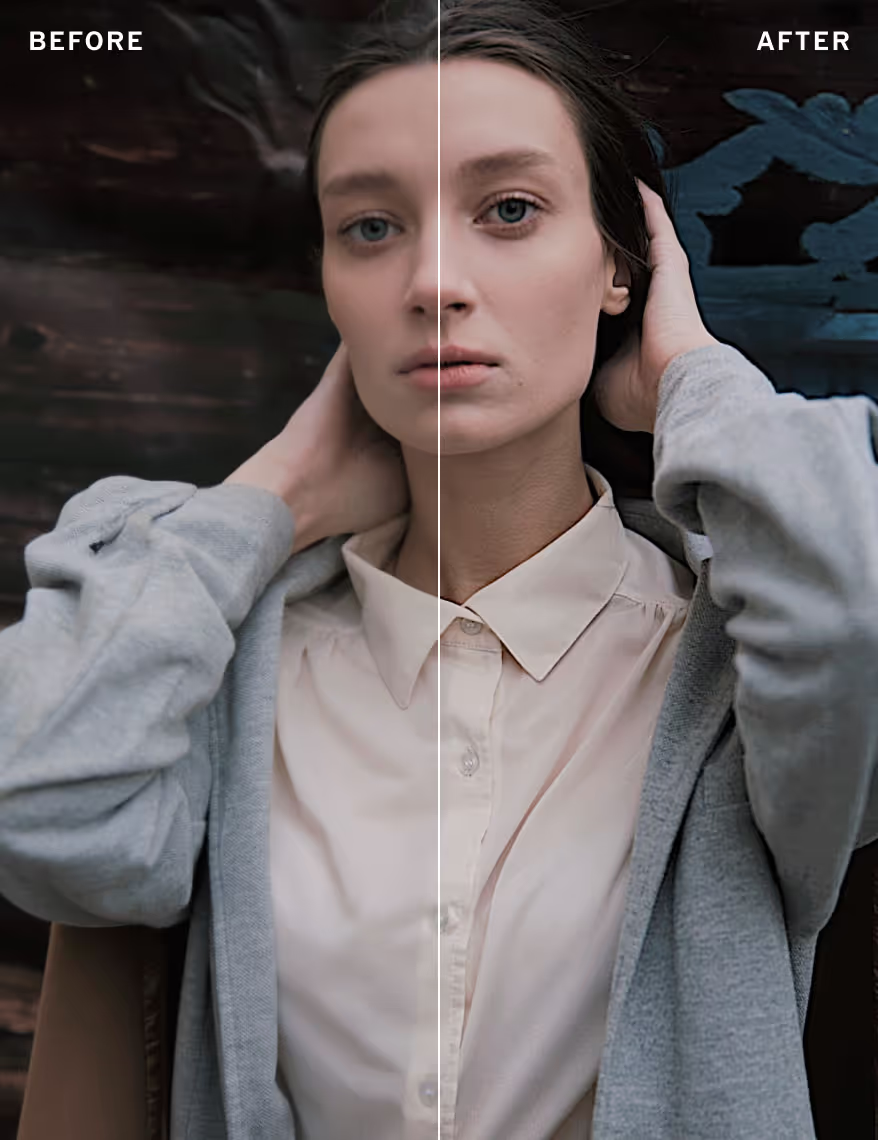
Make small details in pictures and videos pop with the photo sharpener. Use the slider to make sharp areas of focus even sharper or make soft details and image texture more visible.
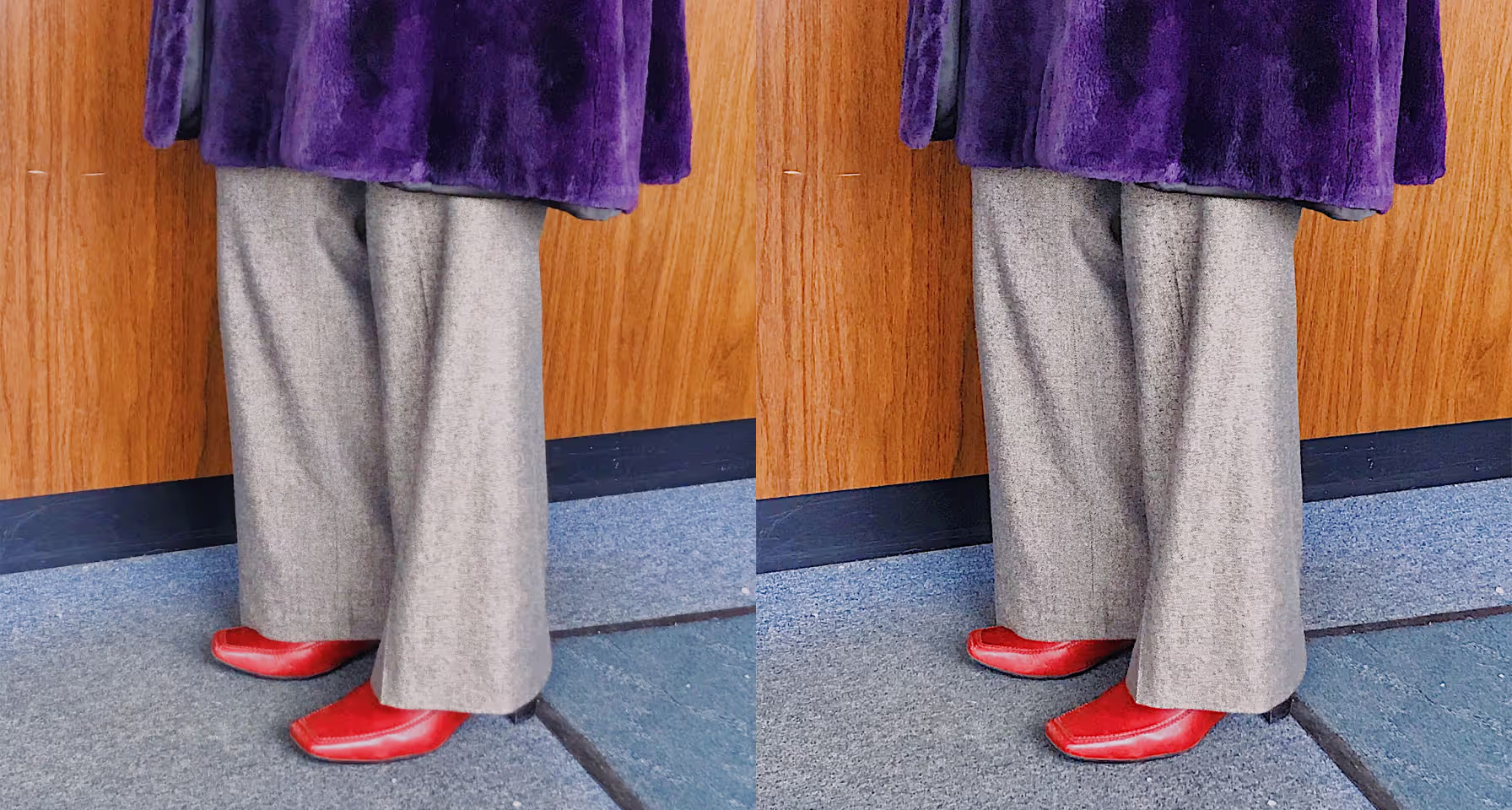

Precise control
Unblur and reduce softness in your photos and videos with quality and control. Whether from motion blur or soft focus, use the Sharpen photo tool’s easy slider to finesse your edit and find the perfect look in seconds.
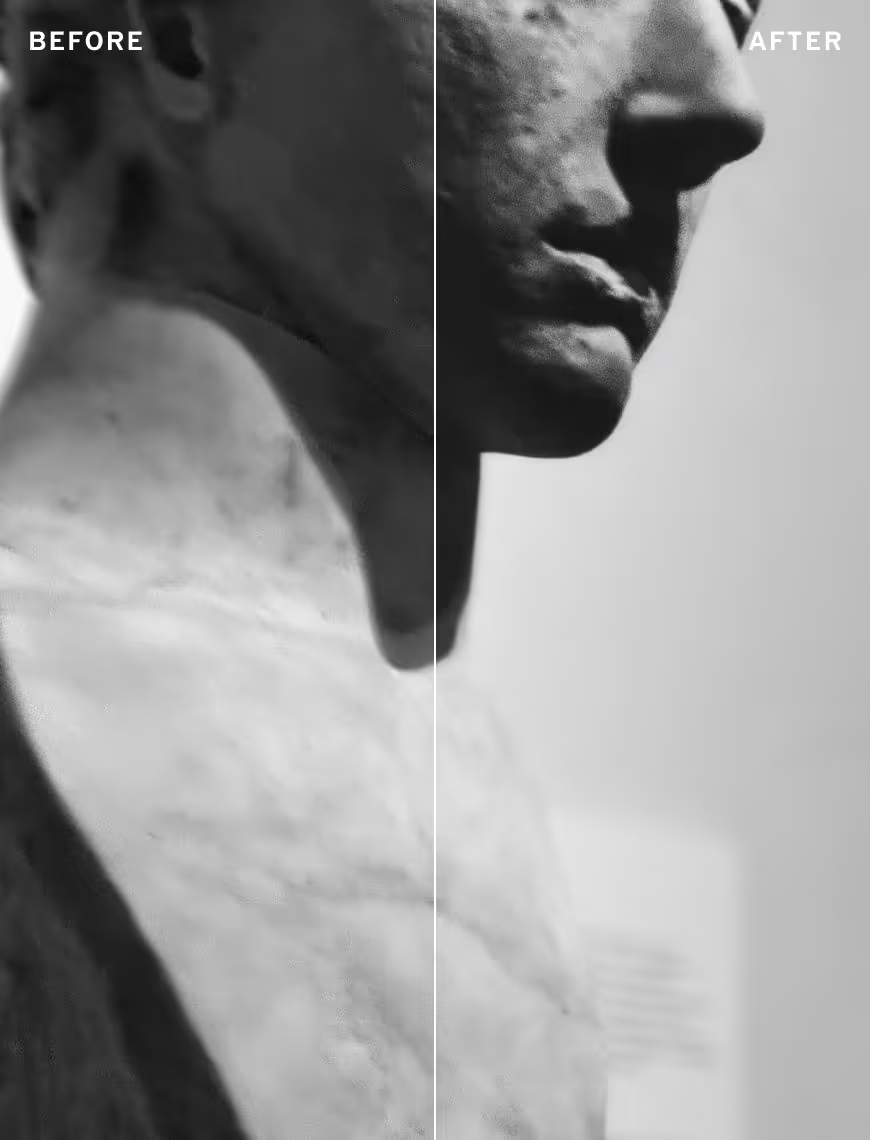
Enhance texture
It’s often the details that matter most. Add artistic depth with enhanced texture. Combine a macro shot with the image sharpener and watch everyday surfaces transform into miniature landscapes.
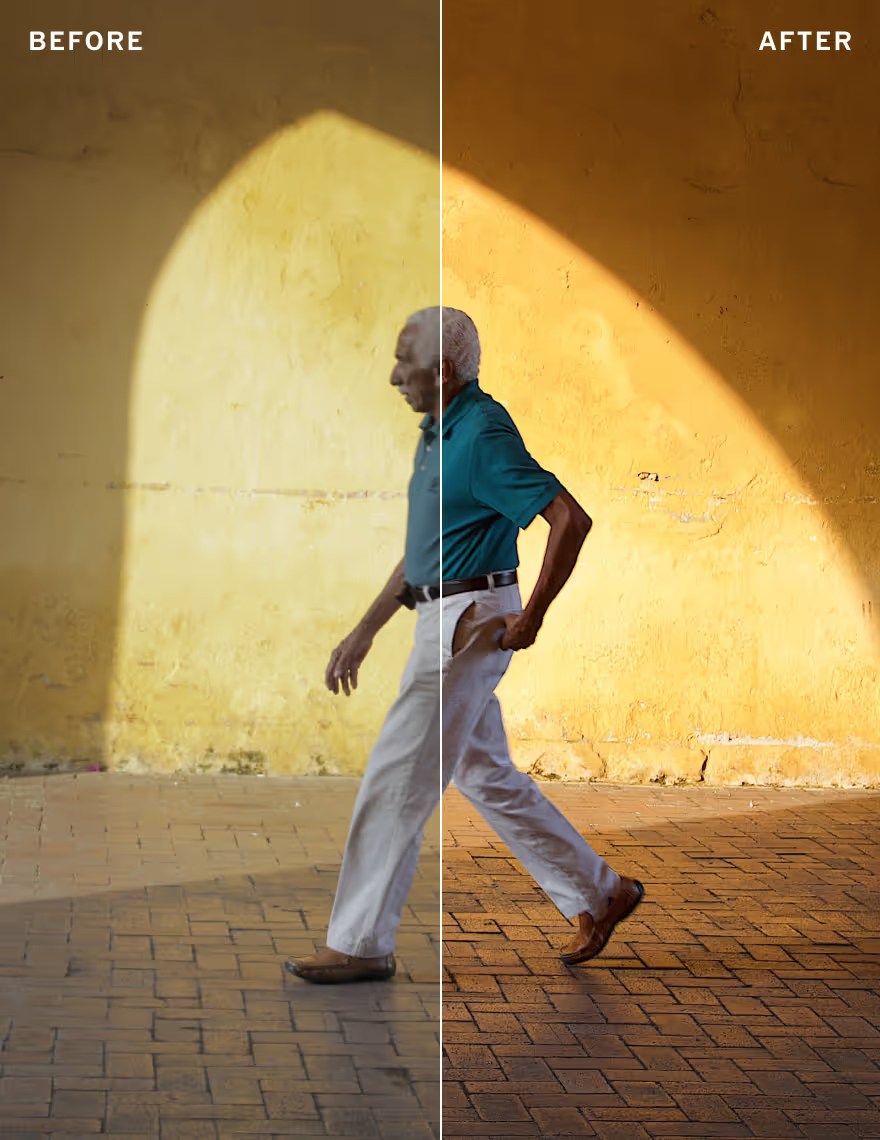
Pinch to zoom
To fully appreciate the unblurring effects of the Sharpen image editor, pinch to zoom in on your picture while you’re editing. A little bit of image sharpening can go a long way, so it helps to take a closer look.
How to sharpen an image
Capture or import photos or videos with the VSCO photo editor app and use the photo editor to access the Sharpen image tool. Drag the photo sharpener slider to increase sharpness and emphasize image texture. Try finishing your picture edit with a photo filter before exporting or publishing to your VSCO profile.


Frequently asked questions
How do I unblur a photo?
VSCO offers an image sharpener that helps fix a blurry photo by making soft or slightly out-of-focus images look clearer. Use the sharpen tool to unblur pictures and enhance important details.
Can I sharpen images on my phone?
When should I use an image sharpener?
Sharpen images to bring out textures like fabric or landscapes, define edges in portraits, or sharpen blurry photos with motion or soft focus.
How can I improve the quality of a photo?
VSCO helps improve photo quality with tools like image sharpening, exposure adjustments, photo effects, and film filters to bring out the best in your pictures.
Can I sharpen multiple photos at once?
VSCO lets you copy edits from one photo to another, so you can sharpen images in batches for a consistent look. You can also save Recipes that combine tools and filters to apply a signature look to photos in bulk.
What’s the difference between clarity and sharpen?
Sharpen enhances edge definition to reduce blur, while clarity adjusts midtone contrast for a punchier, more textured look. Sharpen is generally better for small details, while clarity is better for larger textures. Use them together for refined photo sharpening.
Can I sharpen black and white photos?
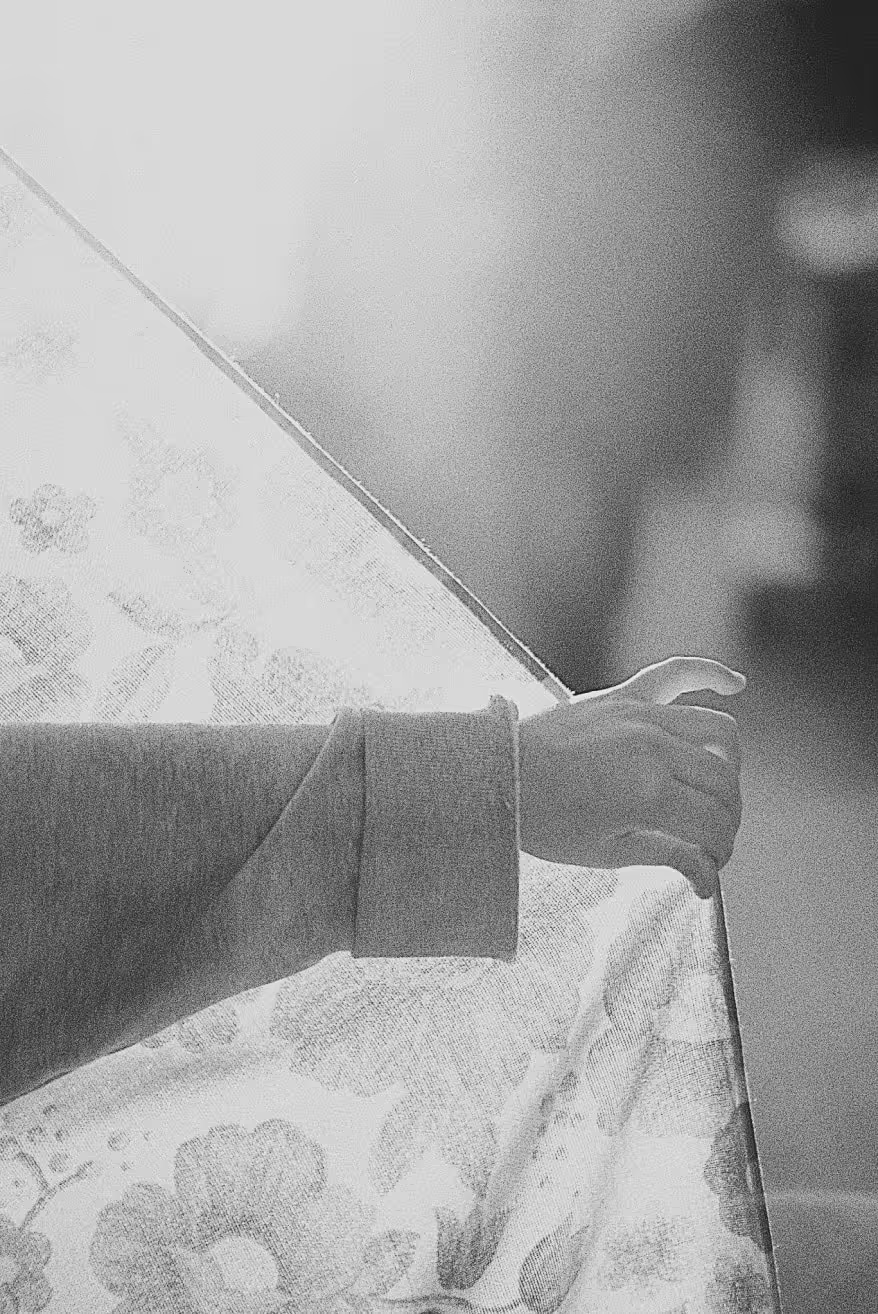
Yes, VSCO lets you sharpen black and white images to emphasize contrast and bring out textures for a more dramatic effect. Convert photos with our black and white photo filters.
PHOTO CLARITY EDITOR
Enhance mid-tone contrast and reduce haze to make surfaces, textures, and details feel more defined.
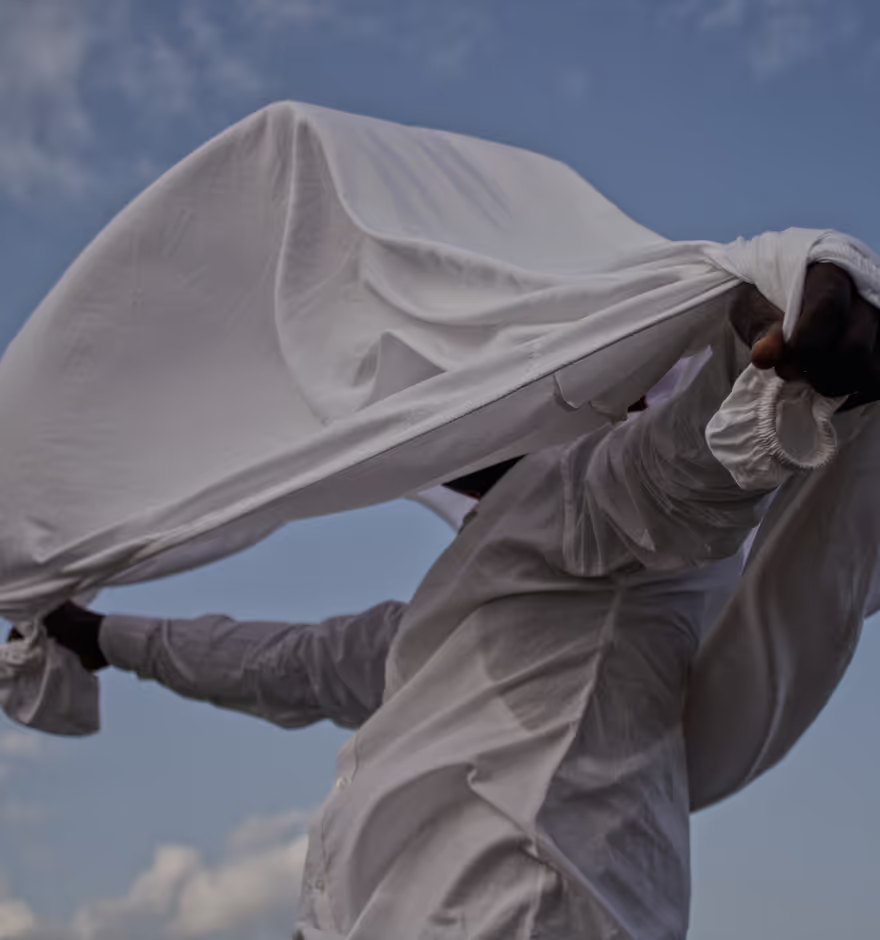
PHOTO BLUR EFFECT
Shift focus with circular and linear photo blur effects to isolate subjects, soften backgrounds, and add depth.

CROP, STRAIGHTEN, SKEW, & ROTATE
Crop images to common aspect ratios or free-crop, straighten horizons, rotate, and skew.