Add A Lens Flare EFFECT
Bring your photos and videos to life by applying lens flare and glowing light effects for a radiant, cinematic look.
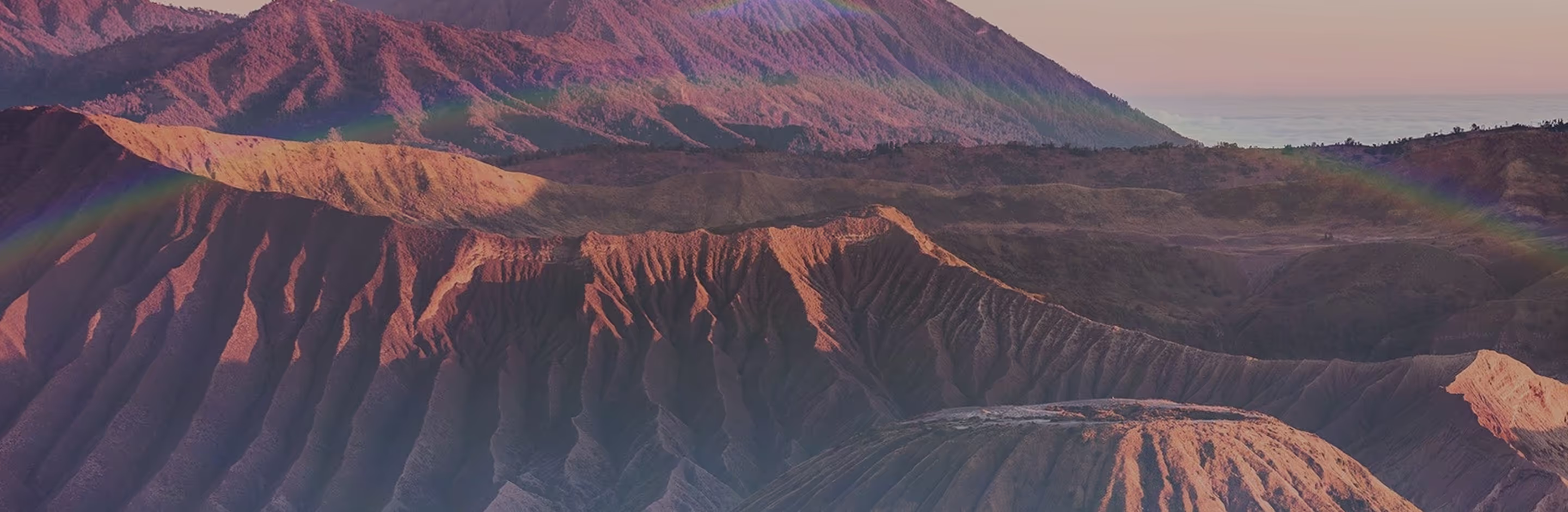
Make your photos shine with a lens flare effect
Apply realistic flare lens effects with the VSCO photo and video editing app.
Import your photo or video
Select a lens flare effect
Save and share your photo or video

Get The Lens Flare Effect
VSCO Film Effects (FX) brings cinematic light into your shots with 10 distinct lens flare looks.
Layer light leaks, film frames, distressing, grain filters, and other film effects for extra mood, texture, and depth.
No matter which lens or camera you use, the VSCO photo editing app makes it easy to recreate the unique look of lens flare and classic film.

How to Add Lens Flare to Photos & VIDEOS
Import your photo to the VSCO app from your camera roll.
Use Film FX to select from 10 different lens flare effects.
Explore other film filters and effects like grain, dust, light leaks, and film sprocket frames.
Save your edited photo or video and post directly to your profile or social media.
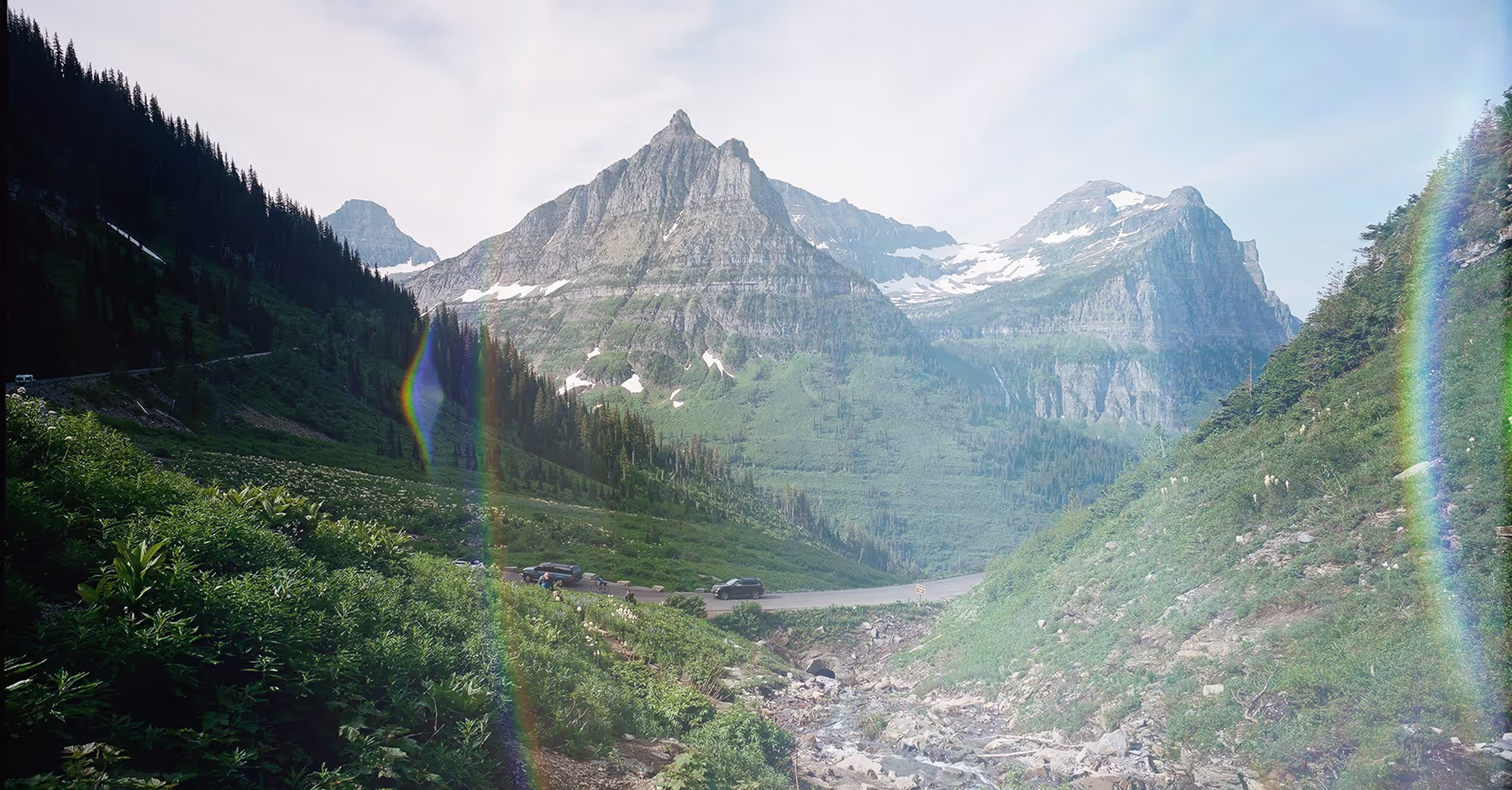
Create Light Effects That Shine
Lens flare adds streaks, glows, and bursts of sunlight for a cinematic, sun-drenched look.
Use film effects to apply different lens flare looks, plus light leaks, film frames, and grain filters.
After you find the perfect lens flare effect, fine-tune your edits with powerful tools like Contrast, Bloom, and Clarity.



Frequently asked questions
What is the lens flare effect?
The lens flare effect is the streaks, glows, or bursts of light you see when sunlight hits your lens, adding a cinematic, radiant look to photos. It’s common with old lenses and in direct sunlight, and can be recreated in the VSCO photo editing app for iPhone and Android.
What causes a lens flare?
Lens flare happens when bright light enters the camera lens directly, scattering across the glass to create glowing shapes and reflections.
How to get a lens flare effect?
VSCO offers Film Effects (FX) with 10 distinct lens flare looks, plus additional tools like Bloom and Halation to recreate glowing, cinematic light in your photos on iPhone and Android.
Can I add lens flare to videos?
Yes. You can apply lens flare effects to both photos and videos in the VSCO app using Film FX. Choose from 10 distinct lens flare looks to add cinematic light and glowing highlights to your video edits.
What is the difference between glare and lens flare?
Glare is unwanted brightness that washes out your image, while lens flare is often used as a creative light effect. VSCO editing tools and effects let you lean into flare for artistic results.
Does VSCO have other light effects?
Yes, VSCO offers light effects like Bloom and Halation, film effect options like as light leaks, as well as tools like Exposure, Contrast, Tone, White Balance, and Dodge & Burn.
Shoot with live light effects
The VSCO Capture camera app lets you apply light effects directly in-camera as you shoot. Choose your favorite filter, create glow with the live Bloom effect, and add a cinematic touch with Halation.


related EFFECTS AND EDITING TOOLS
Elevate lens flare photos with creative tools that enhance light and mood. Add timeless depth with film-inspired effects, soften highlights with a gentle glow, and adjust tones for rich, natural contrast.
Layer More Film Effects
Apply texture, light leaks, film frames, and more for an authentic film-inspired look.

Make It Glow with Bloom
Add a soft glow to highlights to photos for a dreamy, radiant look that spills across your frame.

Adjust Photo Contrast
Bring out depth and detail by striking a balance between light and dark.