
Online Photo Editor for Mac & PC
Edit your photos with VSCO Web Studio in your browser. No download required. Use presets, filters, and tools on Mac or PC.

VSCO Web Studio is an online photo editor web app for Mac and Windows PC.
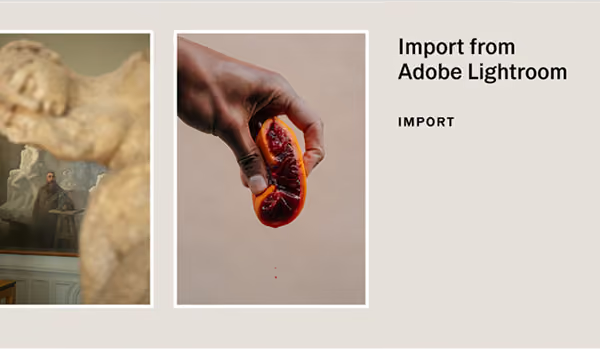
Works with Adobe Lightroom.
Online filters AND EDITING TOOLS
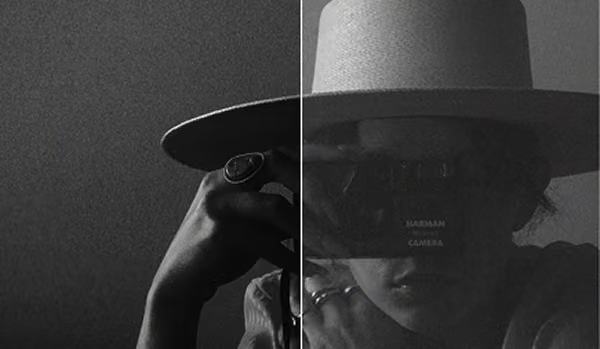
Edit and export your photos in full-resolution detail using your browser on desktop with professional-grade online filters and precise photo editing tools.
VSCO For MAC AND WINDOWS PC
Whether you're dialing in tones or fine-tuning your frame, our online photo editor for Mac and PC puts powerful tools at your fingertips.








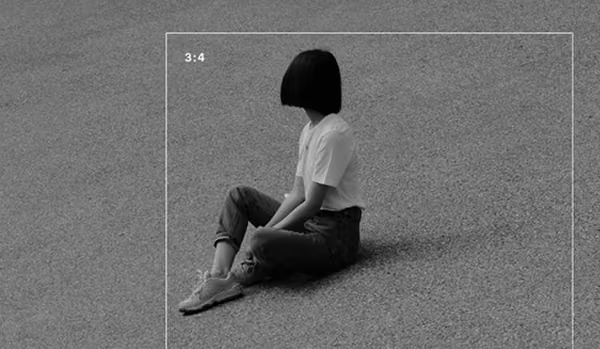


Desktop Workflows
Streamline your desktop photo editing process and preserve full resolution throughout your workflow.
Works with Adobe Lightroom.
Cloud sYNC
Sync photos and edits in your Studio seamlessly across mobile and desktop.
Frequently asked questions
Is VSCO Web Studio available on Mac and PC?
Yes. VSCO Web Studio on desktop lets you edit full-resolution images on web using any browser (Chrome/Safari) on Windows PC and Mac. Sign in at studio.vsco.co and use presets and tools, import from Adobe Lightroom, and share to your VSCO profile or Spaces.
What editing tools are included in VSCO Web Studio?
VSCO Web Studio has 200+ standard, film, and Pro presets, as well as our most essential photo editor tools including exposure, contrast, saturation, white balance (temperature/tint), image fade and skin tone, export full resolution images, upload images which can be accessed from any browser (Chrome/Safari), copy / paste edits, and much more.
Can I edit videos on desktop?
Video editing is not available in Web Studio at this time, though you can still edit videos in the mobile VSCO app.
Which browsers and operating systems are supported?
Currently, we support Chrome/Safari on macOS and Chrome/Edge on Windows PC. We also support a Progressive Web App (PWA) for Windows PC and Surface tablet, available in the Microsoft Store. Please make sure you’re using the most updated versions to ensure the best experience.
What is the difference between VSCO Web Studio and the VSCO App for iOS and Android?
VSCO Web Studio is a web-based photo editor for desktop, while the VSCO app for iOS and Android is a full mobile experience with editing, sharing, and community features. Both use the same presets and some essential editing tools, but are designed for different ways of working. With Cloud Sync, your edits can seamlessly sync between the mobile and web app.
What is the difference between VSCO Web Studio and VSCO Studio Pro?
VSCO Web Studio runs in your browser on Mac or PC—open it now at studio.vsco.co, no download required. VSCO Studio Pro is built for high-volume professional workflows, with batch editing and Style Match for photographers managing large shoots.
What file types can you import?
On Chrome and Edge, you can import JPEG, PNG, BMP files. On Safari you can import JPEG and HEIC files.
Are images that I upload public or private?
Private, only you can see them when you are signed in.
Are VSCO Film presets for Adobe Lightroom coming back?
Yes, VSCO Film 02 presets for Adobe Lightroom are available now, exclusively for VSCO One members. This release is for Adobe Lightroom only, VSCO Film presets for Adobe Photoshop are not included.
Is a batch editing feature available?
Yes, you can batch edit photos on VSCO Studio on desktop. Learn more about our batch photo editor here.
Seeing some "edits are not visible" message in the VSCO Studio.
This message means that if you edit photos with tools available on the VSCO mobile app such as HSL or Grain and sync your image to VSCO Studio on desktop, those tool edits will not render on the image on web because the tools are not yet available on web. You can "flatten" an image inside iOS to start editing that photo inside VSCO Studio on web. Learn more.
Can studio.vsco.co be added as a web app (PWA) on my Windows PC computer?
Yes, studio.vsco.co can be added as a web app on your computer from the Microsoft Store. Learn more.
Is there a way to compare your current edits to the original photo?
There is a "show original image" function within the Settings>Keyboard Shortcuts. Select the image and open the image in the editor view, then use the keyboard shortcut for "show original image."
What Pro Presets will be available?
All Pro Presets are available on desktop and mobile. Learn more about all VSCO Presets and Pro Presets.
Get Help
Get the most out of VSCO with assistance getting started, questions, or feedback.
Download VSCO
VSCO is a connected system for photographers. The photo editor is available on iPhone and Android, and desktop web on Mac and PC.