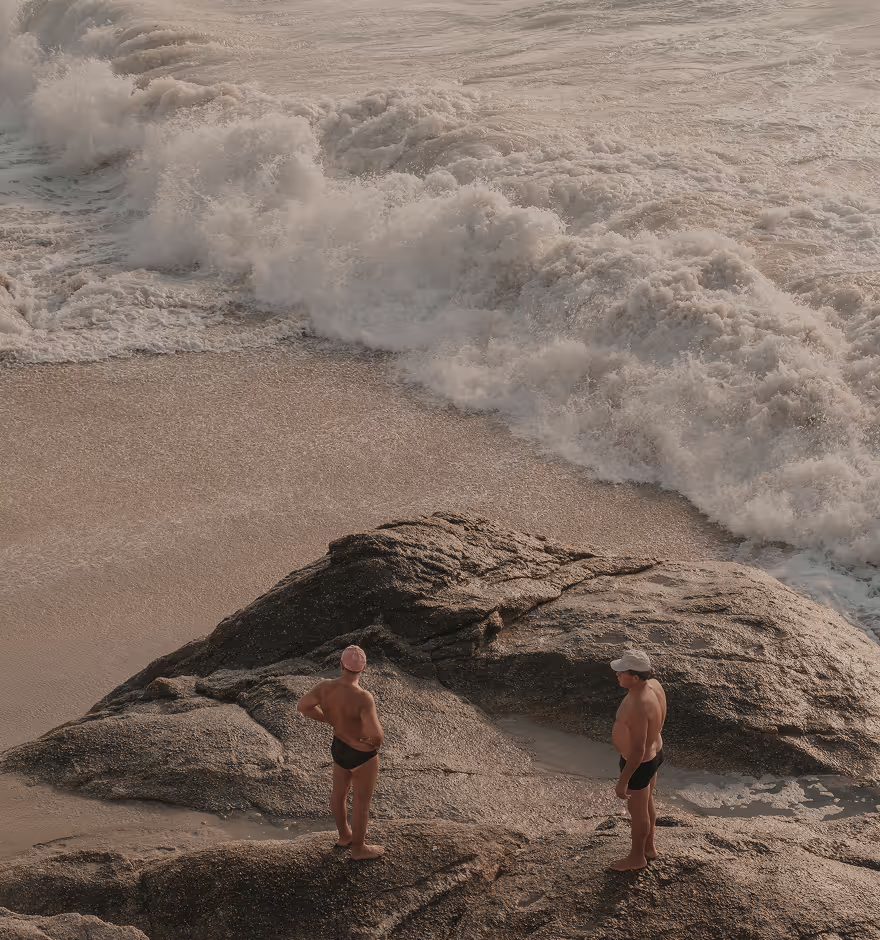
Image Saturation
Edit and change color intensity in photos and videos with the Saturation editor.

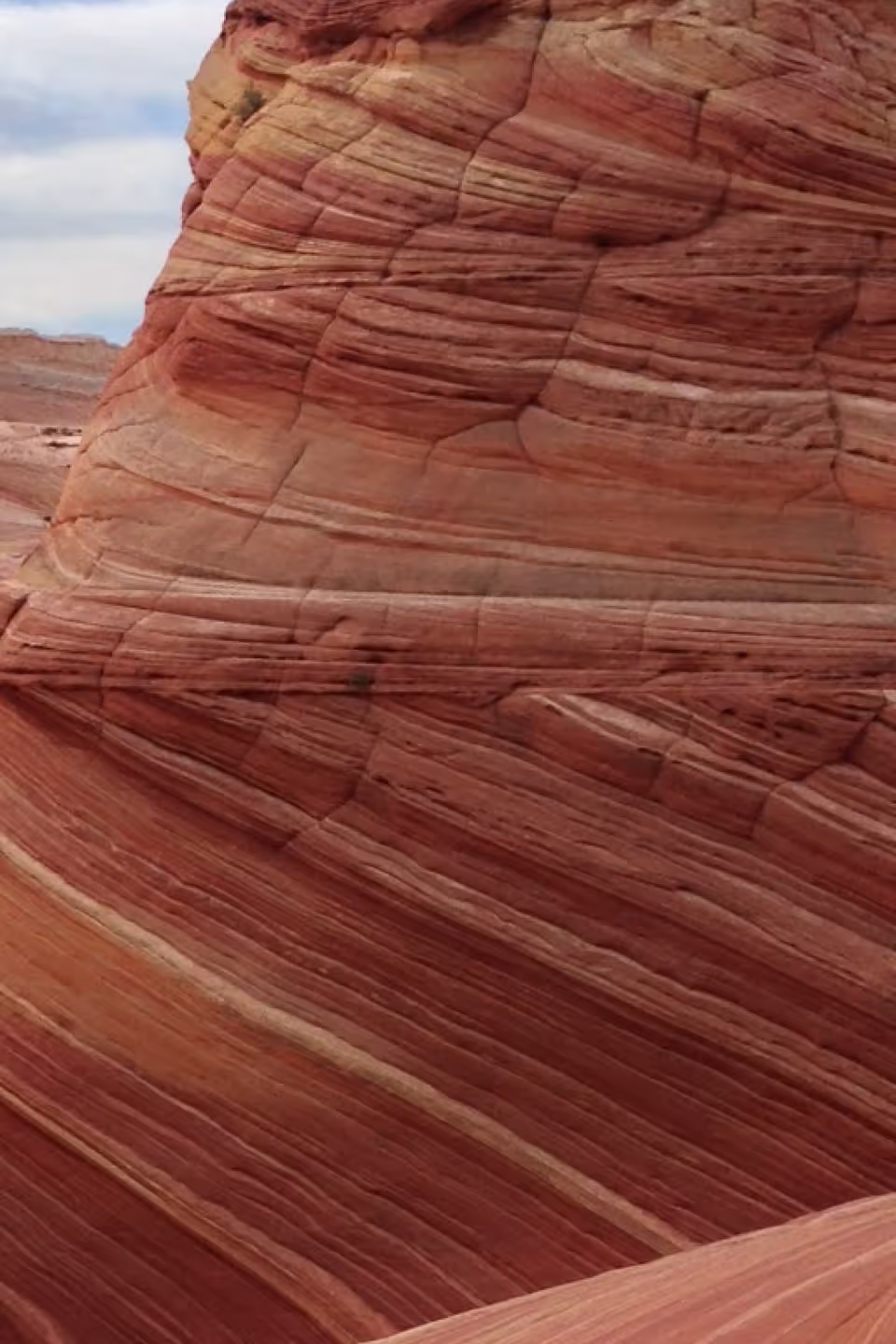
Easily change image saturation with one simple slider. Use the editor to intuitively control color intensity and find the look that works for your image.
VSCO is a community-driven platform that equips photographers to expand creatively and professionally. Join today to build authentic connections that foster professional growth and to edit photos and videos with our full suite of tools. Invest in your creativity with a VSCO Membership.
Change color intensity
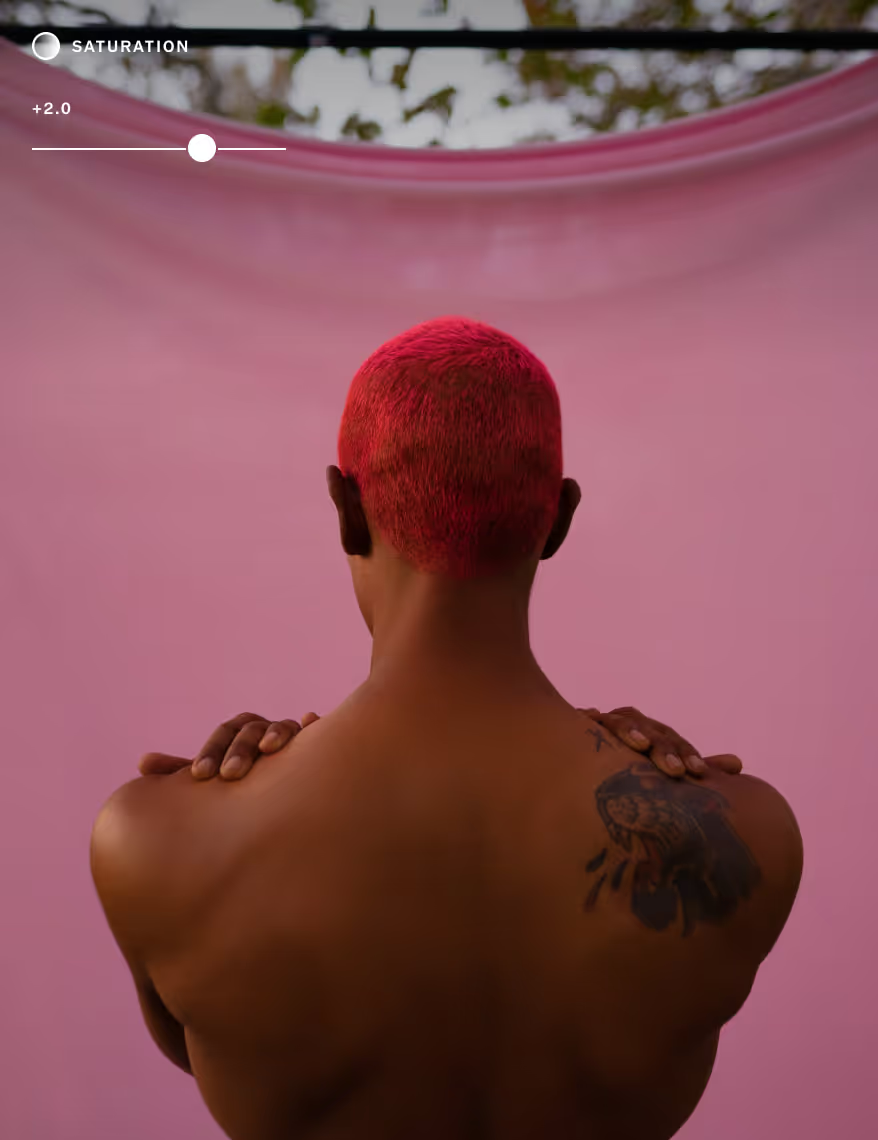
Color is often at the heart of an image. Use VSCO’s image Saturation editor to explore the full spectrum of color intensity. Create a muted, low saturation look, or make your photo edit pop with high saturation color.

SATURATION IMG.2 -3.6
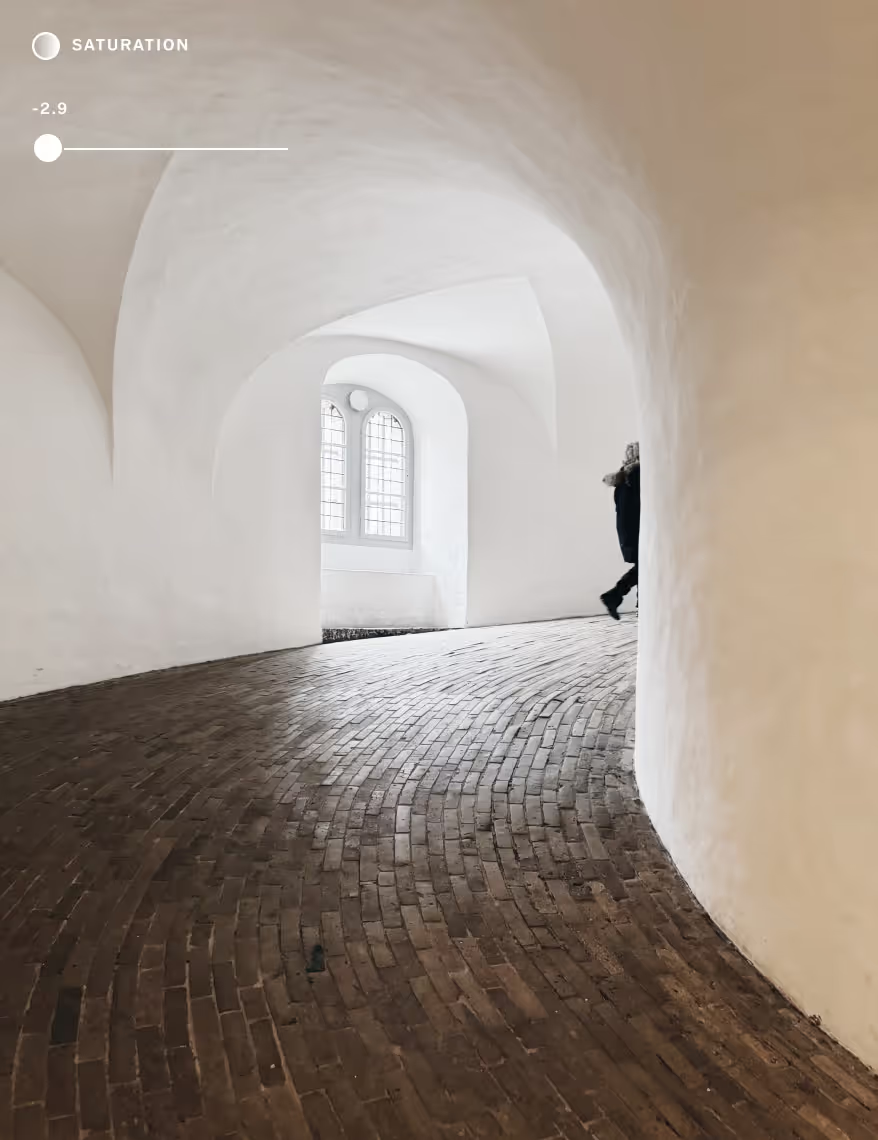
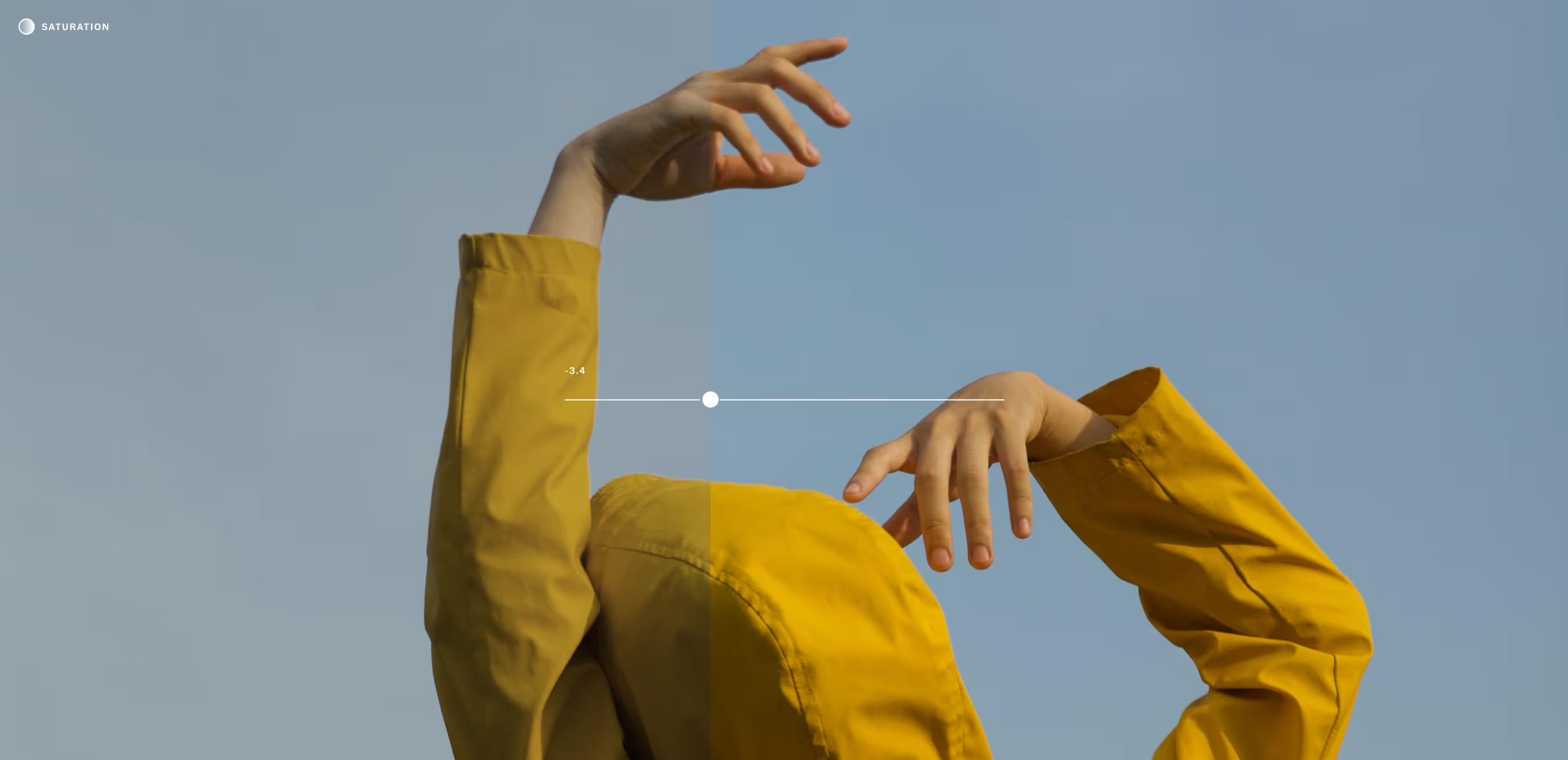
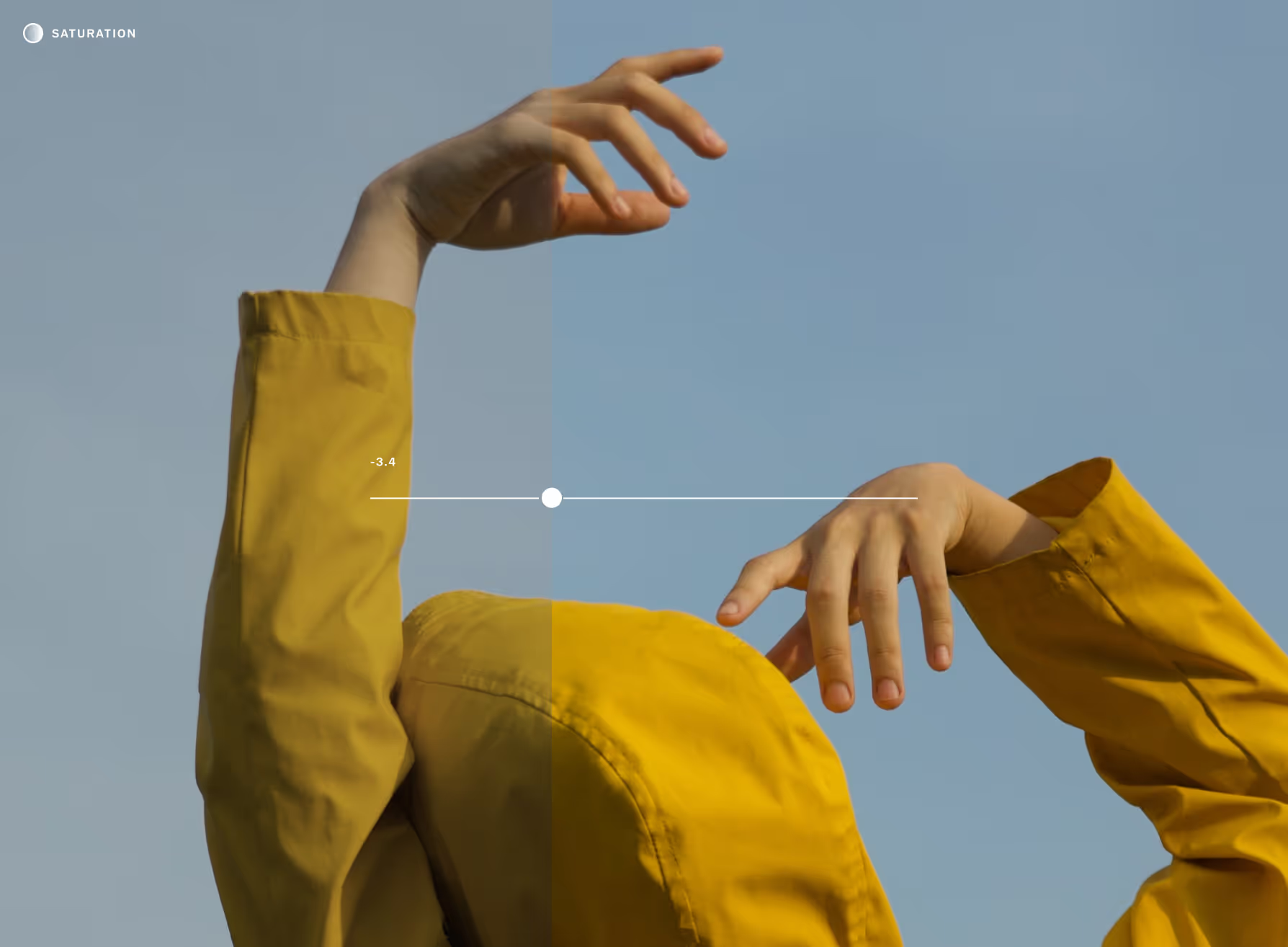
Low saturation looks
Reducing image saturation decreases color intensity and gradually moves colors toward different shades of gray. Use a low saturation edit to created a muted look void of intense color.
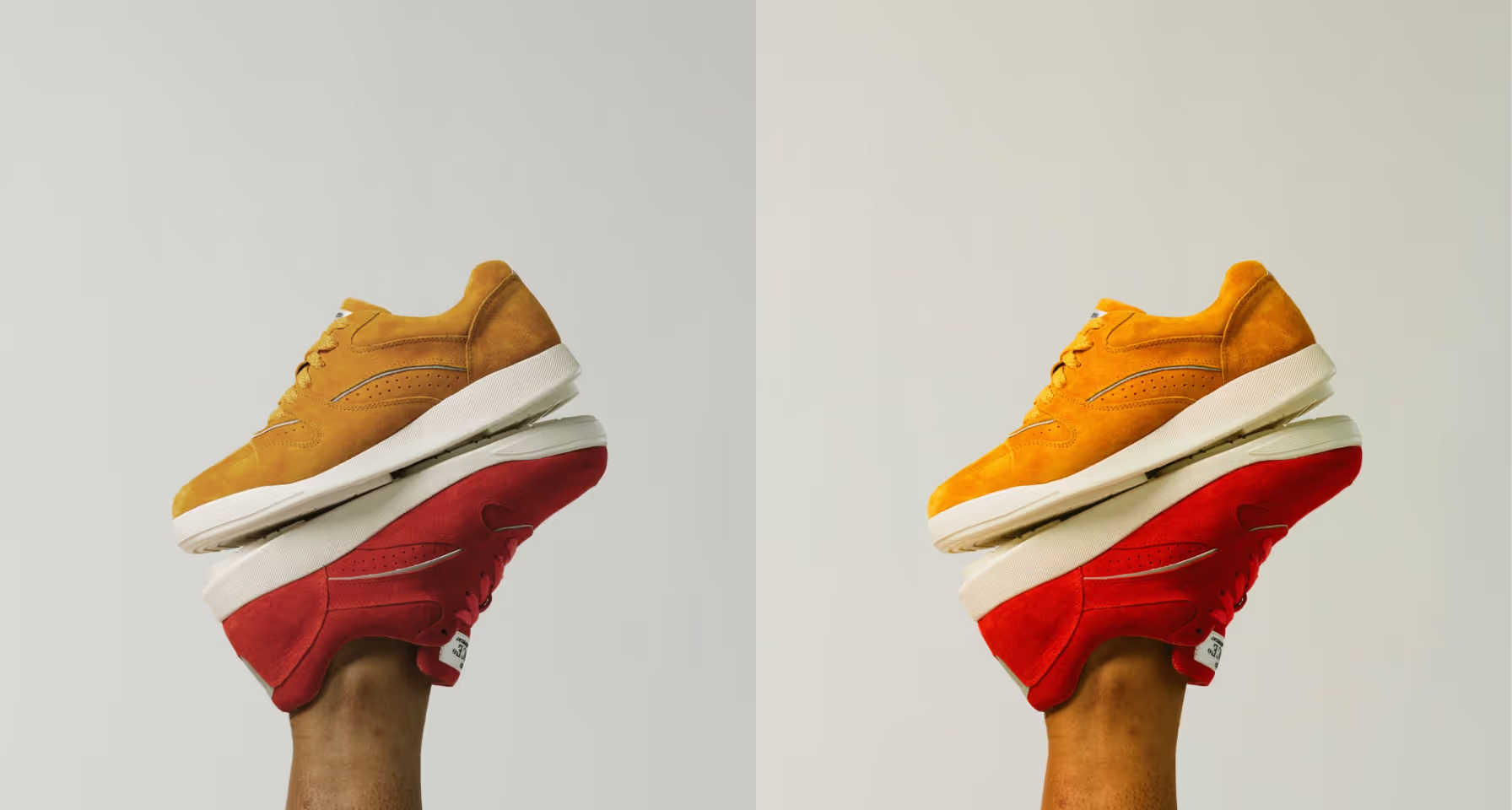
Make colors pop
If you want all the colors in your image to pop, turn up saturation to boost color intensity. Need even more control? Edit and control individual colors with the HSL editor.
Connect and edit
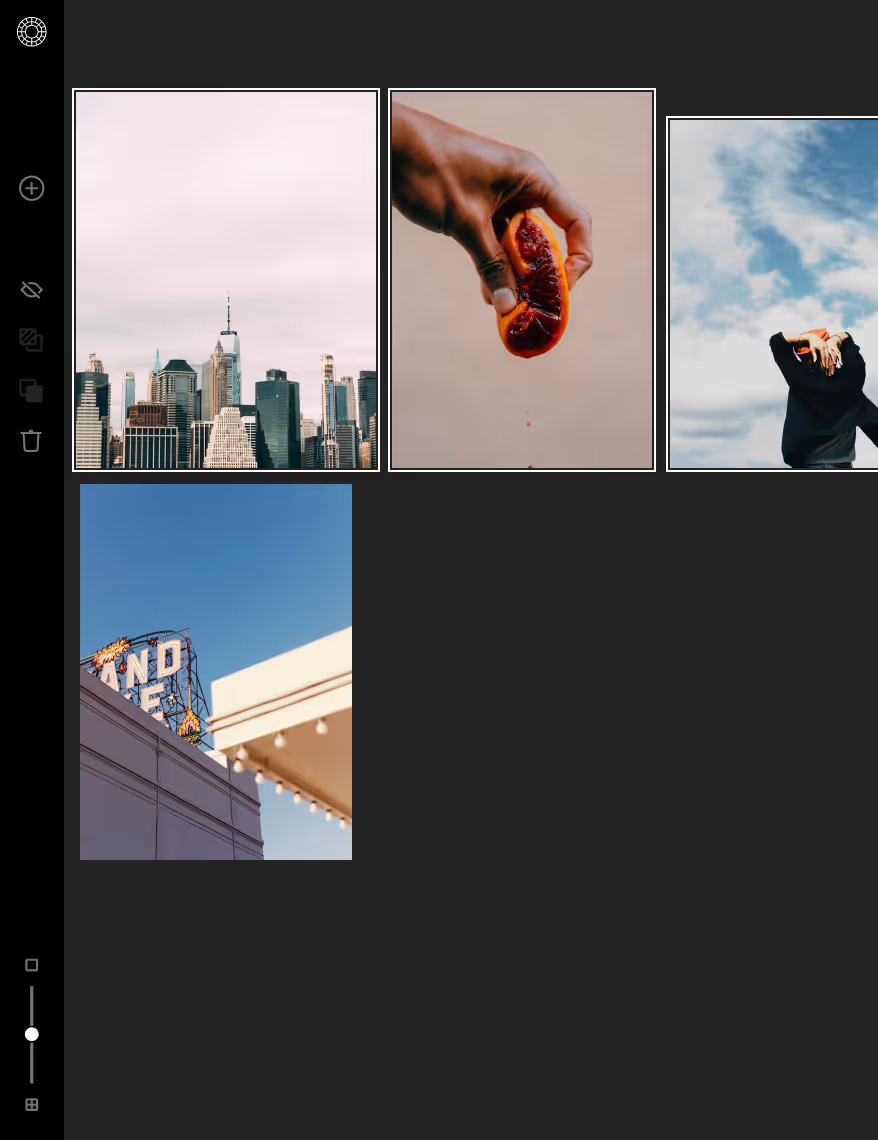
VSCO Pro Members can edit image Saturation and publish photos with Studio, our online desktop editor. Connect with photographers, update your portfolio, and edit from anywhere with VSCO.
How to edit image saturation
Capture or import photos or videos with the VSCO mobile app. Use the photo editor to access the image Saturation editor tool. Use the slider to increase and decrease image saturation as you edit. Try finishing your picture or video edit with a Pro preset.

Frequently asked questions
What is photo saturation in image editing?
Photo saturation controls the intensity of colors in your image. With VSCO’s saturation photo editor, you can boost vibrancy or tone things down for a more subtle look.
How can I change the saturation of an image?
VSCO offers a tool for adjusting saturation on iPhone, Android, and the online photo editor. Increase saturation to make colors pop, or lower it to achieve a muted, desaturated effect.
What is the difference between saturation and vibrance?
How do I create a muted, low-saturation look in my photos?
To get a soft, desaturated look, use the saturation editor in VSCO and lower the slider. This creates a calm, minimalist style often used in fashion and editorial photography.
Can I selectively change the saturation of certain colors?
Yes, with VSCO’s photo editor app, you can adjust individual hues using the HSL (Hue, Saturation, Lightness) editor. It’s perfect for targeted color editing without affecting the whole image.
How do I make colors pop without overexposing my photo?
Use VSCO’s saturation image editor to increase color intensity, and fine-tune exposure separately. This helps you enhance color without blowing out highlights.
Can I change the saturation in videos too?
Does adjusting image saturation affect photo quality?
Changing saturation with VSCO won’t harm your image quality, but strong edits can look unnatural and lose color range. For best results, make small, intentional changes in the saturation photo editor.
What’s the difference between high and low image saturation?
High image saturation creates bold, vivid colors that stand out. Low saturation results in muted tones that feel calm, vintage, or cinematic.
HSL editor
Target specific colors with HSL — adjust hue, saturation, and lightness for precise, expressive edits.

Photo Contrast editor
Increase Contrast to deepen shadows and sharpen highlights, or lower it for softer, low-contrast look
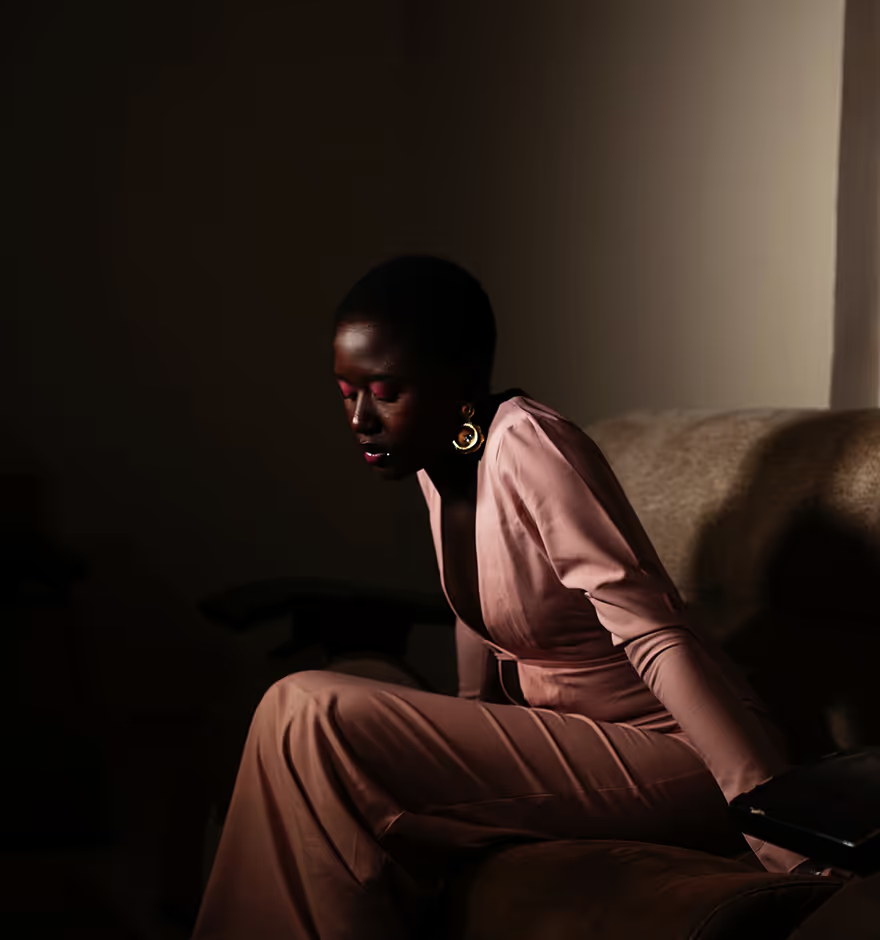
TONE SHADOWS & HIGHLIGHTS
Recover and refine with Tone. Lift shadows to reveal hidden details and pull down highlights to preserve texture.