
Create Solid Black Backgrounds With AI Prompt
Turn any image into a studio-style photo with a black background, described in a simple text prompt.
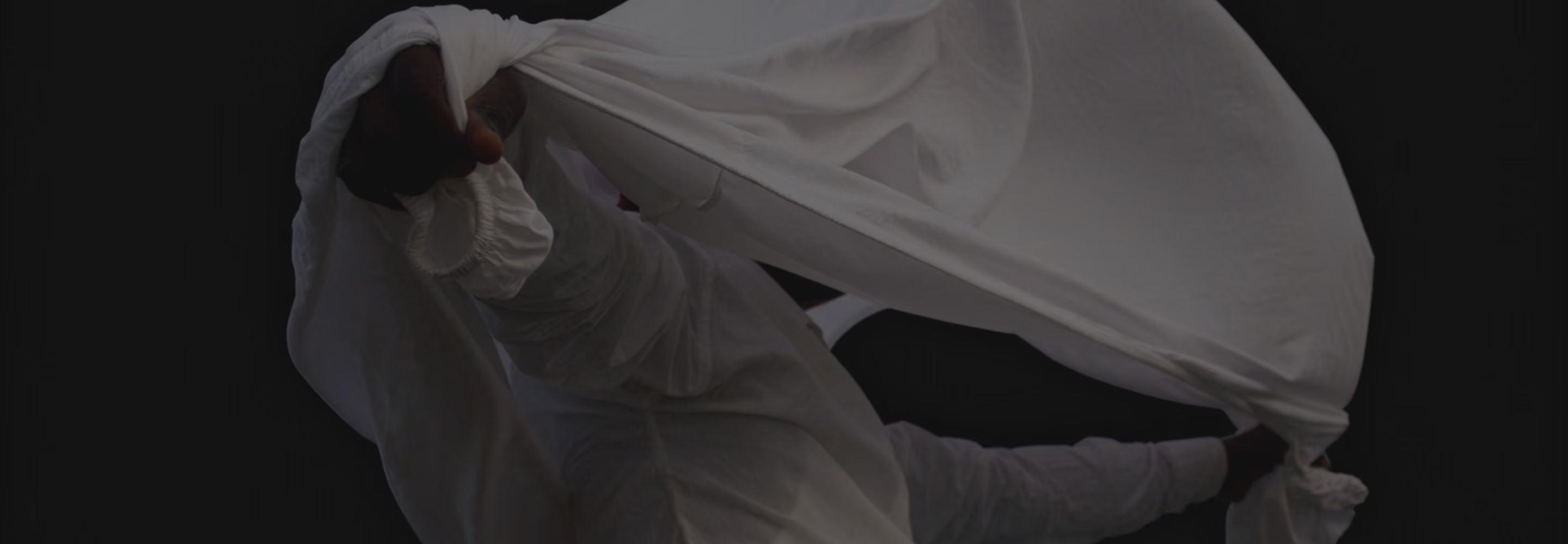

One Prompt, a Full Studio Backdrop
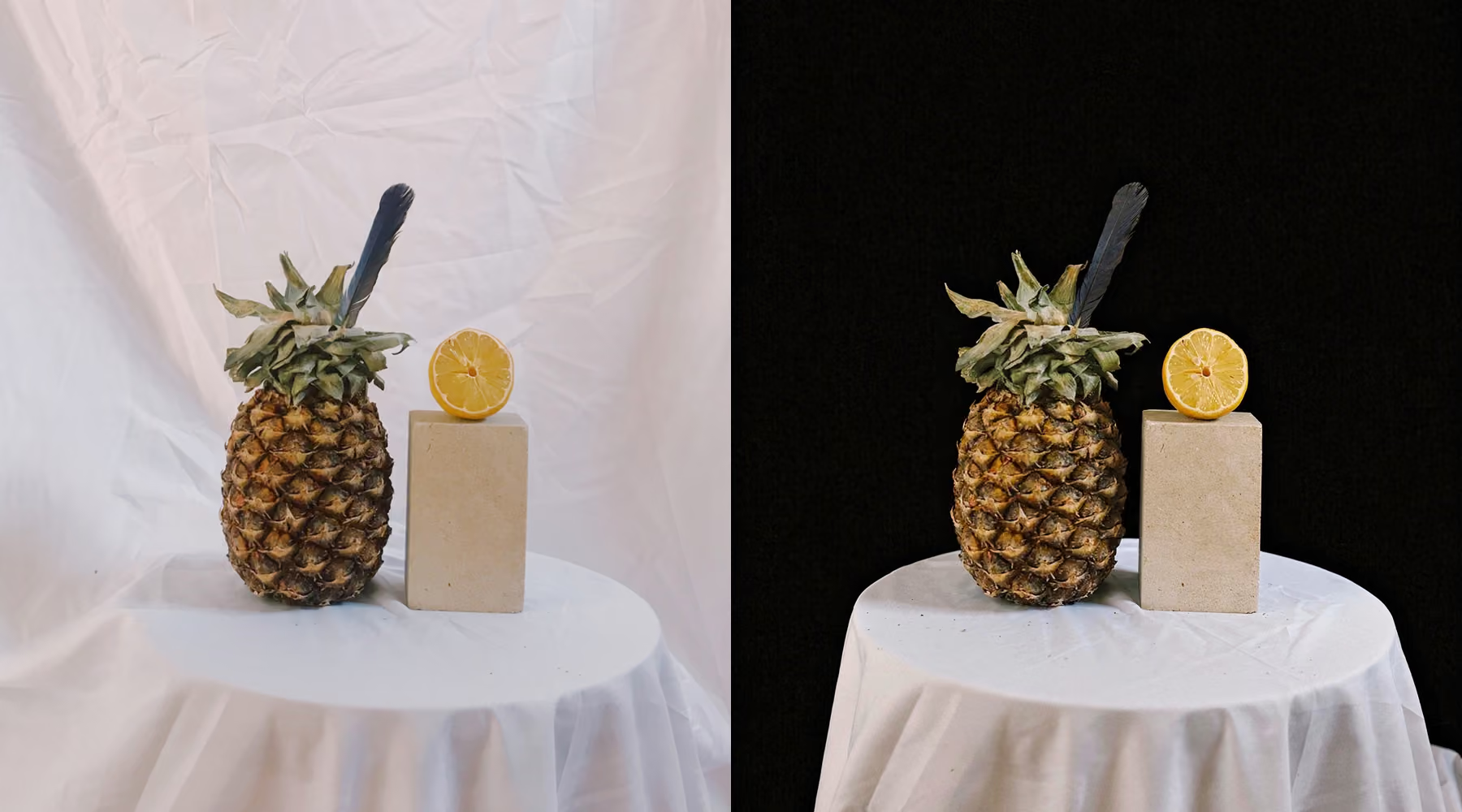
Give your images a striking, high-contrast look by swapping any background for a rich black backdrop, no masking or manual editing needed. Describe the background you want and AI Lab’s Prompt tool builds it directly into your photo.
The result reads as intentional, not edited. Even lighting, clean edges, and a backdrop that looks like it was lit in a professional studio.
When to Use Solid Black Photo Backgrounds
A black background naturally draws attention to your subject by increasing contrast and simplifying the composition. It works especially well for portraits, product photography, editorial visuals, and any creative experiment where mood plays the lead role.
Use it to remove distractions, strengthen lighting drama, or shift the tone of an image toward something more cinematic. Subtle changes in shadow and negative space can reshape how a photo feels, without starting over from scratch.
How to replace photo backgrounds with solid black
Enter a prompt like "replace background with solid black" and generate your edit.
Adjust your wording or rerun the prompt to refine the result.
Build depth and contrast in every frame
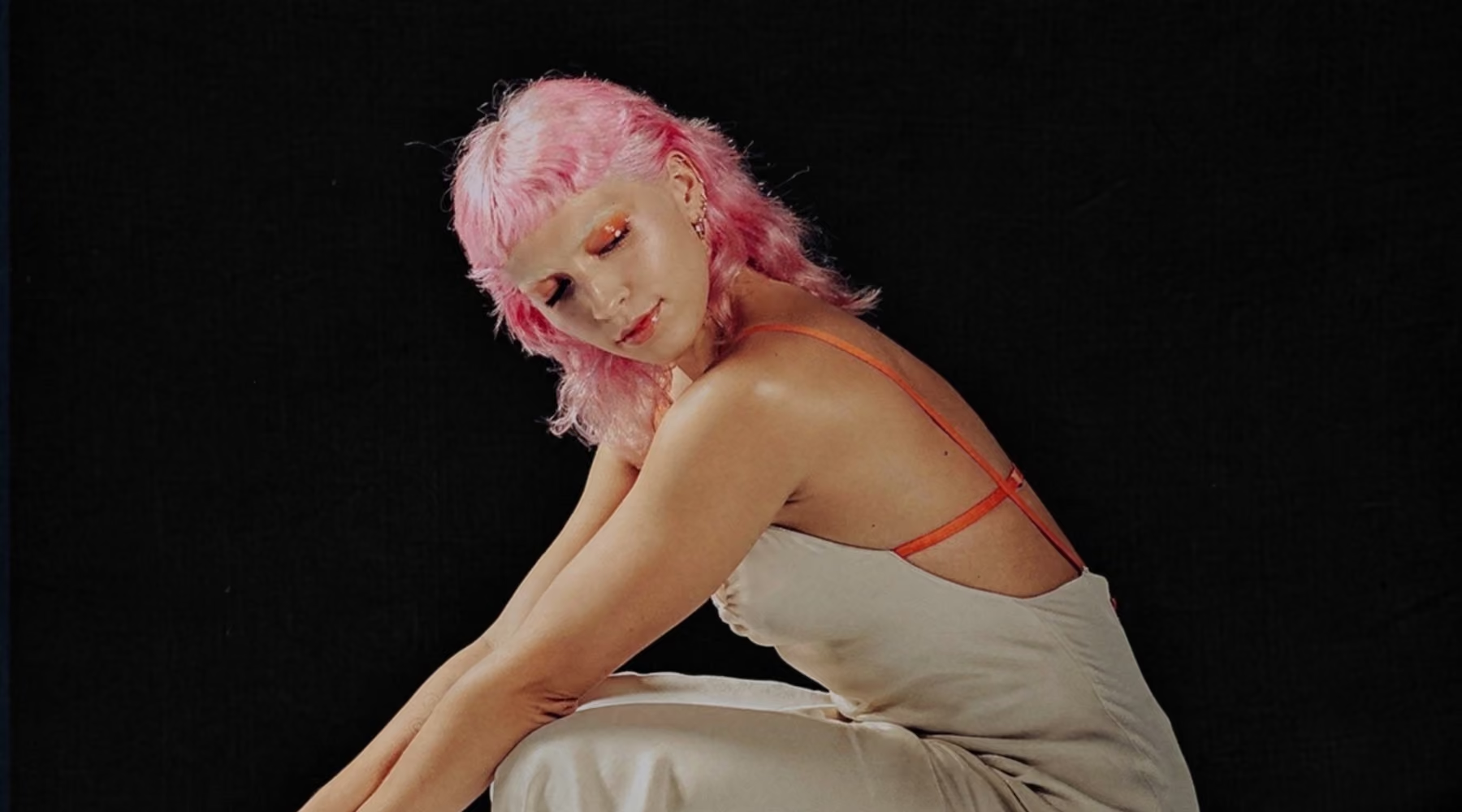
A solid black background reshapes how your subject is perceived by removing distractions and strengthening visual focus. Instead of relying on complex editing techniques, AI text prompts let you create a controlled, consistent backdrop in seconds.
This approach works especially well for branding, portfolio work, and social content where consistency matters. It helps images feel clean and professional, while keeping your workflow simple.
Download VSCO
Create clean, studio-style black backgrounds without masking, selections, or complicated edits. With AI Prompt, simply describe the background you want and transform your photo while keeping the focus on your subject.
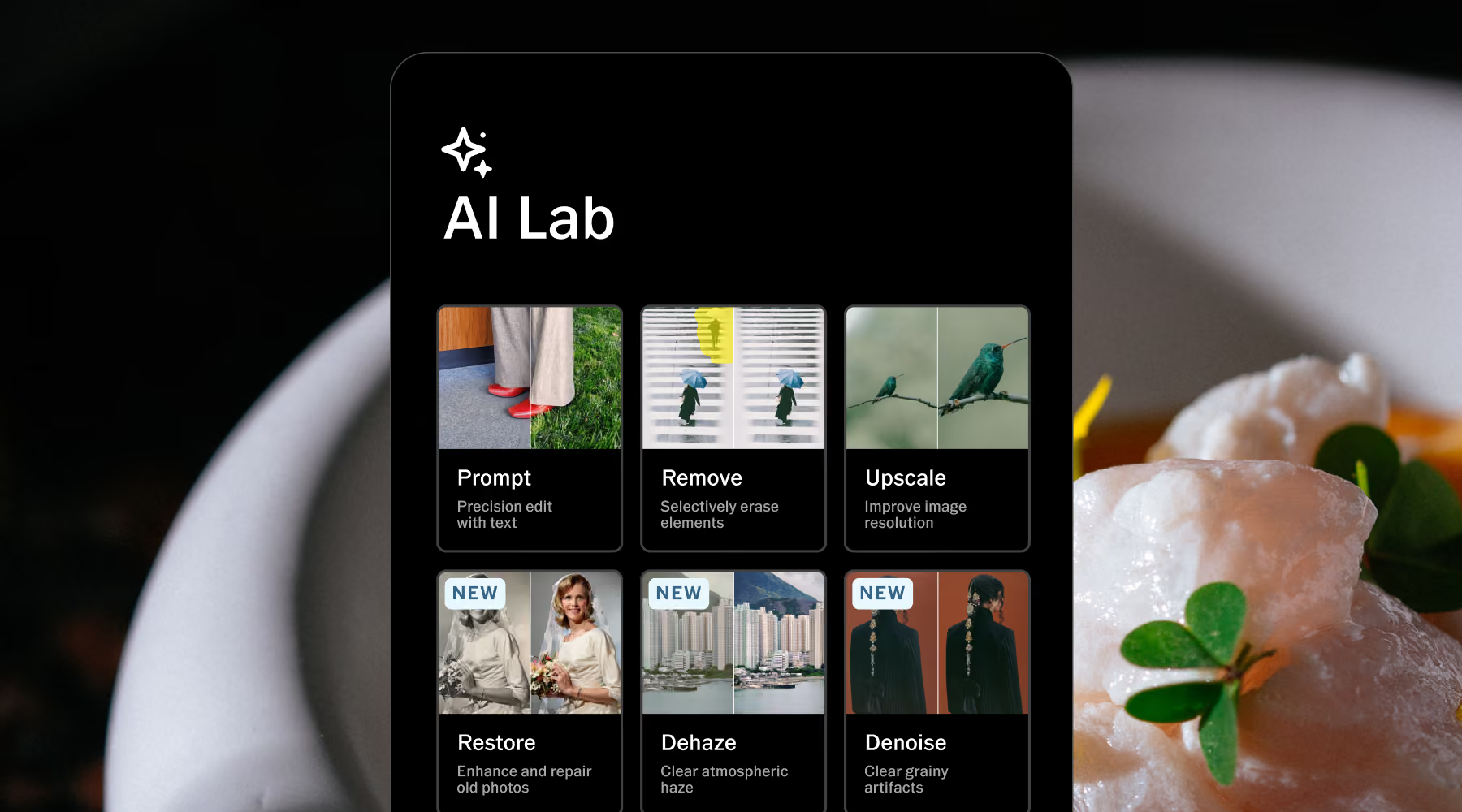
AI Lab is available in the VSCO app for iPhone. Download VSCO to create black backgrounds with Prompt and explore AI-powered tools like Remove, Upscale, Restore, and more—all designed to give you more creative control with less manual editing. Human-Centered. AI-Assisted.
Frequently asked questions
How do I change a photo background to black with AI?
Upload your photo to VSCO and open the Prompt tool inside AI Lab. Then type a simple instruction like "replace background with solid black." This generates a new version of your image with a clean, high-contrast dark backdrop while preserving your subject.
Will a black background affect lighting or shadows?
AI Lab adjusts surrounding tones to keep the look natural. You can refine contrast, highlights, and shadows afterward to better match your intended mood or style.
What types of photos work best with black backgrounds?
Portraits, products, and editorial images tend to deliver the strongest results. Photos with clear subject separation, strong lighting, or defined edges stand out especially well against a deep black background.
Can I customize the look beyond pure black?
Yes. Refine your prompt with variations like "soft white background," or adjust tones afterward using VSCO's editing tools for more creative control.
Is the original image preserved?
Yes. VSCO automatically creates a separate edited version of your photo, so your original always stays untouched. You can revisit it anytime in Studio and keep experimenting without losing your starting point.
Related Features
Pair the black background effect with other AI tools to refine your image. Use AI Isolate to separate your subject cleanly first, AI Remove to clear any remaining distractions, and AI Simplify to clean up a busy scene before you even get to the background.
AI Isolate
Cleanly cut your subject out onto a solid background, no manual selection needed

AI Remove
Remove distractions that compete with your main subject.
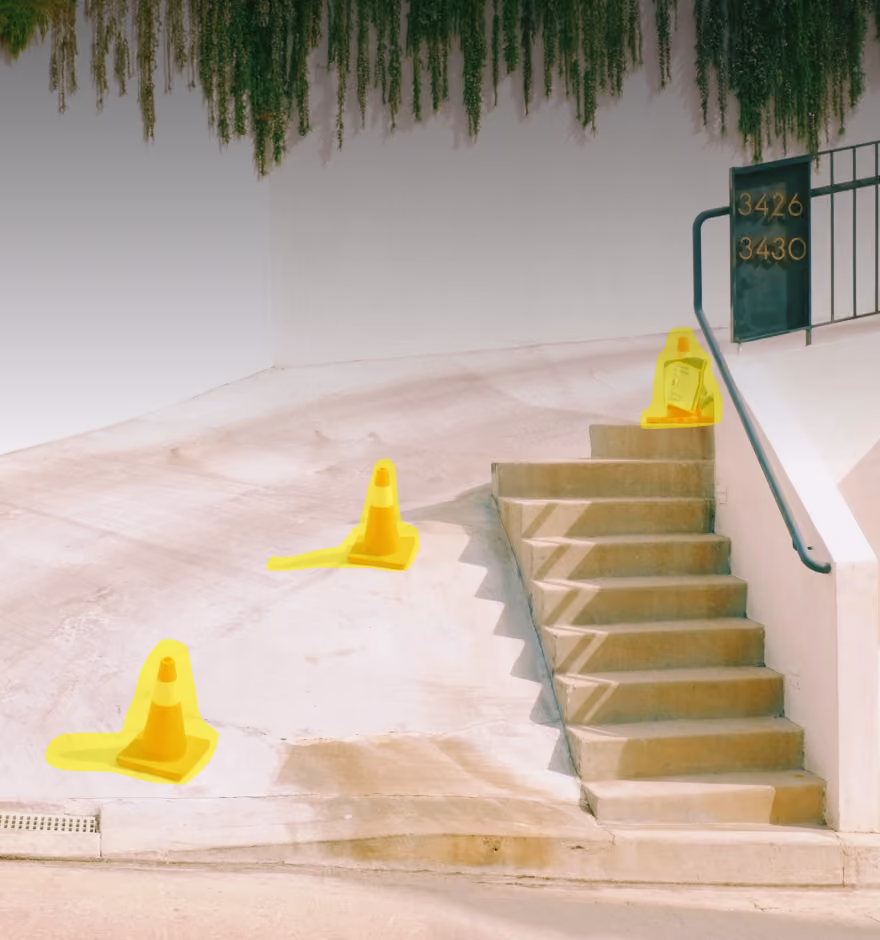
AI Simplify
Clear background crowds and visual clutter in a single tap.
